AI Stock Cloud Images
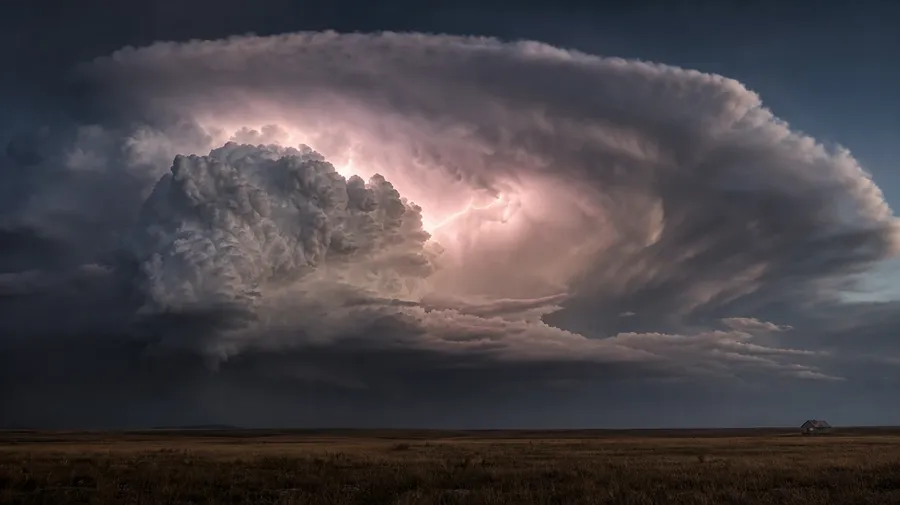
Storm fronts, sunset cumulus, aerial views, mountain inversions — generate cloud imagery across every type, hour, and altitude. A pink-cumulus sunset over a wheat field, a towering thunderhead with sheet lightning behind a prairie horizon, a lenticular cloud capping a single peak above an inversion layer. Commercial rights on every paid plan.
Every leading image model, one subscription.
Auto mode chooses the model that matches the sky you describe.


How to generate custom cloud images with getimg.ai
What sells a cloud photo is the type, the hour, and what's underneath. Name each and the AI delivers a sky with weight, not a stock blue-with-puffs filler.
1. Name the cloud type, the hour, and what's below
Open getimg.ai and describe the scene: cloud type (cumulus, cirrus, thunderhead, lenticular), the hour, and the landscape below. A simple line gives a baseline; specify color cast, density, or sun angle when you want exact control.
2. Generate and compare
Sixteen takes at one go. Read each for cloud-form realism, lighting direction, edge softness on the cumulus tops, and how the horizon sits against the sky. Pick the version that lands.
3. Swap a detail
A first run picks one valid reading of your prompt. If you'd rather see a cirrus wisp instead of a cumulus tower, golden hour instead of midday blue, or a coastal horizon instead of a wheat field underneath, name the swap and run again. Several changes fit one prompt. Download the version you want to ship.
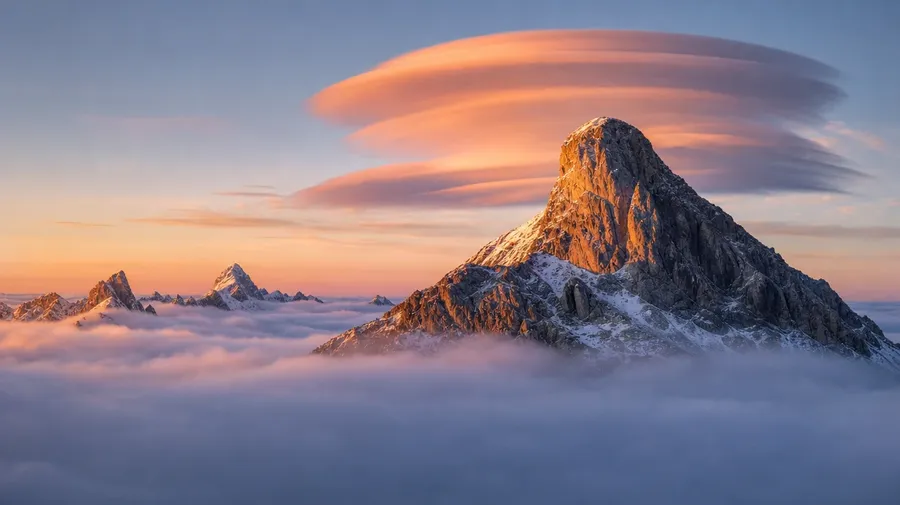
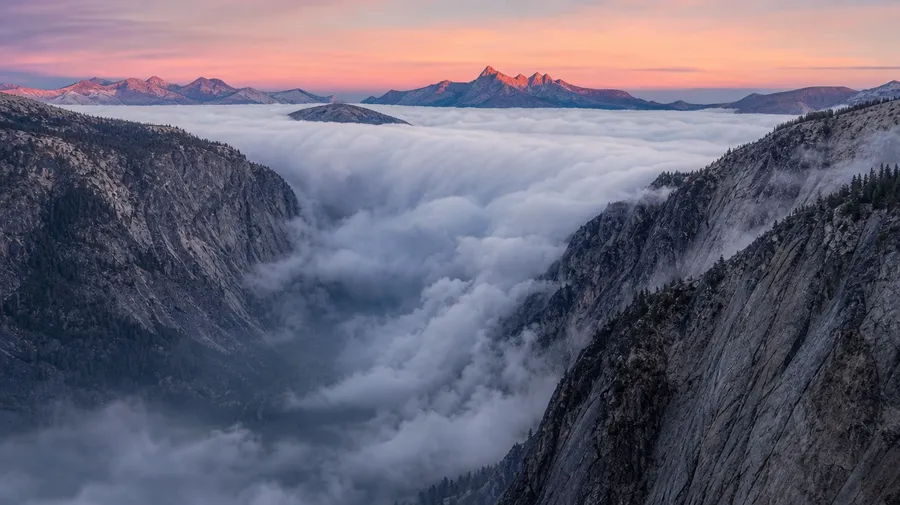
a lenticular cloud capping a single granite peak above a fog inversion layer, alpine dawn light from camera right
Type, hour, and the landscape below
Working cloud shoots span dramatic thunderheads, sunset cumulus, wispy cirrus, and aerial views from above. Each cloud type and time of day calls for its own light and landscape pairing.
Cumulus, cirrus, thunderheads, lenticular
Across the cloud types a stock campaign covers: a towering cumulonimbus thunderhead with sheet lightning over a prairie horizon, a high cirrus wisp catching last sunset color over a coastal cliff, a lenticular cap above a single alpine peak at dawn, a flat stratus deck breaking over a fjord.
Light, hour, and the land beneath
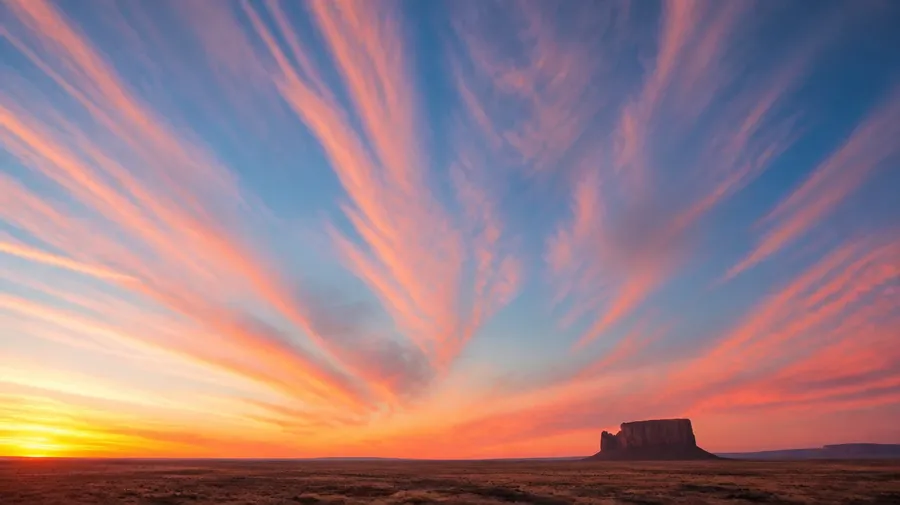
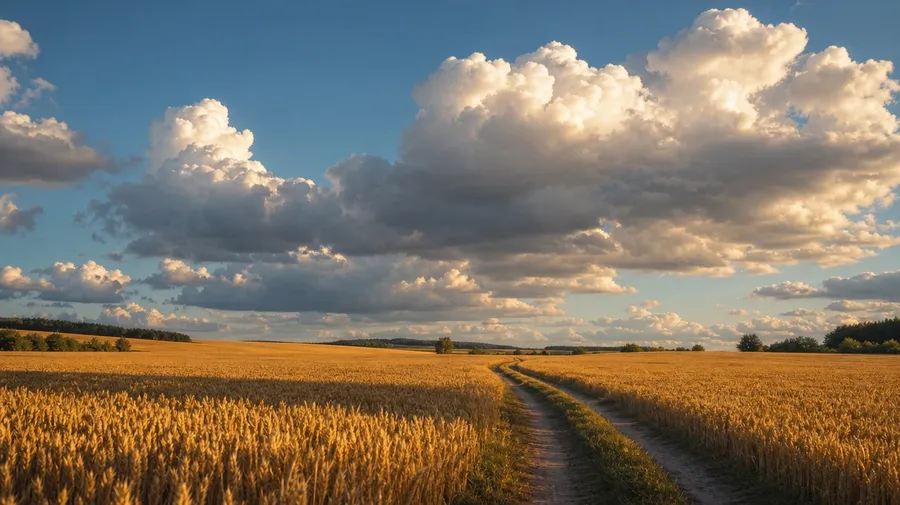
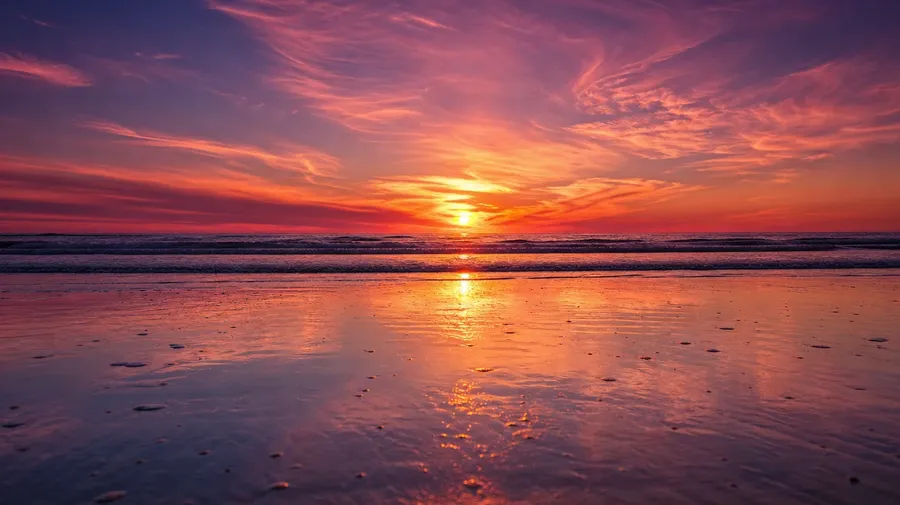
Render the light and landscape under the sky: golden-hour cumulus over a wheat field with long shadows, a pink-and-orange sunset over a flat ocean horizon, a fog-pooled valley with cloud spilling between two ridges at sunrise, a blue-hour overcast over a wet-pavement city skyline with one window lit.
Beyond the puffy-cloud-on-blue shot
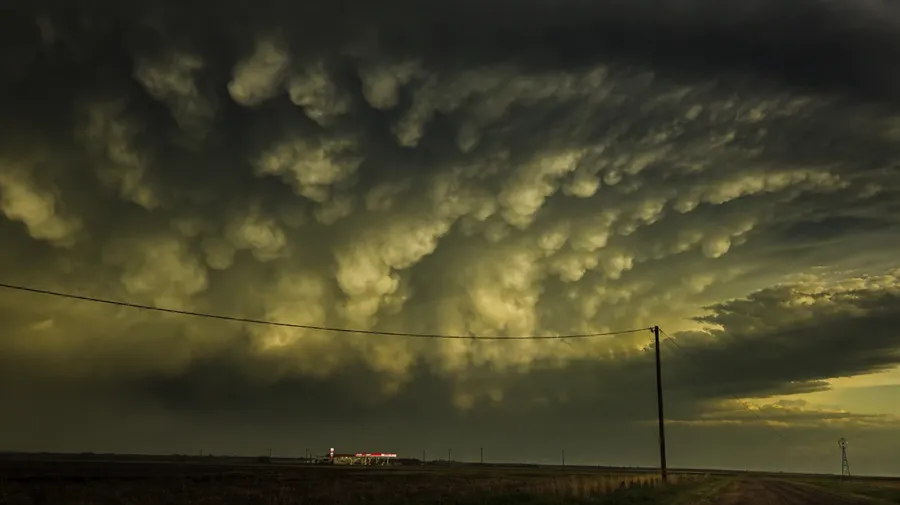
Stock cloud photography stops at the blue-sky-with-puffs shot. Real shoots cover a wall cloud rotating ahead of a tornado-warned supercell, a mammatus pendant pattern under a pre-storm anvil, a fogbow arching low over coastal heather, a green-tinted hailstorm sky over a flat-plains gas station. Off-the-shelf cloud pictures miss the weather.
Frequently Asked Questions
Yes. Name the cloud type, the hour, the landscape below, and the lighting. A towering cumulonimbus with sheet lightning over a prairie horizon reads very differently from a wispy cirrus catching pink last-light over a coastal cliff, a lenticular cap perched above a single alpine peak at dawn, a flat stratus deck breaking over a fjord at low tide, or a fog inversion pooled in a valley with mountain summits poking through. The AI handles cloud-form anatomy, lighting direction, edge softness on the tops, and the horizon-line composition. Generate up to 16 at a time, compare the takes, pick the version that lands.
Yes, when the prompt names them. A flat-bottomed cumulus humilis reads differently from a vertically-developed cumulus congestus, a backlit anvil from a front-lit shelf cloud, a soft-edged cirrus from a hard-edged mammatus pattern, a noon-sun overhead lighting from a low-angle dusk sidelight. Specify cloud genus, sun direction, density, and color cast, and the AI handles the cumulus-top puff anatomy, the underside shadowing, and the gradient where the cloud meets the sky.
Yes. Save a sky as a custom Element and reference it with @CampaignSky across new prompts. The Element carries cloud type, sun position, color palette, and light direction forward, so a wheat-field hero shot, a coastal-cliff lifestyle moment, and a city-skyline pull-back can all sit under the same sky. Useful for a destination tourism series, a real-estate listing campaign, and a film-poster sky that needs one look across a multi-shot set.
Name the variant and the setting. A green-tinted hailstorm sky over a flat-plains gas station, a wall cloud rotating ahead of a tornado-warned supercell with a chase vehicle in the foreground, a long-exposure star trail above a stratus deck, an aerial-from-a-plane-window view of a cloud carpet at thirty thousand feet with the wing's shadow tracking across the deck, a mammatus pendant pattern under a pre-storm anvil at dusk: each carries its own cues that the AI honors when the prompt spells them out.
Yes. Every paid plan covers commercial use across ads, social, web, print, packaging, and presentations. Tourism campaigns, real-estate listings, weather-product marketing, airline editorial, meteorology course materials, film and TV background plates, and editorial spreads all qualify under the same license, alongside every other category of AI stock photos.
Yes. Different categories run on the same prompt approach. Name the subject, the setting, and the light, and the same logic that produces sunset photography produces cloud pictures: swap a coastal sunset pull-back for a sunset-cumulus close-up against the same coast, a desert dusk wide angle for a thunderhead-over-mesas drama from the same vantage, a city-skyline last-light shot for a stratus-deck overcast over the same skyline at blue hour. A multi-category travel-brand campaign runs through one prompt box.
As specific as you want. A simple line like "a sky full of clouds" produces a usable baseline; the AI fills in the typical details (a midday blue background, cumulus puffs scattered across, soft white tops, gentle shadowing underneath). Add specifics for the parts that matter to the campaign: a cloud genus, an hour, a sun angle, a landscape below, a color cast, a weather context. The AI honors named details without overriding the rest. Each cloud picture gets the named details right.
Generate the cloud scene your campaign actually needs.
Pick the cloud type, the hour, the landscape, and the light. The AI delivers cloud photography that reads as real weather, and Elements keep one sky consistent across an entire multi-shot series.