AI Stock Capybara Pictures Generator
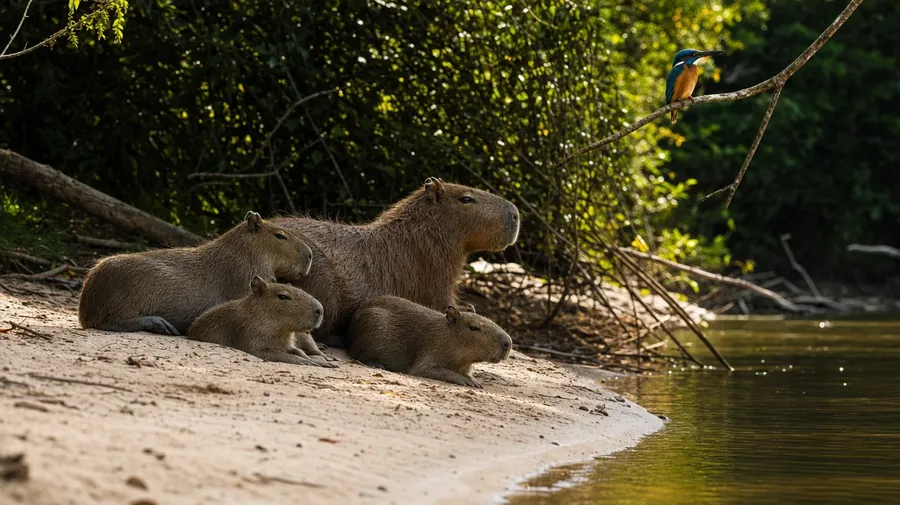
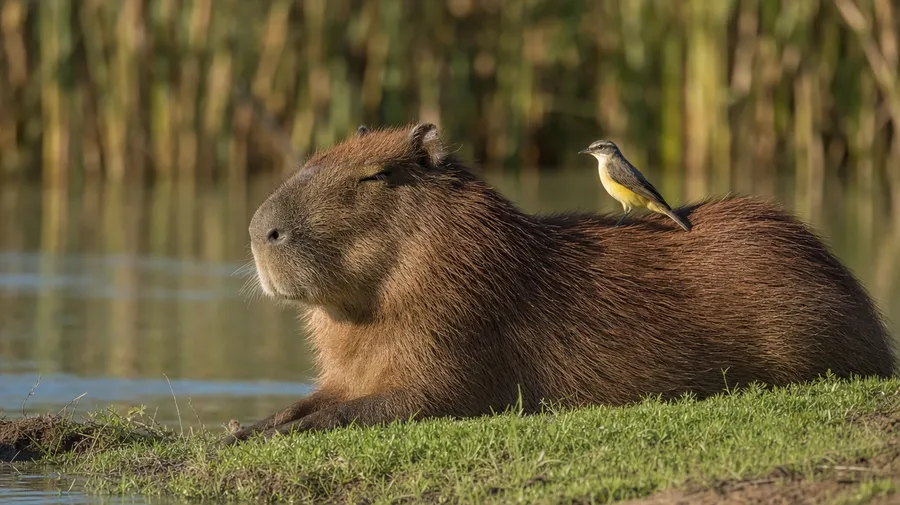
A family of capybaras lounging at a river edge, a solo wallow in warm mud, a yuzu-floated onsen soak, a small group sunbathing with a bird perched on a back. Pick the setting, the group size, and the behavior, and the AI will generate the perfect capybara image. Commercial rights on every paid plan.
Every leading image model, one subscription.
Auto mode picks the one that matches your prompt.


How to generate custom capybara pictures with getimg.ai
A family at a river edge, a solo wallow in warm mud, a small group sunbathing on a bank — three steps that turn a behavior idea into a picture of a capybara you can hand a client.
1. Name the setting and the behavior
Open the Content Generator and describe the capybara, the setting, and what they're doing. A simple line gives a baseline; specify group size, time of day, or interaction when you want control over those details.
2. Generate and compare
Generate up to sixteen variations at once, then read each for natural posture, accurate fur texture, group size, and how the habitat reads behind them. Pick the version that lands.
3. Change a detail
A first run picks one of several valid interpretations from your prompt. If you'd rather see a single adult instead of a family group, evening light instead of midday, or a yuzu onsen instead of a wetland bank, name the swap and run again. Several changes fit one prompt. Download the version you want to ship.
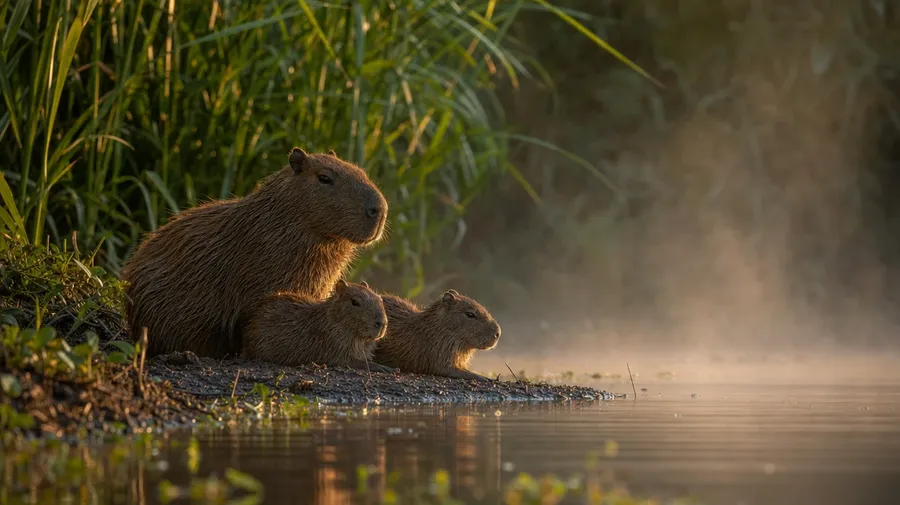
a small family of capybaras lounging at the edge of a slow river at dawn, soft mist, calm postures
Past the same single capybara closeup
Working capybara shoots cover family groups, real wetlands, and the famous-friend interactions stock libraries skip.
Family, lone wallow, onsen, sunbathing group
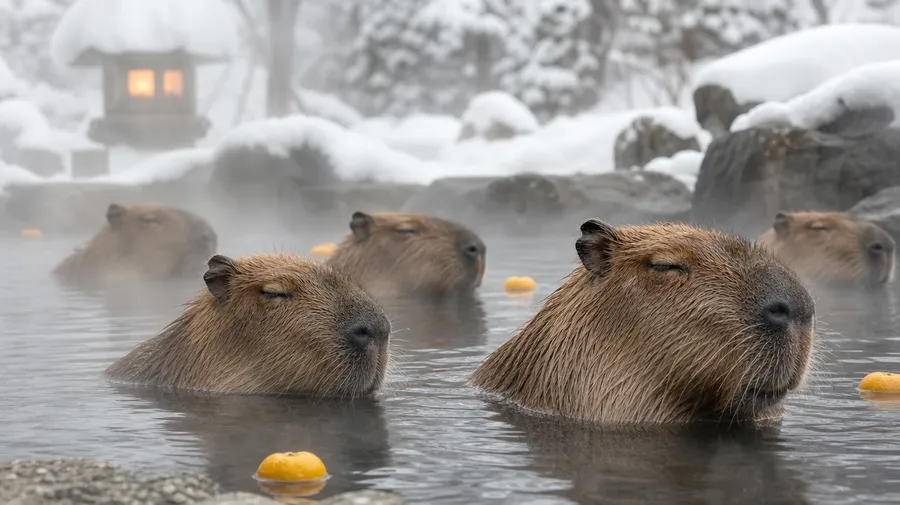
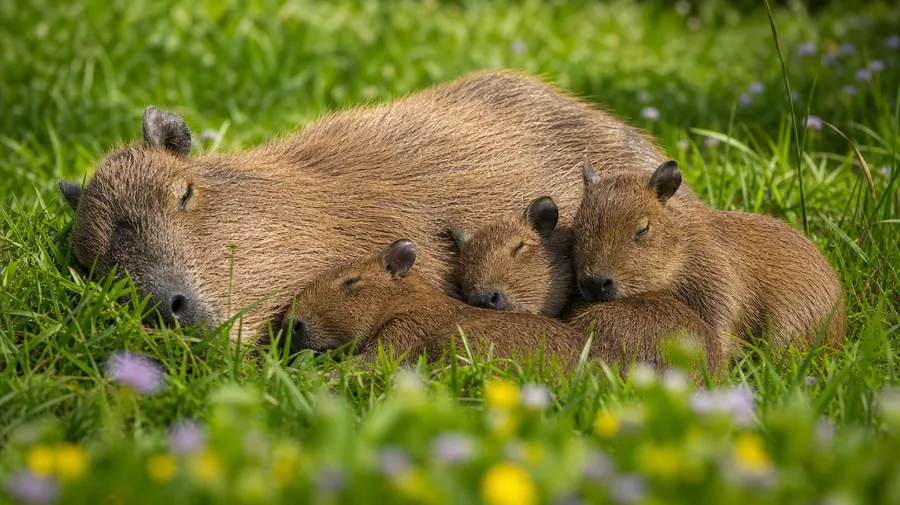
Cover the scenes working campaigns actually need: a mother capybara with three pups napping in tall grass, a lone adult half-submerged in a warm mud wallow, a winter onsen soak with yuzu fruits floating around them, a small group sunbathing on a sand bank at midday. Each scene reads differently.
Pantanal, riverbank, marsh, sanctuary
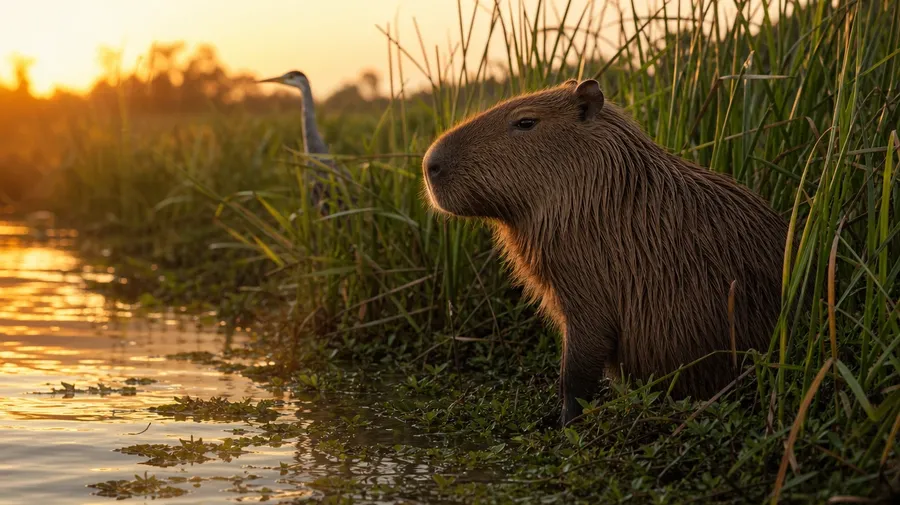
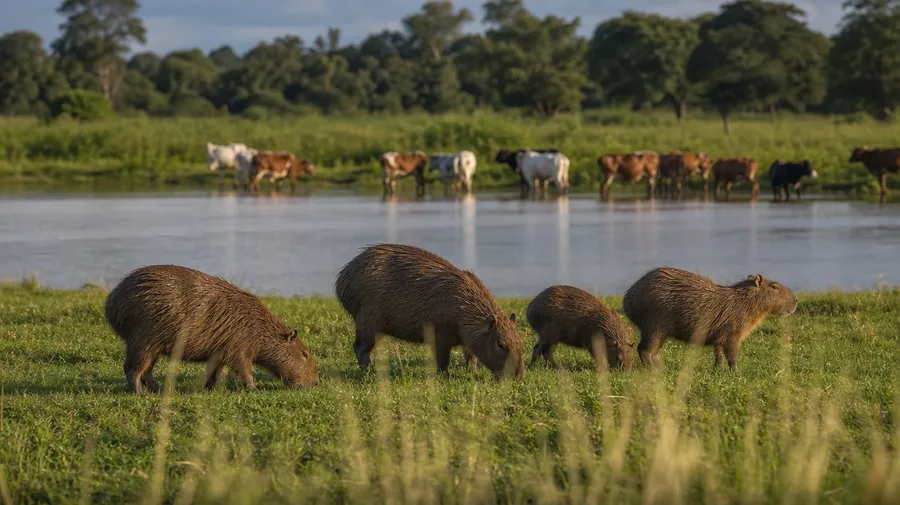
Show the habitats capybaras actually live in: a Pantanal marsh at sunrise with herons in the reeds behind them, a slow Amazon tributary with a kingfisher in the air, a grassland riverbank with cattle drinking nearby, a sanctuary enclosure with thick aquatic plants. Each location sets a different palette and pace.
Beyond the lone-portrait closeup
Stock capybara images stop at the single muddy-faced closeup against a soft-focus marsh. Real shoots cover a family huddled at the bank with a small bird perched on a pup's head, a soaking adult sharing the water with another animal, a Japanese winter onsen with snow on the rocks. Off-the-shelf capybara photos miss the calm.
Frequently Asked Questions
Yes. Name the setting, the group, and the behavior. A family of capybaras at a river edge at dawn reads very differently from a lone adult half-submerged in a warm mud wallow, a small group sunbathing on a sand bank at midday, or a winter onsen scene with yuzu fruits floating around them. The AI handles the fur texture, the calm posture, and the way the habitat reads behind. Generate up to 16 at a time, compare the takes, pick the version that lands.
Yes, when the prompt names them. A wet matted coat after a wallow reads differently from a dry sun-warmed coat on a riverbank, a mother with pups arranged around her from a small adult group. Specify the species behavior, the coat condition, and the group arrangement, and the AI handles the proportional body shape, the eye detail, and the way the animals relate to each other in the shot.
Yes. Specify palette, contrast, light direction, and grain in the prompt: warm-grade naturalist, cool documentary, golden-hour wildlife, moody wetland. For a multi-location campaign or a single capybara family shown across seasons, save the look as a custom Element and reuse it across prompts. The Element carries treatment across shots so the campaign reads as one body of work.
Name the location and the company. A snowy Japanese onsen with capybaras soaking around floating yuzu fruits, a sanctuary enclosure with thick aquatic plants and a wooden boardwalk, a Pantanal scene with a kingfisher perched on a capybara's back, a quiet bank with cattle drinking nearby: each carries different cues that the AI honors when you spell them out in the prompt.
Yes. Every paid plan covers commercial use across ads, social, web, print, packaging, and presentations. Wildlife magazines, travel guides, children's nature books, conservation campaigns, eco-tourism websites, and pet-adjacent merchandise all qualify under the same license, and so does every other category of AI stock photos.
Yes. Different categories run on the same prompt approach. Name the species, the setting, and the light, and the same logic that produces horse images produces capybara pictures: swap a mountain pasture for a marsh edge, a galloping herd for a resting family group, a tight portrait for a half-submerged wallow shot. A multi-category campaign runs through one prompt box.
As specific as you want. A simple line like "a family of capybaras at a river edge in soft morning light" produces a usable baseline; the AI fills in the typical details (the dense coarse fur, the relaxed posture, the misty riverbank). Add specifics for the parts that matter to the campaign: a particular age mix, a regional habitat, a specific interaction, a contrast level. The AI honors named details without overriding the rest.
Generate custom capybara pictures in seconds.
Pick the setting, the group, and the behavior. The AI gives you capybara photos that match the calm, the company, and the location your campaign actually wants.