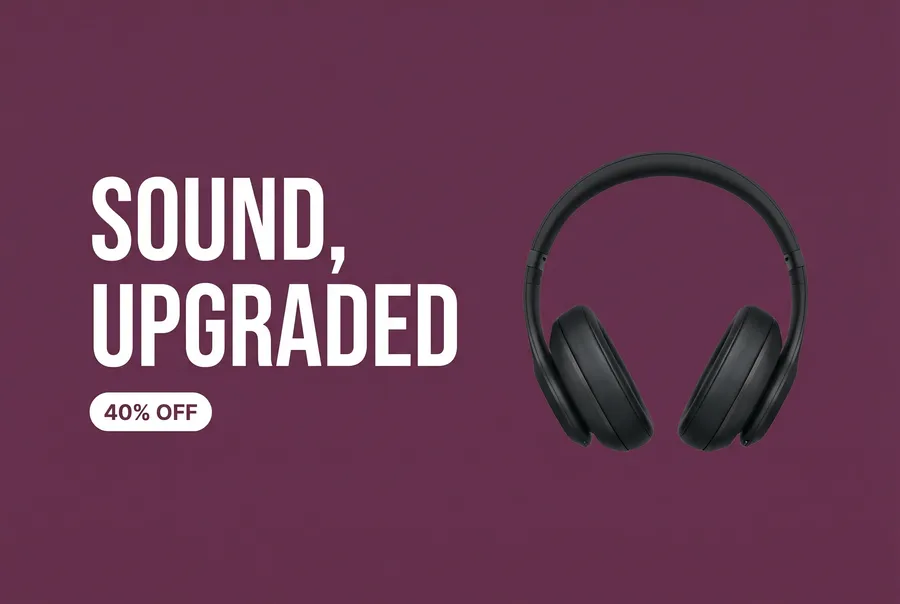
AI Banner Maker: Create Custom Banners from Prompts
getimg.ai's AI Banner Maker turns a text prompt and an optional reference image into banner concepts for YouTube, Twitch, LinkedIn, websites, campaigns, and other digital placements. Generate several directions, choose one, and use Resize Image to adapt it to another platform's dimensions. Commercial rights are included on paid plans, subject to our Terms and use restrictions.
Create banners with leading image models in one workspace
Generate with GPT Image 2, Nano Banana 2, Seedream 5, FLUX 3 and more. Which image models you can use depends on your plan.


Everything that turns a prompt into a banner concept
A banner is rarely one and done. You need options, the right proportions, and a fast way out to a file.
Auto model selection, matched to your banner prompt
getimg.ai selects an image model based on your banner prompt, including the visual style, layout, and text. Switch manually whenever you want to compare.
Auto model selection

Nano Banana 2
Sharp graphics, lighting, and detail

GPT Image 2
Clean headlines and legible labels
A set of directions from one prompt
Generate up to 10 banners at once, depending on your plan, and keep the strongest. Start from a wide base layout, then resize it for each placement.
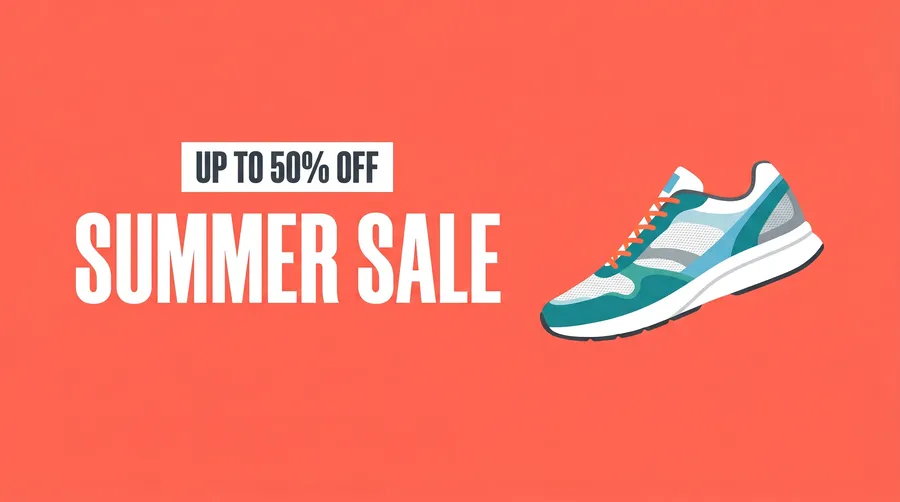
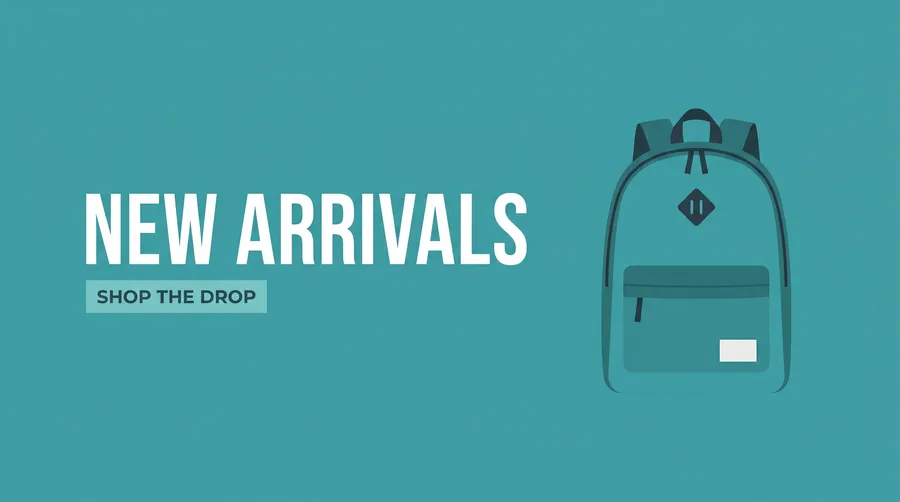
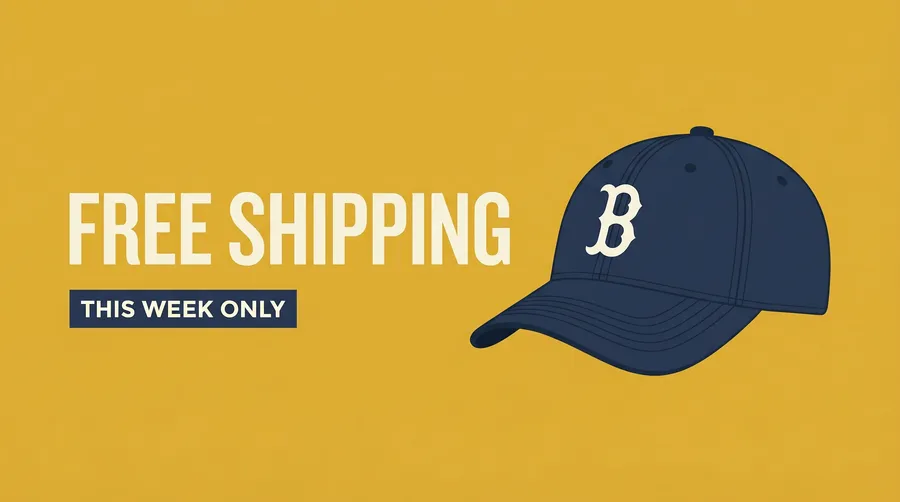
Prompt to download without leaving the page
Describe the banner, generate a set, download the one you want. The whole loop lives in one prompt box.
Prompt
Generate
Download
How to make a banner with getimg.ai
Three steps from a prompt to a finished download.
1. Open Create image
Sign in and open the Create image Action, then set the aspect ratio closest to your placement (16:9 for a YouTube header, a wide strip for Twitch or LinkedIn).
2. Describe the banner
Name the platform, the purpose, the subject, the layout, the colors, and the exact headline or handle you want. Say where the text should sit. The more specific you are, the closer the first result lands.
3. Generate, resize, download
Generate a batch, compare the directions, then send the one you like to Resize Image to fit the exact dimensions of your platform before downloading.
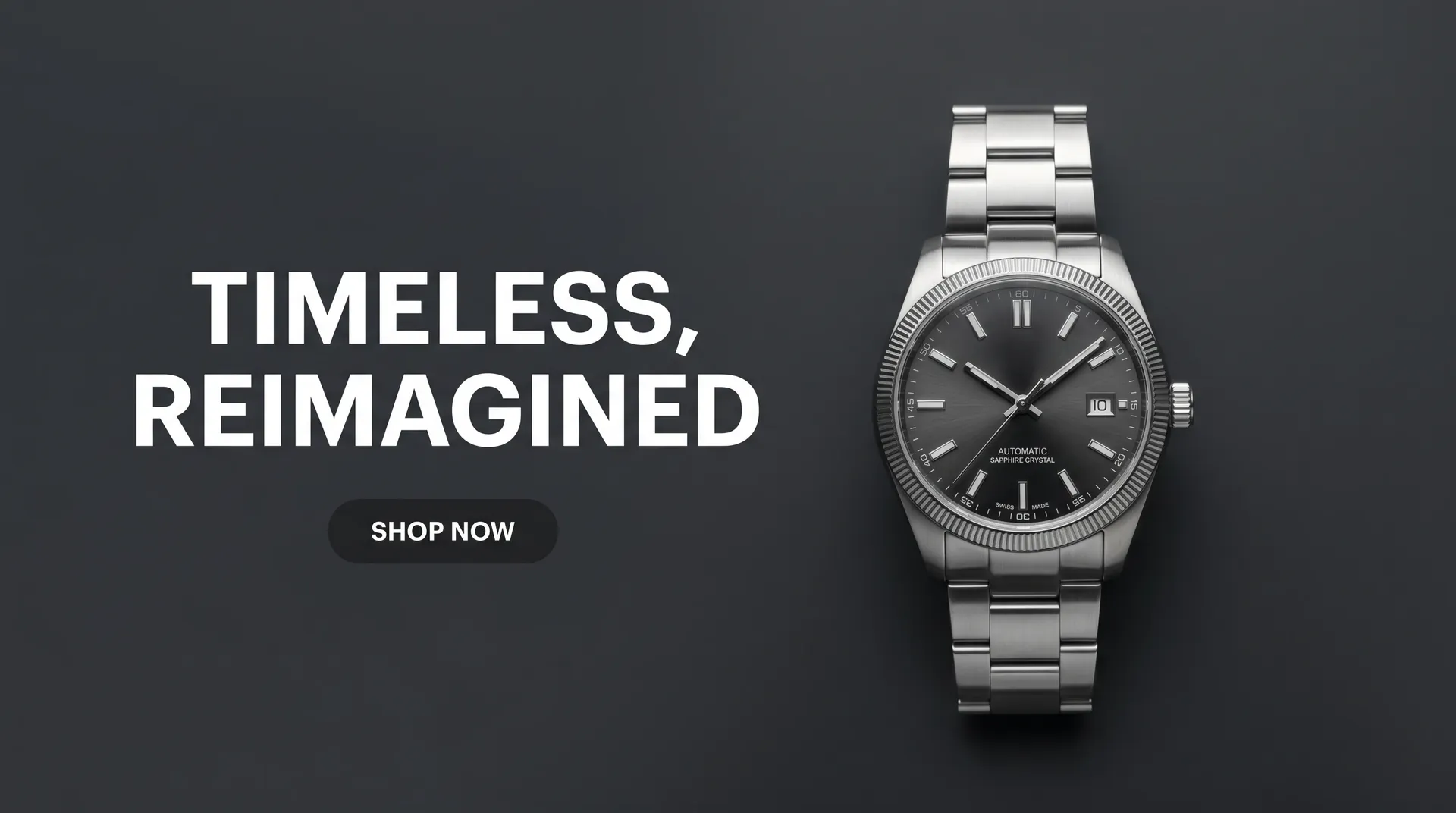
Every kind of banner, one generator
Switch the purpose, the layout, and the message without opening a design app.
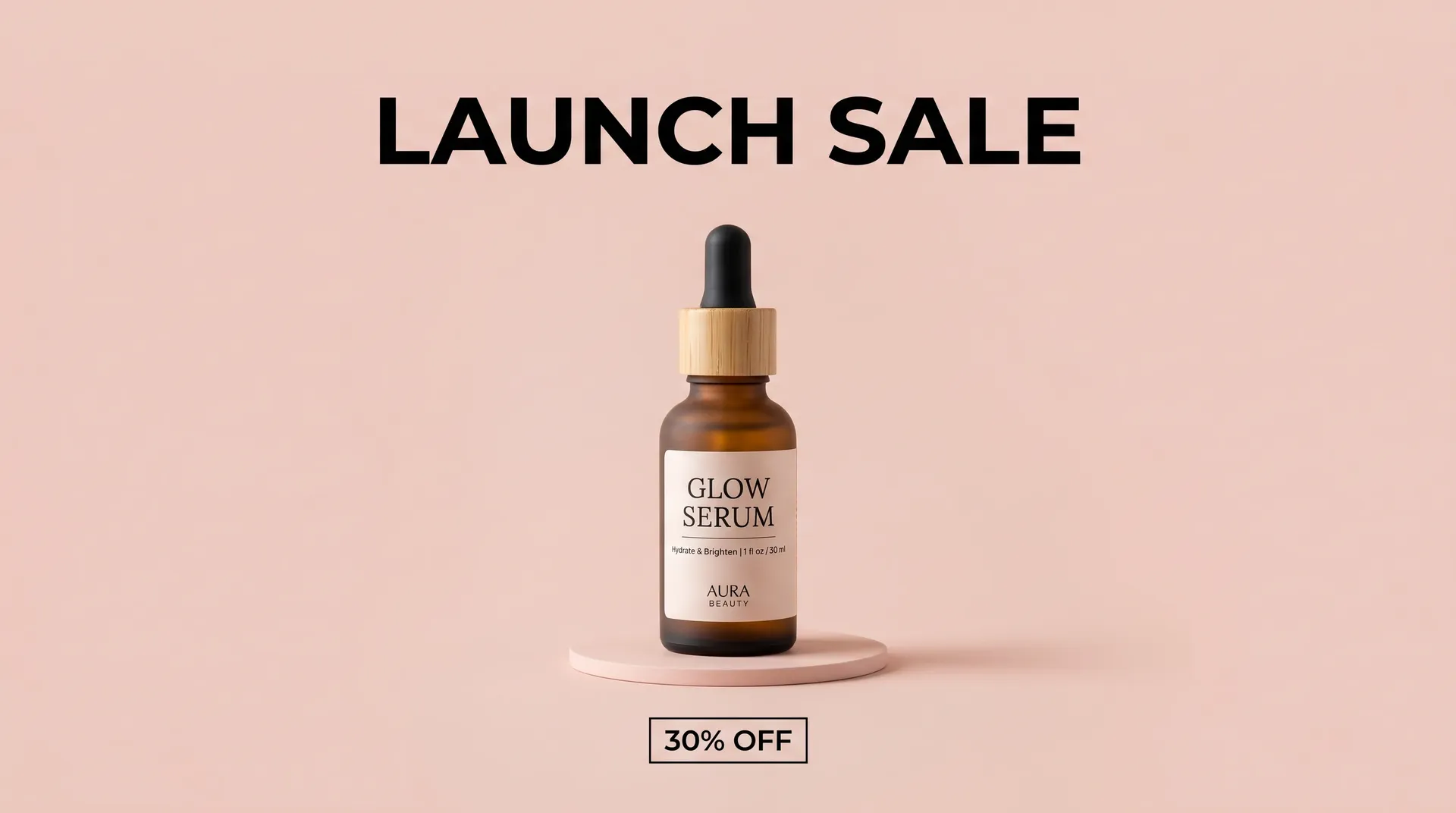
Test a direction before you commit to it
You don't have to land the banner on the first try. Generate a handful of directions from one description, compare them side by side, and refine the one that works. Explore several visual directions before spending time refining the final layout.
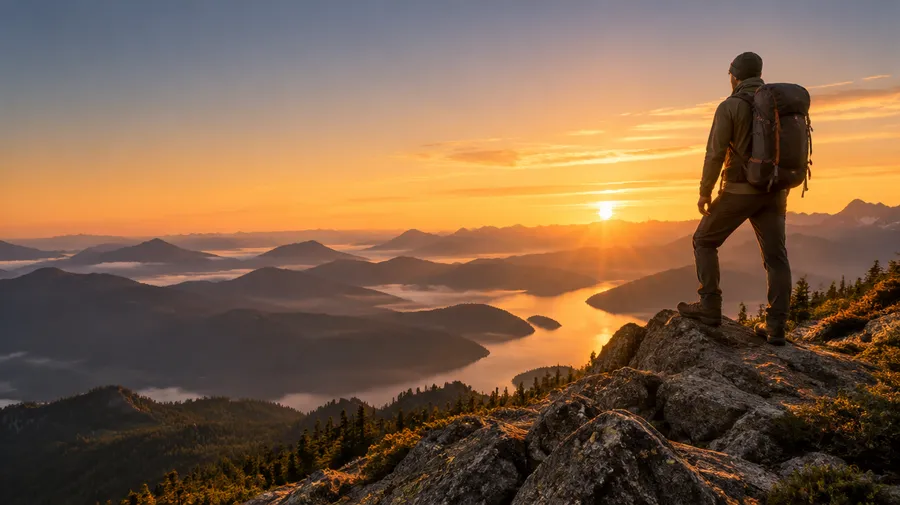
Prompt: "web hero banner for an outdoor gear store, hiker on a ridge at sunrise, wide empty space on the left for a headline, warm amber and slate palette, cinematic light"
Banner sizes by platform
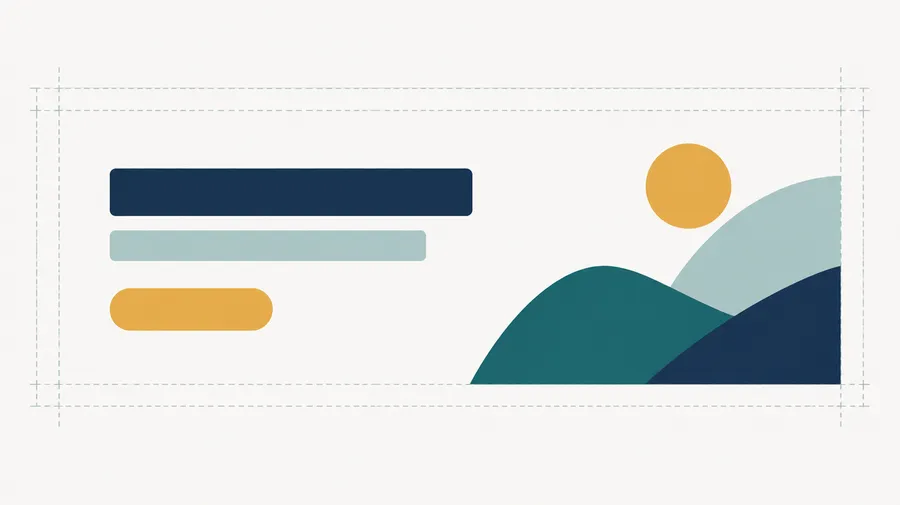
Every platform crops a banner differently. Generate a wide base layout, then use Resize Image to adapt it to the dimensions below. Keep headlines and logos away from the edges so nothing important gets cut.
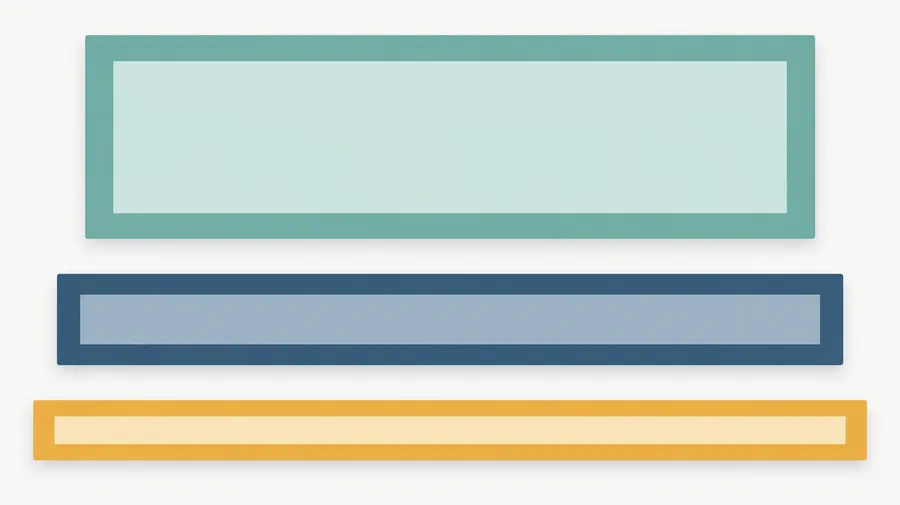
YouTube banners built around the safe area
A YouTube channel banner is cropped differently on TV, desktop, and mobile. YouTube recommends uploading at 2560 x 1440 px and keeping logos and text inside the central safe area of roughly 1235 x 338 px. Generate at 16:9 and keep important text and logos inside that central area so they remain visible across more device layouts.
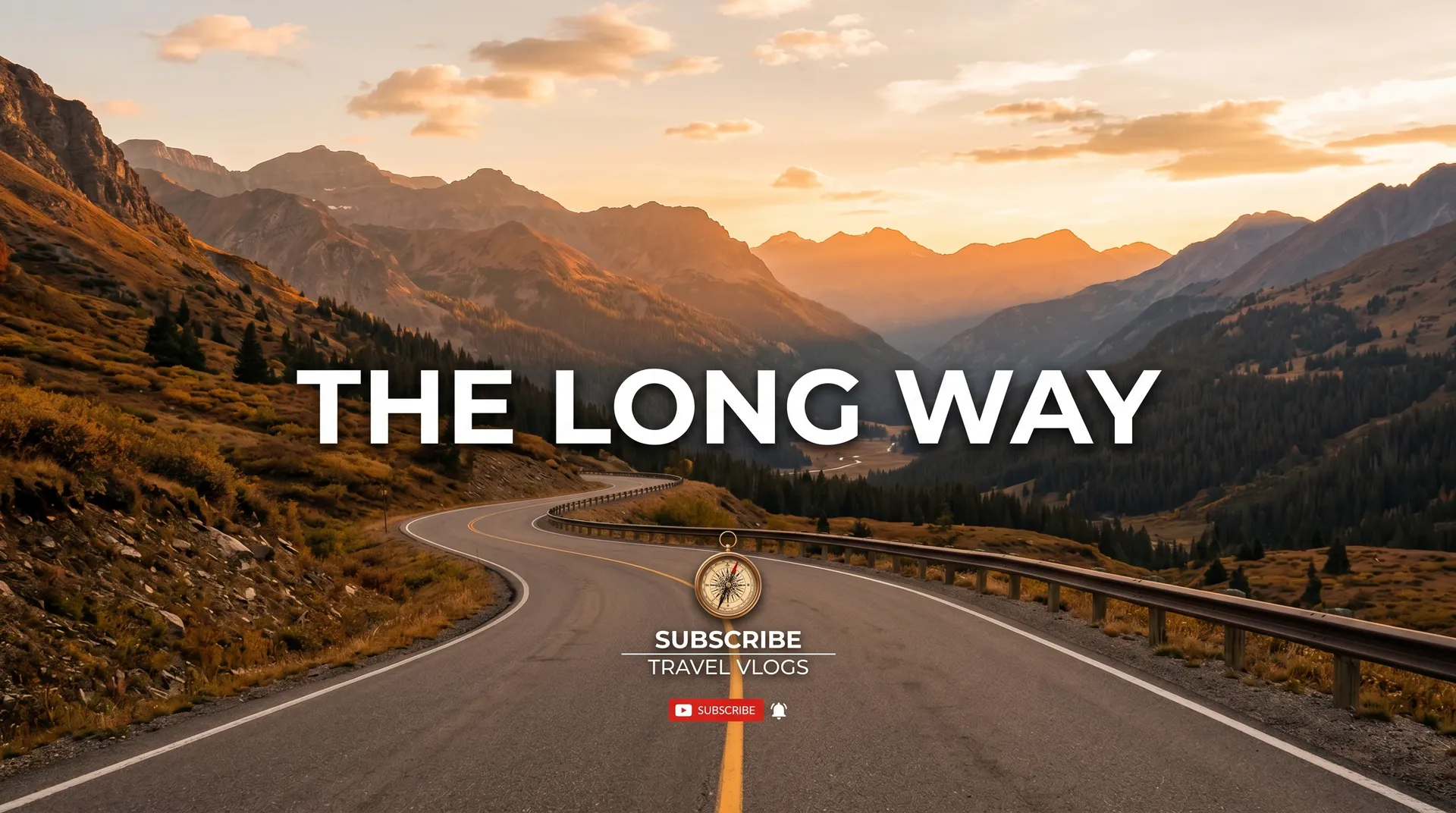
Match your Twitch channel's whole look
Your profile banner, offline screen, and panels should feel like one set. Describe your stream's style once and generate a matching banner in that look. Twitch profile banners are wide and short at 1200 x 480 px, so keep the key artwork toward the left where the profile image and channel name sit.
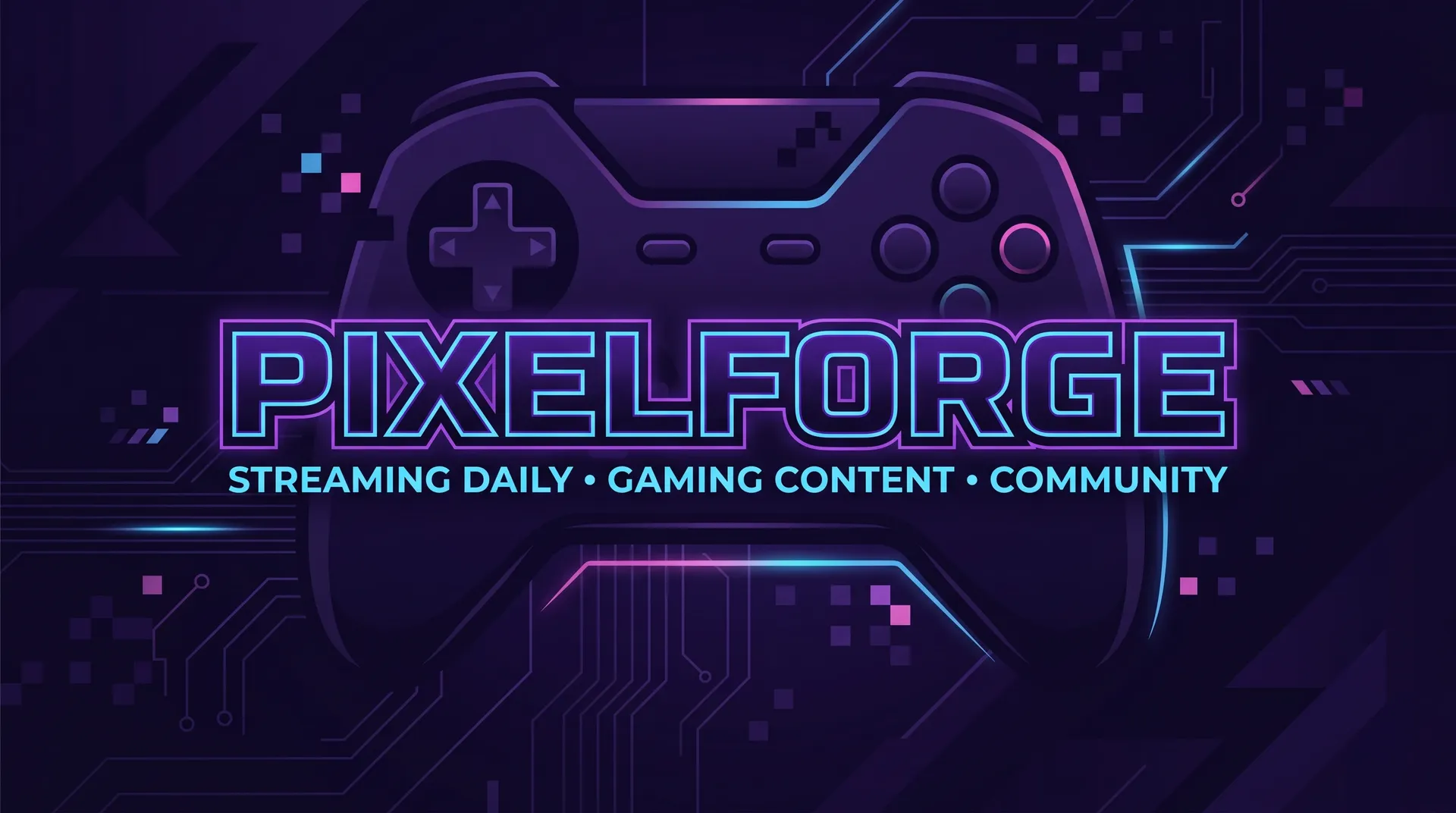
X banners that read behind your avatar
On X your banner sits behind your profile photo and gets cropped hard on mobile. Keep the key message off-center and high-contrast, and generate a version that still reads when it's small. Compare a few directions and see which header your audience responds to.
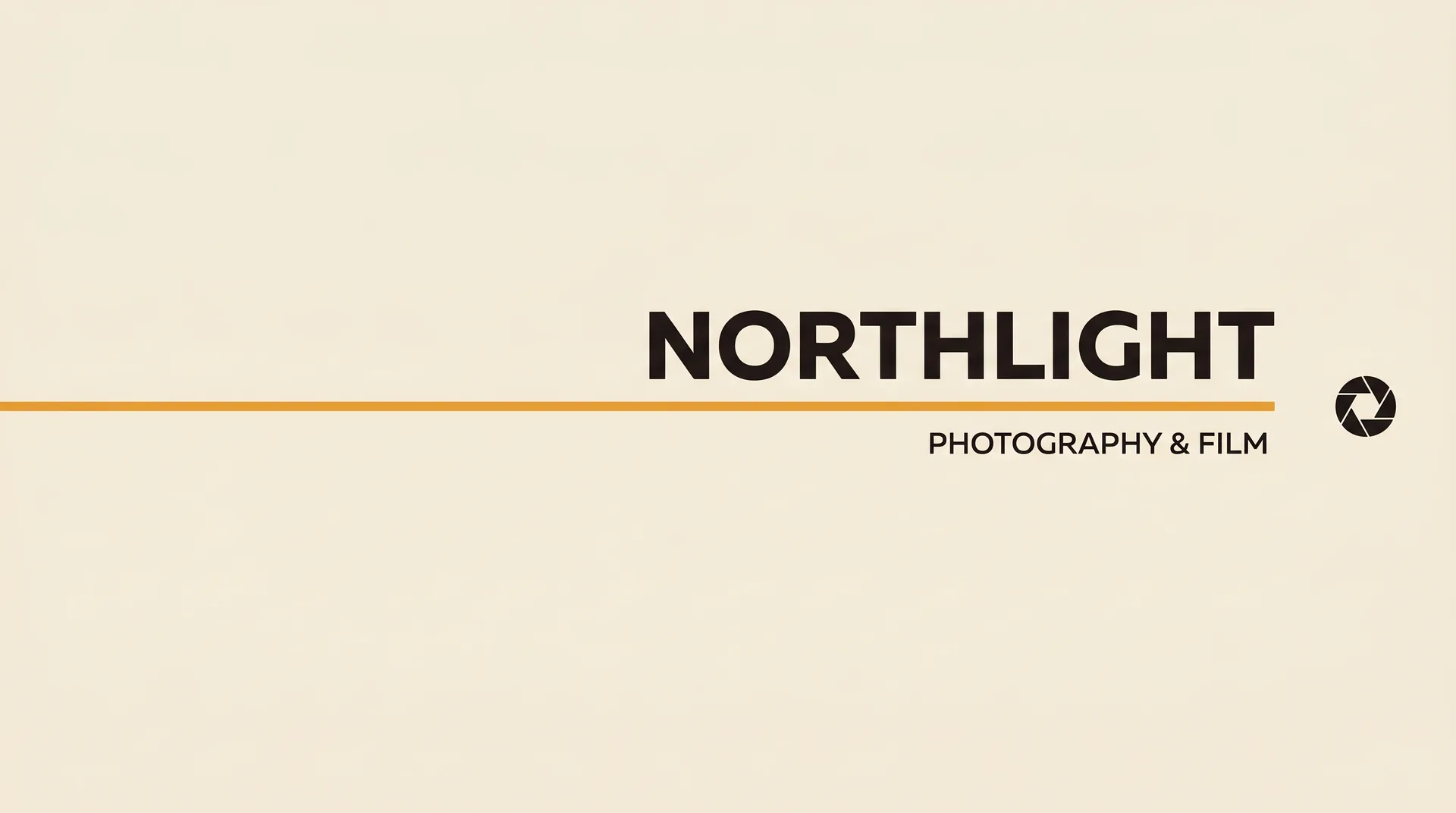
LinkedIn banners that signal what you do
A blank LinkedIn header wastes your best real estate. LinkedIn recommends 1584 x 396 px for a personal cover image and notes that the crop shifts with browser window and screen resolution, so keep your text away from the edges. A clean banner naming your field, role, or company tells recruiters and clients what you do before they scroll.
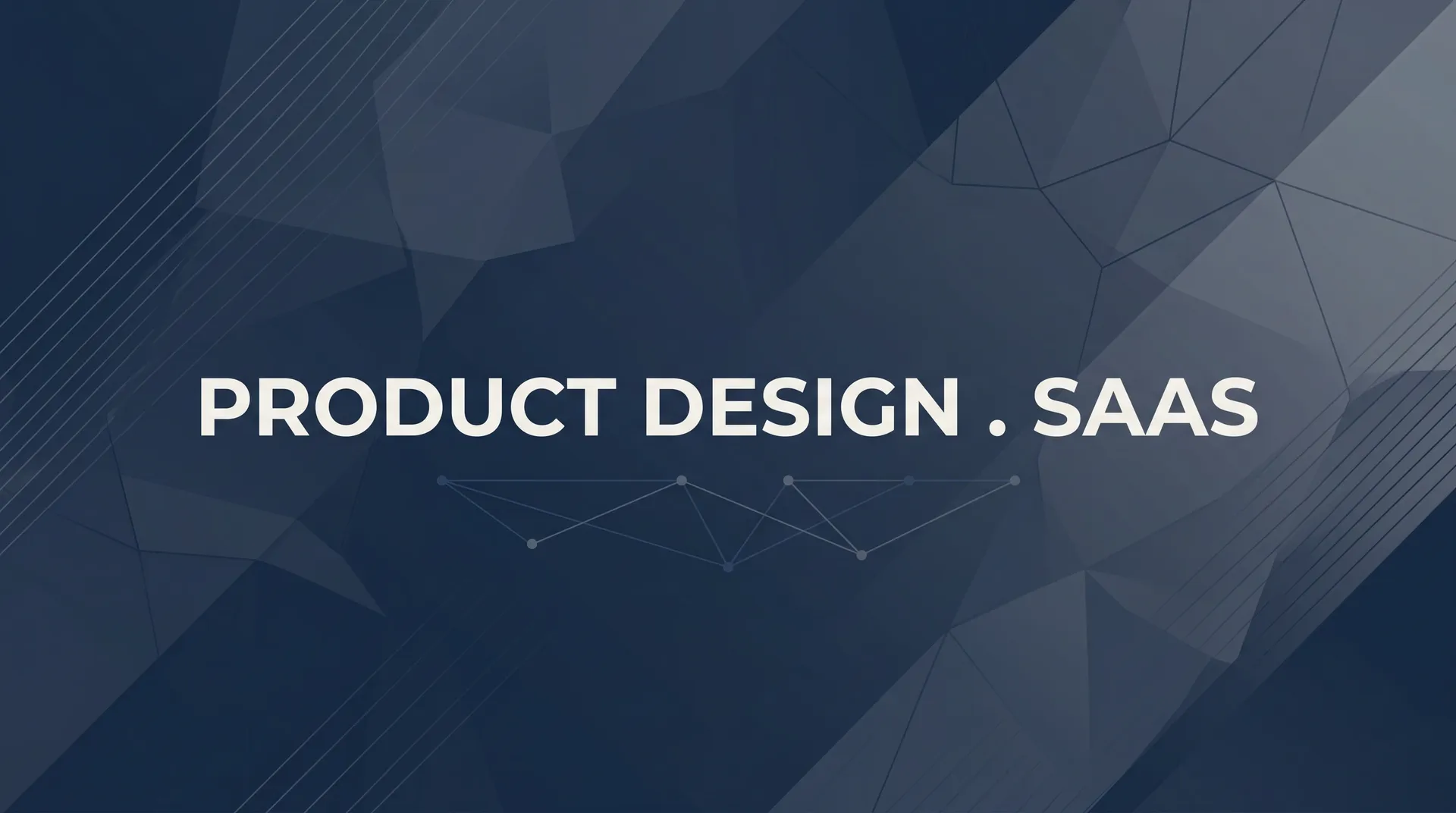
Website banners you can test
Your homepage hero does the selling before a word of body copy does. Generate several headline and visual directions, then test which version performs best with your audience. Testing a new hero no longer means waiting on a design queue.
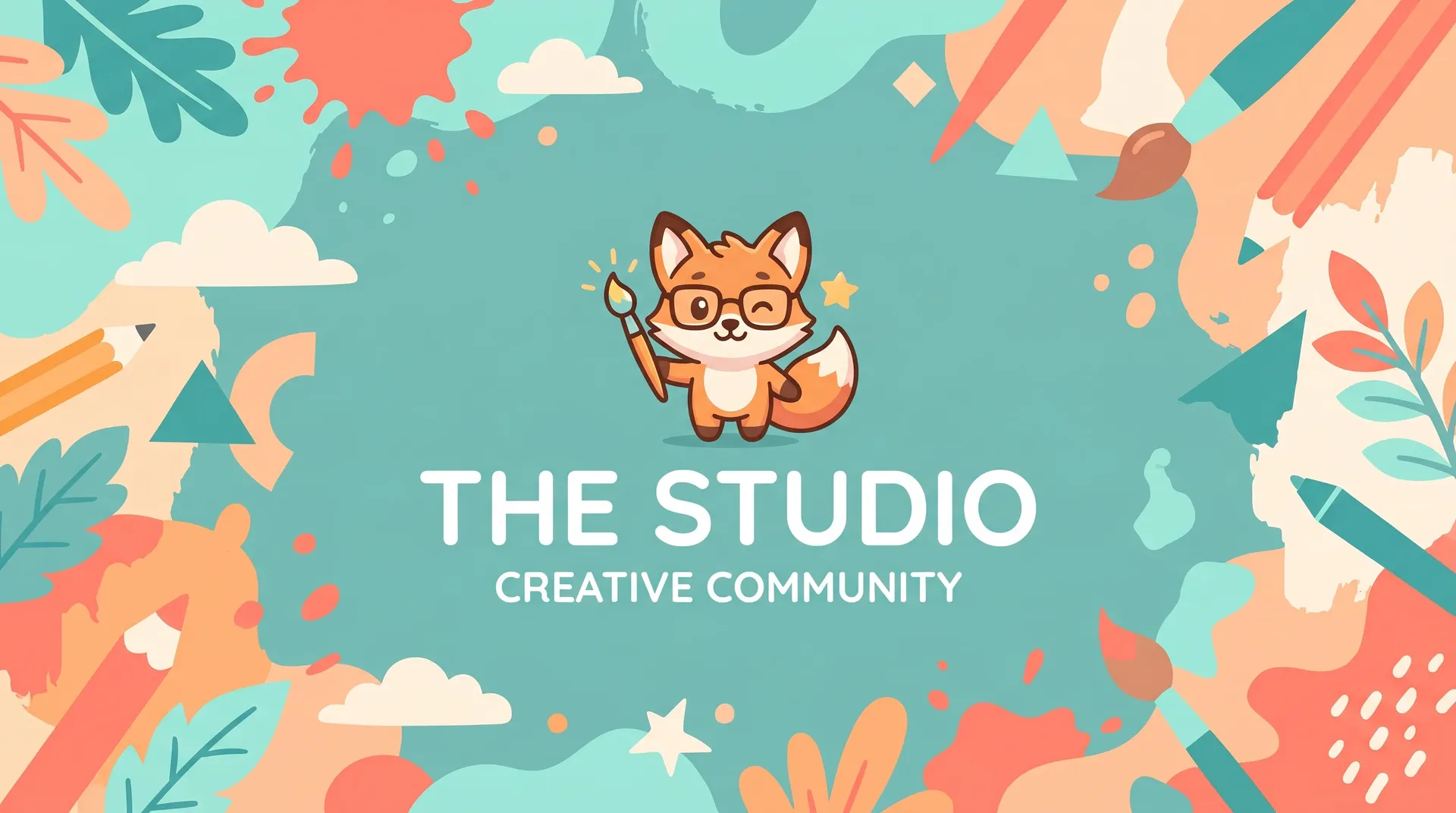
Discord banners that set the tone
The banner across the top of your server shapes a new member's first impression. Generate one that matches your community's energy, whether that's a competitive guild, a study group, or a creative collective, so people know they're in the right place.
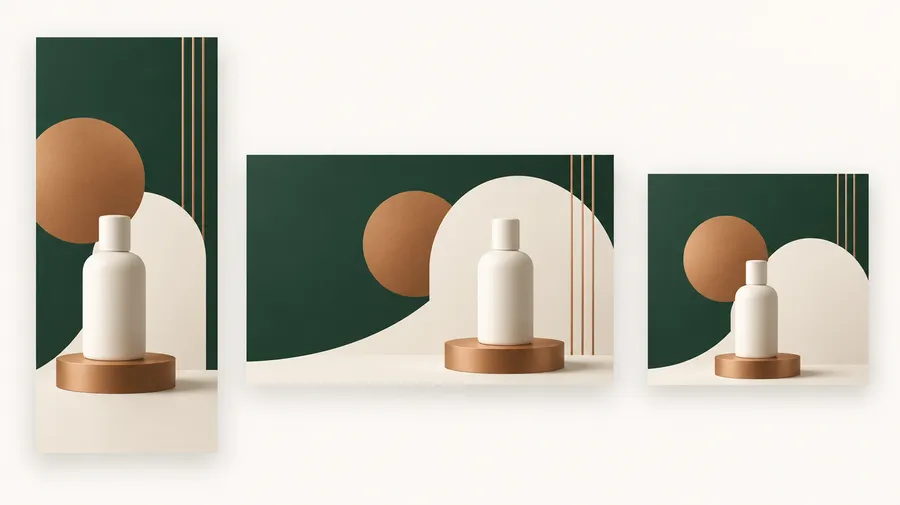
Keep a banner series on brand
Running one campaign across five placements means the same product, palette, and typography direction in every render. getimg.ai gives you reusable references instead of re-uploading assets each time.
Save your product or logo as a Product Element, save your palette and typography direction as a Style Element, then call both into a prompt with @ElementName. Always check the final asset before publishing, especially logos and small type.
AI banner prompt examples
A banner prompt works best when it names the platform, the purpose, the subject, the layout, the headline, the colors, the typography direction, and where the text should sit. Copy one of these and swap in your own details.
YouTube
A channel banner has to survive three crops, so describe a centered composition and keep the wording short.
YouTube channel banner, 16:9, for a long-form travel documentary channel. Centered composition: a lone hiker on a ridge at sunrise, wide empty sky above. Headline 'THE LONG WAY' in bold condensed sans-serif, centered, handle '@thelongway' small underneath. Warm amber and deep blue palette, cinematic light, all key elements inside the central third.
How to make better AI banners
Most weak banner results come from a vague prompt, not the model. These six habits move the first render much closer to something you can publish.
Design a banner for every channel you're on
Describe it, generate a few directions, then resize the one you keep to the dimensions of wherever it's going. Commercial rights are included on paid plans, subject to our Terms and use restrictions.
Frequently Asked Questions
Write a clear description of the banner: the platform, the purpose, the style, the layout, the colors, and the exact text you want on it, from the headline to your handle. Name a typography direction too (clean sans-serif, bold condensed, hand-lettered) so the type matches your brand.
A workable prompt reads like: "a LinkedIn cover image, navy background, clean sans-serif headline 'Content Strategist' on the left, a small geometric accent on the right, generous margins." Set the aspect ratio closest to your placement, since each platform crops differently.
Generate a batch, compare the directions, and refine the wording until one fits. Then send it to Resize Image to match the platform's exact dimensions before you download.
It depends on the placement. YouTube channel banners upload at 2560 x 1440 px with a central safe area of roughly 1235 x 338 px. Twitch profile banners are 1200 x 480 px. LinkedIn personal cover images are 1584 x 396 px. X profile headers are 1500 x 500 px. Discord server banners are 960 x 540 px.
Website heroes have no fixed standard; widths of 1440 to 2560 px at ratios from 16:9 to 21:7 are common.
Generate a wide base layout first, choose the direction you want, then use Resize Image to adapt it to each platform's dimensions.
It can. Newer image models render short headlines far better than earlier generations, but letterforms, punctuation, and small type can still come out wrong.
Keep headlines short, put the exact wording in quotes, and always proofread the headline, handle, dates, and call to action in the final render before you publish. Check logos closely too, since fine detail is where errors show up most.
Commercial rights are included on paid plans, subject to our Terms and use restrictions. That covers banners used on websites, social profiles, ads, and merchandise. Review the Terms for the restrictions that apply to your use case.
getimg.ai reads your prompt and selects an image model based on the visual style, layout, and text you describe. Nano Banana 2 handles sharp graphics, lighting, and detail, while GPT Image 1.5 is strong on clean headlines and legible labels. You can switch models manually at any point to compare.
Entry includes 11 image models. Core, Plus, and Ultra include all image models.
Open the banner you kept and send it to Resize Image. It re-fits the composition to a new set of dimensions without a fresh prompt, so a single direction can cover a YouTube header, a Twitch strip, and a LinkedIn cover.
Check the resized version before publishing to confirm the headline and logo still sit inside that platform's safe area.
Yes. Attach your logo or product shot as a reference image, or save it as a Product Element and drop it into any banner by typing @ElementName. Use a reference image or Product Element to keep the same product or brand asset recognizable across different banner concepts.
Logos and small typography are where generated detail drifts most, so check the final asset before publishing.
Use a saved style to guide recurring colors, typography direction, and overall visual language across a series of banners. Combined with a Product Element for your product or mark, it keeps a campaign visually consistent.
A saved style guides generation rather than applying exact HEX values and font files, so treat it as direction and review the output.
Between 2 and 10 at a time, depending on your plan: 2 on Entry, 4 on Core, 8 on Plus, and 10 on Ultra. Generating a batch is the fastest way to compare several directions before committing to one.
getimg.ai runs on paid plans starting at $8 per seat a month billed yearly, with 3,000 credits a month on Entry and higher tiers for teams producing at volume. Commercial rights are included on paid plans, subject to our Terms and use restrictions.