AI Christmas Card Maker for Personalized Holiday Cards
From family photos to business holiday greetings
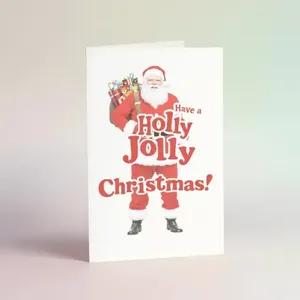
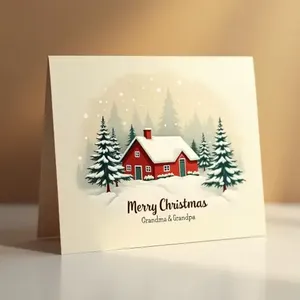
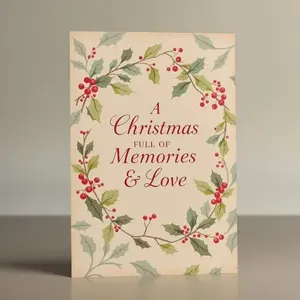
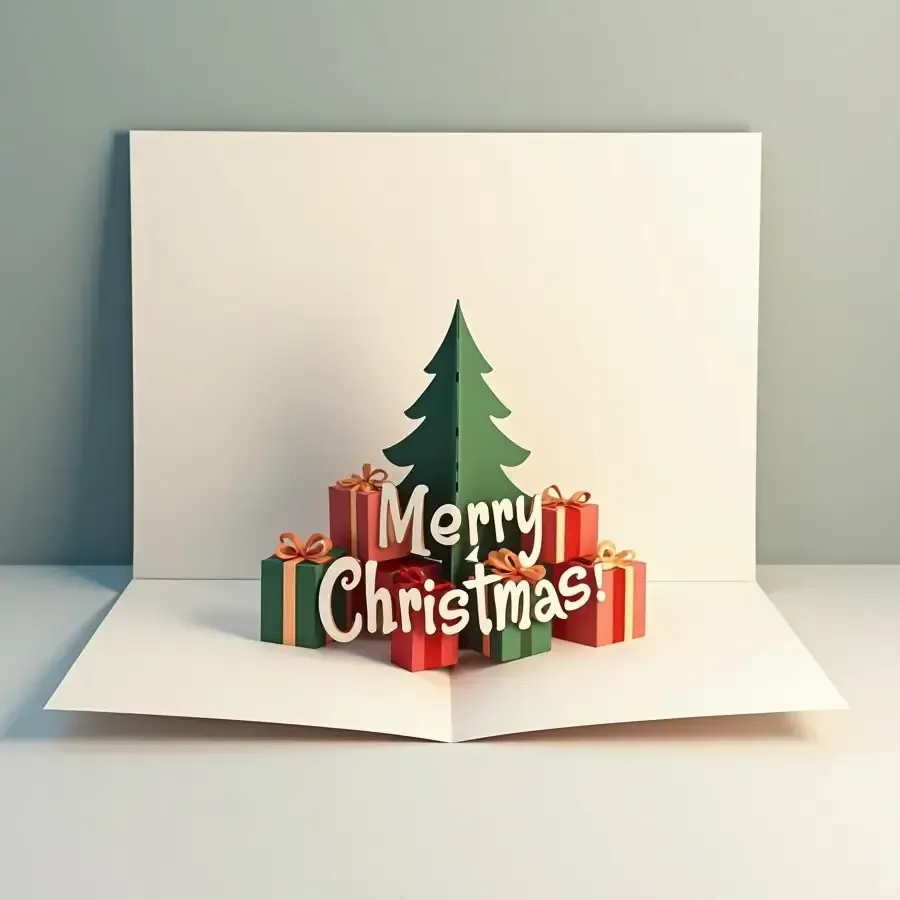
getimg.ai's AI Christmas Card Maker creates personalized holiday card artwork from text prompts and photo references. Make family cards, illustrated greetings, business holiday cards and digital Christmas visuals with custom styles, colors and messages. Put important greeting text in quotation marks and review names and wording before sending or printing. The result is generated artwork, not an automatically assembled folded-card print file or interactive e-card.
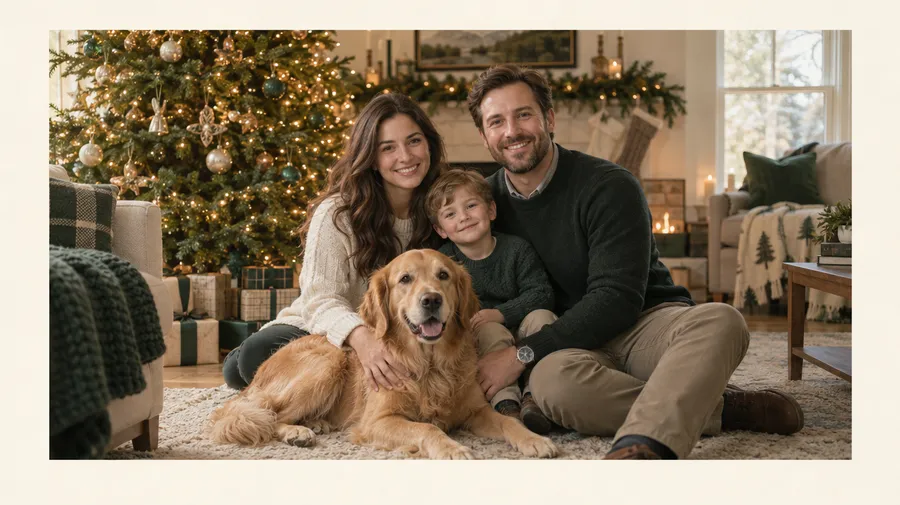
Turn a family photo into a Christmas card
Upload a family, couple or pet photo as a Reference, then create a festive setting, illustration style or holiday card composition around it. Make a family photo Christmas card, a couple greeting, a pet card, a baby's first Christmas card or a holiday portrait.
Reference photos guide the people and composition, but stronger stylization can change smaller facial, clothing or background details. If likeness matters most, choose minimal transformation and background or layout editing rather than full regeneration.
How to create a Christmas card from text or photos
Open Create image, add your brief or a Reference, specify the details, generate variations, refine, then resize or upscale.
1–2. Open Create image and add your idea
Open Create image here and sign in. Describe your card or attach a family, couple or pet photo as a Reference.
3–4. Specify details and generate variations
Name the recipient, style, colors and layout. Put the exact greeting in quotation marks, specify typography and generate several variations to compare.
5–6. Refine and prepare your card
Refine the selected card and check faces, names and greetings. Resize for your sharing channel or use our Upscaler before placing approved artwork into a printer's template, if needed.
Create Christmas card artwork around your idea
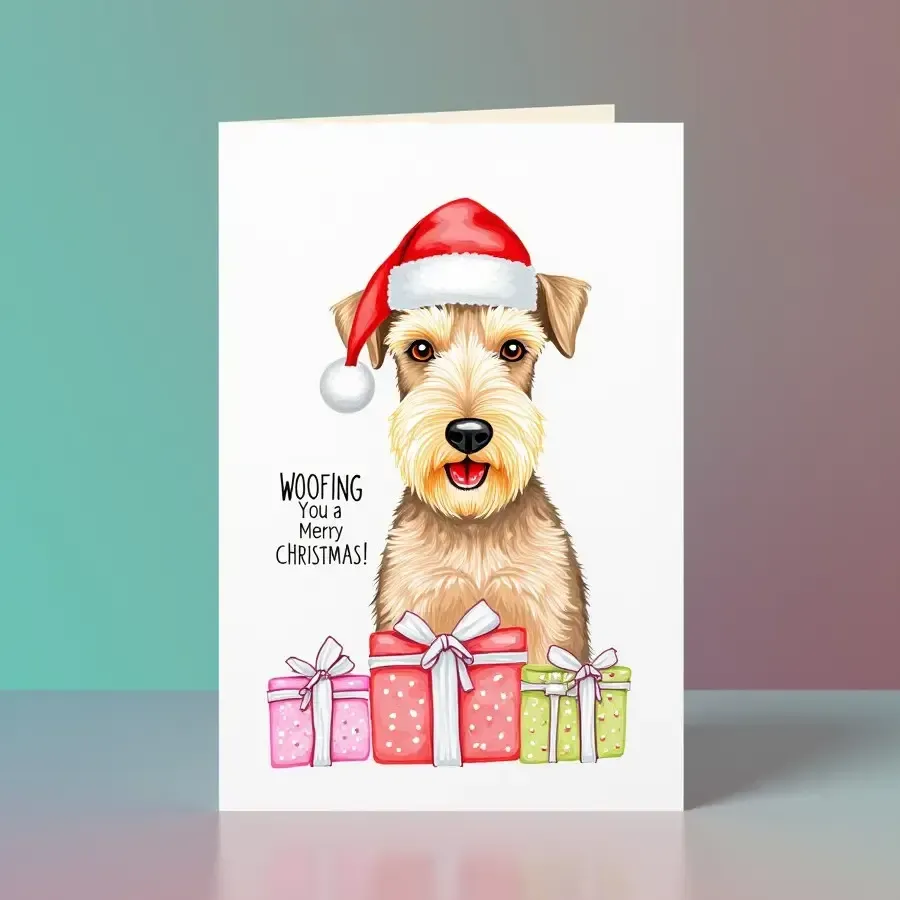
Describe a snowy village, a holly border or a winter portrait in Create image. Choose the composition and reserve space for your greeting. Generate different versions, then refine the one that fits your recipient. A card mockup can show a design direction, but it is not a folded-card production file.
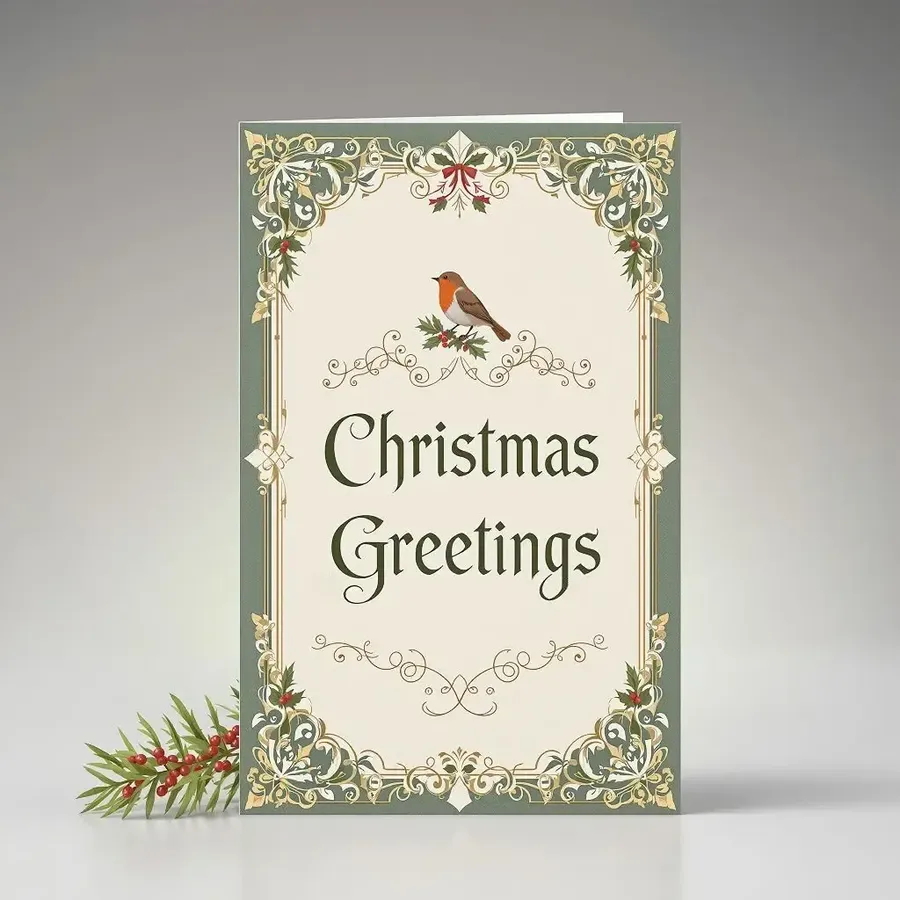
A Christmas card design concept. Review generated lettering and prepare a separate printer-template layout before production.
Add your Christmas message
Put important greeting text in quotation marks and specify where it belongs. Keep the message short enough for the layout and choose readable typography.
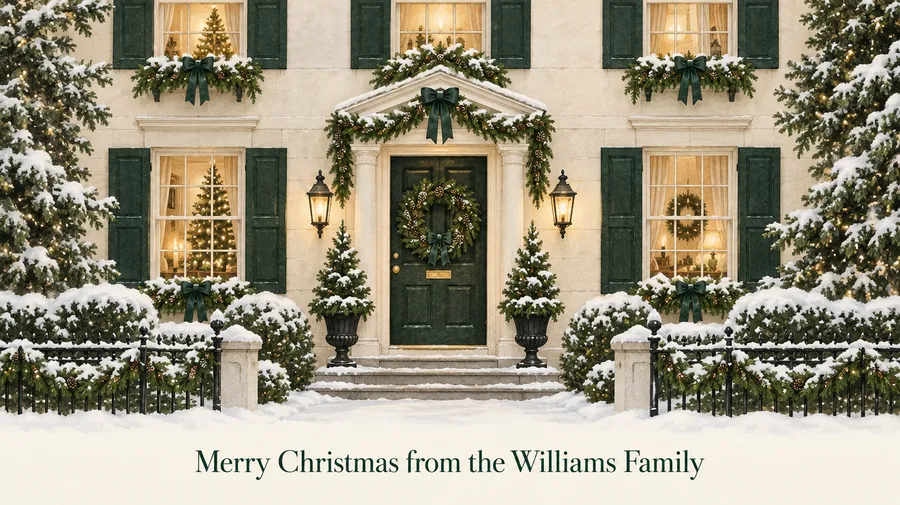
Prompt: Elegant Christmas card with an illustrated snowy townhouse, dark green and warm gold palette. Include the exact text "Merry Christmas from the Williams Family" centered at the bottom in elegant serif typography.
Review names, dates and greetings before sending or printing the card. If generated lettering is wrong, refine it or add final text in a layout editor.
Choose a Christmas card style
Explore Traditional Victorian holly borders, Minimal Scandinavian pine trees, Watercolor Christmas scenes, Retro 1950s illustration, Cute cartoon characters, Luxury gold and black, Nordic illustration, Vintage postcard textures, a Photoreal family card or Corporate minimal layouts. Specify the style, palette and greeting space together so each variation follows the same direction.
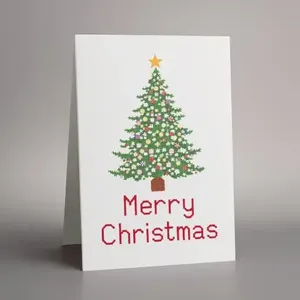
Personalize Christmas cards for every recipient
Create a family Christmas card, a portrait for grandparents, a couple card or a greeting for friends. Choose illustrated animals for a kids card, feature a pet, or make a baby's first Christmas card. For clients and employee or team holiday cards, use a restrained layout and a message suited to the audience. Request Christmas, Happy Holidays, Season's Greetings or New Year wording rather than using one greeting for everyone.
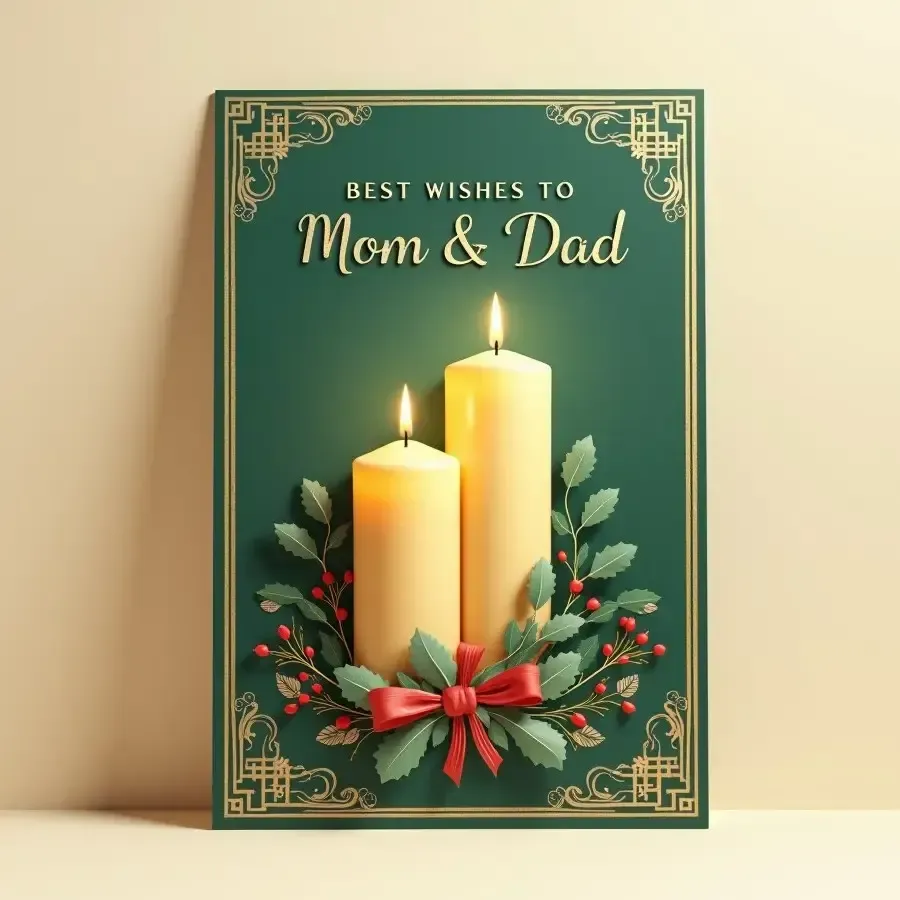
Create branded holiday cards for clients and teams
Start with a logo, product or brand Reference. Add your brand palette, a Christmas or holiday theme, a clean layout and an exact greeting in quotation marks. Choose Happy Holidays or Season's Greetings for clients and teams, or create a coordinated New Year card.
Reuse products, styles, palettes and composition through References or Elements. Save a recurring palette or style and mention it as @BrandPalette or @HolidayStyle after creating those Elements, then apply it across client cards, social assets and newsletter visuals.
Inspect generated logos and product details. For exact logo reproduction, place your approved original logo onto the final artwork in a layout editor. Third-party brand assets require appropriate rights.

Write a Christmas card prompt that covers the details
Use this formula: recipient or use + card style + subject or photo + palette + layout + exact greeting + typography.
Family prompt: Warm illustrated family Christmas card using the family from image 1, cozy snowy village background, deep green and cream palette, subtle gold details, centered portrait composition. Include the exact text "Merry Christmas from the Garcia Family" in elegant serif lettering.
Business prompt: Minimal corporate holiday card, dark navy background, subtle abstract snowflakes, use the brand palette from image 1, clean premium layout. Include the exact text "Season's Greetings and a Happy New Year" in restrained serif typography.
Attach the image referenced in your prompt. Compare variations, check likeness and wording, then refine the selected composition.
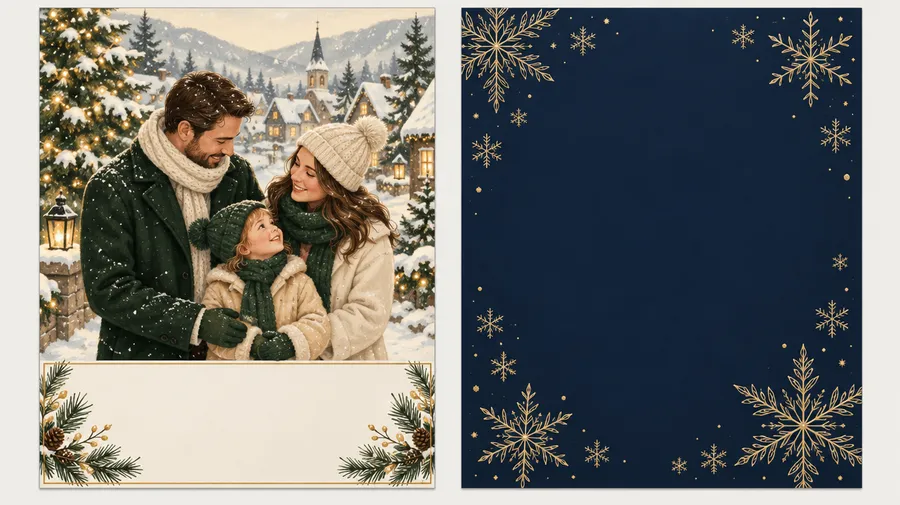
Share digital card artwork or prepare it for print
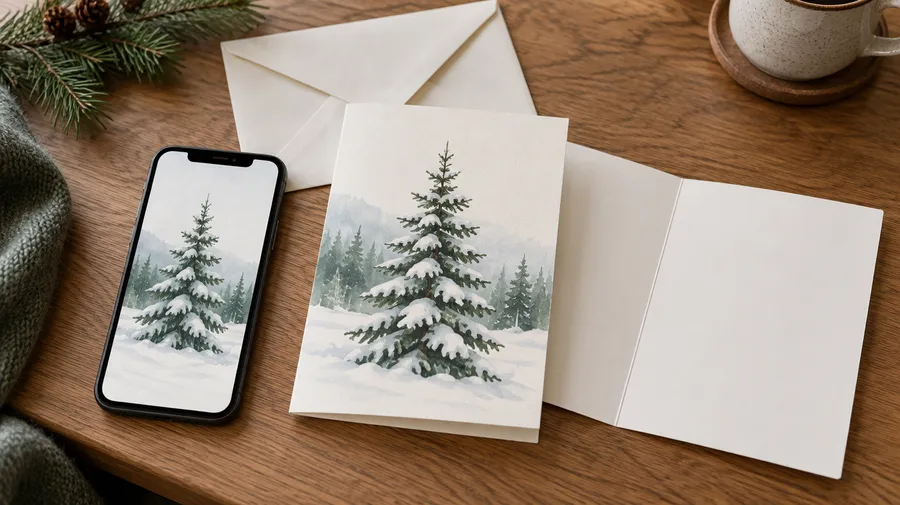
Create digital Christmas card images for email, messaging apps and social media. Resize the approved image for its destination. This is static artwork, not a hosted interactive e-card service; an animated holiday greeting requires a separate image-to-video workflow.
For physical cards, use the generated image as artwork inside your printer's template. Confirm folded dimensions, front and back layout, an inside greeting, safe area, bleed and any CMYK or PDF requirements. Check resolution at the intended print size and order a proof before production.
getimg.ai generates the visual design. It does not automatically assemble a folded, print-production-ready greeting card or provide a printing and delivery service.
Christmas card questions
Yes. In Create image, attach your photo as a Reference and describe the festive background, style and layout you want. Up to 10 References can guide people, objects, composition and palette. Use photos you have permission to upload.
Yes. Start with a family portrait or use a couple, pet or baby photo. Reference photos guide the people and composition, but stronger stylization can change smaller facial, clothing or background details. When likeness matters most, request minimal transformation and focus edits on the background and layout. The same approach can help you make personalized birthday cards.
Put important text in quotation marks, such as "Merry Christmas from the Williams Family", and specify its position and typography. Generated text may contain errors. Review names, dates and greetings before sending or printing; revise incorrect lettering or finish exact typography in a layout editor.
Yes. Describe your client or team audience, brand palette, holiday theme and exact message. Happy Holidays, Season's Greetings and New Year wording can suit a broader audience. Generate variations and review every approved card before sharing.
Yes. Attach brand artwork, a product or a palette as a Reference. Reusable Elements can help maintain a style or palette across client cards, newsletter visuals and social assets. Generated logos may change, so check brand fidelity and place the approved original logo in a layout editor when exact reproduction is required. Use only assets you are authorized to use.
You can use approved card artwork as a first frame in a separate image-to-video workflow and describe subtle snowfall or camera movement. This is a downstream video-generation step, not an animated or interactive e-card automatically included with image creation. Review the resulting video and any visible lettering.
A digital Christmas card here is a static image you can send through email, messaging apps or social media. E-card can also mean a hosted, interactive or animated greeting experience. The standard image workflow generates artwork; it does not provide that full hosted e-card service.
Yes, after checking image quality at the intended print size and preparing the artwork to your printer's requirements. Resize or upscale when needed, proofread the greeting and inspect a test print. A digital preview alone does not guarantee print quality.
getimg.ai generates the card artwork. If your printer requires a specific folded template, bleed, safe area, front and back layout, inside greeting, CMYK/prepress settings or PDF specification, place the approved artwork into the printer's template before production. Printing and delivery are handled separately.
Paid getimg.ai plans include commercial usage rights under our Terms. Third-party photos, logos, characters, trademarks or other protected material used in References may require separate rights. Commercial permission is not a guarantee of copyright protection or third-party clearance. Use the Image Generator to create artwork and review rights before using it in client campaigns or products.
Create the card. Add your message. Make it yours.
Start with a photo or an idea. Create a personalized Christmas card with custom greetings, portraits and your own style.