AI Birthday Card Generator: Create Personalized Cards from Text or Photos
Describe who the card is for, the message and the style
Describe who the card is for, the message you want to include, and the visual style. Start from a prompt or add a photo as a reference, generate several card directions, then refine the design before downloading it. getimg.ai generates the card as an image, so you choose how to share or print it.
What the AI birthday card generator does
getimg.ai's AI birthday card maker generates personalized birthday-card designs from text prompts and optional reference images. You can specify the recipient, message, theme, colors and visual style, then refine the generated image before downloading it.
getimg.ai generates card artwork as an image. If you need a folded print layout, bleed or a printer-specific PDF, additional layout preparation may be required.
How to make a birthday card with AI
Six steps from a description to a finished card design.
1. Open Create image
Go to Create image and pick the model you want to work with. Card artwork and typography both come out of the same generation.
2. Describe recipient, message and style
Name the person, their relationship to you, the occasion or age, the tone and the visual style. Put the exact card text in quotation marks and say where it should sit.
3. Generate, refine, download
Optionally add a photo as a reference, generate several card directions, then open a result and adjust the text, layout or artwork with another prompt before downloading it.

Create a birthday card from text or a photo
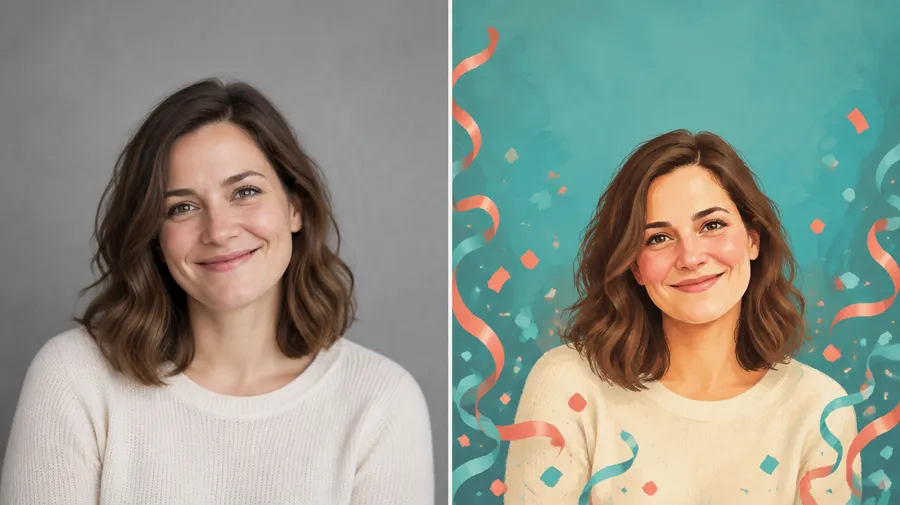
Upload a portrait or another meaningful image as a reference, then describe the birthday-card scene you want around it. Turn a simple photo into a funny illustration, an elegant greeting, a fantasy scene, a cartoon card or another personalized visual direction. Read the guide to image references to see how references steer a generation.
The reference helps guide the person's appearance and composition, but generated details may vary between versions. Generate a few directions and pick the one that reads best.
Add a name and personalized birthday message
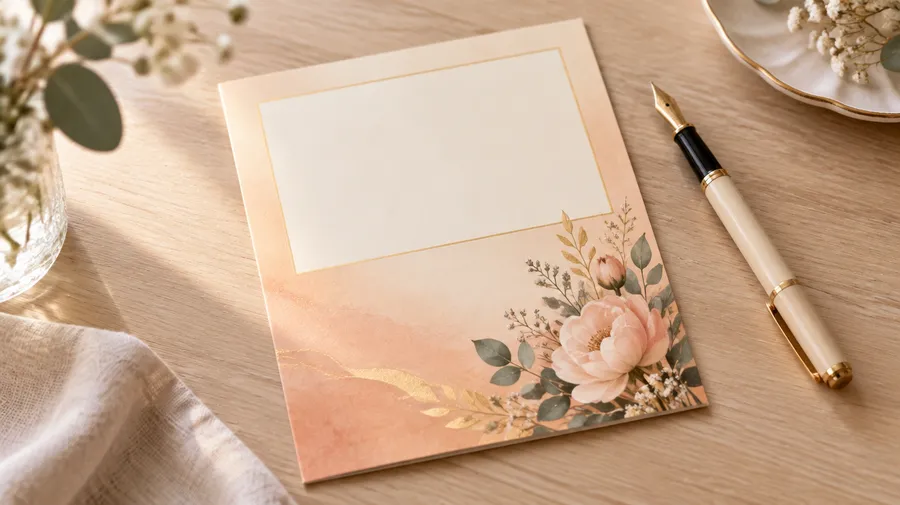
Put important text in quotation marks and describe where it should appear, for example: "Happy Birthday, Maya!" centered at the top in large gold serif lettering. The same approach is covered in the AI image generation prompt book.
Keep longer messages short if the layout gets crowded, and split a long note between the card art and whatever you write yourself when you send it.
Personalize more than the template
A template maker starts from a predefined layout that you customize. getimg.ai builds a new visual direction from your description and references. You control the recipient and relationship, the exact wording, the age or milestone, the colors, the theme, the art style, the typography, the composition, and any photo you attach as a reference.
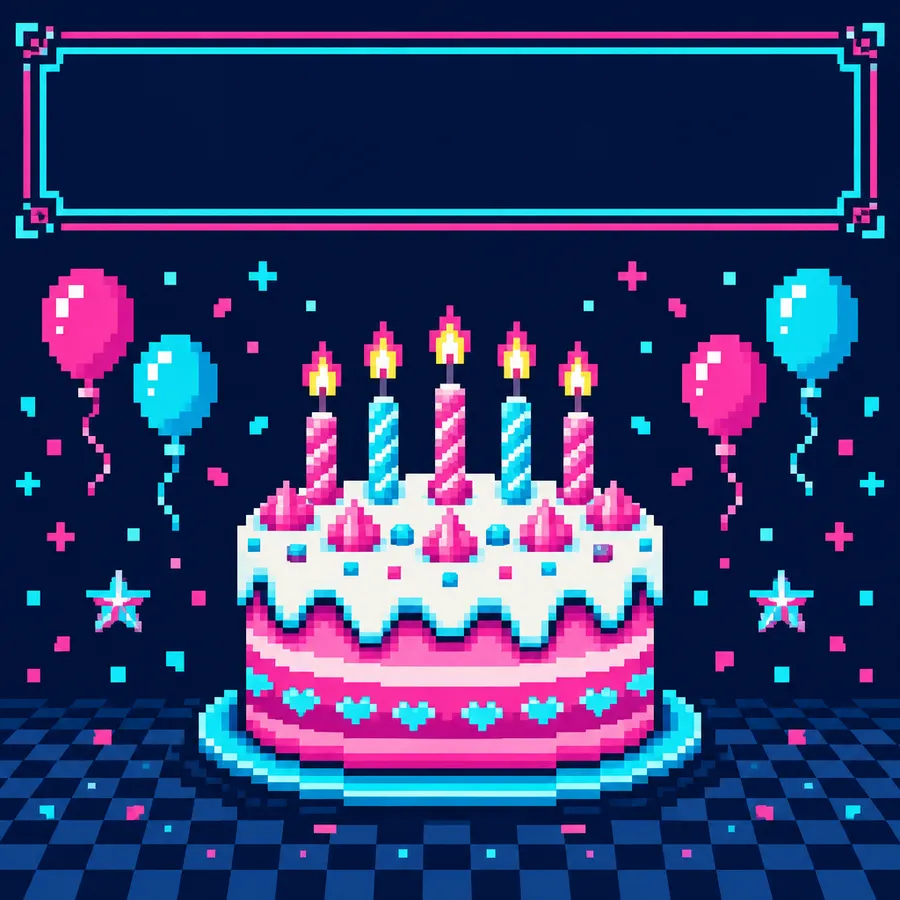
A fun, gaming-inspired birthday card with a pixelated 8-bit design. A retro arcade-style 'Happy Birthday!' message appears on a dark screen, surrounded by pixel art balloons and stars. The text 'Level Up!' is displayed at the bottom, reinforcing the gaming theme. The color palette includes neon blues, greens, and purples, creating a nostalgic yet modern vibe.
Birthday card styles and tones
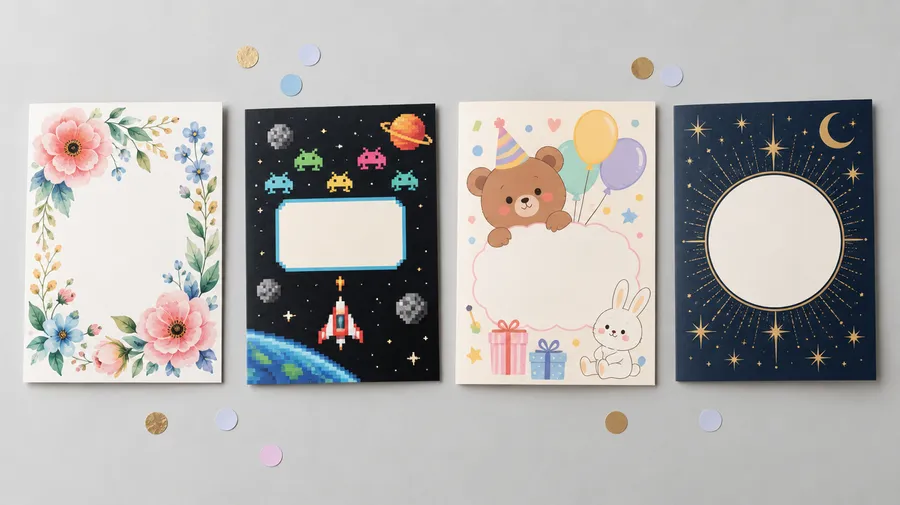
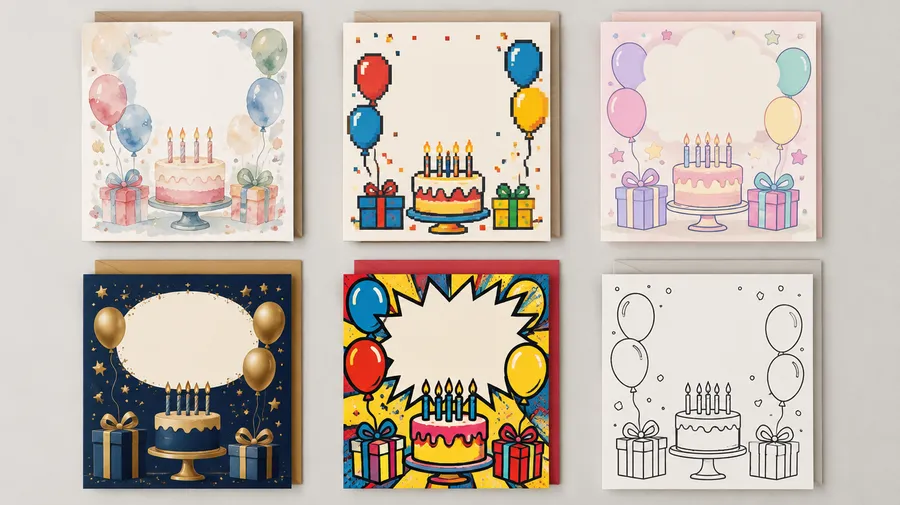
Pick a visual direction and a tone, then pair them with the person. Watercolor floral for a mother or grandmother, retro arcade for a gamer, minimalist typography for a coworker or client, cute cartoon for a child, elegant gold for a milestone birthday, comic illustration for an inside joke. Tone shifts the same style: funny, heartfelt, cute, elegant, sarcastic, romantic, professional.
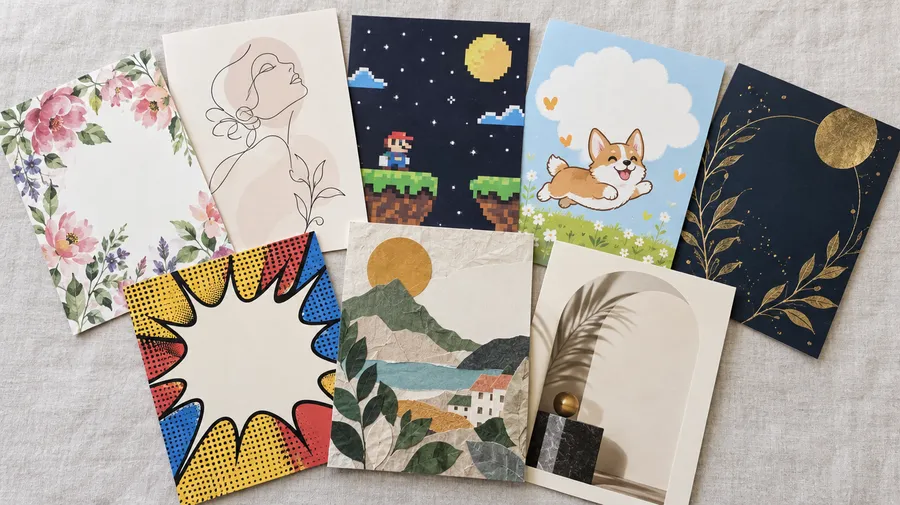
Make a birthday card for anyone
Mom, dad, partner, wife, husband, sister, brother, best friend, child, coworker, boss or client — name the relationship in the prompt and the design follows it. Add one or two personal details to make the card specific: gaming, gardening, pets, sports, music, travel, books, food, movies, an inside joke, their profession or a favorite place.
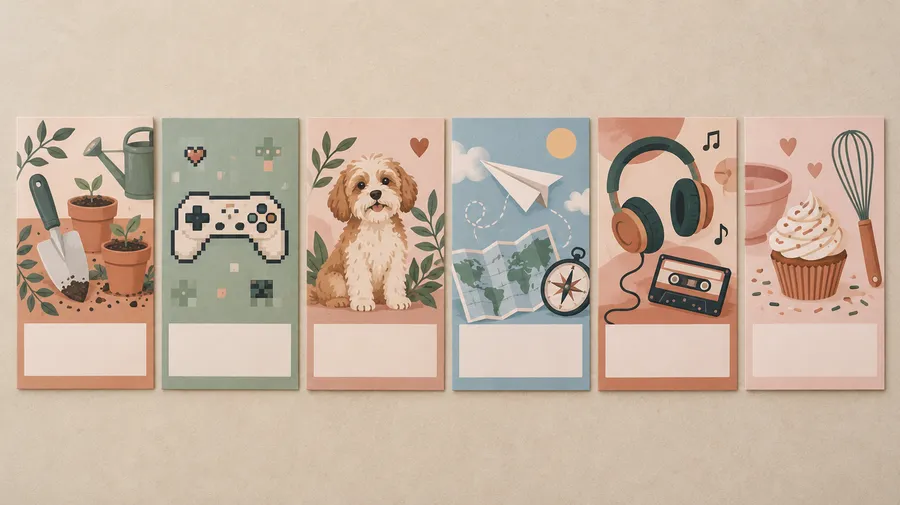
Create milestone birthday cards
18th, 21st, 30th, 40th, 50th, 60th and other milestone birthdays. Put the age directly in the prompt and it becomes part of the design — as the number on the cake, as the headline figure, or as the anchor of the whole layout.
Milestone cards work best when the age carries a tone: a sarcastic 40th, an elegant 50th, a celebratory 18th.
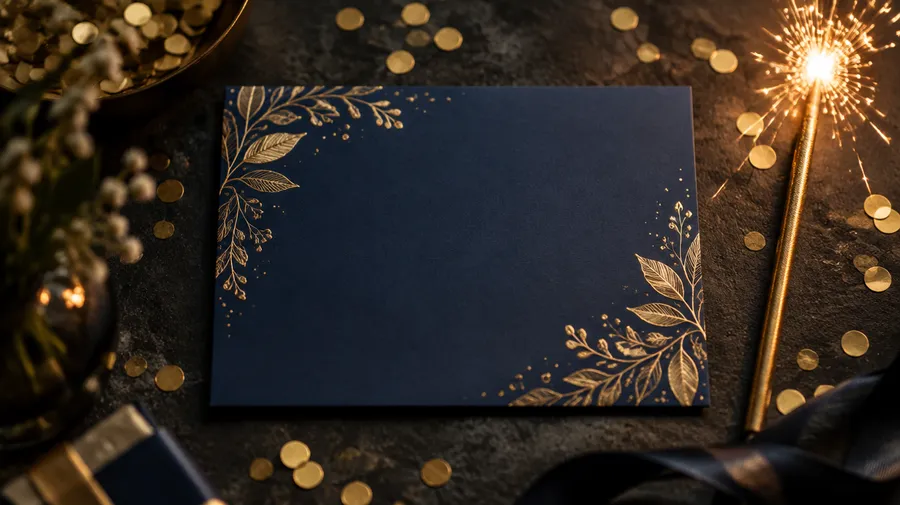
AI birthday card prompt examples
A usable prompt follows one structure: recipient + relationship + age or milestone + personal detail + tone + art style + colors + exact text + text placement + composition.
Funny
Humor works when the joke is specific to the person. Name the running joke, then set the art style around it.
"Funny birthday card for my best friend Maya turning 30, retro 90s party aesthetic, purple and orange palette, disposable-camera collage feel, birthday cake and tiny disco balls, the exact text '30 looks good on you, Maya!' centered in bold playful lettering."
Choose a model that handles text well
For cards where typography matters, use a model built for strong text rendering, such as FLUX.2 [flex] or GPT Image 2. Both handle short greetings, names and layout more reliably than general-purpose models.
Always review important names, dates and longer messages before sharing or printing the final card. If a letter comes out wrong, open the result and fix it with an editing prompt instead of regenerating from scratch.
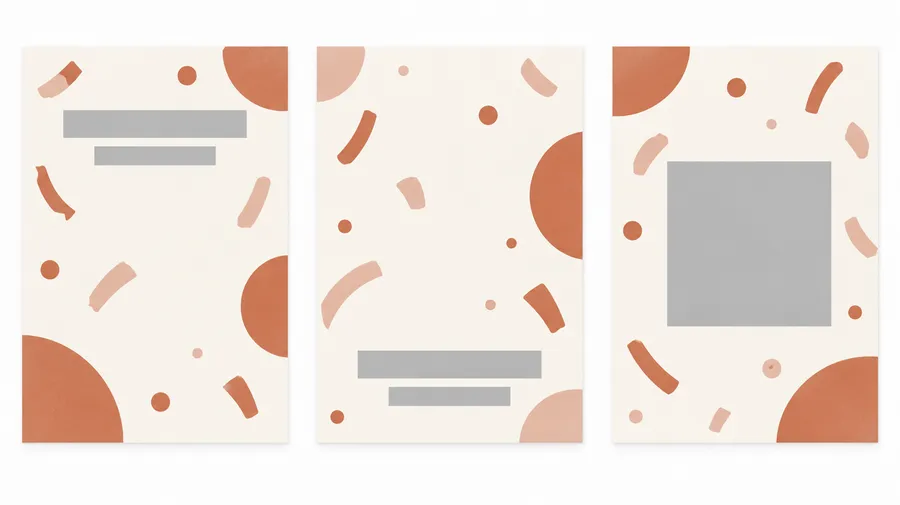
Card design, printing and templates
Three things get called a "birthday card". Here is what getimg.ai produces and where you may need another step.
AI card design vs print-ready card
An AI birthday card design is a generated image with personalized artwork, typography and message. A print-ready folded card may additionally require exact dimensions, bleed, a front and inside layout, and preparation for a specific printer.
AI birthday card design — a single generated image you can download, share digitally or send to a print service as artwork.
Frequently Asked Questions
Open Create image and describe the card: who it is for, their relationship to you, the occasion or age, one or two personal details, the tone and the visual style. Put the exact card text in quotation marks and describe where it should appear, for example: "Happy Birthday, Maya!" centered at the top in large gold serif lettering.
Generate several versions, open the one you like and refine the text, layout or artwork with another prompt before downloading it.
Yes. Attach a portrait or another meaningful image as a reference, then describe the birthday-card scene you want built around it — a cartoon version, an illustrated greeting, a fantasy scene or a stylized portrait. See the guide to image references for how references influence a generation.
The reference helps guide the person's appearance and composition, but generated details may vary between versions. Generate a few and pick the closest one.
Yes. Write the name inside quotation marks in your prompt and describe where it should sit and how it should look, for example: the exact text "Happy Birthday, Dad" across the bottom in bold sans-serif lettering. Check the spelling on the generated card before you download or print it.
Yes. Short greetings and one-line messages render most reliably. For a longer note, keep the generated card text short and write the rest yourself when you send or hand over the card — that also keeps the layout from getting crowded.
For cards where typography matters, use a model built for strong text rendering, such as FLUX.2 [flex] or GPT Image 2. Both handle short greetings, names and layout more reliably than general-purpose models. Review important names and dates on every output.
Yes. Tone is part of the prompt: funny, heartfelt, cute, elegant, sarcastic, romantic, professional or playful. Add a personal detail — a hobby, a pet, a running joke, a favorite place — and the card stops looking generic.
Yes. Put the age in the prompt and say how it should appear: as candles on a cake, as a large display numeral, or as part of the greeting. This works for 18th, 21st, 30th, 40th, 50th, 60th and any other milestone.
Yes. Open a generated card and describe the change — swap a color, move the greeting, replace an element or correct a letter. The guide to AI image editing basics covers the workflow.
You can download your generated card design and use it digitally or prepare it for printing. For professional print production, check the required dimensions, resolution, bleed and file format with your printer. The upscaler helps if you need more resolution than the original generation.
No. getimg.ai generates card artwork as an image, not a folded front-and-inside layout with bleed and printer marks. If you need a print-ready file, take the generated design into a layout tool or send it to your printer as artwork.
Yes, on paid plans. Commercial rights are included with every paid plan, so you can sell card designs, produce them for clients or run them in a company campaign. Commercial rights are not available outside paid plans.
A template maker starts from a predefined layout that you customize — useful when you need exact manual layout control. An AI birthday card generator creates a new visual direction from your description and references — useful when you want a custom visual built around a specific person, joke, hobby or theme.