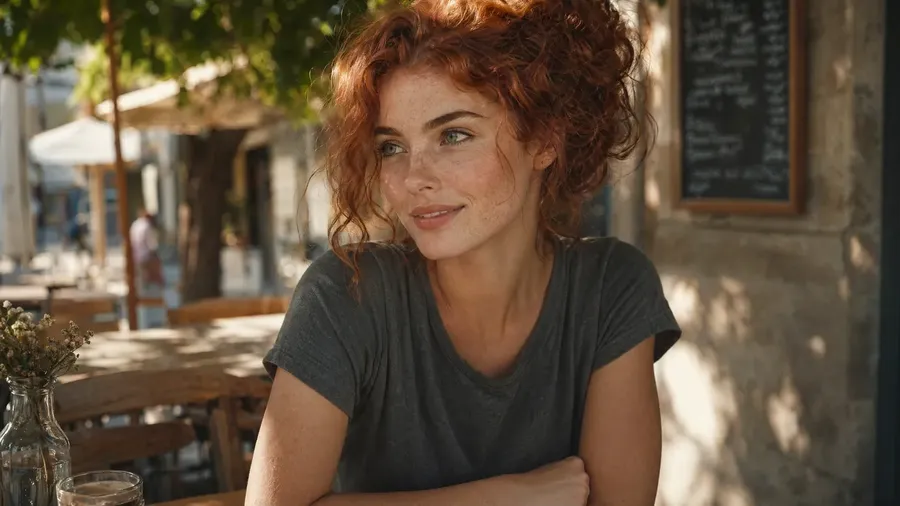
The AI portrait generator built for professional output.
Generate portraits from text or a reference photo. Headshots, character portraits, stylized self-portraits, pet portraits — 16+ leading AI image models in one workspace, with full commercial rights on every paid plan.
Access 16+ leading AI models in one portrait generator.
One workflow. One subscription. The right model for each campaign asset.


Why getimg.ai is the best AI portrait generator for production work
More control than a one-shot portrait tool
A basic portrait AI generator gives you one image and stops there. Most portrait work takes more than that. With getimg.ai, you generate a first draft, refine the pose or lighting, swap the background, and build a set of consistent variations from the same reference. That turns one prompt into a series of portraits — headshots, character sheets, stylized variants — without starting over each time.
Prompt
Generate
Edit
Built for portraits you can actually publish
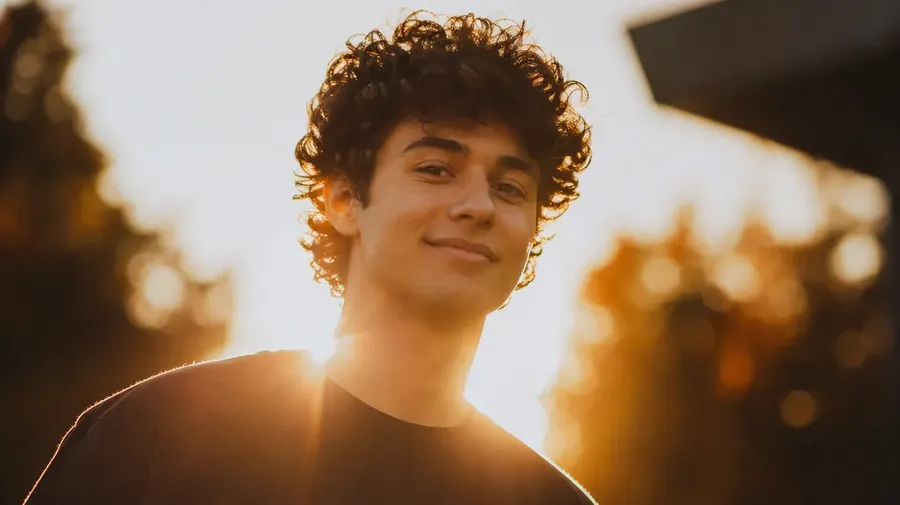
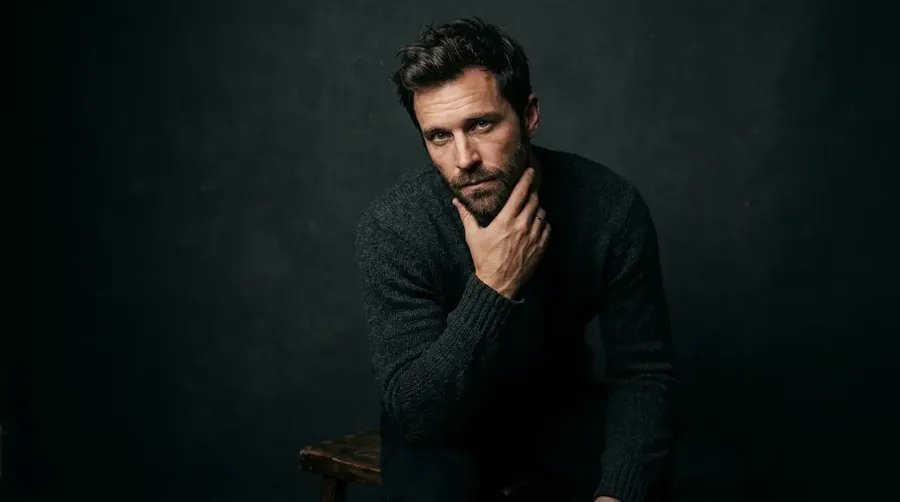
This is not a novelty portrait maker. Use getimg.ai for professional headshots, speaker bios, LinkedIn photos, character portraits for games and D&D, pet portraits for prints, and stylized self-portraits for social profiles. Every paid plan includes full commercial rights, so the portraits you generate are ready for client work, print, and publishing.
-900x505.webp)
Better fit than a single-model portrait tool
Different portraits need different model strengths. Realism for headshots. Stronger style transfer for character portraits. Stronger identity preservation for portraits from a photo. getimg.ai gives you access to 29+ leading AI models in one place, so you are not boxed into a single model's look for every subject. Describe the portrait; the platform selects the model that matches the task.
Auto model selection

Nano Banana 2
Excellent typography generation, high-quality realism.

FLUX.2 [max]
Impressive level of detail and precise prompt following.
How to generate an AI portrait in three steps
1. Describe or attach a reference
Write the portrait you want — subject, style, mood, lighting, background. Or drop in a reference photo to guide the likeness, pose, or outfit.
2. Generate the first portrait
getimg.ai routes your prompt to the right image model and produces a first portrait in seconds. Compare outputs across models if you want more options to choose from.
3. Refine, vary, and export
Adjust the lighting, swap the background, change the outfit, or generate variations from the same reference.
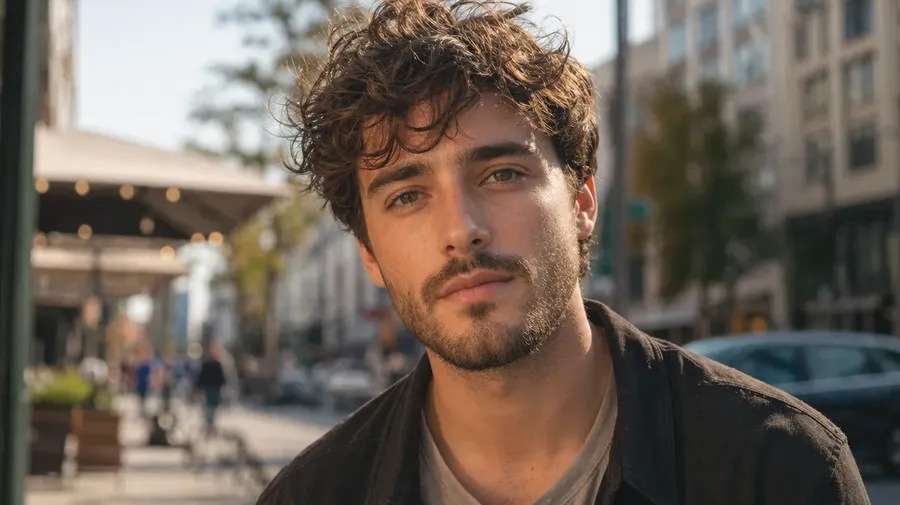
An AI portrait generator that starts from the description, not the settings
Most portrait generators ask you to pick a model, configure parameters, and learn a prompt syntax before you get a usable image. getimg.ai works the opposite way — you describe the portrait, the platform handles the routing.
Short, natural prompts work. Automatic prompt enhancement fills in the technical detail for you. Attach up to 10 reference images when you need identity, outfit, or pose consistency — no training, no setup.
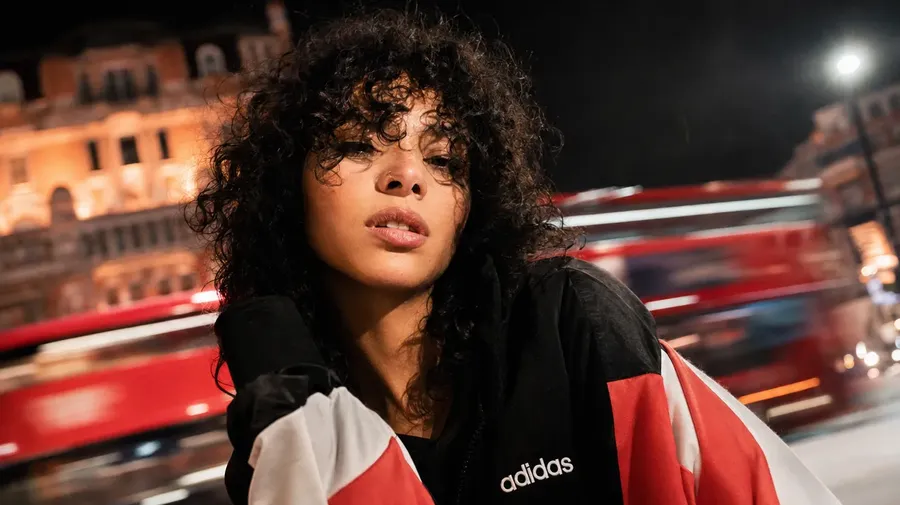
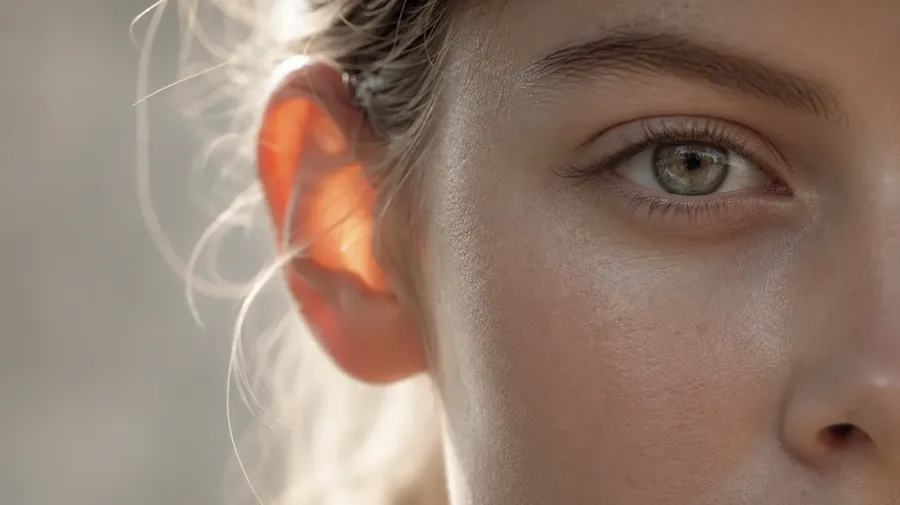
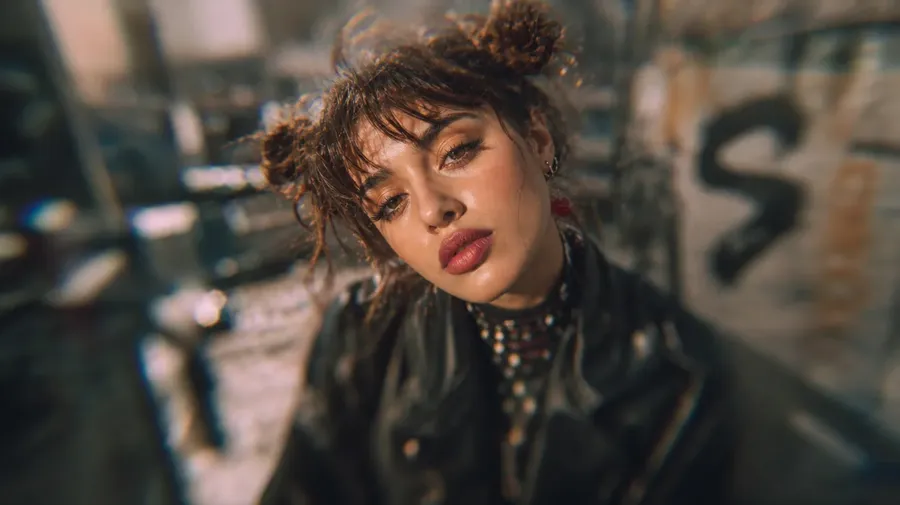
close-up urban portrait of a woman in her 20s wearing streetwear
One portrait idea, every direction you need
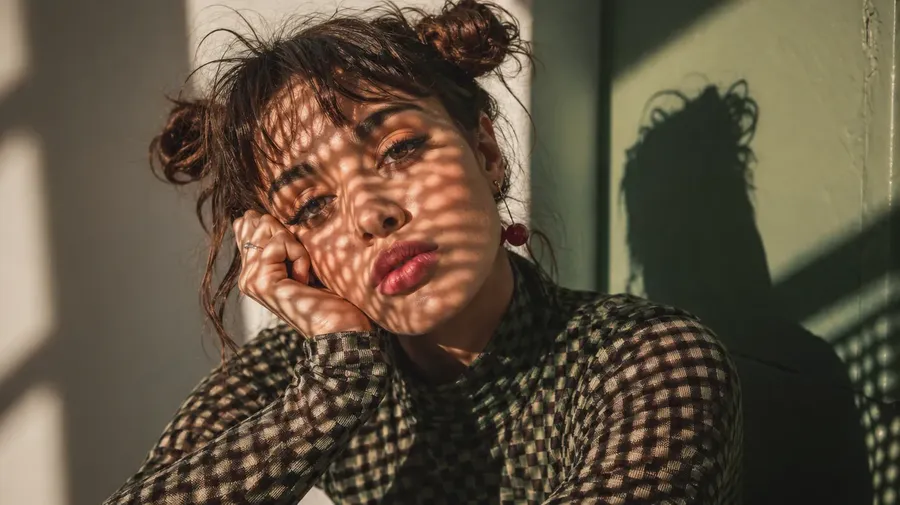
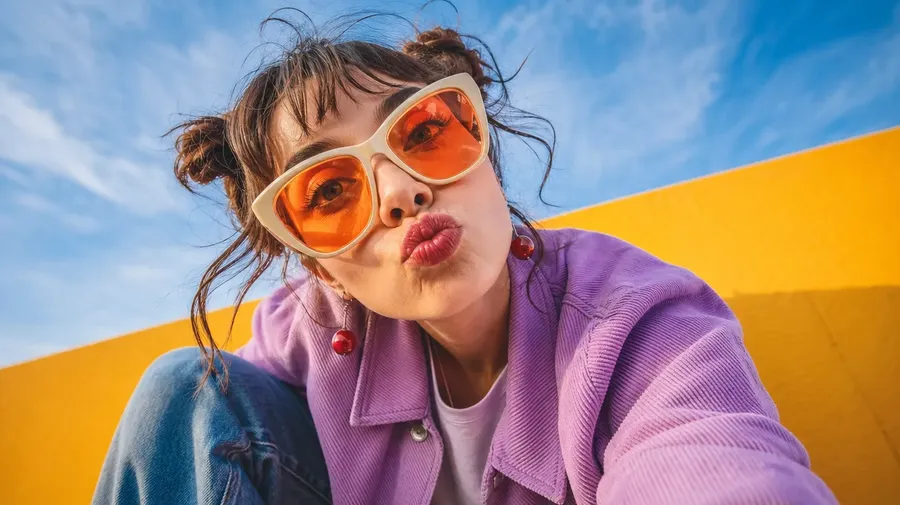
Most portrait briefs turn into a set. One subject, several styles. The platform makes that set easy to build from a single reference:
- photorealistic and stylized versions
- studio, outdoor, and editorial lighting
- different outfits and backgrounds
- square, portrait, and banner crops.
Generate a character portrait in fantasy armor, then spin off a casual version, a cinematic close-up, and a clean profile crop — all from the same reference. The subject stays recognizable; the context changes.
One workspace for portrait projects, not scattered files
Portrait projects fall apart when references, drafts, and finals live in different places. Cloud folders, chat threads, local downloads, someone else's phone.
getimg.ai keeps every reference, draft, and final portrait in one workspace — organized by project, client, or subject, and shareable across your team.
- Organize portraits by subject or client
- Share reference Elements across the team
- Reduce version confusion on revisions
- Hand off final portraits in the right format.
Keep the same face across every portrait
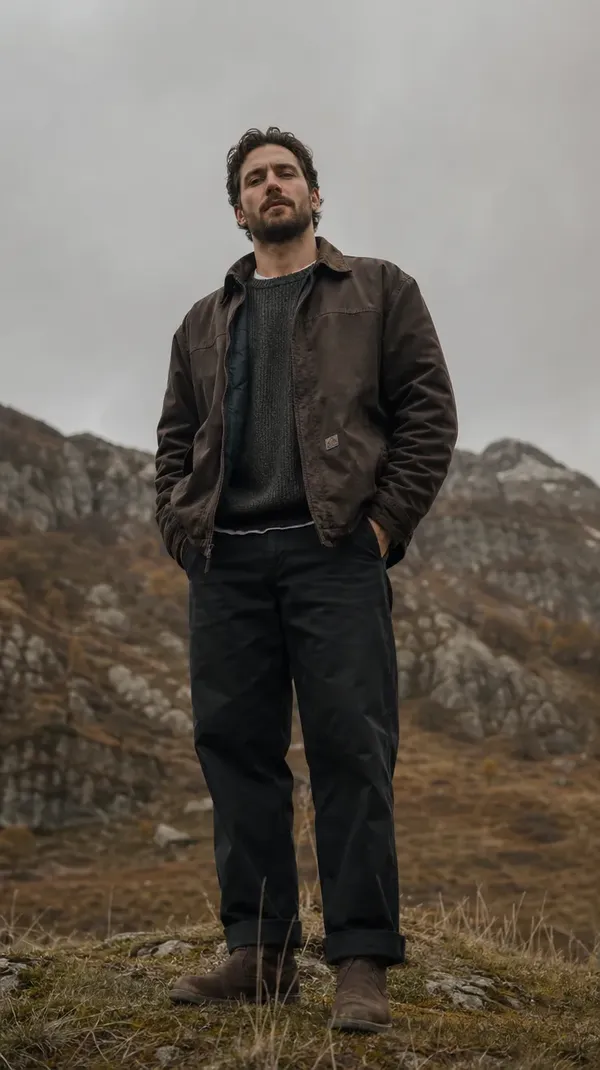
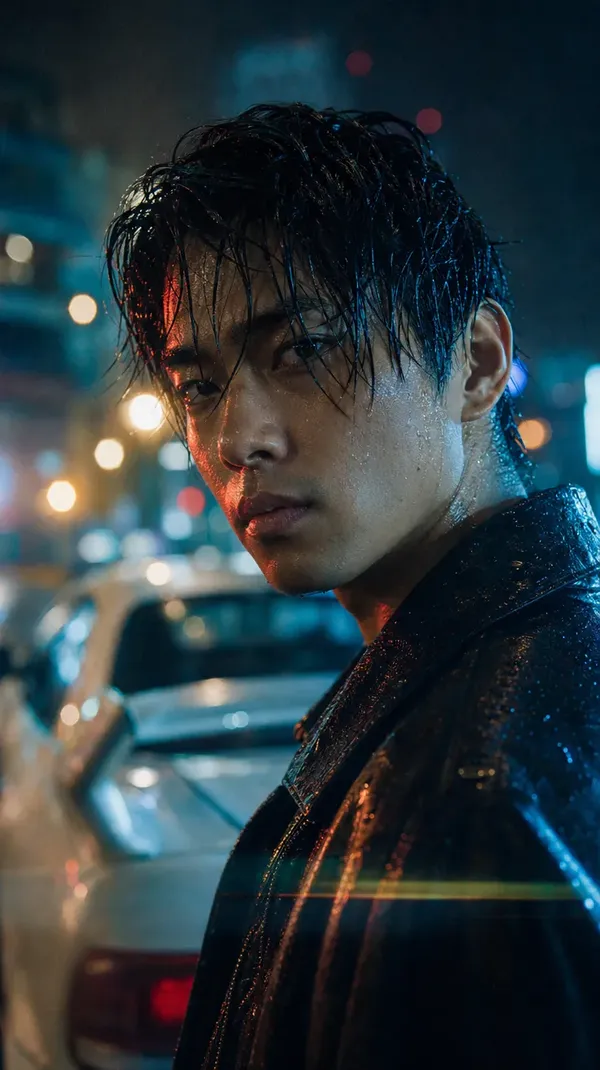
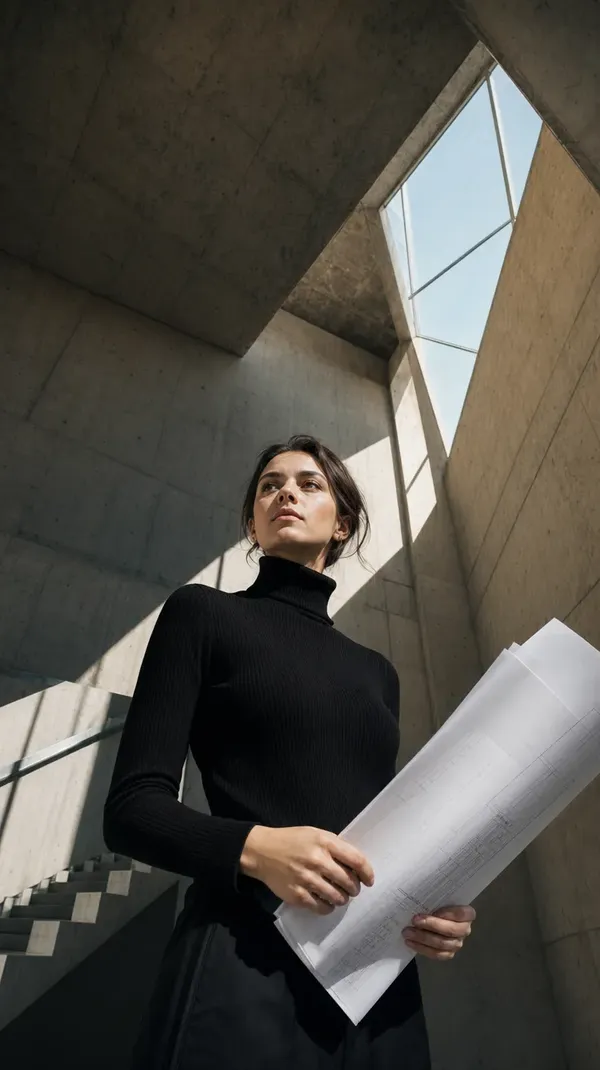
Identity drift is the main reason AI portraits fail in production. A new generation, a new face. getimg.ai solves that with Elements — reusable references you create once and call into any prompt with @ElementName. Upload 1–20 photos of a person, pet, or character; every portrait that follows keeps the same likeness.
Use Elements to keep portraits consistent across:
- a character across a full portrait set or D&D campaign
- a team's headshots styled to one brand look
- a pet portrait series — same animal, different scenes.
Same character. Same style. Every time.
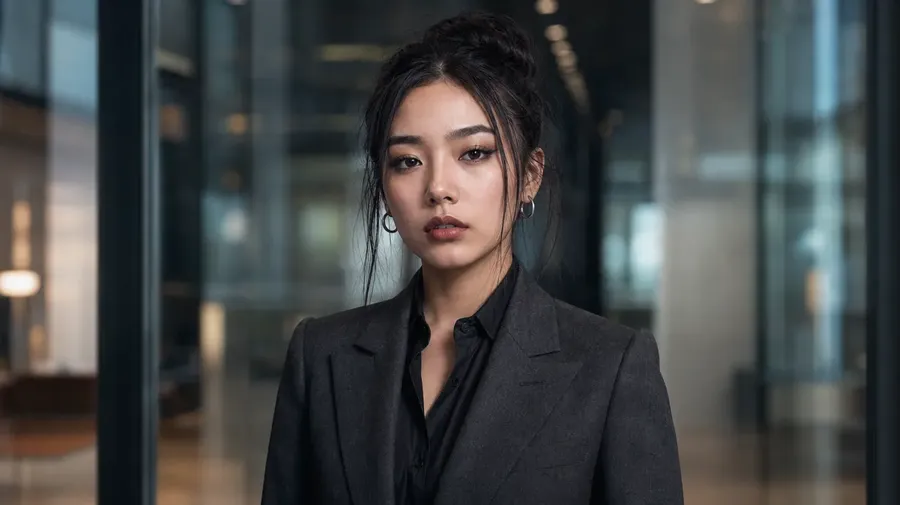
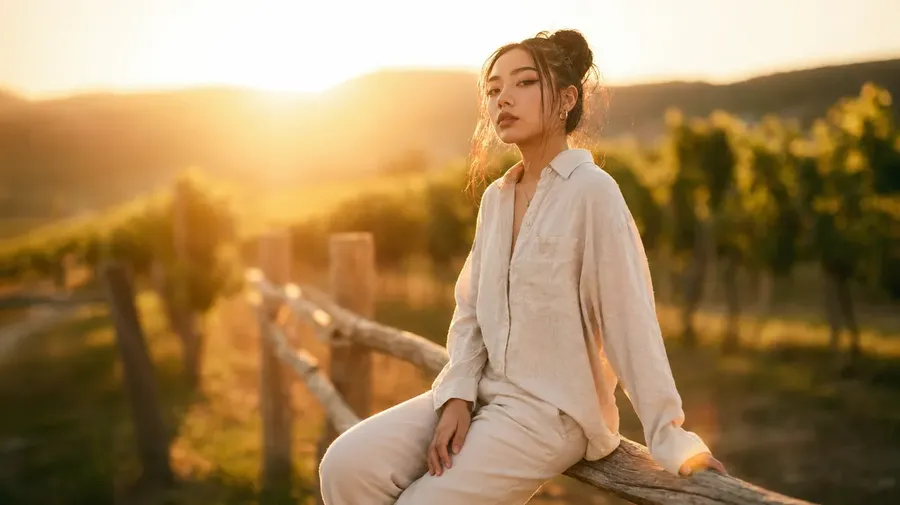
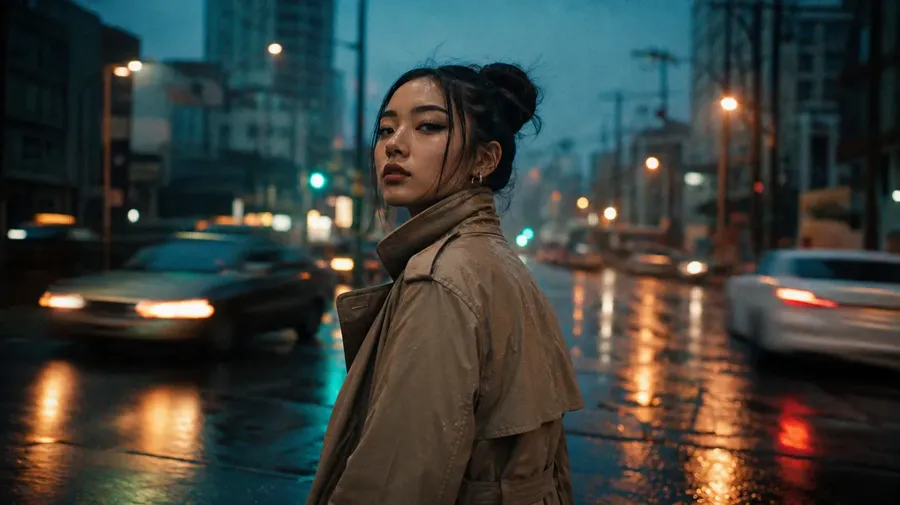
What you can create with the AI portrait generator
-900x506.webp)
Frequently Asked Questions
The AI portrait generator in getimg.ai is the portrait workflow inside the Content Generator — the same workspace that powers image and video creation across the platform.
It works as a portrait-focused AI image generator: describe the subject and style, or attach a reference photo, and the platform routes the prompt to the right image model. You can generate headshots, character portraits, stylized self-portraits, and pet portraits from the same prompt box.
Unlike a single-shot portrait tool, getimg.ai keeps the full workflow in one place — generation, editing, background replacement, upscaling, and identity consistency across a whole set of portraits.
The best AI portrait generator depends on the type of portrait:
Photorealistic headshots benefit from models like FLUX.2 [max] and Nano Banana 2 for likeness and skin texture. Stylized character portraits often read better through Seedream 5.0 Lite or GPT Image 2 for prompt adherence and pose control. Portraits from a photo work best with reference-aware models that preserve identity across edits.
getimg.ai removes the model-picking step. You describe the portrait; the platform auto-selects a model. You can compare outputs across models in the same prompt box, then lock the best one. That is the shortest path to a production-ready portrait, without managing separate subscriptions.
Short version: the best AI portrait generator is the one that gives you every serious model in one workspace and lets you pick per job.
Yes. Attach a reference photo to the prompt box and describe the portrait you want. The platform uses the photo to preserve identity while applying the style, background, lighting, or outfit you described.
You can attach up to 10 reference images per generation. For subjects you plan to reuse — a person, a character, a pet — create an Element with 1–20 photos and call it into any prompt with @ElementName. Every portrait generated with that Element stays visually consistent.
The original photo is never overwritten. Every portrait you generate is a new version, stored alongside the reference in the same workspace.
Yes. You can generate a portrait from text alone — no reference photo required.
Write a short description of the subject and style. If you want motion or short portrait reels, the same Content Generator also handles video generation — you can turn a static portrait into a subtle animated loop without switching tools.
Short, natural prompts work. Automatic prompt enhancement fills in the technical detail, and you can iterate on the same description until the portrait matches the brief.
Yes. Upload a photo of the pet as a reference and describe the portrait — studio, painterly, storybook, cinematic. The platform preserves the pet's features while applying the style and scene you specify.
For a series — same pet, different scenes — create an Animal Element from 1–20 photos and reuse it across prompts. The pet stays recognizable across prints, gifts, or a full portrait set. Upscale the final portrait 2× for print-ready resolution.
Both. If you are working solo — a creator building character art, a freelancer producing headshots for clients, an author commissioning cover portraits — the platform replaces multiple single-purpose portrait apps with one workspace.
If you are part of a creative team, shared Elements keep portraits on-brand across members — same face, same style, same treatment, across every output.
Yes. Every paid plan includes full commercial rights. Use generated portraits in profiles, ads, print products, client deliverables, book covers, e-commerce listings, and anything else produced for professional use. Commercial rights apply from the Entry plan at $8/month, not locked behind a higher tier.
The AI portrait generator built for professionals, not experiments
Describe the portrait. Attach a reference if you have one. Generate, refine, and export — all in one workspace, with commercial rights on every paid plan.