AI Cartoon Generator: Create Cartoons from Text or Photos
Turn a photo into a cartoon or create an original cartoon from a text prompt. Generate avatars, characters, memes, comic-style artwork, and stylized illustrations with leading AI image models in one workspace.
Powered by leading AI image models


Turn a Photo Into a Cartoon
Attach a portrait, a pet photo, or a family snapshot as a reference, then describe the cartoon direction you want. The reference guides the subject, your prompt controls the stylization, and you can compare several interpretations before picking one.
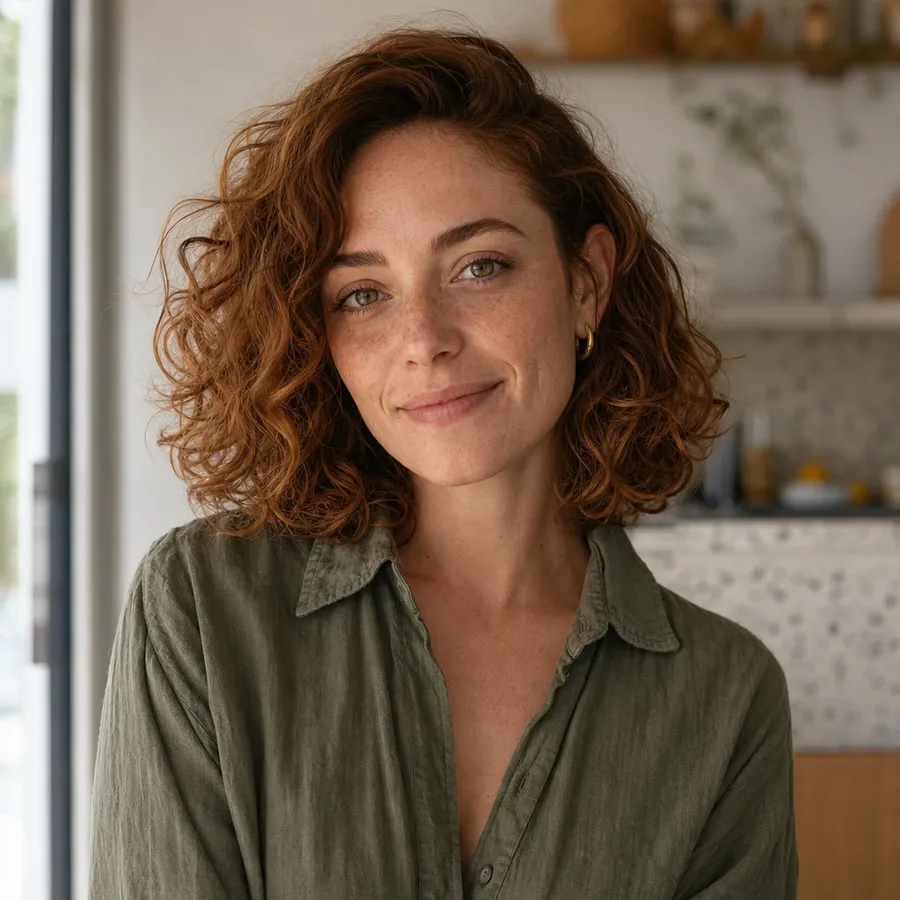
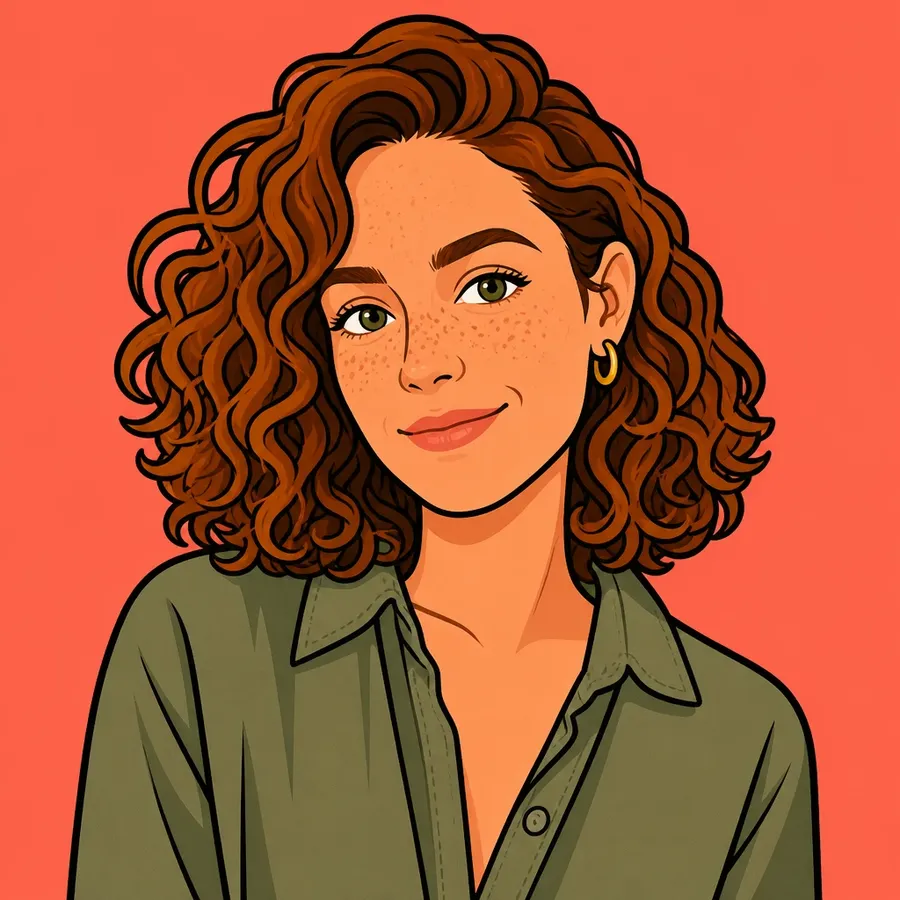
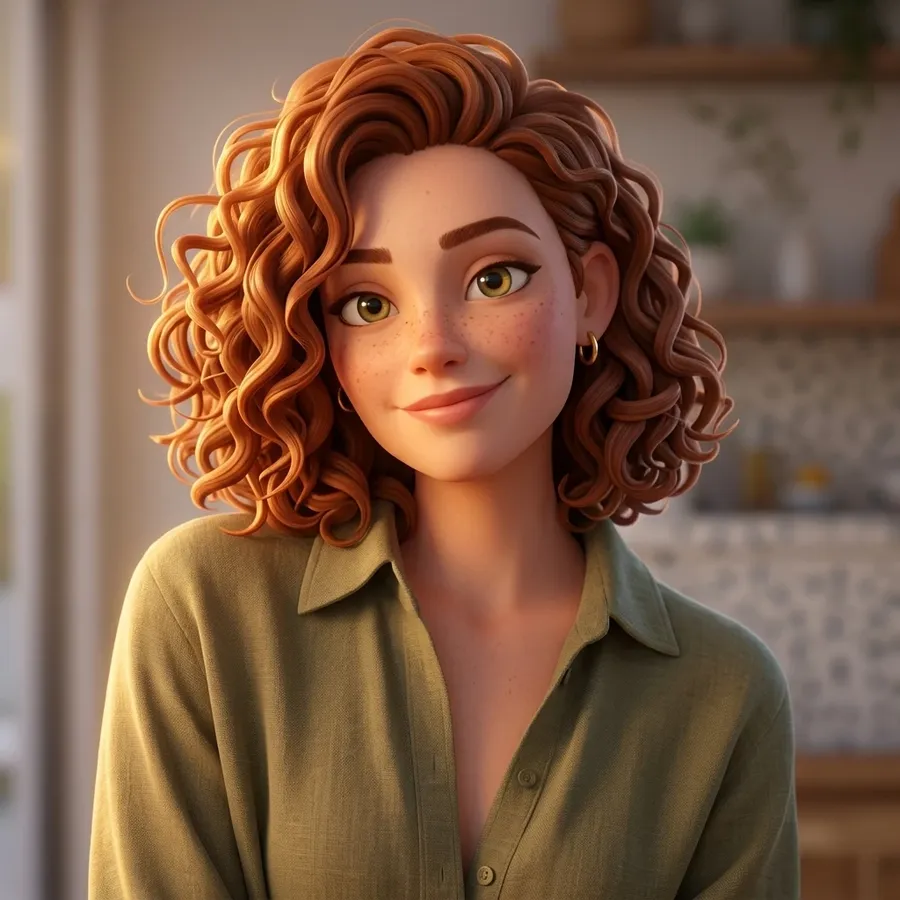
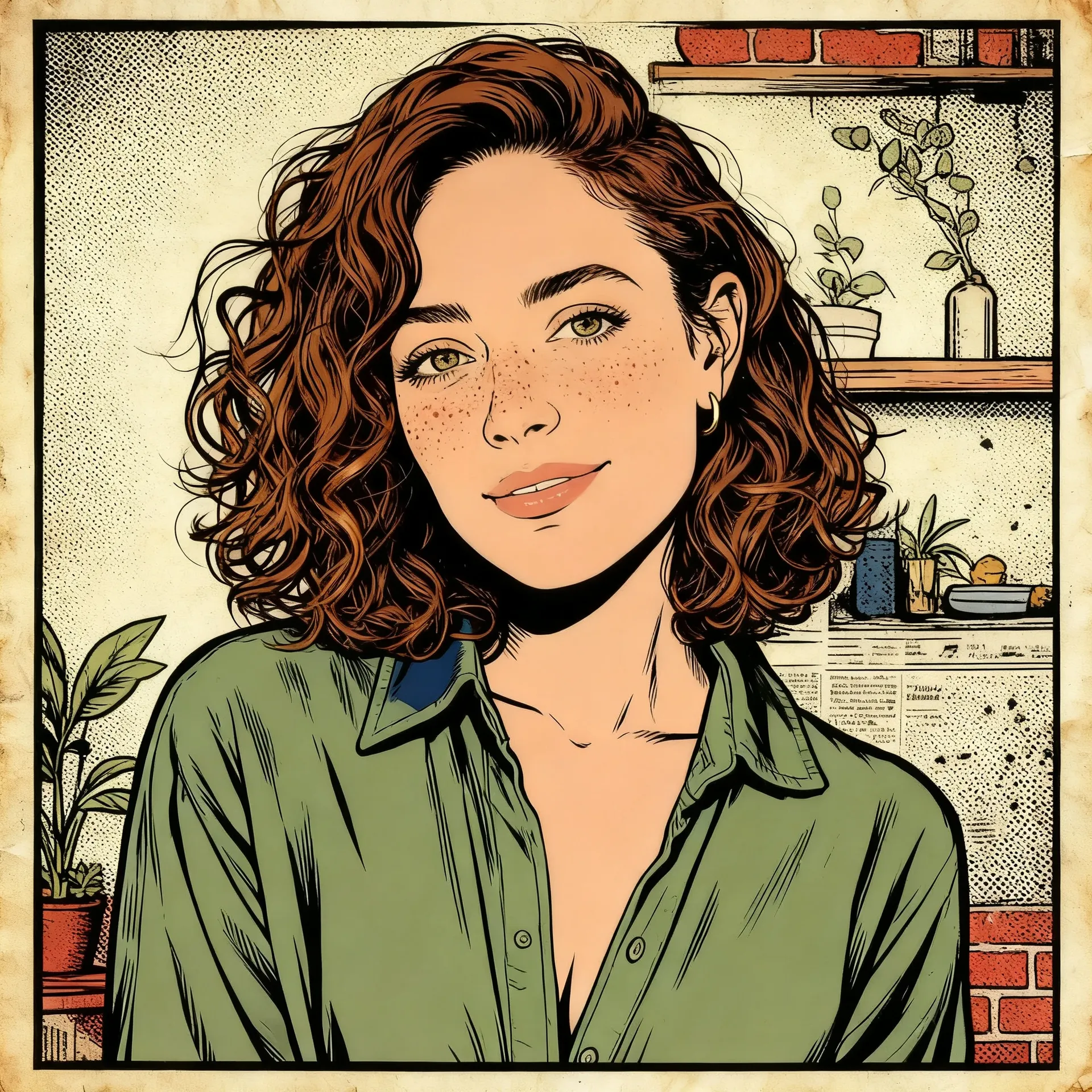
Same photo, four cartoon directions
Every result here started from the same source portrait, attached as a single image reference. Only the prompt changed.
Flat 2D: “flat 2D cartoon portrait, bold black outlines, simple geometric features, bright cel-shaded color”, generated on GPT Image 2.
3D cartoon: “polished 3D animated character, rounded forms, soft matte materials, expressive face, cinematic key light”, generated on Nano Banana 2.
Retro comic: “retro comic portrait, heavy ink outlines, halftone shading, limited four-color palette, aged paper grain”, generated on Seedream 4.5.
Explore Different Cartoon Styles
Cartoon is not one look. Naming the visual traits you want gives you more control than naming a show, and it leaves you with an original concept you can actually build on.
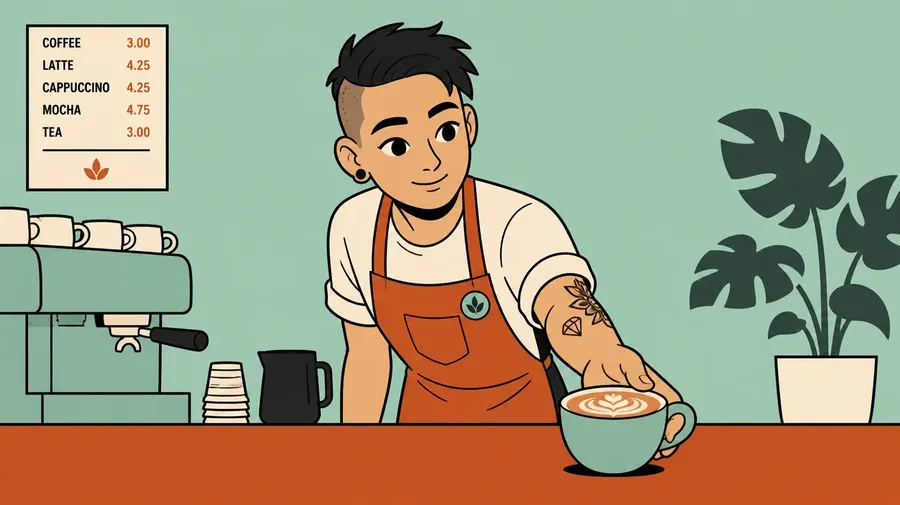
Cartoon avatars
Create a Cartoon Avatar from Your Photo
Upload a clear portrait, choose the visual direction you want, and let the prompt do the styling. The reference image guides the subject while the prompt controls line weight, shading, palette, and framing. Stylization always shifts some facial detail, so the result helps retain recognizable characteristics of the subject rather than reproducing the photo exactly.
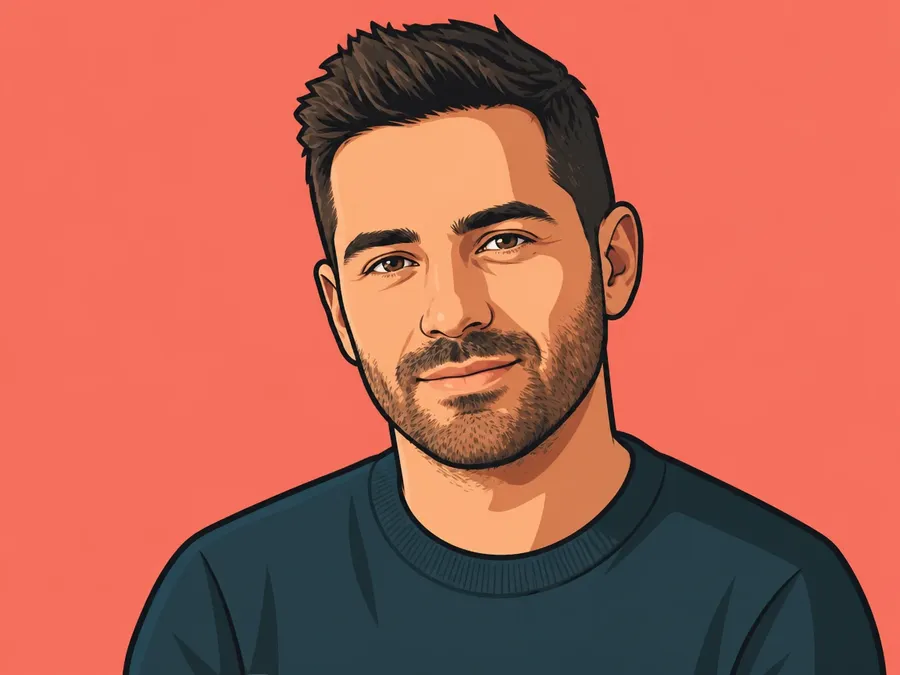
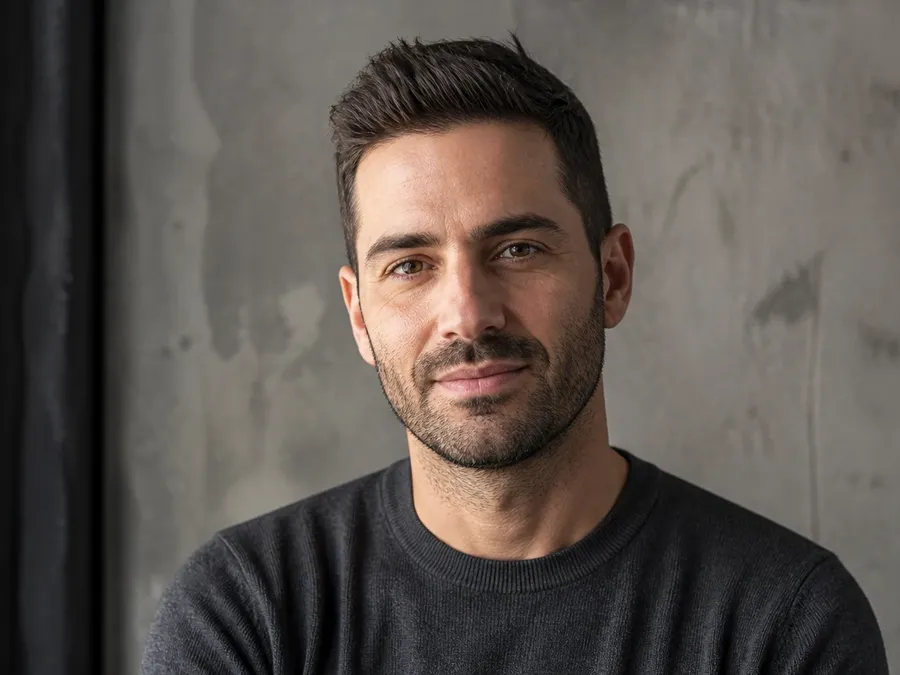
2D cartoon avatar from my photo. Clean thick outlines, simple cel shading, teal and coral palette, profile-picture framing.
Brand mascots
Create Cartoon Mascots for Brands
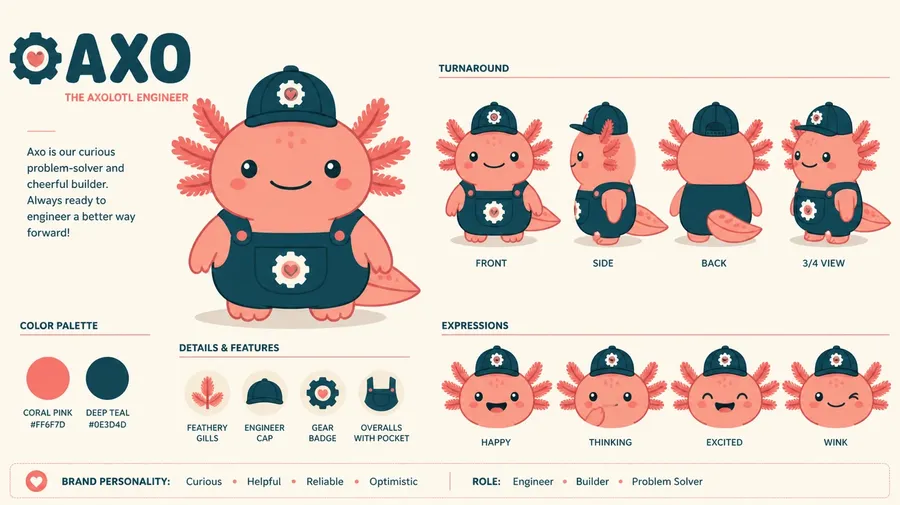
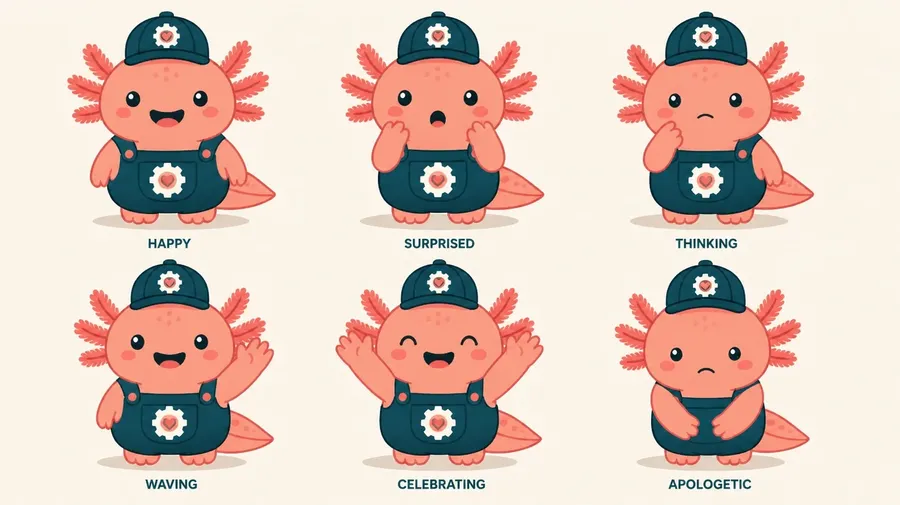
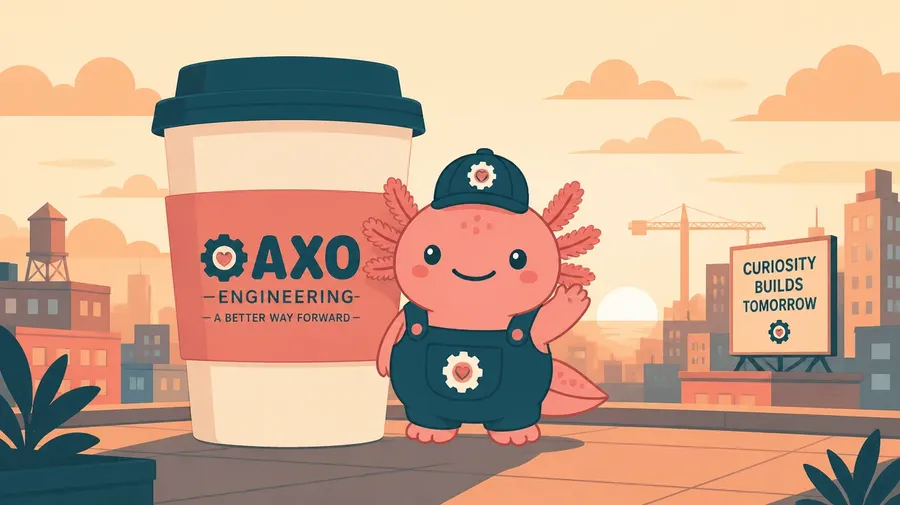
Start with a character direction and a palette, then build the set you actually need: expression variants, social stickers, campaign artwork, and scenes the mascot appears in. Use Elements or image references to help maintain a recognizable character design across different poses, outfits, and scenes.
Explore Cartoon Ideas Faster
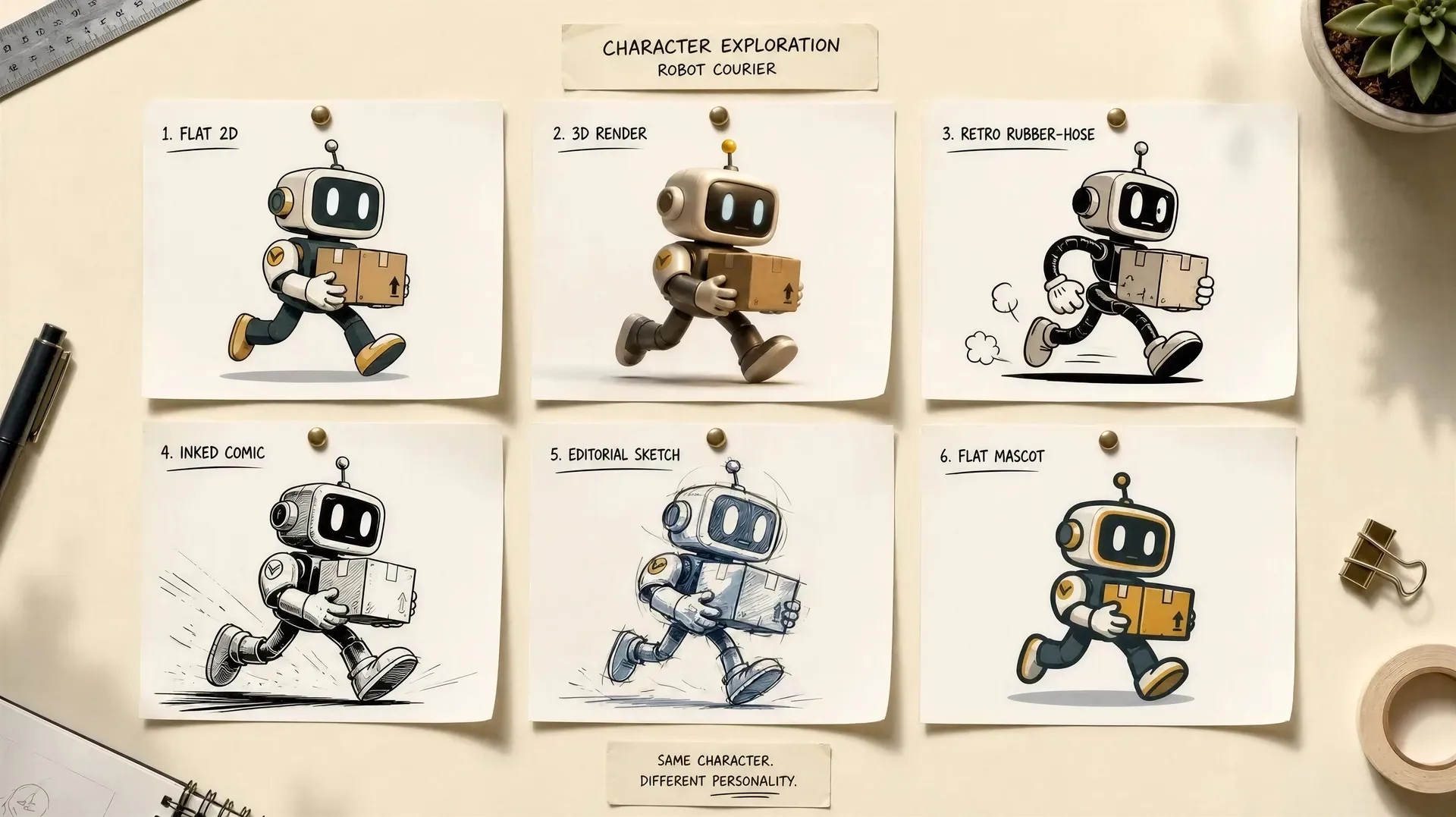
Drawing by hand gives you control over every line. Generating gives you speed and range. Early in a project, while you are still deciding who the character is and what the world looks like, range is usually what you need.
How to Write a Cartoon Prompt
The most reliable formula covers seven things: subject, character design, cartoon medium, line style, color palette, pose or action, and background. You do not need all seven every time, but each one you add takes a decision away from the model and hands it to you.
The formula
Subject + character design + cartoon medium + line style + color palette + pose or action + background. Write it as one sentence, not a string of tags.
Instead of
“cartoon woman” leaves the haircut, the face, the line weight, the colors, the pose, and the background to the model. You will get something back, but not something you chose.
Write
“2D cartoon woman with a short bob haircut, oversized round glasses, simple geometric facial features, clean thick outlines, teal and coral palette, confident pose.” Every clause there is a decision you made.
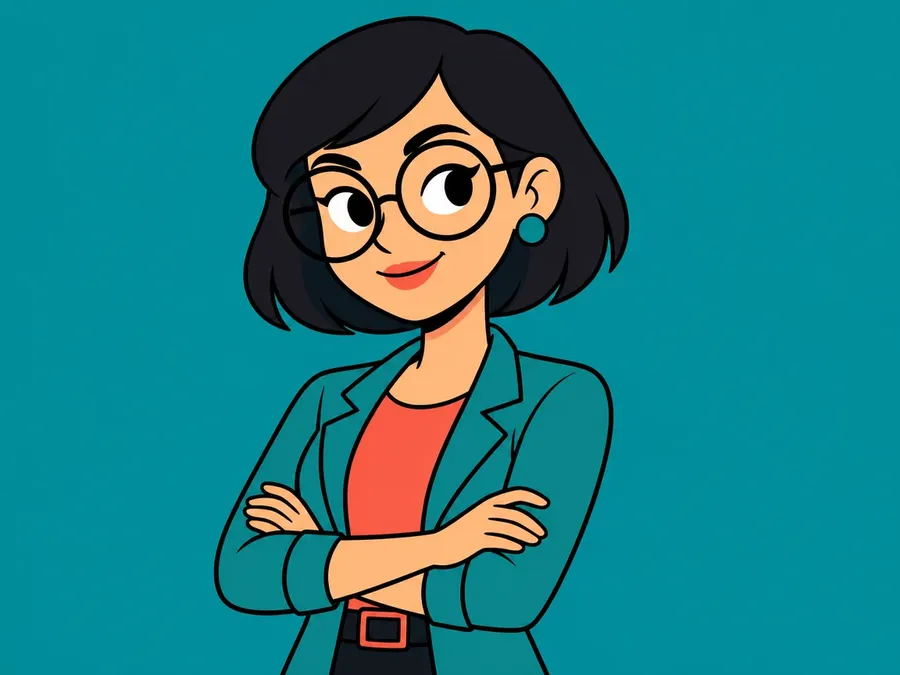
2D cartoon woman with a short bob haircut, oversized round glasses, simple geometric facial features, clean thick outlines, teal and coral palette, confident pose.
AI Cartoon Prompt Examples
Each prompt below names the visual language it wants. Copy one, swap the subject, and adjust the palette to fit your project.
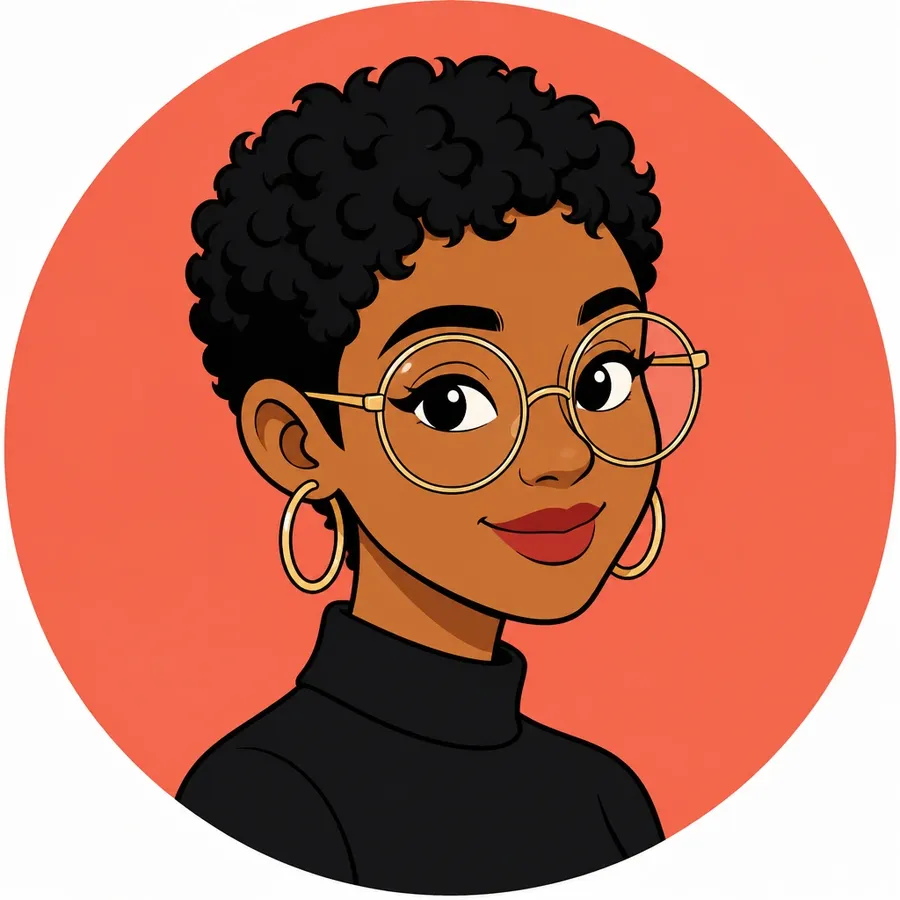
Cartoon avatar
2D cartoon portrait of a woman with cropped curly hair and oversized round glasses, simple geometric facial features, clean thick outlines, flat cel shading, warm coral background, profile-picture framing.
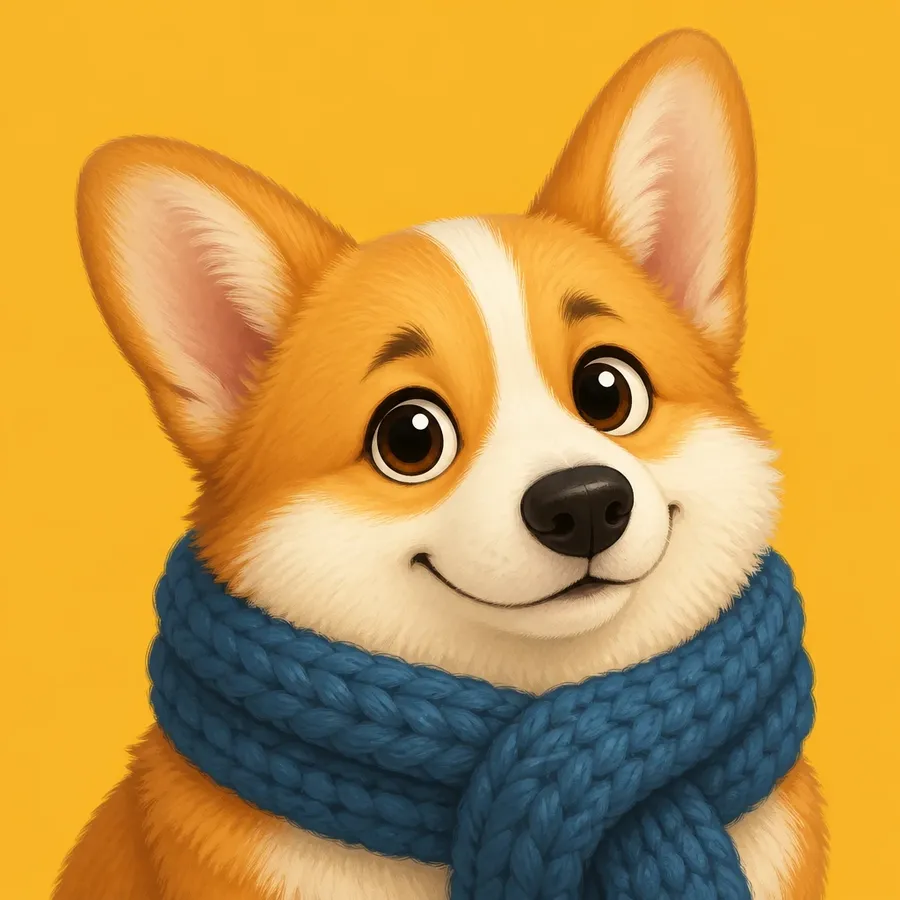
Cartoon pet portrait
Cartoon corgi in a knitted scarf, rounded shapes, soft fur texture, large expressive eyes, flat mustard background, head-and-shoulders framing, friendly half-smile.
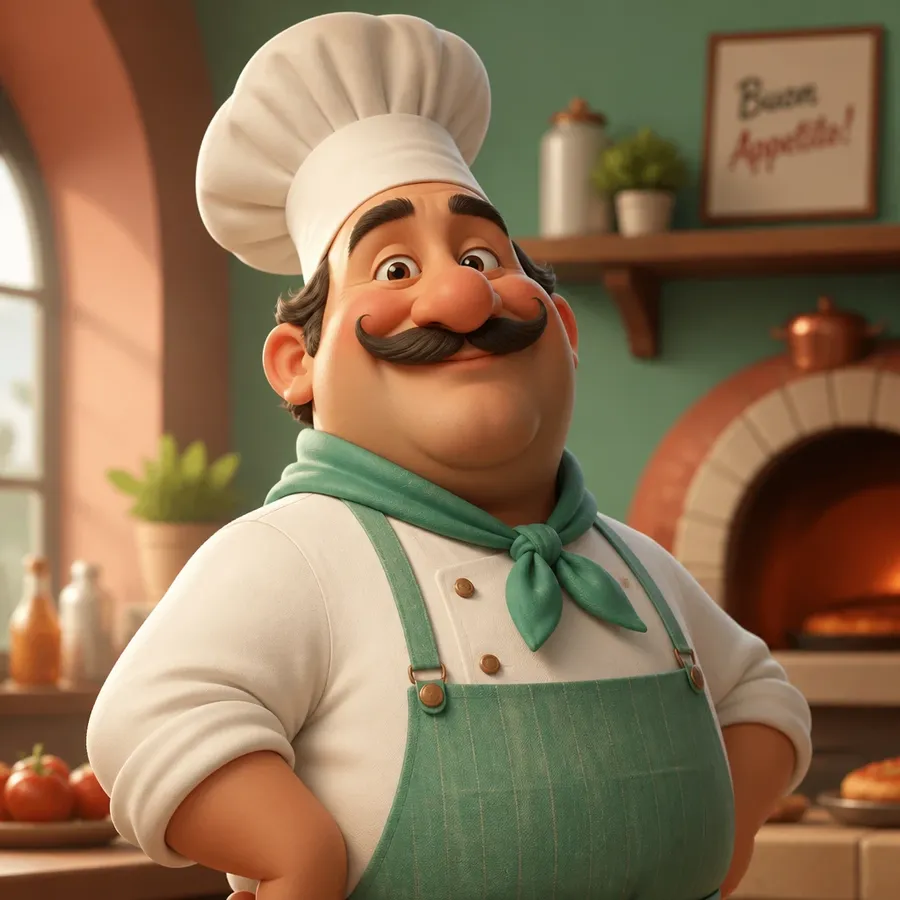
3D cartoon character
Polished 3D cartoon chef with rounded proportions and a tall hat, soft matte materials, warm key light from the left, shallow depth of field, mint and terracotta palette.
Comic book panel
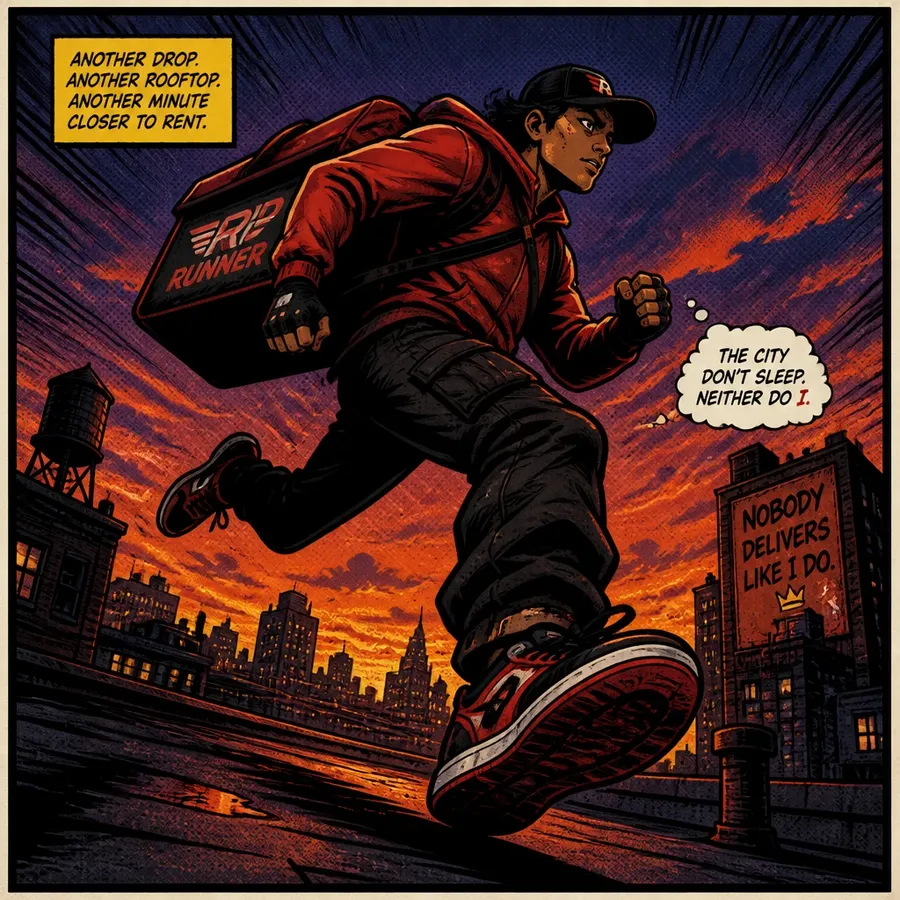
Comic book panel of a courier sprinting across a rooftop at dusk, heavy ink outlines, halftone shading, dramatic low angle, saturated orange and indigo palette, speed lines.
Meme-ready cartoon
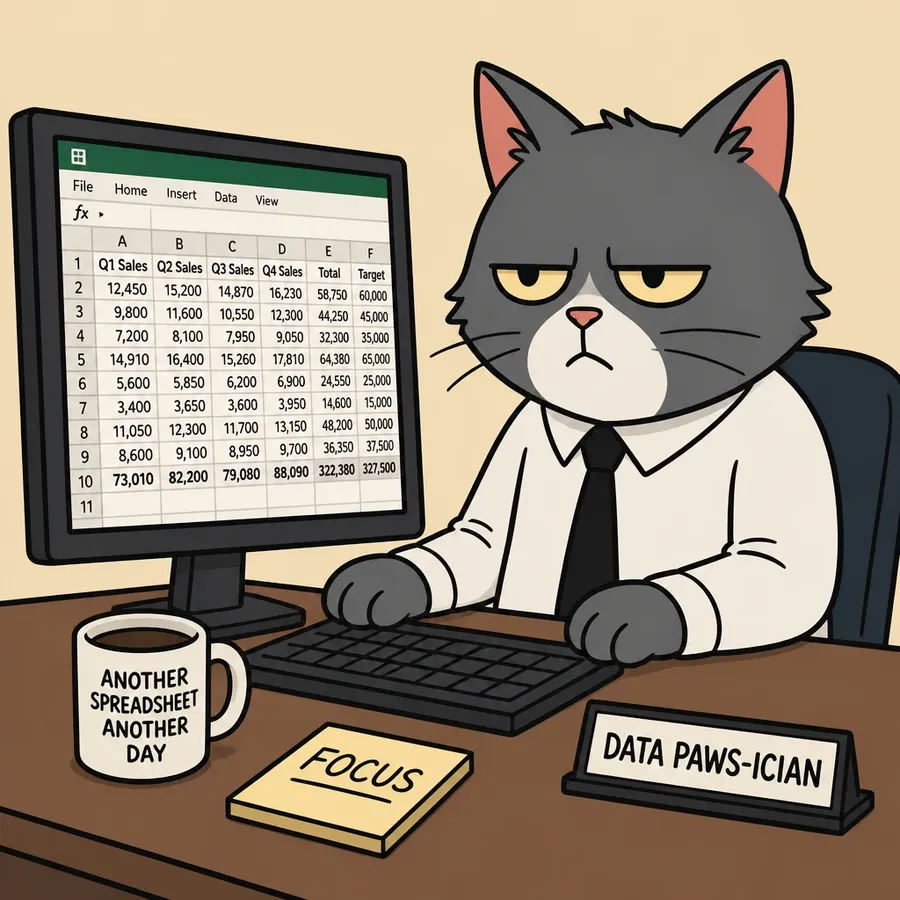
Flat 2D cartoon of an office cat staring at a spreadsheet, bold black outlines, two-tone shading, exaggerated deadpan expression, plain beige background, square composition.
Which Cartoon Style Should We Choose?
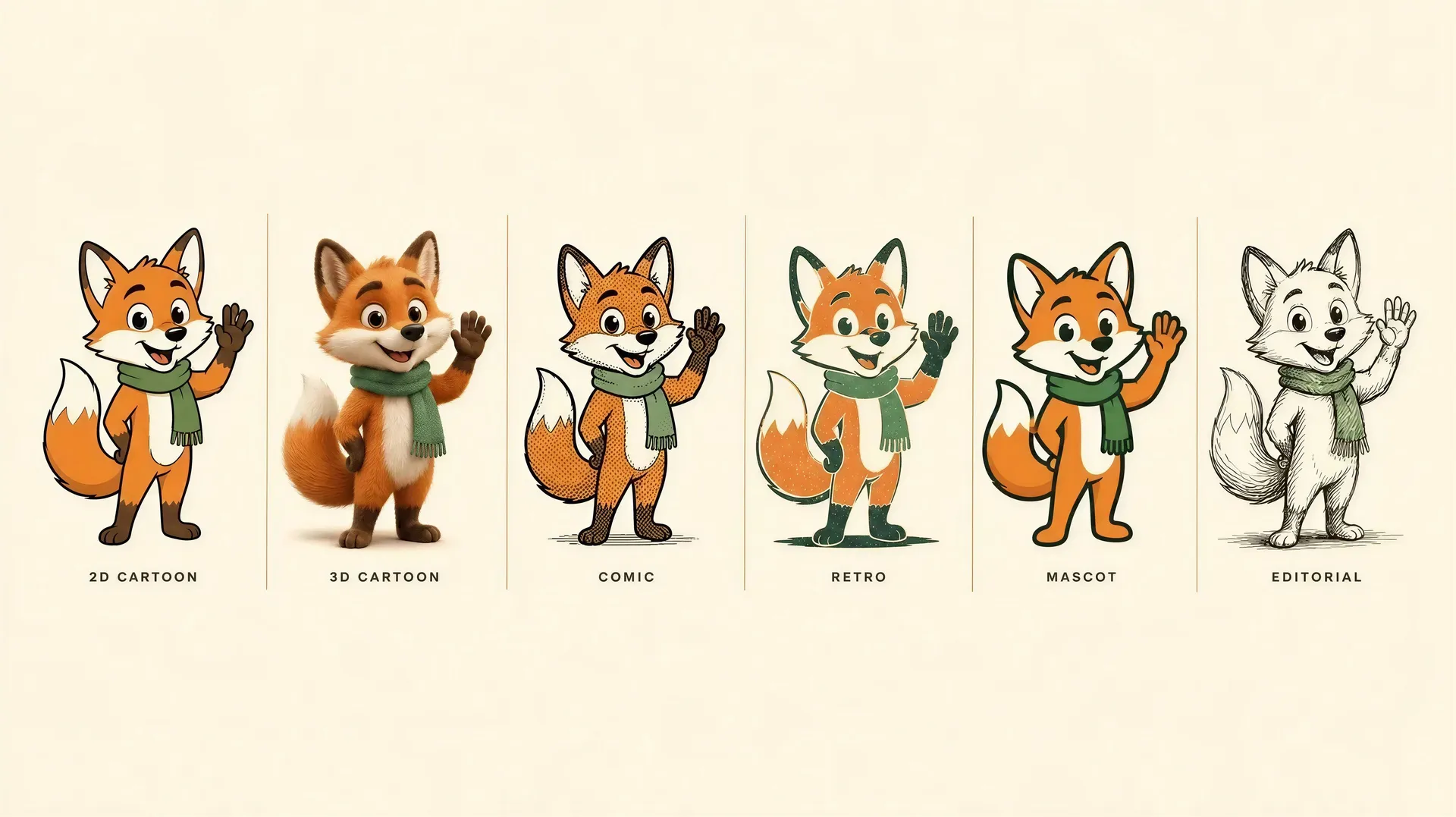
Pick the style by the job it has to do. The same character can be drawn six ways, and each one carries a different tone.
Cartoon, Anime or Caricature?
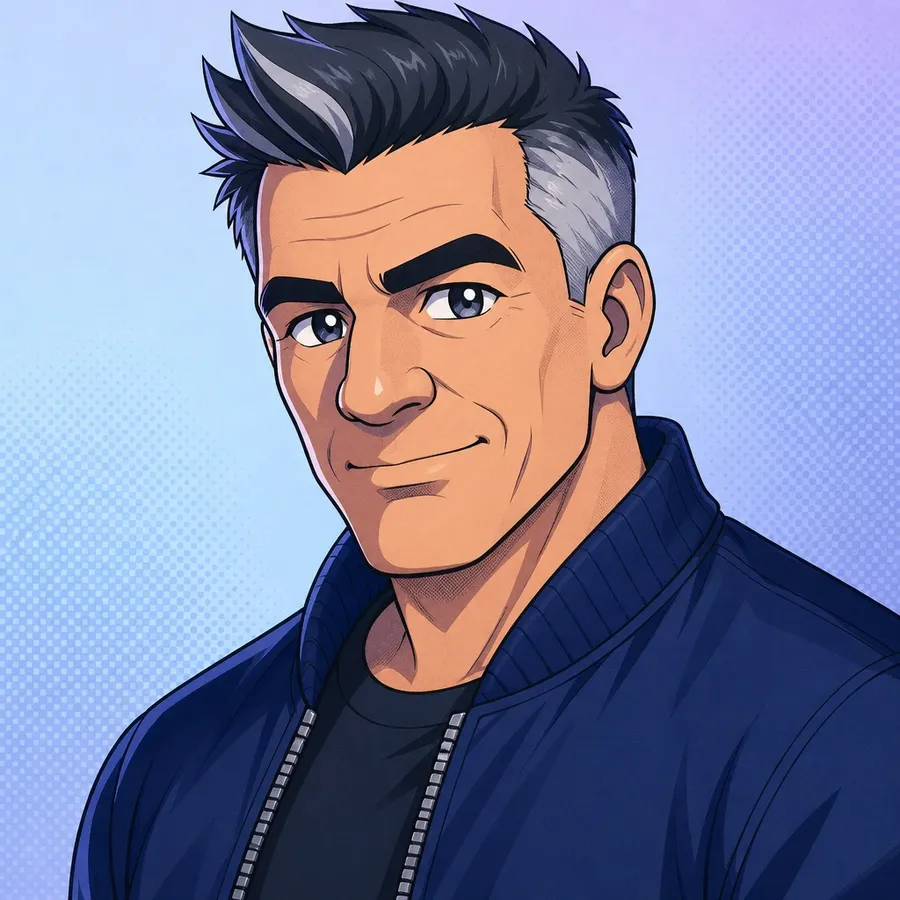
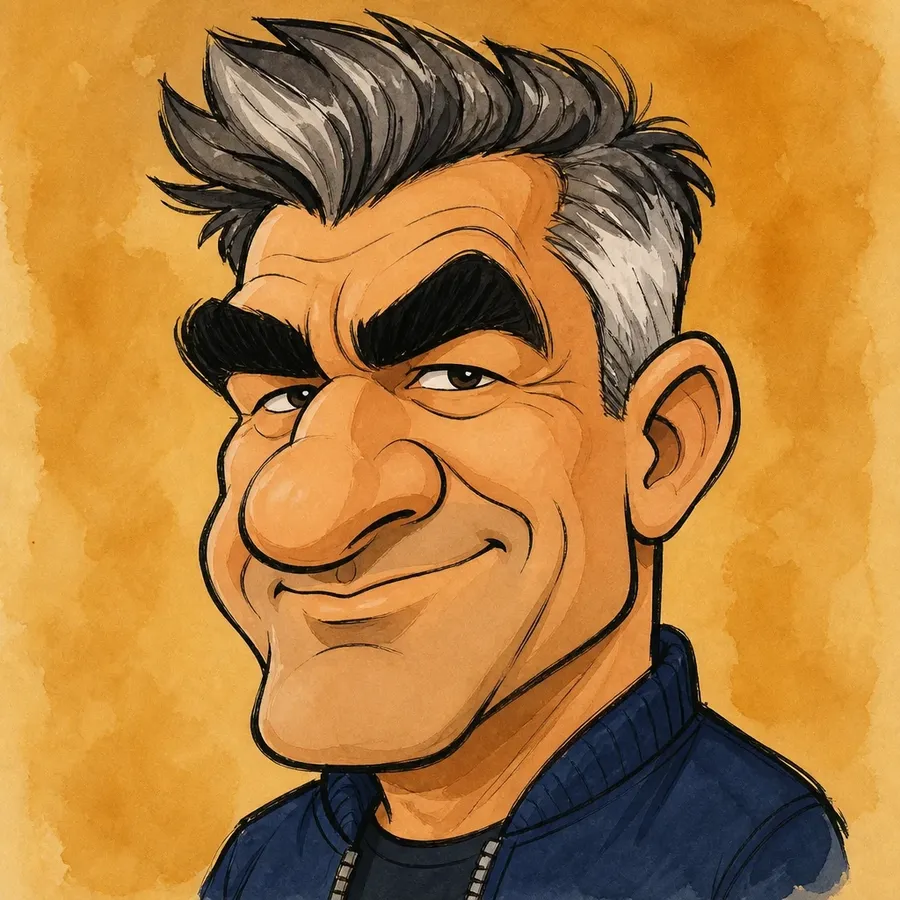
Cartoon, anime and caricature can sound like the same job, but they pull in different directions. Cartoon simplifies a subject into readable shapes. Anime follows its own set of conventions. Caricature keeps the real face and exaggerates what is already there. Go softer and you are into hand-painted storybook territory. Go wider and it becomes illustration and art direction. All of it comes out of the same prompt box, so what you change is the description, not the tool.
Cartoon
Broad cartoon styles, 2D and 3D, avatars, mascots, and photos turned into cartoons. Simplified features, readable shapes, flexible tone.
Anime
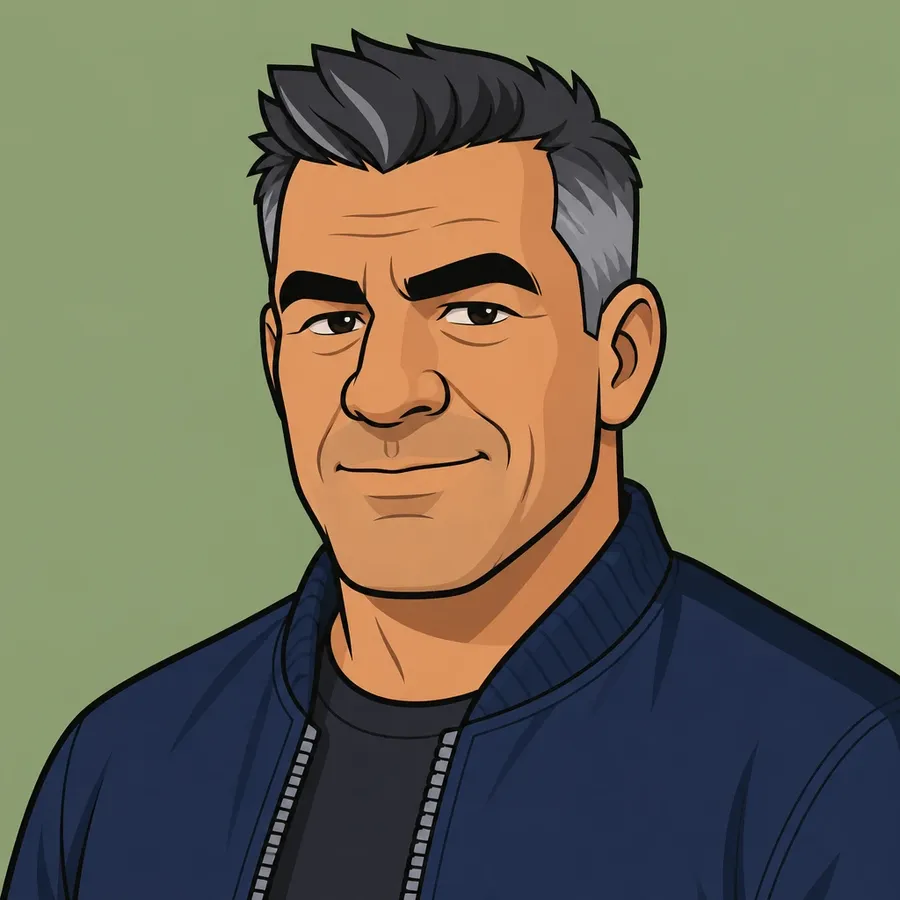
Manga and visual-novel conventions: large eyes, fine linework, screentone shading, and framing borrowed from animation.
Caricature
Exaggerated likeness. The point is to push real proportions, not to restyle the subject into a different medium.
Frequently Asked Questions
Cartoon work rarely finishes in one pass. Here you can start from text, from a photo attached as an image reference, or from both at once, then keep editing the result without moving it into another tool.
You also get a choice of image models in the same workspace, so you can run one prompt through more than one model and compare how each handles line weight, shading, and likeness. From there the image can be edited, upscaled, resized, or used as the first frame of a video.
Open Create image, attach your photo with the Reference button, and describe the cartoon direction you want. Naming visual traits beats naming a show: “flat 2D cartoon, bold black outlines, simple geometric features, bright cel-shaded color” gives the model something concrete to follow. The same flow covers broader image editing once the cartoon exists.
Generate a few versions, compare them, and adjust the description if you want to change the pose, expression, line weight, or palette. Stylization shifts some facial detail by design, so aim for a result that keeps the subject recognizable rather than one that matches the photo detail for detail.
Paid plans include commercial usage rights for the content you generate, under our terms of use. That covers client work, merchandise, social campaigns, and branding.
Those rights apply to your generated content. They do not grant permission to use someone else's characters, logos, trademarks, or other protected material, and a cartoon built around an existing franchise stays that franchise's property regardless of how it was made. For commercial projects, build around original concepts or assets you already hold the rights to.
Anything you can put in visual terms. Flat 2D animation with bold outlines and cel shading, polished 3D characters with soft materials and cinematic light, retro rubber-hose cartoons with limited palettes and paper grain, comic art with ink linework and halftone shadows, loose editorial cartoons, and clean mascot designs built around a strong silhouette.
Describing the traits instead of naming a studio gives you more control and leaves you with an original concept. If what you actually want is manga and visual-novel conventions, large eyes and screentone shading and all, ask for anime instead.
No. Short, plain-language descriptions work, and prompt enhancement fills in what you leave out. Most people get a usable result from one sentence and tighten it from there.
Experience does help you ask for the right things. If you already think in line weight, palette, and composition, you will get where you are going faster, which is why the style notes on this page are written in those terms.
Cover subject, character design, cartoon medium, line style, color palette, pose or action, and background. “Cartoon dog” leaves all seven to the model. “Cartoon corgi in a red cape, rounded shapes, thick clean outlines, flat cel shading, bright yellow background, mid-stride running pose” leaves none of them.
Then iterate. Change one clause at a time so you can see what each change does. There are more worked examples in our prompt guide.
Start with a photo or a prompt
Create from text, transform photos, and explore several cartoon directions without switching tools. Start with a simple prompt and add more control only when you need it.