AI Action Figure Generator: Turn Photos or Prompts into Toy Mockups
Upload a photo or describe a character, then generate the figure
getimg.ai's AI Action Figure Generator turns a text prompt or a reference photo into a collectible-style action figure image, including the figure, its accessories and optional toy packaging. It creates visual mockups and product-style renders, not printable 3D models, STL files or manufacturing-ready meshes. Upload a photo when you want the figure to resemble a specific person, or start from text to build an original character, then choose the outfit, accessories and packaging direction and generate.
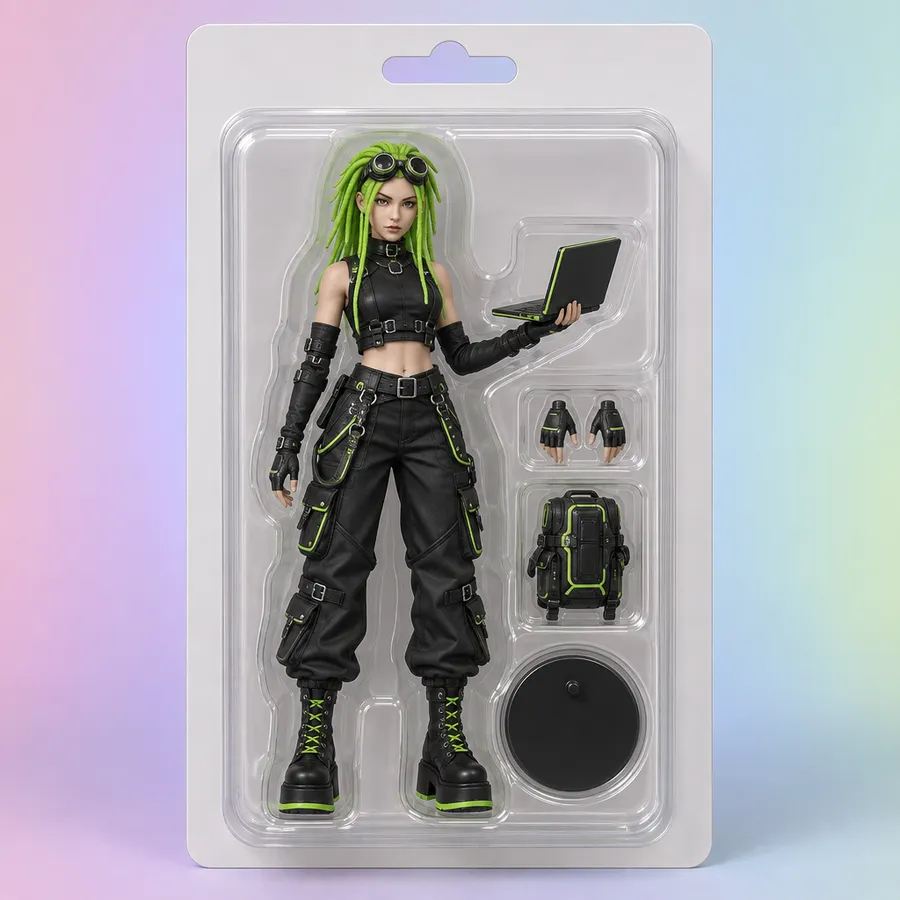
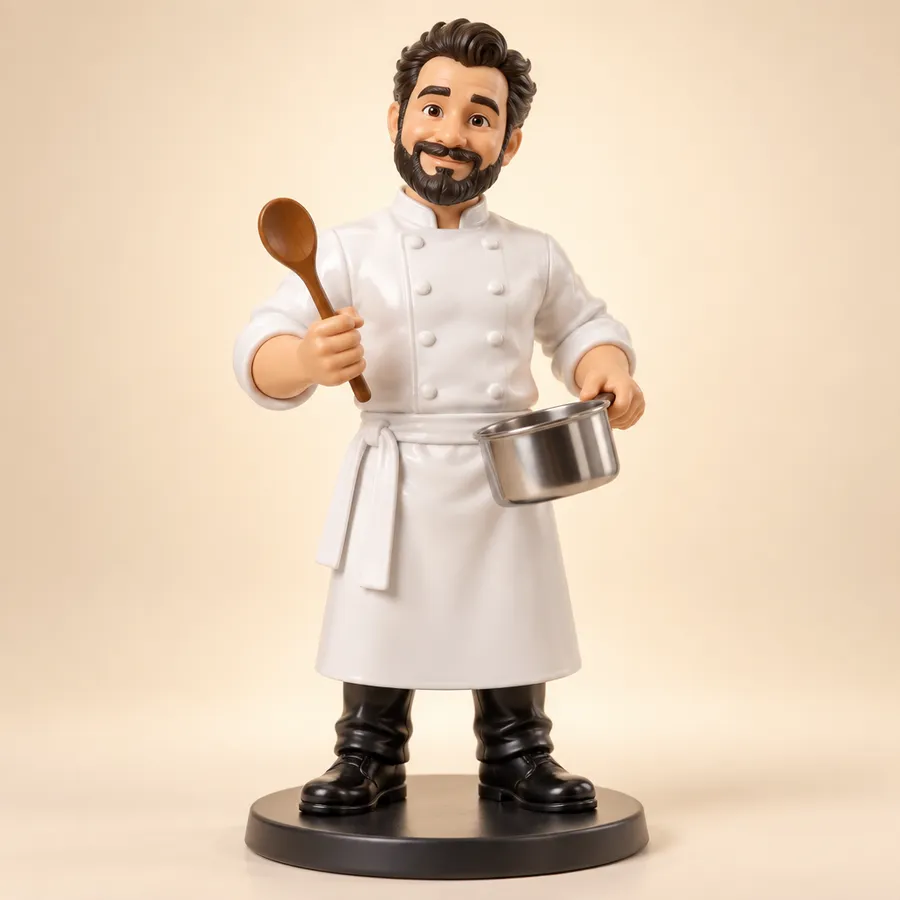
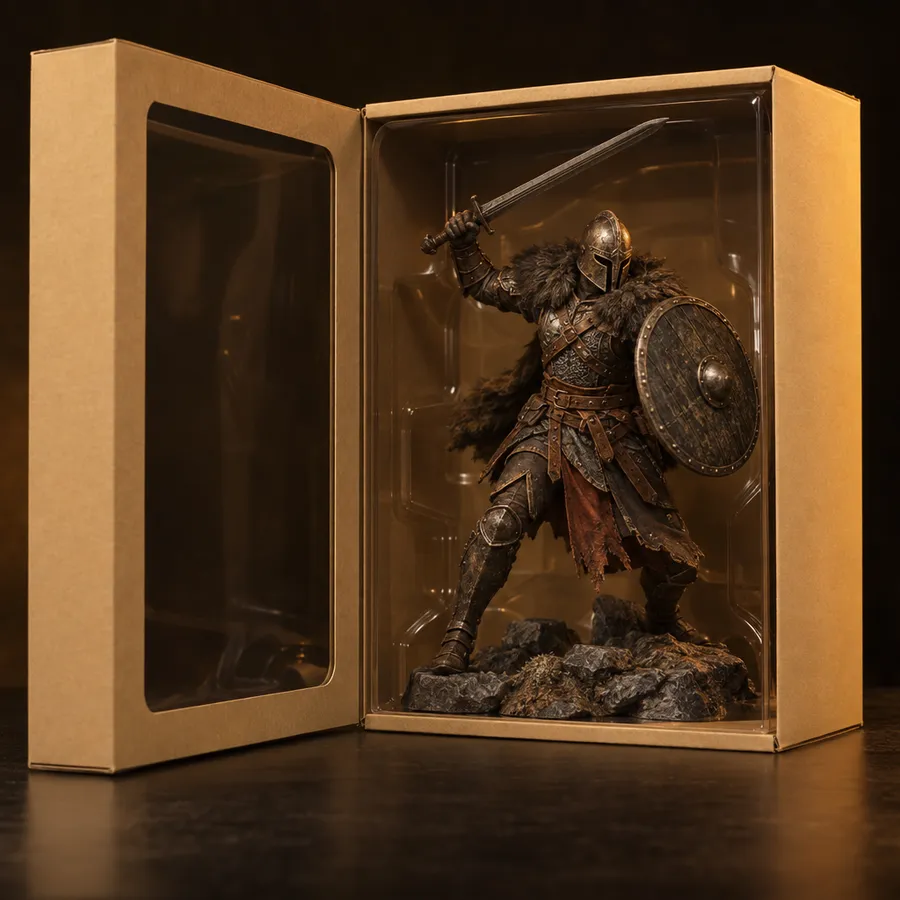
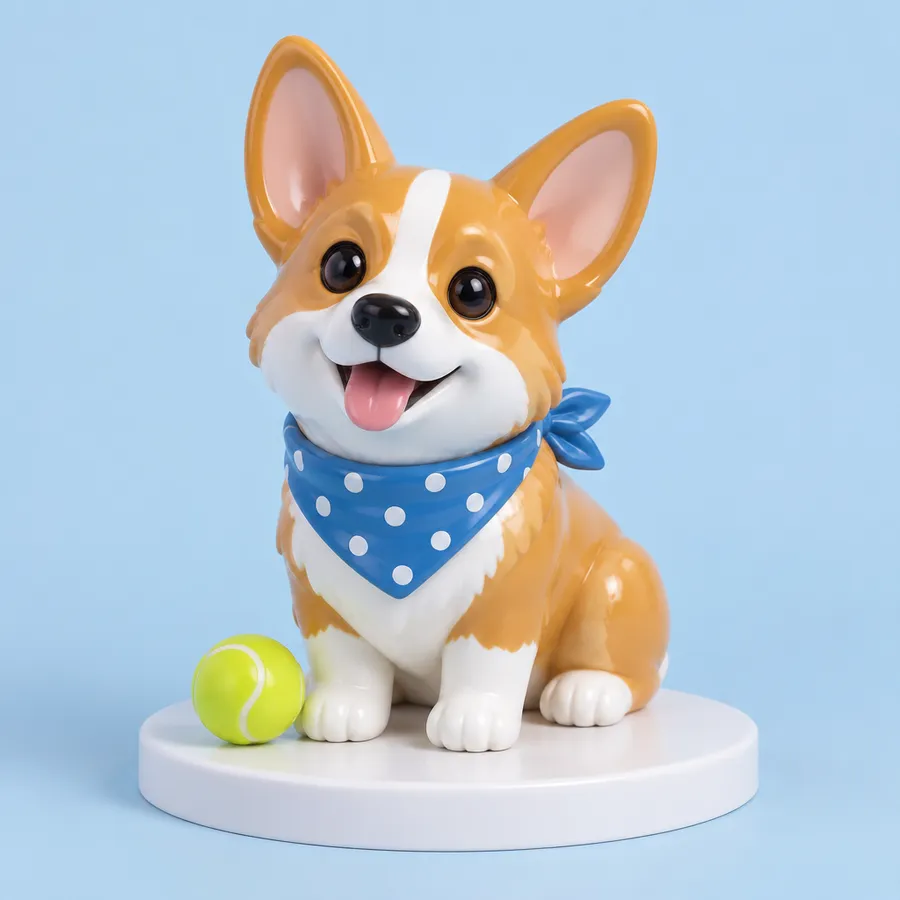
How to make an action figure with AI
From a photo or a prompt to a finished figure image, in four steps.
1. Open Create image
Go to Image, then Create image, and start in the prompt box. Leave the model on Auto and getimg.ai picks the right one for the job.
2. Add a photo or start from text
Attach a clear portrait or full-body photo as a Reference to guide the likeness, or skip it and describe an original character. Image References covers the upload options.
3. Describe the figure
Include the details that matter most: appearance, outfit, pose, accessories, packaging style and label. Skip the filler adjectives.
4. Generate, then refine
Generate several versions at once, pick the strongest, then edit it or run it through the Image Upscaler before you post it.
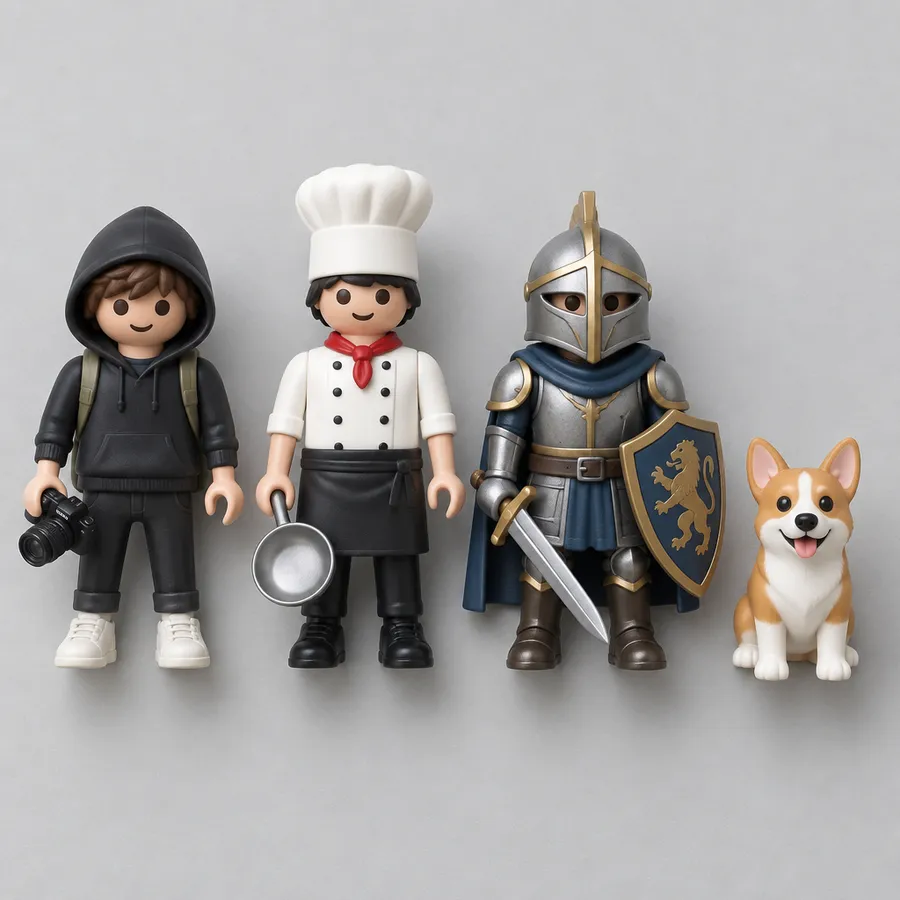
Turn your photo into an action figure
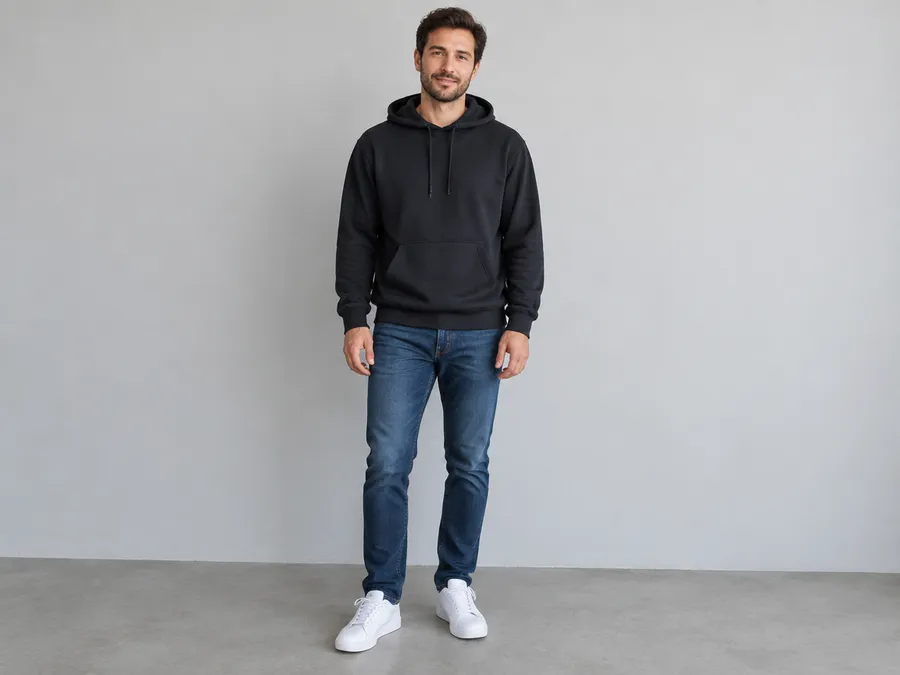
Attach a clear photo as a Reference, then describe the toy material and style, the outfit, the pose, the accessories and the package design. A reference photo carries the likeness far better than describing your own hair and clothes from scratch, and getimg.ai Image References can guide a face, a person, an object or a style without you spelling out every detail.
A reference image guides the likeness, but stylization still shifts facial details, so treat the output as recognizable rather than an exact match. Use a full-body photo when you want the complete figure visible: a face-only source leaves the model to invent the body, outfit and proportions.
Customize the figure, accessories and packaging
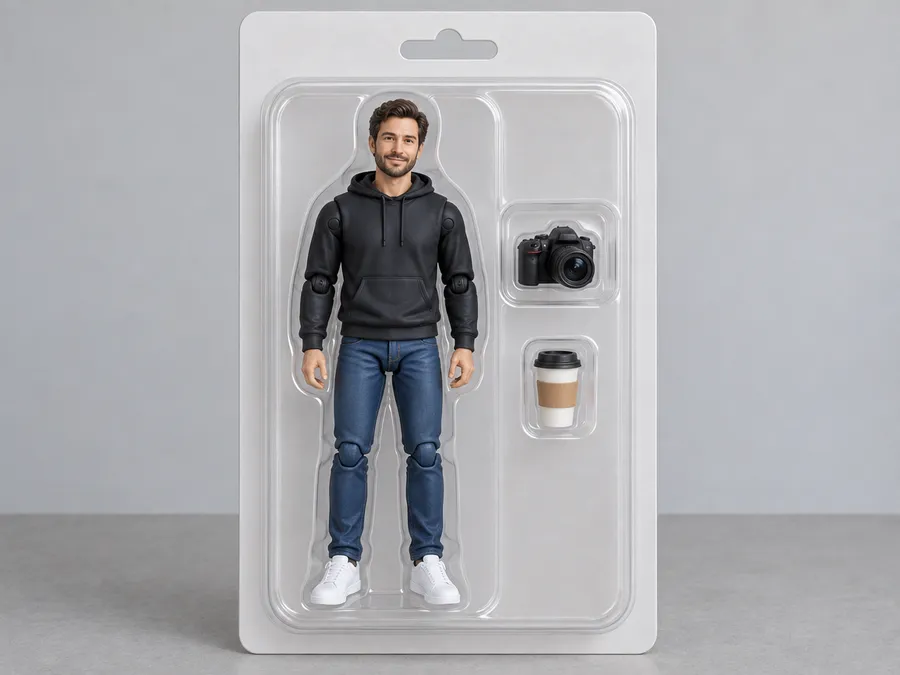
You direct every choice: outfit, hairstyle, pose, props, color palette, packaging style, label text and background. Want your figure in a gold tracksuit holding a coffee and a corgi, or a fantasy warrior with a sword and a saxophone? Type it in and the whole scene gets built, from the blister tray to the shelf backdrop. One tip on packaging text: keep labels short and review the spelling before you share the final image.
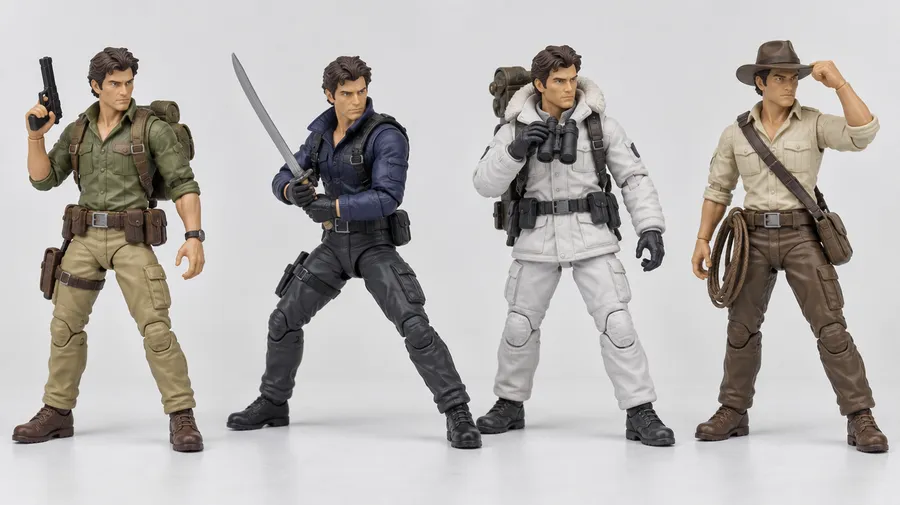
Create the boxed action figure look
The boxed-figure format that took over social feeds is still one of the most requested outputs here: a figure sealed in a blister pack, accessories slotted beside it, a nameplate across the bottom. Ask for "plastic blister pack", "collector box" or "display stand" and say which one you mean.
Packaging text is the part to watch. Current models render short words well and long ones inconsistently, so keep labels to one or two words and check the spelling before you share the image.
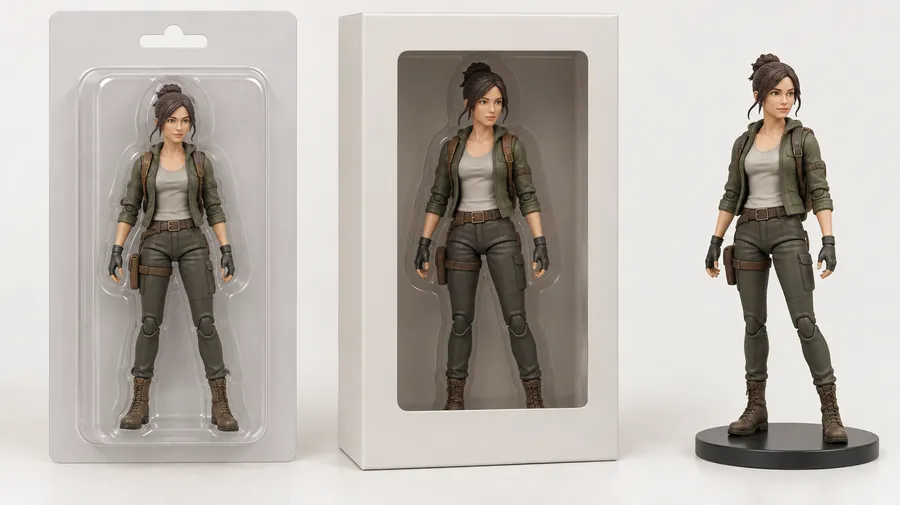
AI action figure prompt examples
A working prompt names the same eight things every time: subject or reference, figure material and style, pose, outfit, accessories, packaging type, label, background and product-photography lighting.
From a photo
Attach the photo as a Reference, then describe what the figure adds on top of it.
Creator starter pack: collectible action figure of the person in the reference photo, matte plastic with visible joints, standing pose, hoodie and sneakers, accessories include a camera, a ring light and a coffee cup, sealed in a blister pack with a short nameplate, soft studio gradient background, product photography lighting.
How to get better action figure results
Most weak outputs come from the same handful of prompt gaps. These six fixes cover almost all of them.
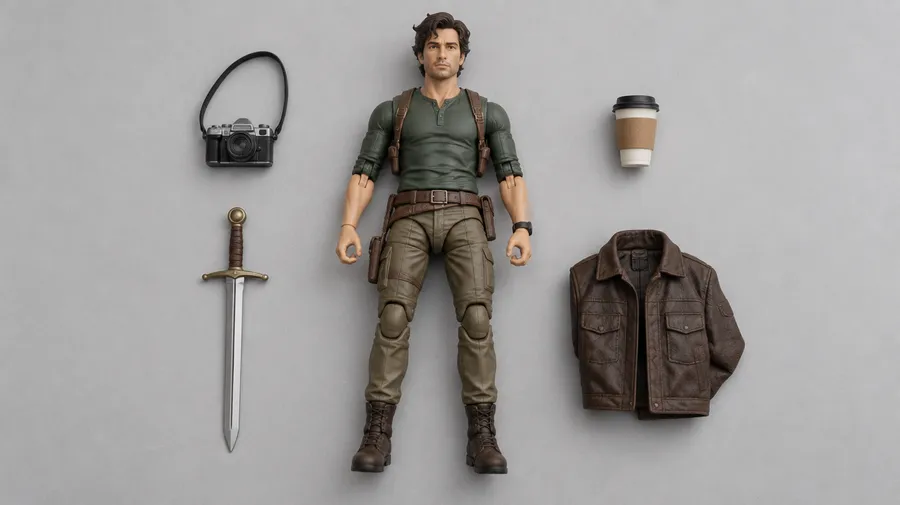
Generate the figure, then keep refining it
A first generation is a starting point, not the end of the job. Feed the result back in as a reference to swap an accessory, change the outfit, rewrite the nameplate or replace the background. Upscale the version you want to print or post, then animate it if the figure deserves a turntable shot. Generation, editing, upscaling and video all live in the same workspace, so nothing gets re-uploaded between steps.
Frequently Asked Questions
Yes. Open Create image, attach your photo as a Reference, and describe the figure built from it: the toy material and style, the outfit, the pose, two or three key accessories, the packaging type and the label. A solid color or soft gradient background reads closest to real product photography.
Use a full-body photo when you want the complete figure visible. A face-only source means the model has to invent the body, outfit and proportions, which drifts further from your reference.
No. The output is an image: a collectible-style render or product mockup of a figure, not an STL file, a 3D mesh or anything a printer or factory can use directly.
That distinction matters because "action figure", "figurine" and "3D collectible" get used interchangeably online. getimg.ai produces boxed action-figure mockups and figurine-style renders with 3D-style lighting, which you can post, print flat, or hand to a sculptor as a concept reference.
Yes. Outfit, hairstyle, pose, props, color palette, packaging style, nameplate text and background are all directed from the prompt. Say whether you want a blister pack, a collector box or a display stand, and name three to five accessories rather than a long list.
Keep the nameplate short. Current models handle one or two words reliably and longer strings inconsistently, so review the spelling before you share the final image.
Yes. Text to image generation needs no reference at all. Describe the character, the toy treatment and the packaging, and the figure is built from the description alone. This is the route for original characters, mascots and concepts that do not exist yet.
Attach a well-lit photo where the face is unobstructed, and avoid heavy stylization words like "cartoon" or "caricature" unless you want them. Stating a realistic toy material, such as matte painted plastic, holds features better than a highly stylized finish.
Even so, a reference guides likeness rather than locking it. Expect a recognizable figure, not an identical one. For a face you reuse across many generations, save it as an Element and call it with @ in every prompt.
Yes, and it works the same way as a person. Attach a photo of the pet as a Reference, describe the vinyl or plastic finish, the pose, a couple of accessories such as a collar or a toy, and the packaging. Pets with distinctive markings come out closest to the reference.
Yes. Use the generated image as a reference and describe the change: swap an accessory, recolor the outfit, rewrite the nameplate or replace the background. The Image Editor keeps the original, so every edit produces a new version rather than overwriting what you had.
When the figure is where you want it, the Image Upscaler takes it up to 2x resolution with added detail.
Yes. Take the finished figure image into Image to Video and describe the motion, such as a slow turntable rotation or a camera push toward the packaging. Image and video generation share the same workspace, so nothing needs re-uploading between steps.
It started as people generating images of themselves, their friends or invented characters as boxed toys, complete with blister packaging, props and a nostalgic toy-aisle look. It spread because the format is instantly readable and endlessly variable.
It was never about producing real toys. The output is an image that looks like one, which is exactly what this generator makes today, with or without a reference photo.
Commercial rights are included on paid plans, subject to our Terms and use restrictions. Those restrictions cover copyrighted characters, trademarked toy lines and other people's logos, so a paid plan does not make every generated figure safe to sell on merchandise.
Turn yourself into an action figure
Create a custom boxed figure with your own look, outfit, accessories, and packaging in just a few clicks.