Topaz Photo AI, all three models in one plan
Restore old scans, prep prints, sharpen e-commerce shots. Scale up to 16K.
From an old scan to a gallery print.
Access 48+ leading AI models. Pay for one subscription.


When the file is too small for the job
Upscaling beats a reshoot, a recrop, or a low-res compromise.
-1920x983.webp)
Upscale instead
Open Upscale image
Find it in the getimg.ai sidebar.
Drop your photo
One file or a folder.
Pick a model and target
Match the resolution to the spec.
Without an upscaler
- Check the source resolution
- Realize it's too small
- Search for a higher-res version
- Hit dead ends
- Try a manual resize
- Add a sharpen pass
- Compare to the spec
- Still not sharp enough
- Push the deadline back
Pick the right Topaz for your source
Three jobs, three models.
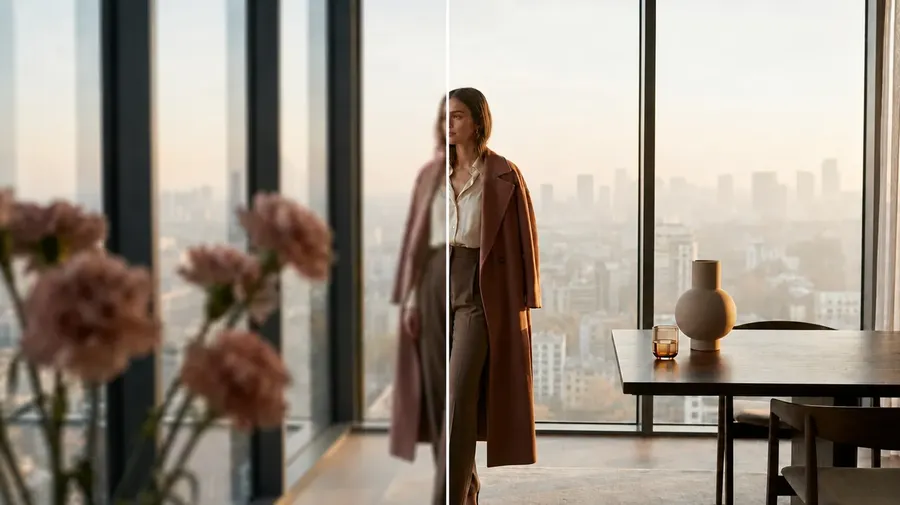
From web-sized to print-ready
Web photos often arrive at 1500 pixels wide. Fine for a feed, too small for a print run. A Topaz pass takes them to print resolution without going back to the original shoot. The web file stays where it is; the larger version lands in your gallery alongside it.
-300x372.webp)
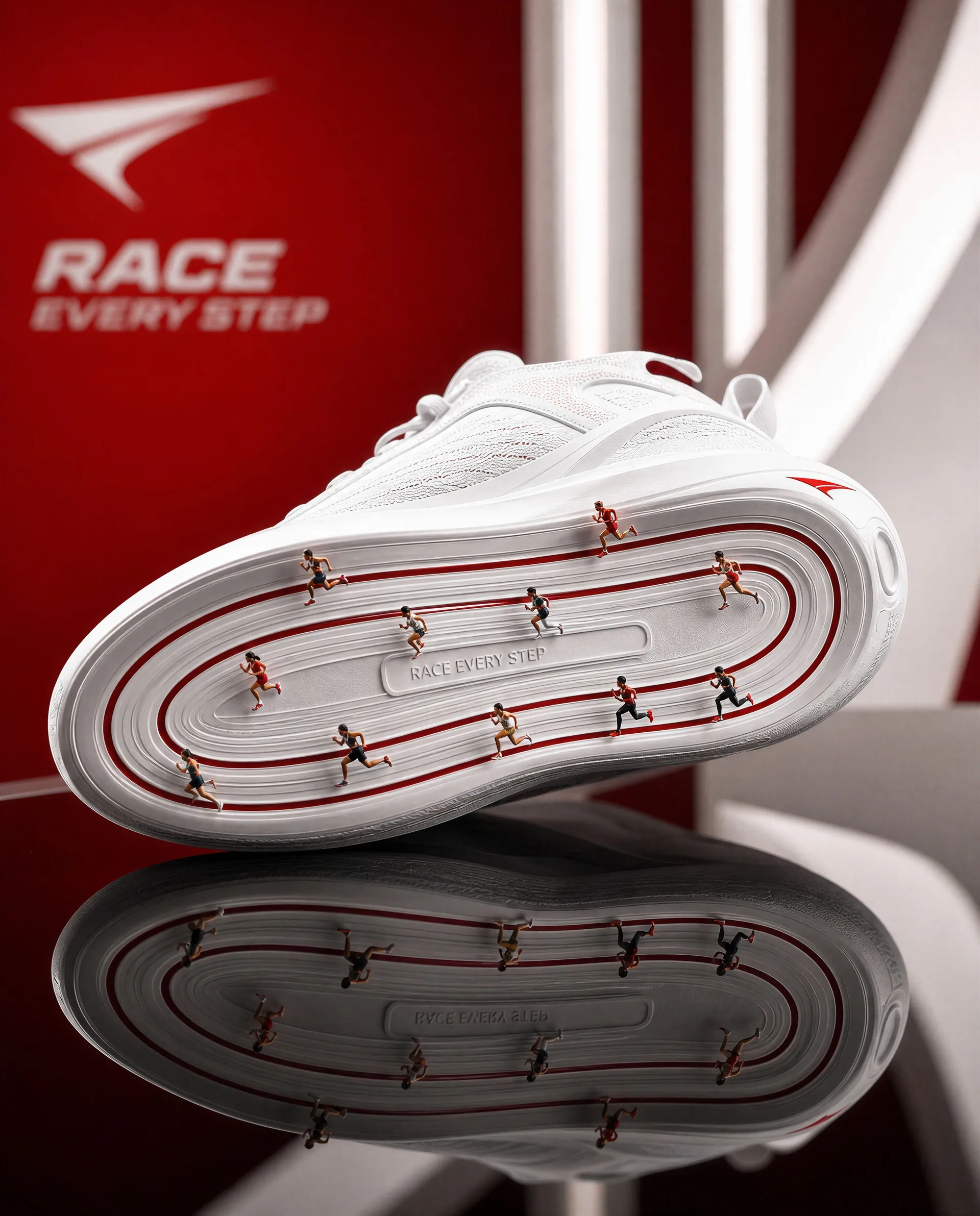
What you get with Topaz on getimg.ai
Three answers for the questions people ask first.
Done in minutes
Cloud GPUs handle the work. Most photo upscales finish before you switch tabs. No render queue, no local hardware required.
Print to gallery scale
A 4K Topaz upscale handles magazine prints. 16K handles billboards and gallery wall pieces. Match the target to the deliverable.
No add-ons, no lock-in
One subscription covers Topaz upscaling plus AI image generation, editing, and background removal. No per-upscale fees or per-model surcharges.
Frequently Asked Questions
Phone shots, DSLR exports, scans of prints and slides, screenshots, AI-generated images, product catalog photos, social downloads.
Photography, illustrations, anime, and graphic design all upscale. Photography-heavy subjects (skin, fabric, surfaces) benefit most from Bloom 2.
Wonder 3 is built for hard sources. Heavy JPEG compression, faded prints, small scans, blurry archives. Usable as input as long as some detail remains in the file.
The model fills in what the source can no longer provide. Creative reconstruction can invent texture that wasn't there originally, useful for personal restoration and less right when forensic accuracy matters.
Standard 2 supports 2K and 4K. Bloom 2 and Wonder 3.5 scale up to 16K on select files. A 1000 by 1000 source at 4K becomes 4096 by 4096; at 16K, 16384 by 16384.
A 4K upscale prints cleanly at A3 (about 12 by 17 inches). 8K covers A2 and A1 for posters and gallery wall pieces. 16K handles billboard-scale prints and large-format gallery work.
Source quality matters more than target size. A sharp 1000-pixel source on Bloom Realism beats a heavily compressed 3000-pixel source on the same model.
Yes. Drop a single file or a folder of photos; the files process together. Useful for refreshing a campaign, restoring a stack of family scans, or prepping an e-commerce catalog in one pass.
Yes. Upscale first for cleaner edges, then remove the background for a sharper transparent PNG. Both tools read from the same gallery, no re-upload between them.
Yes, on a paid plan. Commercial rights cover everything you upscale, generate, or edit in getimg.ai, including Topaz output. Suitable for client work, e-commerce, ads, and print.
Pick a photo. Pick a model. Done.
Upscaled file in your gallery, alongside the source.