AI Canvas for Editing and Expanding Images
Edit inside the frame. Extend beyond it.
getimg.ai's AI Canvas workflow lets you edit existing images with text instructions and extend them beyond their original frame with AI outpainting. Use image editing to change what's inside the frame, or Resize Image with Outpainting to create new space around the original.
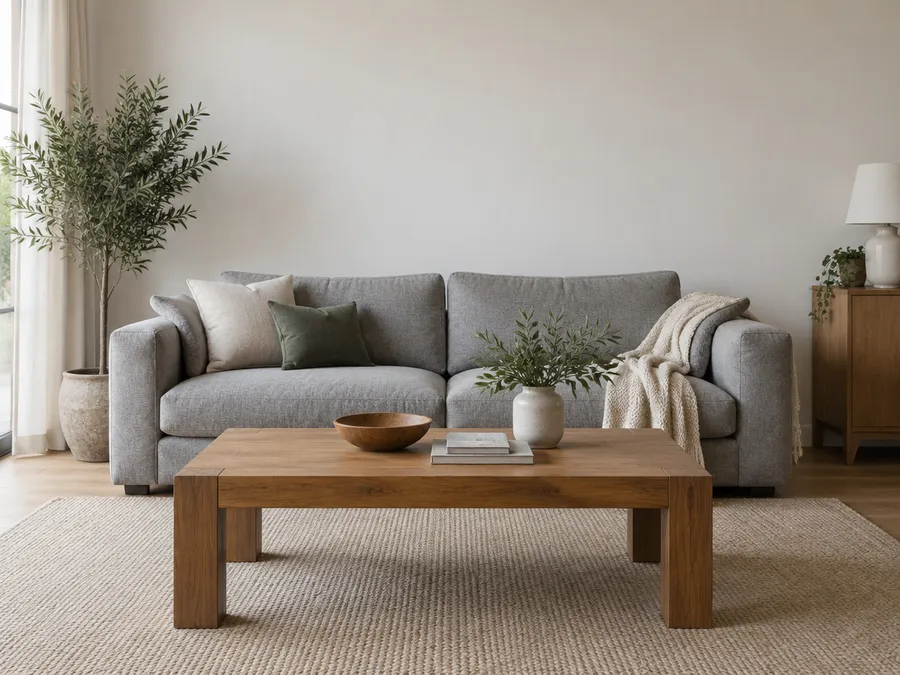
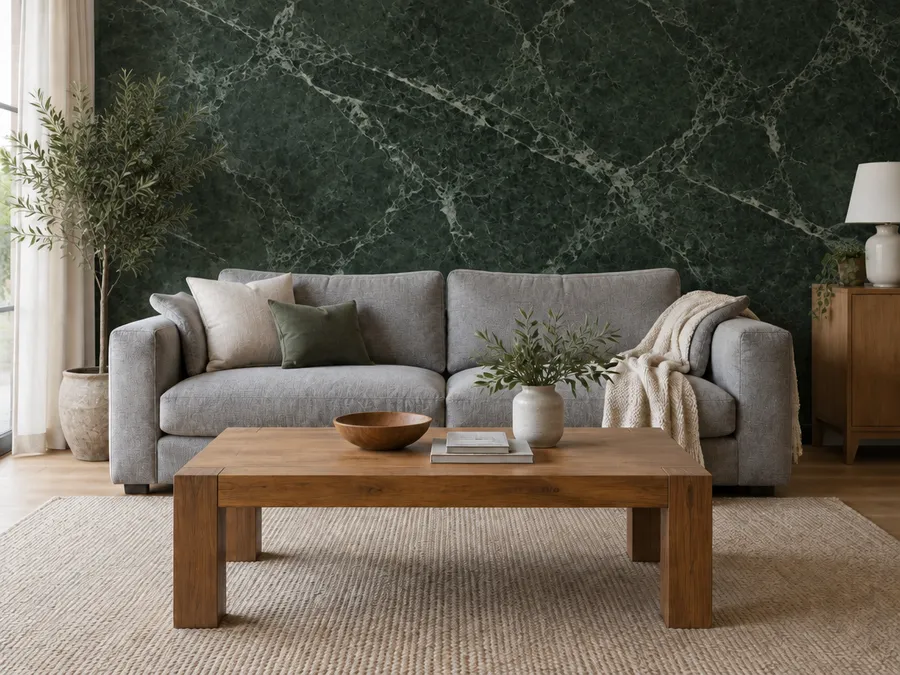
Edit inside the image
Change what's already in the frame
Attach an image in the Content Generator and describe the change. Add, remove, or replace an object. Swap a background. Change an outfit or a material. Restyle a photo as an illustration. Each edit produces a new version, so the original stays in your gallery.
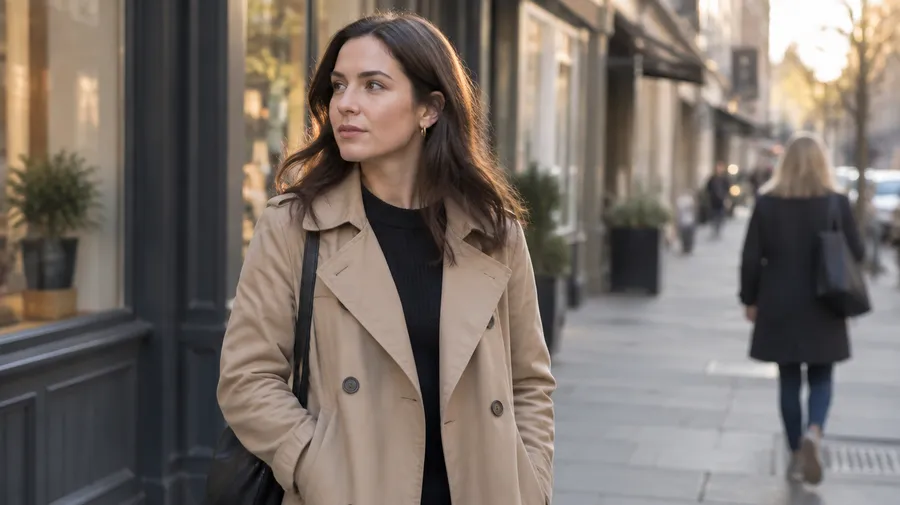
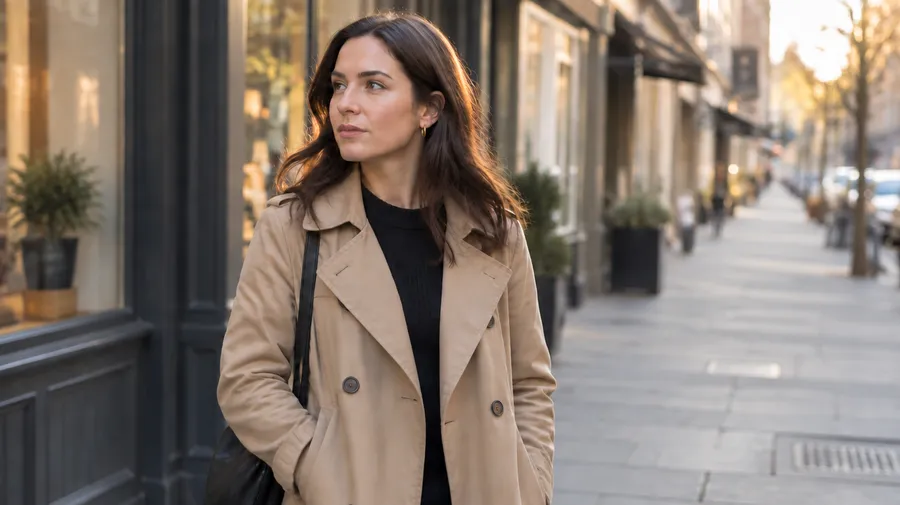
What can you do with AI Canvas?
Two operations, four outcomes. Editing changes what is already in the frame. Outpainting generates new content beyond the original edges.
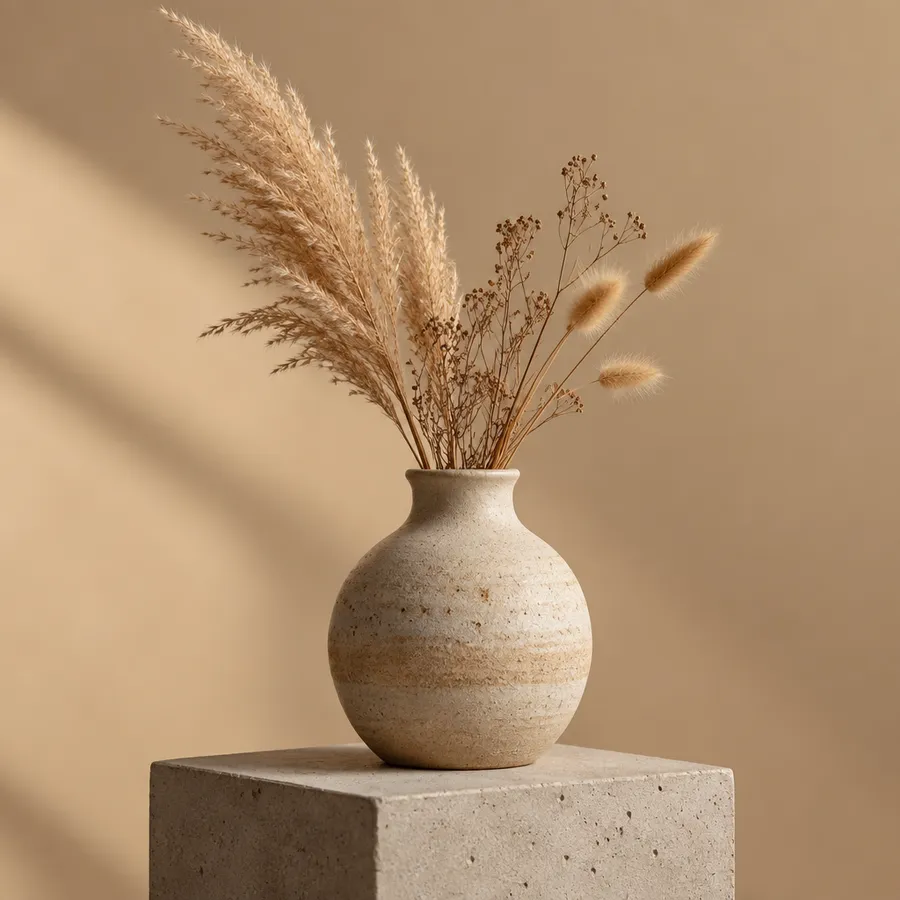
Edit inside an image
Change objects, clothing, backgrounds, or styles by describing the change in the Content Generator.
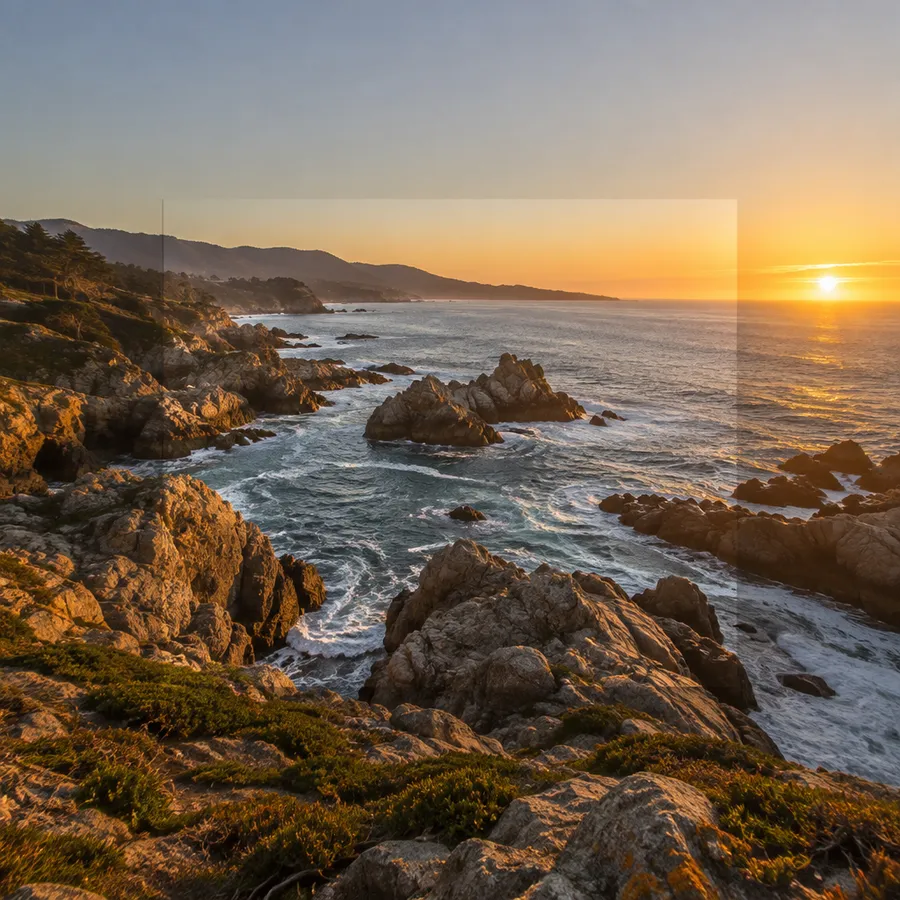
Extend beyond the frame
Open Resize Image, switch to Outpainting, and generate new scenery around the original.
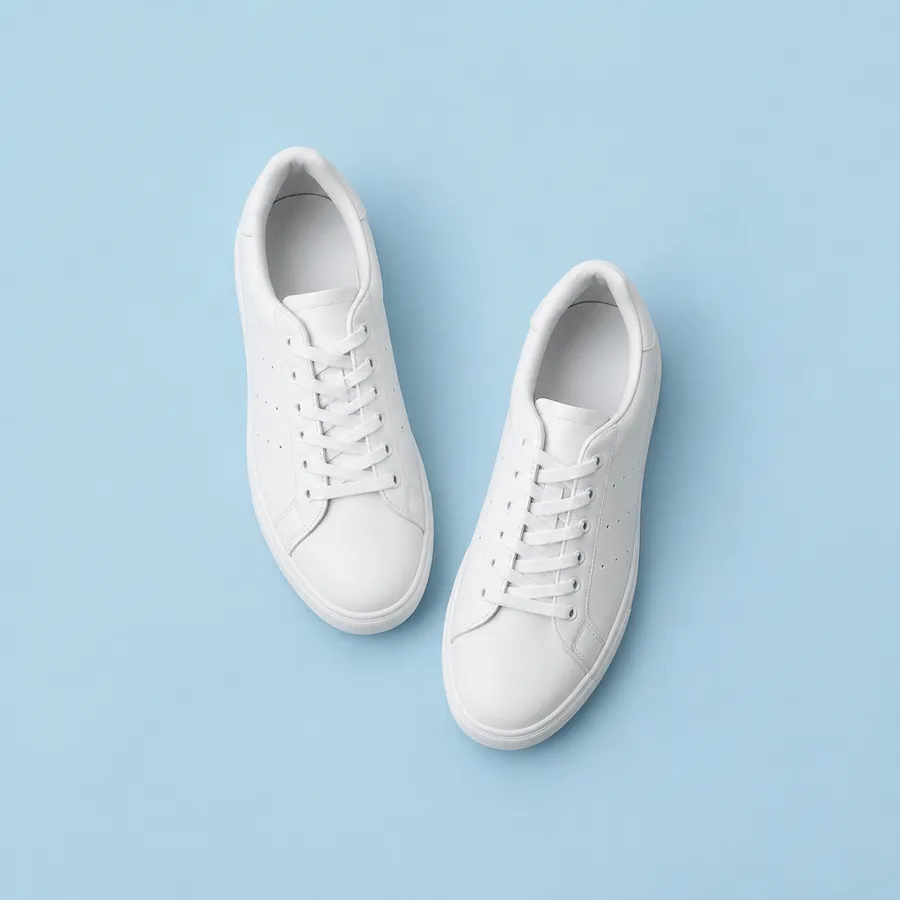
Change the aspect ratio
Turn a portrait into a landscape, or a square into a 9:16 Story, without cropping the subject out.
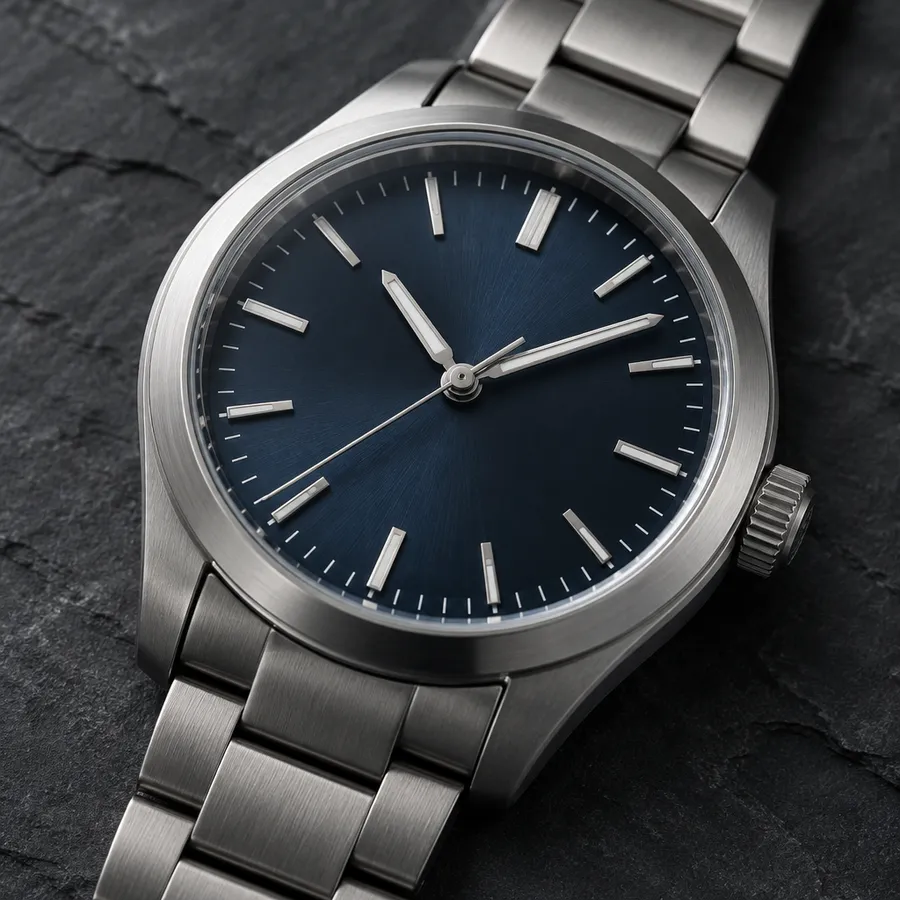
Continue the workflow
Upscale the result up to 2x, remove the background, or animate it into video in the same workspace.
Extend the frame
Outpainting adds space the camera never captured
Upload an image to Resize Image, pick the aspect ratio you need, and switch to Outpainting. getimg.ai generates new content around the original instead of cropping into it. The extended version is saved as a new file in your gallery.
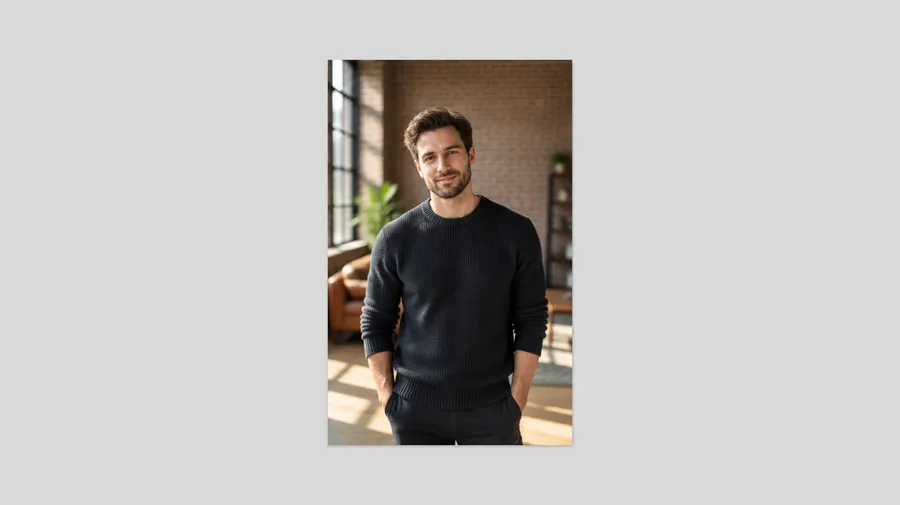
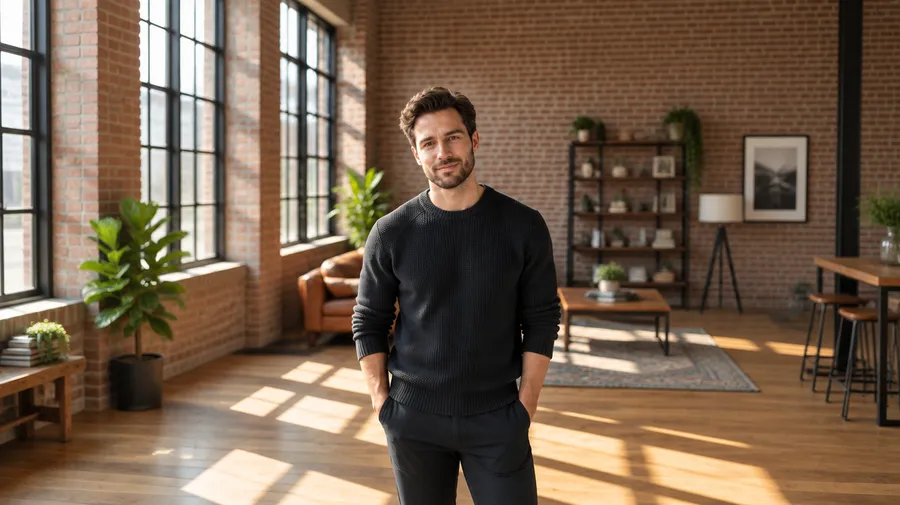
Edit vs. extend: inpainting and outpainting
Inpainting changes content inside the existing frame. Outpainting generates new content beyond the original edges. Picking the right one decides which tool you open.
Edit inside the frame
Inpainting works on pixels that already exist. You describe the change and getimg.ai regenerates that part of the image while the rest of the composition stays put.
AI Canvas editing examples
Prompts that work on an attached image. Describe one change at a time and name what should stay unchanged.
Remove
"remove the person in the background"
Replace
"replace the wall with dark green marble"
Add
"add a vintage floor lamp beside the sofa"
Restyle
"restyle this portrait as an editorial magazine cover"
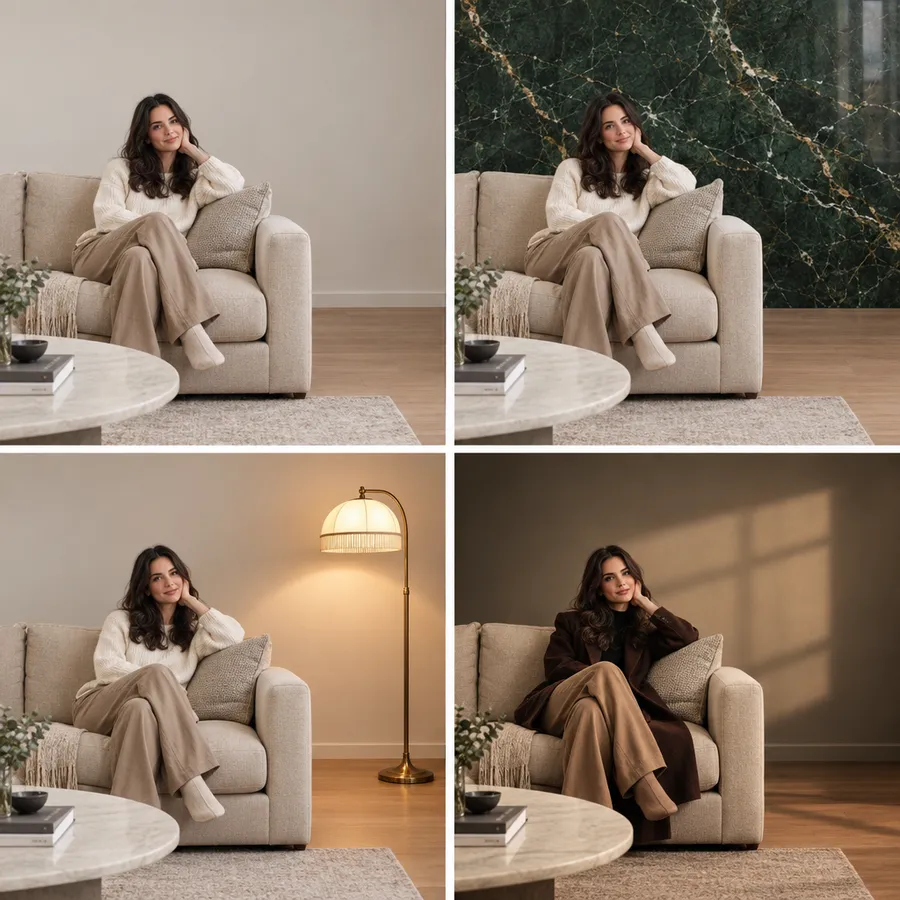
How to get better AI Canvas results
Generative edits are probabilistic. Complex changes and large extensions often take a few versions before one holds up, so plan on iterating rather than expecting the first output to ship.
Two workflows, one canvas
Edit an image with a prompt, or extend it to a new aspect ratio with outpainting. Plans start at $8/month with commercial rights included.
Frequently Asked Questions
AI Canvas is the combined edit-and-extend workflow on getimg.ai. Use image editing to change what is inside the frame, and Resize Image with Outpainting to create new space around the original.
Attach the image in the Content Generator and describe the change, or open it in full view and use the edit prompt box below it. The edit produces a new version and the original stays in your gallery.
Open the image in Resize Image, choose the aspect ratio you need, and switch to Outpainting. getimg.ai generates new content around the original instead of cropping into it.
Inpainting changes content inside the existing frame. Outpainting generates new content beyond the original edges. Inpainting edits what the camera captured; outpainting invents what sat outside it.
Any image generated on getimg.ai or uploaded from your device: photos, illustrations, 3D renders, and AI-generated images. Low-resolution or heavily compressed sources give weaker results than a clean original.
Manual editing requires selections, masks, layers, and canvas adjustments. AI-assisted editing lets you describe the change, or choose a new aspect ratio, and generate a new version. Designers use both, often bringing AI Canvas in for concepting and format variations.
Not always on the first try. Generative edits can take several versions, particularly for complex changes or large extensions of the composition. Running the prompt again, or splitting it into smaller edits, usually resolves it.
Yes. From full image view you can upscale up to 2x, remove the background, resize again, or use the image as a first frame for video generation.
Marketers reformatting campaign assets, e-commerce teams adapting product photos to different placements, social media creators moving between feed and Story formats, and designers exploring compositions before committing to a layout.
Yes. Plans start at $8/month for the Entry plan with 3,000 credits, and every paid plan includes commercial rights.