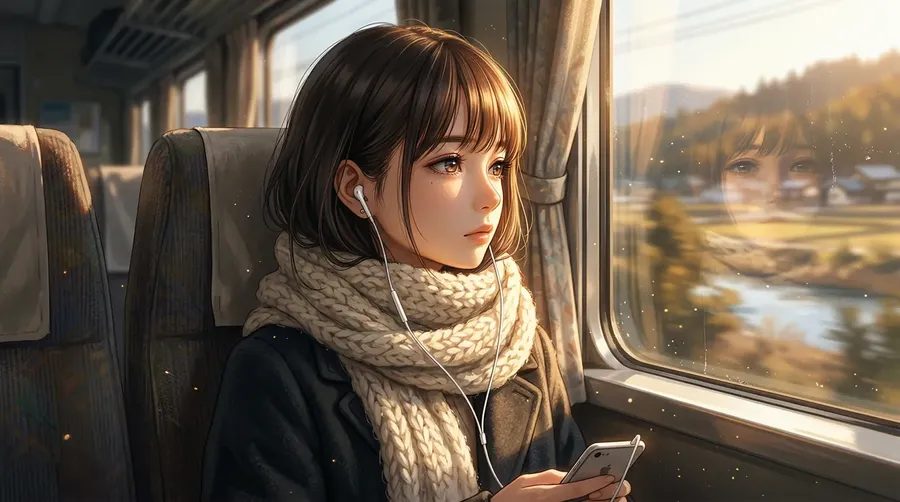
AI Anime Generator for Characters, Manga & Anime Art
Getting the art you imagine onto a screen used to mean learning to draw, waiting on commissions, or settling for output that's almost right. getimg.ai generates it from a text description in seconds: sharp, expressive anime art powered by top AI models like FLUX.2 and GPT Image 2.
Powered by the models that set the standard
FLUX.2, GPT Image 2, Seedream 5, Veo 3.1, and more, all from one place, no multiple subscriptions to manage.


Why creators pick getimg.ai for anime art?
Most AI generators lock you into one model, one aesthetic, and one way of working. getimg.ai was built for the creators who need breadth, consistency, and control, all in the same tool.
Leading AI image models in one place
FLUX.2, GPT Image 2, Nano Banana 2, Seedream 5.0 Pro, and many other top AI models are all available under a single subscription. You don't need to tab between tools or re-upload your references to try a different style.
Auto selection

Nano Banana 2
Versatile model from Google.

Seedream 5.0 Lite
Great for multiple anime styles.
Keep characters more consistent across generations
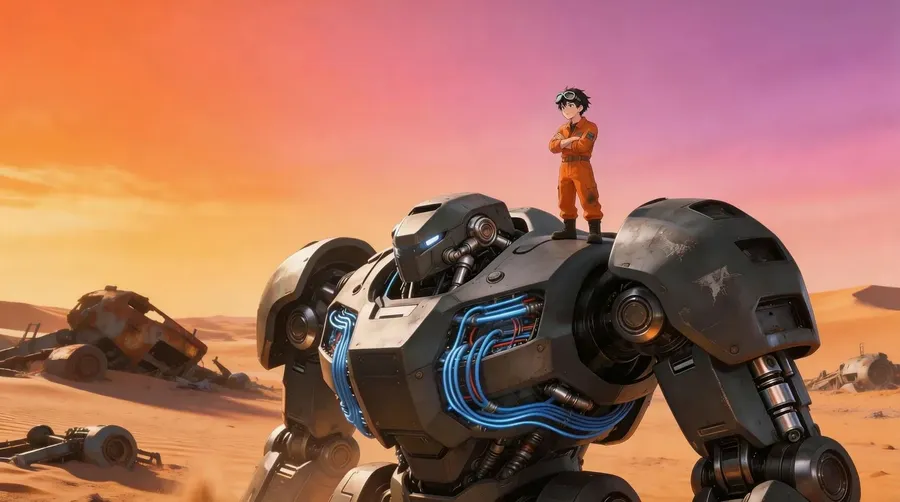
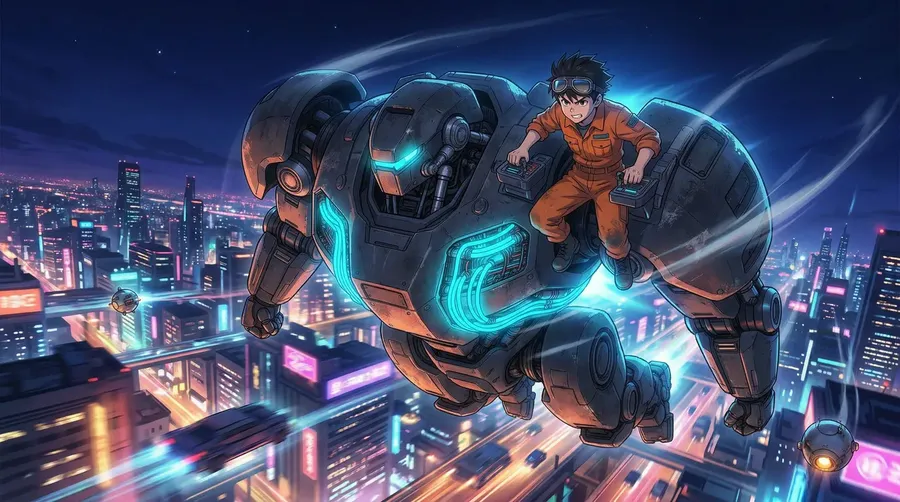
Create an Element from a few reference photos (of your character or a specific anime style) and reference it in any future prompt using @ElementName. It helps maintain recognizable character traits, appearance, and visual direction across generations.
-900x506.webp)
Ready to publish, share, or ship
Every image downloads at full resolution, ready for posting, printing, or direct use in your project. Paid plans include commercial usage rights for generated content, subject to our terms and applicable third-party rights.
Prompt
Generate
Download
What you can create with getimg.ai's anime generator?
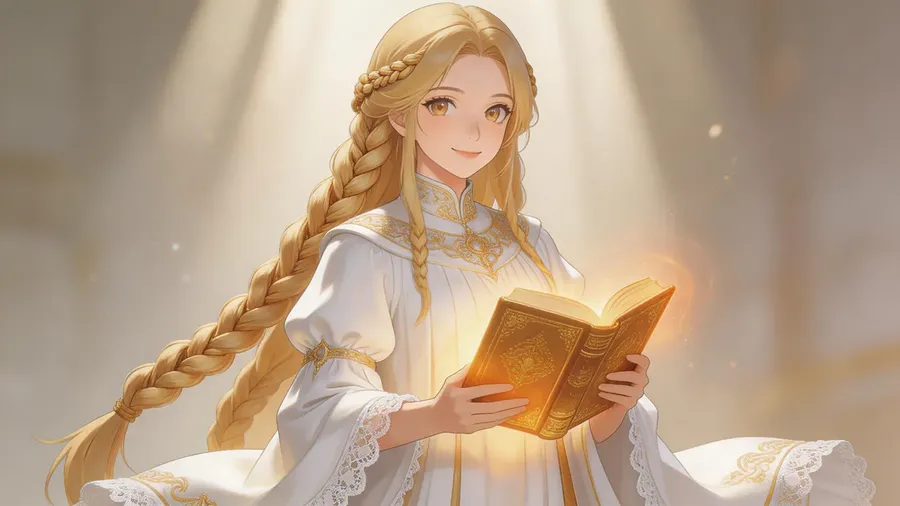
Two ways to make anime art
Traditional illustration gives you full, hands-on control. AI-assisted generation needs no drawing tablet or complex setup: start from a prompt or reference and explore variations fast.
-1920x1054.webp)
AI-assisted generation
Describe what you see
Cute fox girl in streetwear? Melancholy boy at sunset? Just type it. Or upload a photo to set the vibe.
Generate and explore variations
getimg.ai picks a model for you. Generate in seconds, then branch into new poses, outfits, and styles.
Save it, post it, use it
Download instantly. Make tweaks if needed. Drop it into your comic, profile, or OC sheet. Done.
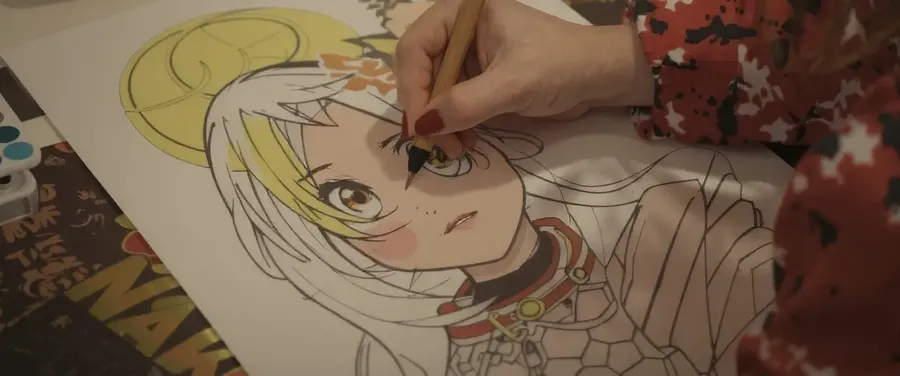
Traditional illustration
- Sketch the character or scene by hand
- Refine pose, anatomy, and expression by hand
- Ink the linework
- Build up layers for base colors, shadows, and lighting
- Polish the final details
Image Generation
Generate anime art from text
Describe your character, scene, or aesthetic in plain language, and getimg.ai generates a complete anime image in seconds. FLUX.2 and GPT Image 2 handle the visual execution: anatomy, composition, lighting, and style are interpreted from your prompt. From there you can refine, edit, or upscale the result in the same workflow.
What you can generate:
- original characters with distinct designs, expressions, and outfit variations
- anime girls, heroes, villains, and supporting cast across a wide range of character archetypes
- full scenes with multiple figures, environments, and intentional lighting
- stylized portraits across a wide range of anime-inspired styles, from shōjo and shōnen to seinen-inspired realism and chibi
- concept art for visual novels, games, and comics.
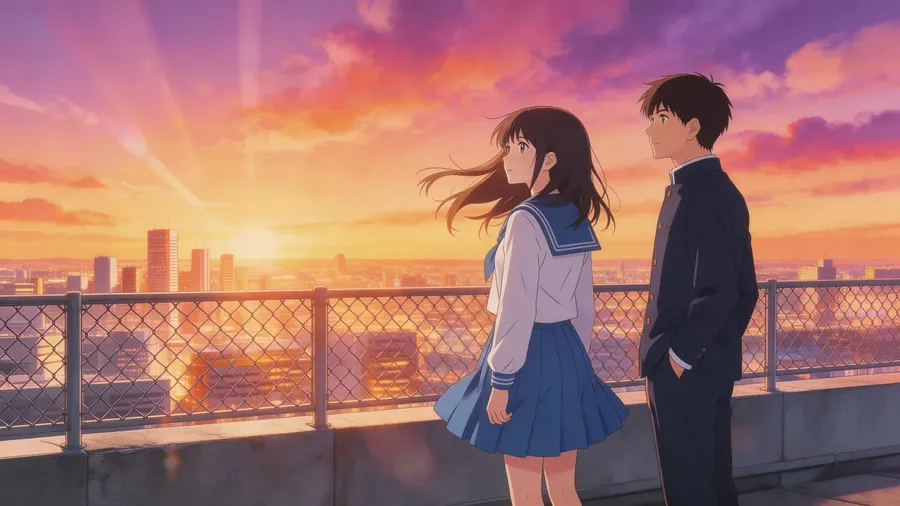
two anime high school students standing on a school rooftop during a spectacular golden hour sunset
Image Editing
Turn any photo into anime art
Upload any photo and describe the transformation you want, and getimg.ai reworks it into an anime style. It uses the original composition and subject as visual guidance rather than reproducing them exactly. The result isn't a filter overlay; it's a regenerated image in the style you specify, from soft pastel shōjo to high-contrast action-manga linework. It's a quick way to prototype character designs from real-world references.
Works well for:
- converting portrait photos into anime character designs
- restyling product or environment photos into illustrated backgrounds
- transforming real locations into anime scene environments
- prototyping and iterating on character designs from reference imagery
- generating consistent on-model anime assets from product photography.
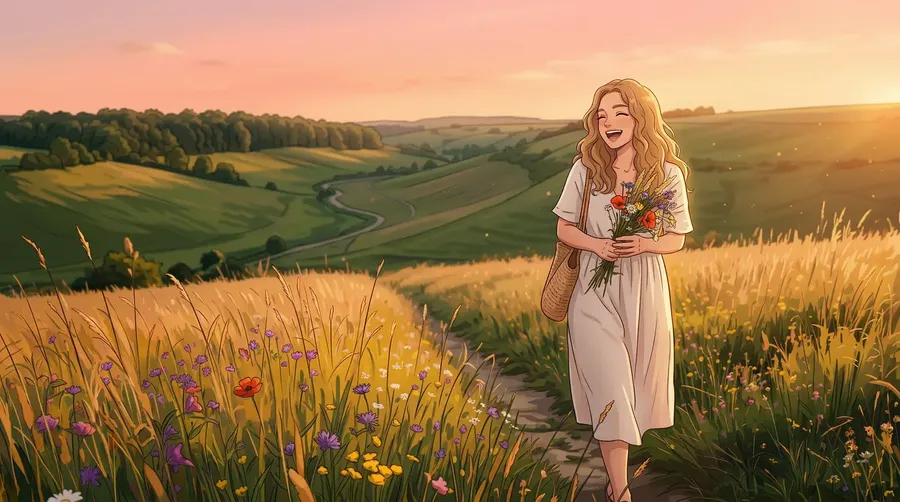
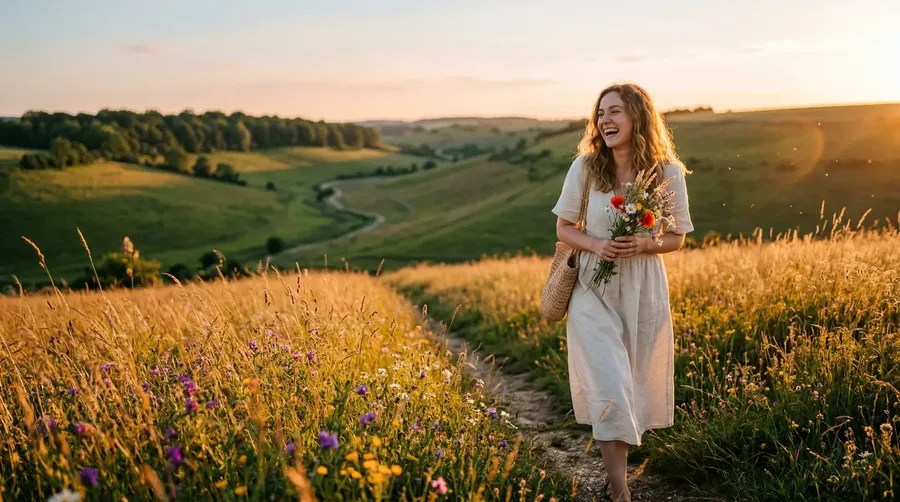
change the style to detailed, modern anime
Video Generation
Add motion to your anime artwork
Type a scene description or upload a still, and getimg.ai generates a short anime-style video clip. Add character movement, camera motion, environmental effects, and cinematic animation to still anime artwork, from a held pause before action to drifting petals or a sweeping camera move.
Use cases include animated scene previews for visual novels and games, short-form content for social media, storyboard animatics for manga or animation projects, dynamic character reveals and scene introductions, and more.
Create a consistent anime character
Reusing the same character across many images is easiest with a Character Element. The workflow looks like this:
- Generate or upload your character until the design feels right.
- Create a Character Element from a few clear reference images, and name it.
- Reference it in any prompt with @CharacterName.
- Generate new poses, outfits, and expressions from that base.
- Reuse the Element across later scenes and chapters, with no re-uploading.
Set the design once, then build a whole cast of images around it.
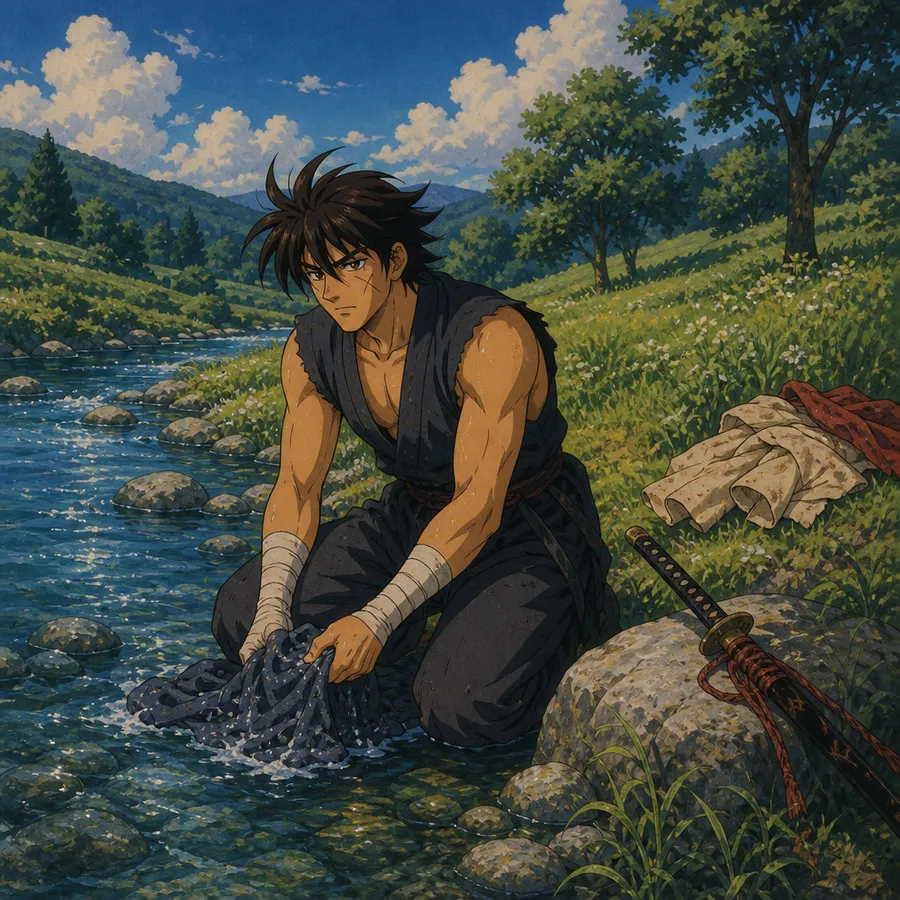
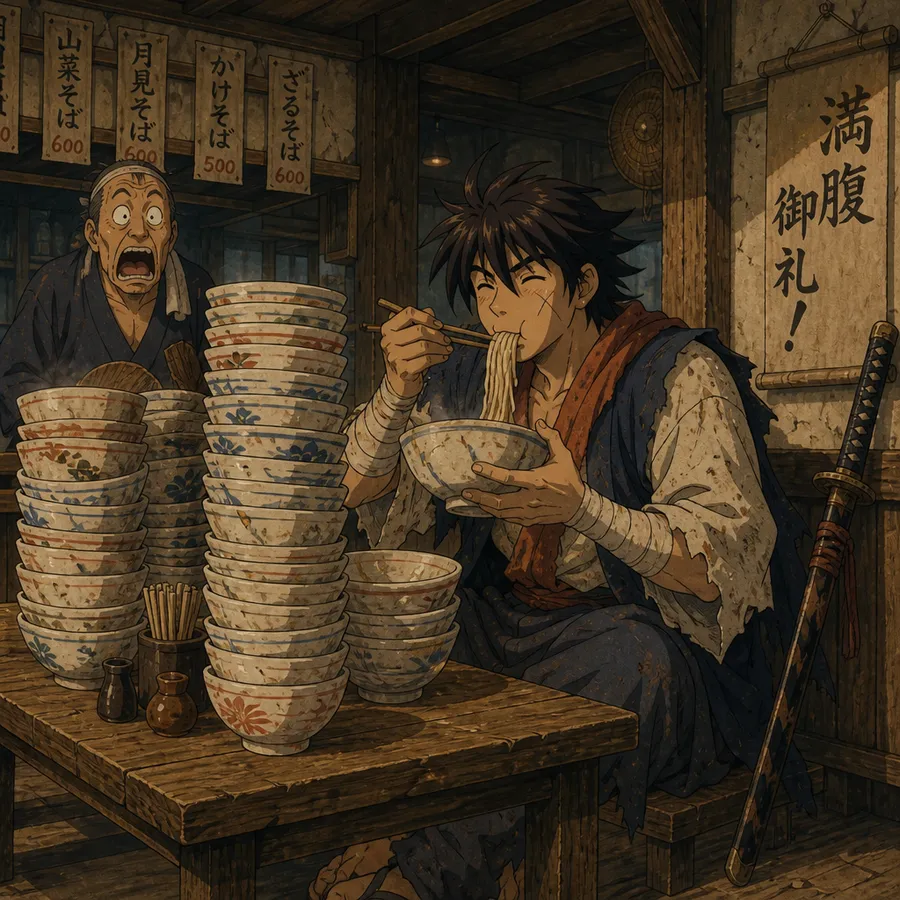
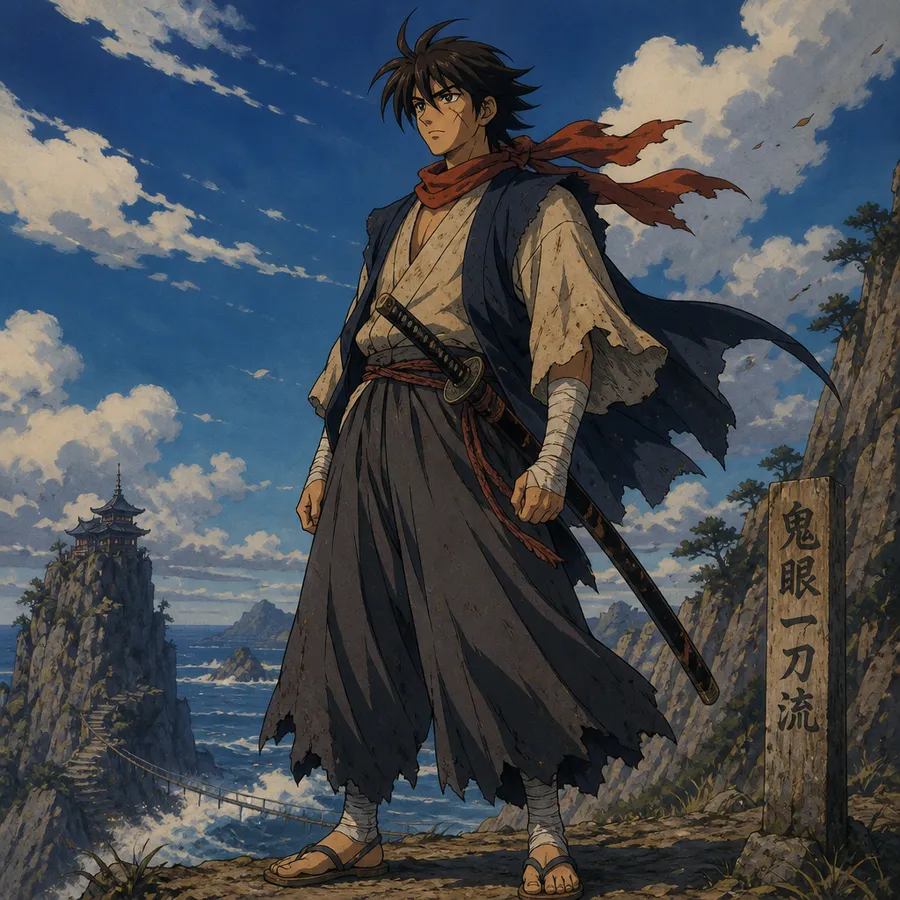
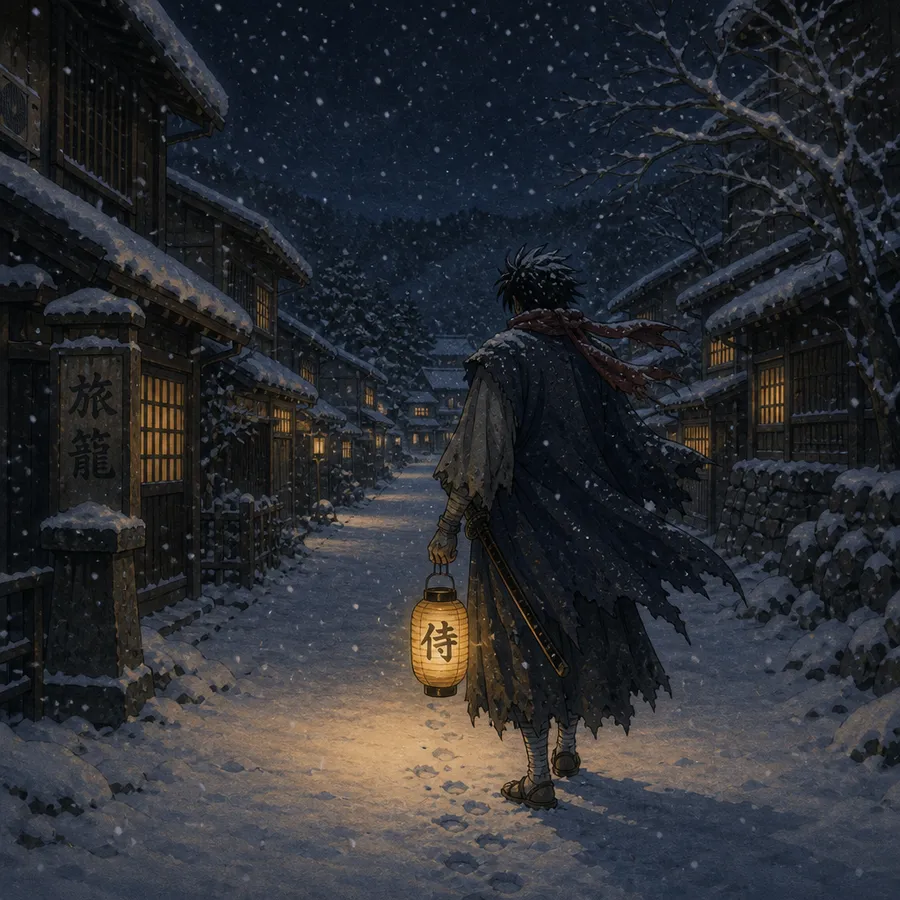
How to keep an anime character consistent
A few habits make a character hold together across generations:
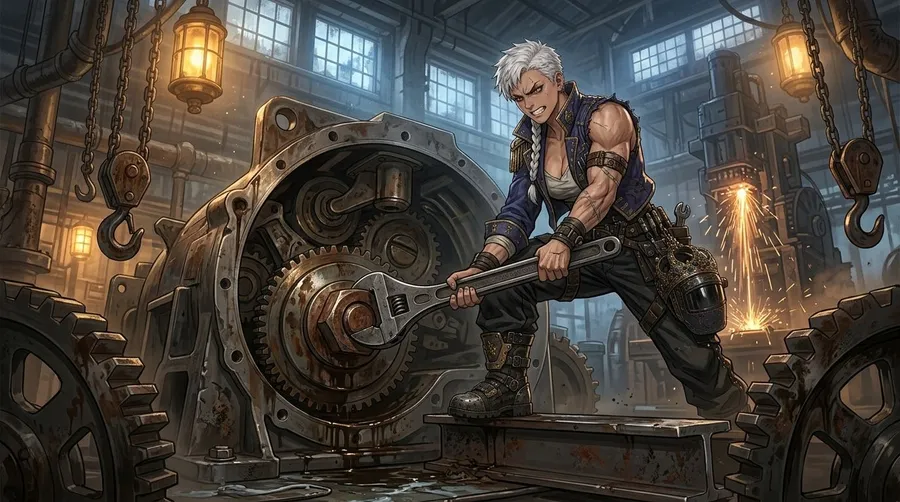
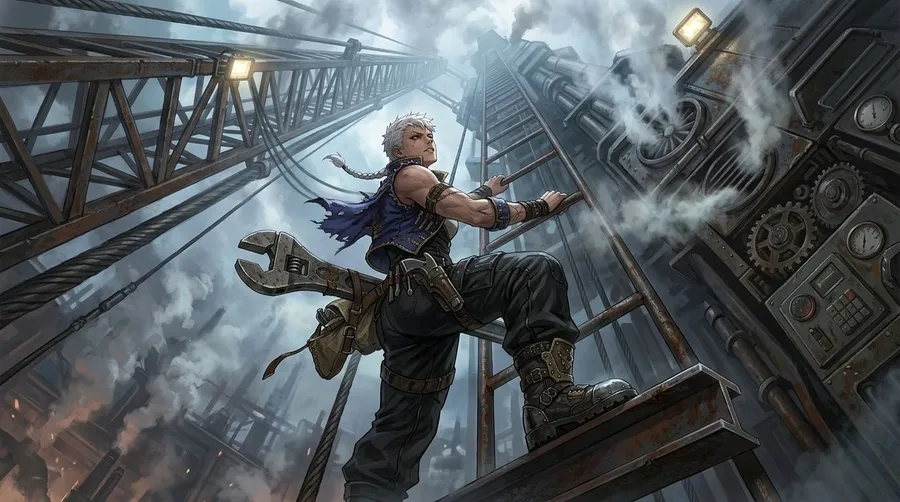
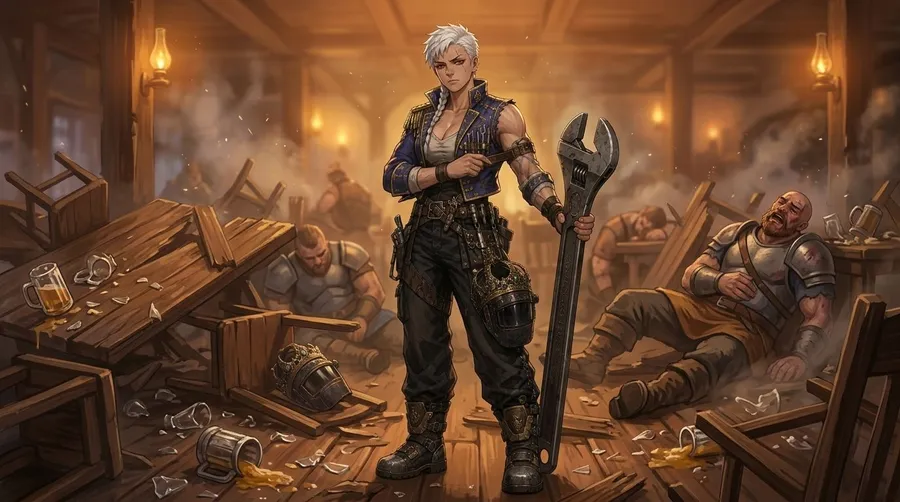
- Start from a clear character design with distinctive, easy-to-describe traits.
- Save that design as a Character Element and reference it with @CharacterName.
- Repeat the defining traits, like hair, eyes, and outfit, in each prompt.
- Change one thing at a time, such as the pose or background, rather than everything at once.
- Add a reference image for important or complex scenes.
Consistency usually improves with references and Elements, but generative outputs can still vary between images, so expect to pick the best result from a few tries.
How to write a better anime prompt
A useful anime prompt usually layers a few parts:
- Character: who or what it is, such as an original character, a knight, or a fox girl.
- Appearance: hair, eyes, and defining features.
- Outfit: clothing, armor, or accessories.
- Pose or action: standing, running, mid-swing, or looking back.
- Environment: the setting or background.
- Anime direction: the style, such as shōjo, shōnen, seinen, or chibi.
- Lighting: soft, backlit, golden hour, or neon.
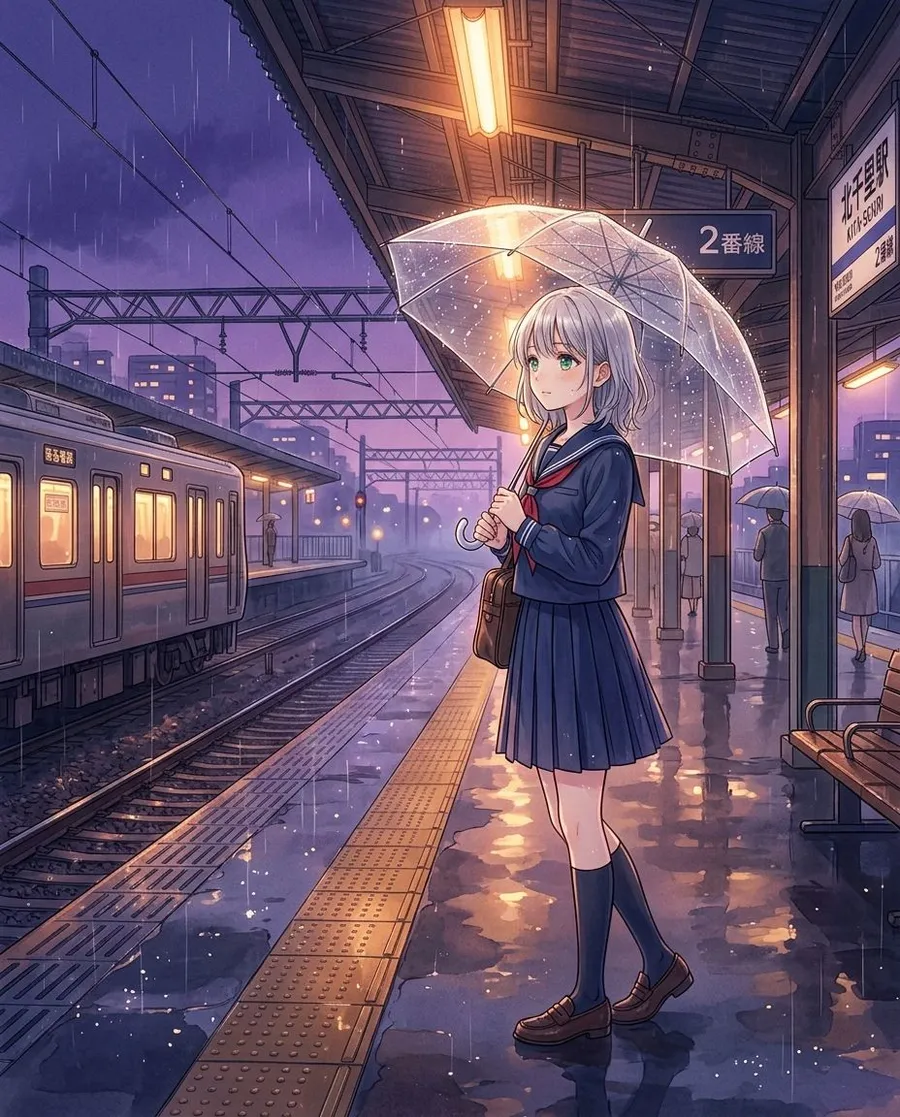
Compare a generic prompt like "anime girl" with a specific one: "anime girl with short silver hair and green eyes, in a navy school uniform, standing on a rainy train platform at dusk, soft cinematic lighting, shōjo style." The second gives the model far more to work with.
AI anime prompt examples
Starting points you can adapt with your own details:
- Character: "original anime character, teal twin-tails, gold eyes, oversized hoodie, confident smirk, plain studio background"
- Shōjo: "soft shōjo illustration, girl among cherry blossoms, pastel palette, sparkles, gentle lighting"
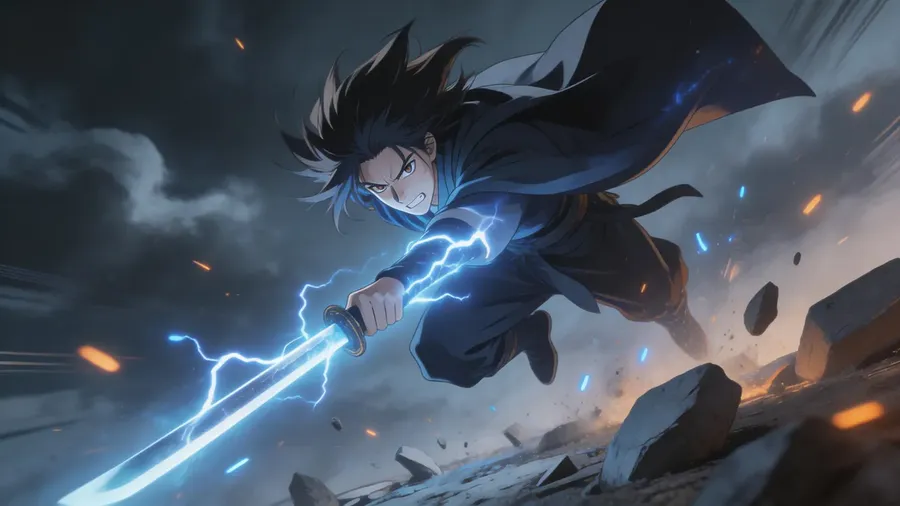
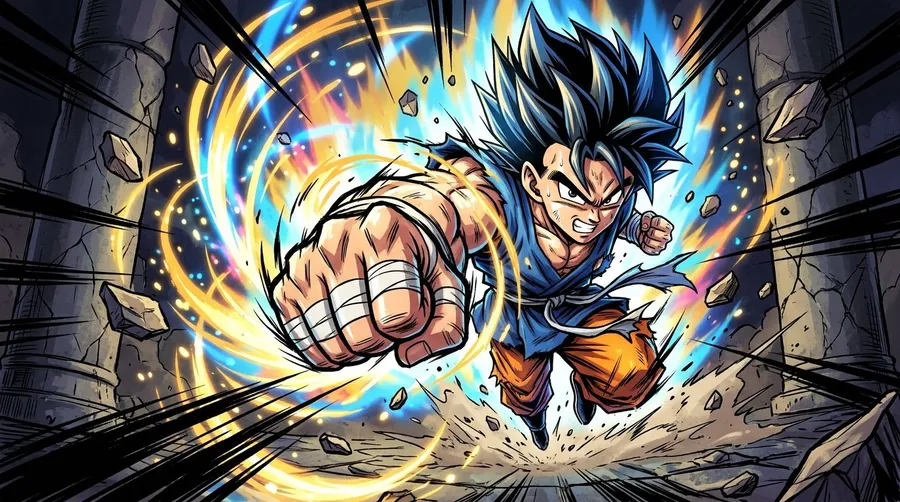
- Shōnen: "shōnen action scene, young fighter mid-punch, dynamic angle, speed lines, bold linework"
- Chibi: "chibi character, big head, tiny body, simple round eyes, sticker style, white background"
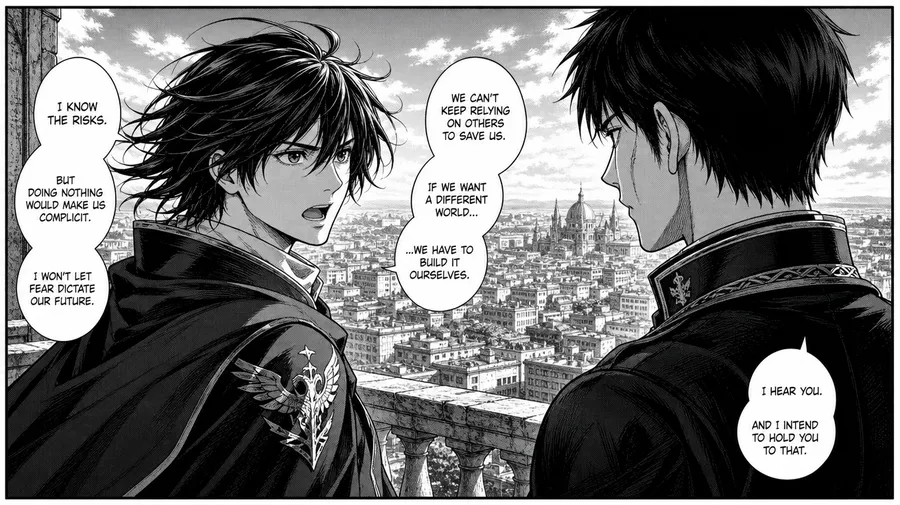
- Manga: "black-and-white manga panel, two characters talking, screentones, sharp inked linework"
- Visual novel: "visual novel CG, two characters on a rooftop at night, city-light bokeh, warm rim lighting"
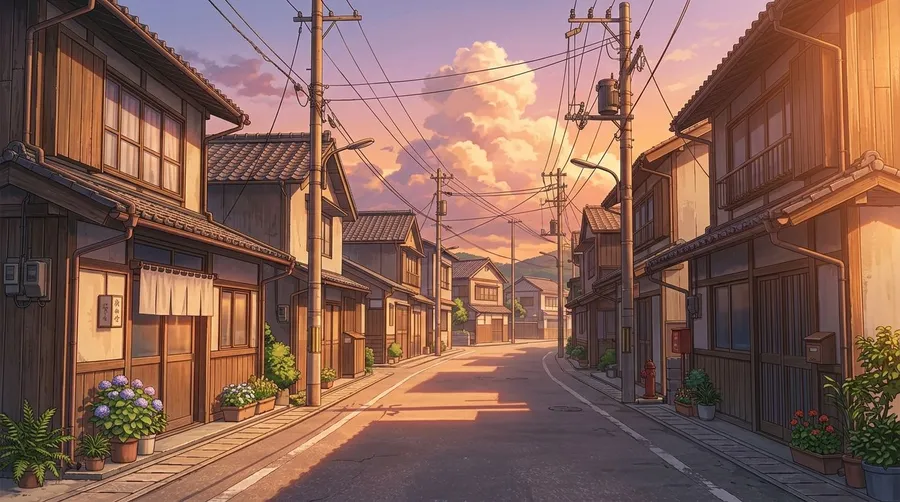
- Background: "anime background, quiet street in a small town at golden hour, no characters"
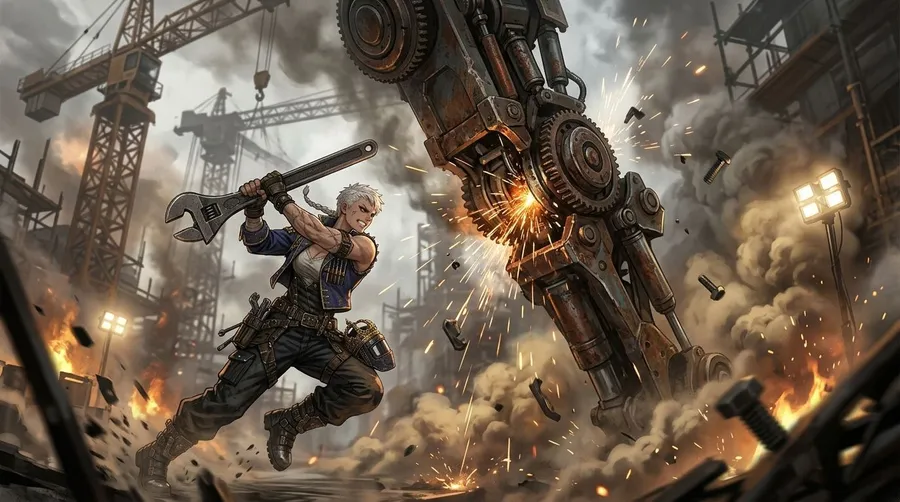
- Mecha: "mecha pilot in a hangar beside a giant robot, industrial lighting, detailed mechanical design"
Which AI model should I use for anime art?
getimg.ai gives you several models, and different ones are stronger at different jobs. Based on our own testing, here is a good starting point:
- Character illustration: Seedream 5.0 Pro or GPT Image 2. For fast ideation, try Grok Imagine.
- Manga-style line art: Seedream 5.0 Pro or GPT Image 2.
- Backgrounds and scenes: Seedream 5.0 Pro or GPT Image 2.
- Typography and posters: Nano Banana 2 or GPT Image 2 for heavier text; Seedream 5.0 Pro also handles shorter text well.
- Photo to anime: Nano Banana 2 or GPT Image 2, which are best at preserving the original face shape and features.
- Consistent character variations: Nano Banana 2 or GPT Image 2.
These are starting points, not fixed rules. getimg.ai can pick a model for you automatically, and you can switch manually any time to compare results.
Anime generation for teams
Working with others on a project? Creative AI for Teams shares the building blocks so everyone stays on-model: shared Elements for recurring characters and styles, shared reference images, a shared library of generations, and folders to keep the project organized.
-900x502.webp)
-900x502.webp)
Explore More AI Tools & Features
Frequently Asked Questions
getimg.ai brings the pieces of anime production into one place. You can generate with multiple top image models like FLUX.2 and GPT Image 2, guide results with reference images, and reuse characters with Elements. You can also edit and restyle images, add motion with video models, and work together in shared team spaces.
You don't need to master prompt engineering to get useful results, and paid plans include commercial usage rights for what you generate, subject to our terms and applicable third-party rights. It works whether you're a solo creator building an original character or a studio producing assets at volume.
Generating anime art with getimg.ai requires nothing beyond a text description. The platform is designed to interpret plain-language prompts accurately: you describe the style, character, or scene you want, and the AI handles the rest. No advanced settings, no prompt engineering knowledge, and no technical background required.
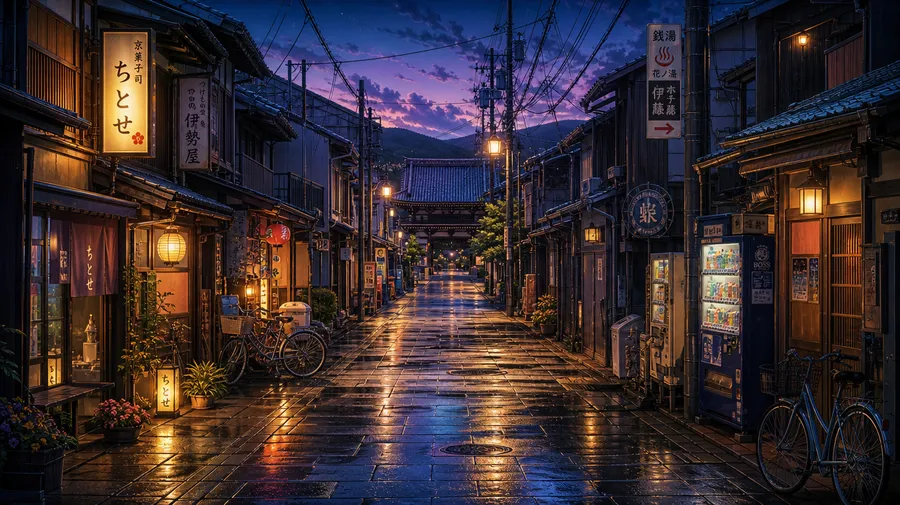
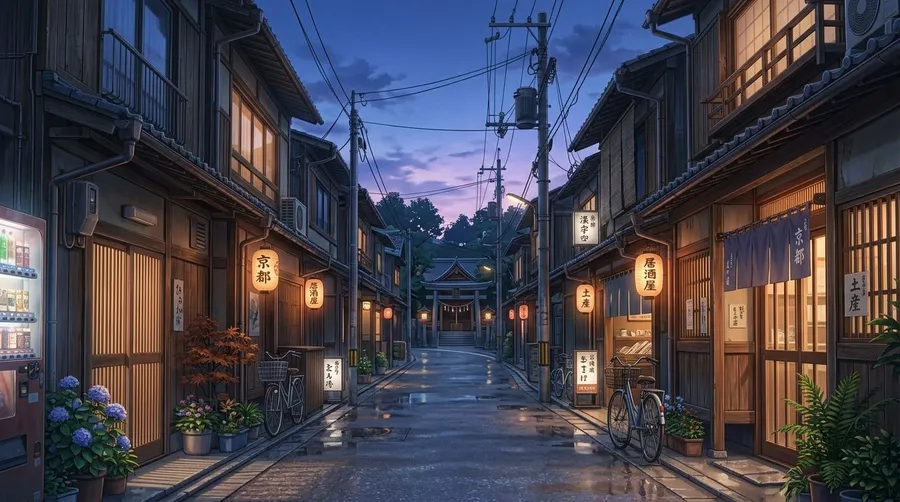
That said, specificity improves output. If you have a precise vision, describe it in detail: include the aesthetic (e.g., "cinematic anime lighting", "glowing sunset skies", "dramatic atmospheric clouds", "flat-color manga linework"), the mood, and any key visual elements like color palette or scene context. Since anime encompasses a wide range of styles, directing the AI toward a specific aesthetic consistently produces stronger results than a broad prompt.
Use the image editing feature in getimg.ai. Upload your photo and describe the transformation you want. For example, "convert this into an anime character with dramatic backlighting and a dark fantasy aesthetic." The AI restyles the image from the ground up, applying your specified aesthetic and using the original composition and subject as visual guidance.
For the best results, start with a sharp, well-lit photo where the subject is clearly visible. Portrait shots work particularly well: ensure the face is fully in frame and not obscured. The higher the quality of your input, the more detailed and accurate your anime-style output will be.
Yes. Paid plans include commercial usage rights for the content you generate on getimg.ai, including anime art created from text prompts or photo transformations, subject to our terms and applicable third-party rights.
That covers uses like merchandise, comics, visual novels, games, client deliverables, and digital content. Because anime prompts can reference existing characters, franchises, or trademarks, you are responsible for making sure what you generate does not infringe someone else's rights. Commercial usage rights are included on paid plans from day one, not locked behind an enterprise tier.
Yes. getimg.ai can be used for visual novel and game asset production. It generates character sprites, background environments, and CG scene illustrations at production volume, and Elements help keep character designs recognizable across a project.
Paid plans include commercial usage rights for generated content, subject to our terms and applicable third-party rights, so assets can be used in your game or visual novel. For teams building at scale, the combination of Elements-based character consistency, multi-model access, and included commercial rights makes getimg.ai a practical production tool, not just a concept exploration tool.
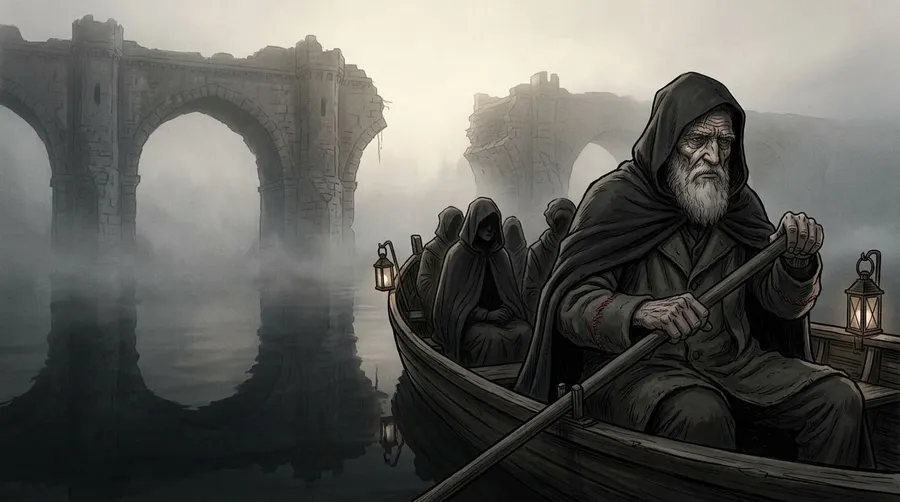
getimg.ai works across a wide range of anime-inspired aesthetics, including shōjo illustration, shōnen action art, seinen-inspired realism, chibi character designs, mecha, dark fantasy, slice-of-life, and visual novel styles. You control the aesthetic through your prompt: describing an art direction like a soft slice-of-life look, flat-color action manga, or atmospheric cinematic lighting steers the output toward it.
Yes. getimg.ai offers two approaches depending on how often you need to reuse a character. For one-off consistency (guiding a specific pose or setting in a single generation), upload a reference image alongside your prompt. For recurring characters you'll generate across many sessions, create an Element: upload a few reference photos, name it, choose the type (in this case, a Person), and reference it in future prompts using @CharacterName. The AI then applies that character's design to new generations without re-uploading anything.
Elements support a wide range of subject types: characters, art styles, objects, environments, clothing, color palettes, and more. For visual novel development, manga production, or building out a complete character sheet for an original IP, Elements are a practical way to keep a design recognizable at production volume.
Create the anime AI art you've been dreaming of.
Describe the character, scene, or aesthetic you've been imagining, and getimg.ai generates it in seconds. Paid plans include commercial usage rights for what you generate, subject to our terms and applicable third-party rights.