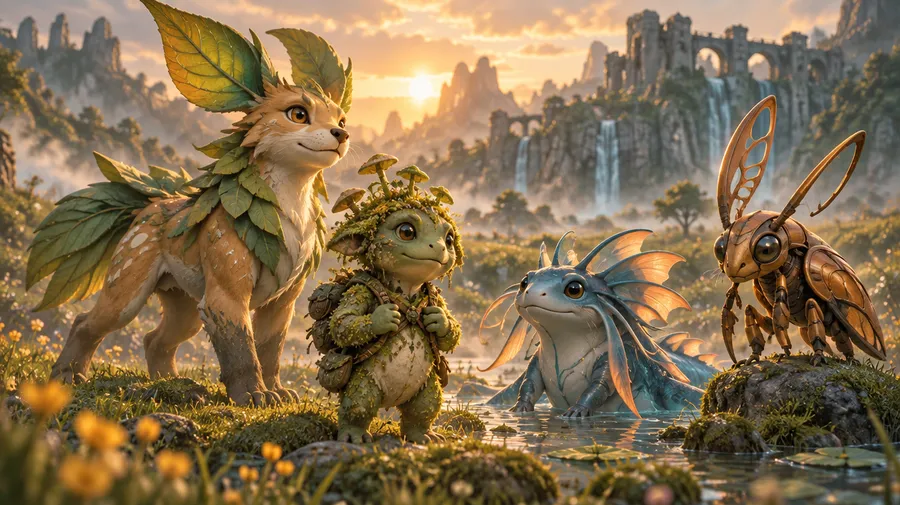
AI Creature Generator for original monster characters
Describe an original creature from scratch or upload a pet, object or character photo as a reference. Define its anatomy, elemental theme, colors, personality and visual style, generate several concepts, then refine and reuse your favorite creature in new poses or scenes.
Powered by 29+ leading AI models


Create original creature concepts with more control
Explore anatomy, elemental traits, colors, expressions and visual styles using prompts, References and multiple image models.
From prompt to concept
Describe a creature or attach a photo as a Reference, then get finished character artwork in seconds.
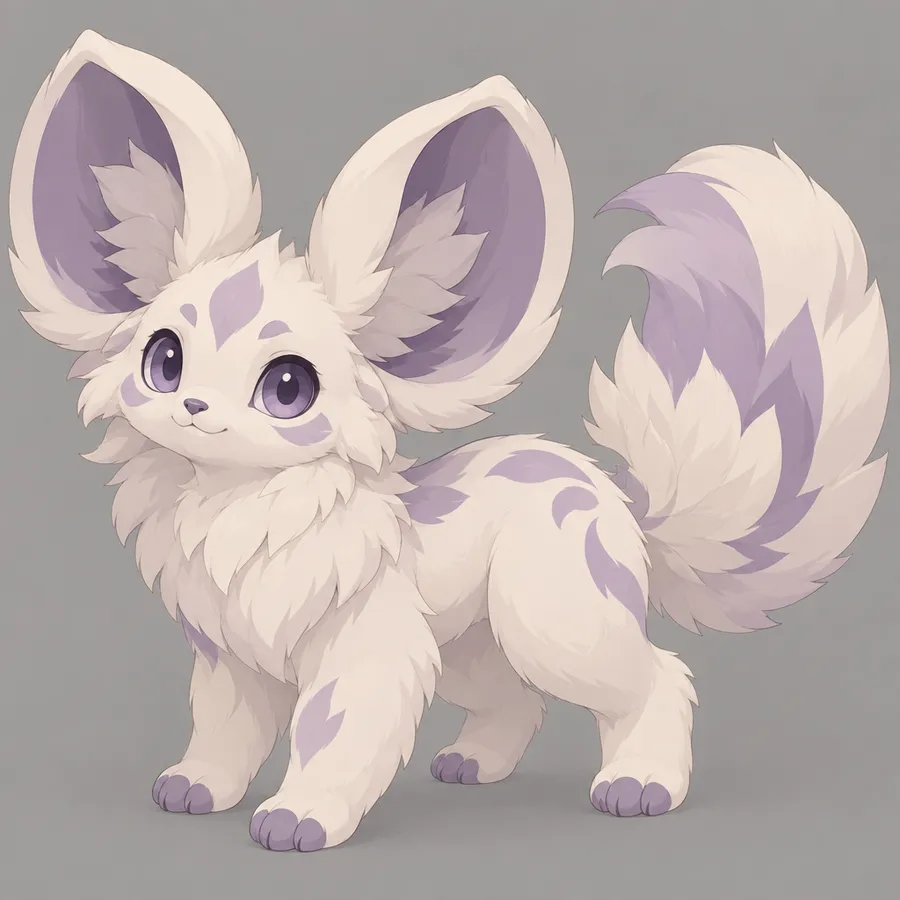
One subscription
Access 29+ leading AI image and video models on a single plan, from $8 per month on Entry.
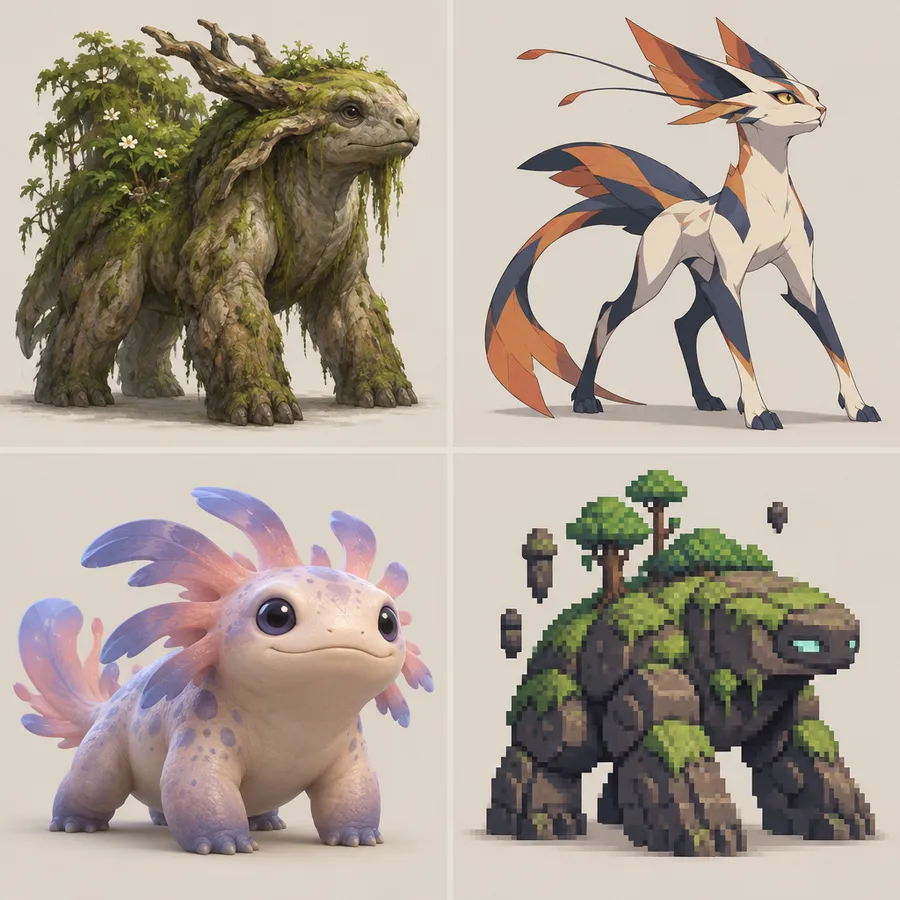
Choose a visual direction
Explore anime-inspired, game-art, cartoon, pixel-inspired, 3D and painterly creature directions.
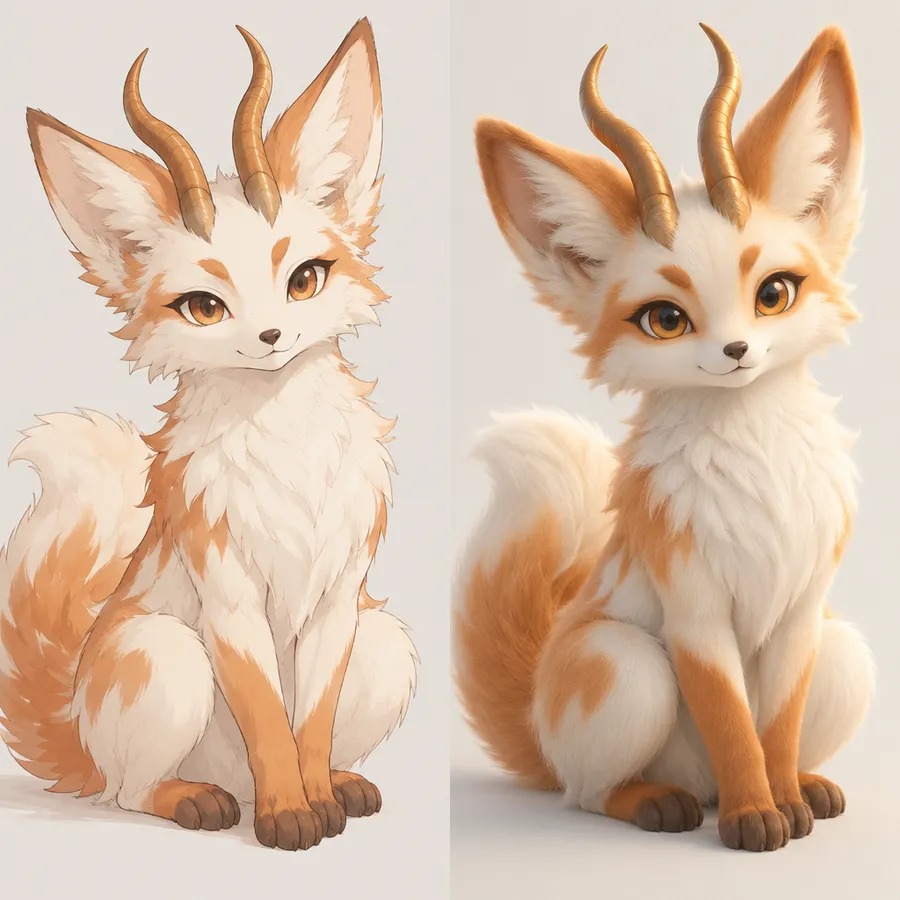
Hybrids and variants
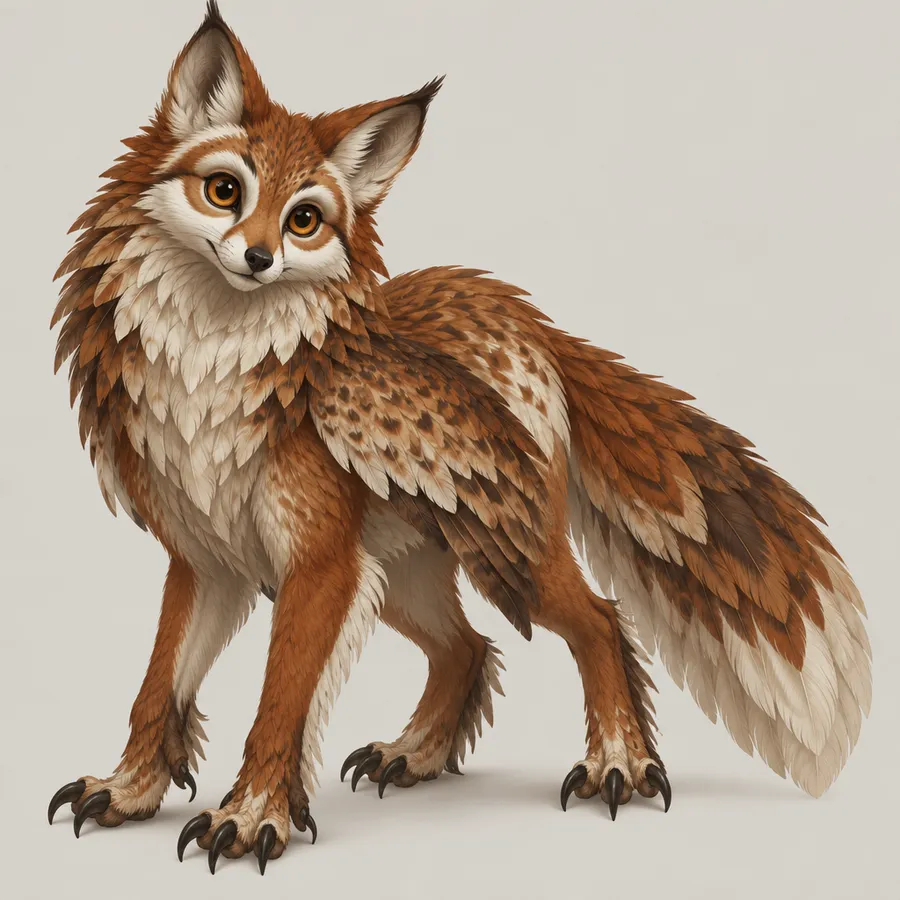
Combine creature traits into original hybrids: fox and owl, shark and dragon, frog and machine.
Creature projects you can build in minutes
Four workflows creature designers run most often:
What kind of creature do you want to create?
Pick a direction, then refine it with anatomy, palette and personality.
How to create an original creature
Open Create image
Describe a creature, or attach a pet, object or character photo as a Reference.
Define its design
Set anatomy, elemental theme, palette, expression and personality in the prompt.
Generate, refine, reuse
Compare several concept directions, refine the strongest one, then save it as an Element.
Creature directions
- Cute companion creatures
- Elemental creatures
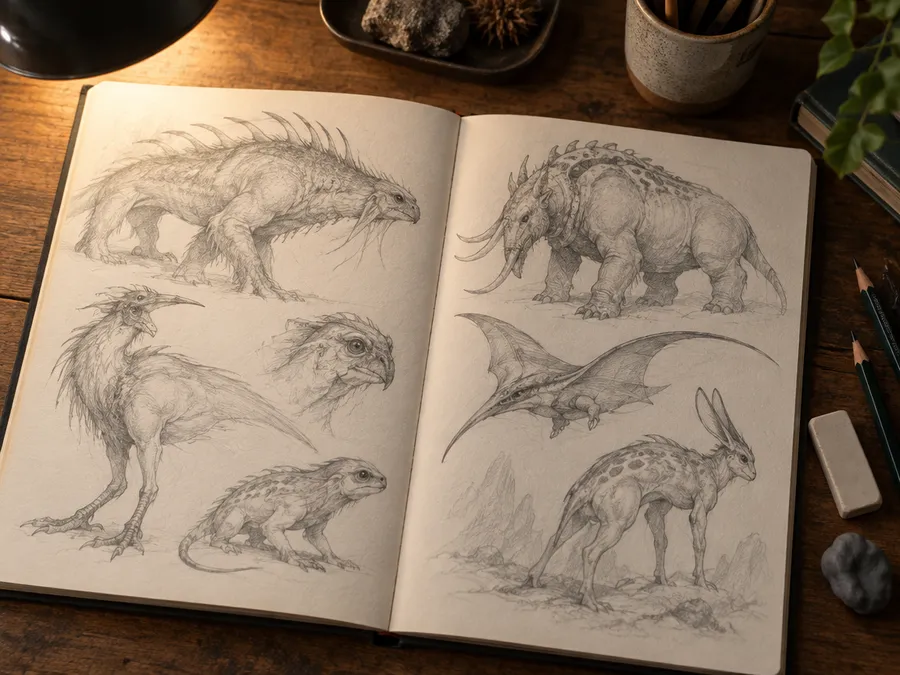
- Fantasy beasts
- Mechanical creatures
- Plant creatures
- Aquatic monsters
- Flying and hybrid creatures
- Legendary-scale beasts
- Small beginner companion creatures
Image Generation
Generate original creatures from text
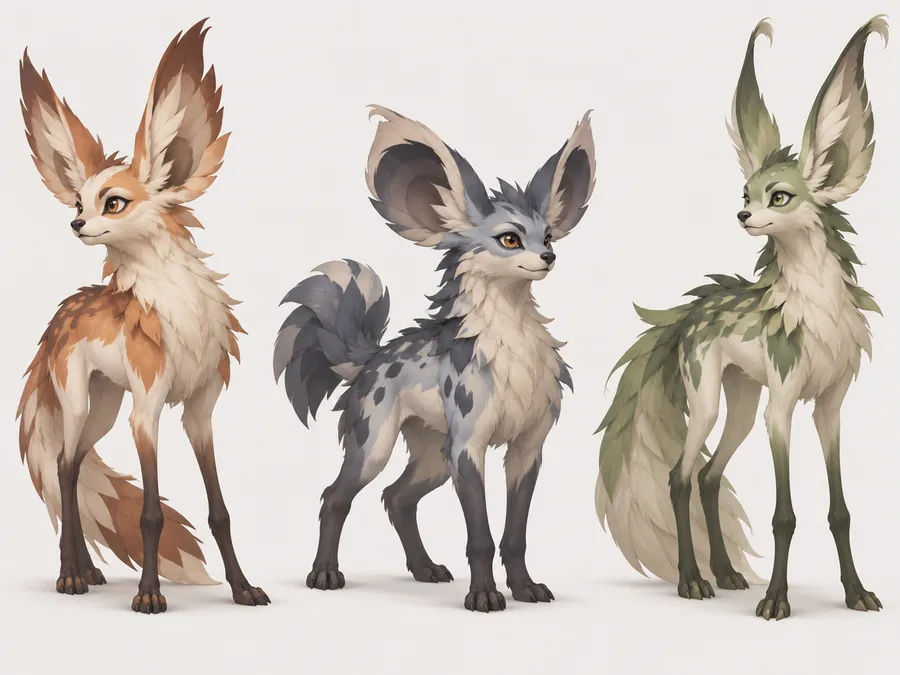
Describe visual characteristics rather than naming existing characters: base animal or object, body type, silhouette, defining feature, elemental motif, palette, expression and art direction. For example, "small forest companion creature, fox-like quadruped with oversized leaf-shaped ears, short moss-covered tail, cream fur with sage-green markings, curious expression, compact readable silhouette, colorful anime-inspired creature illustration, plain background." Give the creature one recognizable silhouette before adding small details.
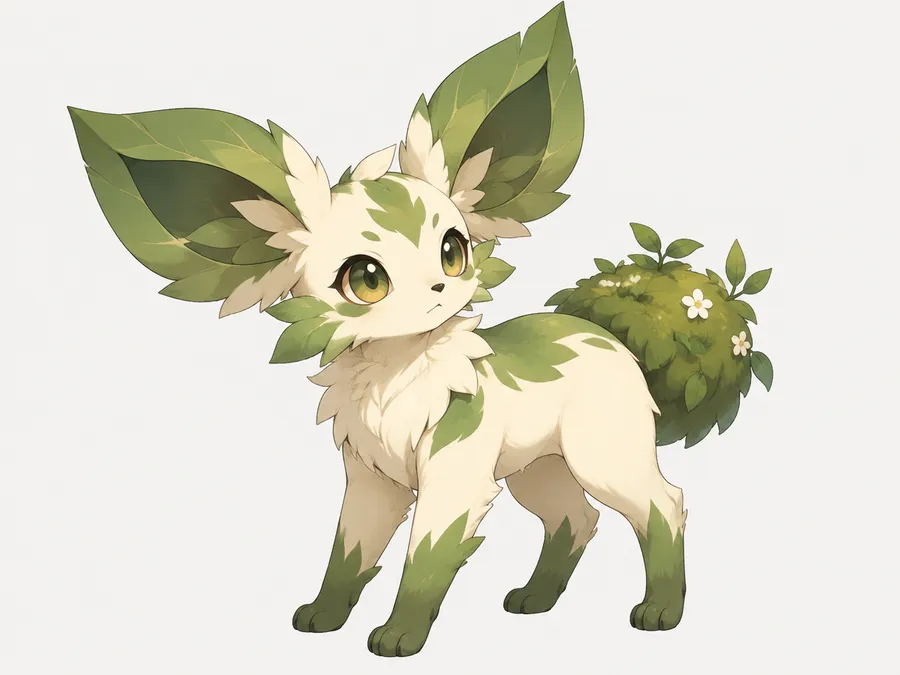
Image References
Turn a pet, object or photo into an original creature
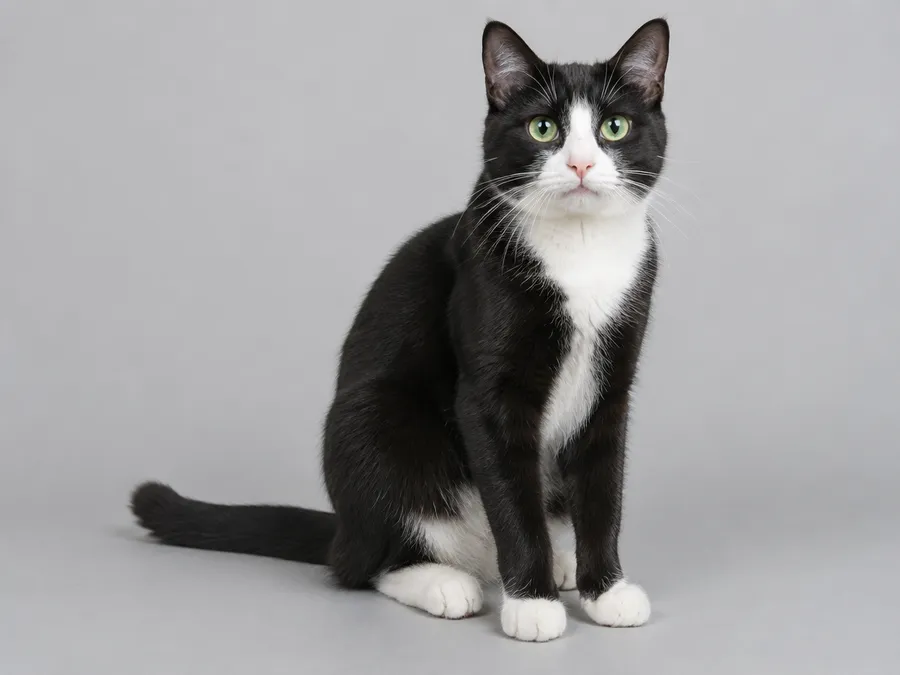
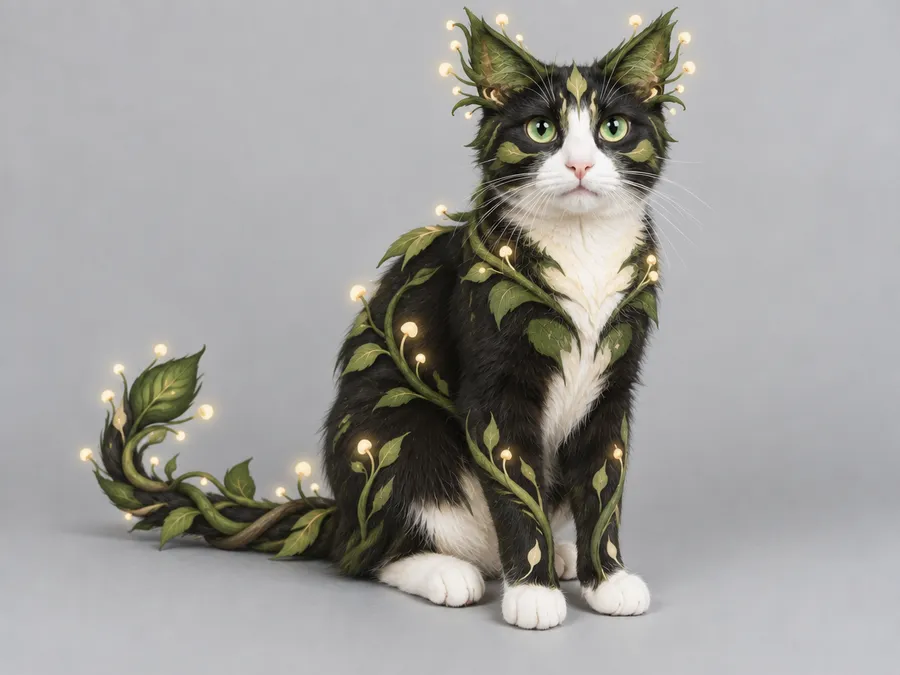
Upload a photo as a Reference and describe how the subject should transform. Keep recognizable traits such as fur pattern, ears, color or silhouette while adding new creature anatomy, elemental details or fantasy features. For example, "turn the cat in image 1 into an original forest creature, preserve the white paws and green eyes, add leaf-shaped ear tufts, a vine-like tail and small glowing spores, soft green and cream palette." Reference images guide the transformation, but stronger stylization can change smaller features or proportions.
Elements
Keep the same creature across multiple images
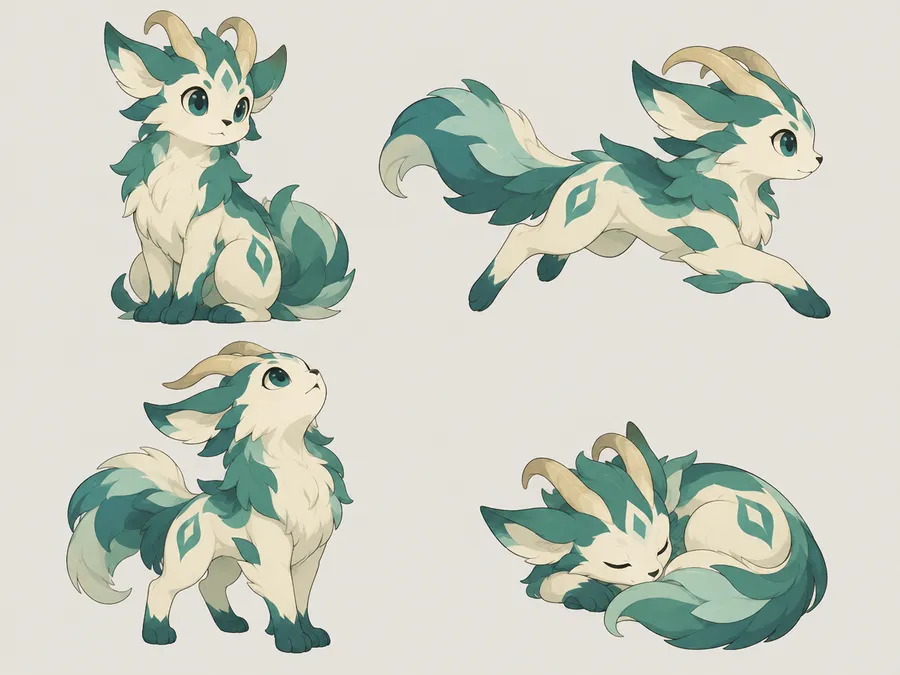
Save the approved creature direction as a reusable Element, or keep using it as a Reference when creating new poses, environments or companion scenes. Elements are called into any prompt with @ElementName, so you stop re-uploading the same artwork. See the Elements guide and consistent AI characters for the full workflow. Generative consistency improves with persistent references, but individual anatomy, markings and small accessories can still vary between generations.
Variation sets
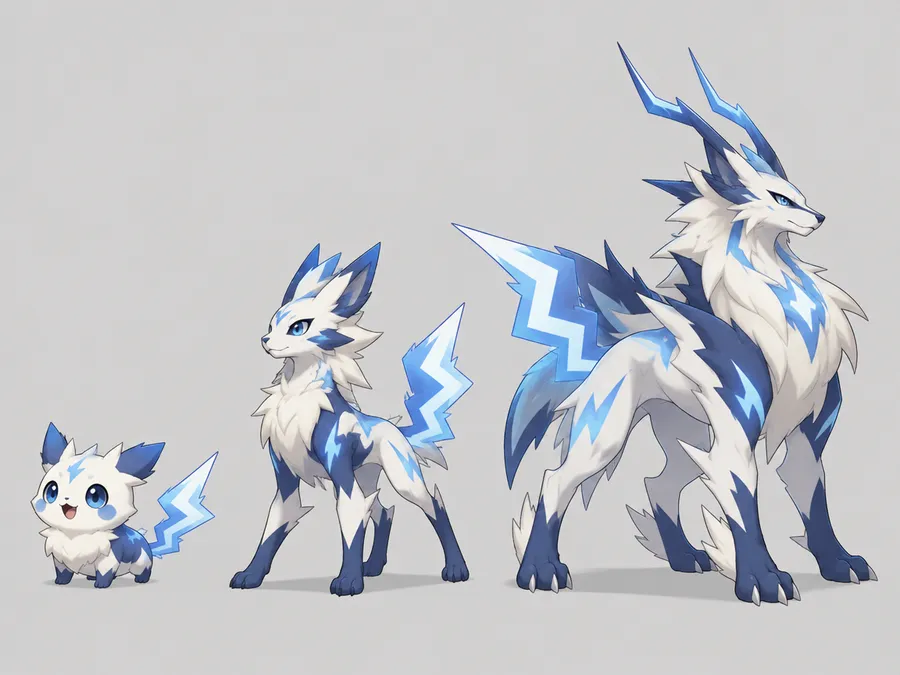
Design a multi-stage creature evolution concept
Build a creature family: a small round stage one, a longer-limbed stage two with stronger elemental detail, and a larger, more complex final form. Use the previous stage as a Reference and describe what changes: "Create a larger evolved form of the creature from image 1, preserve the blue-white markings and lightning-shaped tail, make the silhouette taller and more athletic, add two horn-like conductors behind the ears." The same approach produces seasonal variants, environment variants and alternate elemental interpretations. These are visual character concepts, not game mechanics or automatically linked gameplay entities.
AI creature prompt examples
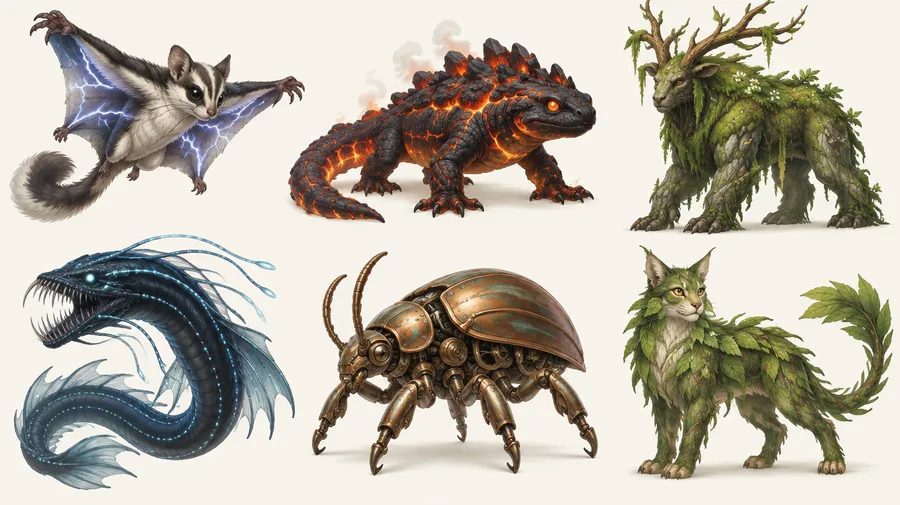
A reliable prompt formula: base inspiration, anatomy, silhouette, elemental or thematic traits, palette, personality or expression, visual style, then background or intended use. Start from one body plan, choose one to three defining features, and keep the palette limited. Open Create image and adapt any of the examples below, or read the image and video prompting guide for more structure.
Design your first creature
Write one clear creature brief, generate several directions, then refine the strongest silhouette.
Frequently Asked Questions
Yes. Open Create image, describe the creature's body plan, defining features, elemental theme, palette and personality, then generate. Describing visual characteristics produces a more original design than naming an existing character: "small electric gliding mammal with metallic ear fins and a luminous coil tail" is a better brief than a franchise name.
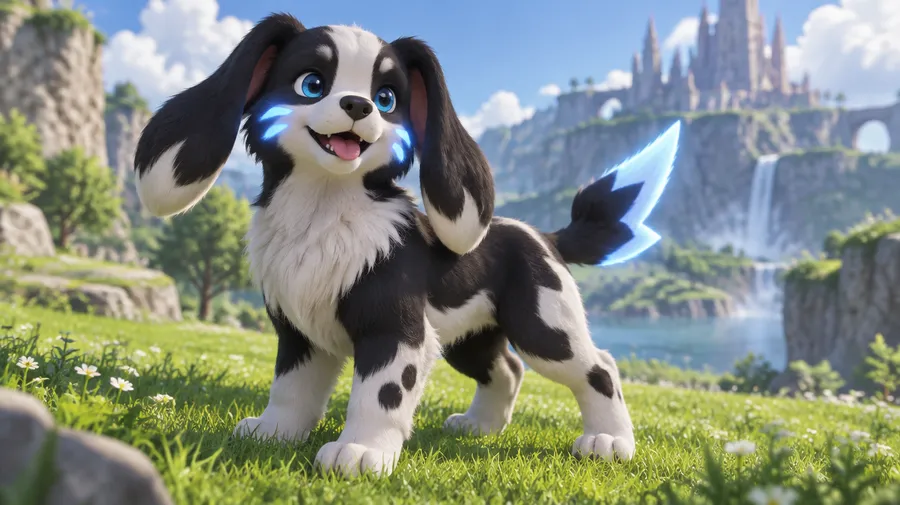
Yes. Attach the photo as a Reference and describe the transformation, naming the traits to preserve. For example: "Turn the dog in image 1 into a small electric companion creature, preserve the floppy ears and black-and-white markings, add glowing blue cheek markings, a compact quadruped body and a lightning-shaped tail." Reference images guide the transformation, but stronger stylization can change smaller features or proportions. See the image references guide.
Yes. Attach your photo as a Person Reference or save it as an Element, then describe the scene: "Turn the person in image 1 into a fantasy creature trainer, preserve the dark curly hair and round glasses, colorful adventure jacket, standing beside a small original fire creature." The output is character artwork, not a playable avatar.
Yes. Generate stage one, then use it as a Reference for each later stage and describe what changes: taller silhouette, longer limbs, denser elemental detail. The result is a set of visual character concepts, not game mechanics or automatically linked gameplay entities.
Save the approved creature as an Element and call it with @ElementName, or keep attaching it as a Reference. Consistency improves with persistent references, but anatomy, markings and small accessories can still vary between generations. More detail in the Elements guide.
You can generate card-style illustrations and visual concepts: an original creature, a fictional name, invented stats, a border and a rarity-inspired visual treatment. getimg.ai does not produce an official trading-card-game asset, validate gameplay stats, or provide rights to any third-party card branding.
No. The generator produces character artwork as raster images in PNG, JPEG or WebP. Rigged 2D or 3D characters, sprite sheets, animation sets and game-ready assets require additional production work. Generated creatures are useful as concept art; production assets still need sprite preparation, animation, rigging, 3D modeling or technical cleanup.
No. This is an image-generation workflow for creating original visual creature concepts from prompts and references. It is not a database randomizer that picks existing characters from a franchise.
Fakémon is a fan-community term for unofficial, fan-made creatures based on the Pokémon franchise. Because the term is defined by that association, it is not a franchise-neutral substitute. This page is about original creature design that does not depend on any existing franchise.
No. getimg.ai is an independent AI creative platform and is not affiliated with, endorsed by or sponsored by Nintendo, The Pokémon Company, Creatures Inc. or GAME FREAK. Pokémon and Pokémon character names are trademarks of their respective owners.
Paid getimg.ai plans include commercial rights under our Terms. For original creature artwork that does not rely on protected third-party intellectual property, this can cover commercial projects subject to those Terms.
No. Commercial rights granted by getimg.ai apply to your use of the platform and its output under our Terms. They do not grant permission to use third-party characters, trademarks, franchise assets or other protected intellectual property. If your project references an existing franchise, review the relevant rights before commercial publication.