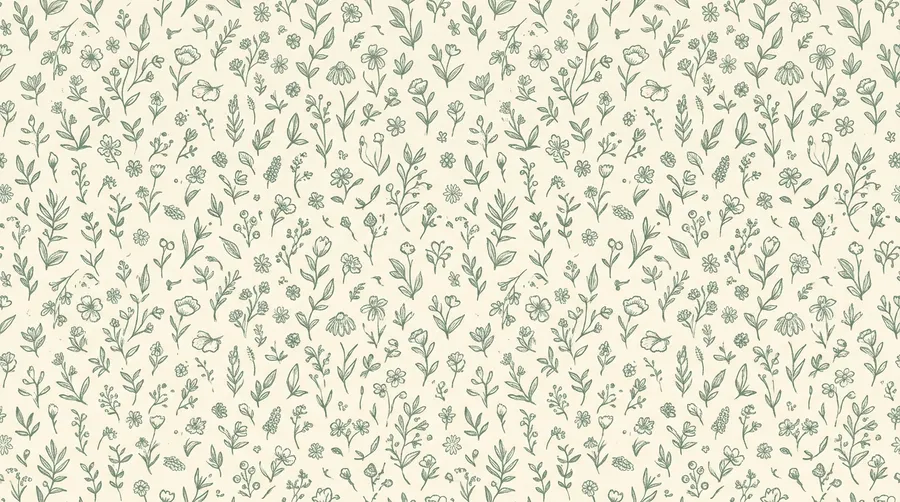
The best AI pattern generator
Cross stitch, crochet, geometric tiles, and seamless repeats, all generated from a single prompt. No pattern libraries to license. No tool switching. Just describe what you need and iterate until it tiles.
Access 29+ leading AI models in one AI pattern generator platform.
One workflow. One subscription. The right model for each campaign asset.


Why getimg.ai is the top choice for pattern designers and crafters?
More control than a single-tile generator
A basic generator gives you one tile. Pattern work usually needs more than that. With getimg.ai, you can generate a motif, refine it, tile it across a repeat, try variations, and build a cohesive collection without starting over. One idea turns into a full pattern series instead of a single swatch.
Prompt
First Frame
Last Frame
Better fit than a one-model tool
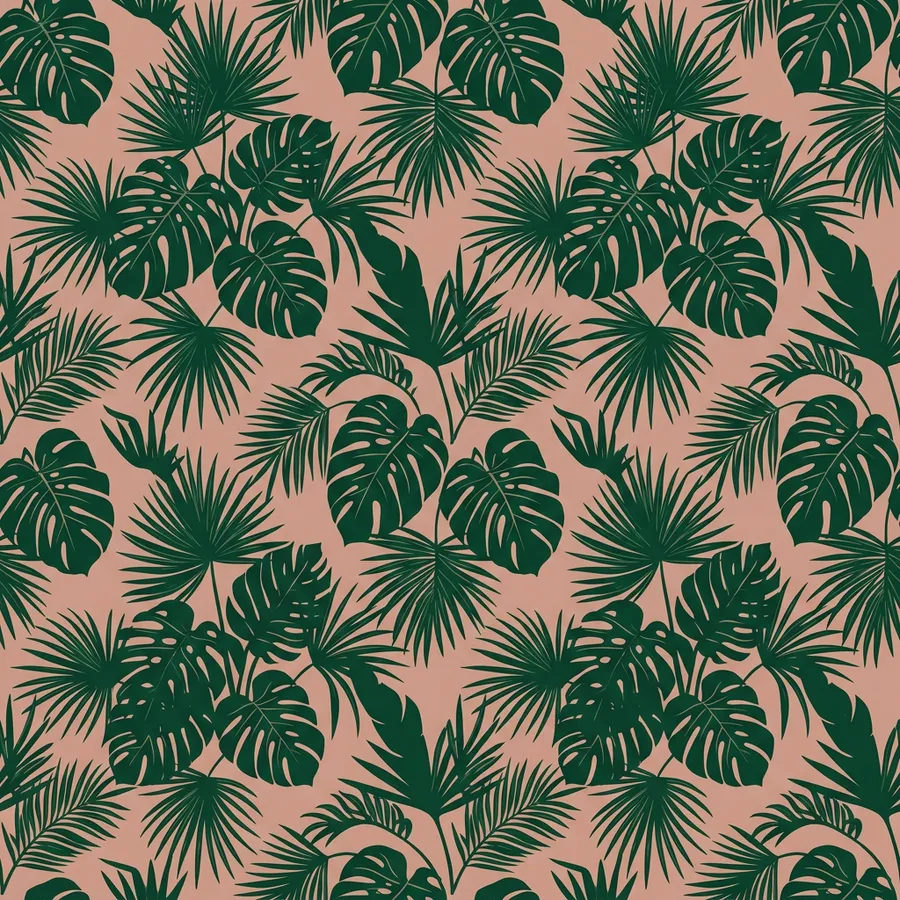
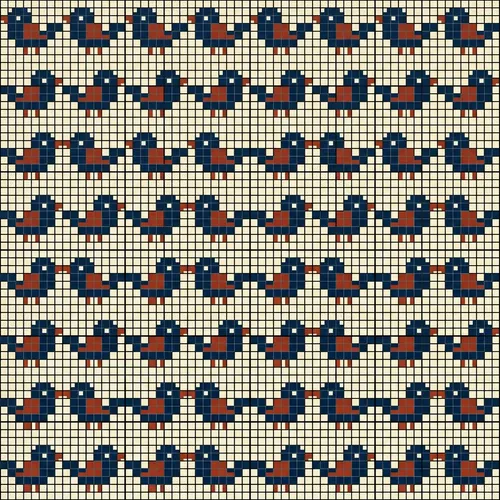
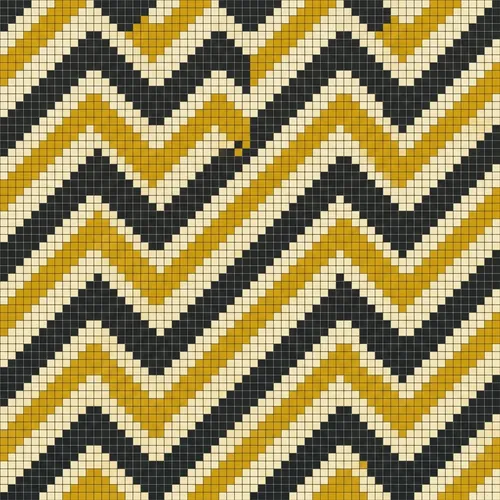
Different pattern jobs need different strengths. Cross stitch grids want clean pixel edges. Crochet repeats want chunky contrast. Seamless florals want soft painterly strokes. getimg.ai gives you access to 29+ leading AI models in one place, so your pattern work is not boxed into a single model’s style for every task.
Auto selection
Nano Banana 2
Excellent typography generation, high-quality realism.
Seedance 1.5 Pro
Cinematic camera control, dynamic scenes, expressive characters.
For designers and crafters who need usable outputs
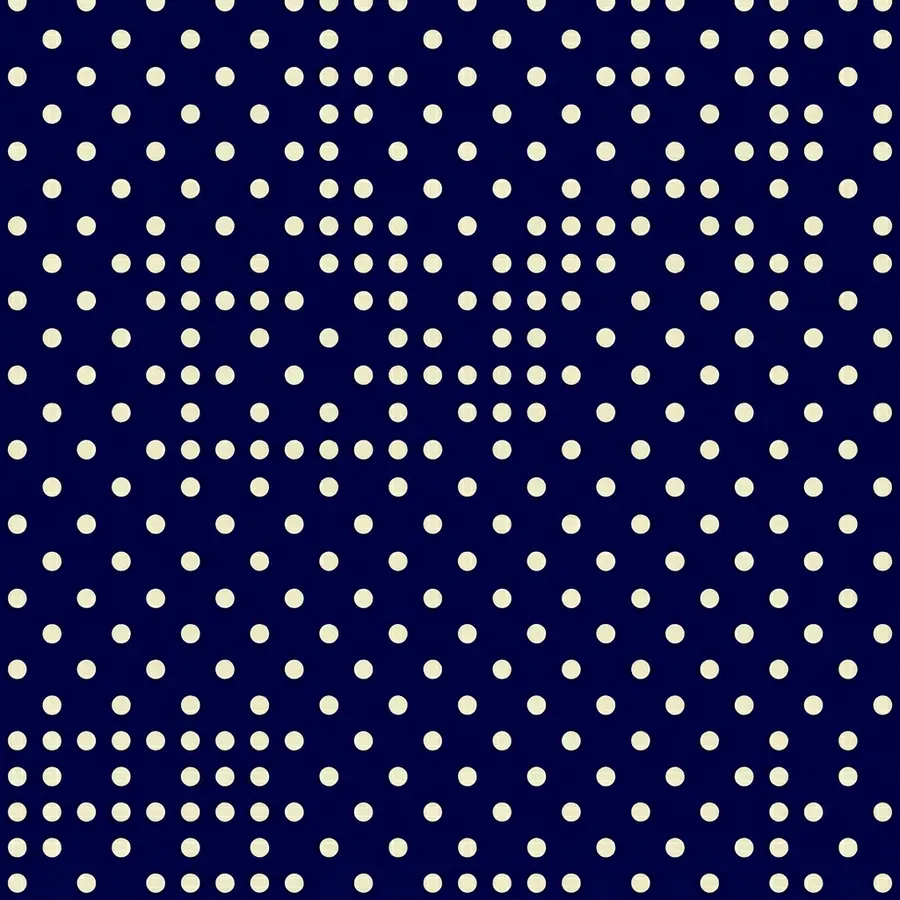
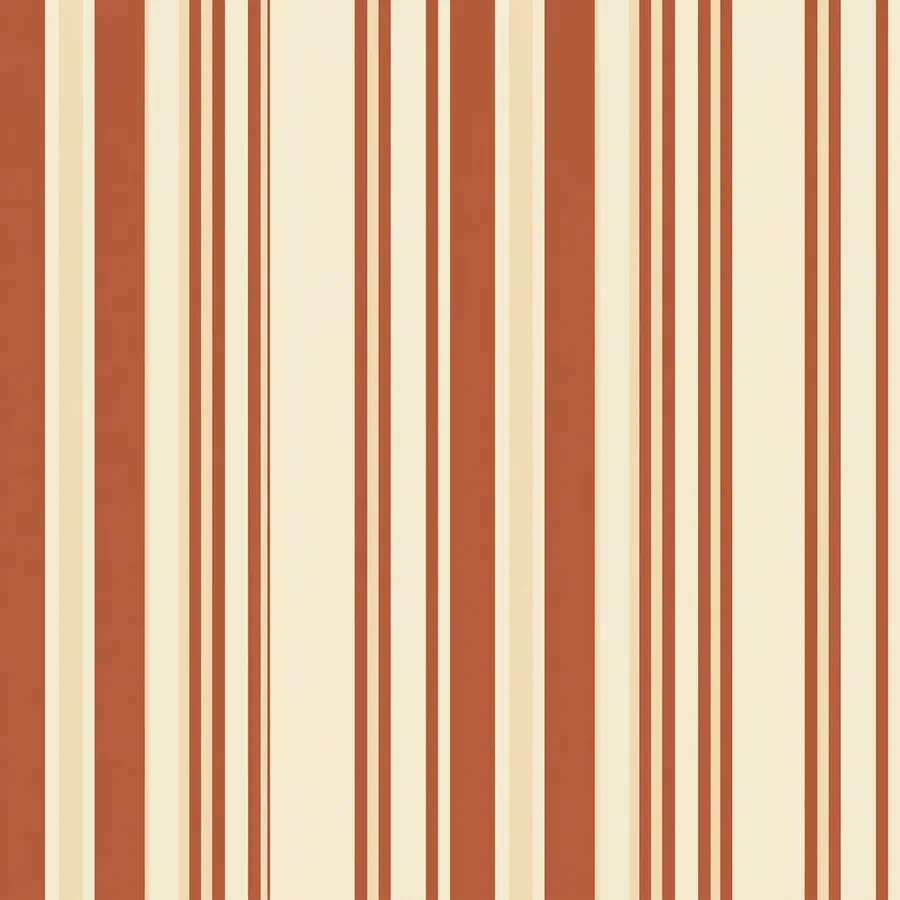
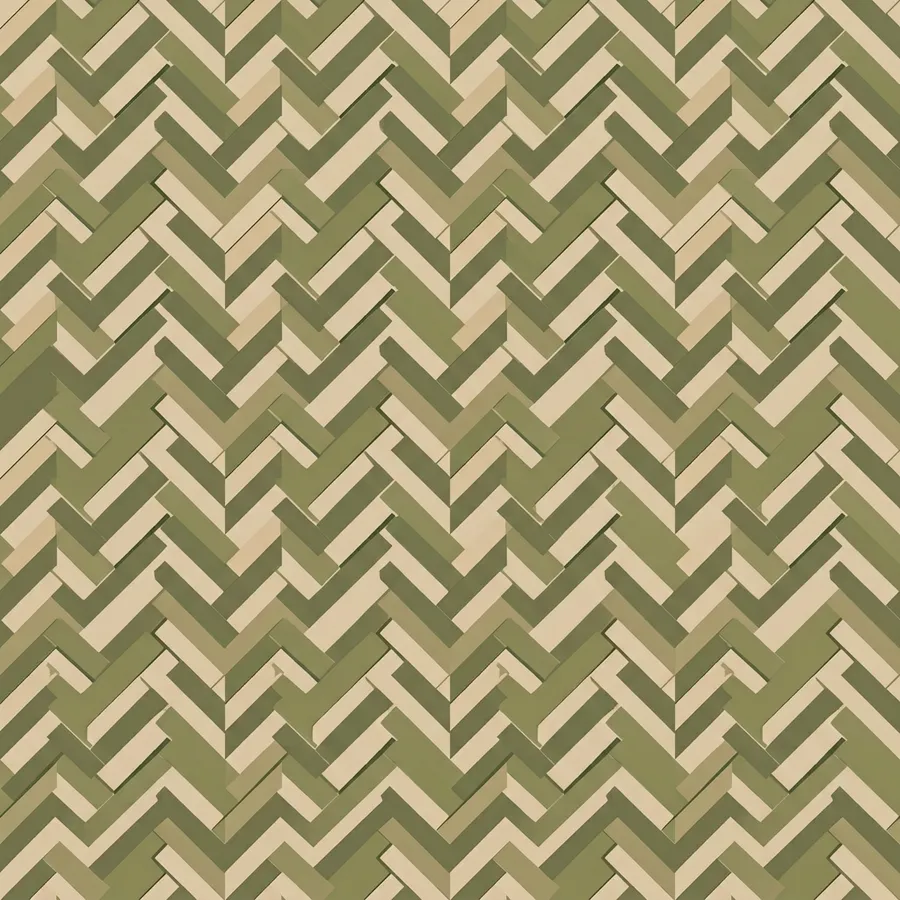
This is not about generating swatches to look at. It’s about producing patterns you can actually export, tile, print, or follow as a craft chart. Use getimg.ai to build seamless textile repeats, cross stitch references, crochet inspiration, wallpaper tiles, and background graphics without queuing a custom illustration.
How to create patterns with AI?
1. Start with the brief
Describe the pattern the way you already think about it. The motif, the palette, the scale, the mood, and the surface it will live on.
2. Generate the first direction
Create your first pattern in minutes. Start with a motif, tile it, and get something concrete to react to fast — a repeat, a color story, a texture.
3. Refine and adapt
Adjust the palette, swap motifs, tighten the repeat, and keep building from the same idea until the pattern is ready to export.
Turn one motif into a full pattern collection
One of the biggest limitations in pattern work is not ideas. It’s volume. You rarely need one swatch. You need options:
- different palettes
- different scales
- different motifs
- different repeat styles.
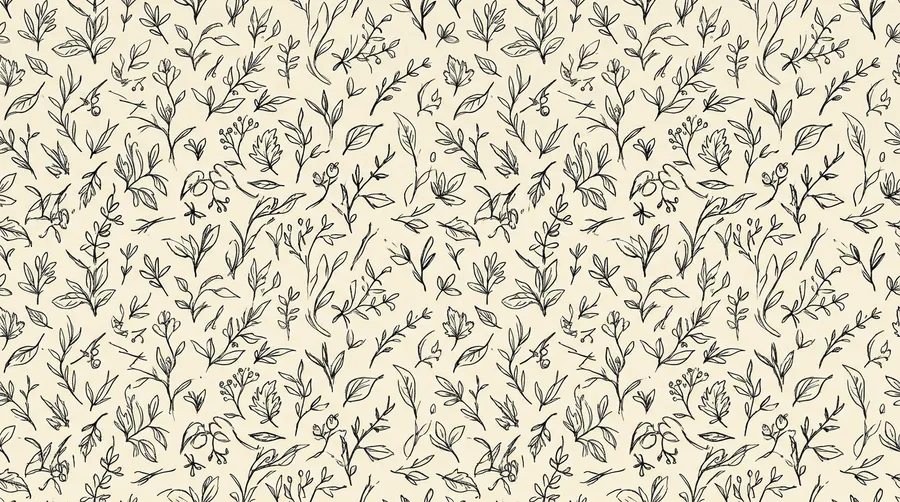
With getimg.ai, you can take a single motif and generate a whole collection quickly. Try the same idea in a bold graphic, muted, painterly, or pixel-grid version. Instead of locking a direction too early, you can explore and then choose.
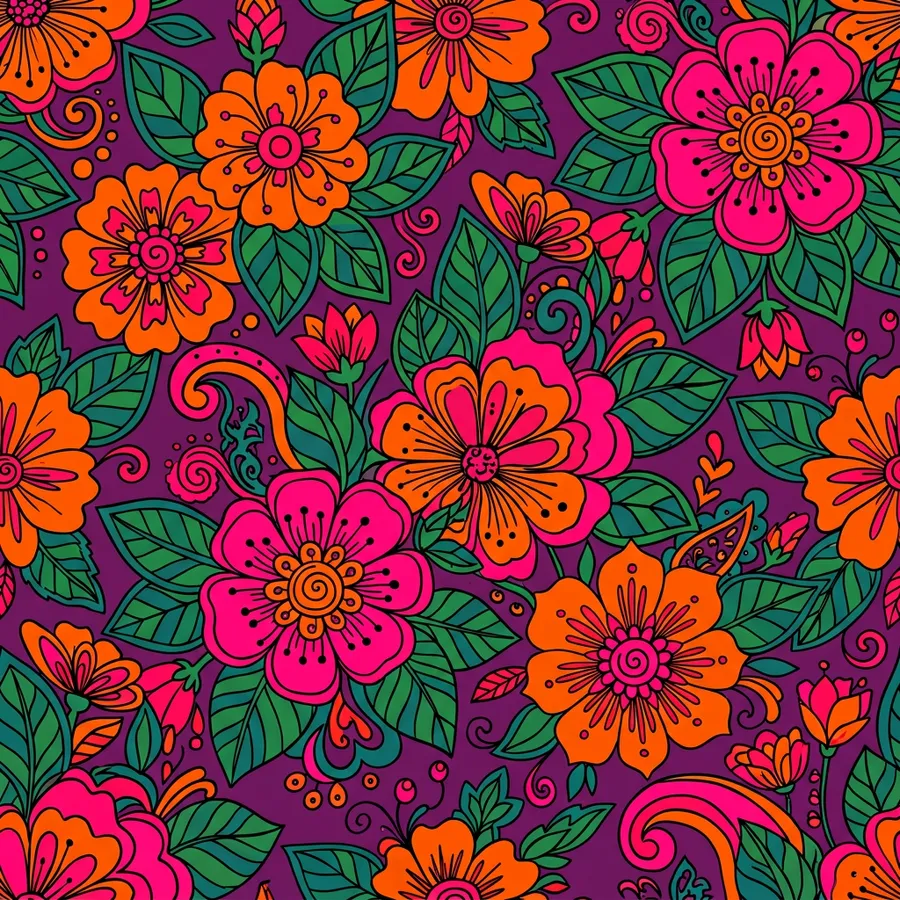
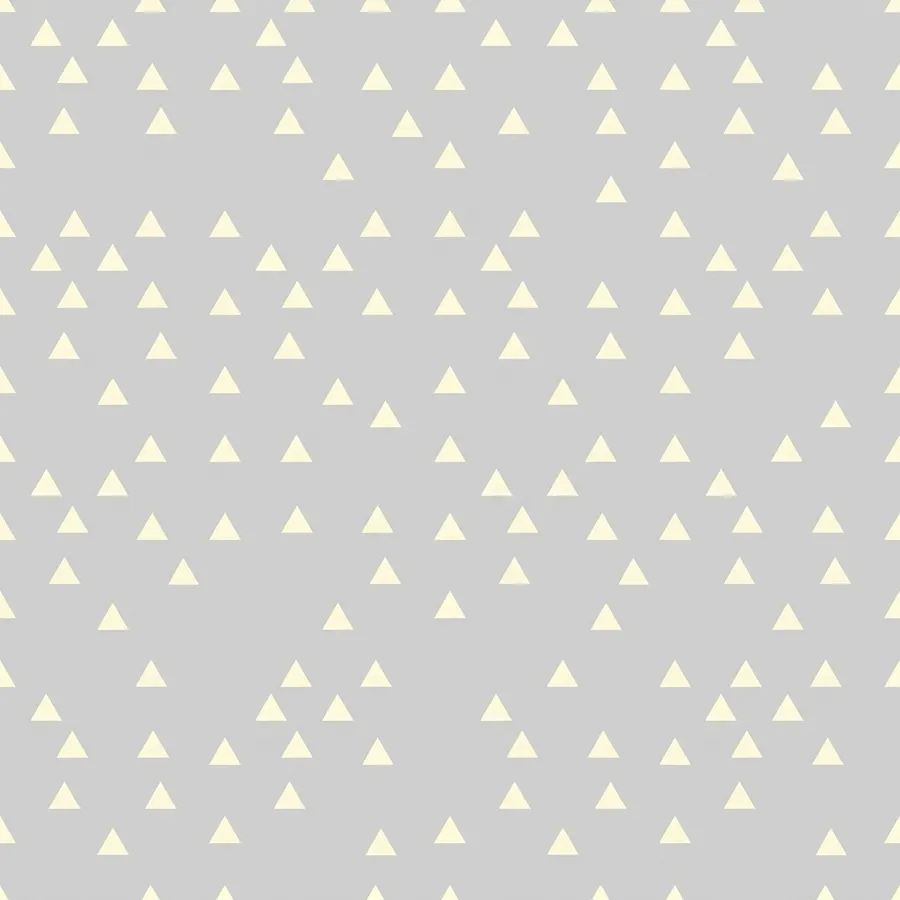
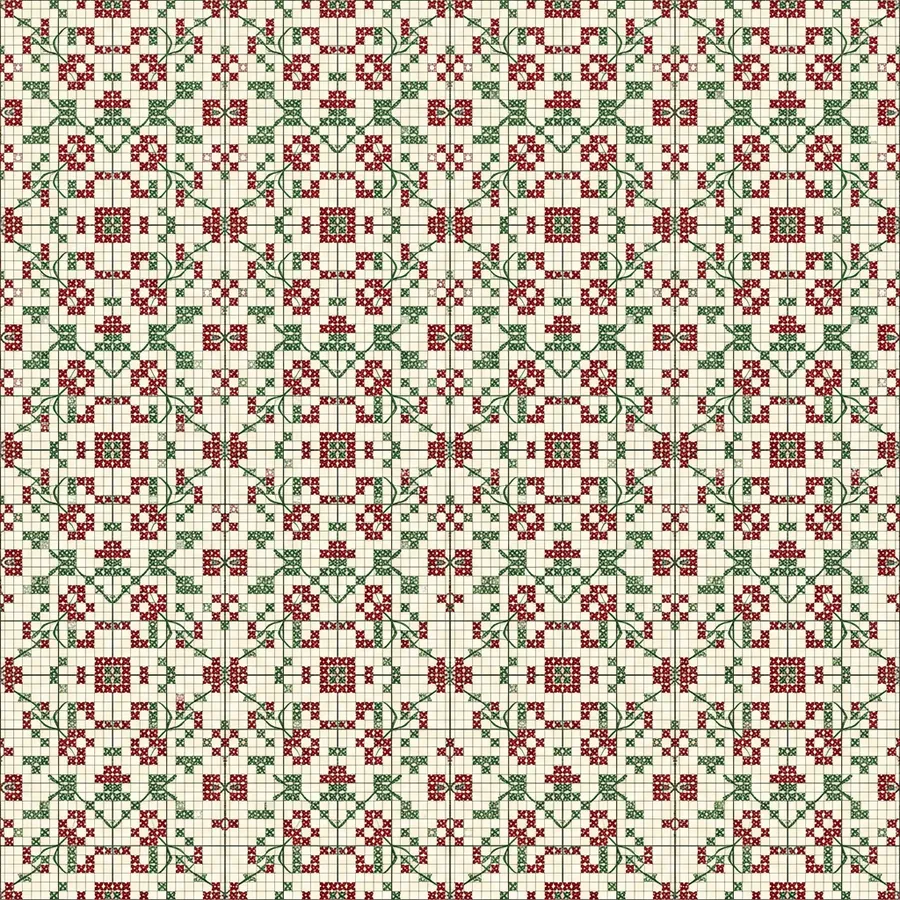
One workspace for pattern projects, not scattered files
Pattern work slows down when files live in too many places. Sketches in one tool. Swatches in another. Palette notes in a chat. Final repeats in someone’s local folder.
getimg.ai gives you one place to create, organize, and iterate on a full pattern collection, so the process stays cleaner as output volume grows.
- Organize swatches by collection or project
- Keep references and palettes in the same workspace
- Reduce version confusion across repeats
- Make handoff to print or craft chart easier
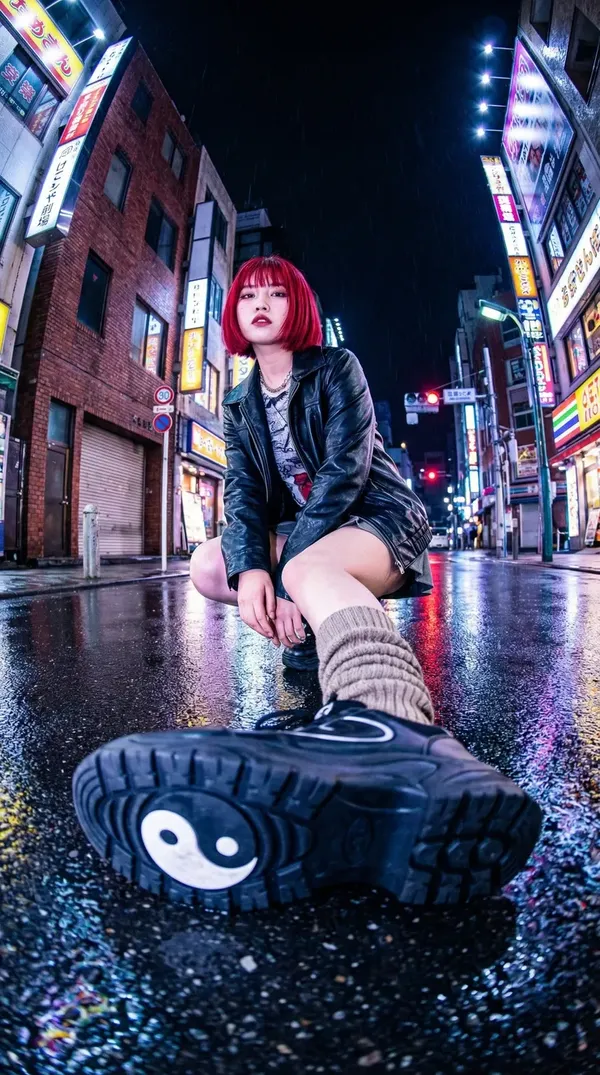
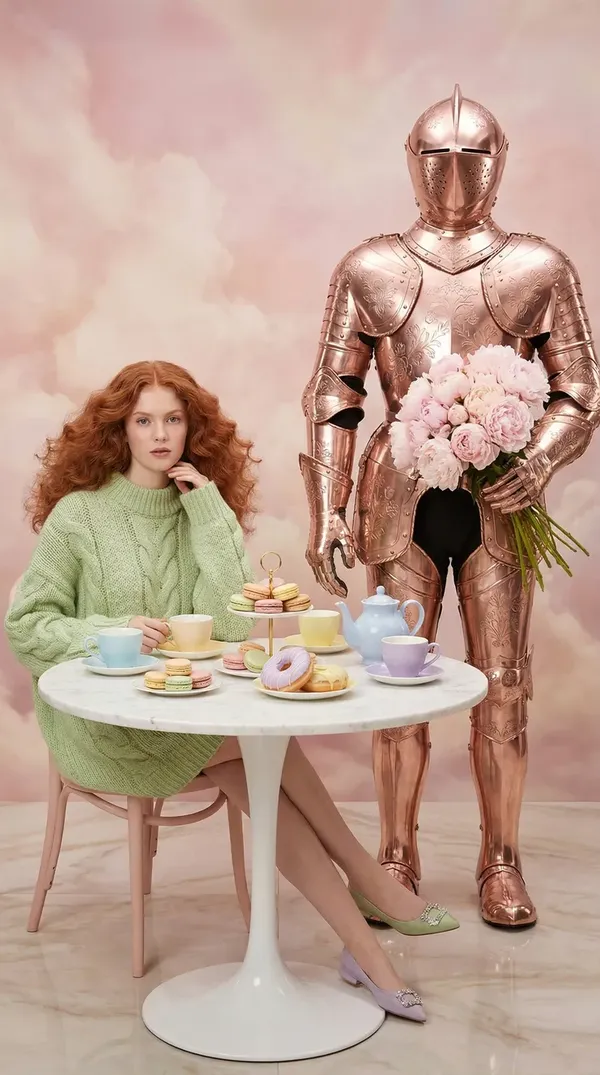
Create pattern variations for every surface and craft
Many pattern projects don’t fail on ideas. They fail on sourcing. You need the right style, the right palette, the right scale. Even a simple repeat can take hours to draw, tile, and test. With getimg.ai, you can generate pattern variations directly from a prompt.
For example:
“Cross stitch reference: botanical motifs, limited palette, pixel-grid feel”
“Crochet tapestry: bold chunky repeat, high contrast, earthy tones”
“Seamless wallpaper: modern geometric, muted palette, matte finish”.
You describe the style and the palette. The model handles the repeat.
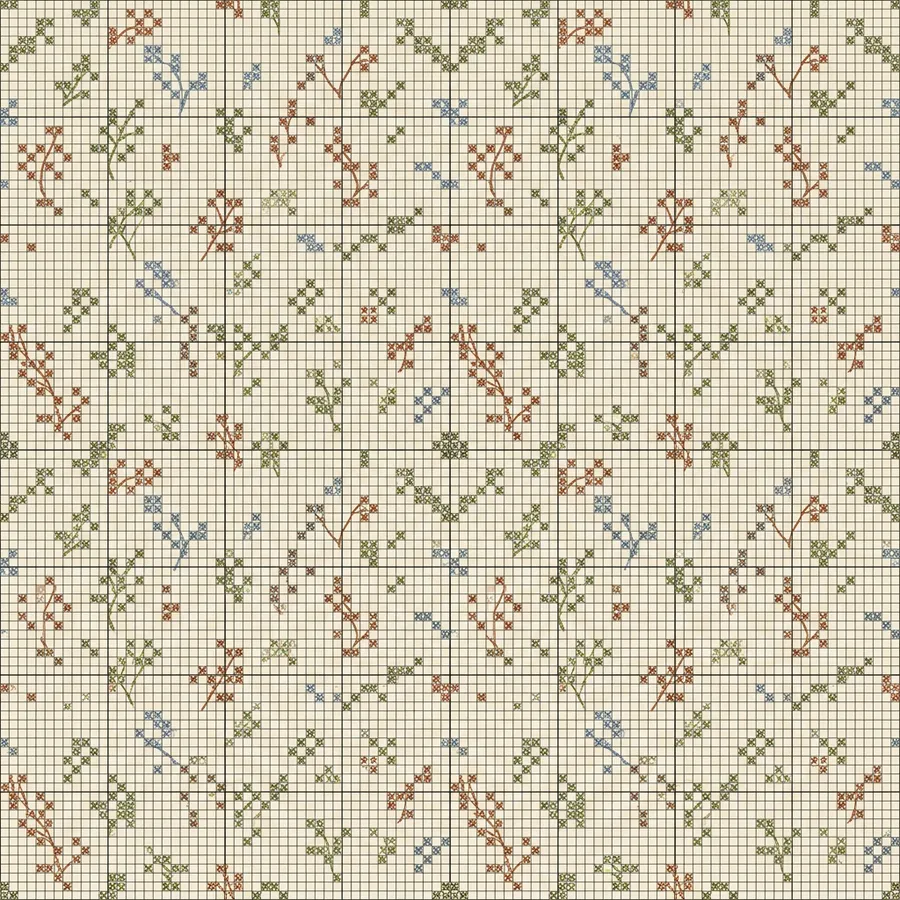
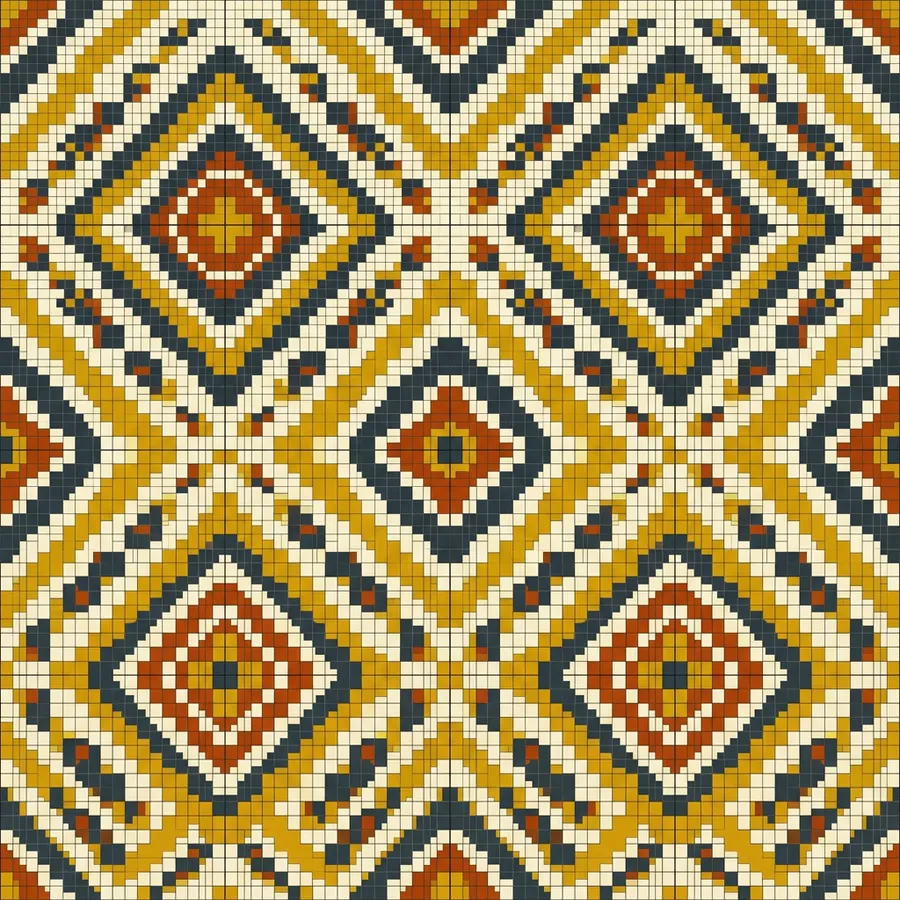
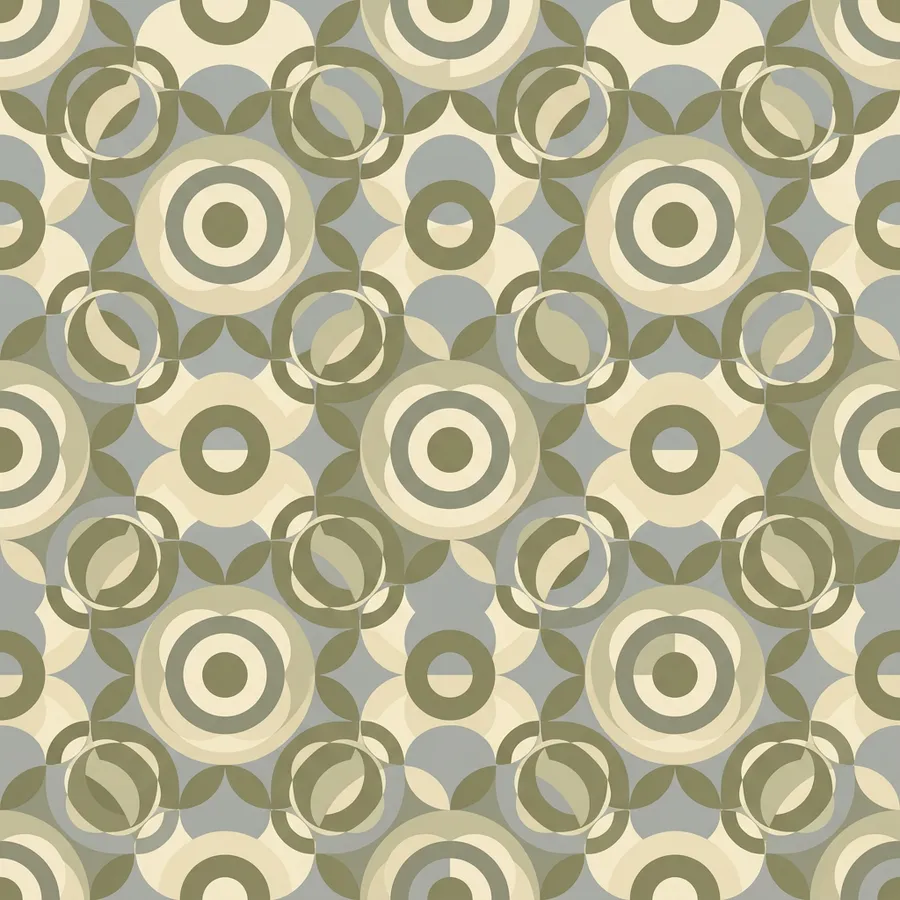
What you can actually create with an AI pattern generator
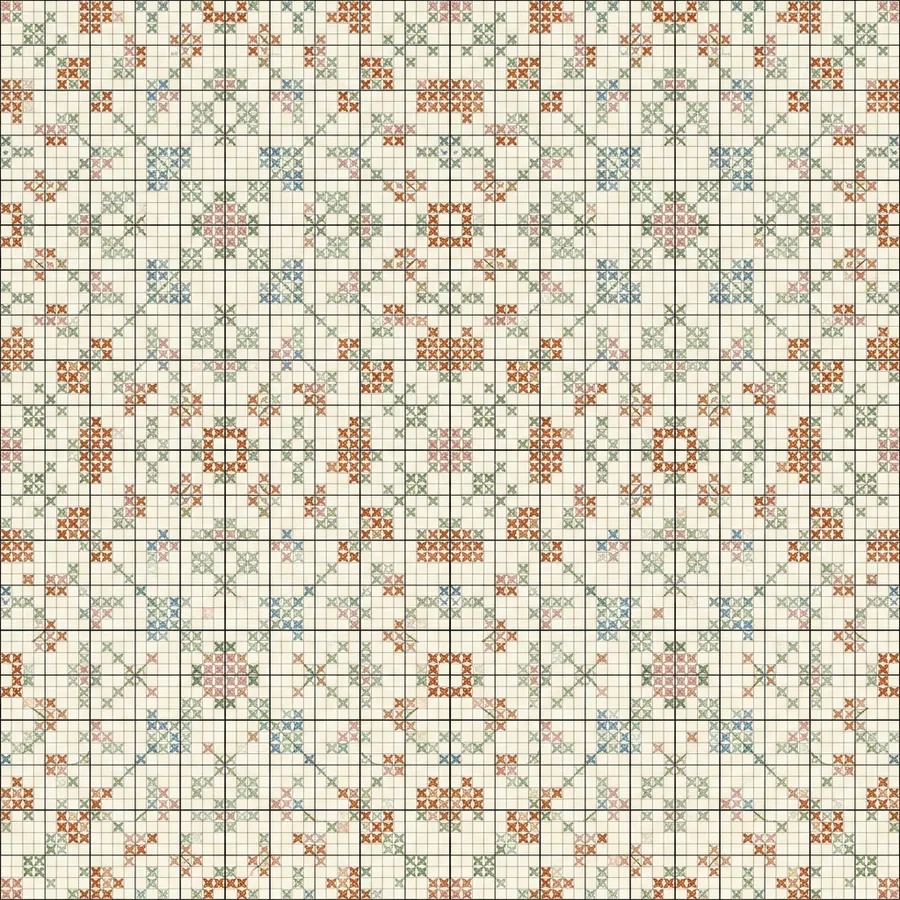
The AI pattern generator built for designers and crafters who need to ship
Skip the paid pattern libraries, the slow custom illustration queues, and the tool switching. Start with the brief, generate the motif, refine the repeat, and build your collection.
Frequently Asked Questions
An AI pattern generator isn’t just about producing images. It’s about creating patterns you can actually tile, export, or follow as a craft chart.
Most AI image generators stop at “here’s an image.” That’s fine for exploration, but pattern work doesn’t end there. You still need clean repeats, multiple colorways, different scales, and motifs that stay consistent across a full collection.
getimg.ai is built around that full workflow. You can start with a prompt, generate a motif, refine it, create multiple variations, and build a pattern collection without switching tools or starting over. It’s less about “generate once” and more about iterating on a pattern series.
A typical flow looks like this:
You start with a rough idea for a pattern. Instead of digging through paid pattern libraries or commissioning a custom chart, you write a short description and generate a few directions in getimg.ai’s Content Generator. From there, you pick the motifs that feel closest and refine them.
Once you have something strong, you generate variations. Different palettes, different scales, different stitch styles. Then you take the best direction and turn it into additional swatches, or adapt it for a different craft or surface.
The key difference is that you’re not restarting at each step. You’re building on what already works.
Yes, and that’s where this type of tool becomes especially useful. A lot of pattern work isn’t about recreating a traditional craft chart. It’s about producing a repeat that tiles cleanly across a fabric, wallpaper, product surface, or UI background.
Instead of defaulting to generic stock swatches, you can generate concept-driven patterns. A custom palette, a specific motif, or a style tied to a brand or collection — something no pattern pack will give you.
This works for textile design, wallpaper, product packaging, stationery, web backgrounds, and any surface where the pattern needs to match your brief, not a library’s.
No. You don’t need to learn a special syntax. getimg.ai takes care of it for you, automatically enhancing your prompts in the background.
The easiest way to use it is to write prompts the way you’d describe a pattern to another designer or crafter. Describe the motif, the palette, the scale, the mood, and the surface it’s for.
If something isn’t quite right, you adjust the description and generate again. Over time, you naturally get better at describing what you want, but there’s no technical barrier to getting started.
In getimg.ai’s Content Generator, pattern editing is part of the same workflow, not a separate process.
You can create pattern variations directly from a text prompt, or upload a pattern you already have and describe the change — recolor, rescale, swap motifs, or shift the style.
If you need more control over the repeat, you can save a motif or palette as an Element and reuse it across a full collection. That keeps the look consistent even as you explore new directions.
Yes, and that’s one of the more practical use cases. You can use reference images or saved Elements to keep motif, palette, and repeat style aligned. Instead of every output drifting slightly, you can build a recognizable pattern direction across multiple swatches.
This becomes more important as you scale. The goal isn’t just generating patterns, but generating patterns that feel like they belong to the same collection.
Both, but it solves slightly different problems. If you’re working solo, e.g., as a pattern designer, independent crafter, or small studio, it removes the need to commission or license every pattern. You can move faster and test more ideas without adding overhead.
If you’re part of an in-house or agency design team, it helps with volume and consistency. Instead of bottlenecking on custom illustration, you can generate, iterate, and align on a collection direction more quickly.
All of our paid plans include commercial rights. That means you can use the outputs in product lines, e-commerce listings, craft patterns you sell, print-on-demand, client work, and anything else you’re producing professionally. It’s designed for real pattern use, not just experimentation.