AI Painting Generator: Create Art from Text or Photos
Oil, watercolor, acrylic and gouache, from a prompt or a reference image
Describe an original painting or upload an existing image as a Reference. Choose the medium, brushwork, palette, surface texture and visual direction, generate several interpretations, then refine the version you want to keep. The output is a digital raster image built to reproduce painterly cues such as brushstrokes, pigment and canvas texture.
How to create a painting with AI
Six steps from a prompt or a photo to a finished painted image.
1. Open Create image
Sign in and open the Create image action, the text-to-image entry point of the workspace. Open it here.
2. Describe it or add a reference
Write what the painting shows, or upload a portrait, pet, landscape or object photo as a Reference and describe the painted treatment you want applied to it.
3. Set the direction and generate
Name the medium, brushwork, palette and surface, pick an aspect ratio, then generate multiple variations in a batch. Refine the strongest result and upscale it once the artwork is approved.
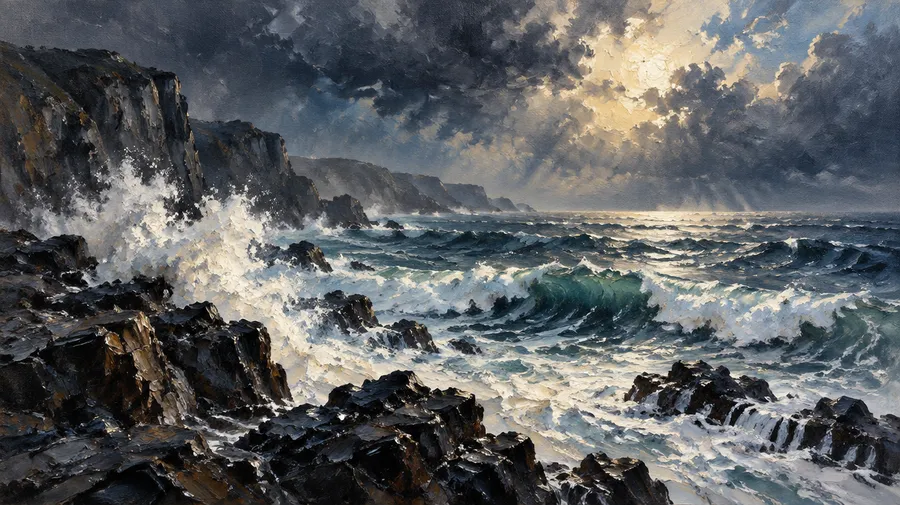
Turn a photo into a painting
Upload an image as a Reference, then describe the painting medium and visual treatment you want. Reinterpret a portrait, pet, landscape, house or other photo as oil, watercolor, acrylic, gouache or another painted style. Self portraits, family portraits, couple portraits, pet portraits and wedding portraits all work from a single source photo. References guide the subject and composition, but stronger painterly stylization can simplify or change smaller facial, fur and clothing details.
Oil painting in the style of Van Gogh, vibrant blooming meadow, thick, swirling brushstrokes depicting wildflowers in a multitude of colors, dynamic composition, visible canvas texture, intense use of complementary colors, energetic and expressive
What an AI painting actually is
Three distinctions worth making before you generate, so you know what the file you get back can and cannot do.
Painting vs. painting filter
A traditional filter primarily changes the visual treatment of the existing pixels. Generative painting workflows can reinterpret texture, brushwork, lighting and smaller details while using the original image as guidance.
Explore oil, watercolor, acrylic and gouache
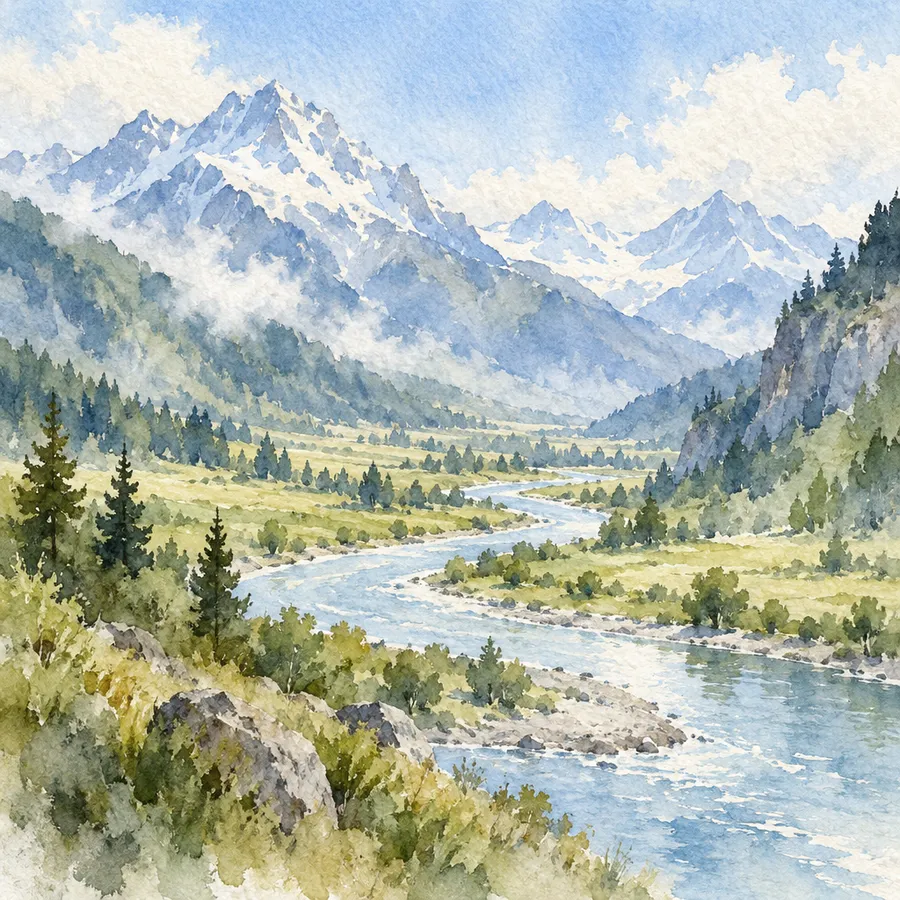
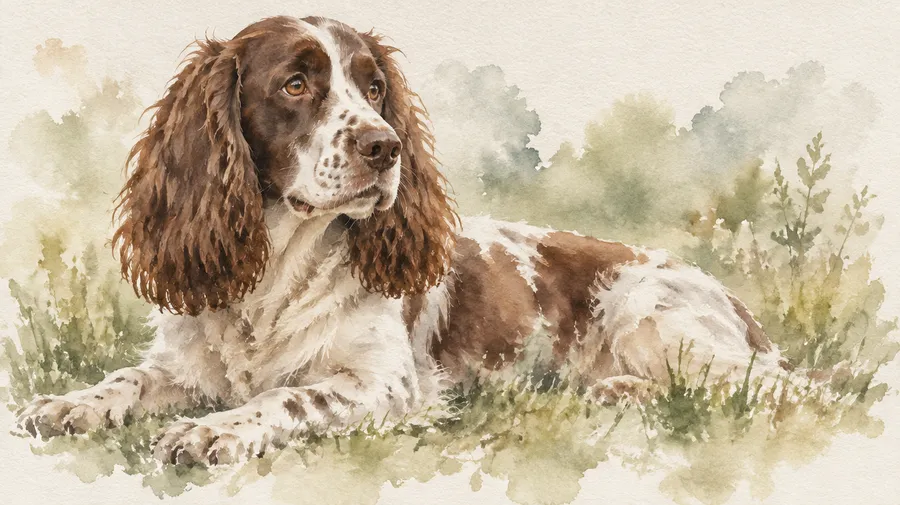
Each medium has its own visual logic, and naming it changes the result. Oil reads as thick brushstrokes, impasto and layered pigment over canvas texture. Watercolor reads as transparent washes, soft edges, pigment blooms and visible paper grain. Acrylic reads as opaque pigment, bold color and clean textured shapes. Gouache reads as matte opaque coverage and smooth shapes on paper. Pastel and mixed media sit between drawing and painting and work as secondary directions.
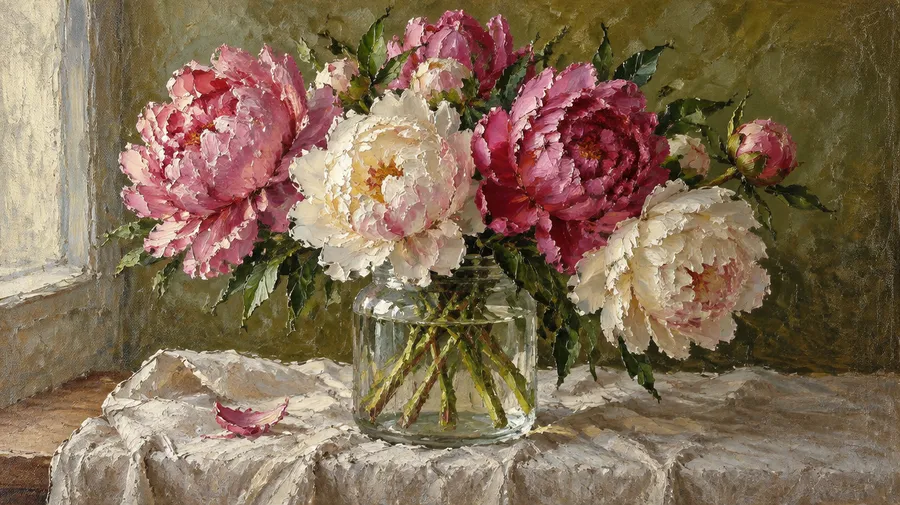
Control brushwork, surface texture and palette
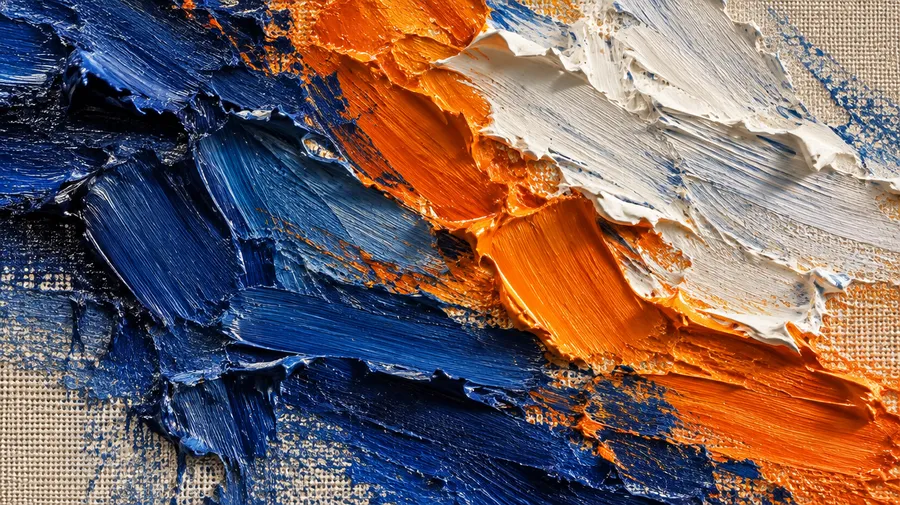
Four dimensions decide whether an image reads as a painting or as a smooth digital illustration. Brushwork: thick impasto, loose expressive strokes, fine detailed strokes or dry brush. Surface: canvas texture, cold-press paper, smooth ground or rough paper grain. Pigment and palette: muted, saturated, earthy, pastel or high-contrast. Edges: soft blended, hard-edged, feathered or outlined. Name them in the prompt instead of relying on a single style word.
What can you create with an AI painting generator?
Portraits, pet paintings, landscapes, still lifes, botanical studies, architecture and house portraits, abstract compositions, fantasy scenes, editorial artwork and wall-art concepts.
Painted portraits from photos
Self portraits, family portraits, couple portraits, pet portraits and wedding portraits, generated from a source photo used as a Reference.
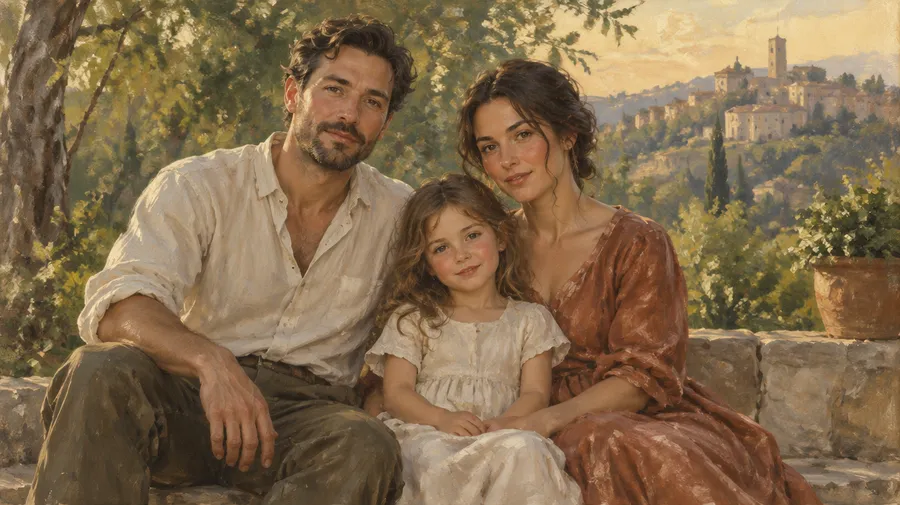
Landscapes and house portraits
Coastlines, meadows and city scenes, or a photo of a house reinterpreted as a watercolor or oil house portrait for wall art.
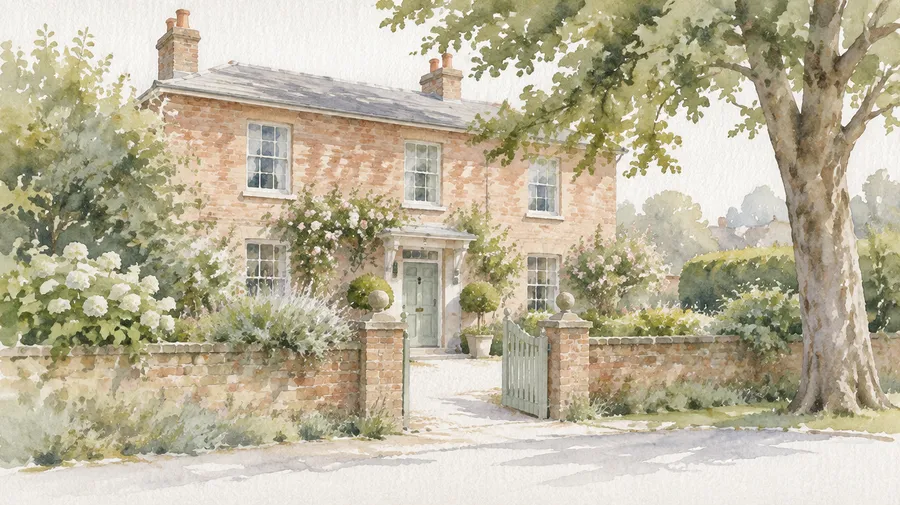
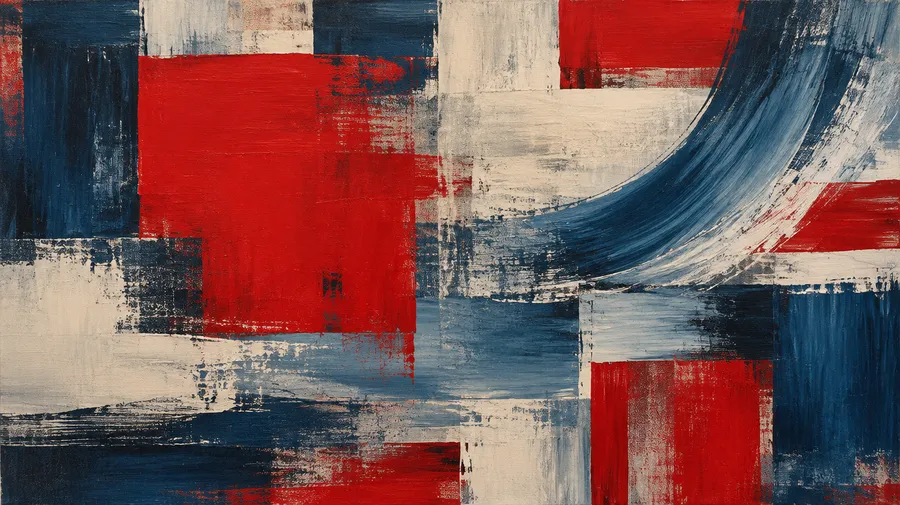
Still life, botanical and abstract
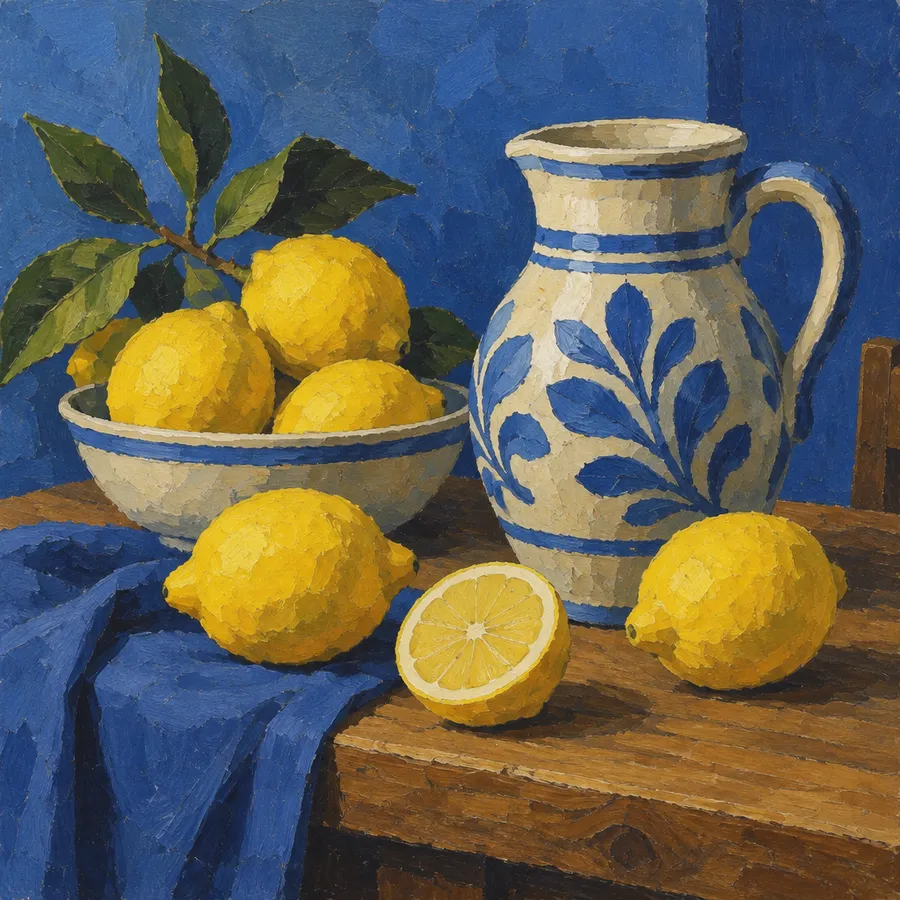
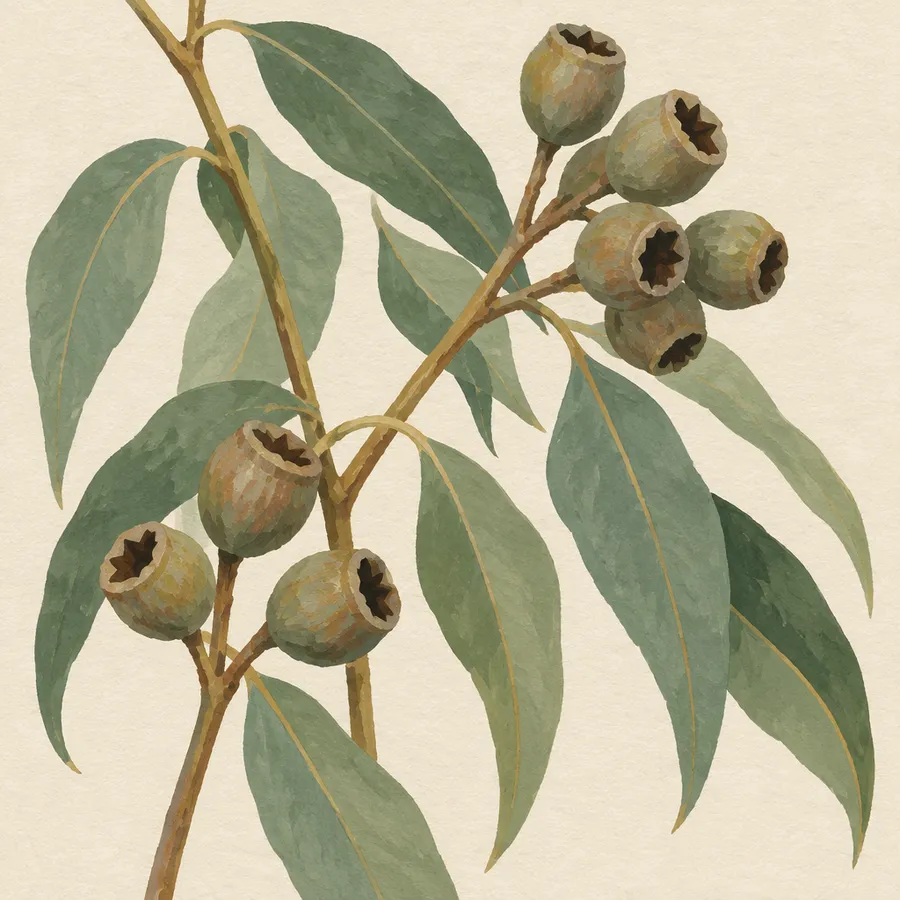
Fruit and flower still lifes, botanical studies, and abstract compositions built from pigment, gesture and surface texture.
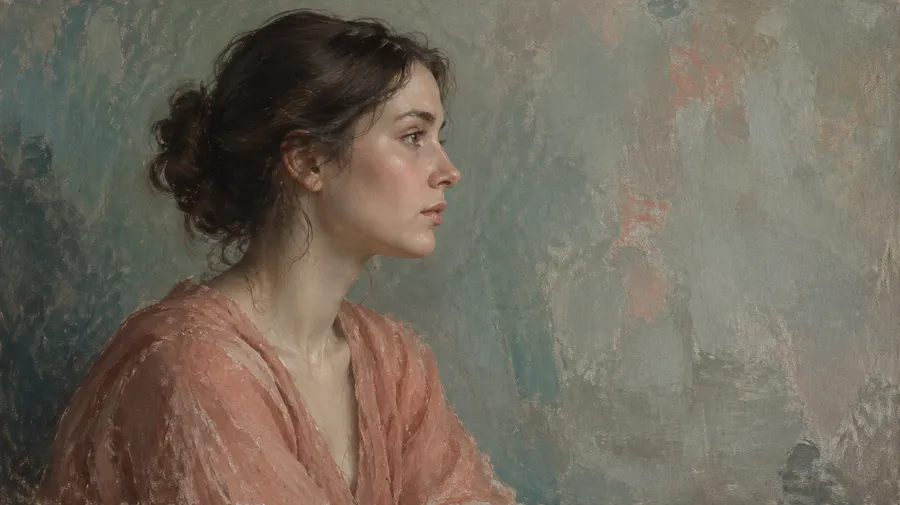
Guide your painting with visual References
Use up to 10 reference images in a single generation to guide likeness, artistic style, palette or mood. One image can carry the subject, another the palette and brushwork direction.
Keep one painting direction across a series
Save a reusable Style or other visual Element and apply it to additional subjects or scenes instead of rebuilding the direction from scratch every time. Useful for an illustration series, a campaign, matching pet portraits or a landscape set. Generative consistency is guidance, so individual brush marks, palette balance and details can still vary. See the Elements guide for how to save and reuse one.
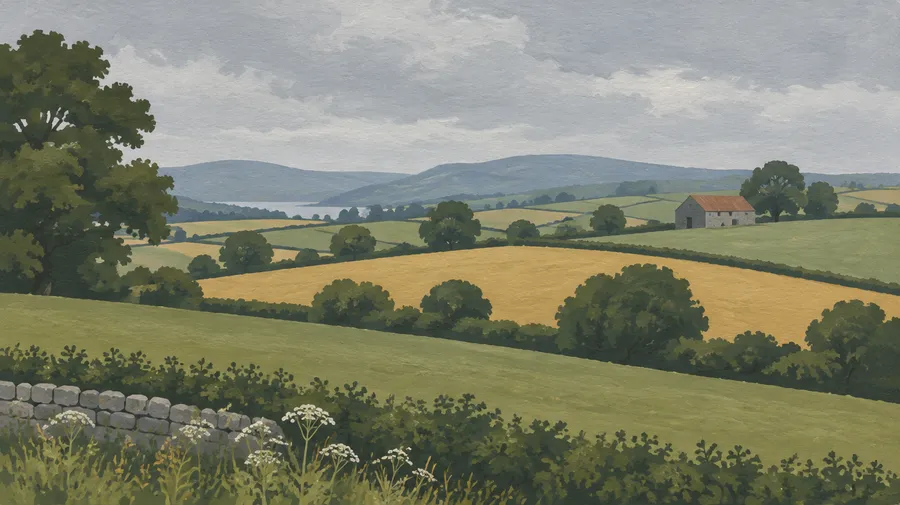
AI painting prompt examples
A reliable formula: medium + subject + composition + art movement or direction + brushwork + palette + surface + lighting.
Oil
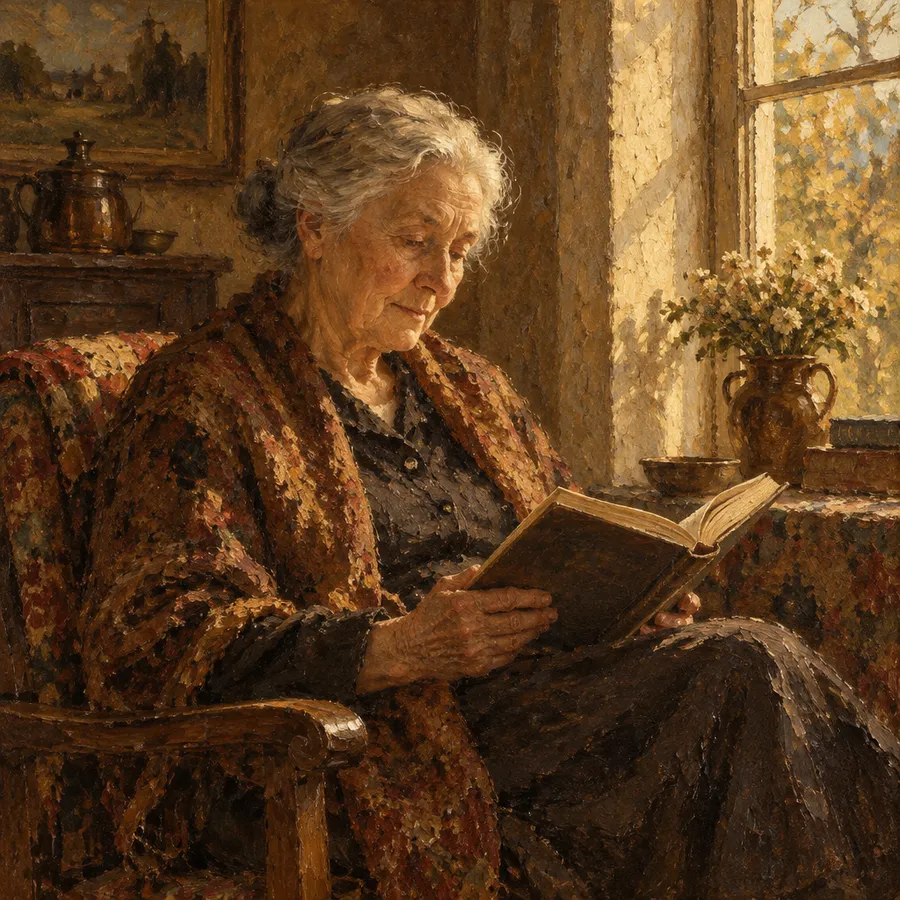
Oil reads through thick brushstrokes, impasto, layered pigment and canvas texture.
Oil portrait of an elderly woman reading beside a window, three-quarter composition, realist painting, visible layered brushstrokes, warm earth-tone palette, subtle canvas texture, soft directional afternoon light.
How to get better AI painting results
Most weak painting output comes from prompts that name a style but never describe how paint behaves. Specify the physical properties instead.
Prepare AI paintings for print
Finalize the composition first, then upscale the selected image to the pixel dimensions required by your final print size. Check the printer's resolution, bleed and trim requirements before delivery.
Frequently Asked Questions
Yes. Upload the photo as a Reference in Create image and describe the painting medium and treatment you want. The Reference guides subject and composition while the prompt sets the painted look.
Yes. Add the photo as a Reference and describe oil-specific properties: visible layered brushstrokes, impasto, canvas texture and the palette you want. Name what must stay recognizable, such as a face, a roofline or an animal's markings.
Yes. Describe transparent washes, soft feathered edges, pigment blooms and visible cold-press paper texture. Watercolor stylization is strong, so smaller details in the source photo are simplified more than they are with oil.
Yes. Self portraits, family portraits, couple portraits, pet portraits and wedding portraits all work from one or more source photos. References guide the subject and composition, but stronger painterly stylization can simplify or change smaller facial, fur and clothing details.
A filter primarily changes the visual treatment of the existing pixels. A generative painting workflow reinterprets texture, brushwork, lighting and smaller details while using the original image as guidance, which is why the result is not a pixel-perfect copy of the source.
Yes. Add an image whose brushwork, palette or mood you want followed. You can combine up to 10 reference images in one generation, for example a portrait for likeness plus a second image for palette. References guide the output, not copy every stroke or guarantee exact reproduction of a source artwork.
Save the direction as a reusable Element and apply it to new subjects instead of rebuilding it each time. Generative consistency is guidance, so individual brush marks, palette balance and details can still vary between images.
No. You can refine the image through generative editing, but the generated brushwork is part of the final raster image rather than separate editable paint strokes or layers. Output formats are PNG, JPEG or WebP.
Yes. Brushwork, surface, pigment and edge treatment are all promptable: thick impasto or dry brush, canvas texture or cold-press paper, muted or saturated pigment, soft blended or hard edges.
Oil for weight, texture and layered pigment. Watercolor for lightness, transparency and soft edges. Acrylic for bold opaque color and clean shapes. Gouache for matte, flat, illustrative coverage. Generate the same subject in two mediums and compare before committing.
Oil, watercolor, acrylic and gouache, plus movement-driven directions such as Impressionism, Expressionism, Realism, Surrealism, Cubism, Fauvism and minimalist painting. Subjects range from portraits and pet portraits to landscapes, still lifes, botanical studies, architecture and house portraits, abstract compositions, fantasy scenes and wall-art concepts.
Yes. Finalize the composition first, then upscale to the pixel dimensions your print size needs and confirm resolution, bleed and trim with the printer. Printing on canvas reproduces the painted look; it does not create a physical layer of paint.
Whether it accepts both text and image inputs, how wide its painting-media range is, whether it supports References for likeness and style, whether it holds a direction across a series, whether results can be edited afterwards, what output resolution it delivers, and whether commercial rights are included.
Commercial rights are available on paid plans. See current Pricing and Terms for details.