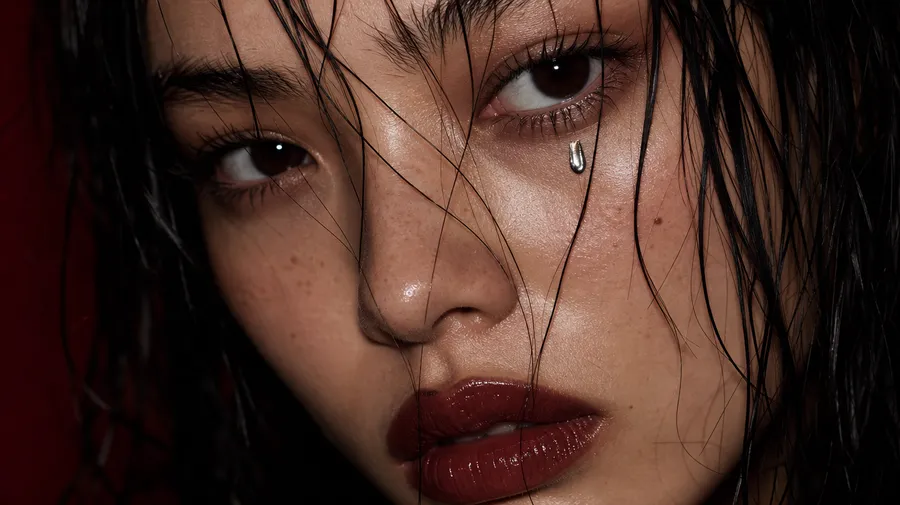
#1 FLUX Image & Video Generator
Access Black Forest Labs’ FLUX models right in your browser. FLUX.2 turns a prompt into production-ready images, and FLUX 3 turns a prompt or an image into video with sound.
Access 48+ leading AI models. Pay for one subscription.


Experience FLUX without limits
All the power, none of the headaches. Whether you’re a first-timer or a creative pro, you’ll get impressive images and video right out of the gate.
Easy on your wallet
Generate high-quality images and video cheaper than ever. Enjoy affordable subscriptions and no hidden fees.

No costly hardware required
You don’t need a powerful GPU to create with FLUX. getimg.ai handles the heavy lifting.

Easy to use, for everyone
Clear interface and simple steps. Jump in and start creating, no manuals, no learning curve.
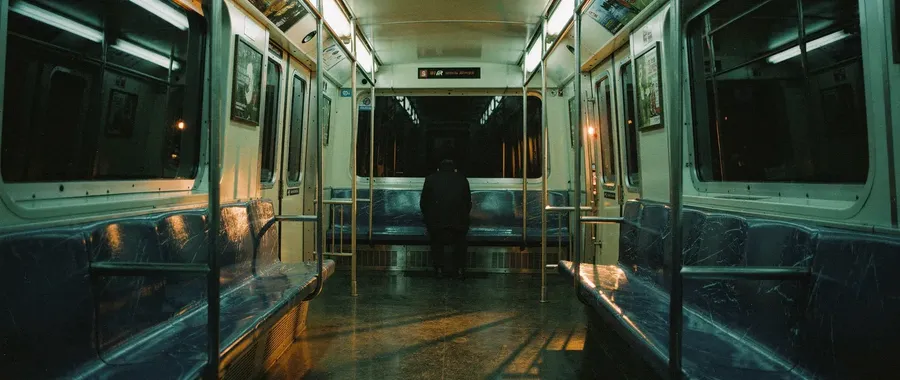
Every FLUX model
Switch between FLUX.2 [pro], [max], [flex], and [klein] for images and FLUX 3 for video, all under one subscription.
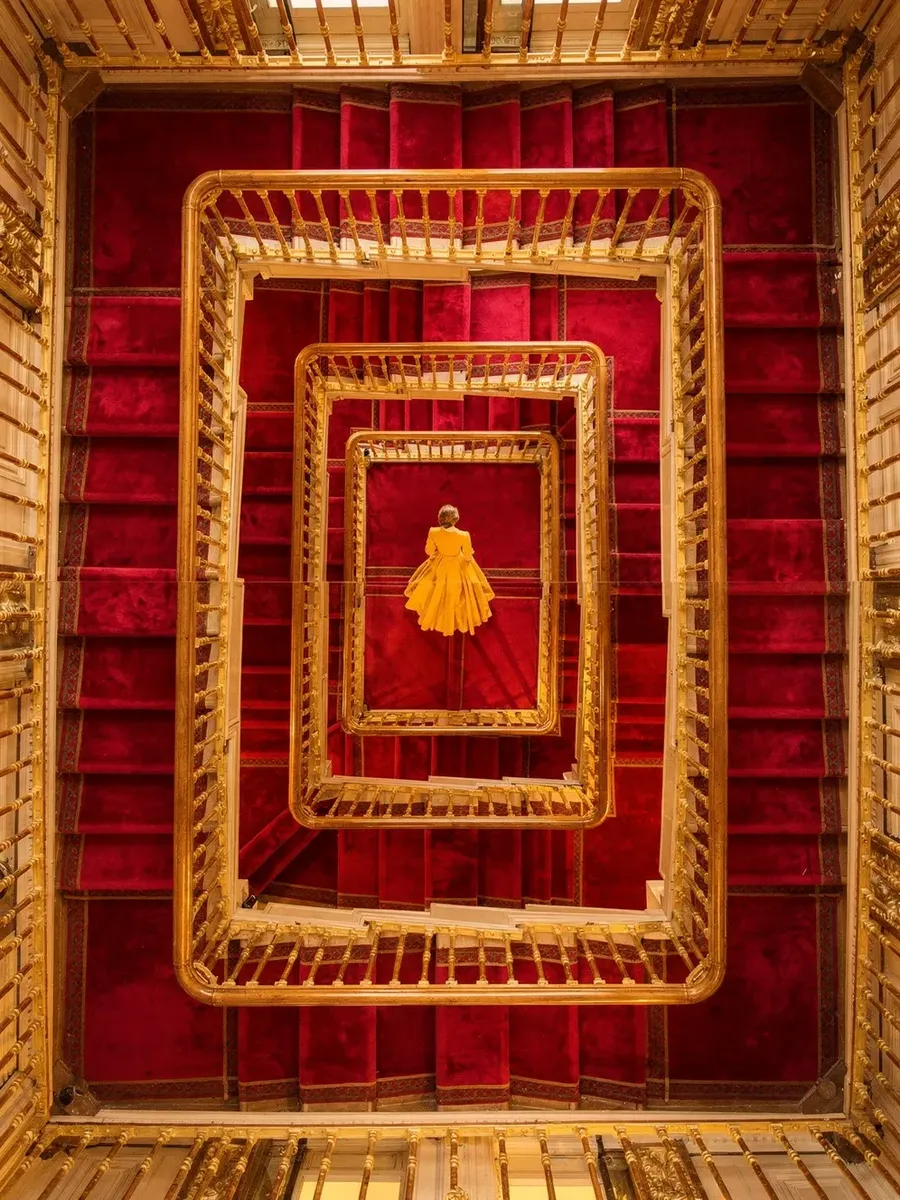
Four FLUX.2 image models, each with a clear job
FLUX.2 is the image side of the FLUX family, and it is not one model trying to do everything. It is a lineup of four, each tuned for a specific type of work. Pick the one you need, and reach for FLUX 3 when you need video.
[pro]
The reliable default. Balanced, flexible, and well suited for most everyday image generation and editing tasks.
[max]
Built for consistency. Stronger prompt following, steadier edits, and better results when working with complex instructions or multiple reference images.
[flex]
Designed for precision. Clear text, sharp details, and layouts that hold together. The right choice when readability and structure matter.
[klein]
The fast, lightweight option. A smaller, open model that generates quickly, ideal for drafting ideas, iterating, and producing images at volume.
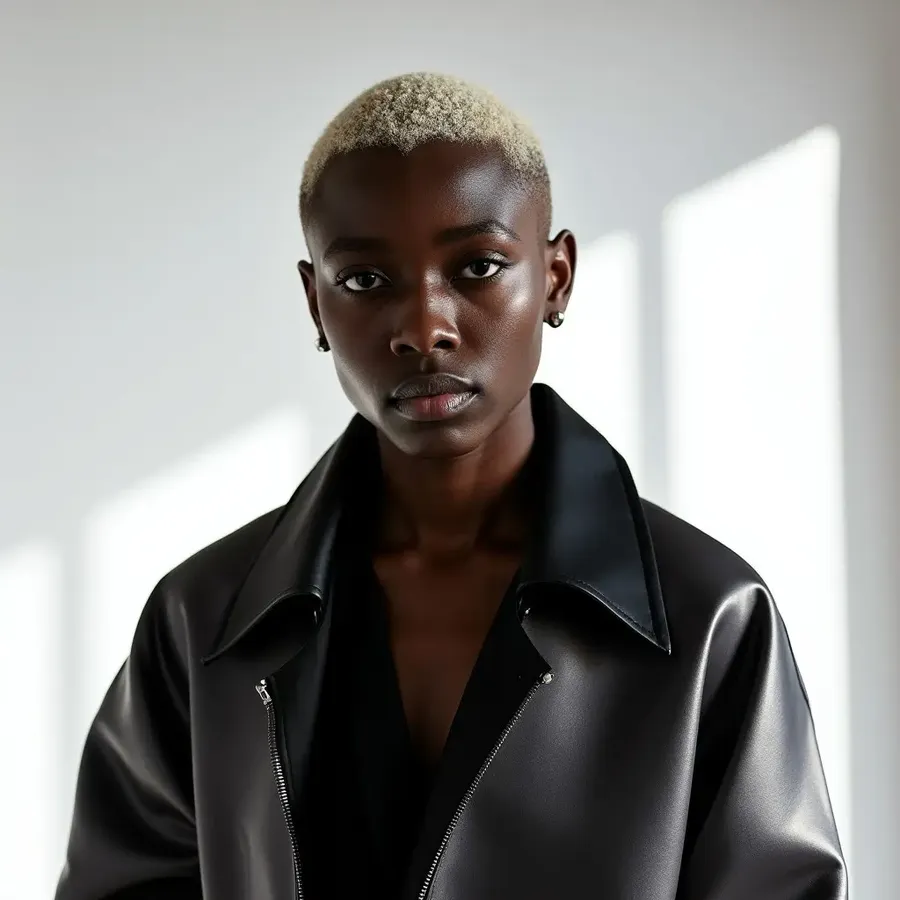
![flux.2 [max] portrait](https://static.getimg.ai/media/genj-f1PT79yM24nypFsGQnACb-large-900x900.webp)
![flux.2 [max]](https://static.getimg.ai/media/genj-6ReFOq74ZvFKMaYwDF7Mk-large-900x900.webp)
![flux.2 [max] artwork](https://static.getimg.ai/media/genj-qEBRkFkuWNKJhksaevy57-large-900x900.webp)
![flux.2 [max] cinematic still](https://static.getimg.ai/media/genj-Y3lE5Gx350tgP3oR7aypx-large-900x900.webp)
Now FLUX makes video too
FLUX 3 is Black Forest Labs’ first video model, and it brings the FLUX family into motion. Describe a scene and it generates a finished clip, or start from a still image and animate it forward from that exact frame. Sound is generated together with the picture, so effects and dialogue land in time with the action.
AI video generated with FLUX 3.
Create, don’t configure
Why fight with hardware or updates? See how simple creating with getimg.ai can be.
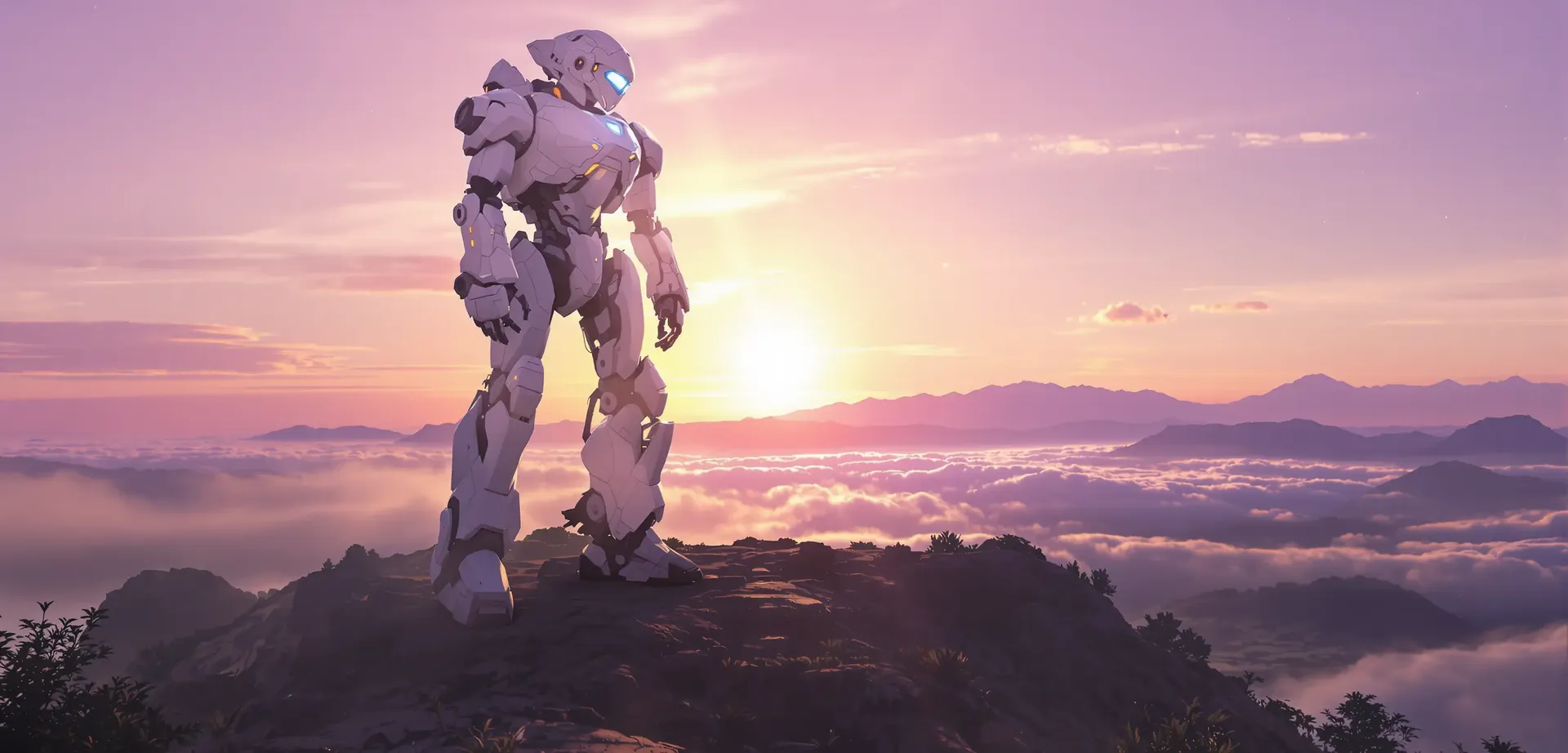
Creating with getimg.ai
Pick your FLUX model
Open the model picker and choose any FLUX model, or leave it on Auto and let getimg.ai decide.
Write your prompt
Describe your idea, style, or needs. The more details, the better the image.
Generate instantly
Click once. See your vision become a polished image in mere seconds.
Running FLUX Locally
- Install complex software and drivers
- Buy or borrow an expensive GPU
- Troubleshoot errors and version mismatches
- Download massive model files
- Search for guides and help online
- Adjust endless settings just to get started
- Wait for slow, unpredictable rendering
- Risk crashes and corrupted files
- Repeat every time a new model comes out
See what’s possible with FLUX
From product shots and branding to concept art and posters, FLUX.2 covers a wide range of professional image work. Pick a tab to see what it produces.
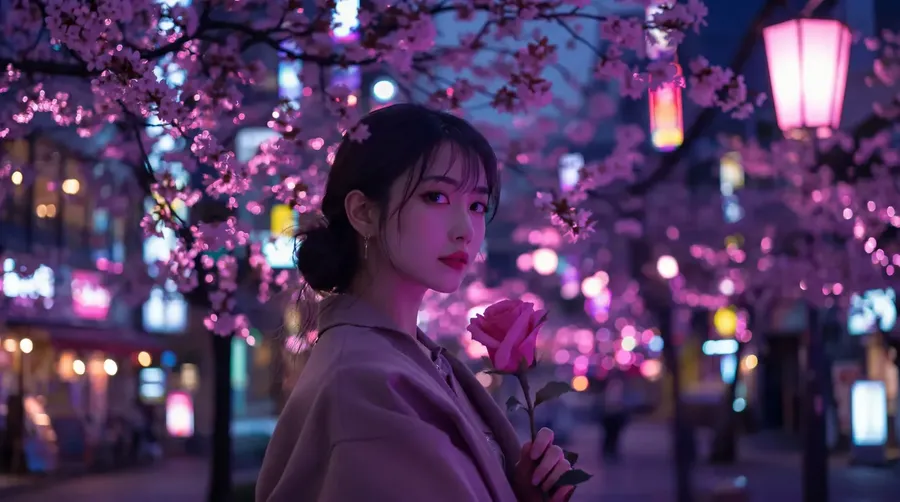
Built for production, not just one-off images
A strong model is only half the job. These are the controls that take you from a single render to consistent output at the volume real work demands.
Generate a batch at once
Create 1, 2, 4, 8, or 16 images from a single prompt, then keep the ones that land. Compare options side by side instead of running prompts one at a time.
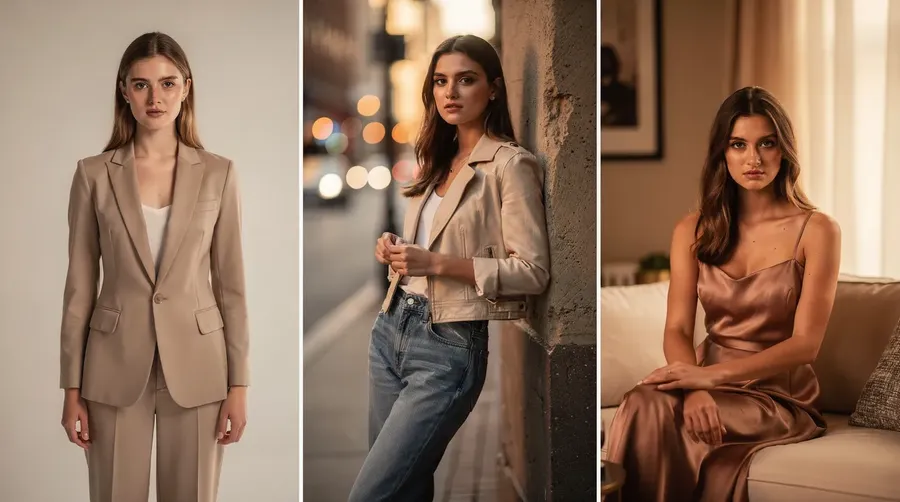
Reuse people, products, and styles
Save a face, product, or style as an Element, then drop it into any prompt with @. The same subject stays consistent across every image you generate.
Prompt in 20+ languages
Describe what you want in your own language. getimg.ai understands prompts in 20+ languages, so your whole team can create without translating to English first.
Longer clips, in HD or FHD
FLUX 3 runs up to 20 seconds per clip, the longest single generation of any major video model today, with room for a full beat or a complete spoken line.
Choose from seven aspect ratios and render in HD or FHD, then keep the takes that work. Video continuation, which extends a clip you already have, is coming soon.
AI video generated with FLUX 3.
Image generation that does what you ask
FLUX.2 is built around a simple idea: follow instructions accurately and keep results consistent. Instead of guessing or over-interpreting prompts, it focuses on doing exactly what you describe, even when prompts get detailed or edits build on top of each other.
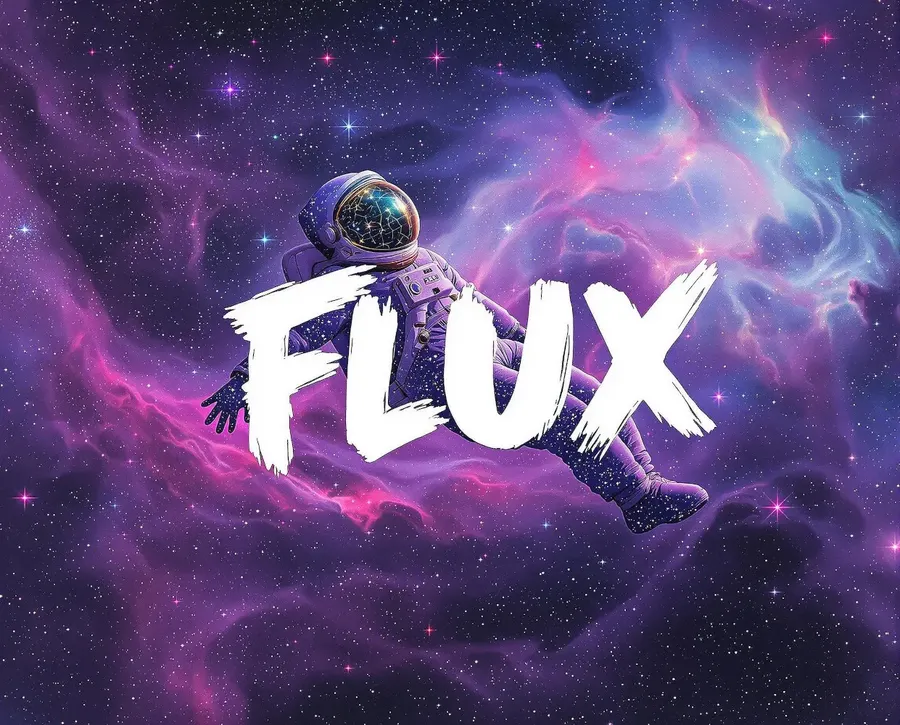
A surreal scene featuring a photo of an astronaut floating gracefully in a vibrant nebula, with swirling colors of purple, blue, and pink. The astronaut's suit is adorned with glowing constellations that blend into the cosmic background. Reminiscent of the dream-like works of Van Gogh and the fantastical visions of contemporary digital art, with a large white word 'FLUX' written with brushstrokes covering the image
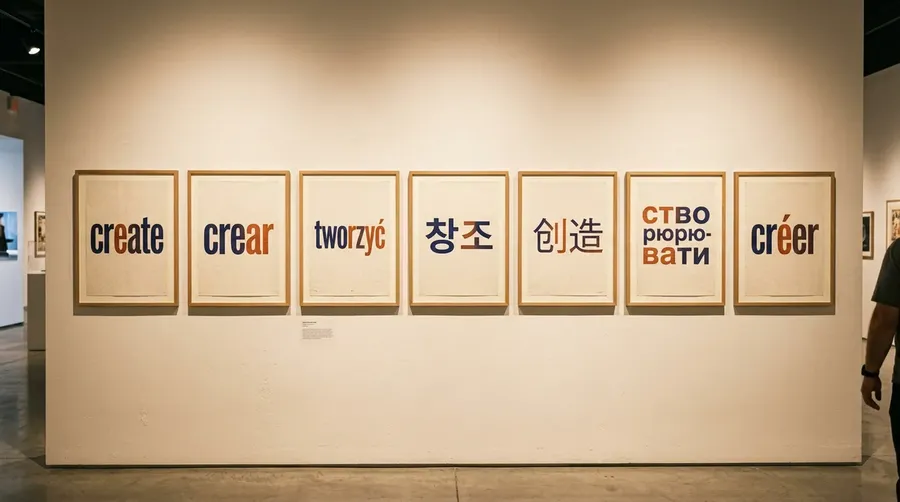
Clear text, where it actually matters
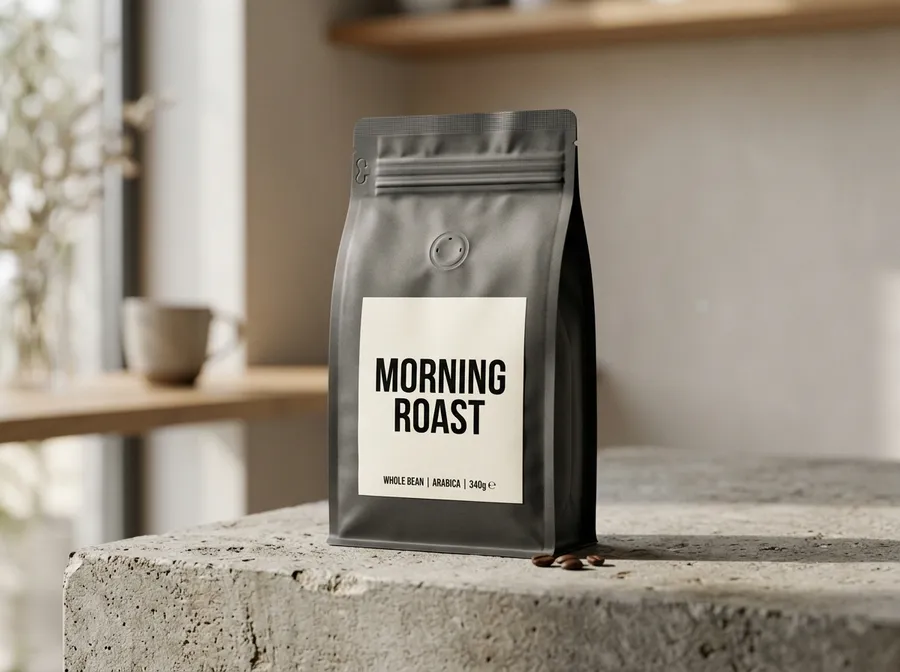
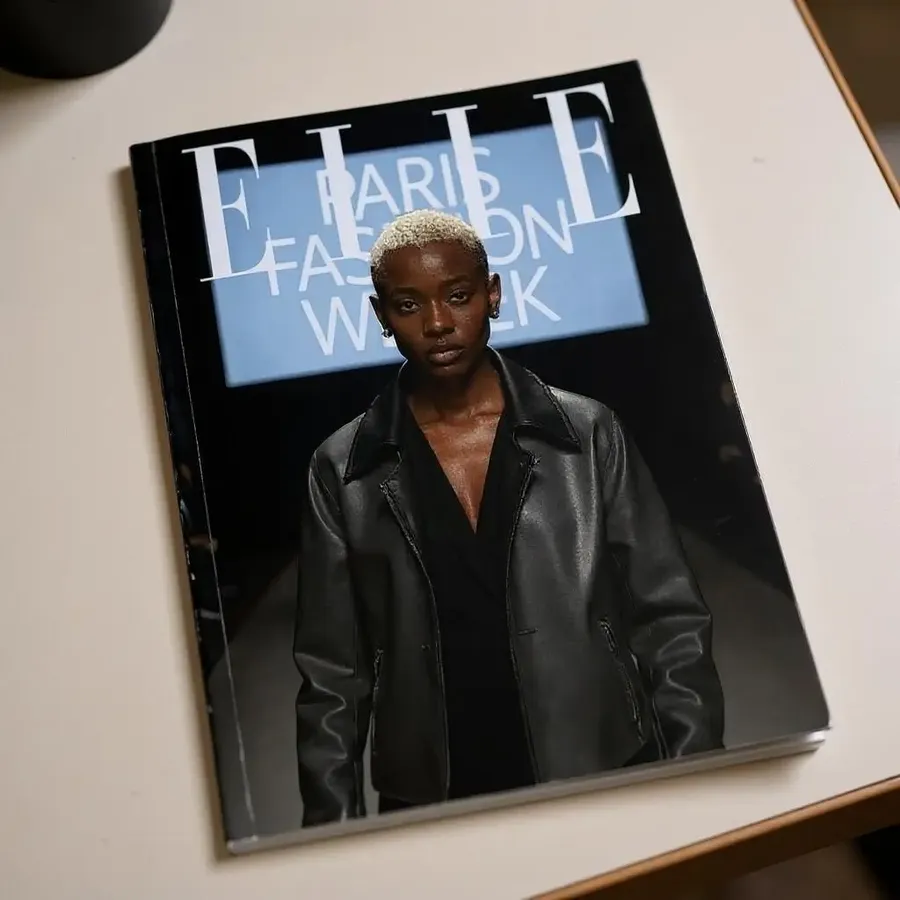
Most image models still garble anything longer than a word. FLUX.2 keeps text legible: headlines, labels, signage, and packaging copy come out correctly spelled and placed where you asked, even at small sizes.
That makes it dependable for the work where the words carry the message, like posters, ads, book covers, and product mockups. You spend your time refining the design instead of patching broken letters one render at a time.
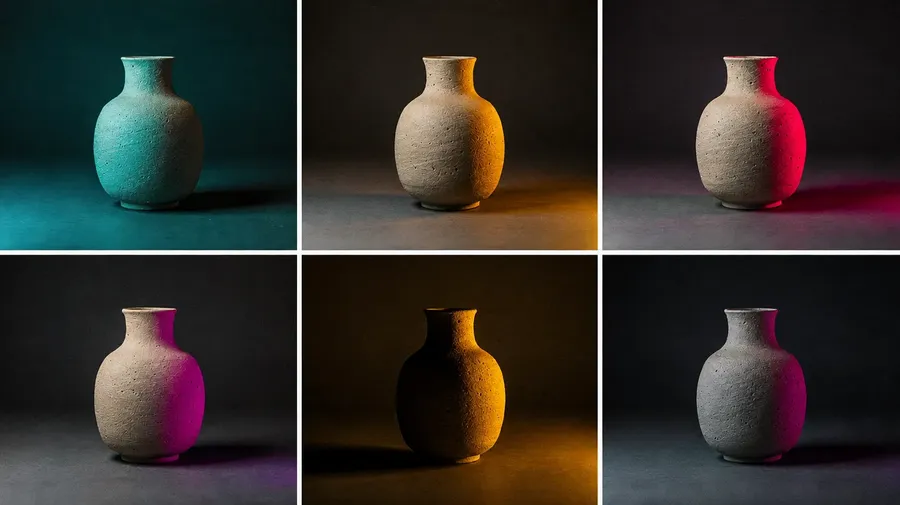
Color control that stays consistent
Name the exact colors you need and FLUX.2 holds them. Give it hex values, a brand palette, or one specific shade, and tones stay stable from one generation to the next instead of drifting on every render.
That keeps a series on-brand across a full campaign, and it lets you test controlled alternatives, like a new accent or a different background, without the rest of the image shifting underneath you.
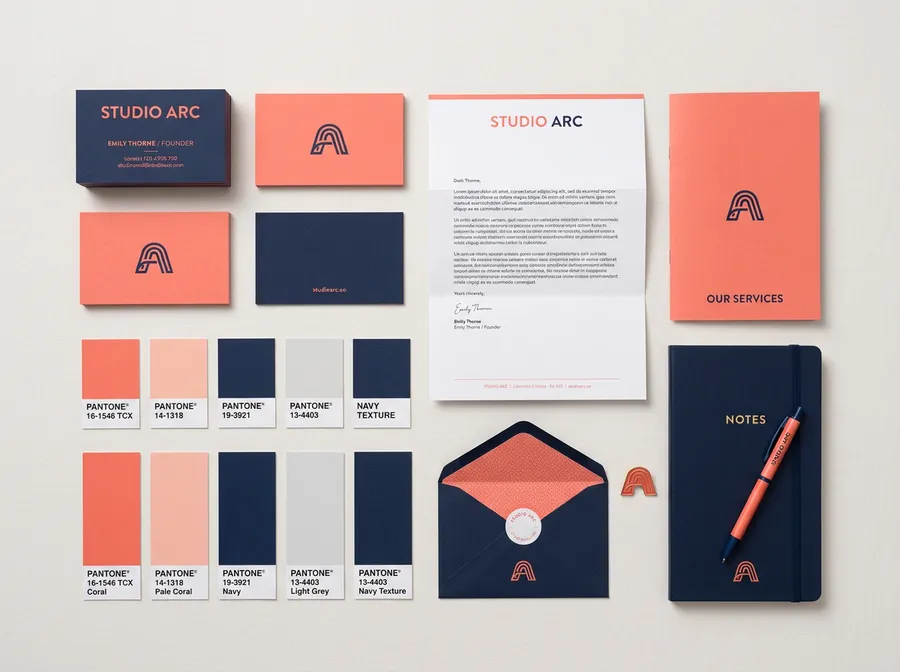
Image References
Edit images without starting over
FLUX.2 lets you change parts of an image without breaking the rest. Swap backgrounds, adjust details, or rework sections while keeping the original structure intact. Reference images guide the result instead of being loosely interpreted.
Explore More AI Tools & Features
Frequently Asked Questions
FLUX is Black Forest Labs’ family of models, now covering both images and video. FLUX.2 makes images with exceptional quality even from simple prompts, strong in-image text, and precise color control, while FLUX 3 generates video from a prompt or a starting image with native, synchronized audio. Together they cover a wide range of practical work, from AI art to realistic designs.
For example, FLUX.2 clear text generation and precise color control are perfect for logo design and marketing materials. Its capability with complex imagery is ideal for book covers, album artwork, or architectural renderings. Game developers will find it invaluable for character design and concept art. The list goes on and on; try it yourself and see how it can transform your workflow.
FLUX.2 is an evolution of FLUX.1 with a strong focus on consistency and prompt accuracy. Compared to FLUX.1, FLUX.2 handles complex instructions more reliably, preserves characters and objects better across edits, and reduces unwanted variation between generations.
The FLUX family covers both images and video. FLUX 3 handles video, and for images FLUX.2 comes in four variants, each designed for a specific type of work:
🟣 FLUX.2 [pro] is the general-purpose model and a strong default for most image generation and editing tasks.
🟣 FLUX.2 [max] focuses on consistency and precise prompt following. It performs best when working with complex prompts, multiple reference images, or repeated edits to the same subject.
🟣 FLUX.2 [flex] is optimized for text, typography, and fine detail. It is the best choice when clarity, layout, and readability inside images matter.
🟣 FLUX.2 [klein] is the fast, lightweight model. A smaller, open variant that generates quickly, it is the one to reach for when you are drafting, iterating, or creating at volume.
If you are unsure, FLUX.2 [pro] is a good place to start. It handles most tasks well and works across a wide range of styles and prompts.
Choose FLUX.2 [max] when consistency is critical, FLUX.2 [flex] when text or small details are involved, and FLUX.2 [klein] when you want fast results or are generating at volume.
You can also leave Auto mode on in the app, and we will automatically select the most suitable model based on what you are trying to create (it might be a FLUX.2 model, or something from a different model family altogether).
You can access every FLUX.2 image model in the Create image Action on getimg.ai, and FLUX 3 video in the Create video Action. Simply choose a FLUX model from the picker.
Then just enter your prompt, select the aspect ratio and number of images, and generate. There is no setup required and no need for specialized hardware. Everything runs in the browser, so you can start creating immediately from any device with an internet connection.
Not at all. While the FLUX.2 models require a high-end GPU to run locally, getimg.ai brings their full power directly to your browser. Our cloud-based setup lets you use FLUX.2’s [pro], [max], [flex], and [klein] variants through a web interface, regardless of your local hardware.
This means you can create professional Text to Image artwork from any device with an Internet connection and a web browser, making advanced AI accessible to everyone. Whether you’re using a high-powered workstation, a basic laptop, or even a tablet, you’ll have the same access to every FLUX.2 capability.
Yes. With a paid plan, you can use images and video generated with FLUX for commercial purposes. This includes marketing materials, client work, product packaging, advertisements, and digital products.
Yes. FLUX 3 is the video model in the FLUX family, available now on getimg.ai. It generates video from a text prompt or from a starting image, with native audio created together with the picture.
Clips run from 5 to 20 seconds across seven aspect ratios, in HD or FHD. Video continuation is coming soon, and a FLUX 3 image model is on the way.
Ready to try FLUX for yourself?
The best ideas deserve the best tools. With the FLUX family, you can make both images and video without switching apps. Join 10M+ creators that are always one step ahead.