Wan 2.7 Image API
imageImage generation by alibaba
Fast Wan 2.7 image model supporting text-to-image and reference-based editing.
Call Wan 2.7 Image from Node.js, Python, or any HTTP client. No GPU provisioning, no cold starts, no Docker images — just an API key and a prompt.
Pay per request. Powering 1M+ generations daily.
Start in 60 seconds
Install the official SDK for Node.js or Python, drop in your API key, and generate your first image.
npm install getimg-ai
import GetimgAI from "getimg-ai";

const client = new GetimgAI();

const result = await client.images.generate({
    model: "wan-2-7-image",
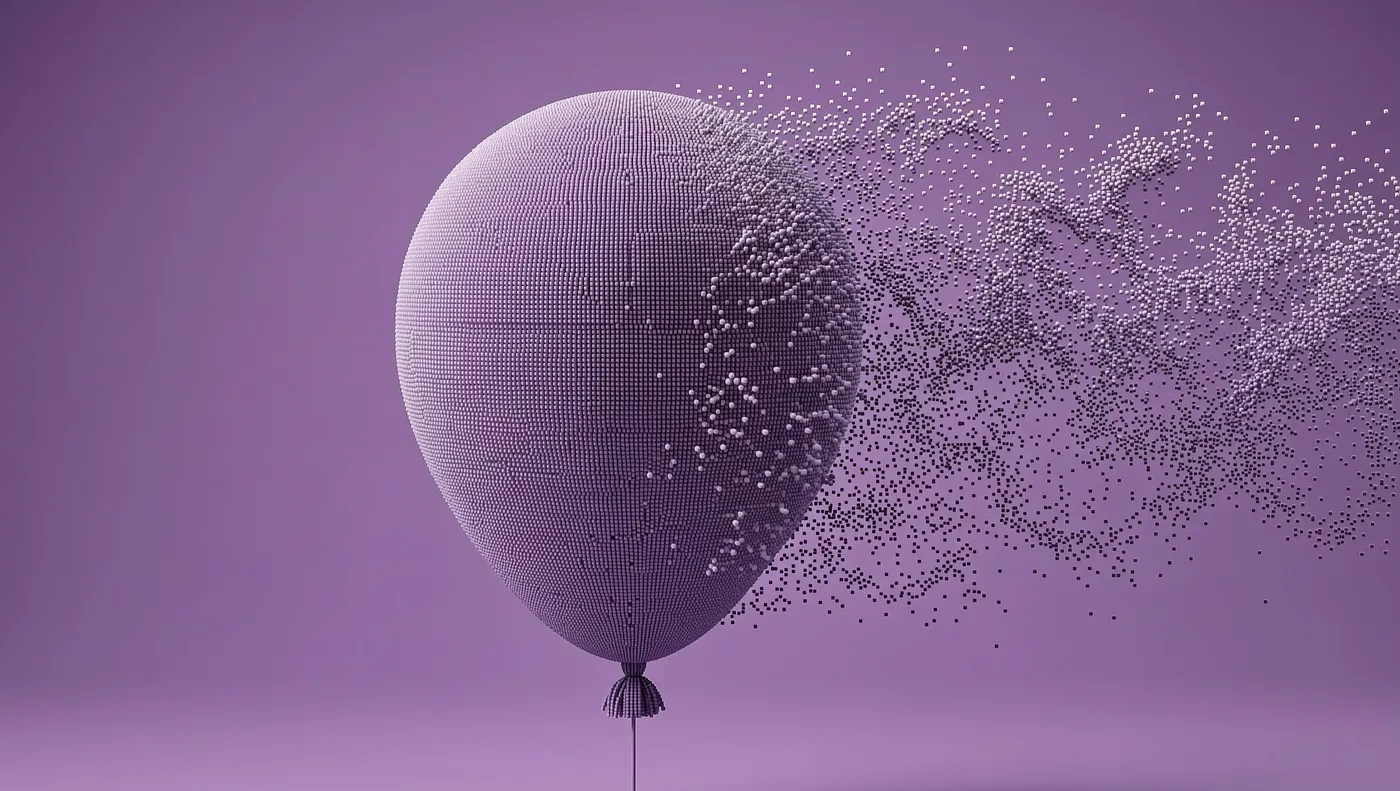
    prompt: "3D balloon made out of tiny dust-like voxels, looking to the left, smoothly desintegrating into background, medium portrait shot, purple monochrome",
    aspect_ratio: "1:1",
    resolution: "1K",
    output_format: "jpeg"
  });
console.log(result.data[0].url);
How Wan 2.7 Image API works
Send a prompt, get an image URL back — one synchronous call.
Get your API key
Create a key in the Developer Dashboard. Add credit and start calling — you are billed per request.
Send a request
POST to /v2/images/generations with your prompt and output format.
Get your image
The response includes the image URL plus a usage object with the exact cost.
What you can build with Wan 2.7 Image
Every example uses the same authentication and works with the official getimg-ai and getimg SDKs, or plain HTTP.
Text to image
Generate an image using just a text prompt.
import GetimgAI from "getimg-ai";

const client = new GetimgAI();

const result = await client.images.generate({
    model: "wan-2-7-image",
    prompt: "3D balloon made out of tiny dust-like voxels, looking to the left, smoothly desintegrating into background, medium portrait shot, purple monochrome",
    aspect_ratio: "1:1",
    resolution: "1K",
    output_format: "jpeg"
  });
console.log(result.data[0].url);
Image editing
Edit or restyle an existing image with an instruction-based prompt.
import GetimgAI from "getimg-ai";

const client = new GetimgAI();

const result = await client.images.generate({
    model: "wan-2-7-image",
    prompt: "Restyle the subject in warm cinematic studio lighting.",
    aspect_ratio: "1:1",
    resolution: "1K",
    output_format: "jpeg",
    images: [
      {
        url: "https://your-bucket.s3.amazonaws.com/source.png"
      }
    ]
  });
console.log(result.data[0].url);
Multi-reference generation
Combine up to 9 reference images for character consistency, style, or composition guidance.
import GetimgAI from "getimg-ai";

const client = new GetimgAI();

const result = await client.images.generate({
    model: "wan-2-7-image",
    prompt: "A product hero shot blending the style of the reference images.",
    aspect_ratio: "1:1",
    resolution: "1K",
    output_format: "jpeg",
    images: [
      {
        url: "https://your-bucket.s3.amazonaws.com/reference-1.png"
      },
      {
        url: "https://your-bucket.s3.amazonaws.com/reference-2.png"
      }
    ]
  });
console.log(result.data[0].url);
Wan 2.7 Image pricing
Pay per image. No subscriptions, no minimums, no idle GPU costs.
Wan 2.7 Image
$0.03 /image
/v2/images/generationsFast Wan 2.7 image model supporting text-to-image and reference-based editing.
| Resolution | Price | Images for $10 |
|---|---|---|
| 2K | $0.03 /image | 333 |
| 1K | $0.03 /image | 333 |
More from alibaba
Other alibaba models available through the same API.
Wan 3.0
Alibaba Wan 3.0 video generation with native audio, first/last frame control, and reference images. First/last frame and reference images cannot be combined in one request.
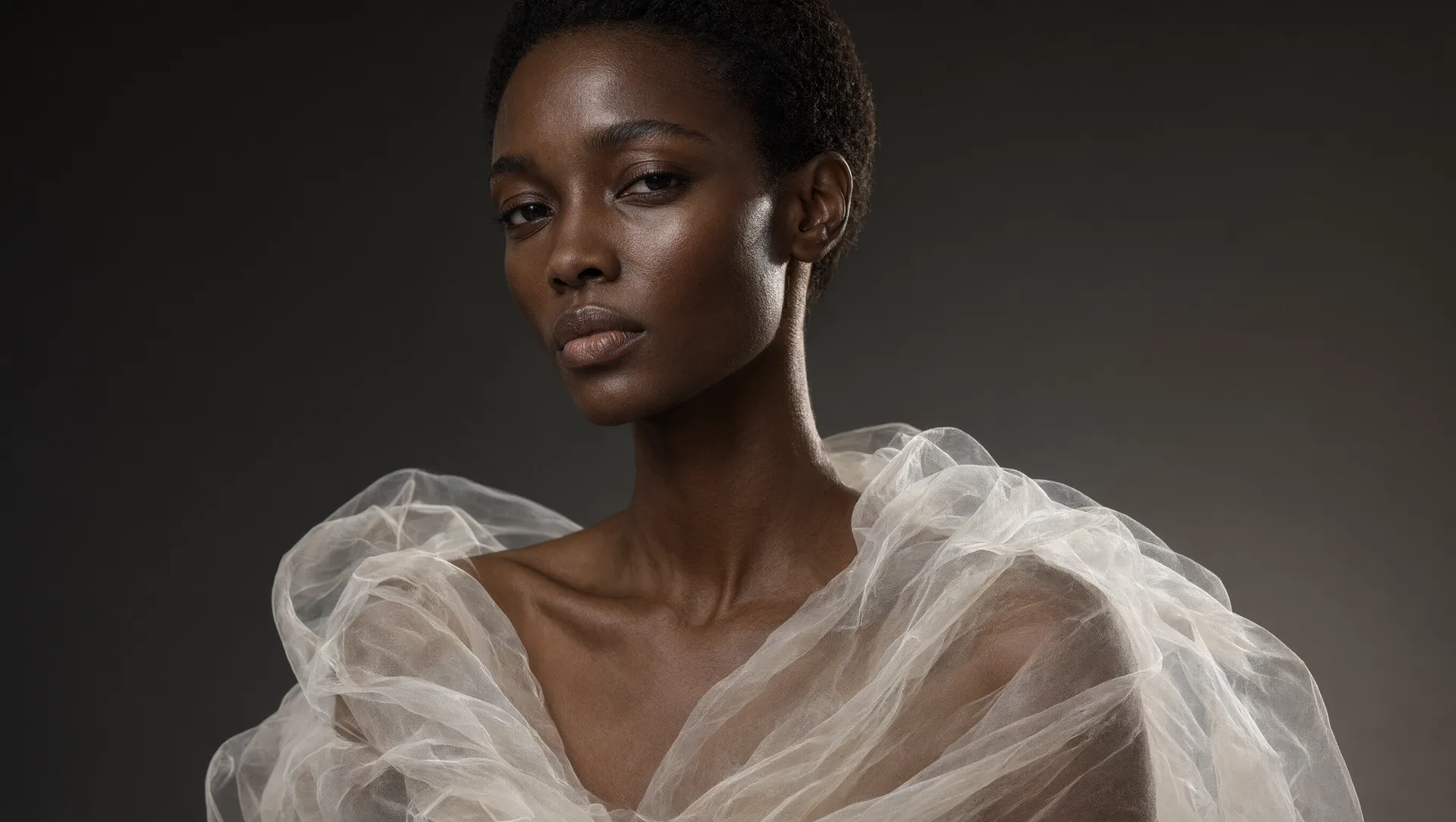
Qwen Image 3.0 Pro
Alibaba Qwen image generation and editing with up to three reference images.
HappyHorse 1.1
Physically realistic, motion-smooth video generation with text, first-frame, and reference-image guidance.
HappyHorse 1
Physically realistic, motion-smooth video generation with text, first-frame, and reference-image guidance.
Wan 2.7
Multimodal Wan 2.7 video generation with text, frame control, and reference-image guidance.
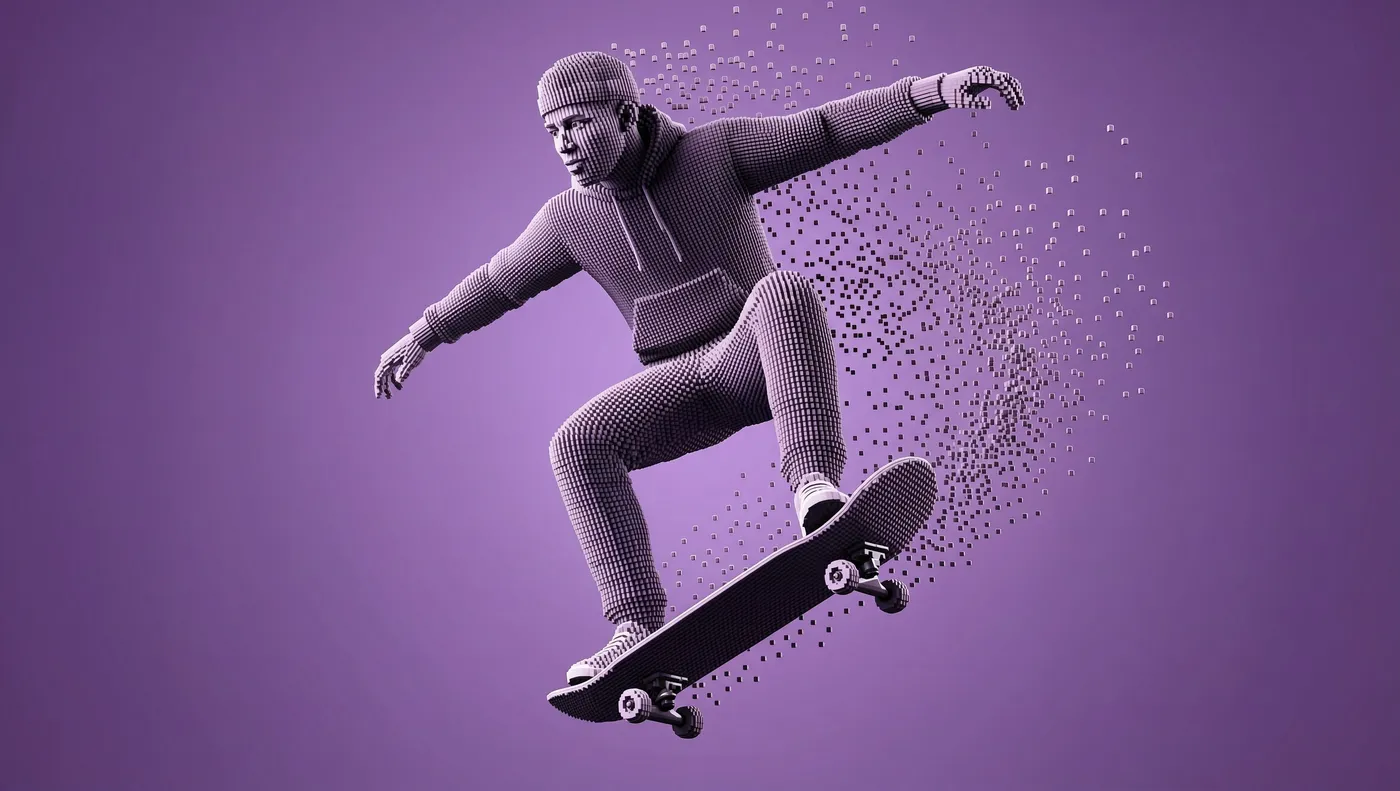
Wan 2.7 Image Pro
Wan 2.7 image pro model with higher-fidelity generation and extended resolution support.
Wan 2.7 Image API — frequently asked questions
How do I use the Wan 2.7 Image API?
Install the official Node.js (npm install getimg-ai) or Python (pip install getimg) SDK, or call the endpoint directly over HTTP from any client.
Make a POST request to /v2/images/generations with your API key and a JSON body containing the model ID (wan-2-7-image) and a prompt. The response includes the generated image URL.
See the API documentation for the full parameter reference.
Which SDK should I use?
Use getimg-ai for Node.js and TypeScript projects, and getimg for Python. Both wrap the same REST API with typed inputs, retries, and built-in polling for video generations.
For other languages — Go, Rust, Java, Ruby, PHP — call the HTTP endpoints directly. Every example on this page includes a cURL snippet you can port to any HTTP client.
What resolutions does Wan 2.7 Image support?
Wan 2.7 Image supports the following resolutions: 1K, 2K across 9 aspect ratios (1:1, 3:4, 4:3, 16:9, 9:16, 2:3, 3:2, 21:9, 4:5).
How much does Wan 2.7 Image cost?
Wan 2.7 Image uses pay-per-image pricing with no subscriptions or minimum commitments. Rates vary by resolution. See the pricing table above for exact rates per image.
Does Wan 2.7 Image support reference images?
Yes. Wan 2.7 Image accepts up to 9 reference images. Reference images guide the generation toward a specific style, composition, or subject. See the example above.
Start building with Wan 2.7 Image
Grab an API key, install the SDK, ship image generation today.
Looking for other models? View all available models