AI Stock River Pictures Generator
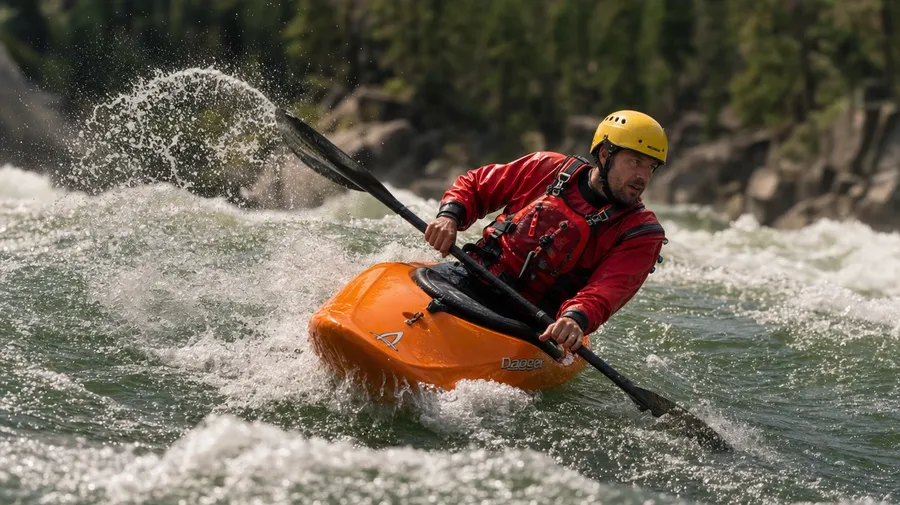
Generate river images for any region and any flow: a whitewater kayaker mid-eddy on the Salmon River, a fly-fisherman in chest waders mid-cast on a misty Montana stream, a Loire Valley chateau reflected in still water at dusk. Every paid plan includes commercial rights.
Every leading image model, one subscription.
Describe the scene; Auto mode picks the right model for water surface, current motion, or fog and mist.


How to generate custom river images with getimg.ai
A river shot reads on three details: the region, the flow, and the time of day. Spell each one out in the prompt.
1. Describe the river
Open the Content Generator and write the scene: the river, the flow, the time of day, and the surrounding terrain. A simple prompt produces a usable baseline; add the specific stretch, the season, or the activity in the frame when you want exact control.
2. Run a batch
Generate one to sixteen variations at a time, then read the results for water surface, current cues, surrounding terrain, and the light direction across the channel. Pick the version that lands.
3. Swap a detail
A first run picks one valid reading of your prompt. If you'd rather end up at a Loire Valley chateau reflection at dusk than the Salmon River whitewater the model chose, or a drone overhead instead of a riverside angle, name the swap and run again. Several changes fit one prompt; download when it lands.
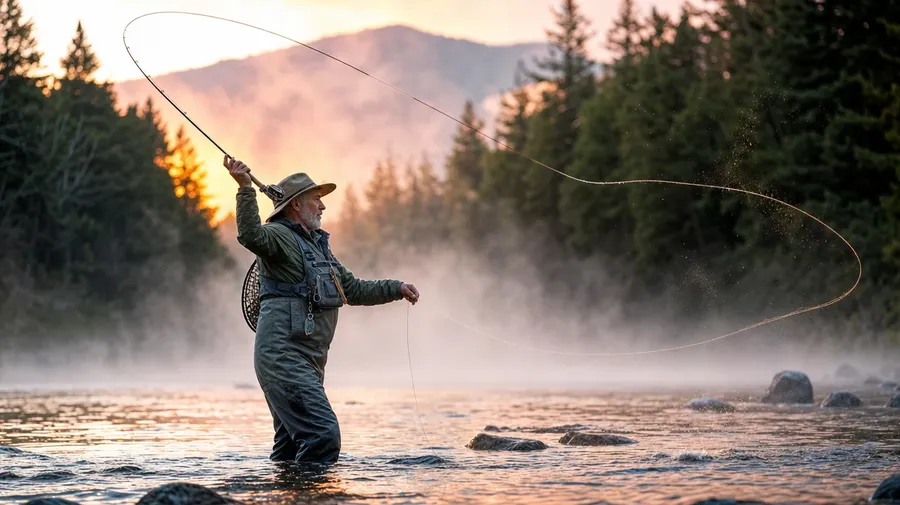
fly-fisherman in chest waders mid-cast on a misty montana stream at dawn, golden side light through mist
Beyond the generic green-river-through-forest
Real river briefs span region, flow, and the activity at the water's edge.
From Idaho whitewater to Loire reflections
Generate the region range: a whitewater kayaker mid-eddy on the Salmon River, a Loire Valley chateau reflection on still water at dusk, an Amazon tributary in seasonal flood from a drone overhead, an Alpine glacial stream with clear emerald water. Each river brings its own current and color.
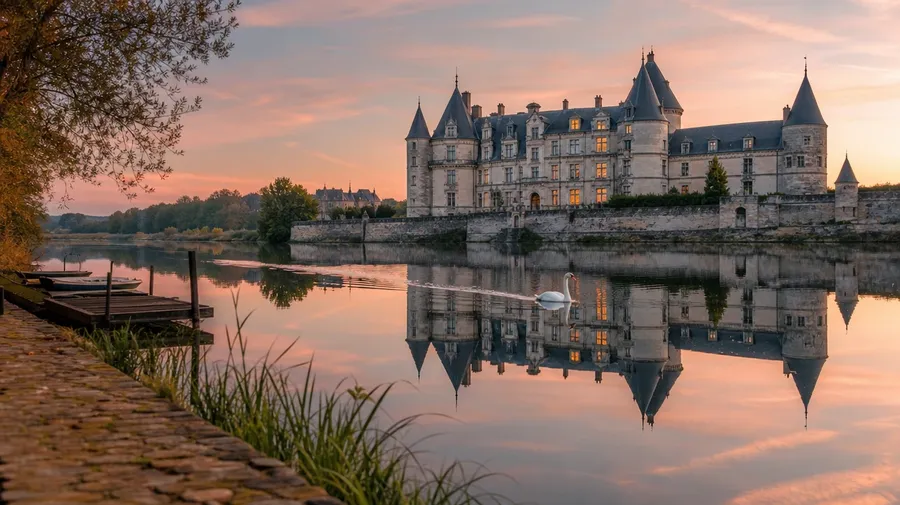
Whitewater, glassy still, fog, frost
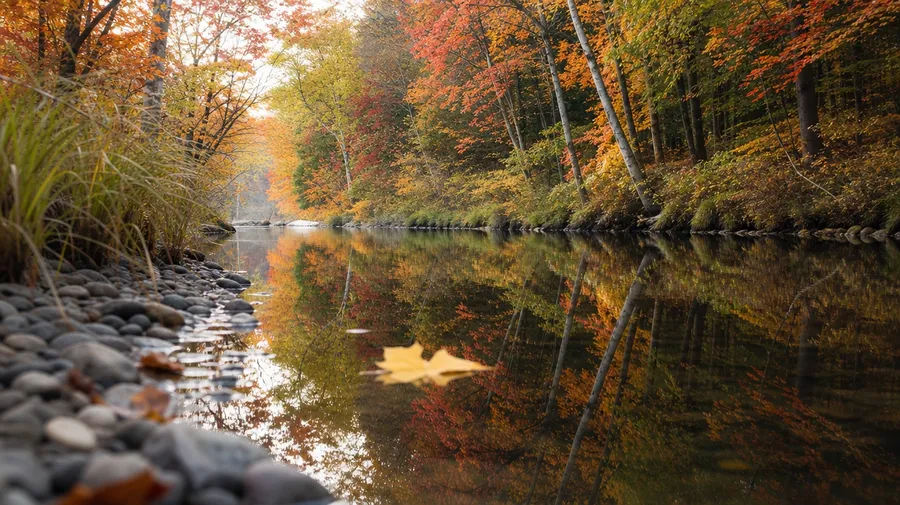
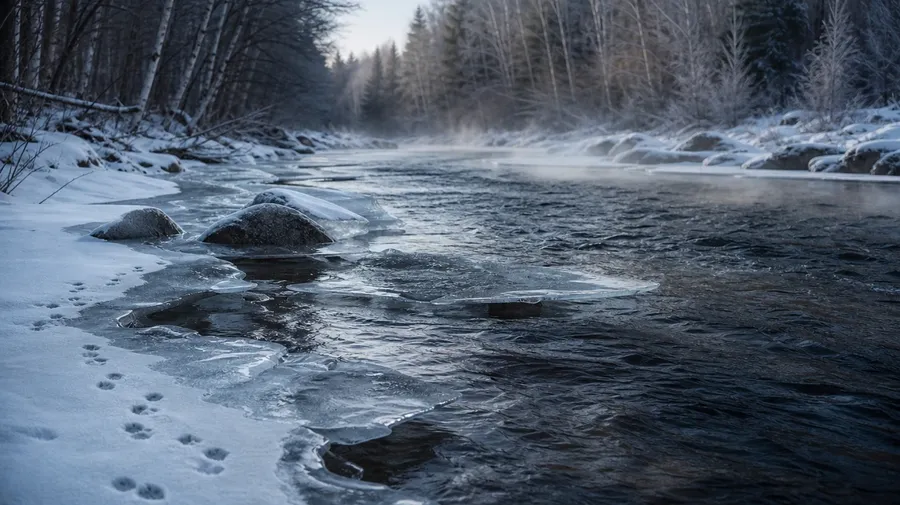
Generate the river states editorial briefs call for: a roaring whitewater rapid with class-IV haystacks, a glassy still bend reflecting an autumn forest, a fog-shrouded misty dawn on a Montana stream, a partially frozen winter river with ice along the banks. The state defines the river.
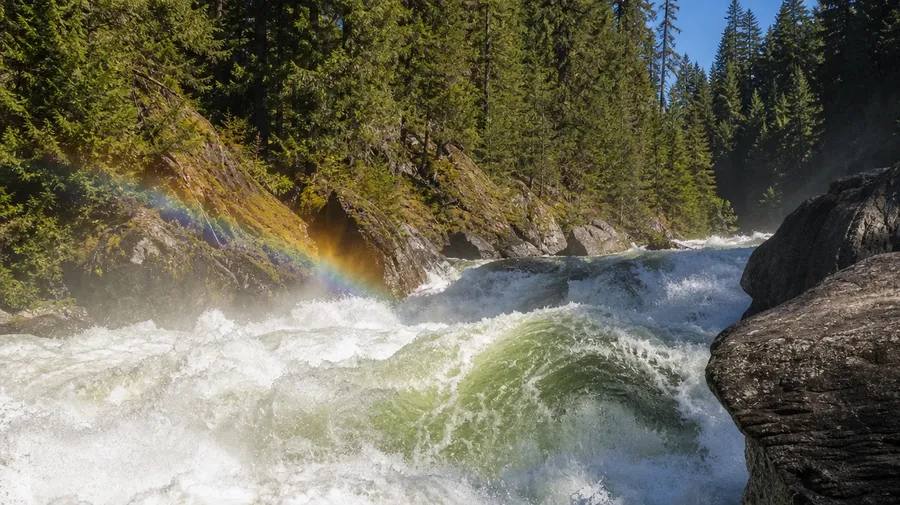
Kayakers, anglers, drone overheads
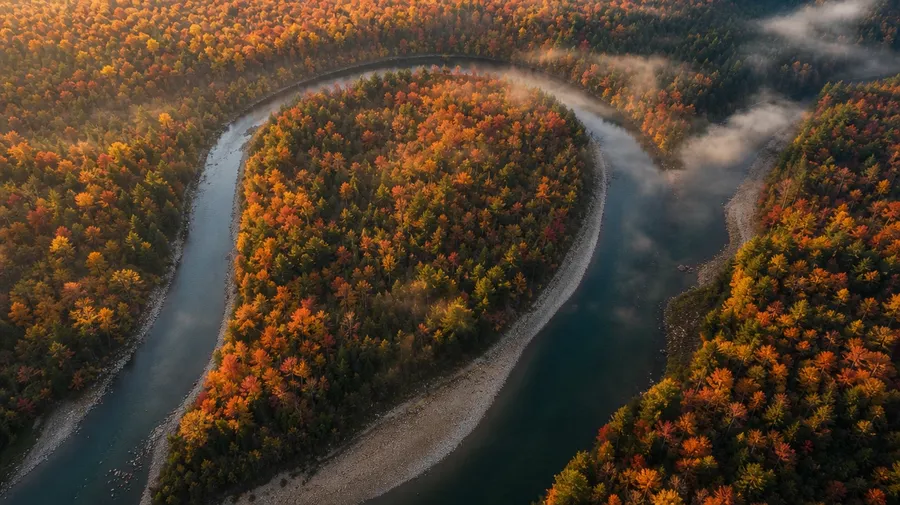
Brand and editorial briefs cycle through the activity at the water: a kayaker carving a class-III drop, a fly-fisherman mid-cast on a Montana stream, a drone overhead of a meandering river curve, a dragon boat racing crew mid-stroke at a festival on the Pearl River. Each subject sets the campaign.
Frequently Asked Questions
Yes. Name the river and the state in the prompt. A whitewater kayaker mid-eddy on the Salmon River in Idaho reads very differently from a Loire Valley chateau reflection on still water at dusk, an Amazon tributary in seasonal flood from a drone overhead, or an Alpine glacial stream in late summer with clear emerald water. The model handles the current, the water color, the surrounding terrain, and the light. Generate up to 16 at a time, compare the cues, pick the version that lands.
Yes, when the prompt names them. A glassy still bend reflecting an autumn forest reads differently from a class-IV whitewater haystack, a milky long-exposure of cascading water over rocks, or a fog-shrouded misty dawn on a Montana stream. Specify the flow, the season, and the light, and the model handles the surface texture, the foam patterns, the way the bank vegetation overhangs the water, and the haze on cool early-morning air.
Yes. Specify palette, contrast, light direction, and lens register in the prompt: warm dawn-mist documentary, cool dusk-reflection editorial, dark winter-river cinematic, sun-bleached desert-canyon lifestyle. For multiple scenes in one register, save the look as a custom Element and reuse it across prompts. The Element carries treatment between rivers and seasons so the campaign reads as one body of work.
Name the activity and the vantage. A kayaker carving a class-III drop with paddle bracing, a fly-fisherman mid-cast on a Montana stream in chest waders, a drone overhead of a meandering river curve through autumn forest, a dragon boat racing crew mid-stroke at a festival on the Pearl River: each carries different cues that the AI honors when you spell them out in the prompt.
Yes. Every paid plan covers commercial use across ads, social, web, print, packaging, and presentations. Travel and adventure brands, outdoor gear companies, conservation nonprofits, fly-fishing publishers, regional tourism boards, and editorial outlets all qualify under the same license for river images, and so does every other category covered by AI stock photos.
Yes. The same prompt approach covers any long-exposure water subject. Swap a rushing river for a coastal seascape long exposure, a city-lights traffic trail, or a star trail over a desert ridge, and the same logic that produces long exposure photos produces rivers: name the subject, the exposure register, and the light. A mixed-style campaign runs through one prompt box: a milky long-exposure waterfall, a sharp kayaker mid-rapid, a long-exposure light trail at a bridge.
As specific as you want. A simple prompt like "a river in a forest at morning" produces a usable baseline; the AI fills in the typical details (the green riverbank, the standard mid-flow water, the soft early light). Add specifics for the parts that matter: the river, the flow, the activity in the frame, the time of year. The model honors named details without overriding the rest.
River pictures don't have to look basic.
Catalog river images are mostly the generic green-river-through-forest at midday. Type the region, the flow, and the light, and run the prompt for the briefs catalogs skip.