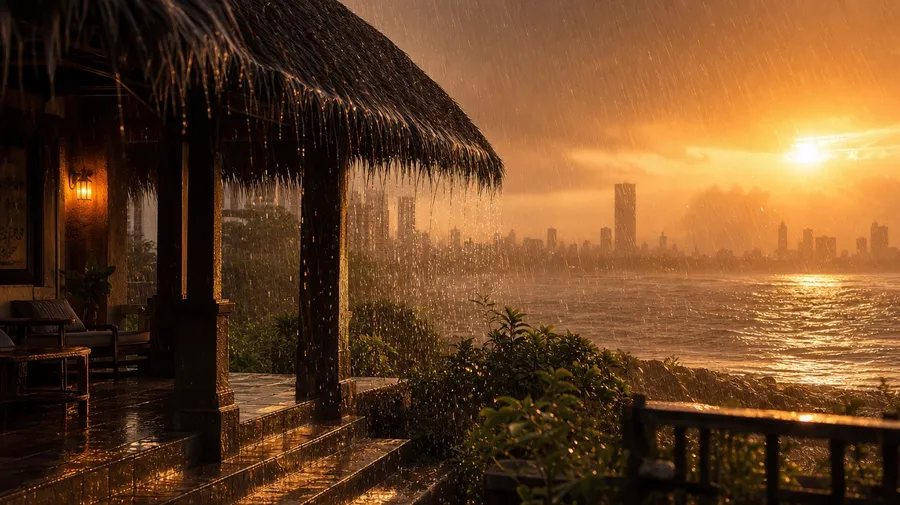
AI Stock Rain Pictures Generator
Type the kind, the place, and the subject, and generate rain images for any brief: a Tokyo crosswalk in rainy neon, a bus stop mid-thunderstorm, a thatched-roof verandah during monsoon downpour. Commercial rights on every paid plan.
Create using world's best AI models.
You don't need to know the specs: Auto mode will select the best one for the task.


How to generate custom rain pictures with getimg.ai
Real rain images come down to three cues: the type of rain, the place it falls, and what's getting wet.
1. Set the rain
Open the Content Generator and describe the rain scene: the type, the place, the subject. A simple prompt works; name the kind of rain, the light, or the surface getting wet to control the rest.
2. Run the takes
Run a batch of one, two, four, eight, or sixteen and read the results for raindrop size, surface reflection, light temperature, and how the subject reads in wet weather. Pick the version that lands.
3. Adjust a cue
A first run picks one of many valid rain interpretations from your prompt. If you'd rather see a monsoon downpour instead of the summer drizzle the model chose, or a Tokyo neon crosswalk instead of a country lane, name the change and run again. Several edits fit one prompt; download when it lands.
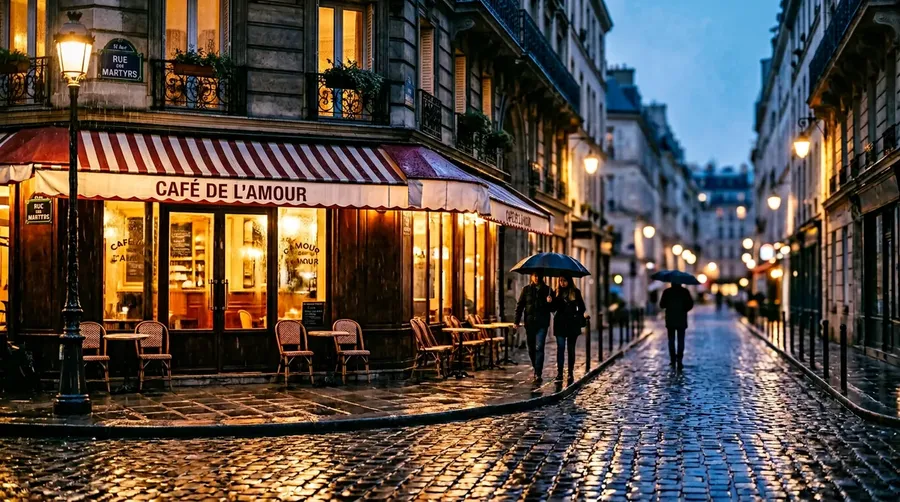
rainy Paris café street glowing at blue hour
The umbrella isn't the only shot
Real briefs span the kind of rain, the place it falls, and the subject getting wet.
Drizzle, monsoon, thunderstorm, mist
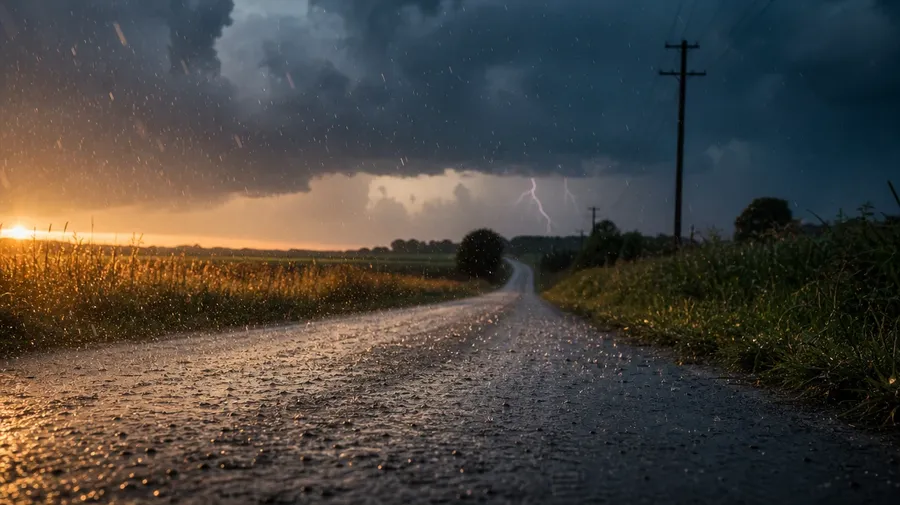
Across rain types: a fine summer drizzle on a country lane at golden hour, an afternoon thunderstorm with heavy drops on hot pavement, a Mumbai monsoon drumming on a thatched roof, dawn mist veiling a forested ridge, winter sleet at dusk on a city sidewalk. Each kind carries its own light.
Tokyo neon to Mumbai monsoon
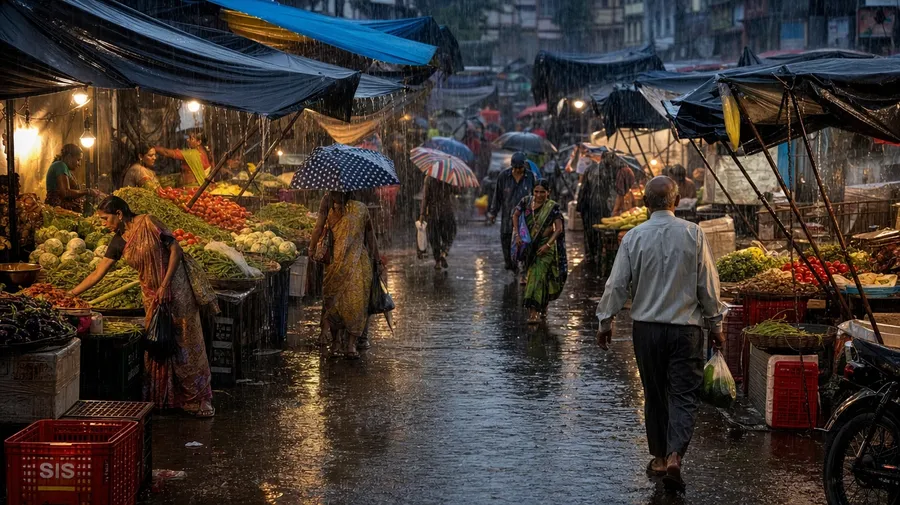
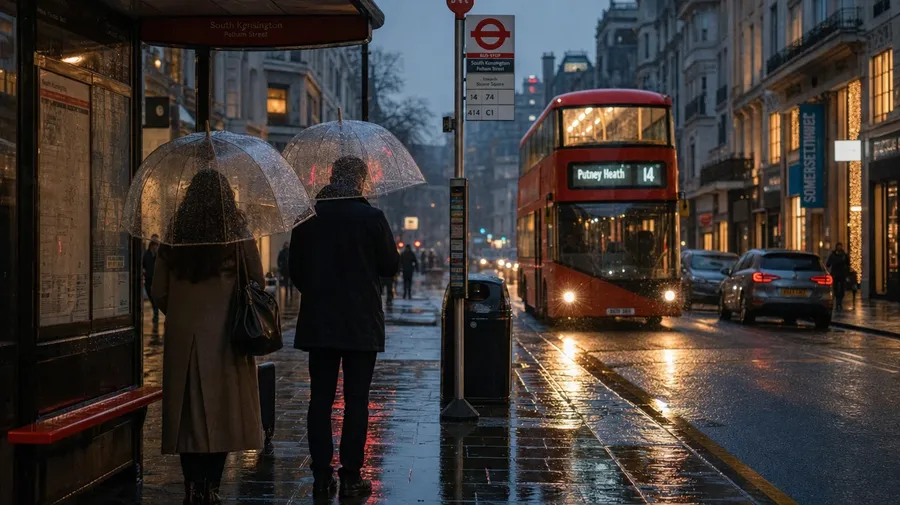
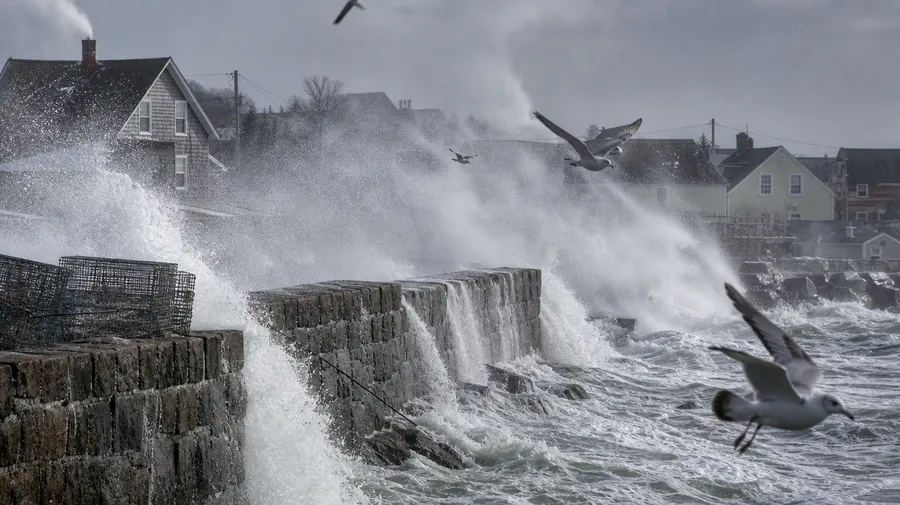
Rain stock freezes on a wet umbrella close-up. Real briefs span more places: a Tokyo Shibuya-style crosswalk in rainy neon, a Mumbai monsoon market mid-downpour, a coastal village in winter storm with sea spray on the seawall, a London bus stop in autumn drizzle, a thatched-roof verandah in tropical rain. Same prompt, different sky.
Drumming, dripping, splashing
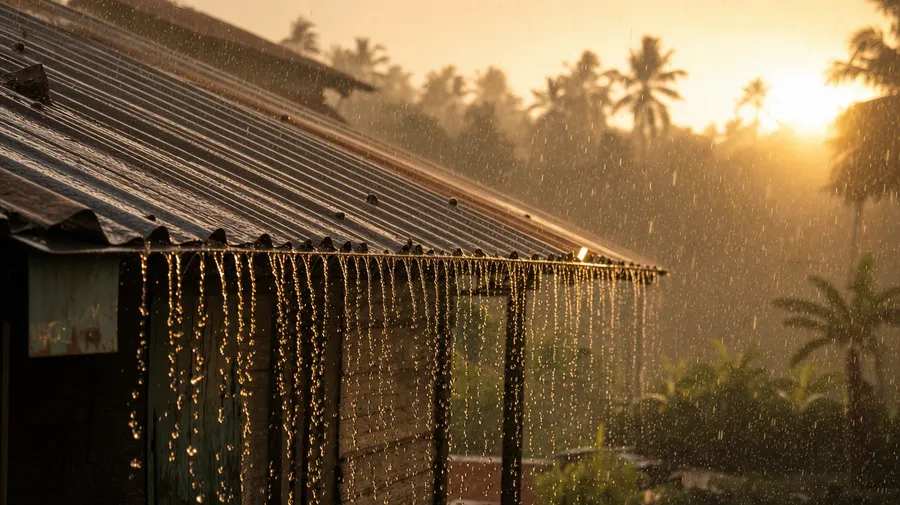
Rain is doing something to surfaces: drumming on a corrugated tin roof during monsoon, dripping off broadleaf foliage in a tropical rainforest, splashing under bicycle tires through a city puddle, beading on a glass café window in autumn drizzle, slicking the pavement under street-light glow at dusk. Each surface carries different cues.
Frequently Asked Questions
Yes. Name the type and the place in the prompt. A fine summer drizzle on a country lane at golden hour reads very differently from a building afternoon thunderstorm with first heavy drops on hot pavement, a full Mumbai monsoon drumming on a thatched roof, winter sleet at dusk on a city sidewalk, or a tropical rain on broadleaf forest canopy. The model handles raindrop size, surface reflection, and light. Generate up to 16 at a time, compare the rain cues, pick the version that lands.
Yes, when the prompt names them. A fine drizzle reads differently from heavy monsoon drops, a wet-pavement neon reflection, beading on glass, dripping off broadleaf foliage, or sea spray off a seawall. Specify the rain type, the surface, and the light source, and the model handles the way water bends and breaks each scene's light.
Yes. Specify palette, contrast, light direction, and grain in the prompt: cool blue-gray overcast minimalist, warm Tokyo-neon cinematic, soft golden monsoon-break, harsh sodium-light night downpour. For multiple scenes in one register, save the look as a custom Element and reuse it across prompts. The Element carries treatment between settings so the campaign reads as one body of work.
Name the surface and the rain type. Heavy monsoon drumming on a corrugated tin roof, fine drizzle dripping off broadleaf foliage in a rainforest, bike tires splashing through a city puddle, beads on a glass café window in autumn drizzle, sea spray on a seawall in winter storm: each carries different cues that the AI honors when you spell them out in the prompt.
Yes. Every paid plan covers commercial use across ads, social, web, print, packaging, and presentations. Travel and hospitality brands, outdoor and rainwear publishers, weather and climate outlets, automotive and tire brands, lifestyle and editorial outlets, and photo desks all qualify under the same license, the same way every other subject does across AI stock photos.
Yes. Rain and long-exposure share photographic vocabulary: motion blur, light streaks, wet reflections. The same approach that produces long exposure photos produces rain: name the shutter feel, the surface, and the light, and the model handles streak length, droplet motion, and reflection bloom. A monsoon-soaked Tokyo crosswalk reads next to a long-exposure river-trace as one body of atmospheric work.
As specific as you want. A simple prompt like "a Tokyo crosswalk in rainy neon" produces a usable baseline; the AI fills in the typical details (the slick wet asphalt, the reflected shop signs, the umbrellas). Add specifics for the parts that matter to your brief: a particular rain type, a specific place, a surface getting wet, a time of day. The model honors named details without overriding the rest.
Generate custom rain pictures in seconds
Name the rain, the place, and the subject. Create rain images for any brief, from a Tokyo neon crosswalk to a Mumbai monsoon market.