AI Stock Negative Space Photography Generator
Stock 'negative space' is a tiny subject in an empty crop. Real campaigns need atmospheric backgrounds with room for copy on the side, the corner, the bottom. Build the frame your layout actually wants.
All the best AI image models, one subscription.
Auto mode picks the best one for your specific use case.


How to generate custom negative space photography with getimg.ai
What sells a negative-space frame is the subject's placement, the atmosphere around it, and where copy lands. Get those three before everything else.
1. Position the subject
In the Content Generator, type what to show, where it sits in the frame, and what surrounds it. Add palette, atmosphere, lens character, or copy-area hints when you want exact control over the layout.
2. Test the copy fit
Generate four or eight at once. Compare the subject placement, the texture in the empty area, the gradient direction, and whether type would land cleanly in the open zone. Pick the one that holds.
3. Save it, or shift the frame
Take the result if it lands. If you'd rather have the subject lower-right than centred, the empty area gradient warm rather than cool, the atmosphere fog rather than open sky, the surface a concrete wall rather than ocean, name the swap in the same prompt. Multiple changes run through at once and the rest of the composition stays.
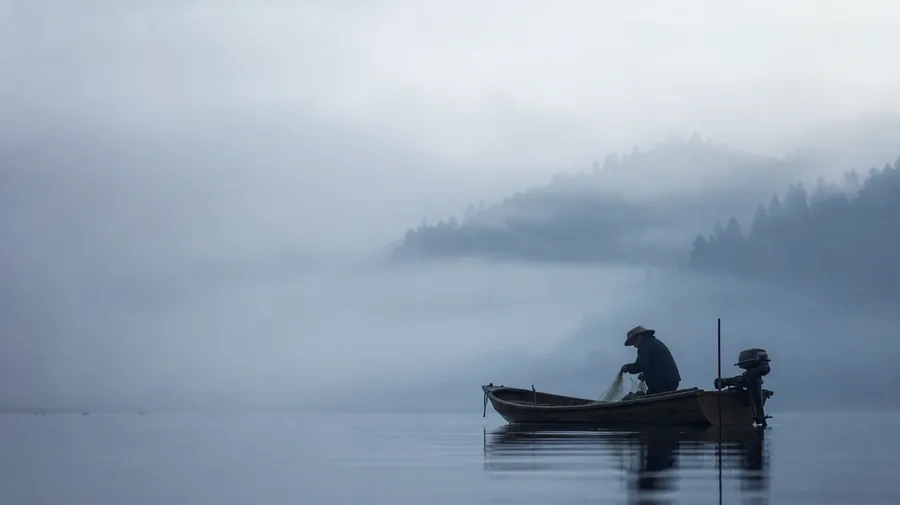
single fishing boat on a misty japanese lake at dawn
What makes empty space worth shooting
Most stock with 'copy space' is a portrait shifted to the left third. Real layouts need atmosphere in the empty area, not just the absence of a subject.
Empty isn't the same as flat
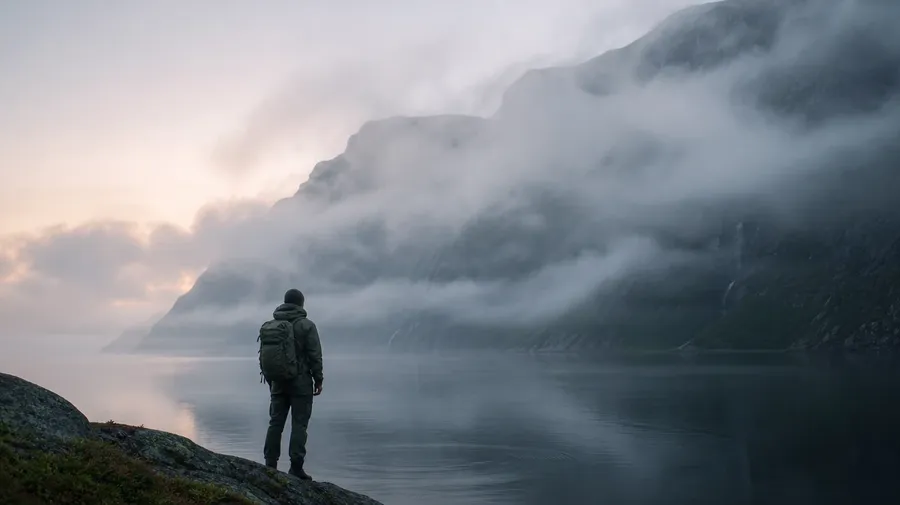
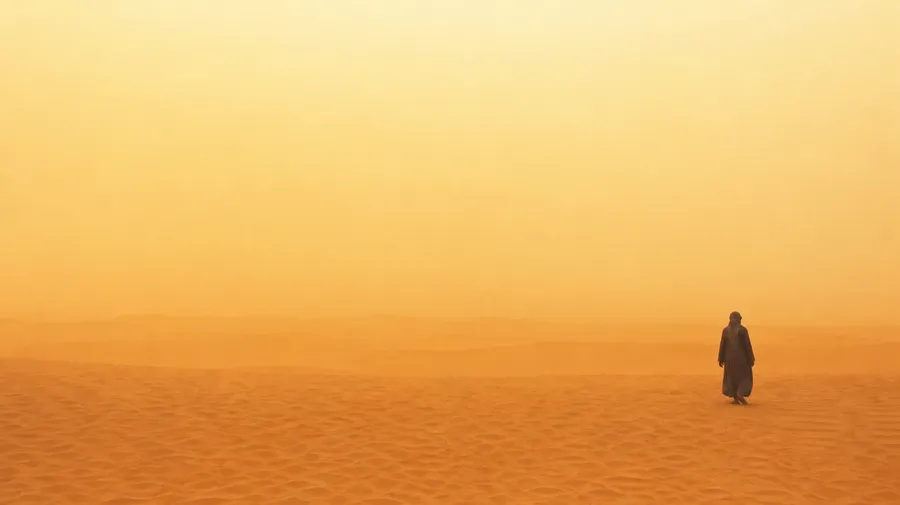
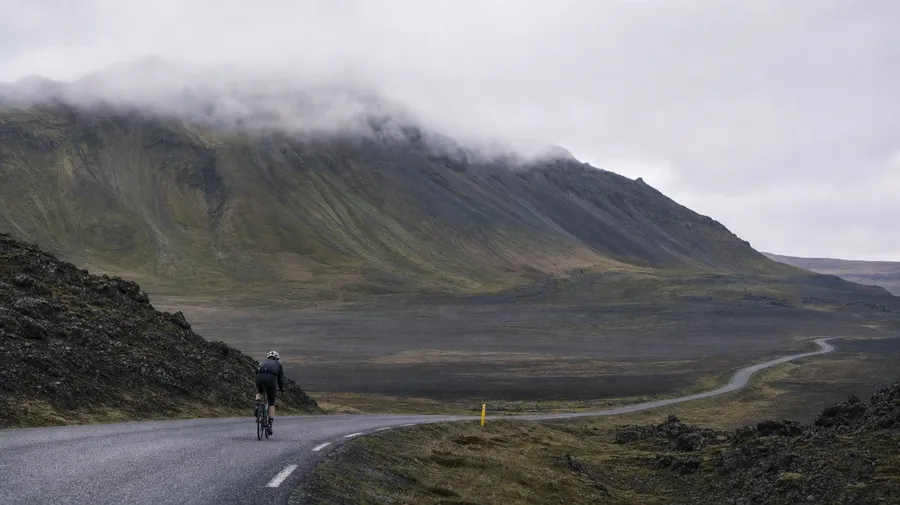
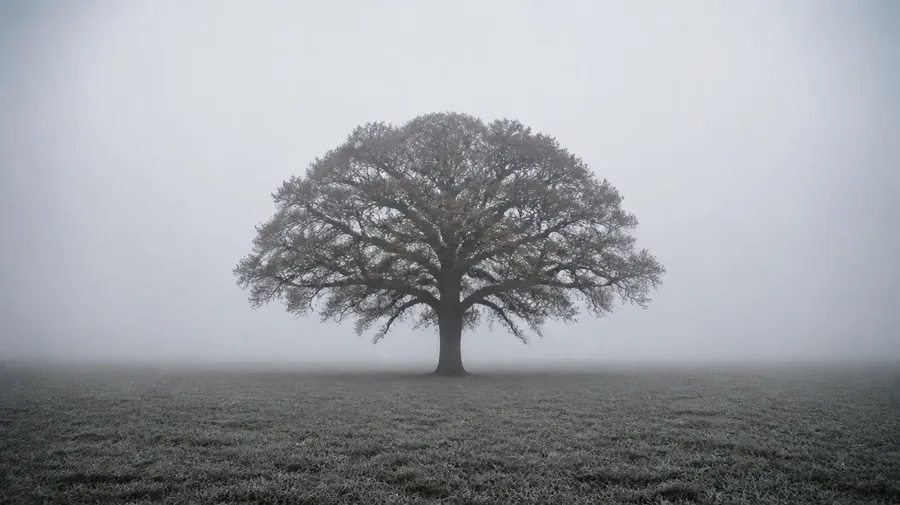
Stock 'negative space' is mostly flat backdrops: a person on white seamless, an object on grey paper. Real frames need atmosphere in the empty area: fog drifting across a Norwegian fjord, dust suspended over a Sahara dune, snowfall blurring the spaces between trees, a thin haze over Tokyo bay. The texture sells the frame.
Subject placement, frame by frame
Stock with 'copy space' is mostly the subject shifted left so type can sit on the right. Real layouts need flexibility: subject in the bottom-third for a magazine bleed, subject in the top-right for app onboarding, subject dead-centre with surrounding room, subject tucked in a corner. Each placement opens a different layout.
Backgrounds that match a brand book
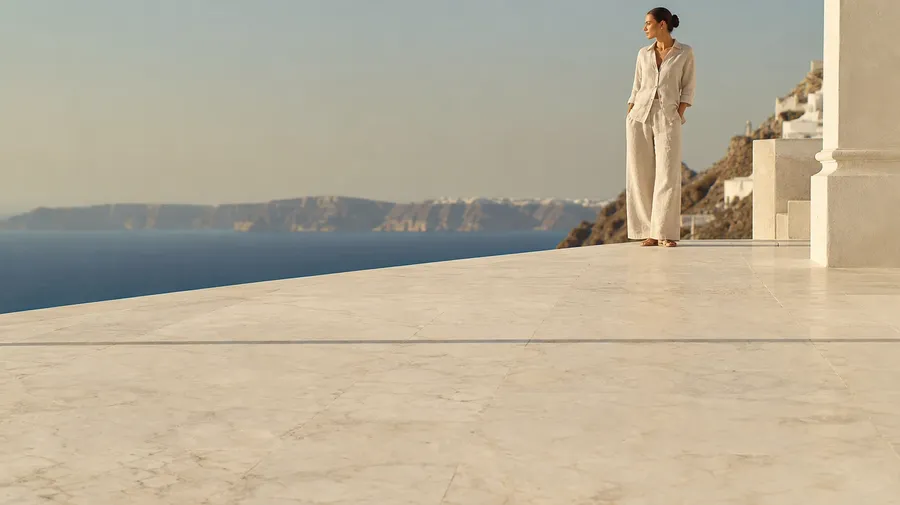
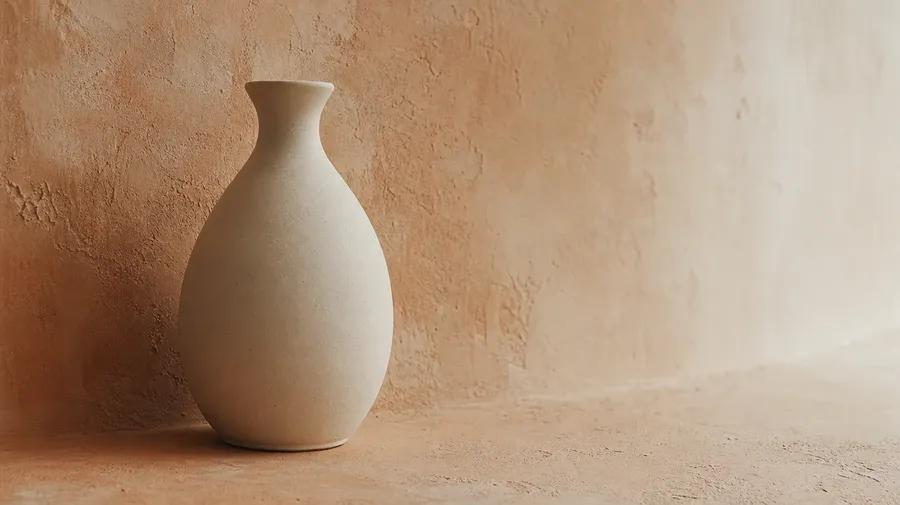
Stock backgrounds rarely match a specific brand palette. Real campaigns need exact tones: warm cream for a beauty brand, cobalt-and-magenta for a fintech, sodium-orange for a music label, cool moss-green for a wellness app. Specify the colour mood and the surrounding atmosphere holds it. Generate the negative space your brand book actually wants.
Frequently Asked Questions
Yes. Specify the atmosphere, the surface, the subject position. A foggy Norwegian fjord at dawn with a hiker tucked in the lower-third, a Sahara dune at high sun with a single figure in the upper-right, a snow-blurred forest with a deer dead-centre, a Tokyo bay haze with a fishing boat in the corner. Name what you want and you'll get it back. Coverage isn't limited to the white-seamless default of stock minimalism libraries.
Yes, when you name the layout intent. Default negative-space mechanics (uncluttered empty zone, atmospheric gradient, subject offset) render well from a simple prompt. Sharpen specifics by naming them: a clean upper-right for headline type, a graduated cool-to-warm sky for a CTA, a flat lower-bleed for legal text, a soft horizontal band for a logo lockup. Generate four or eight, compare the empty area, pick the one that holds for layout.
Yes. Specify palette, contrast, atmosphere, and subject scale in the prompt: cool-grade documentary, warm cream and bone, cool cobalt-and-magenta, soft moss-green wellness. For multiple frames in one register, save the look as a custom Element and reuse it across prompts. The Element carries the treatment from a fog-and-figure to a dust-and-architecture so the campaign reads as one body of work.
Name where it sits. Subject in the lower-third for a magazine spread, subject in the upper-right for an app onboarding screen, subject dead-centre for an editorial cover, subject tucked in the corner for a ticker overlay. Type the position and the atmosphere around it, and you'll get the frame back.
Yes. Every paid plan covers commercial use across ads, social, web, print, packaging, and presentations. Magazine publishers, app marketing teams, brand agencies, luxury houses, and SaaS marketers all qualify under the same license. The same license covers every category in the broader AI stock photo generation across the workspace.
Anything where a small subject sits against a clean, atmospheric area. Negative-space photography overlaps with sunset photos (sky-as-empty-area, atmospheric gradient) and cinematic stills (figure-in-empty-interior, painterly light). Specify the placement and the surrounding atmosphere, and the result holds for layout type.
As specific as you want. A simple prompt like 'foggy Norwegian fjord at dawn with a hiker in the lower-third' produces a usable baseline; the model fills in expected details (the way fog catches light, the muted palette, the cliff edges). Add specifics for the parts that matter: a particular fog density, a particular subject silhouette, the colour of the sky at zenith, the scale of the figure relative to the cliff. The model honors named details without overriding the rest, so a series of negative-space frames stays consistent across the campaign.
Empty doesn't have to mean basic.
Type the subject, where it sits, and what surrounds it. The result is a frame with atmosphere in the empty area, room for text, and a palette your brand book can use. Drops into client work like any licensed stock photo.