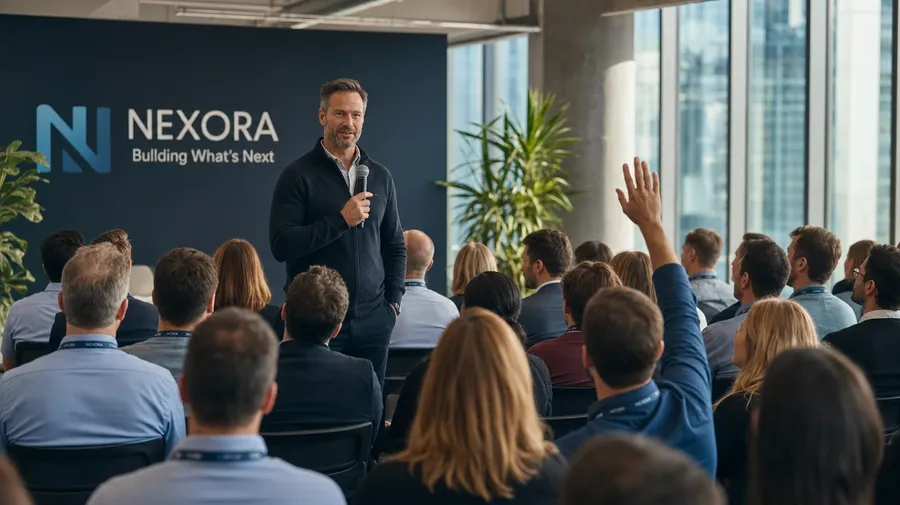
AI Stock Leadership Images Generator
AI leadership stock that doesn't lean on the boardroom-window-pondering pose: town halls, 1:1 mentor moments, board presentations, all-hands Q&A. Every paid plan covers commercial use.
Every leading image model is here.
Auto mode handles the choice for you, but you can also make the switch manually.


How to generate custom leadership stock images with getimg.ai
Leadership stock has to read as actual leadership: not a posed alpha shot, not a stock-handshake. The prompt names the moment, the leader, and the room.
1. State the role
Open the Content Generator and lay out the leadership moment: the leader, the audience, the activity. The default produces a usable baseline; add the industry, the seniority, or the era when you want control.
2. Scan the batch
Run up to sixteen at once, then read each for the leader's body language, the audience response, and the industry cues in the room. Pick the one that lands.
3. Vary a detail
A first run goes with one valid leadership interpretation. If you'd prefer a healthcare CFO over the tech founder the model picked, an Asian woman as the chair instead of a man, or a stadium-scale all-hands instead of a small boardroom, name the swap and run again. Multiple changes fit one prompt; export when it lands.
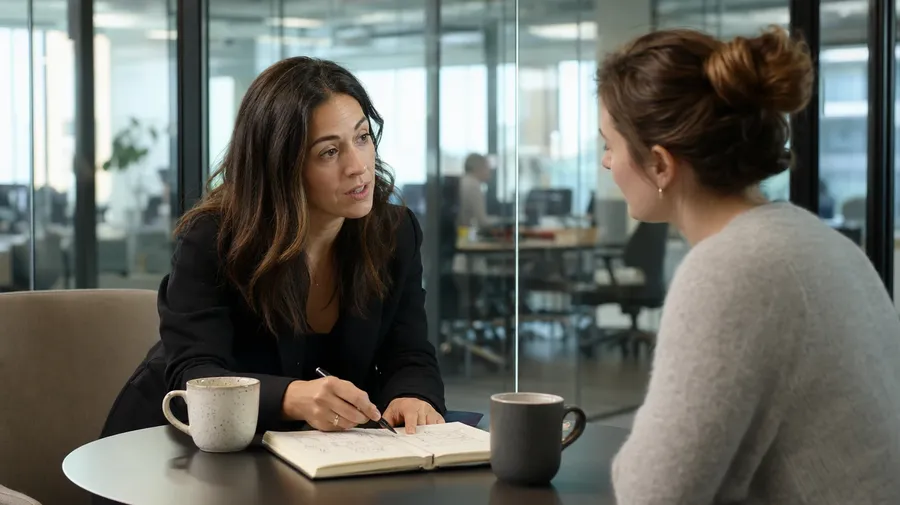
founder at a 1:1 mentor moment with a junior team member in a small glass meeting room, two coffee cups on the table
What actual leadership looks like on camera
A leadership brief asks for three things at once: a moment that reads as leading, a leader who doesn't look central-cast, and an industry beyond the corner office.
Leadership behaviors, not poses
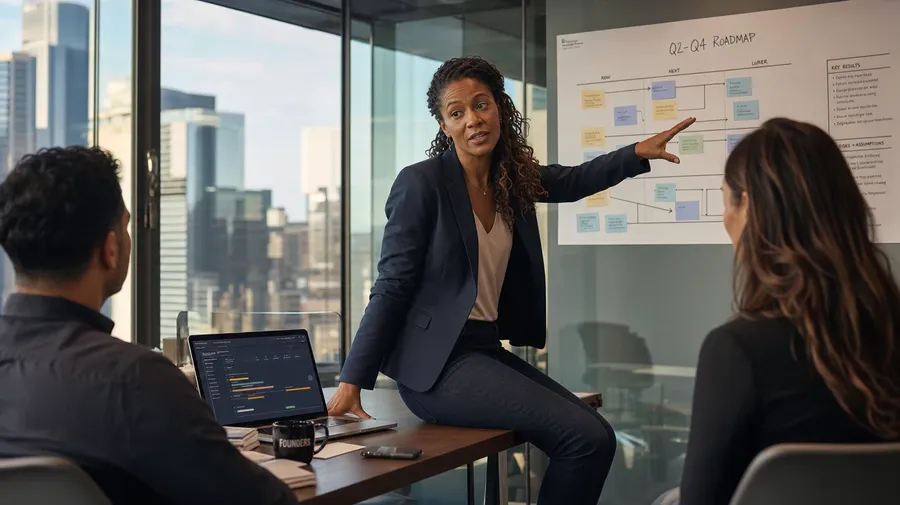
Show leaders doing the actual job: a CEO fielding a hard question at a town hall, a department head listening at a 1:1, a founder presenting roadmap slides to a board, a team lead facilitating a retrospective. The body language reads as leading, not posing.
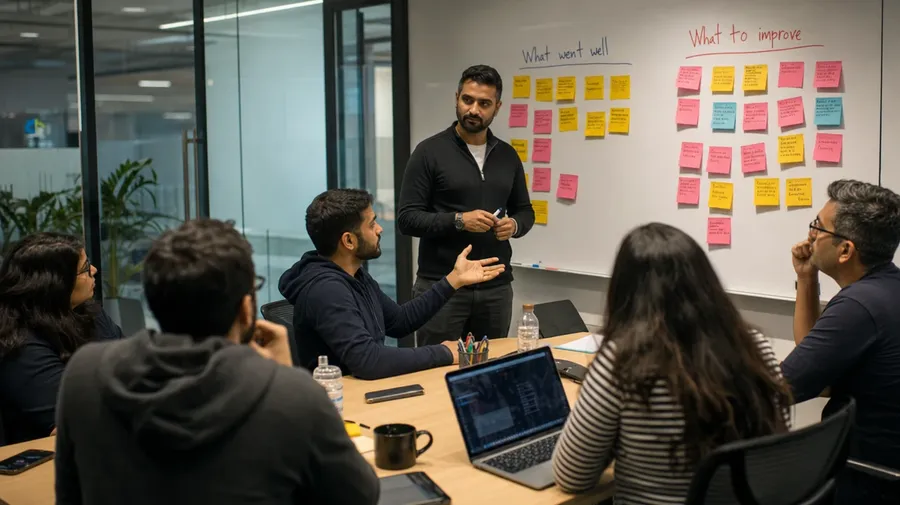
Tech, healthcare, nonprofit, government
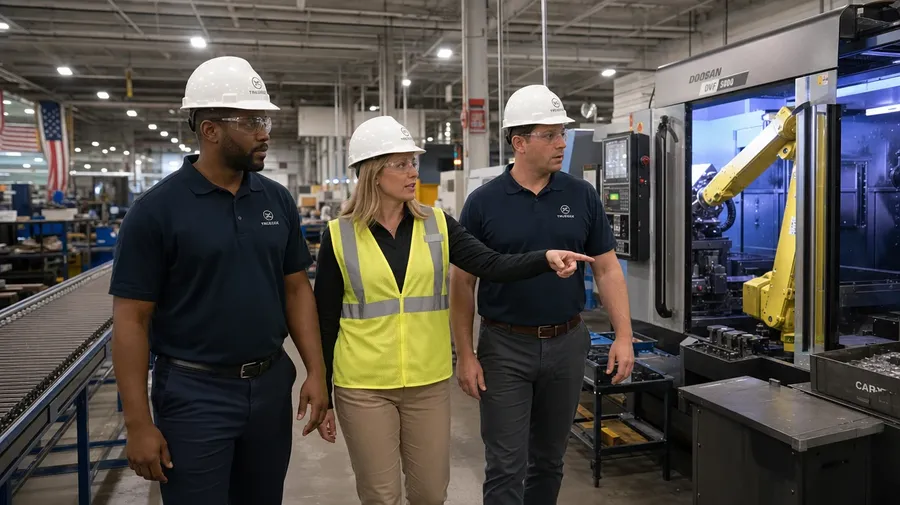
Move through any industry and any level: a Series-B founder pitching investors, a hospital CMO leading rounds, a manufacturing VP touring a factory floor, a nonprofit director addressing volunteers. Each one carries different cues that the AI handles when you spell them out.
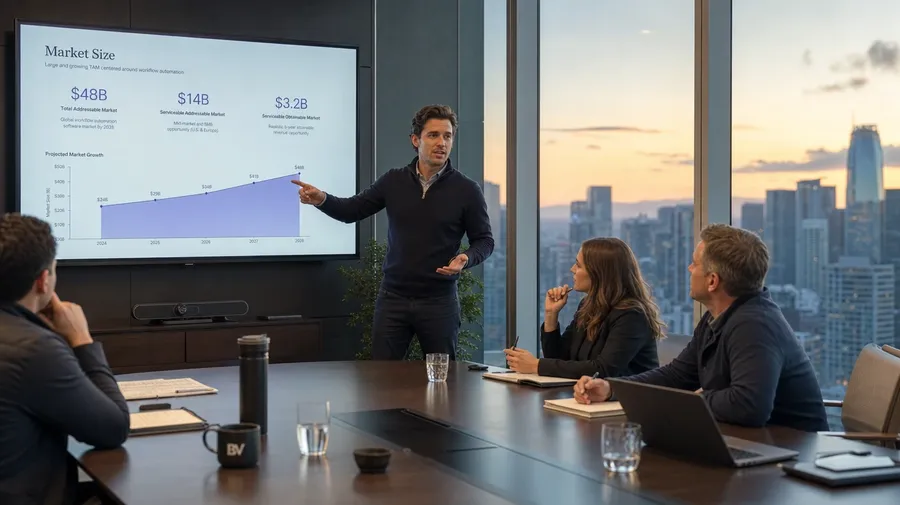

Every demographic, every age
Bring in the actual range of people in real leadership: a Black woman as the founding CEO, a 67-year-old chair still active on the board, a nonbinary department head, a Latino startup co-founder. The faces match the audiences your brief is actually addressing.
Frequently Asked Questions
Name the actual moment, not just the person. "A CEO" produces the catalog default; "a CEO at a quarterly town hall fielding a hard question from an engineer in row three" gives the AI a behavior to render. Verbs and audiences are what move the result past the boardroom-window-pondering pose.
Yes. Specify the demographic in the prompt: a Black woman as the founding CEO, a 67-year-old chair still on the board, a nonbinary department head, a Latino startup co-founder. The model renders the face, the wardrobe, and the body language to match. The default catalog cast skews narrow; spell out who's actually leading and the result follows.
Yes. Name the industry, the level, and the room. A hospital CMO leading rounds reads completely differently from a Series-B founder pitching investors, a nonprofit director addressing volunteers, or a manufacturing VP touring a factory floor. Specify the industry-specific cues (white coats, founder hoodies, branded volunteer T-shirts, hard hats and PPE) and the AI handles uniforms, props, and room cues that match.
Yes. Specify the register in the prompt: warm corporate portrait, editorial documentary, harsh fluorescent realism, golden-hour B-roll. For multi-scene series in one register, save the look as a custom Element and reuse it across prompts. The Element carries treatment between portraits and candids so all twelve scenes in the brand book read as one body of work.
Yes. Every paid plan covers commercial use across About pages, investor decks, IR materials, employer-brand pages, ad campaigns, and printed materials. Public companies, private firms, nonprofits, and government agencies all qualify under the same license, alongside every other category covered by AI stock photo generation.
Yes. Different stock categories run on the same prompt approach. Name the leader, the team, and the moment, and the leadership-stock workflow extends to anything around it: an all-hands keynote, a leadership-and-engineering whiteboard session, a board-and-management dinner. The same logic that produces AI teamwork images produces leadership shots, headshots, or hybrid scenes; one workflow, every angle.
As specific as you want. A simple prompt like "a CEO at a town hall" produces a usable baseline; the AI fills in the typical details (a microphone in hand, an engaged audience in chairs, branded backdrop). Add specifics for the parts that matter: the company stage, the audience size, the leader's gender and age, the industry, the era. Named details get honored without flattening the rest.
Skip the catalog leader pose
The boardroom-window-pondering pose has been the leadership-stock default for two decades. Type the leader, the moment, and the industry, and run the prompt for a result that doesn't look like that.