AI Stock Teamwork Images Generator
Real teamwork in real rooms: engineers at a whiteboard, surgeons mid-procedure, a kitchen line during service, a design studio at sticky notes. Every paid plan covers commercial use.
All the leading models, one prompt box.
Auto mode handles model selection. Switch manually whenever you need it.


How to generate custom teamwork stock images with getimg.ai
A teamwork brief reads in two beats: the industry and the actual work being done. Both belong in the prompt.
1. Name the team
Open the Content Generator and describe the team in plain language: the industry, the rough size, the work in progress. The default produces a usable baseline; add seniority signals, room type, or era when you want control over those details.
2. Pull a batch
Run up to sixteen at once, then read each for the team's engagement with the work, the gear and room realism, and the natural mix of people. Pick the one that lands.
3. Refine a detail
A first run lands on one of many valid teamwork interpretations from your prompt. If you'd prefer a Korean startup over the American one the model chose, an ER team in scrubs instead of suits in a boardroom, or a four-person huddle instead of an eight-person sprint, name the swap and run again. Multiple changes fit one prompt; export when it lands.
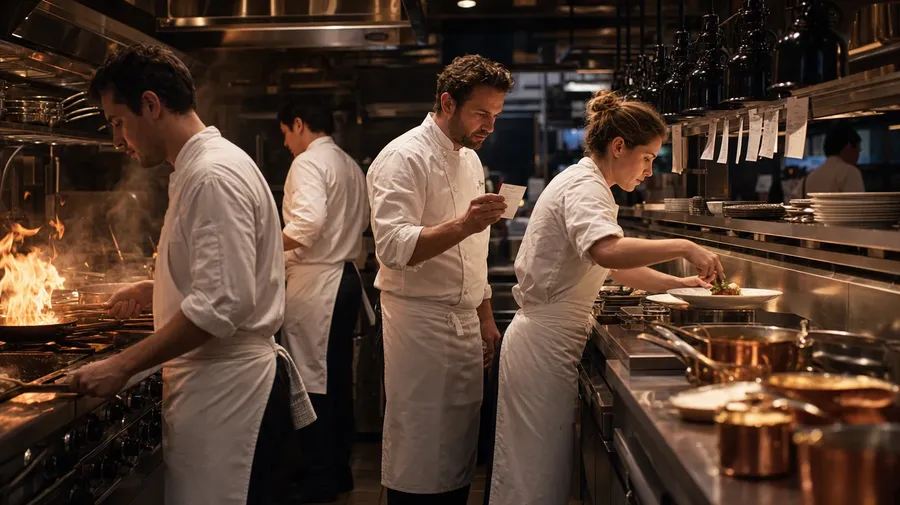
a kitchen line of cooks in white aprons during dinner service, plates on the pass, ticket rail, stainless prep, low-key warm light
What real collaboration actually looks like
Three angles real teamwork briefs need: scenes that read as actual work, industries beyond the office park, and a cast that looks like a real team.
Real activity, not posed photo-laughter
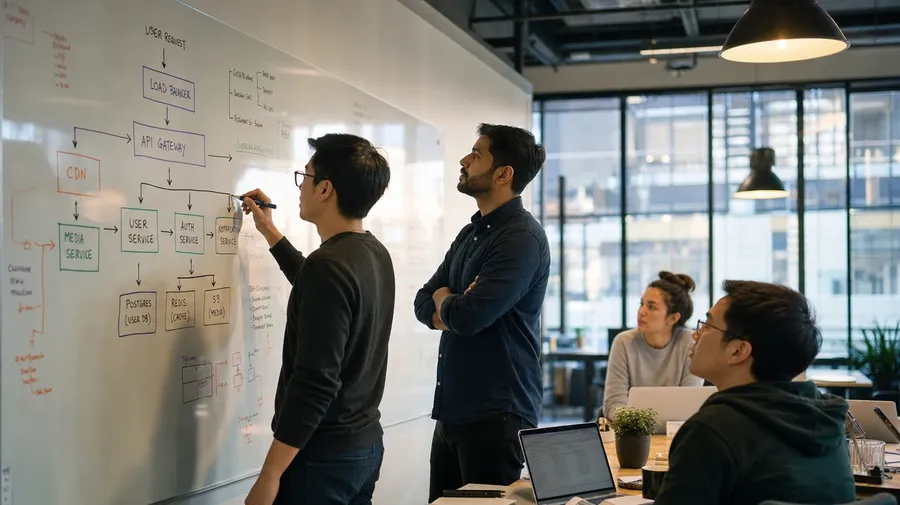
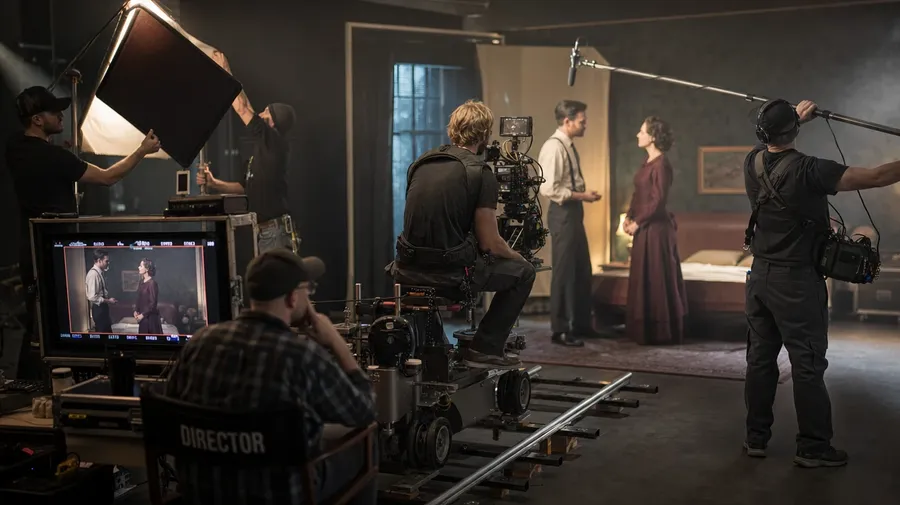
Stage scenes that look like actual collaboration: a film crew on a soundstage at a video village, a software team at a whiteboard mid-architecture-sketch, a kitchen line passing plates during peak service, a surgical team mid-hand-off in the OR.
Industries beyond the open-plan office
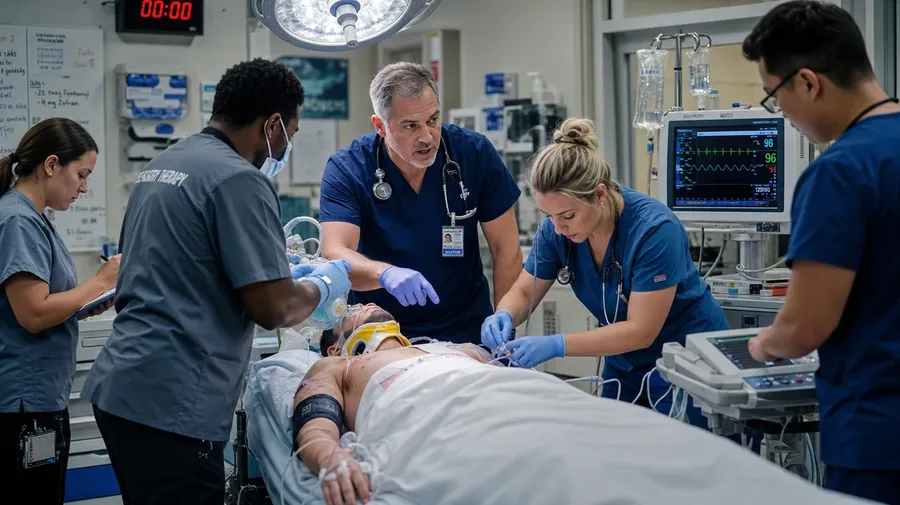
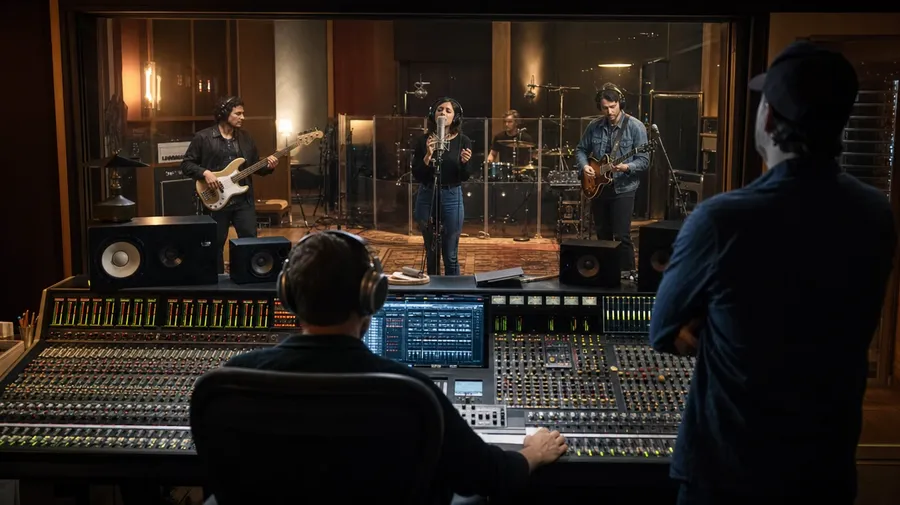
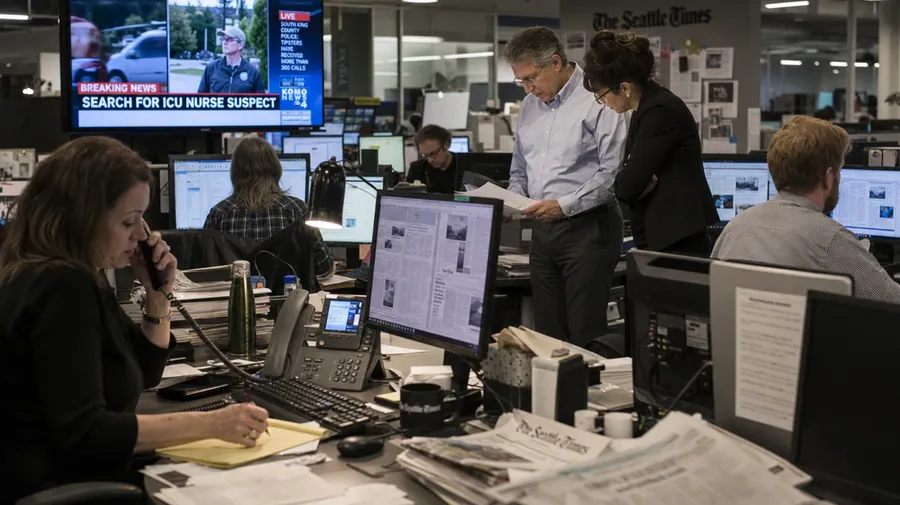
Run through any industry the brief covers: an emergency-room team coordinating around a stretcher, a recording studio with the band in headphones and the engineer at the mixing desk, a publishing newsroom mid-deadline with editors at desks. The AI matches gear, dress, and the room each team works in.
Engineers, ER docs, cooks
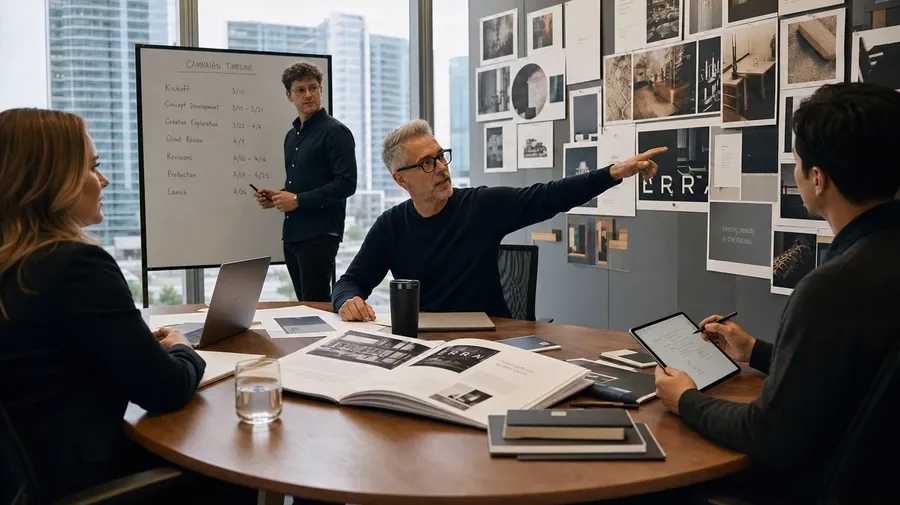
Cast the people who'd actually be in the room: a Korean startup with a mix of seniors and juniors, an ER team where the youngest member leads, a construction crew with two women and three men, an ad agency partners' meeting. Real teams have wider casts.
Frequently Asked Questions
Name the actual work, not just the team. "Engineers at a whiteboard" leans on the catalog default; "engineers at a whiteboard sketching system architecture, one pointing to a node while another writes a counter-proposal" gives the AI activity to render. The more verbs in the prompt, the less the result reads as a posed photo.
Yes. Name the industry, the role mix, and the work being done. A software engineering team mid-architecture-sketch reads completely differently from an emergency-room team coordinating around a stretcher, a kitchen line during dinner service, or a construction crew on a job site. Specify the industry-specific cues (whiteboard markers, scrubs, chef whites, hard hats and blueprints) and the AI handles uniforms, gear, and the room cues that match.
Yes. Name the country, the industry, and the era, and the AI matches dress codes, spatial layouts, signage, and gestural defaults. A Japanese startup team in a glass conference room reads differently from a Korean ad agency at sticky notes or a Brazilian hospital team mid-rounds. The same prompt mechanic produces a French film crew, an Indian engineering team, or a Mexican kitchen line; specify the country and the rest follows.
Yes. Specify the register in the prompt: editorial documentary, warm corporate portrait, harsh fluorescent realism, golden-hour B-roll. For multi-scene series in one register, save the look as a custom Element and reuse it across prompts. The Element carries treatment between rooms so all eight scenes in the brand book read as one body of work.
Yes. Every paid plan covers commercial use across B2B websites, sales decks, ad campaigns, employer-brand pages, brochures, and printed materials. Software vendors, agencies, hospitals, hotels, restaurants, recruiters, and consultancies all qualify under the same license, alongside every other category covered by AI stock photo generation.
Yes. Save each team member's portrait as a custom Element and reference them by name in every prompt: @AlexCEO, @JordanCTO, @SamMarketingLead. The Element keeps the same faces, the same wardrobe register, and the same energy between meetings, hallway candids, and headshots. The same workflow drives realistic AI image generation across any character series — one Element, many scenes, the same person every time.
As specific as you want. A simple prompt like "a software team at a whiteboard" produces a usable baseline; the AI fills in the typical details (open-plan office, branded mugs, the architecture-diagram squiggles). Add specifics for the parts that matter: the company stage, the team size, the actual work in motion, the country, the era. Named details get honored without flattening the rest.
Type the team. Type the work. Run the prompt.
Catalog teamwork stock is the high-five over the laptop, the hand-stack at the boardroom, and the same six smiling models at every desk. Name the industry, the activity, and the room, and the result reads as actual work.