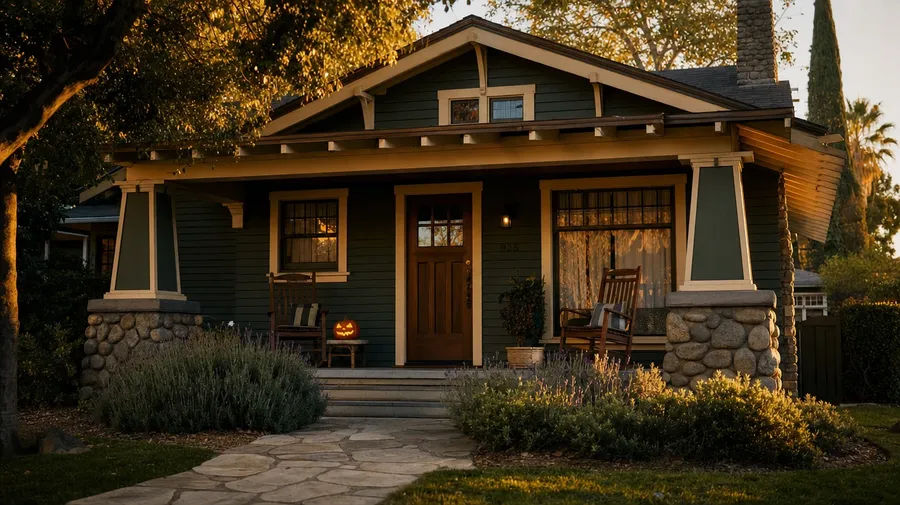
AI Stock House Pictures Generator
Every house tells a different story. Type the style, the era, and the setting: a 1925 Craftsman bungalow in Pasadena, a 1960s mid-century modern on Mulholland Drive, an 1890s Brooklyn brownstone, a 1750s Cape Cod weatherboard. Commercial rights on every paid plan.
Every leading image model, one subscription.
The Auto mode picks the best one for the job.


How to generate custom house images with getimg.ai
Most house briefs hinge on three cues: the style, the era, and the setting. Name them in the prompt.
1. Type the address
Open the Content Generator and describe the house scene: the style, the era, the setting. A simple prompt produces a usable baseline; name the city, the time of day, or the surrounding landscape when you want exact control over those details.
2. Run a count
Generate anywhere from one to sixteen variations at a time, then read the results for facade material, roof line, window proportions, and the way the curb light catches the front door. Pick the version that lands.
3. Change a detail
A first run picks one of many valid house interpretations from your prompt. If you'd rather end up at a 1920s Tudor than the Victorian the model chose, or a snow-covered winter facade instead of a golden-hour summer one, name the swap and run again. Several changes fit one prompt; download when it lands.
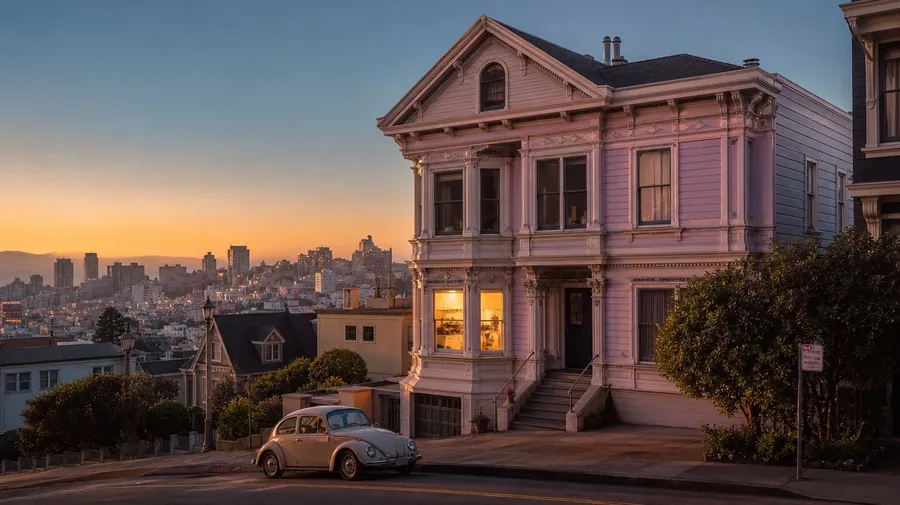
victorian painted lady on a san francisco hill at dusk, kitchen light glowing inside, pastel facade catching the last warm sun
Beyond the real-estate listing photo
Real house briefs span styles, eras, and the rooms beyond the front door.
The whole architectural range, photographed
Cover the full architectural range: a 1925 Craftsman bungalow in Pasadena, a 1960s mid-century modern hugging a Mulholland hillside, an 1890s Victorian painted lady on a San Francisco corner, a 1750s Cape Cod weatherboard, a 1962 ranch with double carport. Each style brings its own roofline, material, and curb cue.
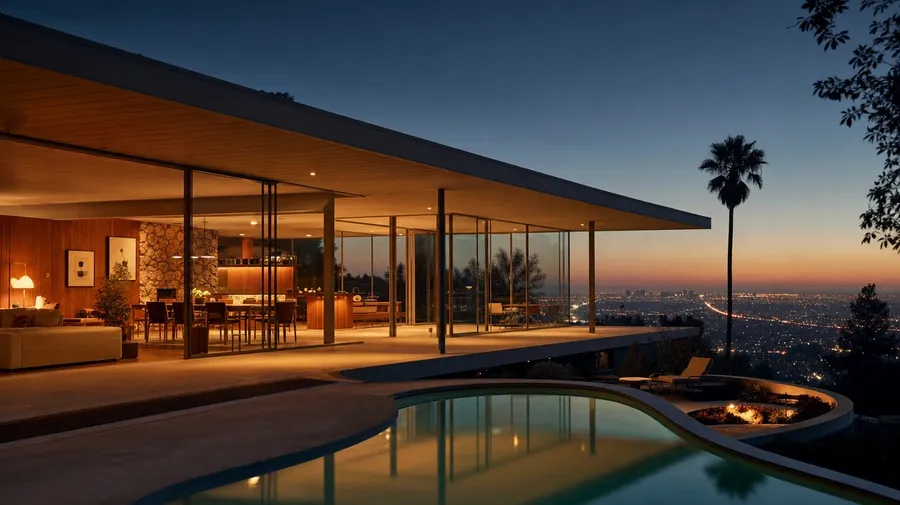
Light and season set the listing
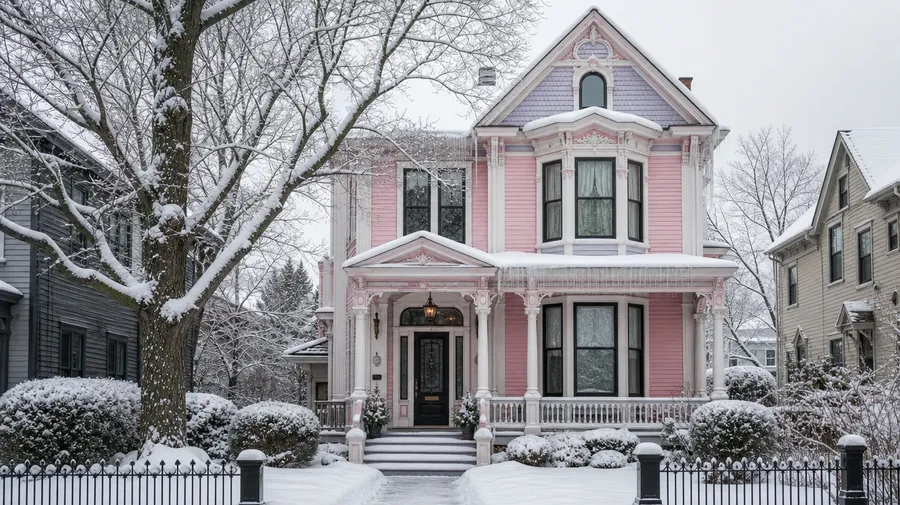
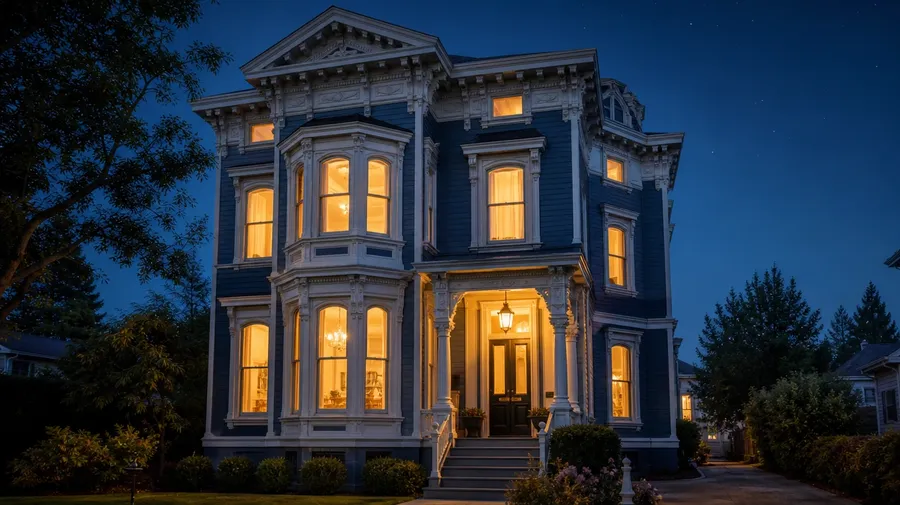
Cover the same house across seasons and hours: a Victorian painted lady at golden hour with porch lights on, the same facade under fresh snow at noon in February, a third reading at blue hour with every window glowing. Different conditions, same prompt box, the model handles the curb light.
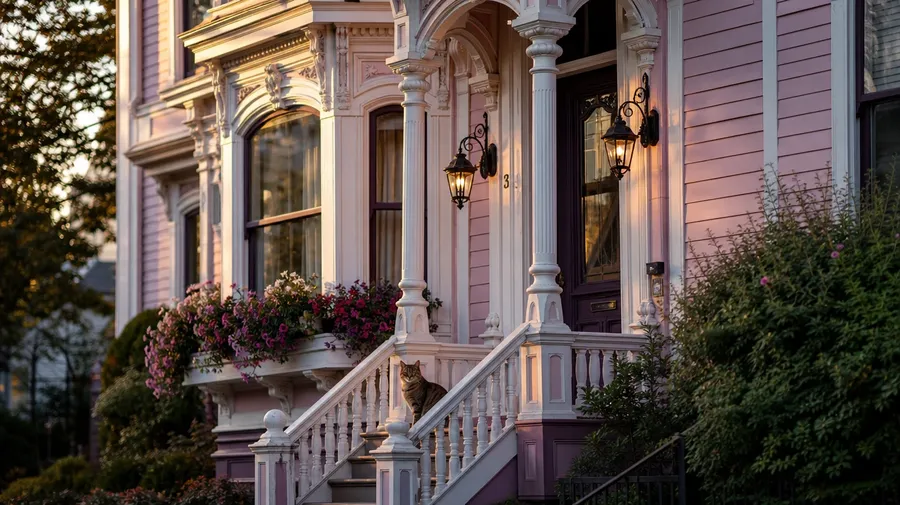
Front porches, attic rooms, side gardens
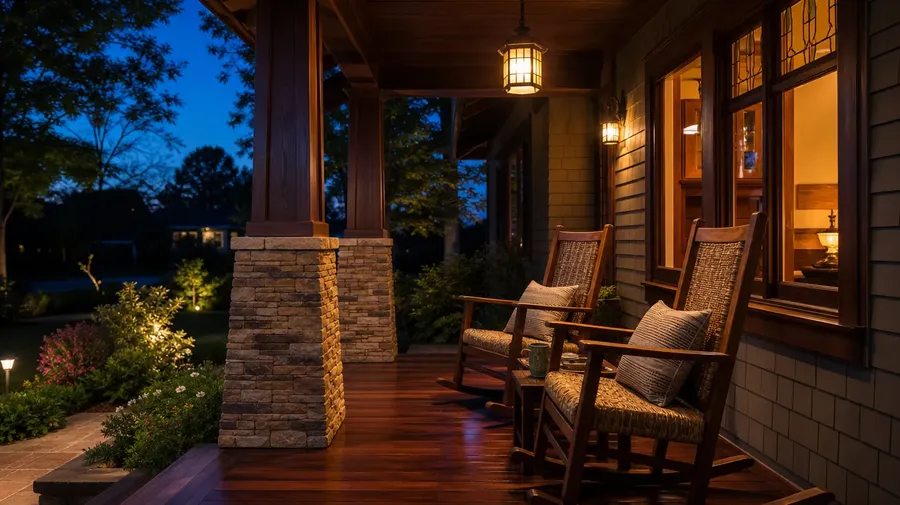
Catalog houses stop at the curb-side hero. Real briefs span the rooms past the door: a Craftsman front porch at dusk with rocking chairs, an attic library with afternoon dust in slanted light, a backyard kitchen garden behind a Victorian, a side-stoop with a folded newspaper at sunrise. Most briefs live past the facade.
Frequently Asked Questions
Yes. Name the style, the era, and the setting. A 1925 Craftsman bungalow with overhang eaves in Pasadena reads very differently from an 1890s Victorian painted lady on a San Francisco corner, a 1960s mid-century modern hugging a Mulholland hillside, or a 1750s Cape Cod weatherboard. The model handles the roofline, the facade material, the window proportions, and the period-correct landscaping. Generate up to 16 at a time, compare the style cues, pick the version that lands.
Yes, when the prompt names them. A clapboard New England Cape Cod reads differently from a stucco Spanish Mission, a brownstone front from a board-and-batten farmhouse, a slate-roof Tudor from a tar-paper-shingle ranch. Specify the material, the roof pitch, and the window style, and the model handles the trim, the eave detail, and the way light catches the siding.
Yes. Specify palette, contrast, light direction, and grain in the prompt: warm-grade real estate brochure, cool-blue magazine editorial, golden-hour curb hero, moody dusk lifestyle. For multiple homes in one register, save the look as a custom Element and reuse it across prompts. The Element carries treatment between properties so the campaign reads as one body of work.
Name the space and the moment. A Craftsman front porch at dusk with two rocking chairs and a lit pumpkin, an attic library with afternoon dust catching slanted light, a side-stoop with a folded newspaper at sunrise, a backyard kitchen garden behind a Victorian: each carries different cues that the model honors when you spell them out in the prompt.
Yes. Every paid plan covers commercial use across ads, social, web, print, packaging, and presentations. Real estate agencies, home magazines, design publications, paint brands, furniture retailers, and lifestyle media all qualify under the same license, and so does every other category of AI stock photos.
Yes. Different categories run on the same prompt approach. Name the style, the era, and the setting, and the same logic that produces architecture pictures produces house images: swap a civic plaza for a suburban front yard, a Beaux-Arts hall for a Craftsman front porch, an atrium sweep for a sunroom interior. A multi-category campaign runs through one prompt box.
As specific as you want. A simple prompt like "a 1925 Craftsman bungalow at golden hour" produces a usable baseline; the model fills in the typical details (the wide overhanging eaves, the tapered porch columns, the green-and-cream paint scheme, the lavender bushes by the walk). Add specifics for the parts that matter to your brief: a particular city, a specific architect, a season, a foreground subject. The model honors named details without overriding the rest.
Generate custom house pictures in seconds.
Type the style, the era, and the setting, and the model handles the roofline, the trim, and the way the curb light catches the front door.