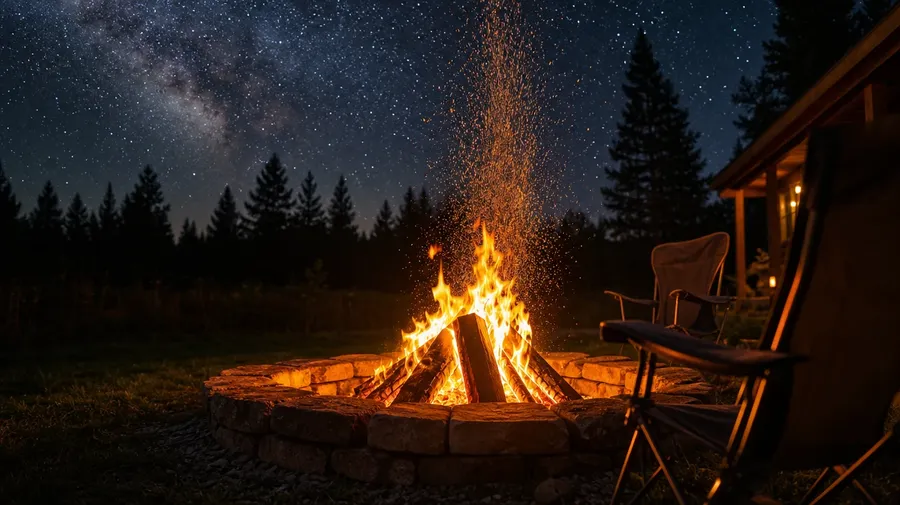
Stock Fire Images Generator
Backyard fire pits, beach bonfires, hearth glow, ember close-ups — generate fire imagery across every type, setting, and time of day. A backyard fire pit at midnight with sparks rising toward a starry sky, or a winter hearth fire glowing on a stack of split oak logs. Commercial rights on every paid plan.
Every leading image model, one subscription.
Auto mode reads each prompt and picks the model fits your prompt best.


How to generate custom fire images with getimg.ai
What sells a fire photo is the type, the setting, and the way the smoke and embers actually move. Name each and the AI delivers a real burn, not a Photoshop-flame layer pasted onto a brick wall.
1. Name the type, the setting, and the moment
Open getimg.ai and describe the scene: the fire type (fire pit, hearth, candle, forge, bonfire), the setting, and the moment. A simple line gives a baseline; specify smoke, sparks, or log condition when you want exact control.
2. Generate and compare
Sixteen takes at one go. Read each for flame realism, smoke and ember behavior, log-and-charcoal detail, and how the surrounding setting (pit ring, hearthstone, beach sand) reads in the firelight. Pick the version that lands.
3. Swap a detail
A first run picks one valid reading of your prompt. If you'd rather see a winter hearth instead of a backyard fire pit, a candle macro instead of a wide bonfire, a blacksmith forge instead of a beach fire, or sparks at midnight instead of golden-hour glow, name the swap and run again. Several changes fit one prompt. Download the version you want to ship.
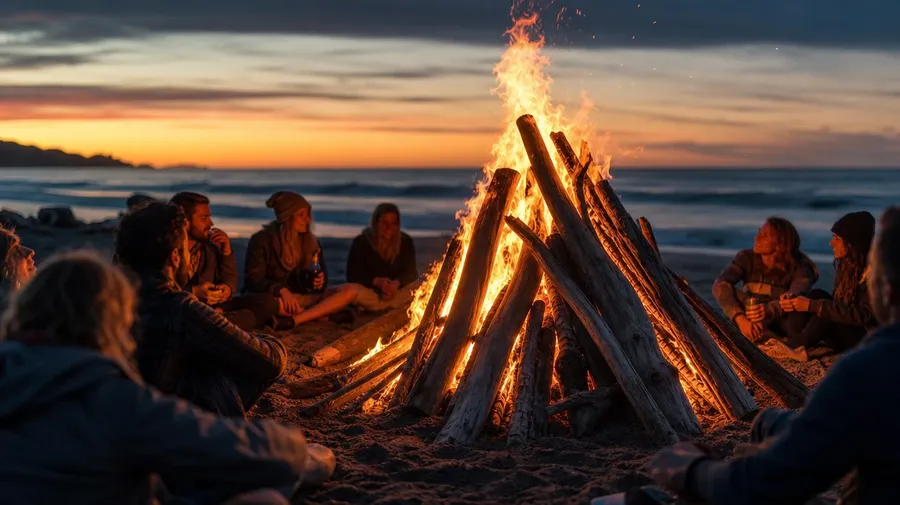
a beach bonfire at dusk with friends in soft focus around the flames, ocean horizon behind, low warm light
Type, setting, and the smoke in the air
Working fire shoots span backyard fire-pit gatherings, beach-bonfire dusk moments, winter hearth interiors, and tight ember-and-flame close-ups. Each type and setting calls for its own light, smoke, and surrounding texture.
Fire pit, bonfire, hearth, forge
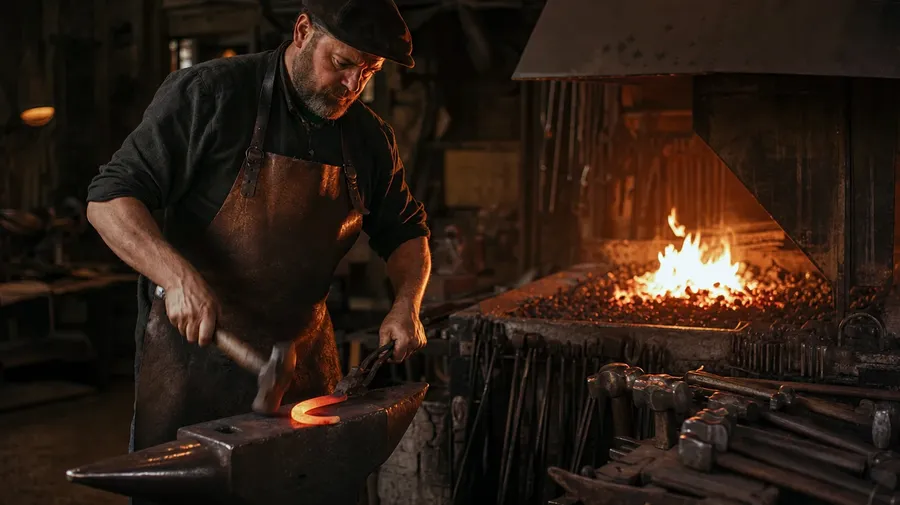
Across the types a fire campaign covers: a backyard fire pit at midnight with sparks rising toward a starry sky, a beach bonfire at dusk with friends in soft focus around the flames, a winter hearth glowing on a stack of split oak logs, a blacksmith forge with a glowing horseshoe being shaped on an anvil.
How the flame lights the room
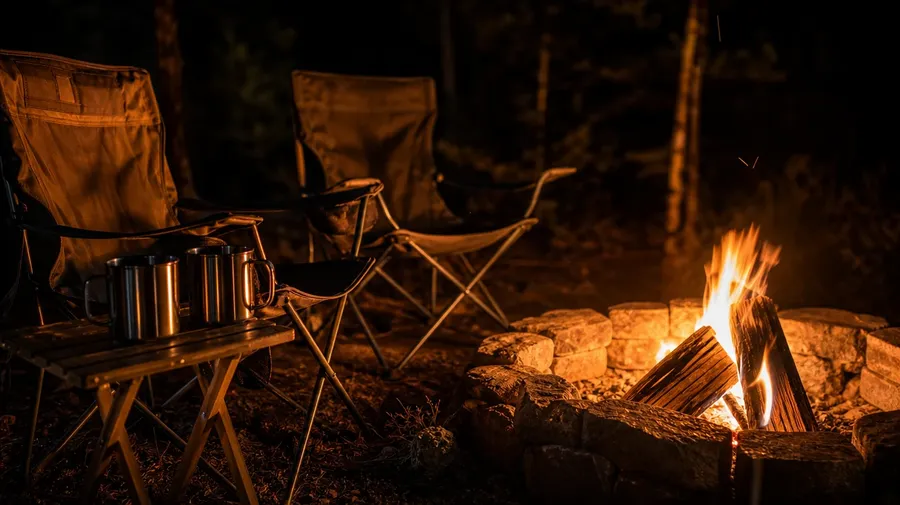
Render the flame lighting the setting: a backyard fire pit at midnight casting firelight across folding chairs and camping mugs, a winter hearth throwing dancing light across a wood-paneled living room, a beach bonfire backlighting friends against a deep blue ocean, a blacksmith forge lighting an anvil in a dim shop.
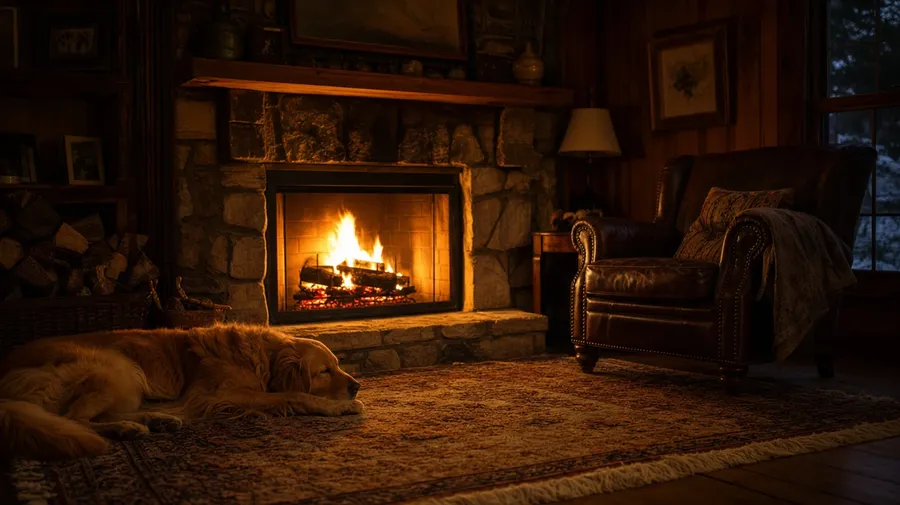
Fake fire doesn't smoke
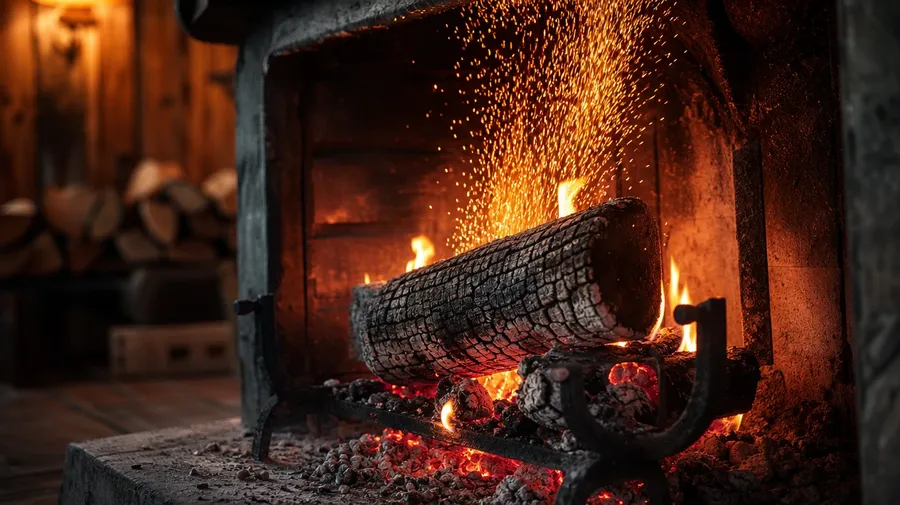
Stock fire photography stops at the orange flame pasted onto a brick wall. Real shoots cover a fire pit with smoke threading up through midnight air, a hearth with a log shifting, sparks rising up, a bonfire with driftwood tossed in, a forge with heat haze distorting the air. Off-the-shelf fire pictures never breathe.
Frequently Asked Questions
Yes. Name the fire type, the setting, the time of day, and the scale. A backyard fire pit at midnight with sparks rising toward a starry sky reads very differently from a beach bonfire at dusk with friends in soft focus around the flames, a winter hearth glowing on a stack of split oak logs in a wood-paneled living room, a blacksmith forge with a glowing horseshoe being shaped on an anvil, or a tight macro of a single candle flame on a kitchen table. The AI handles the flame physics, the smoke and ember behavior, the firelight on the surrounding scene, and the heat-haze shimmer above. Generate up to 16 at a time, compare the takes, pick the version that lands.
Yes, when the prompt names them. A roaring backyard fire pit with full flames reads differently from a slow-burning hearth with mostly glowing coals, a smoky damp bonfire from a clean oak-log burn, a single candle flame from a Bunsen-burner blue gas flame, a forge with a glowing horseshoe from a kitchen gas-stove ring on high. Specify fire type, fuel, stage of burn, and oxygen level, and the AI handles the flame shape, the smoke direction, and the focus separation between the fire and the surrounding scene.
Yes. Save the fire pit (ring shape, surrounding stone or metal, signature chairs) or the hearth (mantel, brick pattern, log holder) as a custom Element and reference it with @SignaturePit or @LivingRoomHearth across new prompts. The Element carries the setting forward, so a midnight long-exposure spark trail, a dusk friends-gathered moment, and a midday clean-coals reset all read as the same place. Useful for an outdoor-brand fire-pit catalog, a hearth-product campaign, and a real-estate listing series that needs one consistent fireplace across the funnel.
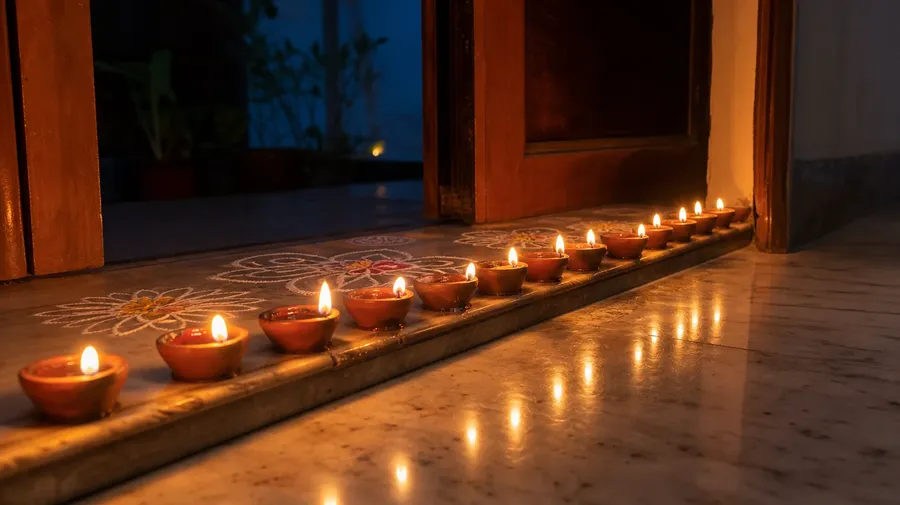
Name the variant and the setting. A single candle flame macro on a kitchen counter with the wick visibly bending in a draft, a gas-stove blue ring under a saute pan at a home kitchen, a Diwali-style row of small clay oil lamps along a doorway threshold, a Hawaiian luau torch line at sunset along a beach path, a forester's controlled-burn line through low underbrush with smoke threading through tree trunks at midday, an Olympic-style cauldron at the top of a stadium stair at dusk: each carries its own cues that the AI honors when the prompt spells them out.
Yes. Every paid plan covers commercial use across ads, social, web, print, packaging, and presentations. Outdoor-brand fire-pit catalogs, hearth-product marketing, candle-brand campaigns, real-estate listings, camping and outdoor-apparel sites, restaurant brand assets, and editorial features all qualify under the same license, alongside every other category of AI stock photos.
Yes. Different categories run on the same prompt approach. Name the subject, the setting, and the light, and the same logic that produces vintage photography produces fire images: swap a faded family-portrait warm tone for the firelight glow on a wood-paneled living room, a vintage-camera worn-leather macro for a worn-leather chair beside a hearth, a 1970s living-room interior for the same room at a winter evening with a fire going. A multi-category hearth-or-seasonal campaign runs through one prompt box.
As specific as you want. A simple line like "a campfire at night" produces a usable baseline; the AI fills in the typical details (a stone ring, flames in the middle, a few logs around the edge, a dark surrounding forest, a couple of folding chairs). Add specifics for the parts that matter to the campaign: a fire type (fire pit, hearth, candle, forge, bonfire), a fuel (oak, pine, driftwood, charcoal, gas), a setting (backyard, beach, living room, blacksmith shop), a stage of burn (full flame, glowing coals, dying embers), a time of day. The AI honors named details without overriding the rest. Each fire image gets the named details right.
Watch the embers, not the catalog flames.
Pick the fire type, the setting, the time of day, and the camera angle. The AI delivers fire photography that reads as real heat, and Elements keep one signature flame consistent across an entire outdoor-brand series, hearth-product campaign, or editorial cover.