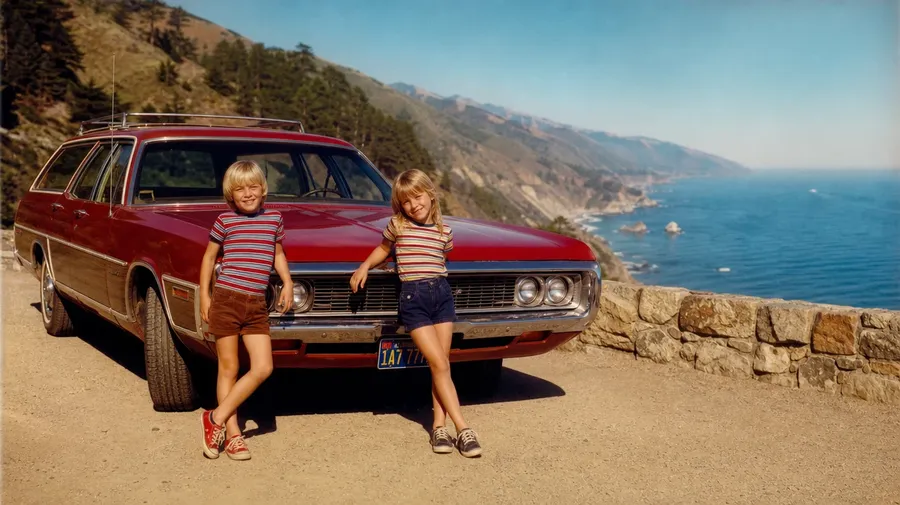
AI Stock Vintage Photos Generator
Specify the process and the decade, and the model handles the grain, the fade, and the color shift. A 1960s Kodachrome road trip, a 1920s sepia studio portrait, a 1980s drugstore snapshot, all with commercial rights on every paid plan.
Pick the era. The auto mode picks the model.
Every top image model sits behind one subscription.


How to generate custom vintage images with getimg.ai
Most vintage briefs hinge on three cues: the film stock, the decade, and the subject. Name all three in the prompt.
1. Type the stock
Open the Content Generator and describe the vintage scene: the film stock, the decade, the subject. A simple prompt produces a usable baseline; name the camera, the lens, or the specific year when you want exact control over those details.
2. Run a count
Generate anywhere from one to sixteen variations at a time, then read the results for grain pattern, color shift, the way light catches dust on the lens, and the era-typical processing of skin and fabric. Pick the version that lands.
3. Change a detail
A first run picks one of many valid vintage interpretations from your prompt. If you'd rather end up at 1973 Kodachrome saturation than the muted 80s Ektachrome the model chose, or a Polaroid SX-70 instead of a 600, name the swap and run again. Several changes fit one prompt; download when it lands.
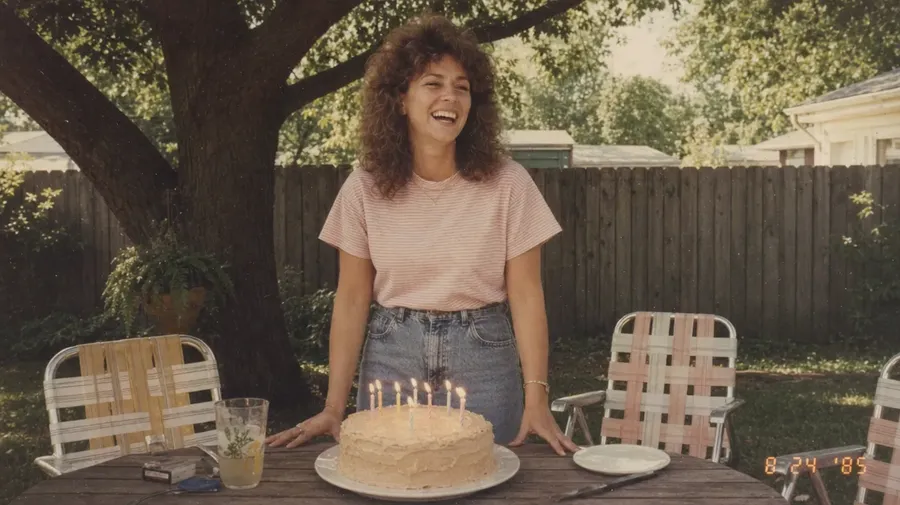
1985 backyard party snapshot, a woman and a birthday cake, faded blues and yellows
The look the filter app can't fake
Authentic vintage reads at print size: right film, right decade, right grain.
Film stocks across a century of photography
Cover film stocks across a century: an 1860s wet-collodion glass plate, a 1900s sepia studio cabinet card, a 1960s Kodachrome 64 road frame, a 1970s Polaroid SX-70 family snapshot, a 1980s Ektachrome editorial spread. Each stock brings its own grain, gamut, and aging fingerprint no filter app recreates.
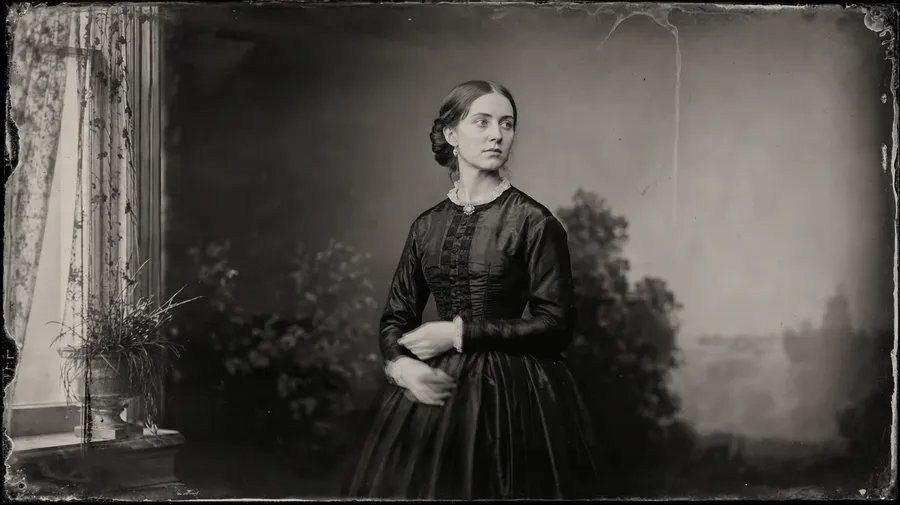
Decades make different photographs
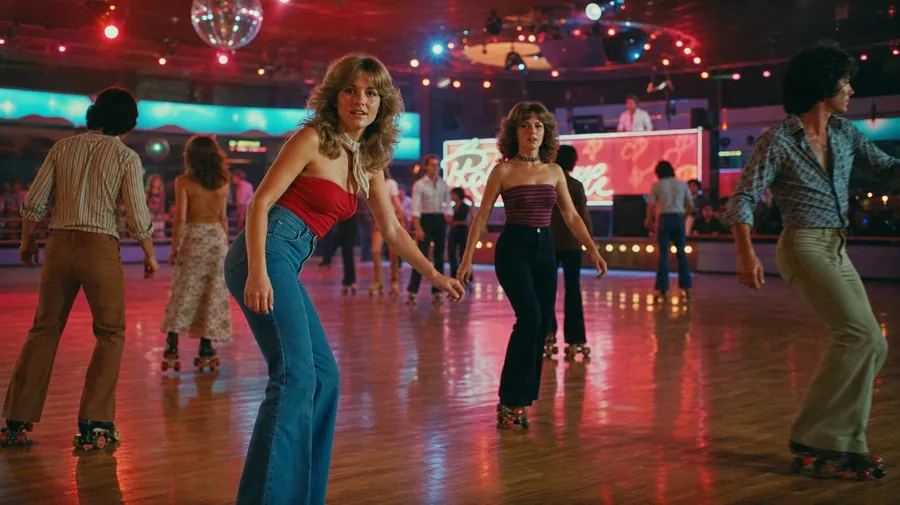
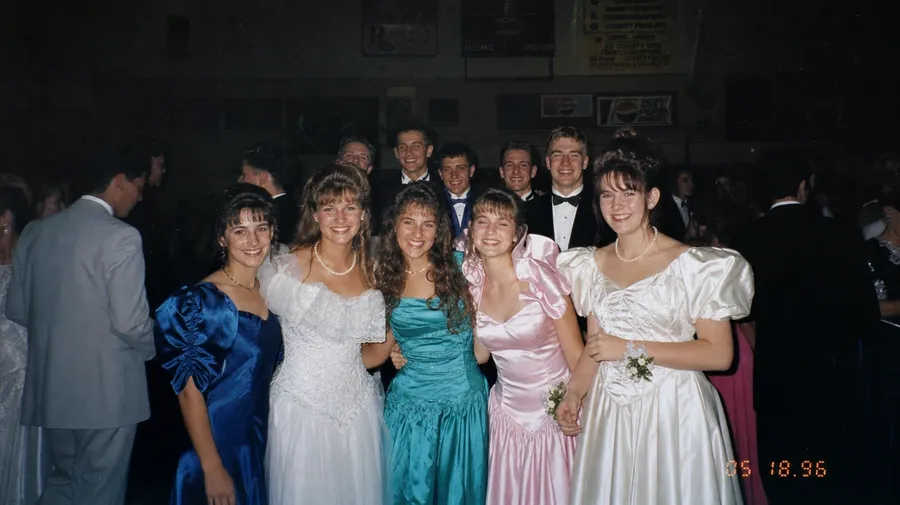
Each decade leaves a different signature: a 1920s sepia studio portrait with high contrast and silver tones, a 1970s Kodachrome family-vacation frame with saturated reds and cyan skies, a 1990s drugstore disposable snapshot with date stamp and mild flash falloff. Different decades, same prompt box, the model handles the era-specific grain.
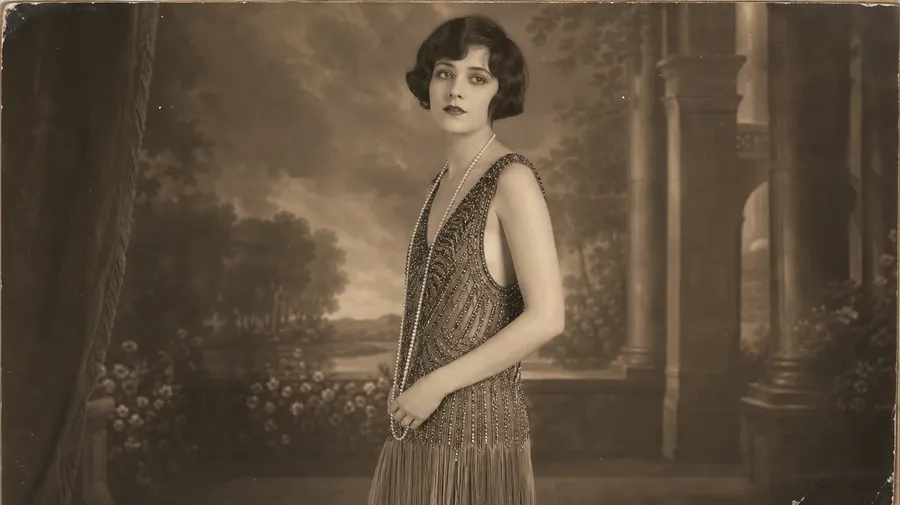
Family albums, archives, lost negatives
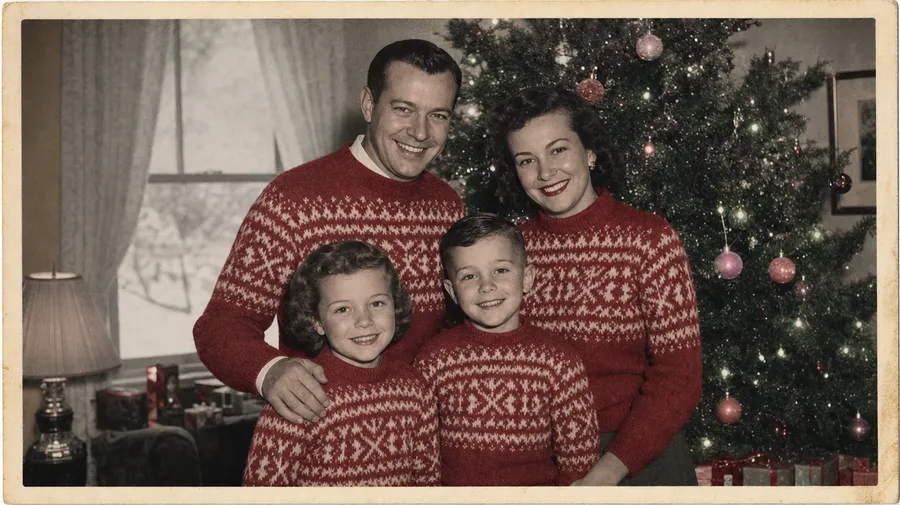
Catalog vintage stops at the staged retro studio shot. Real briefs span the analog past not shot for stock: a 1962 family wedding album, a small-town newspaper's working archive, lost negatives in an attic shoebox, a hand-tinted Christmas card from 1955. The originals never made the stock catalogs.
Frequently Asked Questions
Yes. Name the stock, the camera if it matters, and the decade. A 1973 Kodachrome 64 road-trip frame reads very differently from a 1968 Polaroid SX-70 family snapshot, a 1900s sepia studio cabinet card, or a 1990s drugstore disposable. The model handles the grain pattern, the color shift, and the era-typical processing on skin and fabric. Generate up to 16 at a time, compare the stock cues, pick the version that lands.
Yes, when the prompt names them. An 1860s wet-collodion plate reads differently from a 1970s Kodachrome, a 1985 Polaroid 600, or a faded 90s disposable. Specify the stock, the decade, and any aging cues (yellowing, edge wear, foxing, light leaks), and the model handles the texture, the dye fade, and the way highlights blow with the period chemistry.
Yes. Specify the stock, the camera, the lighting register, and the aging level in the prompt: warm-grade 70s Kodachrome, cool 50s Tri-X, hand-tinted black and white, faded 80s glamour studio. For multiple looks in one register, save the look as a custom Element and reuse it across prompts. The Element carries the stock and the aging across scenes.
Name the moment and the context. A 1958 family on a vacation pier in matching cardigans, a small-town newspaper photographer's negatives on a contact sheet, a 1979 wedding hairdresser at work, a stash of disposable-camera prom photos from 1996: each carries different cues that the model honors when you spell them out in the prompt.
Yes. Every paid plan covers commercial use across ads, social, web, print, packaging, and presentations. Heritage brands, magazine retrospectives, period-film studios, retro fashion lines, museum collateral, and lifestyle publications all qualify under the same license, and so does every other category of AI stock photos.
Yes. Different categories run on the same prompt approach. Name the era, the subject, and the cultural register, and the same logic that produces fashion images produces vintage: swap a modern silhouette for a 1968 YSL safari, a digital palette for a faded Kodachrome warmth, a sharp digital edge for a film-grain softness. A 1975 Italian Vogue cover doubles as both a fashion frame and a vintage frame. A multi-category campaign runs through one prompt box.
As specific as you want. A simple prompt like "a 1970s Kodachrome family road trip" produces a usable baseline; the model fills in the typical details (the chrome-bumper station wagon, the Naugahyde seats, the saturated red and turquoise palette, the soft 50mm period grain). Add specifics for the parts that matter to your brief: a particular year, a specific camera, a documented light leak, a date stamp. The model honors named details without overriding the rest.
Generate highly realistic vintage photos, fast.
Type the stock, the decade, and the subject. The model handles the grain, the color shift, and the way the period chemistry blows the highlights.