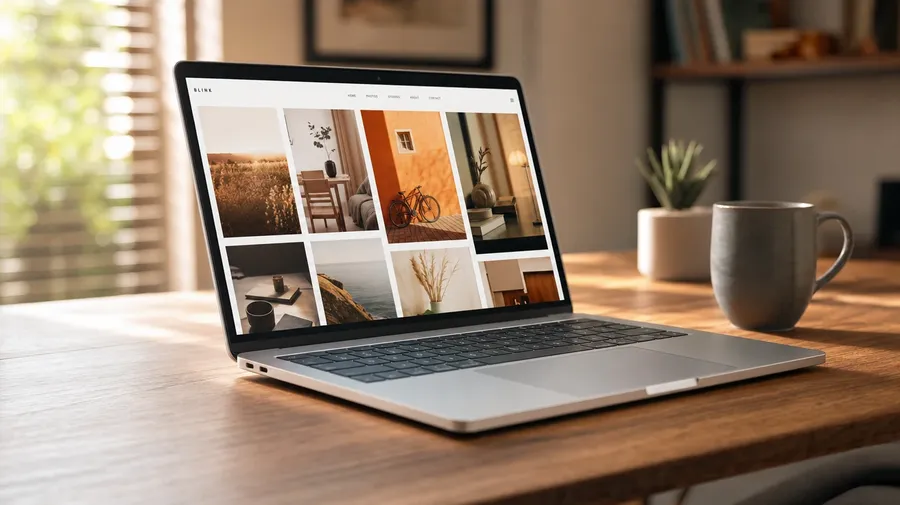
AI Electronics Images Generator
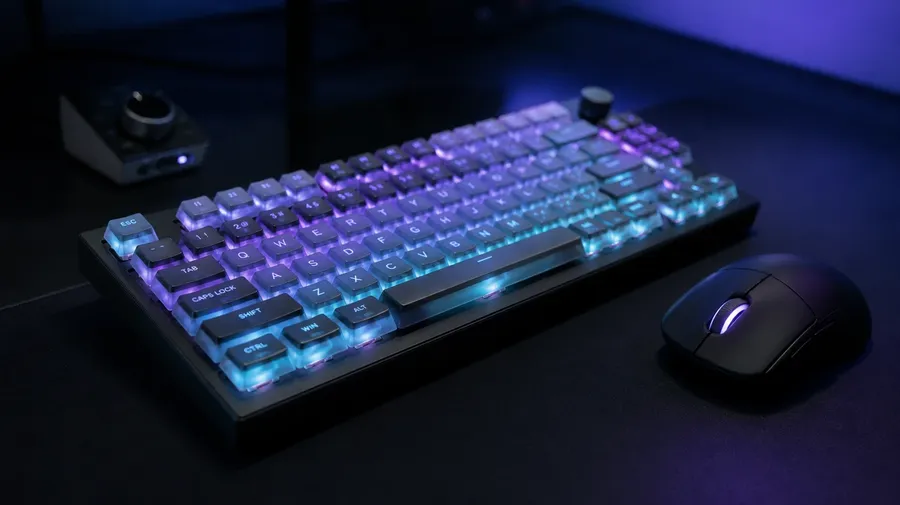
On-brand electronics photography for product pages, lifestyle ads, and editorial features. A 14-inch laptop on a walnut desk under afternoon light, over-ear headphones macro on stone, a smartphone in hand at a coffee shop, a mechanical keyboard half-lit with RGB. Commercial rights on every paid plan.
Every device, every setting, all on 16+ image models.
Auto mode picks the one that matches your prompt.


How to generate custom electronics images with getimg.ai
Electronics product photography lives on accuracy: port placement, screen content, bezel thickness, button labels. Three steps name them in one prompt.
1. Pick the device and describe the setup
Open getimg.ai and describe the device, the desk or surface, and the angle. A simple line gives a baseline; specify finish, screen content, or lighting when you want exact control over those details.
2. Generate and compare
One prompt, sixteen takes. Compare aluminum sheen, screen reflection realism, port and button placement, and how the device sits in scale on the desk. Pick the version that lands.
3. Swap a detail
A first run picks one valid reading of your prompt. If you'd rather see a walnut desk instead of a white marble counter, a portrait crop instead of a landscape laptop hero, or a coffee-shop vignette instead of a clean studio packshot, name the swap and run again. Several changes fit one prompt. Download the version you want to ship.
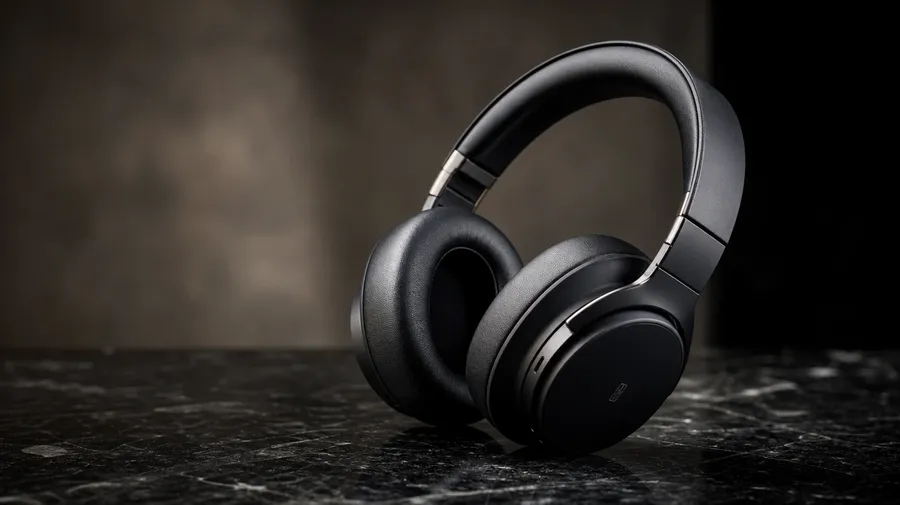
a pair of over-ear headphones in matte black on a polished granite surface, soft studio side light, three-quarter angle
Hero, lifestyle, and macro on the same device
Tech campaigns ship a clean packshot, a lifestyle vignette, and a macro detail. Three angles on the same device, sized for three different placements.
Phones, laptops, headphones, peripherals
Across every device class a tech retailer stocks: a 14-inch laptop on a walnut desk under afternoon light, a flagship smartphone in hand at a coffee shop, over-ear headphones macro on stone, a mechanical keyboard half-lit with RGB, a fitness tracker on a runner's wrist. Each device carries its own materials and screen content.
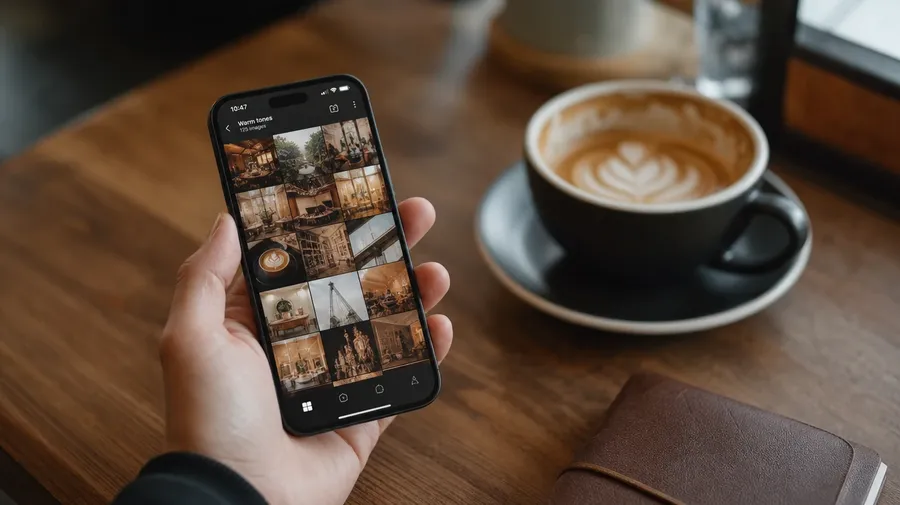
On the desk, in the hand, at the gym
Tech photography depends on the room as much as the device. A walnut home office at golden hour, a coffee-shop counter with a half-finished latte, a clean white-seamless studio sweep, a gym bag with a sweat-flecked smartwatch on top, a tablet in hand mid-sketch. Each setting changes the read on the device.
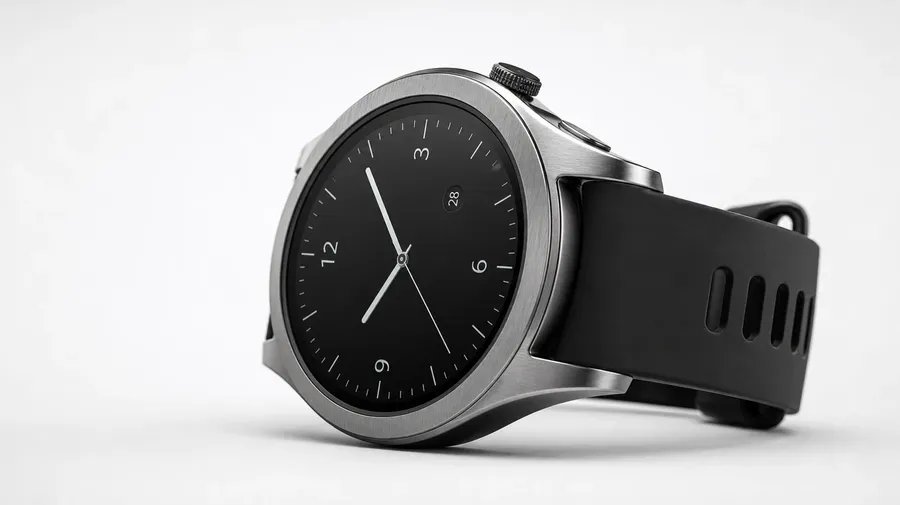
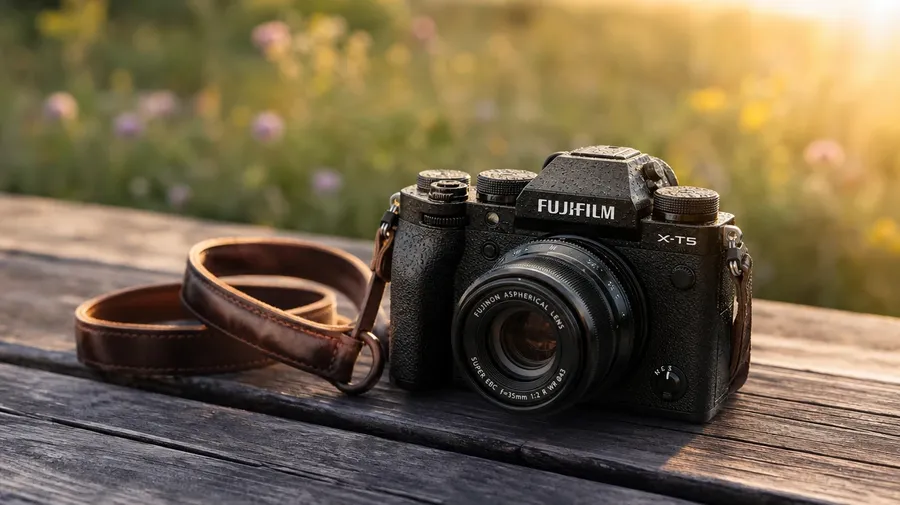
Beyond the white-seamless packshot
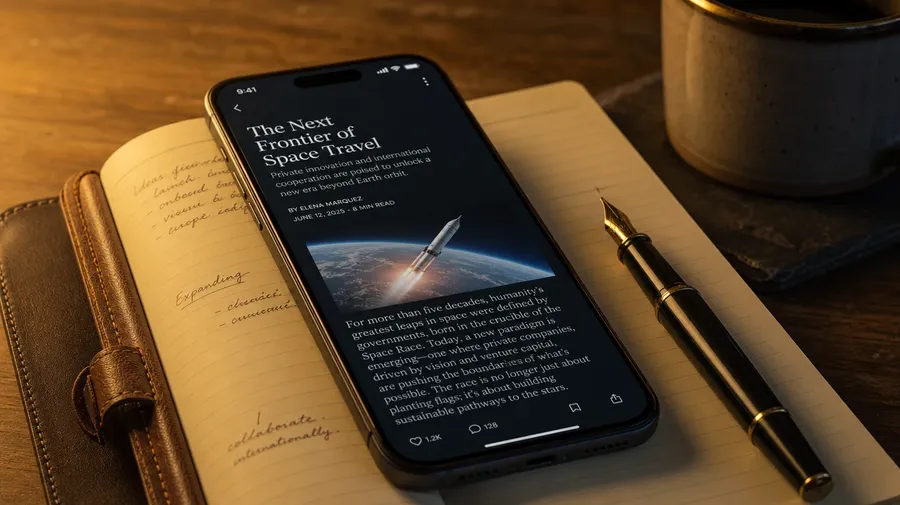
Stock electronics photography stops at the same white-seamless packshot with one centered device. Real shoots cover a smartphone screen showing real-looking content mid-scroll, a laptop keyboard reflecting evening lamp light, headphones casually draped over an open notebook, a smart watch on a wrist mid-stride. Off-the-shelf stock can't keep up with new releases.
Frequently Asked Questions
Yes. Name the device class, the surface, the light, and the angle. A 14-inch laptop on a walnut home-office desk under afternoon window light reads very differently from a flagship smartphone in hand at a coffee shop, a pair of over-ear headphones macro on a polished stone counter, or a mechanical keyboard half-lit with custom RGB. The AI handles the aluminum sheen, the screen reflection, and the port and button placement. Generate up to 16 at a time, compare the takes, pick the version that lands.
Yes, when the prompt names them. Brushed aluminum reads differently from matte plastic, a glossy OLED display differently from a matte e-ink panel, a clean studio reflection differently from a coffee-shop window glare. Specify body finish, screen state, ambient lighting, and reflection source, and the AI handles the highlight curves on the bezel, the legibility of any on-screen content, and the focus separation between device and backdrop.
Yes. Save the device, the finish, and the studio lighting as a custom Element and reference it with @ProductHero across new prompts. The Element carries body color, port layout, key-light direction, and reflection style forward, so the hero packshot, the lifestyle shot on a walnut desk, and the macro of the camera lens all read as one launch. Useful for a PDP gallery, a season ad set, and a press kit that reads as one product story.
Name the category and the setting. A fitness smartwatch on a runner's wrist at sunrise, a custom-built RGB gaming PC half-lit on a desk with a soft fan glow, a studio audio interface with cables coiled at the side, a noise-cancelling pair of over-ear headphones macro on stone, a fitness ring on a writing hand: each carries its own cues that the AI honors when the prompt spells them out.
Yes. Every paid plan covers commercial use across ads, social, web, print, packaging, and presentations. Tech-retailer PDP imagery, gadget-review hero shots, electronics-brand campaign banners, B2B SaaS lifestyle imagery, mobile-carrier ad creative, and editorial features all qualify under the same license, alongside every other category of AI stock photos.
Yes. Different categories run on the same prompt approach. Name the device, the surface, and the light, and the same logic that produces computer photography produces electronics photography: swap a desktop tower for a flagship smartphone, a dual-monitor desk for an over-ear headphone macro, a CRT in a retro corner for a smartwatch on a wrist. A multi-category campaign runs through one prompt box.
As specific as you want. A simple line like "a laptop on a desk in window light" produces a usable baseline; the AI fills in the typical details (the aluminum sheen, the soft desk reflection, a realistic screen glow). Add specifics for the parts that matter to the campaign: a particular form factor, a screen aspect ratio, an ambient lighting style, a camera angle. The AI honors named details without overriding the rest. Each electronics stock image gets the named details right.
Ship the device on the page before the box ships.
Pick the device, the surface, the light, and the angle. The AI delivers tech product photography that fits a PDP, an ad, or an editorial spread — and Elements carry finish and lighting consistent across the whole launch.