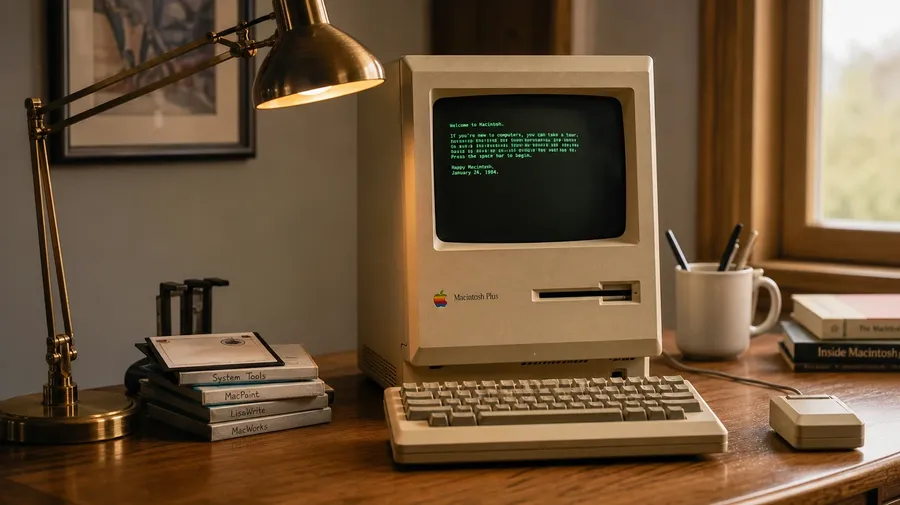
AI Stock Computer Pictures Generator
A vintage Macintosh Plus on a wood desk under a brass lamp, a programmer's dark-mode workstation with three monitors and a mechanical keyboard, a server-room aisle under cool blue rack lights, a sleek laptop on a marble kitchen counter at sunrise. Pick the era, the setup, and the angle, and the AI generates the computer picture. Commercial rights on every paid plan.
Every leading image model, one subscription.
Auto mode picks the one that matches your prompt.


How to generate custom computer pictures with getimg.ai
A vintage Macintosh on a wood desk, a dark-mode coding workstation, a sunrise laptop on a marble counter — three steps that turn a setup idea into a picture of a computer you can hand a client.
1. Name the era and the setup
Open the Content Generator and describe the computer, the desk, and the light. A simple line gives a baseline; specify era, software shown on screen, or peripheral details when you want exact control over those details.
2. Generate and compare
Generate up to sixteen variations at once, then read each for accurate hardware detail, screen glow, cable routing, and how the desk and room read behind. Pick the version that lands.
3. Change a detail
A first run picks one of several valid interpretations from your prompt. If you'd rather see a retro CRT instead of a flat screen, an office at dusk instead of midday, or a single laptop instead of a multi-monitor rig, name the swap and run again. Several changes fit one prompt. Download the version you want to ship.
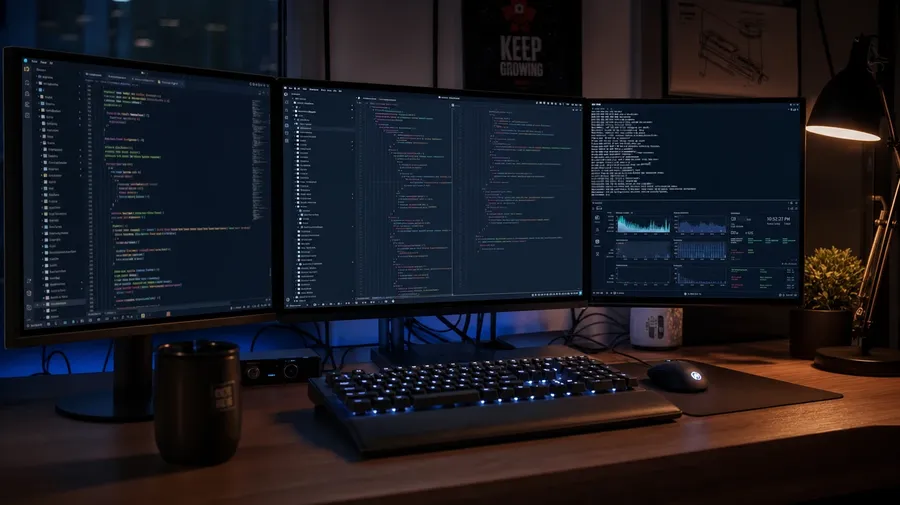
a programmer's dark-mode workstation with three monitors and a mechanical keyboard at night, warm desk lamp glow
The gear, the room, the era
Working computer shoots cover real eras, specific setups, and the gear stories stock libraries skip.
Macintosh Plus, ThinkPad, gaming, server
Cover the eras and setups working campaigns actually need: a 1984 Macintosh Plus on a wood desk under a brass lamp, a ThinkPad open on a coffee-shop table, a gaming rig with RGB and a mechanical keyboard, a sleek MacBook on a sunlit kitchen counter, a server-room aisle under cool rack lights. Each setup reads differently.
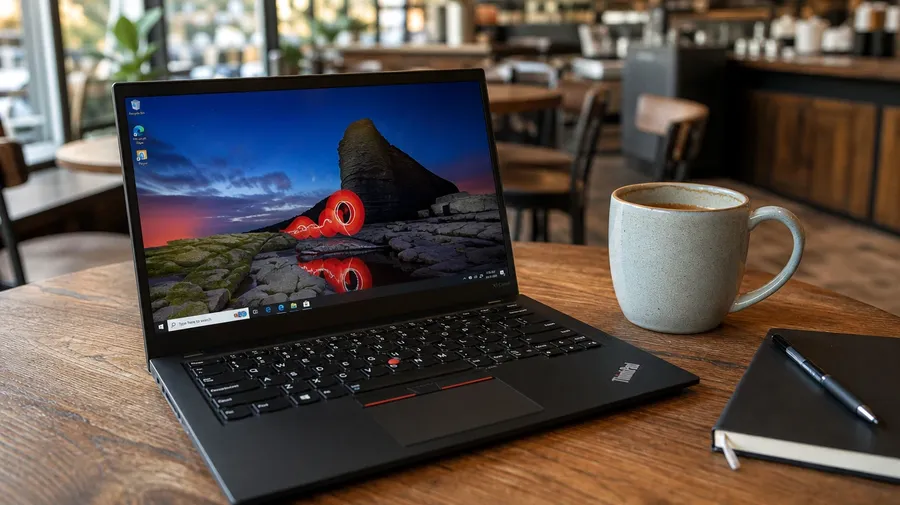
Home office, dev rig, server room, lab
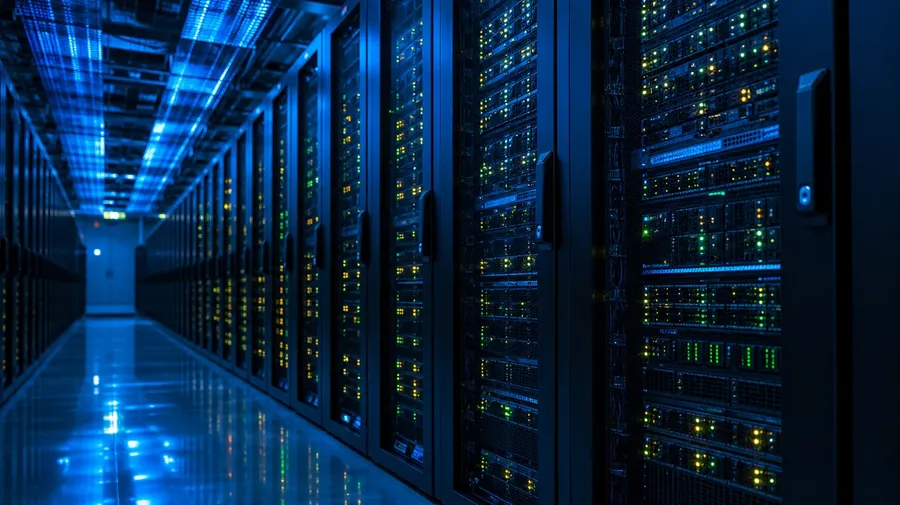
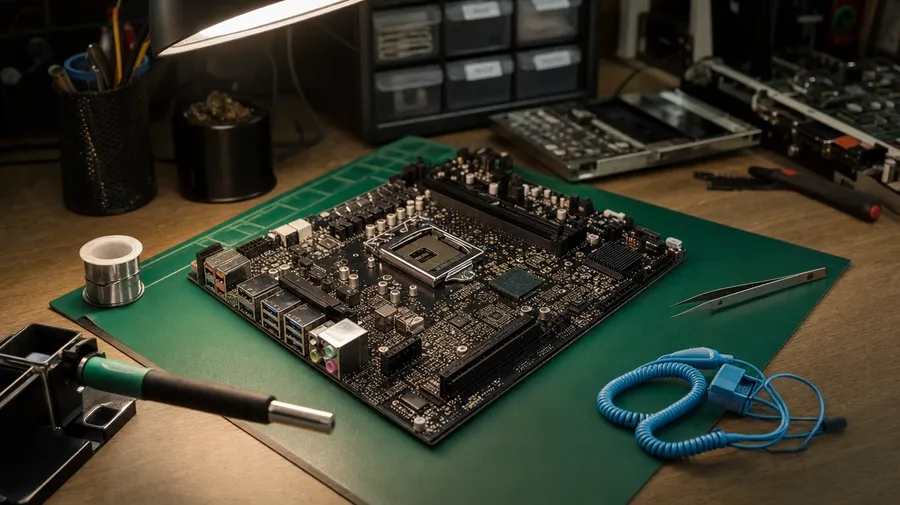
Show the rooms computers actually live in: a Scandinavian home office with a single monitor and natural daylight, a programmer's dark-mode rig with three screens at night, a server-room aisle under blue cooling lights, a hardware lab with a motherboard on a static mat, a coffee-shop nook with a worn ThinkPad. Each room sets a different palette.
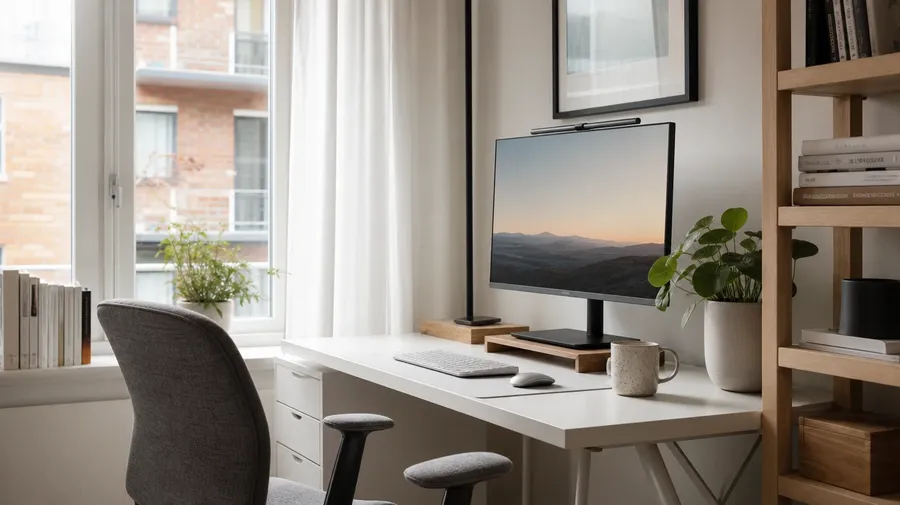
Past the same laptop-on-desk shot
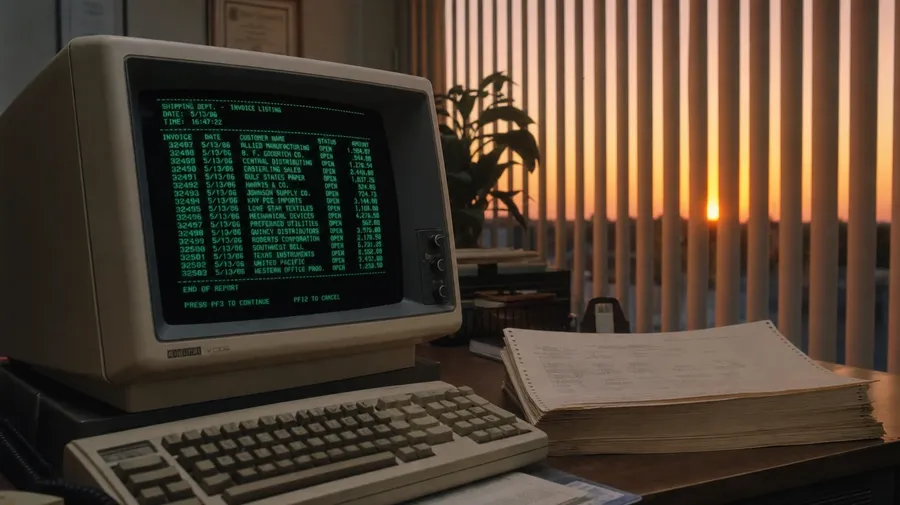
Stock computer images stop at the same generic laptop-on-desk shot. Real shoots cover a vintage CRT glowing in a 1980s office at dusk, a motherboard half-disassembled with a soldering iron beside it, a server-room aisle reflected in the polished floor, a developer's desk with sticky notes around a multi-monitor setup. Off-the-shelf computer pictures miss the specifics.
Frequently Asked Questions
Yes. Name the era, the hardware, and the setting. A 1984 Macintosh Plus on a wood desk under a brass lamp reads very differently from a modern gaming rig with RGB and a mechanical keyboard, a dark-mode developer rig with three monitors at night, or a sleek MacBook on a sunlit kitchen counter. The AI handles the hardware detail, the screen glow, and the way the room reads behind. Generate up to 16 at a time, compare the takes, pick the version that lands.
Yes, when the prompt names them. A blocky beige CRT with a green-text terminal reads differently from a thin retina display with a dark-mode IDE, a single cable behind a clean desk from a cable-managed gaming rig with RGB. Specify the era, the screen content, and the cable arrangement, and the AI handles the hardware proportions, the glow on the keys, and the focus separation from the room behind. Each computer image gets the named details right.
Yes. Specify palette, contrast, light direction, and grain in the prompt: warm-grade nostalgia, cool corporate, neon cyberpunk, minimalist Scandinavian. For a multi-shot campaign covering one product across rooms or a single workstation shown across times of day, save the look as a custom Element and reuse it across prompts. The Element carries treatment across shots so the campaign reads as one body of work.
Name the subject and the setting. A 1977 Apple II on a wood-grain desk in a sunlit den, a server-room aisle under blue cooling lights, a motherboard half-disassembled on a static mat with a soldering iron beside it, a mechanical keyboard close-up with sculpted keycaps: each carries different cues that the AI honors when you spell them out in the prompt.
Yes. Every paid plan covers commercial use across ads, social, web, print, packaging, and presentations. SaaS marketing pages, hardware product pages, developer-tool websites, IT-services brochures, coding-bootcamp landing pages, and tech-blog hero images all qualify under the same license, and so does every other category of AI stock photos.
Yes. Different categories run on the same prompt approach. Name the subject, the setting, and the light, and the same logic that produces macro photography produces computer pictures: swap a flower-stamen close-up for a motherboard-trace macro, a butterfly-wing texture for a keycap-sculpt detail, a dew-on-petal shot for a sensor-die under microscope light. A multi-category campaign runs through one prompt box.
As specific as you want. A simple line like "a vintage Macintosh Plus on a wood desk under a brass lamp" produces a usable baseline; the AI fills in the typical details (the beige plastic, the green-text terminal glow, the cable behind the desk). Add specifics for the parts that matter to the campaign: a particular model, a software interface, a peripheral, a contrast level. The AI honors named details without overriding the rest.
Generate custom computer pictures in seconds.
Pick the era, the setup, and the light. The AI gives you computer images that match the hardware specifics, the screen content, and the room your campaign actually wants.