AI Stock Earthquake Pictures Generator
Earthquake stock isn't only the aftermath shot. The category covers preparedness drills, scientific monitoring, structural assessment, and community recovery. Type the phase, the place, and the subject, and generate earthquake images for any brief. Commercial rights on every paid plan.
Generate custom stock using the world's best AI models.
You don't need to know the specs: Auto mode will select the best one for the task.


How to generate custom earthquake pictures with getimg.ai
Real earthquake images turn on three cues: the phase of the event, the place, and the people in frame.
1. Set the phase
Open the Content Generator and describe the earthquake scene: the phase, the place, the subject. A simple prompt works; name the structural damage, the protective equipment, or the time of day to control the rest.
2. Pick the take
Run a batch of one, two, four, eight, or sixteen and read the results for masonry crack pattern, hi-vis fabric, body language, and the way light fits the scene. Pick the version that lands.
3. Tweak and rerun
A first run picks one of many valid earthquake interpretations from your prompt. If you'd rather see a school evacuation drill instead of the structural assessment the model chose, or a seismograph console instead of a damaged storefront, name the change and run again. Several edits fit one prompt; download when it lands.
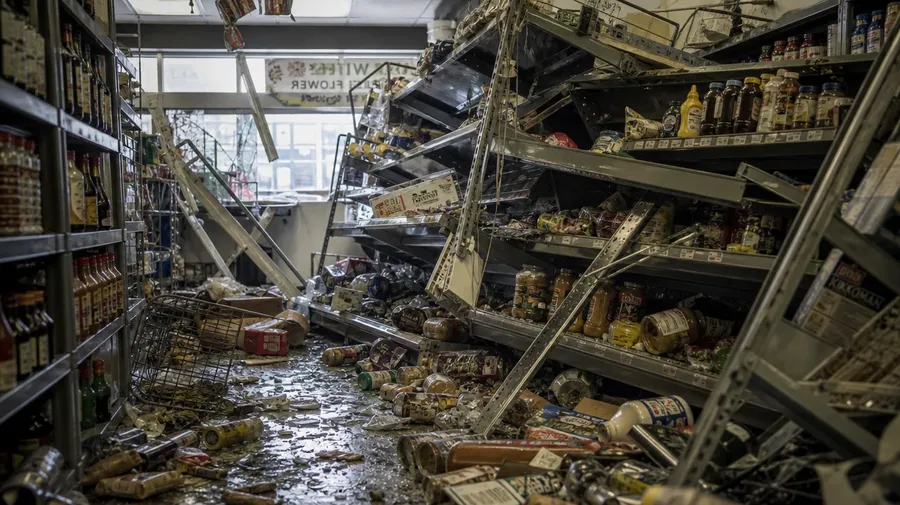
a corner-store interior the morning after an earthquake, toppled shelves and scattered cans across the floor, no people
Before, during, after
Real briefs span the phase, the place, and the people working through it.
From kitchen drill to community shelter
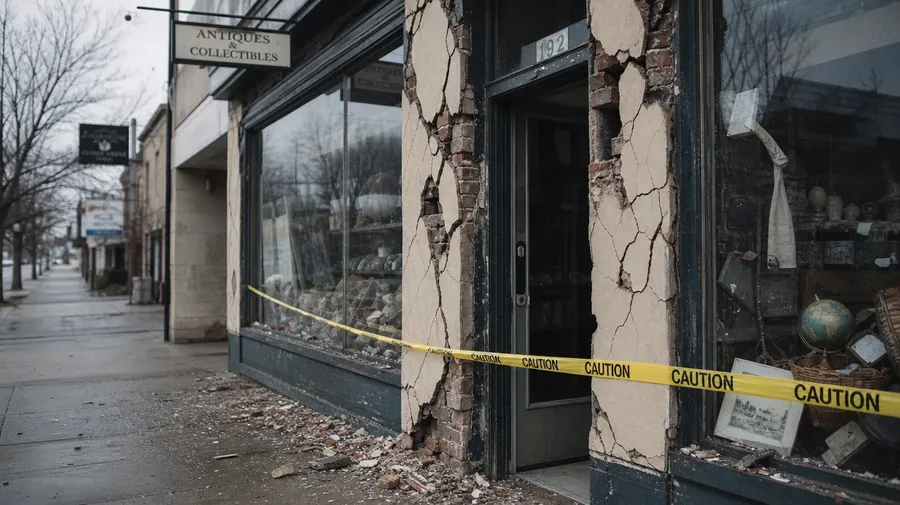
From kitchen drill to community shelter: a family running a drop-cover-hold drill, a seismologist watching a seismograph console as a tremor begins, a damaged storefront the morning after, a structural engineer in hi-vis inspecting a load-bearing wall, a community center serving as a temporary shelter. Each phase carries different cues.
Aftermath isn't the whole story
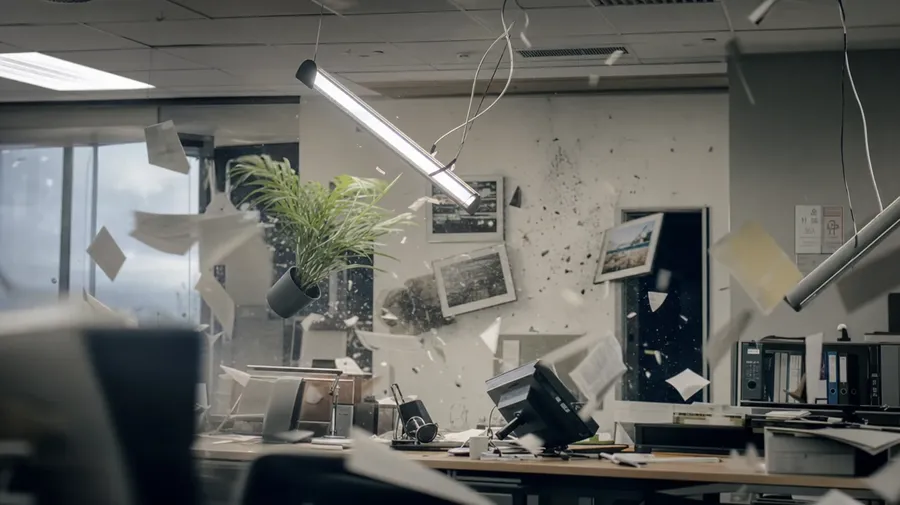
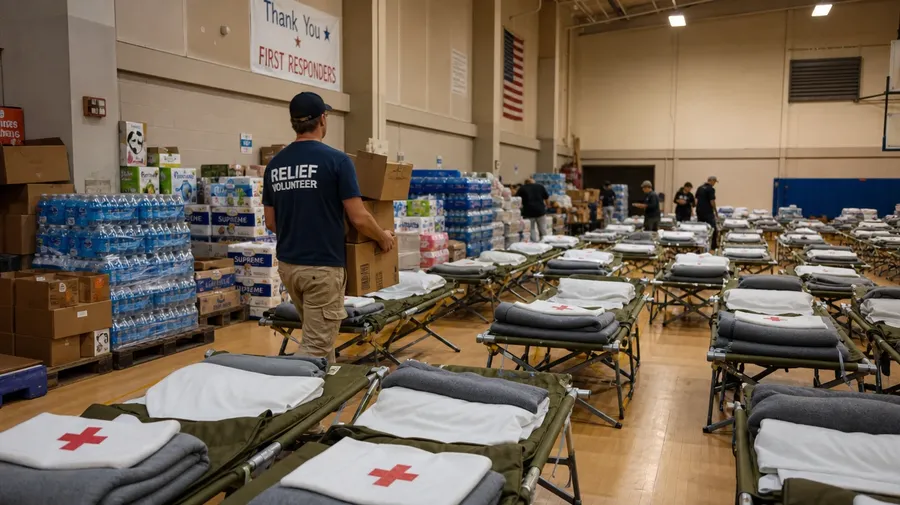
Earthquake stock freezes on dramatic ruin shots. Real briefs span more places: a USGS field-station GPS array on a fault scarp, a school evacuation drill on the playground, a Tokyo office mid-tremor with light fixtures swaying gently, a community center mid-relief operation with cots and supplies. Same prompt, different scene.
Geologists, engineers, rescue teams
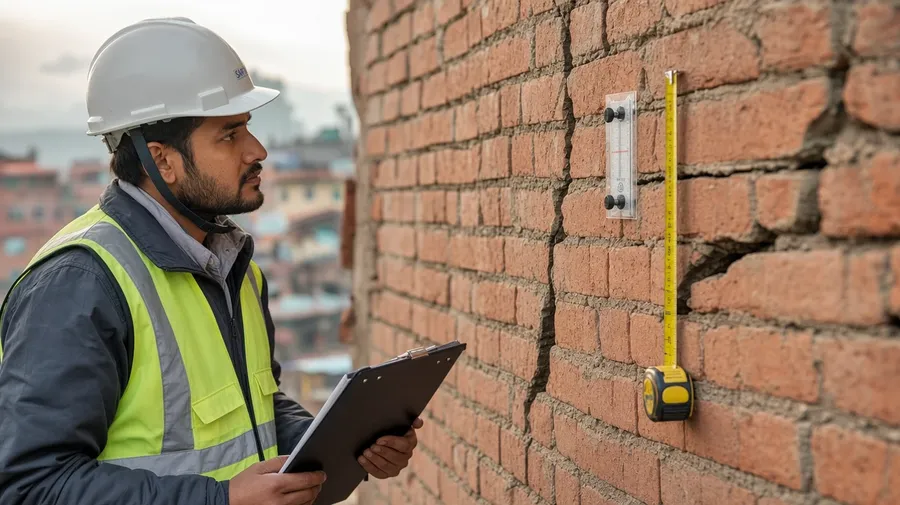
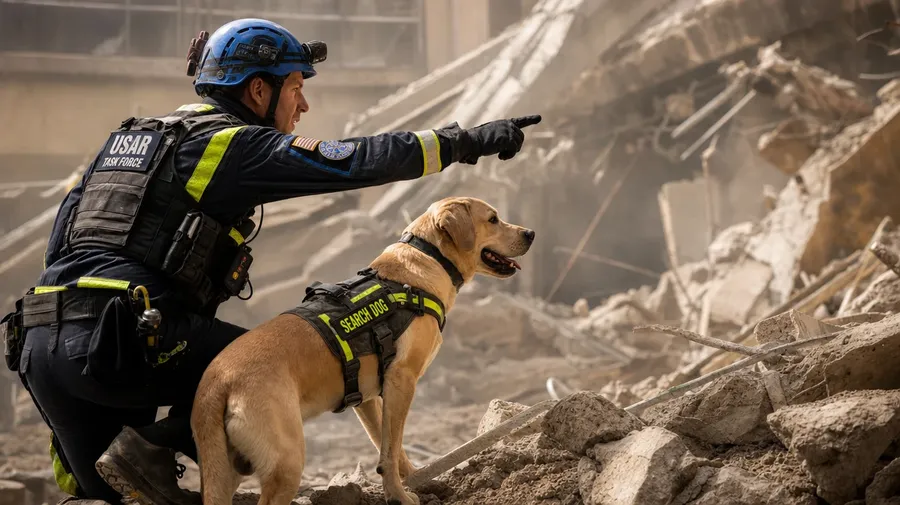
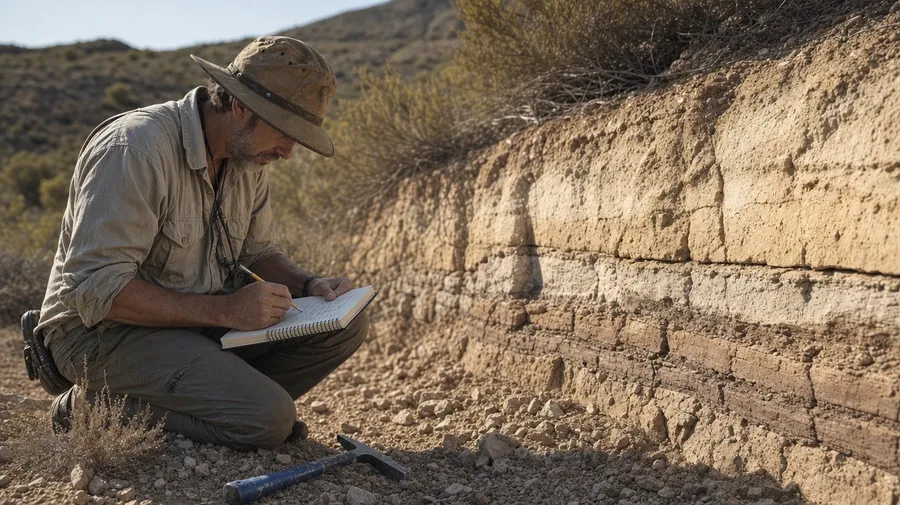
People doing earthquake work: a seismologist watching a console at a notification center, a structural engineer in hardhat and hi-vis assessing a load-bearing column for cracks, a search-and-rescue dog handler signaling a debris pile, a geologist tracing a fresh fault scarp, a relief volunteer at a shelter. Each role brings its own gear.
Frequently Asked Questions
Yes. Name the phase, the place, and the people in the prompt. A family running a drop-cover-hold drill in a kitchen reads very differently from a seismologist watching a seismograph console at a monitoring center, a damaged storefront with cracked masonry the morning after, a structural engineer in hi-vis inspecting a load-bearing wall, or a community center serving as a temporary shelter mid-relief. The model handles masonry, hi-vis fabric, and emergency light. Generate up to 16 at a time, compare the phase cues, pick the version that lands.
Yes, when the prompt names them. Cracked brick masonry reads differently from spalled concrete on a column, a buckled asphalt road, a tilted utility pole, or a fallen ceiling tile. Specify the structure, the damage type, the protective equipment (hardhat, hi-vis, OSHA-style harness), and the lighting, and the model handles the way each surface fractures and catches light.
Yes. Specify palette, contrast, light direction, and grain in the prompt: cool overcast post-event documentary, harsh fluorescent monitoring console, warm school-playground daytime drill, low golden-hour shelter relief. For multiple scenes in one register, save the look as a custom Element and reuse it across prompts. The Element carries treatment between phases so the campaign reads as one body of work.
Name the role and the action. A search-and-rescue dog handler signaling a debris pile, a structural engineer in hardhat and hi-vis assessing a load-bearing column for cracks, a geologist tracing a fresh fault scarp with a notebook, a relief volunteer carrying water cases at a shelter, a building inspector marking a tagged door: each carries different cues that the AI honors when you spell them out in the prompt.
Yes. Every paid plan covers commercial use across ads, social, web, print, packaging, and presentations. Insurance and disaster-preparedness brands, news editorial outlets, geology and engineering publishers, civil-defense agencies, NGOs and relief organizations, and educational outlets all qualify under the same license, the same way every other subject does across AI stock photography.
Yes. Earthquake monitoring is technology in use, and the same prompt vocabulary works across both. The same approach that produces technology images produces earthquake scenes: name the device, the setting, and the operator, and the model handles the console, the room, and the people. A seismologist at a USGS notification console reads alongside a NASA mission-control panel as one body of scientific work.
As specific as you want. A simple prompt like "a structural engineer assessing a damaged building" produces a usable baseline; the AI fills in the typical details (the hardhat, the cracked masonry, the soft overcast light). Add specifics for the parts that matter to your brief: a particular phase, a specific role, a damage type, a protective gear set. The model honors named details without overriding the rest.
Don't rely on basic stock. Generate the exact images you need.
Name the phase, the place, and the people. Generate earthquake images for any brief, from a school evacuation drill to a structural-engineer assessment.