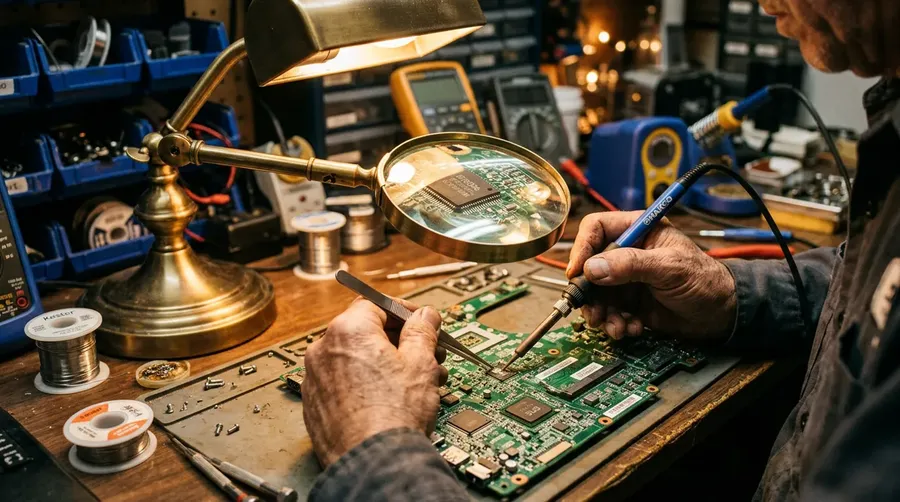
AI Stock Technology Images Generator
No glowing holograms. No floating screens. Type the device, the setting, and the people using it, and generate technology images that match: a surgeon at a robotic surgery console, a fab tech in a clean-room bunny suit, a data-center engineer pulling fiber. Commercial rights on every paid plan.
All the world's best AI models, in one subscription.
You don't need to know the specs: Auto mode will select the best one for the task.


How to generate custom technology images with getimg.ai
Three cues split a real-tech photograph from a stock-tech rendering: the device, the setting, the person.
1. Set the device
Open the Content Generator and describe the technology scene: the device, the setting, the people. A simple prompt works; name the screen, the lab type, or the moment in the procedure to control the rest.
2. Generate the run
Run a batch of one, two, four, eight, or sixteen and read the results for hand on device, screen reflection, room light, and how people fit the setting. Pick the version that lands.
3. Tweak the prompt
A first run picks one of many valid technology interpretations from your prompt. If you'd rather see a robotic surgery console instead of the basic laptop the model chose, or a data-center cable swap instead of a screen-glow desk, name the change and run again. Several edits fit one prompt; download when it lands.
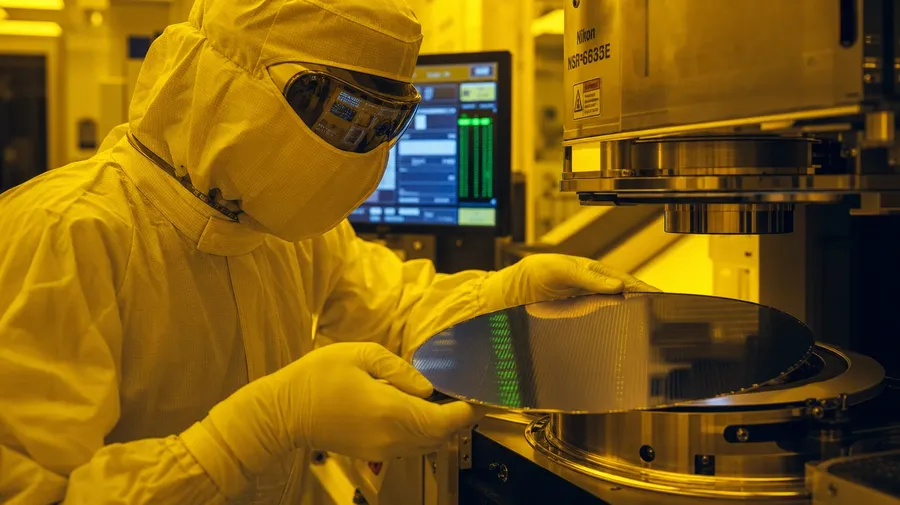
a fab technician in a full bunny suit aligning a wafer at an EUV lithography machine, clean-room yellow filter light
Real tech, no holograms
Real briefs span the device, the setting, and the people who actually operate it.
From bunny suit to OR scrubs
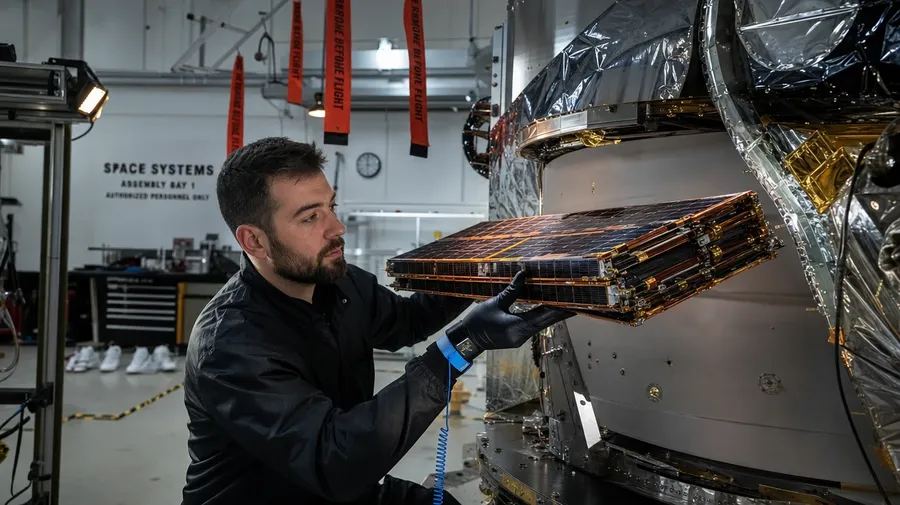
Across real technology: a surgeon at a da Vinci robotic console mid-procedure, a fab tech aligning a silicon wafer in a clean-room, a SpaceX engineer in a satellite assembly bay, a wind-turbine technician hooked into a nacelle, a CT radiographer at the scanner console. Each device carries its own working register.
Past the keyboard close-up
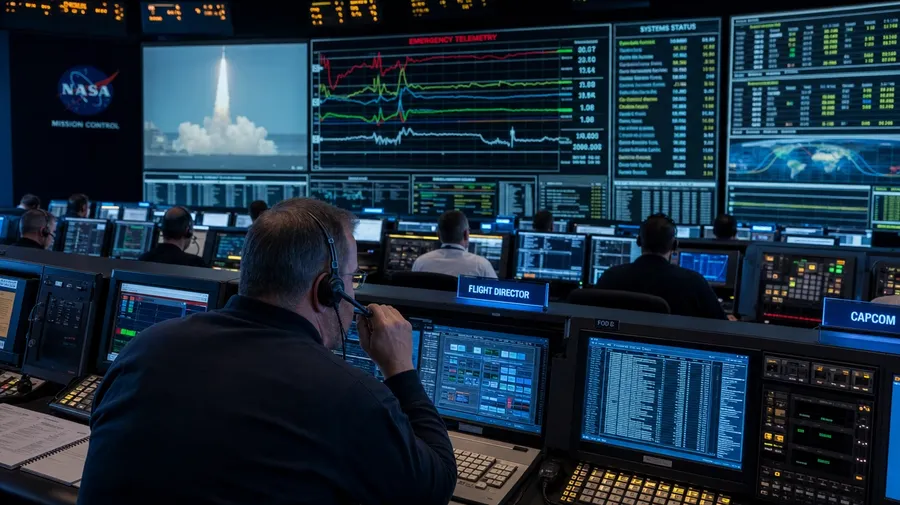
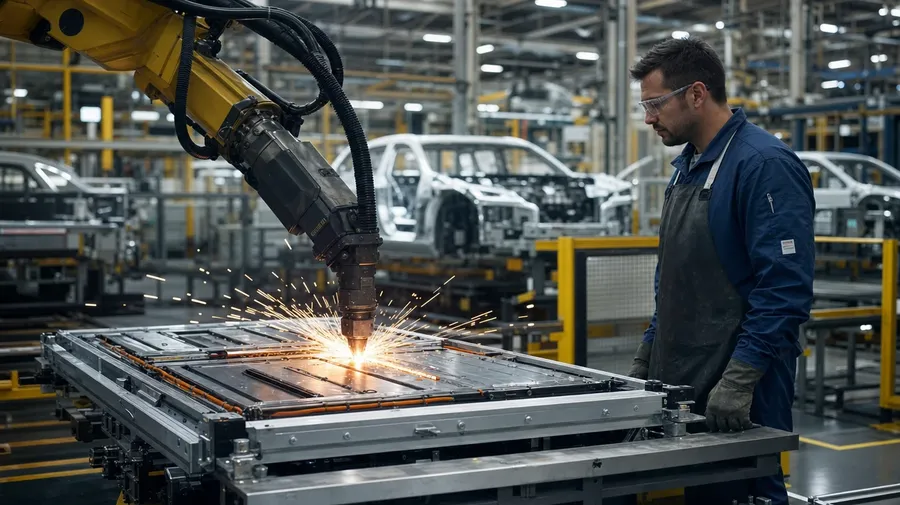
Technology stock freezes on a keyboard close-up. Real briefs span more places: a brutalist data-center hot aisle with techs pulling fiber, a hospital OR with the robotic surgery dome lit blue, a NASA mission-control center mid-launch, an EV factory floor with welding arcs, a research lab pipette robot mid-cycle. Same prompt, different room.
Surgeons, fab techs, drone pilots
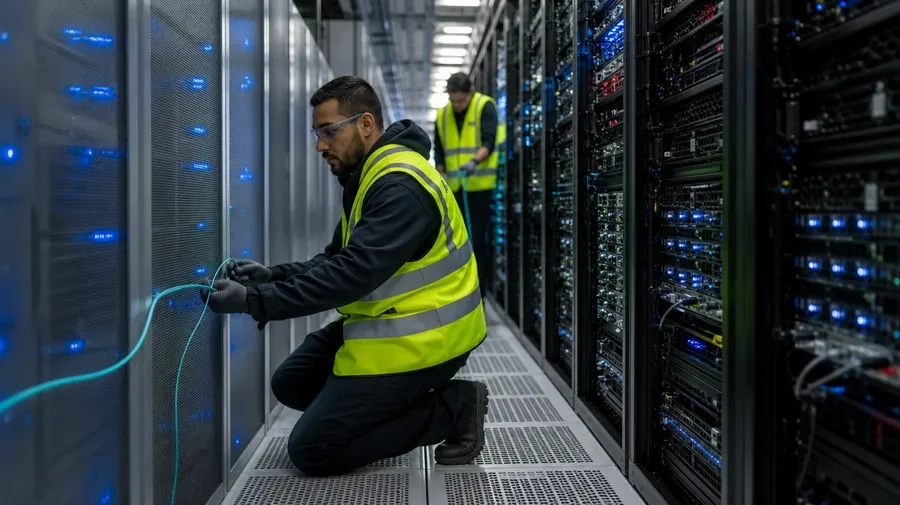
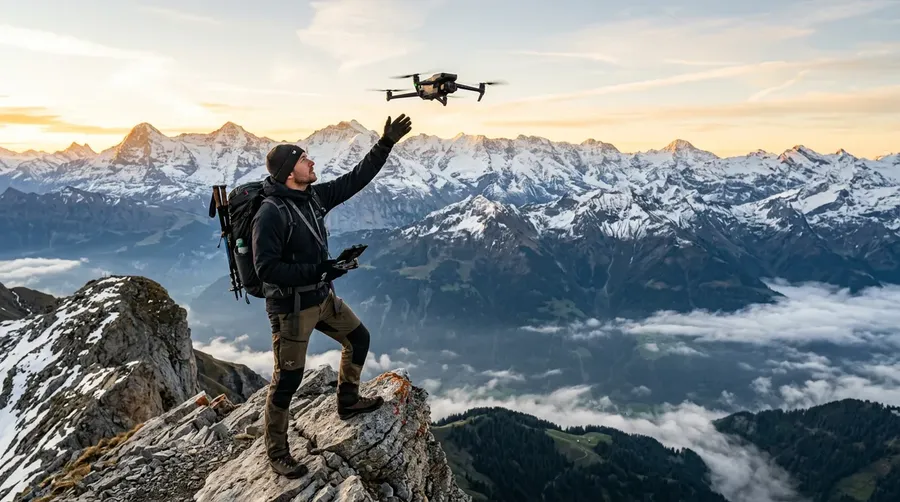
Real people running real tech: a vascular surgeon hands-on the robotic console mid-anastomosis, a fab tech in bunny suit at a wafer stepper, a drone-survey pilot watching a screen on a windy ridge, a data-center engineer pulling fiber, a satellite-assembly technician torquing a bolt. Each role brings its own gesture.
Frequently Asked Questions
Yes. Name the device, the setting, and the people in the prompt. A vascular surgeon hands-on a da Vinci robotic surgery console mid-procedure reads very differently from a fab tech aligning a silicon wafer in a clean-room, a SpaceX engineer in a satellite assembly bay, a wind-turbine technician hooked into a nacelle, or a CT radiographer at the scanner console. The model handles the device, the screen, and how light catches the people. Generate up to 16 at a time, compare the role cues, pick the version that lands.
Yes, when the prompt names them. A da Vinci robotic surgery console reads differently from an EUV lithography stepper, a NASA mission-control bank, an electron microscope eyepiece, or a wind-turbine nacelle. Specify the device, the operator's clothing (bunny suit, OR scrubs, hi-vis, lab coat), the screen content, and the room light, and the model handles the way each surface shines or glows.
Yes. Specify palette, contrast, light direction, and grain in the prompt: cool blue server-room editorial, warm tungsten home-office documentary, fluorescent clean-room minimalist, harsh task-light EV factory. For multiple scenes in one register, save the look as a custom Element and reuse it across prompts. The Element carries treatment between rooms so the campaign reads as one body of work.
Name the moment and the context. A whiteboard code-review session in a startup conference room, a data-center engineer mid-cable swap in a hot aisle, a drone pilot launching a fixed-wing survey craft from a mountain ridge, a soldering hobbyist at a kitchen workbench, a research scientist mid-pipette in a biotech lab: each carries different cues that the AI honors when you spell them out in the prompt.
Yes. Every paid plan covers commercial use across ads, social, web, print, packaging, and presentations. SaaS and enterprise software brands, hospitals and medtech, semiconductor and aerospace clients, energy and EV companies, science publishers, and editorial photo desks all qualify under the same license, the same way every other subject does across AI stock photography.
Yes. Technology and candid-documentary subjects share the same prompt vocabulary: name the people, the setting, and the moment, and the model produces both in one register. The same approach that produces street photography produces a fab tech at the wafer stepper, a surgeon at the robotic console, or a data-center engineer pulling fiber. A multi-subject campaign reads as one body of work in the same register.
As specific as you want. A simple prompt like "a software engineer at a laptop in a startup office" produces a usable baseline; the AI fills in the typical details (the screen reflection, the warm late-afternoon light, the worn keyboard). Add specifics for the parts that matter to your brief: a particular device, a specific setting, a screen content, a moment in the procedure. The model honors named details without overriding the rest.
Tech stock is too basic? Create your own
Name the device, the setting, and the people. Generate technology images for any brief, from robotic surgery console to satellite assembly bay.