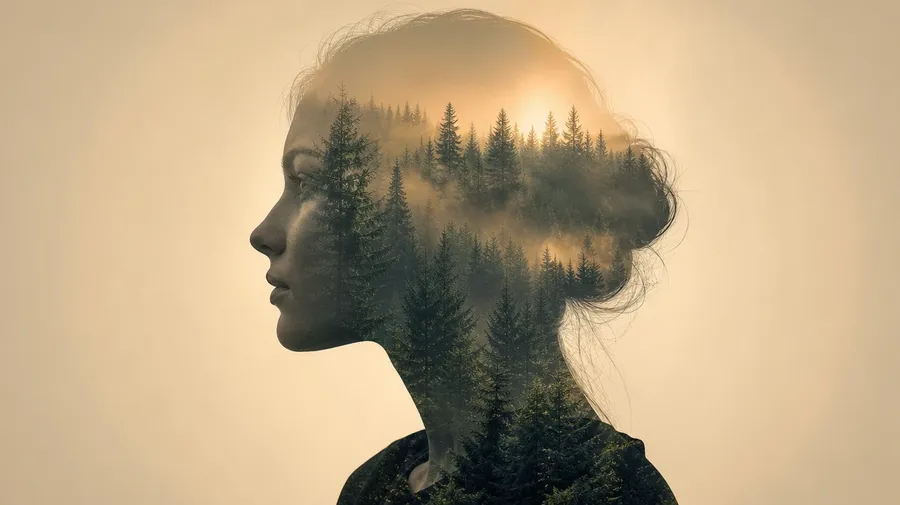
AI Stock Double Exposure Photography Generator
Two images, one frame: a forest inside a portrait silhouette, a city skyline inside a dancer's leap, ocean waves inside cupped hands. Type the silhouette, the fill, and the overlap, and one prompt makes both. Commercial rights on every paid plan.
Layered shots, no model layer to learn.
Every top image model joins one subscription. Auto mode handles the routing while you compose.


How to generate custom double exposure photography with getimg.ai
Most double-exposure briefs hinge on three cues: the silhouette, the fill, and the overlap. Name them in the prompt.
1. Type the silhouette
Open the Content Generator and describe the double-exposure scene: the silhouette, the fill, the overlap. A simple prompt produces a usable baseline; name the subject's pose, the secondary scene, or the blending hint when you want exact control over those details.
2. Run a count
Generate anywhere from one to sixteen variations at a time, then read the results for silhouette edge contrast, fill density, the way the secondary scene reads inside the outline, and the background separation. Pick the version that lands.
3. Change a detail
A first run picks one of many valid double-exposure interpretations from your prompt. If you'd rather end up at a city skyline inside the profile than the forest canopy the model chose, or a stronger overlay instead of a subtle blend, name the swap and run again. Several changes fit one prompt; download when it lands.
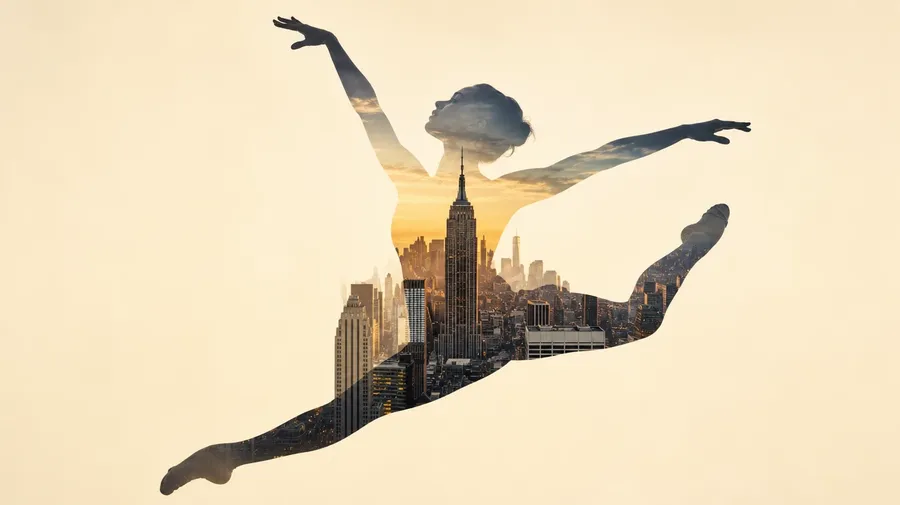
city skyline inside a dancer's leap silhouette at golden hour, the buildings filling the body outline against a soft warm background
Where two images become one
Real double-exposure briefs span silhouettes, fills, and the moments two frames lock together.
Identity meets place inside one frame
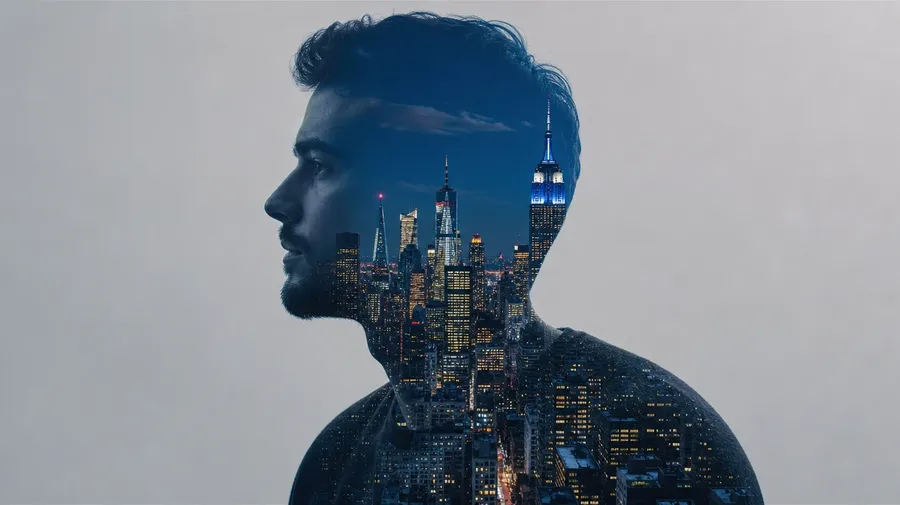
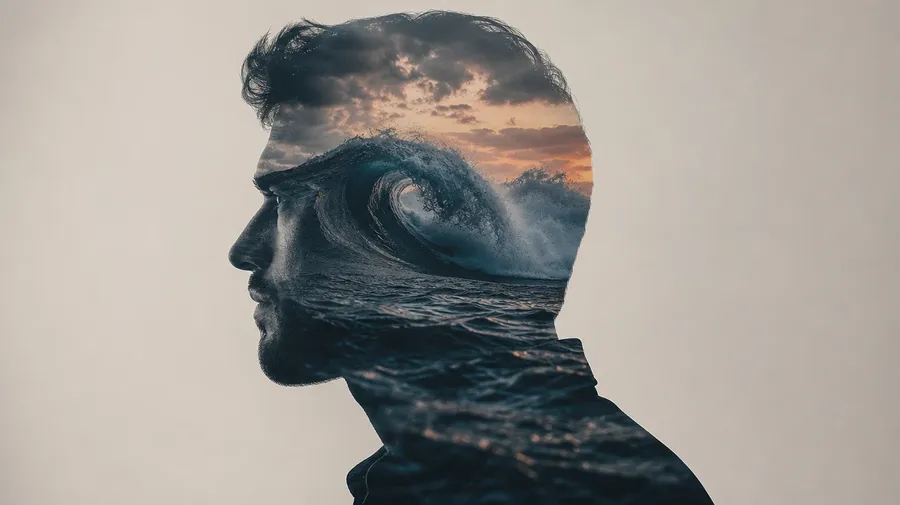
Cover the silhouette-and-fill range: a young woman's portrait filled with a pine forest, a male profile holding a Manhattan skyline at blue hour, cupped hands carrying a stormy ocean wave, a runner's leap filled with motion-blurred city traffic, a wolf's profile in misted alpine valley. Each silhouette brings its own outline and palette.
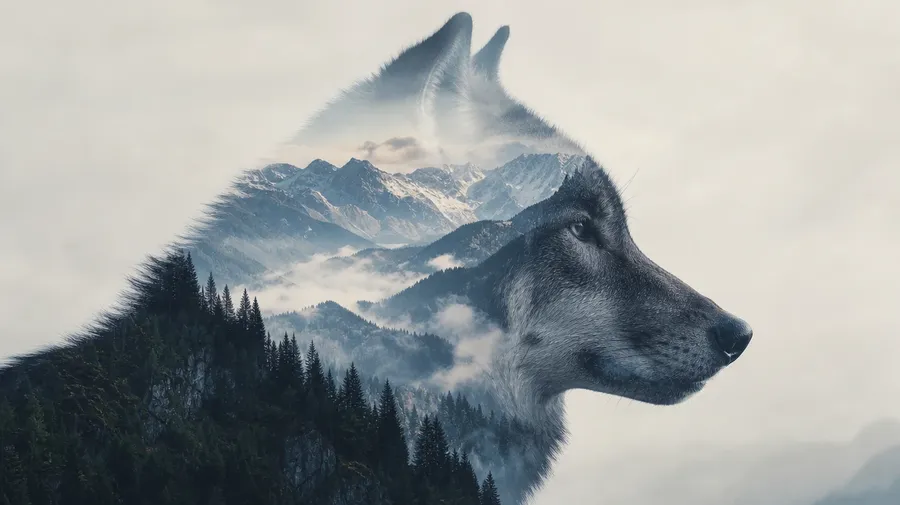
Same silhouette, different worlds inside
Cover variations on a single silhouette: a man's profile silhouette filled with a misty pine forest at dawn, the same silhouette filled with a Manhattan skyline at blue hour, the same silhouette filled with a stormy ocean wave at dusk. Different fills, same prompt box, the model handles the blending edge.
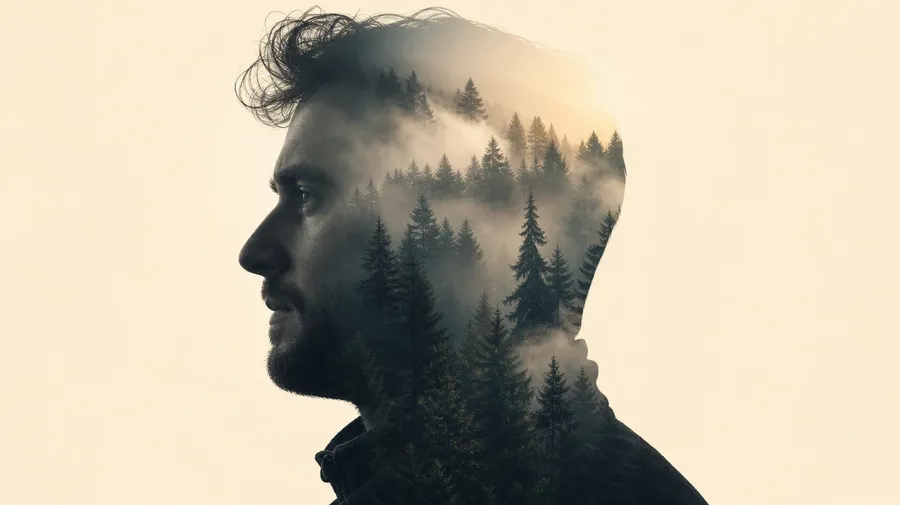
Profiles, hands, leaps, animal outlines
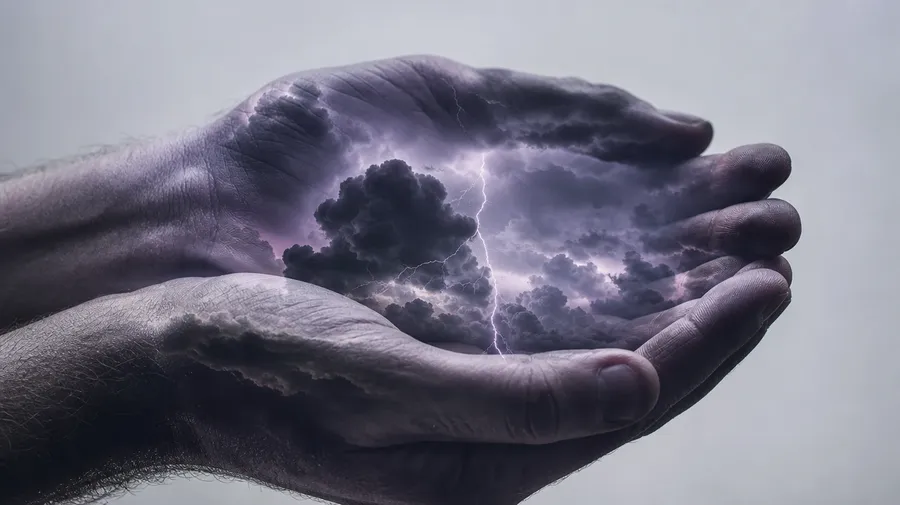
Catalog double exposure stops at the profile filled with leaves. Real briefs span the silhouettes editors actually commission: cupped hands carrying a thunderstorm, a runner's leap filled with motion-blurred subway lights, an octopus outline rendered in coral reef, a child's profile holding a paper boat at sea. Most briefs want the silhouette working harder.
Frequently Asked Questions
Yes. Name the silhouette, the fill, and the overlap intensity. A young woman's profile filled with a misty pine forest reads very differently from a male silhouette holding a Manhattan skyline at blue hour, cupped hands carrying a stormy ocean wave, or a wolf's outline rendered in misted alpine valley. The model handles the silhouette edge, the fill density, and the way the secondary scene reads inside the outline. Generate up to 16 at a time, compare the pairings, pick the version that lands.
Yes, when the prompt names them. A high-contrast silhouette with a saturated fill reads differently from a soft-edge profile with a faint translucent fill, a hard top-light cutout from a backlit gradient. Specify the silhouette contrast, the fill density, and the blending mode, and the model handles the edge transition, the inside-the-outline composition, and the background separation.
Yes. Specify palette, contrast, light direction, and grain in the prompt: warm-grade editorial, cool-blue documentary, high-key gallery print, surreal moody print. For multiple silhouettes in one register, save the look as a custom Element and reuse it across prompts. The Element carries treatment between frames so the campaign reads as one body of work.
Name the silhouette and the fill. Cupped hands carrying a thunderstorm, an octopus outline rendered in coral reef, a runner's leap filled with motion-blurred subway lights, a child's profile holding a paper boat at sea: each carries different cues that the model honors when you spell them out in the prompt.
Yes. Every paid plan covers commercial use across ads, social, web, print, packaging, and presentations. Magazine editorial, book covers, music album art, mental-health campaigns, travel publications, and lifestyle media all qualify under the same license, and so does every other category of AI stock photos.
Yes. Different categories run on the same prompt approach. Name the technique, the subject, and the light, and the same logic that produces long exposure photos produces double-exposure photography: swap a single long blur for a layered silhouette-and-fill, a single subject for two stacked subjects, a moving light trail for a city-inside-a-portrait. A multi-category campaign runs through one prompt box.
As specific as you want. A simple prompt like "a portrait silhouette filled with a forest" produces a usable baseline; the model fills in the typical details (the soft profile edge, the pine canopy density, the warm rim light on the outline). Add specifics for the parts that matter to your brief: a particular tree species, a specific cityscape, a season, a contrast level. The model honors named details without overriding the rest.
The silhouette holds the second scene
Type the silhouette, the fill, and the overlap. The model handles the edge transition and the way the inside scene reads.