Make your own Funko Pop-style artwork with AI
Digital collectible-figure concepts from photos or text
Turn people, pets and original characters into stylized vinyl-figure artwork with customized outfits, accessories and presentation. getimg.ai creates digital collectible-figure artwork. It does not manufacture a physical figure or generate a production-ready 3D model. getimg.ai is not affiliated with or endorsed by Funko.
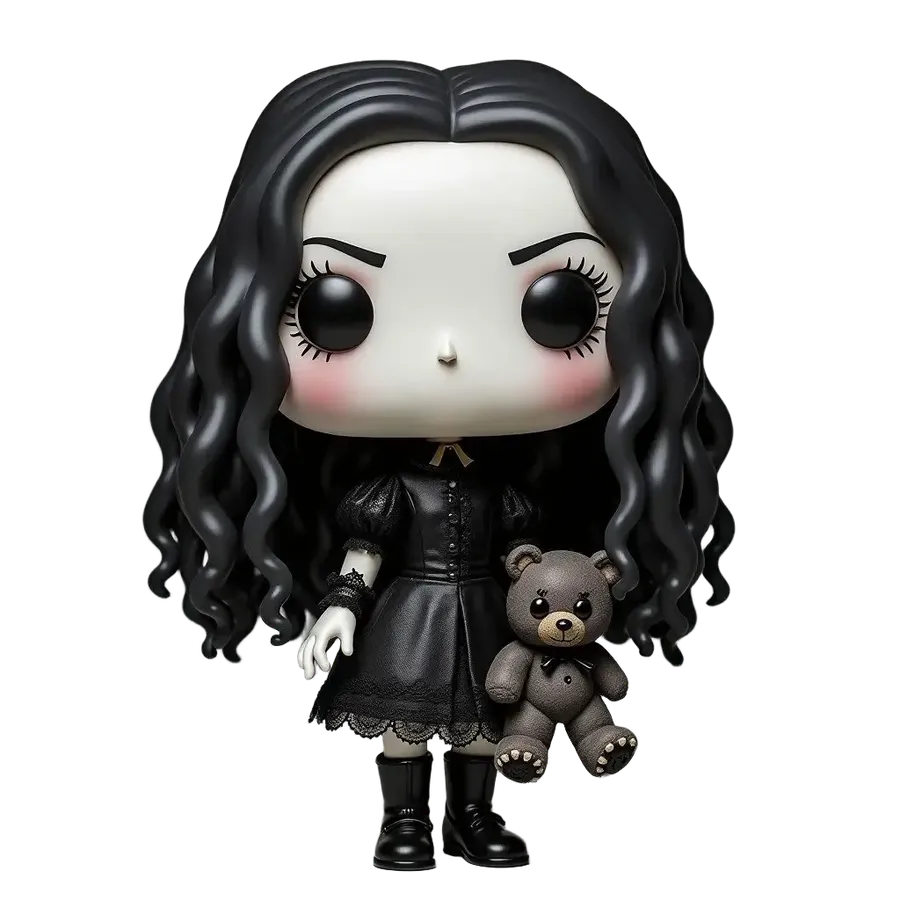
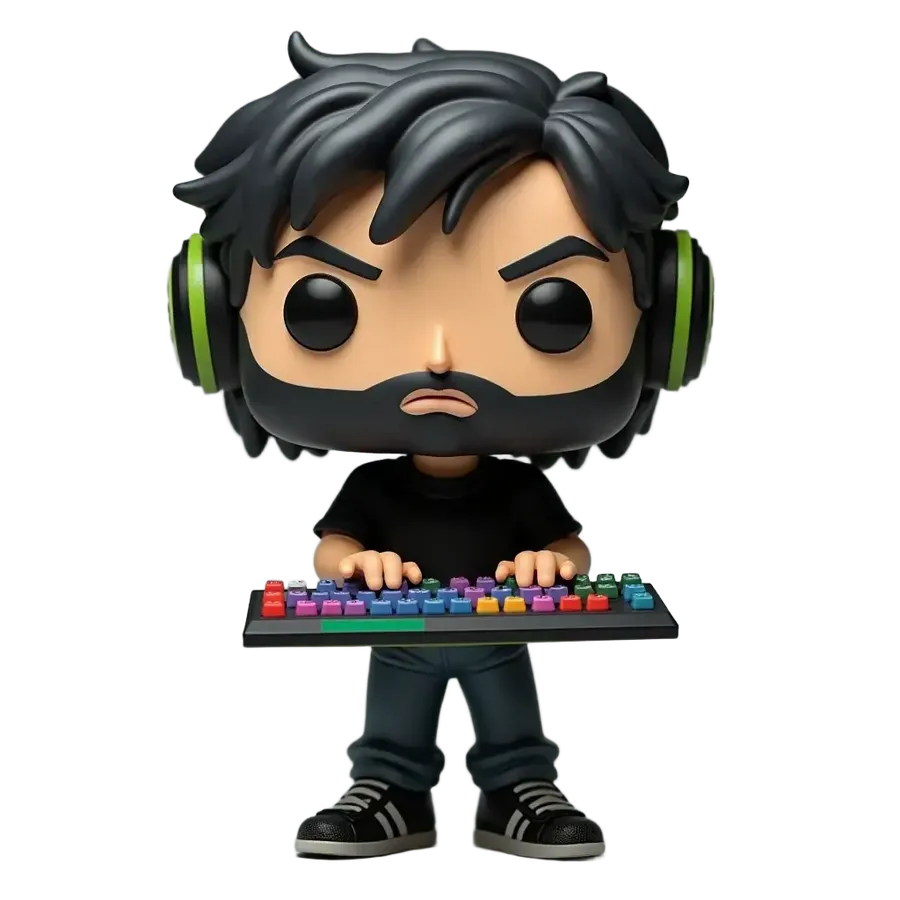
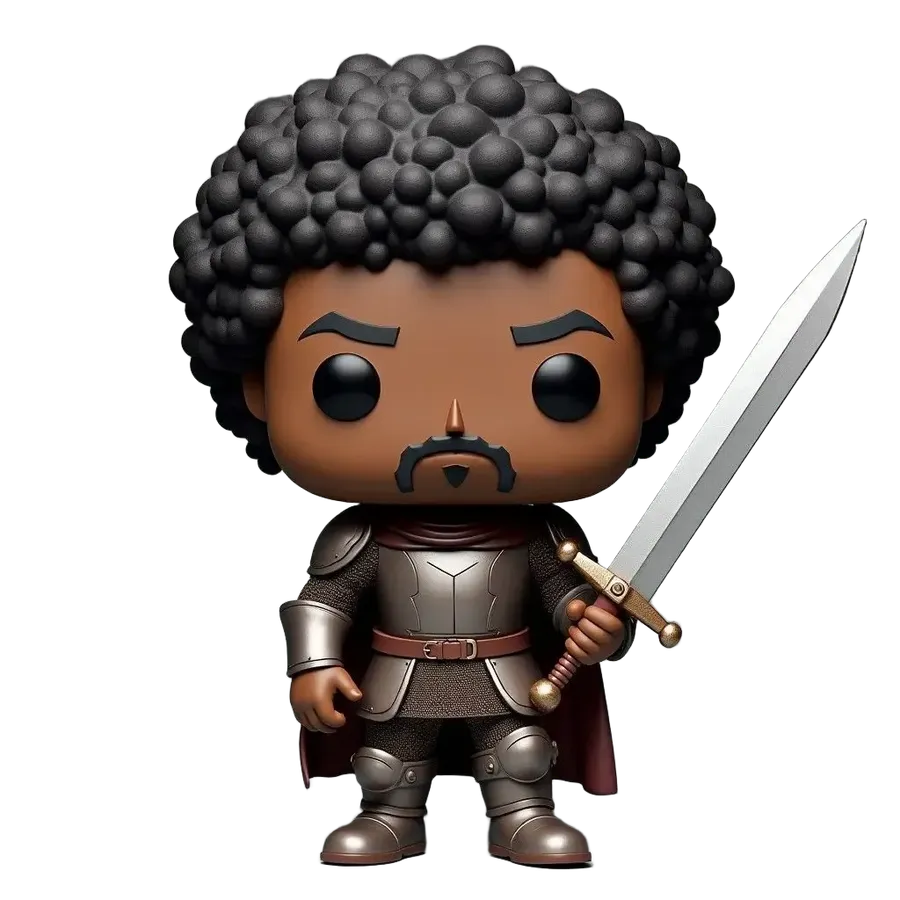
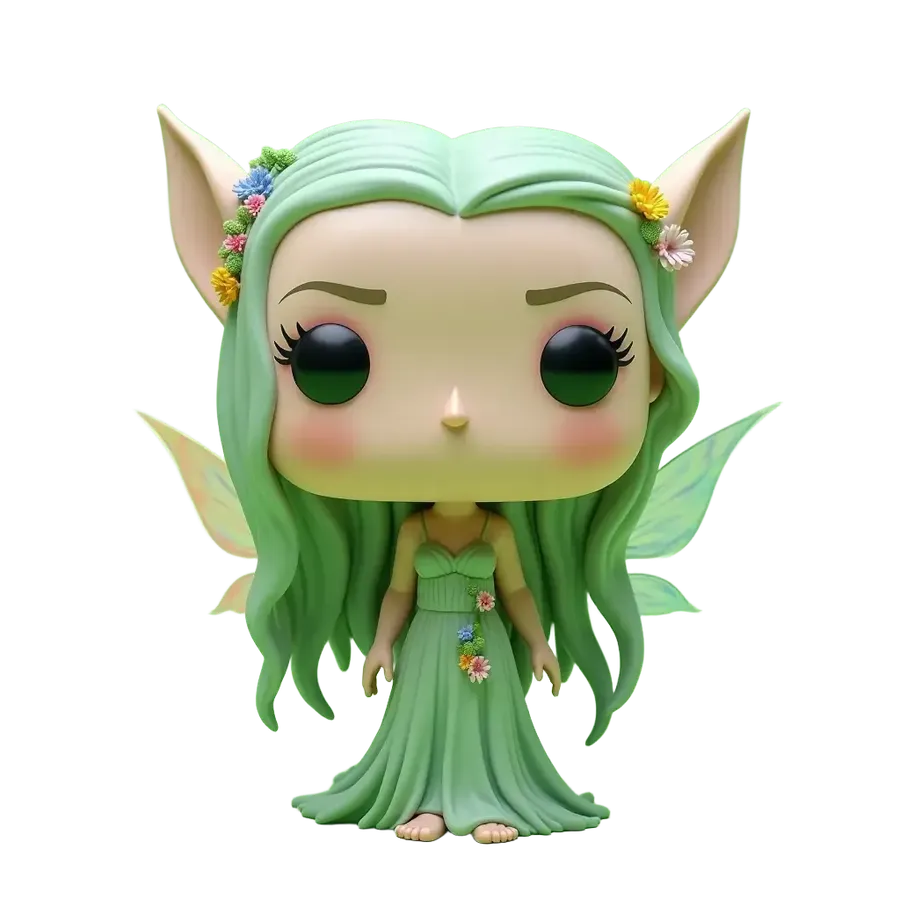
How to create collectible-figure artwork
Start with a description or reference, compare variants, then refine your selected image.
1. Open Create image
Open Create image here.
2. Describe or attach a reference
Describe your figure or attach a photo. Use visual References to guide a person, pet, original character, palette or composition.
3. Specify the figure details
Specify hair, outfit, accessories, expression and figure style. Name the details to preserve and describe the head-to-body proportions and vinyl-like finish.
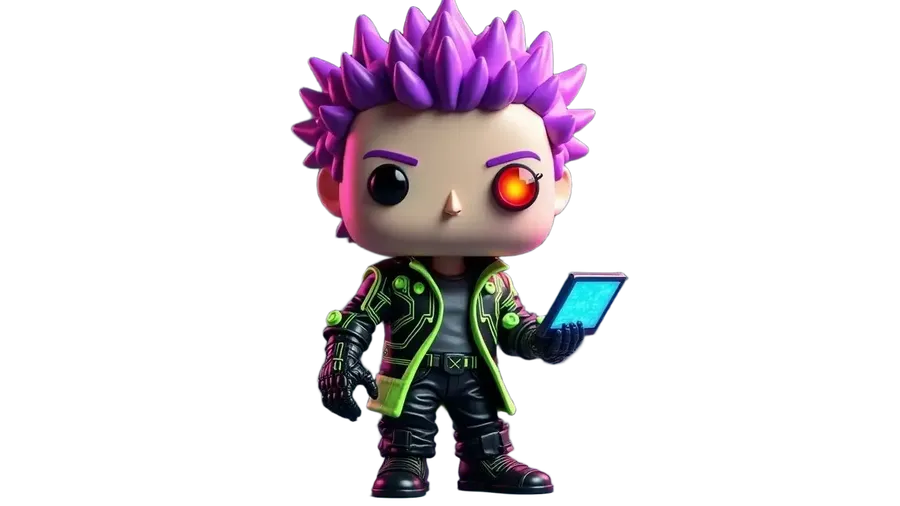
Compare, refine and present your figure
4. Generate several variants
Compare different interpretations of your reference and prompt. Choose the version with the strongest face, outfit and overall silhouette.
5. Refine the strongest one
Open your selected result and describe a focused edit. Adjust an outfit color, accessory or pose while asking to preserve the other details.
6. Finish the display scene
Remove the background for a standalone figure image, or describe a new studio, shelf or seasonal display scene.
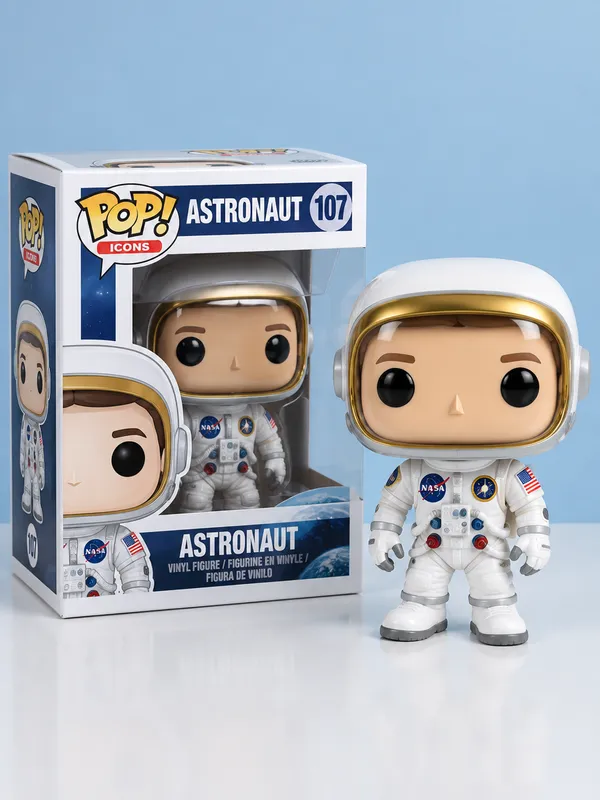
Turn a photo into collectible figure artwork
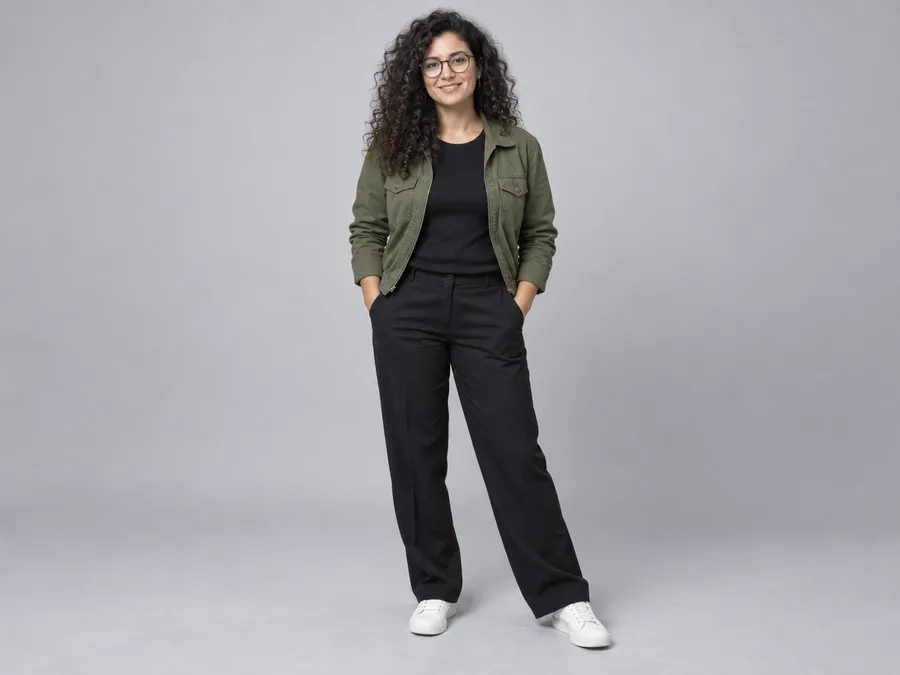
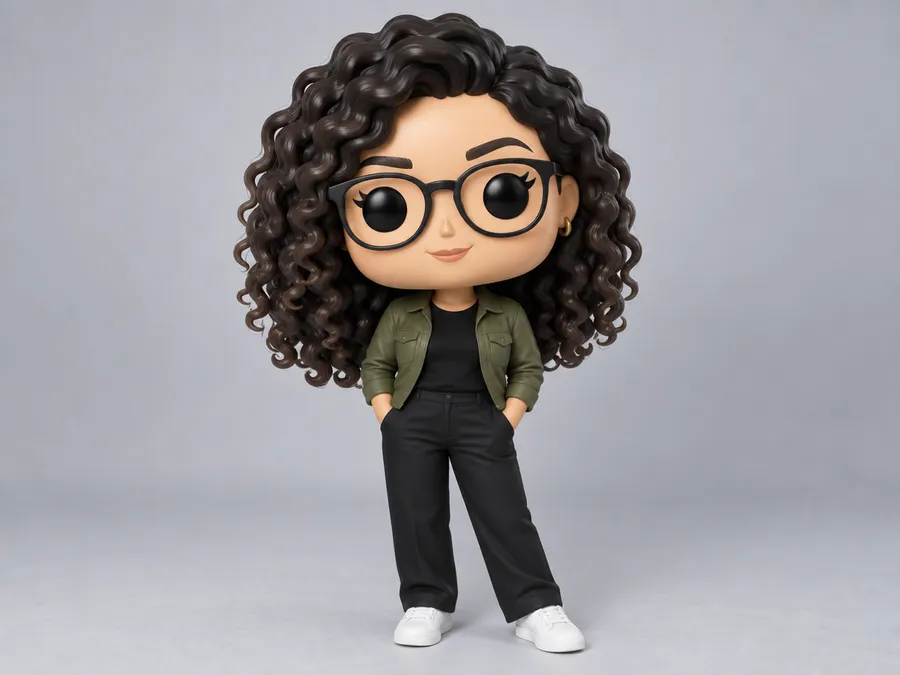
Attach a photo of yourself, a couple, a friend or a pet as a visual Reference. You can use up to 10 References to guide the subject, palette and composition. Tell the generator which recognizable features to preserve.
Prompt: Turn the person in image 1 into a stylized vinyl collectible figure, preserve the dark curly hair, round glasses and green jacket, oversized head, compact body, smooth vinyl-like surface, studio product presentation.
Visualize an original collectible figure
Describe your character's hair, outfit, accessories and colors to create a 2D figure concept. You don't need to build a 3D model to visualize an idea. Guide the appearance through prompts and visual References, then iterate on the strongest result. Producing a physical collectible still requires separate modeling and manufacturing.
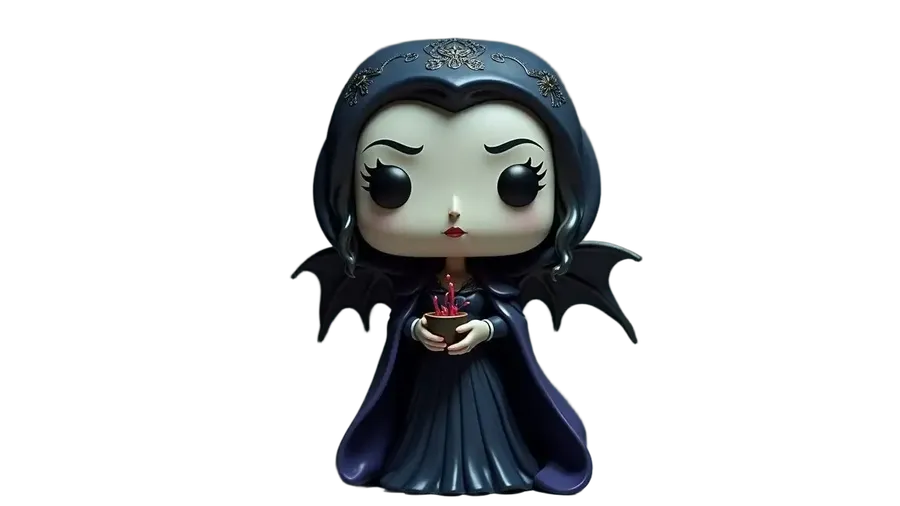
Prompt idea: an original vampire priestess collectible figure in a Victorian dress and midnight-blue cloak, holding a chalice, with small bat wings and a vinyl-like finish.
Create people, pets and original characters
Develop a personalized character, a pet figure or a game-inspired OC. Start from a photo of yourself, a couple or a friend, or describe an original fantasy hero. Use recognizable hair, clothing and accessories to guide the design rather than relying on text alone to describe a face.
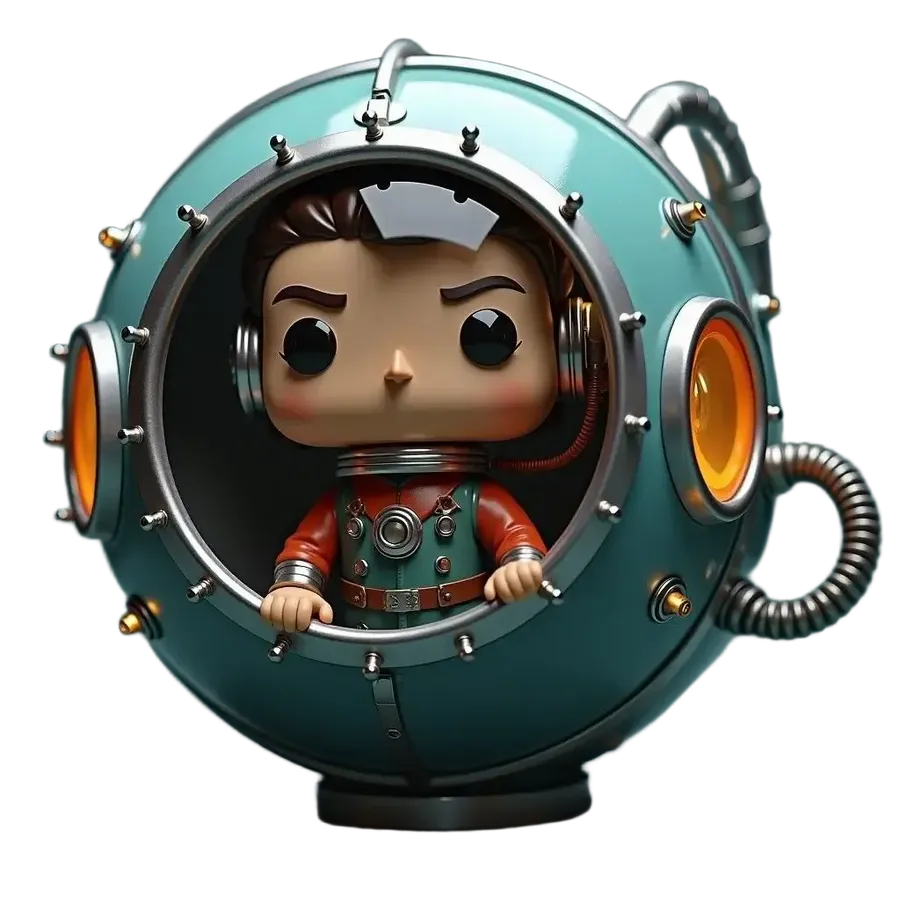
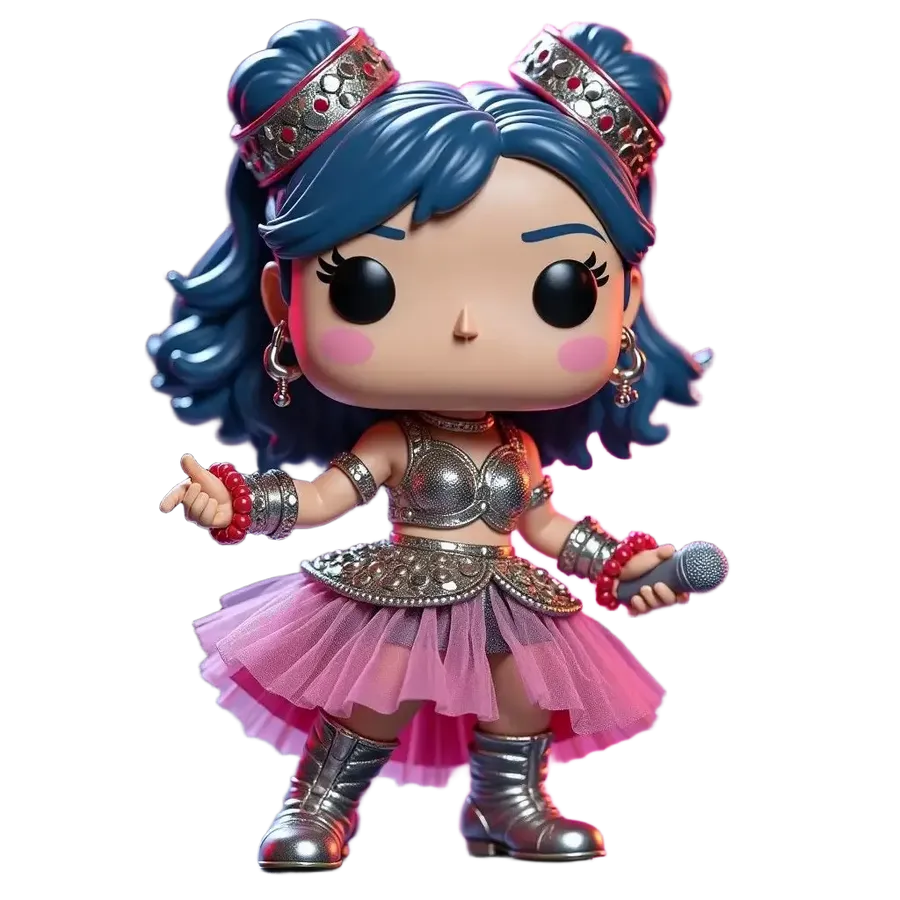
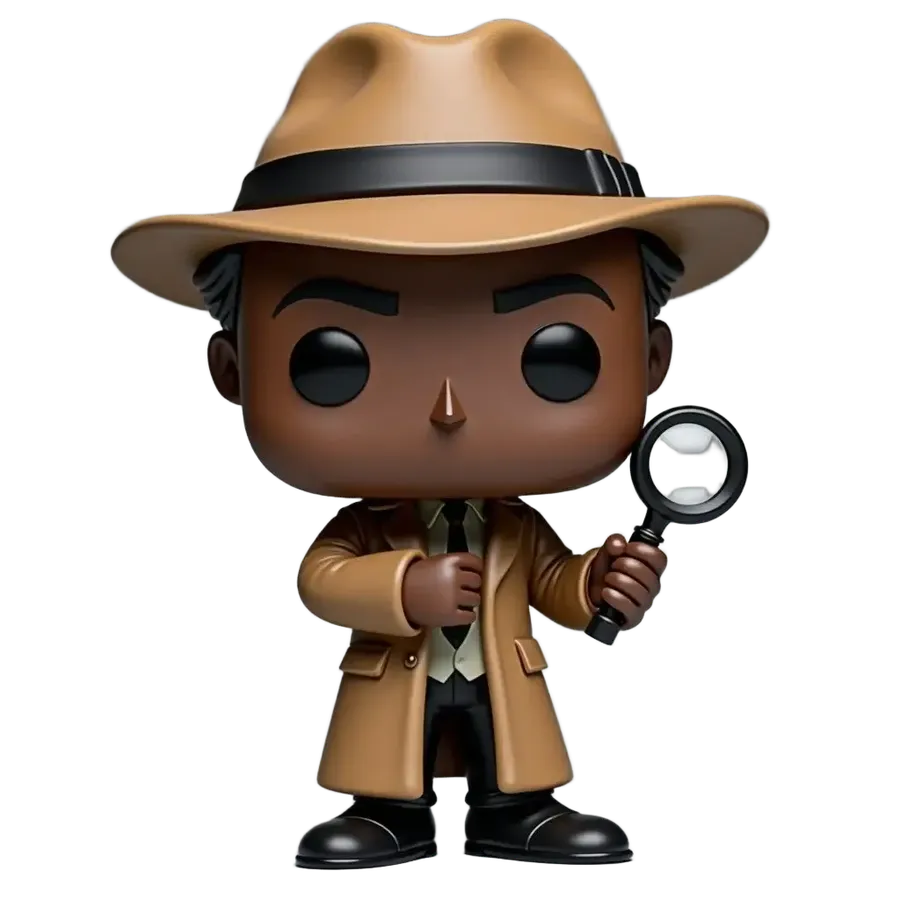
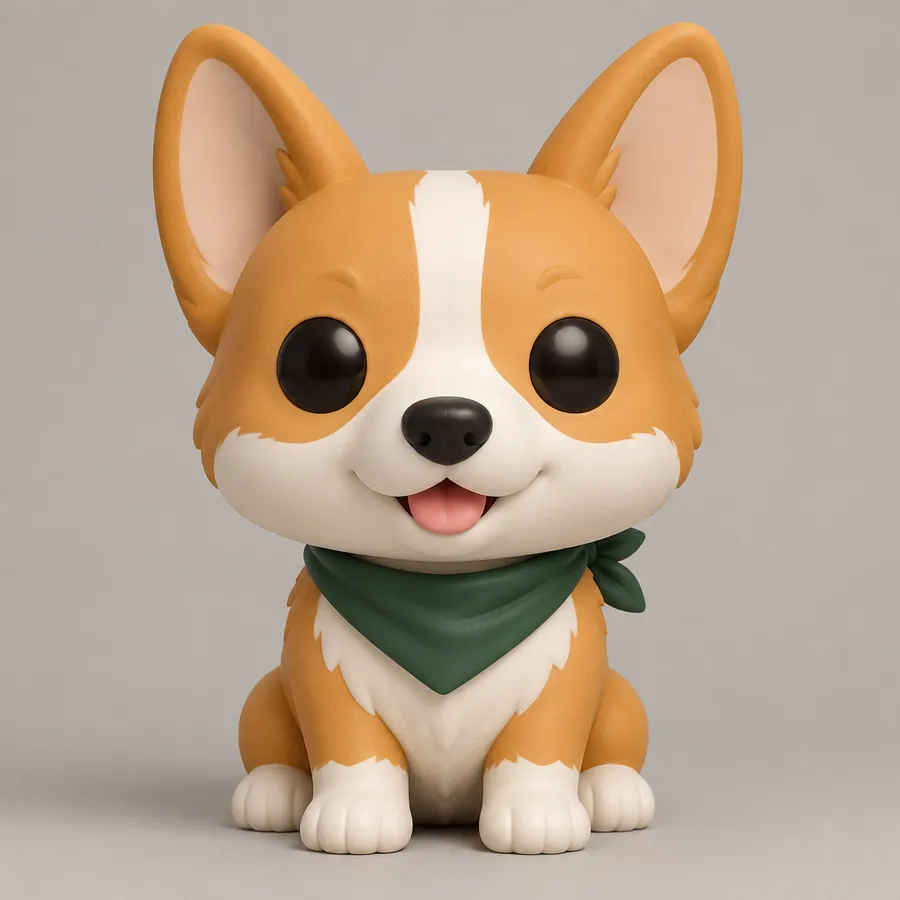
Describe your collectible figure
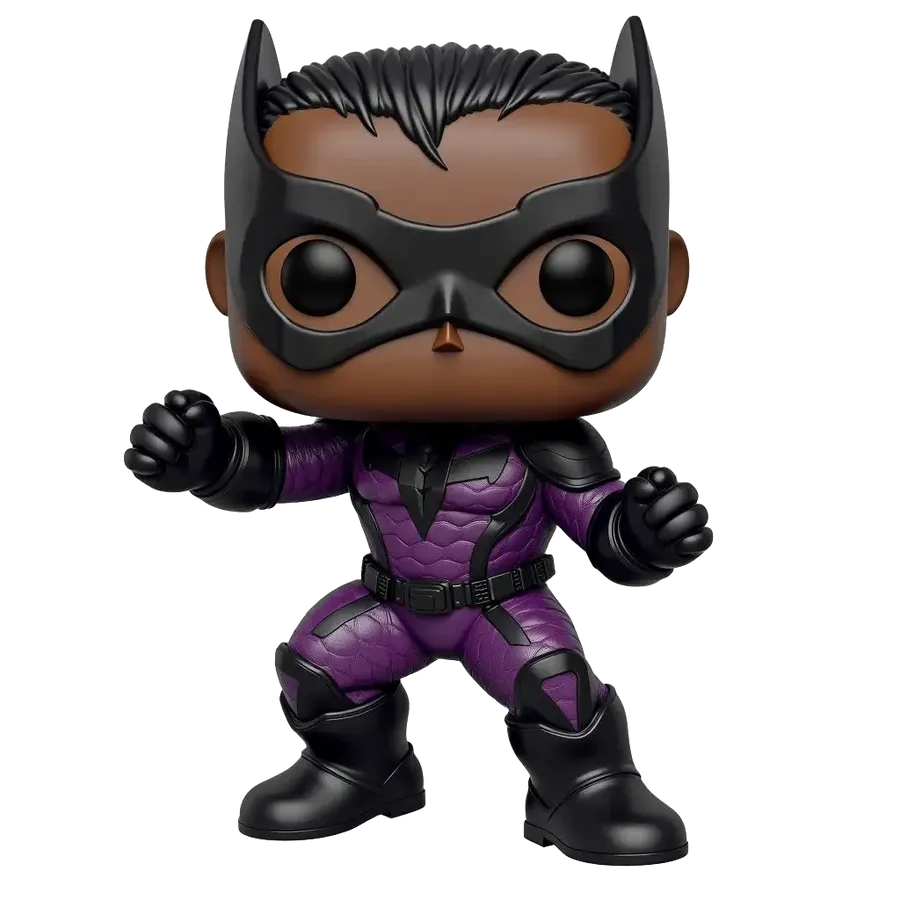
Create stylized vinyl-figure artwork with oversized heads, compact bodies and collectible-toy proportions. Describe hairstyle, facial features, outfit, footwear, accessories, pose and expression. Add a head-to-body proportion, vinyl-like finish, color palette and display background. Face details, accessory counts and figure geometry can vary between generations.
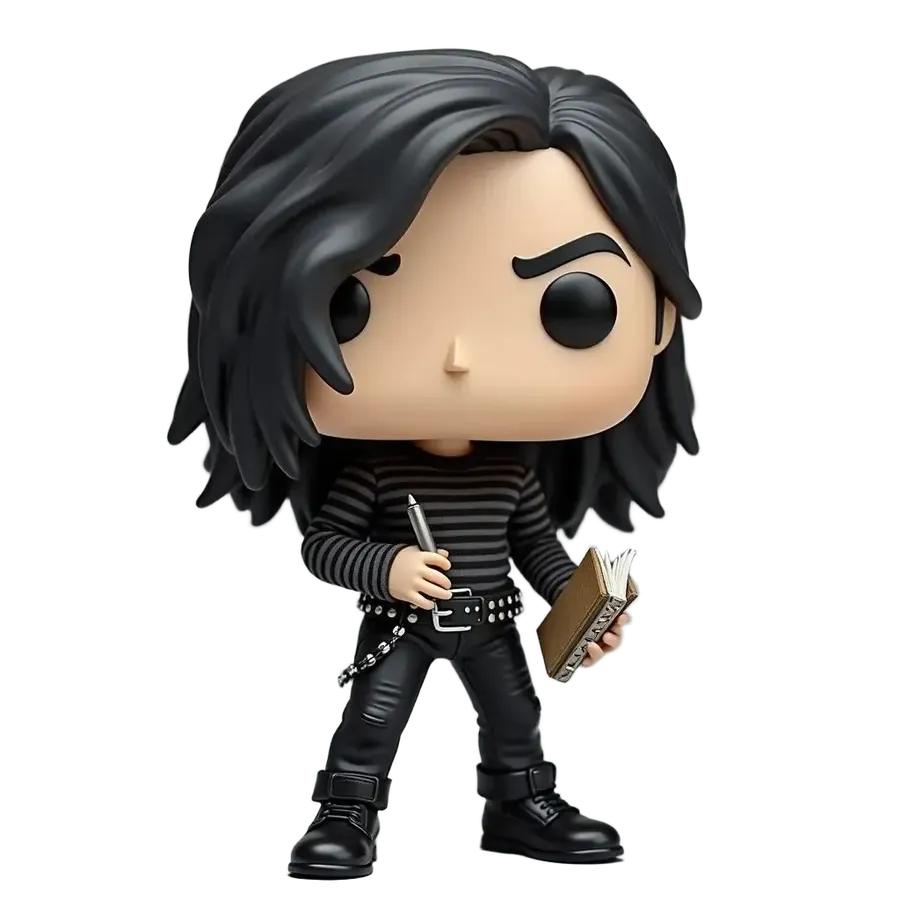
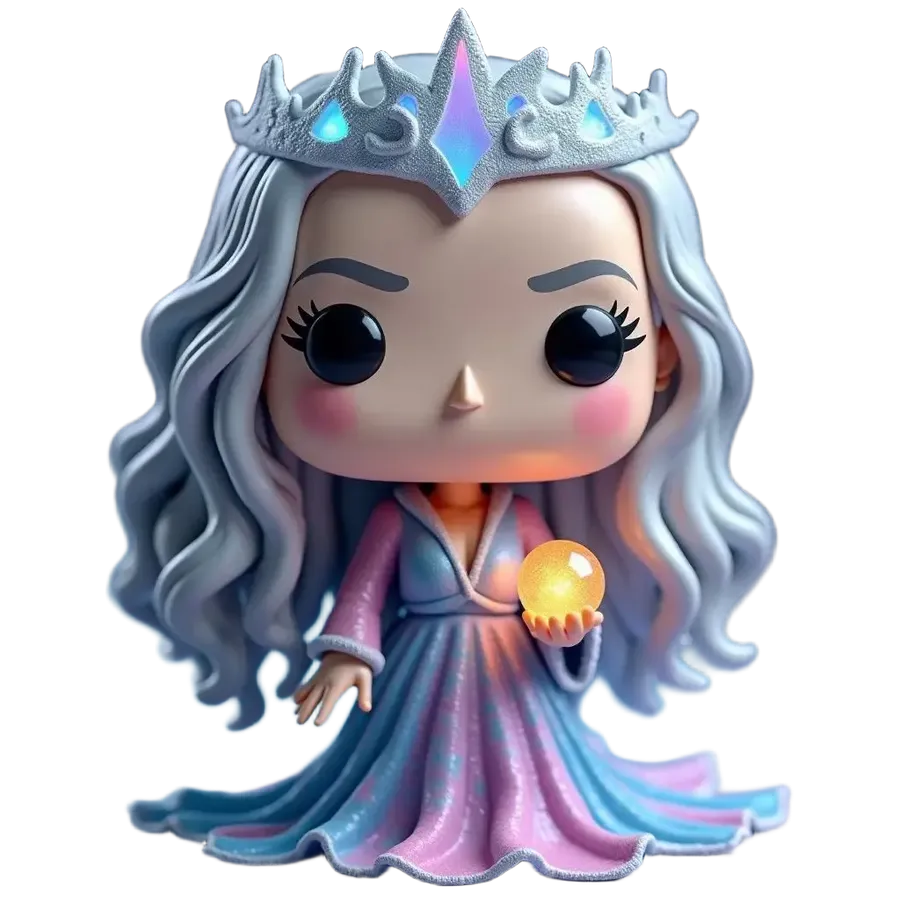
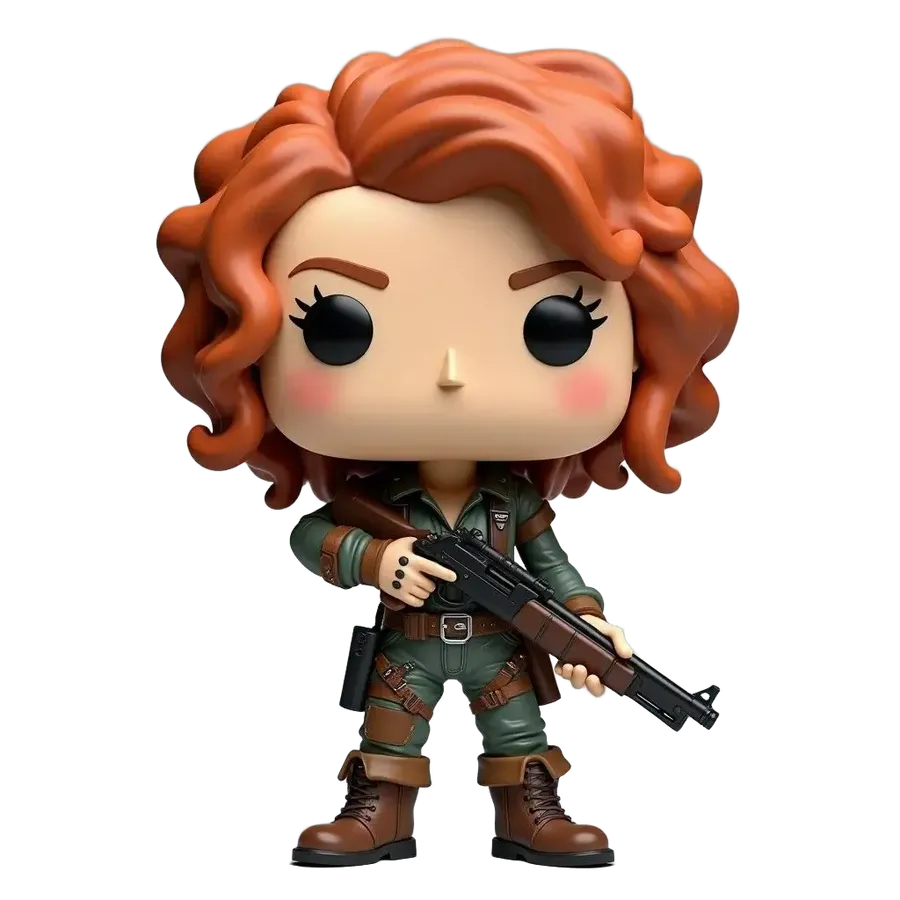
Create fictional collectible packaging artwork
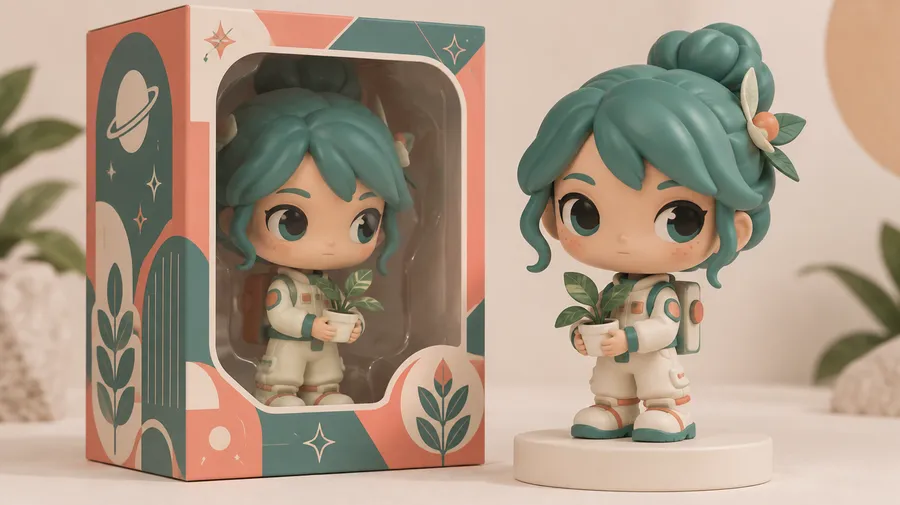
Present an original character inside an original toy-box design. Treat the result as a fictional packaging concept, not an official Funko box or a production-ready packaging template.
Prompt: Stylized vinyl collectible figure displayed inside an original toy box, custom fictional brand name, clean retail packaging design. Use an original layout rather than copying official Funko branding or packaging.
Reuse your figure across multiple designs
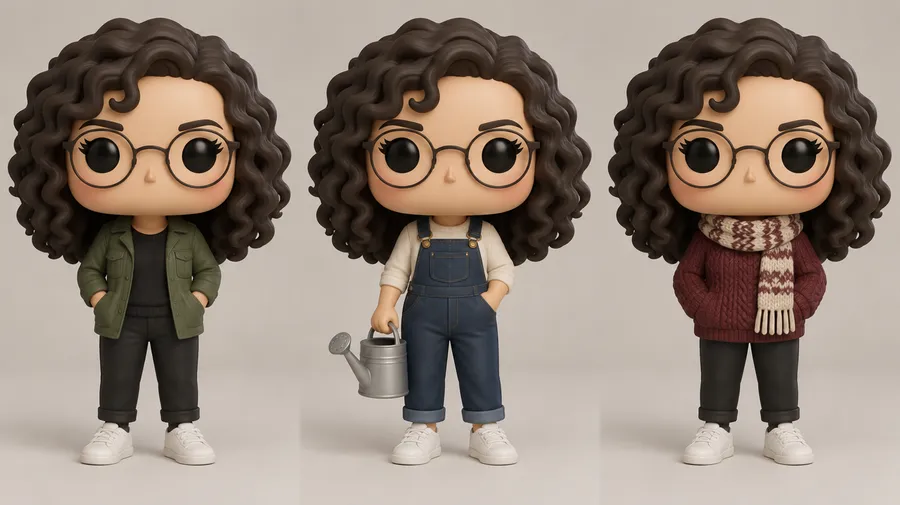
Save your recurring person, original character or style as an Element. Reference it with @ElementName in later image prompts to guide a new outfit, a different display scene or a holiday version.
Start with the same character reference and change one design choice at a time. Elements help with consistency, but small facial, accessory and figure details can still vary.
Frequently Asked Questions
Yes. Attach your photo as a visual Reference in the Image Generator and ask for stylized collectible-figure artwork. Describe the hair, glasses, clothing and other details you want to preserve.
You can attach up to 10 visual References to guide appearance and composition. Review the strongest result and refine it; an exact likeness or exact accessory count is not guaranteed.
getimg.ai generates digital figure concepts and artwork. A physical customization service manufactures and supplies an actual collectible. You can use an image to explore a design, but no physical figure is made or shipped by this workflow.
Yes. Attach a clear pet photo and describe the coat colors, markings, ears and accessories to retain. Ask for a stylized vinyl-like figure with a compact body and a display scene, then review the generated details.
Yes. Describe your original hero, fantasy character or game-inspired OC, or attach character artwork as a Reference. Specify the outfit, footwear, pose, accessories and color palette to guide the figure concept.
No. This workflow creates a generated 2D image. It does not manufacture, order or deliver a physical collectible.
No. This workflow generates 2D figure artwork rather than STL, OBJ or another printable 3D model. A physical collectible would require separate 3D modeling and production.
Yes. Describe an original toy box, a fictional brand name and the display arrangement. The result is packaging artwork, not an official Funko box or a manufacturing template. Review generated lettering and avoid copying official branding or packaging layouts.
Use a saved Element for a recurring person, character or style, then refer to it with @ElementName in later image prompts. You can explore outfit, scene and holiday variations. Small facial, accessory and figure details can still vary.
No. getimg.ai is not affiliated with or endorsed by Funko. Funko and Pop! are Funko trademarks. This workflow creates digital artwork and is separate from Funko's official Pop! Yourself physical customization service.
Commercial rights on paid getimg.ai plans do not grant permission to use third-party characters, trademarks or product designs. Check the relevant rights and obtain any permissions needed for your use. Original characters and original packaging give you a clearer starting point.