Create chibi characters from text or photos with AI
A chibi character has an oversized head, a small body and simplified, exaggerated features.
Describe a new chibi character or upload a photo of yourself, a friend or a pet as a reference. Choose the hairstyle, outfit, expression, pose and visual direction, generate several versions, then refine the one you want to keep. References guide appearance, but chibi proportions are deliberately simplified, so smaller identity details can shift between versions.
How to make a chibi character with AI
Text or photo in, chibi character out.
1. Open Create image
Open the Create image workspace here.
2. Describe the character or add a reference photo
Write the character description, or attach up to 10 reference images of a person, pet or existing character. Name the hairstyle, outfit, accessories, expression, pose and chibi proportions.
3. Generate versions and refine
Generate several versions at once, open the one you like and refine it with a follow-up prompt. Remove the background when the character is going to be used as an avatar or sticker.

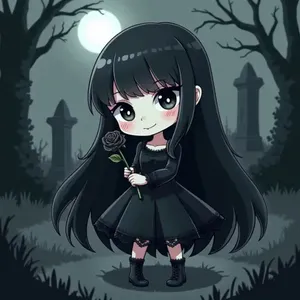
What makes a character "chibi"?
A chibi character is a highly stylized character with an oversized head, a small body, simplified features and a deliberately cute, exaggerated appearance. The proportions are the defining trait — not the subject and not the colour palette. getimg.ai's AI Chibi Generator creates chibi character images from text prompts or visual references, so you can build original characters or reinterpret people, pets and existing character ideas in a chibi direction. The output is generated 2D artwork, not a rigged Live2D, 3D or game-ready character asset.
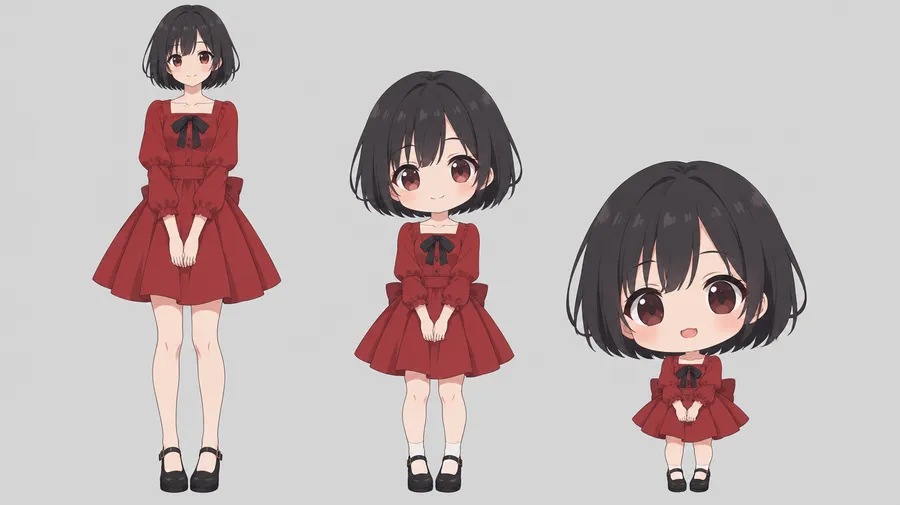
Control the details that make the character recognizable
Direct hair, eyes, outfit, accessories, expression, pose, palette and background in the prompt, and attach a reference photo when the character has to resemble a specific person or pet. Ask for an oversized head, compact body, short limbs and a clear silhouette when you want a stronger chibi look, or half-body framing when you want something closer to a portrait.
Chibi of a young woman with curly brown hair in a messy bun, wearing oversized glasses, Doc Martens and a cozy, chunky knit cardigan in pale blue, on a stylized bookstore background
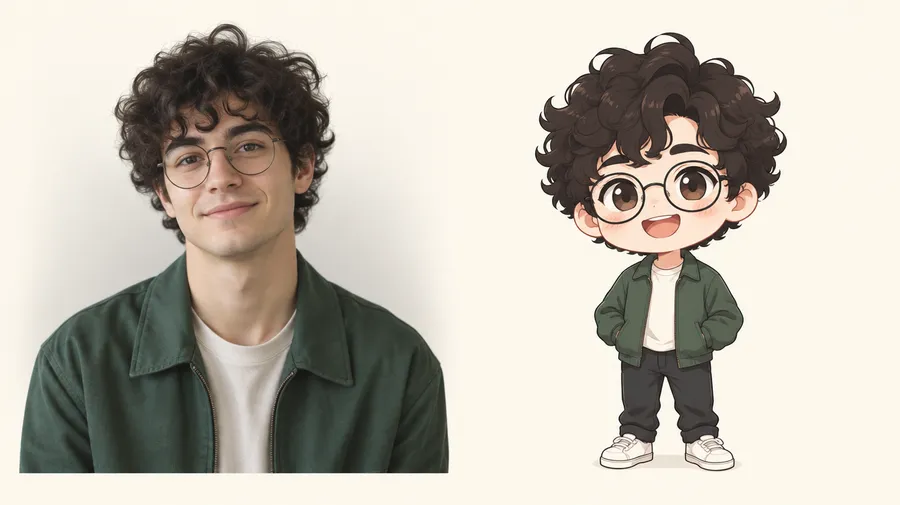
Turn a photo into a chibi character
Upload a clear portrait or full-body photo as a reference, then describe the chibi version you want — outfit, expression, pose, background and visual style. Generate several interpretations and refine the version that best preserves the details you care about. Reference images guide the person's appearance, but the chibi transformation simplifies proportions and facial details on purpose, so smaller identity features may change between versions.
What you can create with a chibi generator
Profile avatars, chibi versions of yourself or friends, original characters, sticker graphics, reaction packs, mascots, gaming avatars and character concepts, couple and pet chibis, personalized gifts, social content and merchandise graphics. Save a recurring character as a Person Element and call it back with @CharacterName to generate new expressions, outfits and poses for the same character. Elements improve consistency, but proportions and clothing details can still vary between outputs.
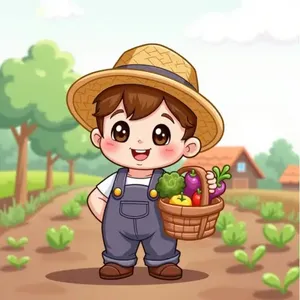
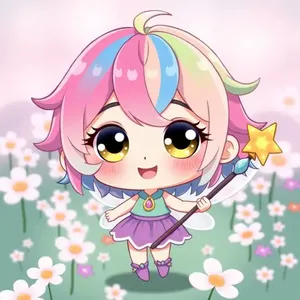
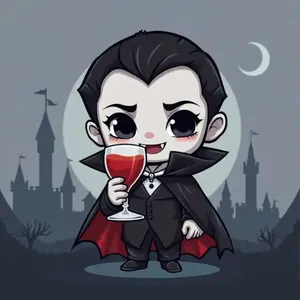
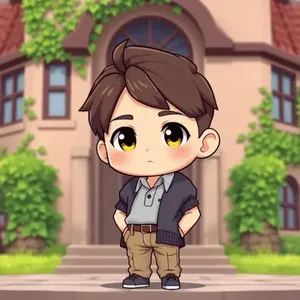
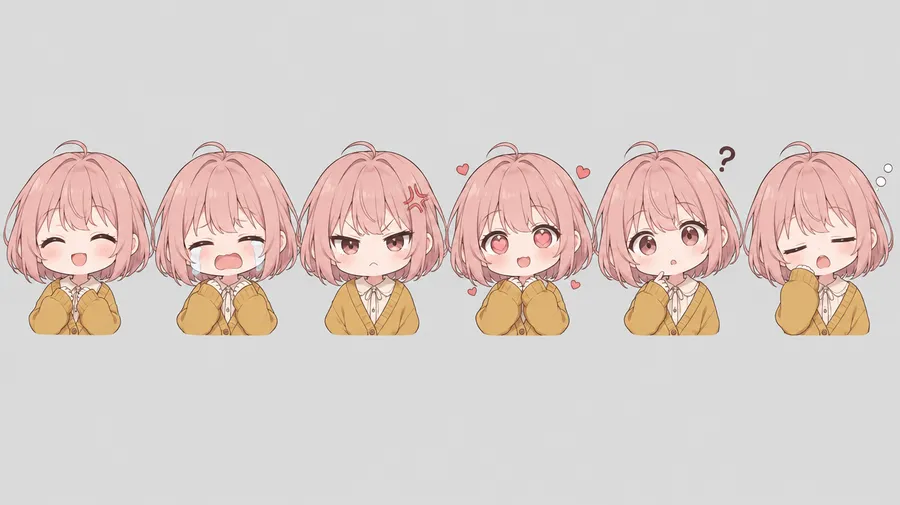
Choose an expression and pose
Expression and pose do more for a chibi than any amount of extra styling. Name them explicitly in the prompt: happy, angry, crying, shy, excited, sleepy, surprised, smug, confused, in love or laughing — standing, waving, sitting, running, dancing, fighting, hugging an object or celebrating. This is what turns one character into a set of reaction images.
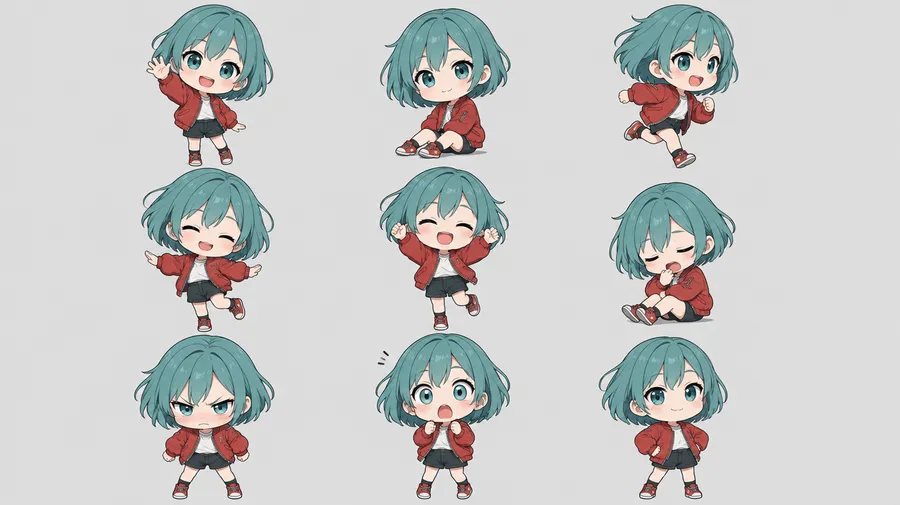
Keep the same chibi character across multiple images
Create a Person Element for yourself or a recurring character, then reuse it with @CharacterName when generating new expressions, outfits, poses or scenes. Combine it with a Style or Colour Palette Element to hold the visual direction across a whole series. Elements improve character consistency, but individual details, proportions and clothing can still vary between generative outputs.
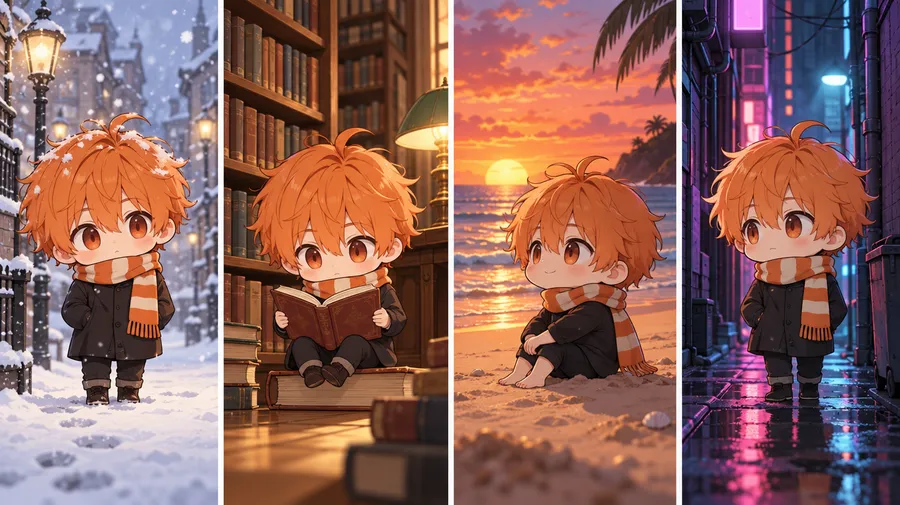
Turn your chibi into a sticker
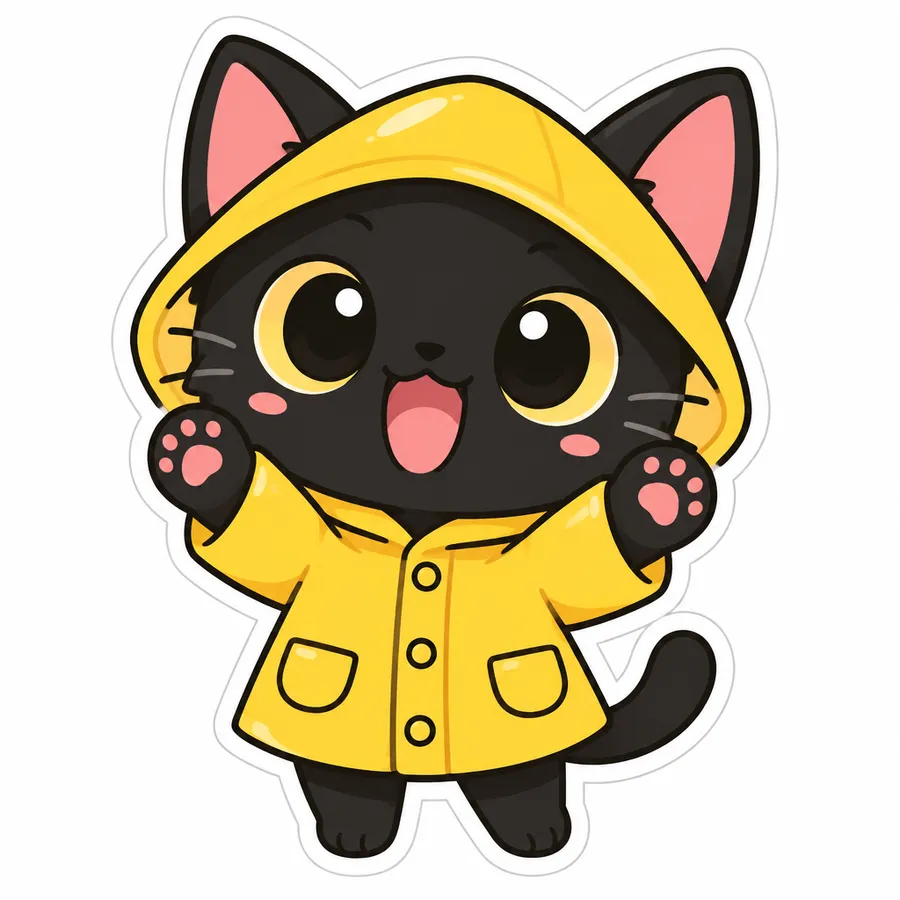
Generate the character on a simple background, remove the background, and download a transparent PNG you can reuse in chats, social graphics, merchandise mockups or sticker layouts. Ask for a clean silhouette, a thick outline and a simple pose when the final chibi will be used small.
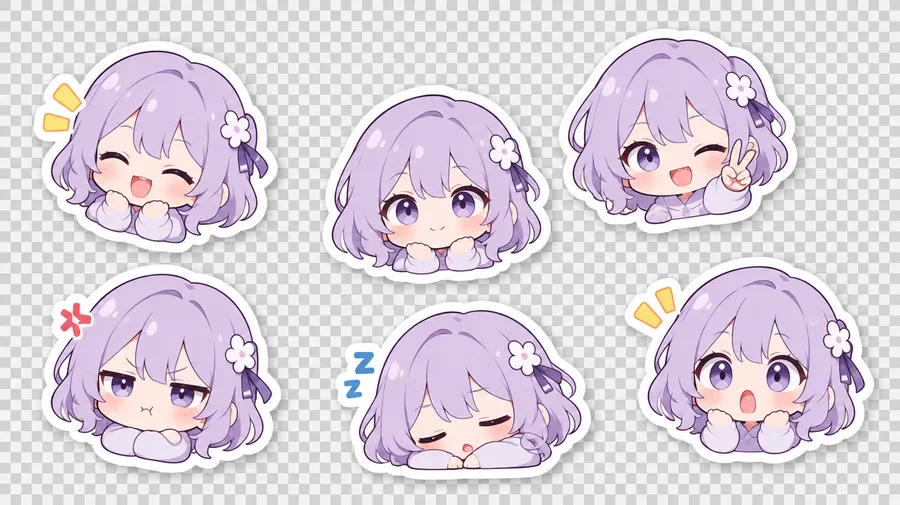
AI chibi prompt examples
The formula that works: character + chibi proportions + defining features + outfit + expression + pose + style + palette + background + intended use.
From text
Describe the character from scratch when you want an original design.
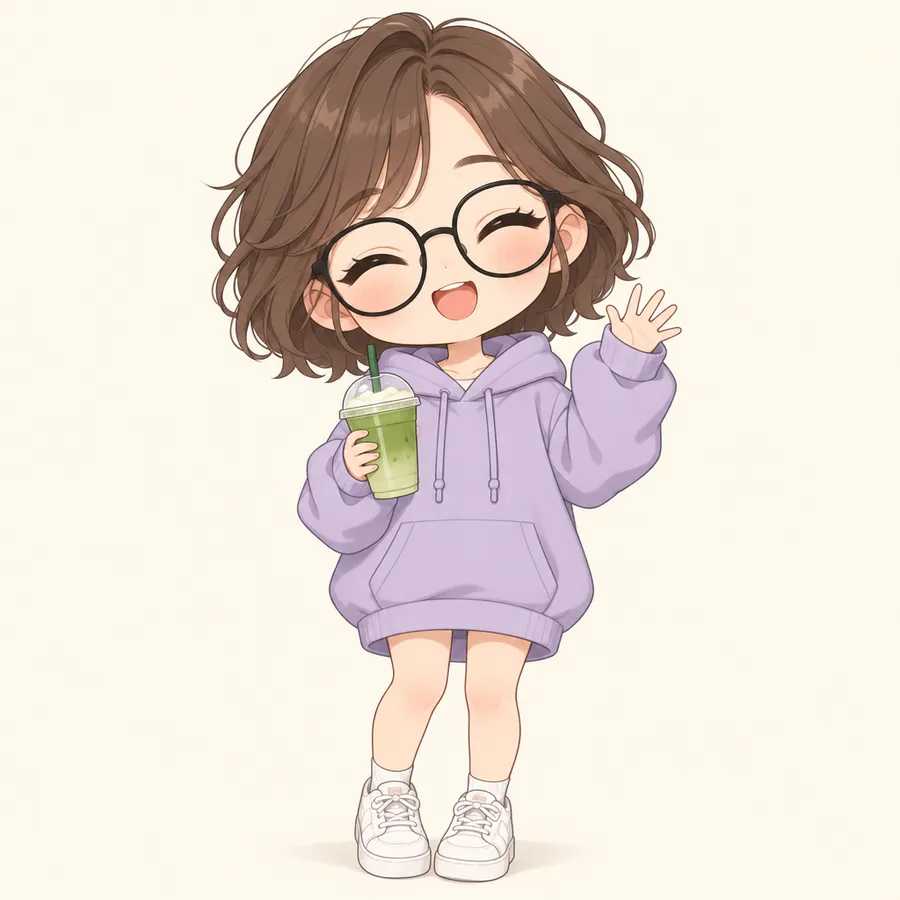
"Full-body chibi character, oversized head and tiny body, short wavy brown hair, round black glasses, oversized lavender hoodie and white sneakers, holding a matcha cup, cheerful closed-eye smile, waving, clean anime linework, soft pastel palette, simple pale background."
How to get better chibi results
Most weak chibi outputs come from prompts that name a subject but never name the proportions, the expression or the framing. These six habits fix that.
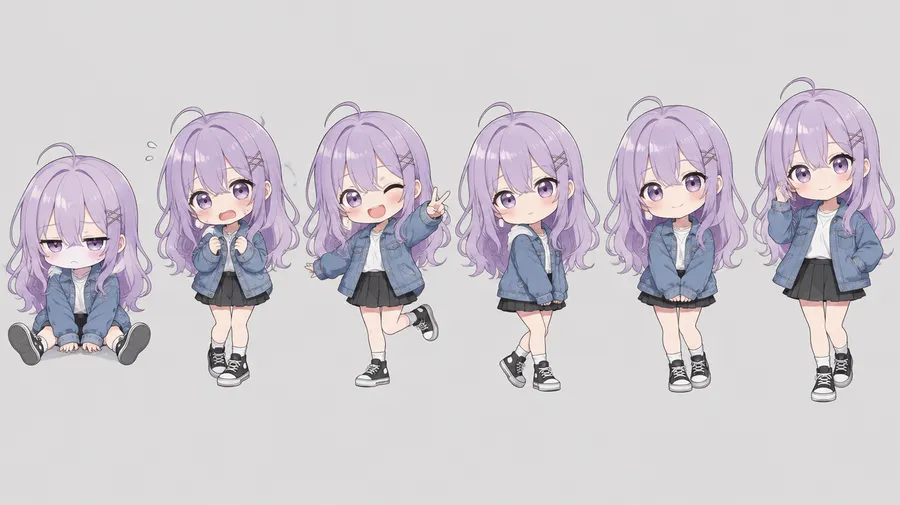
Explore several character directions before choosing one
Generate multiple versions of the same character concept to compare hairstyles, expressions, outfits and visual directions, then refine your favourite and export it as a transparent PNG.
Frequently Asked Questions
Yes. Attach a clear portrait or full-body photo as a reference in Create image, then describe the chibi version you want — outfit, expression, pose, background and visual style. You can attach up to 10 reference images per generation.
Yes, and a reference photo is the reliable way to do it. A text description alone produces a character that matches the description, not your actual face. Attach a portrait and name the features you want preserved, such as hair, glasses or a beard.
Partly, by design. Chibi is a style built on simplifying proportions and facial details, so it preserves recognizable traits — hair, glasses, outfit, colouring — while deliberately abstracting the rest. Generate several versions and keep the one that holds the details you care about.
Yes. Up to 10 reference images per generation. Multiple references help when you want to guide both a person's appearance and a separate outfit, pose or setting.
Yes. Attach a photo of your dog, cat or other pet as a reference and describe the chibi treatment. Elements include a dedicated Animal type, so a recurring pet character can be saved and reused.
Yes — attach a reference photo for each person and describe the pair. Scenes with multiple characters are harder to keep consistent than single-character images, and features can mix between them, so test each character separately first.
Yes. Save the character as a Person Element, then call it back with @CharacterName and change only the pose and expression in each new prompt.
Text prompts alone do not hold identity reliably across generations. Save the character as an Element so there is persistent visual conditioning, and combine it with a Style Element for the art direction. Consistency improves, but proportions and clothing details can still vary between outputs.
Yes. Generate the character on a simple background, then remove the background from full image view to export a transparent PNG for chats, social graphics or merchandise mockups.
Yes. Ask for full body explicitly — full-body framing gives the classic oversized-head, tiny-body silhouette. Half-body or head-and-shoulders framing produces something closer to a chibi portrait or avatar.
Chibi is defined by its proportions: an oversized head, a small body and simplified features. An anime avatar is a broader anime-style portrait that is not necessarily chibi-proportioned. A cute anime portrait is not automatically chibi.
No. The Chibi Generator produces character artwork as a static 2D image. A rigged Live2D, 3D or game-ready avatar requires additional character preparation or animation tools.
Every paid plan includes full commercial rights, so you can use your chibi characters in branding, marketing materials, merchandise and client work, subject to our use policies.