AI Outfit Generator: Create Looks from Text or Photos
Explore complete looks, not clothing size predictions
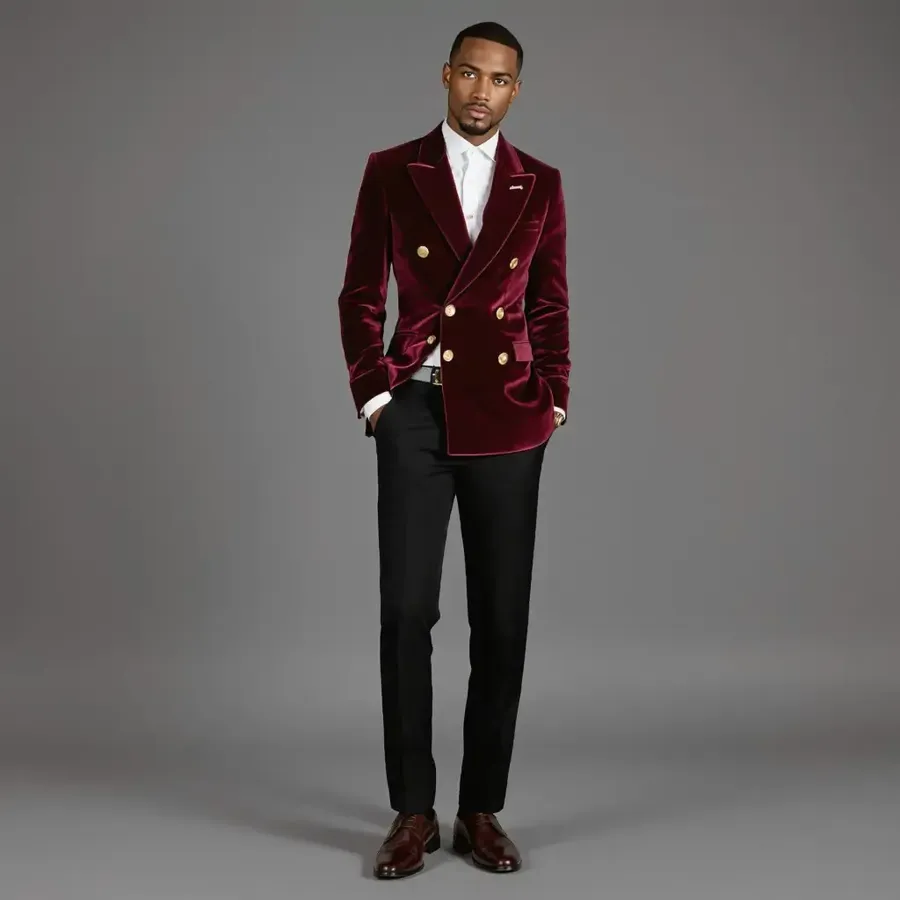
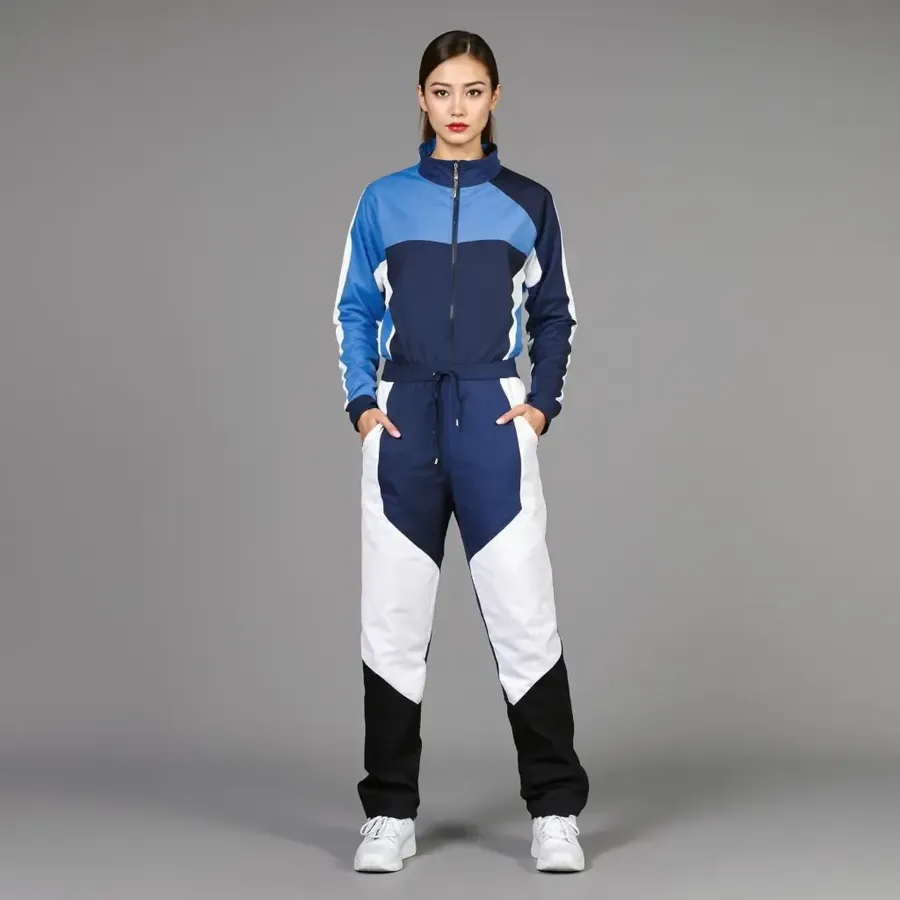
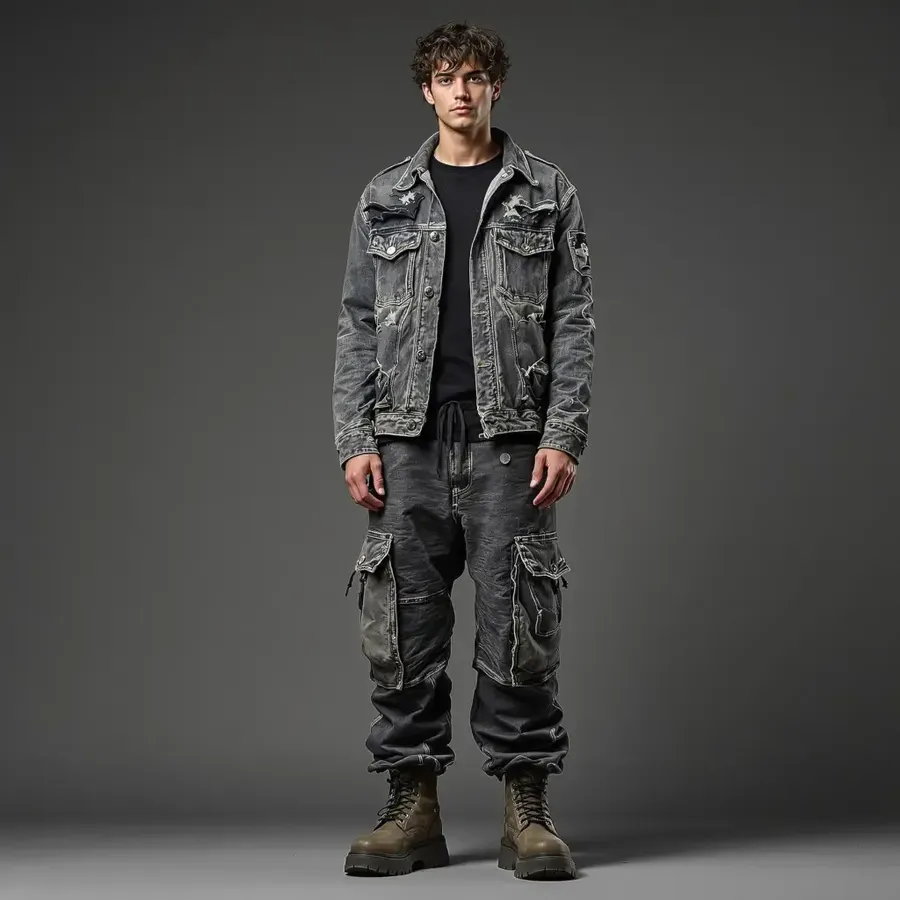
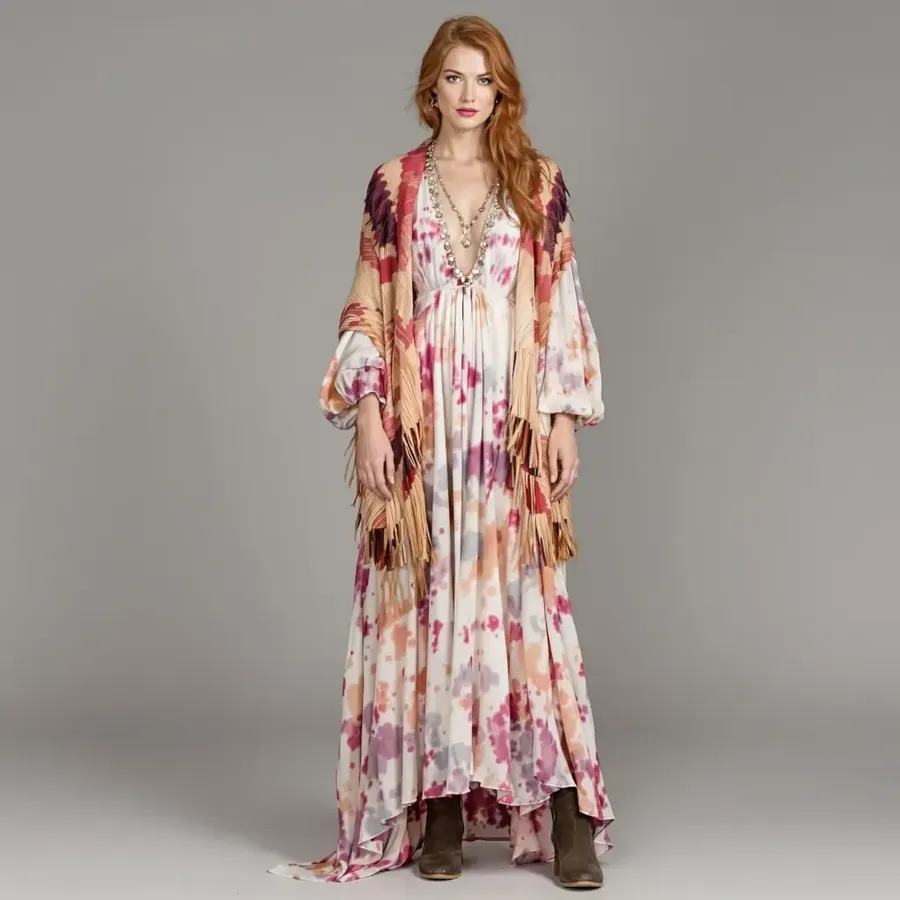
Create a complete outfit from a description or start from your own photo. Define the garments, silhouette, fabrics, palette, shoes and accessories, generate several styling directions, then refine the look you like most. Add clothing or style references to guide the result. Generated outfit images are visual previews: they do not predict exact garment sizing, physical fit or real-world fabric drape.
How to create and refine AI outfits
Start with a description or references, then refine the strongest styling direction.
1. Open Create image
Open the workspace here. 2. Describe the outfit or attach a person or clothing Reference.
3. Define the styling
Specify garments, visual fit direction, fabrics, colors, shoes and accessories. 4. Generate several outfit concepts to compare.
5. Refine the strongest look
Open an output and describe what to change; edits create a new version. 6. Reuse the person or clothing through Elements when you need more looks.
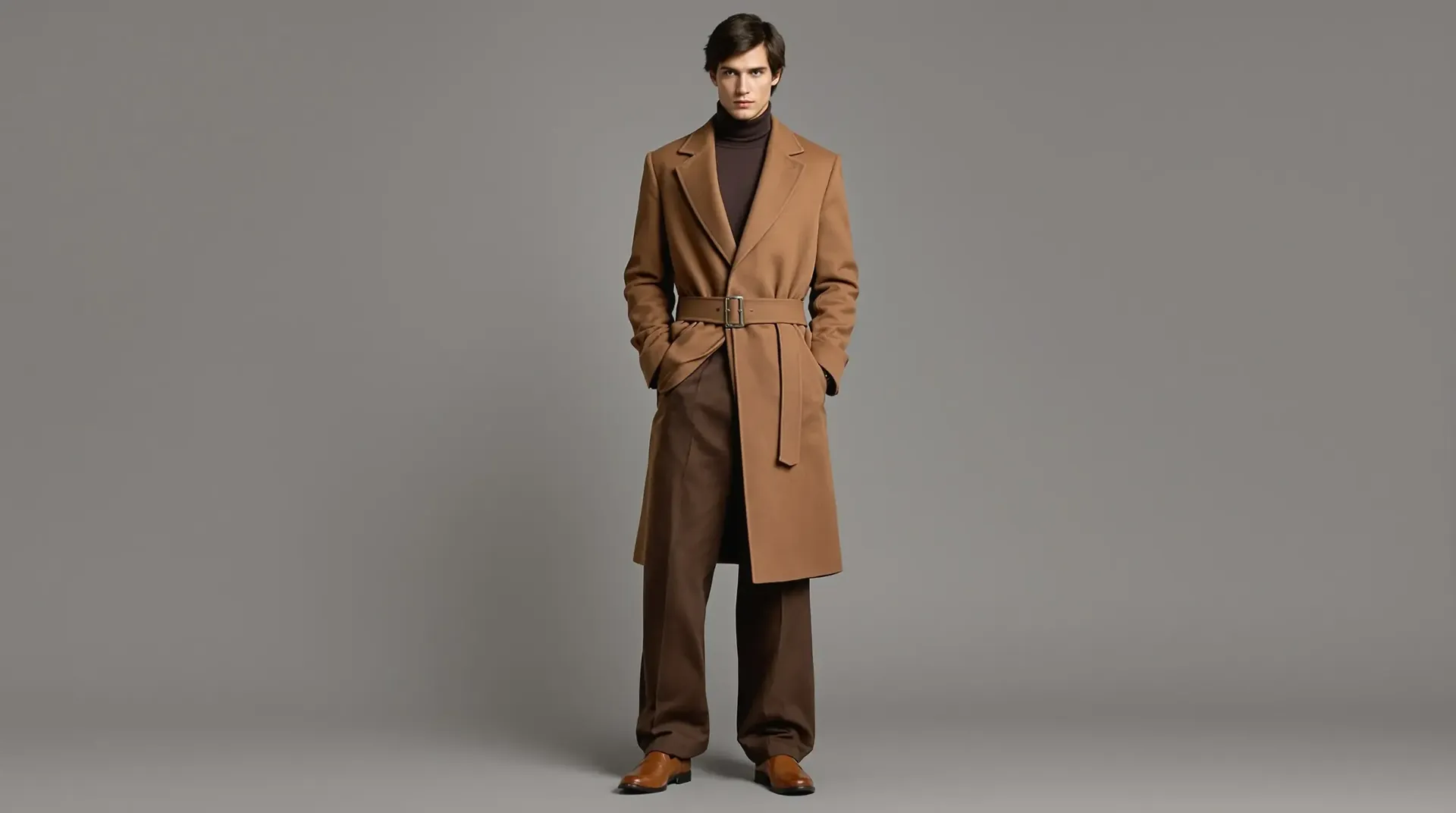
Create complete outfit concepts from text
getimg.ai's AI Outfit Generator creates fashion and styling visuals from text prompts and visual references. Explore complete looks, visualize yourself in different styles and combine clothing references. Quickly visualize different interpretations of your idea, then refine individual garments, colors or accessories.
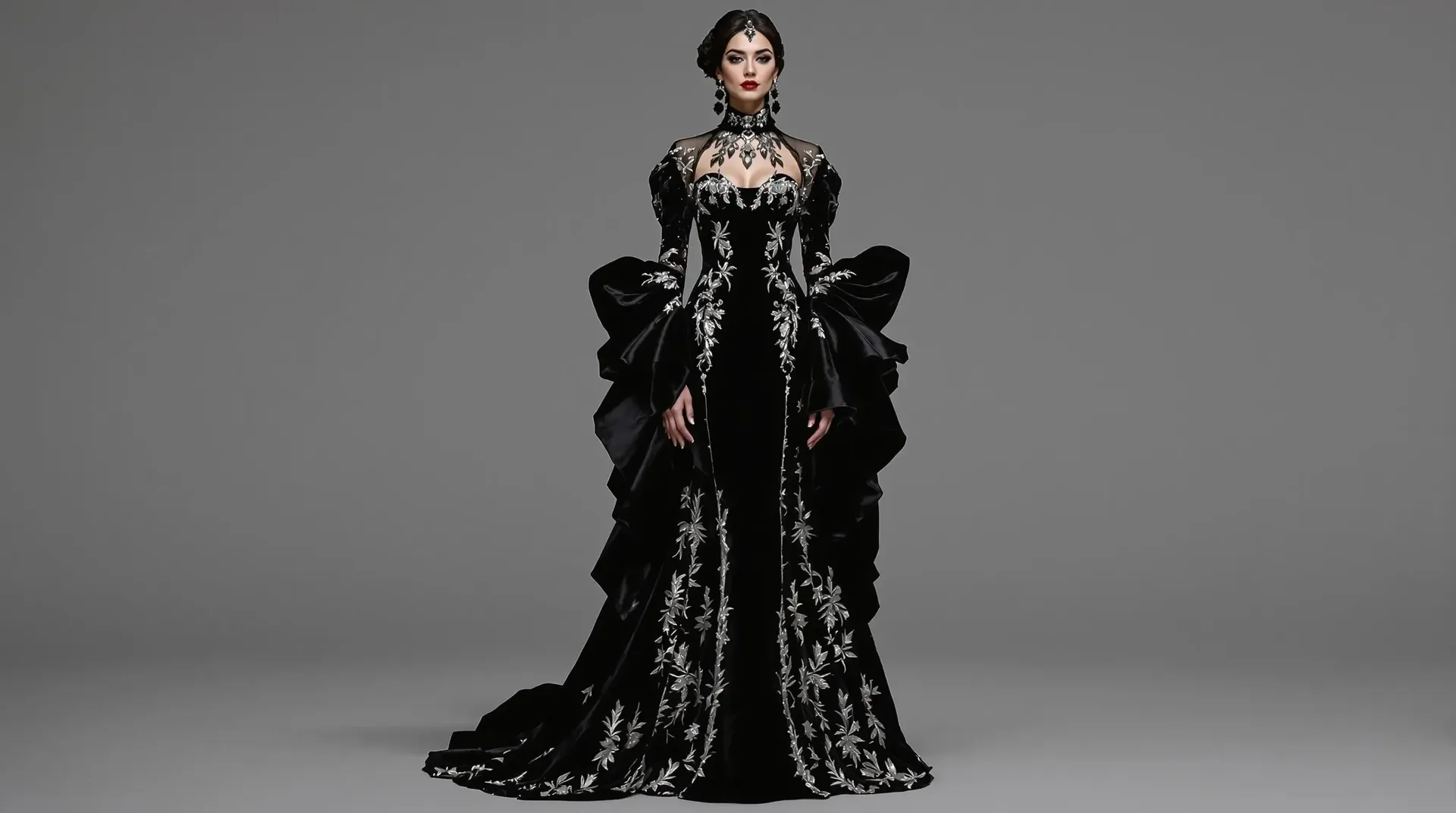
Outfit prompt: a long black velvet gown with silver embroidery, flared sleeves and ornate jewelry, photographed against gray.
Explore outfit styles and occasions
Plan business casual, date night, wedding guest, travel, festival or athleisure looks. Explore minimalist, old money, Y2K, dark academia, boho, quiet luxury and editorial fashion alongside casual, formal, party, professional, vintage, streetwear and futuristic directions. Terms like oversized, cropped, high-waisted, wide-leg and body-skimming describe visual silhouettes—not measured fit.
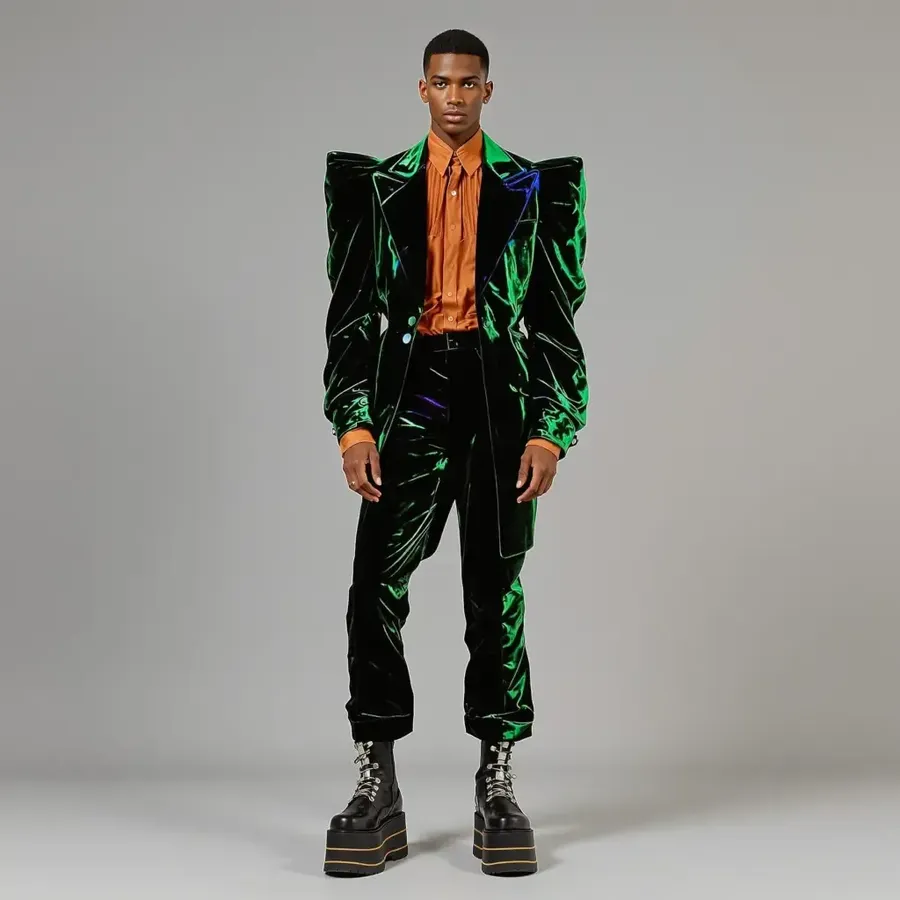
Create a reusable fashion model from your photos
Create a Person Element named @Me to guide recurring fashion images. Try '@Me wearing an oversized charcoal suit with a white tank top and red ballet flats' or '@Me in a satin slip dress with a cropped leather jacket'. Combine Person and Clothing Elements with Style, Color Palette, Texture or Pose Elements and one-off References. Identity, body proportions and small outfit details can still vary between generations.
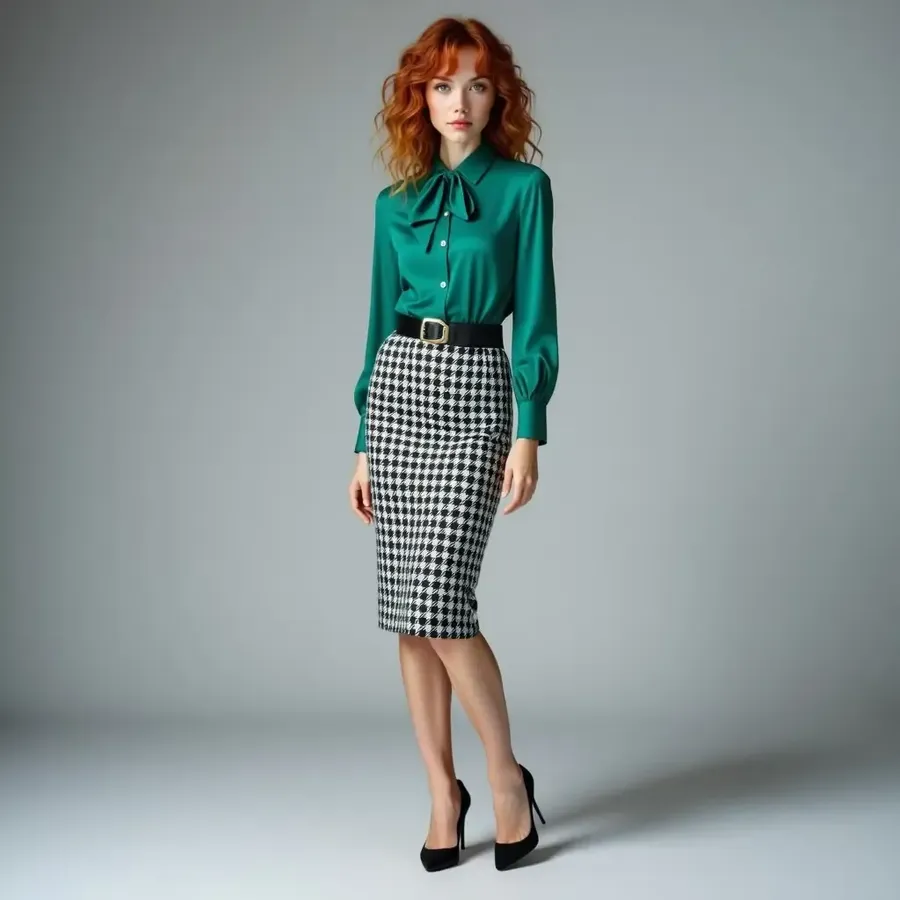
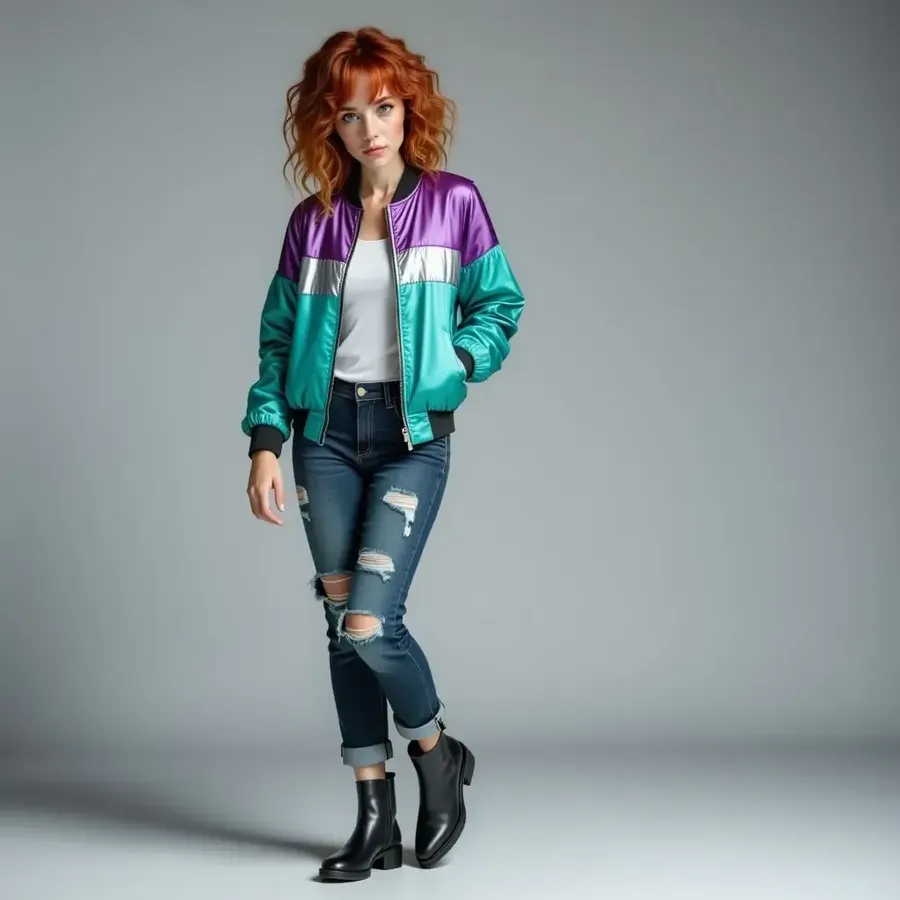
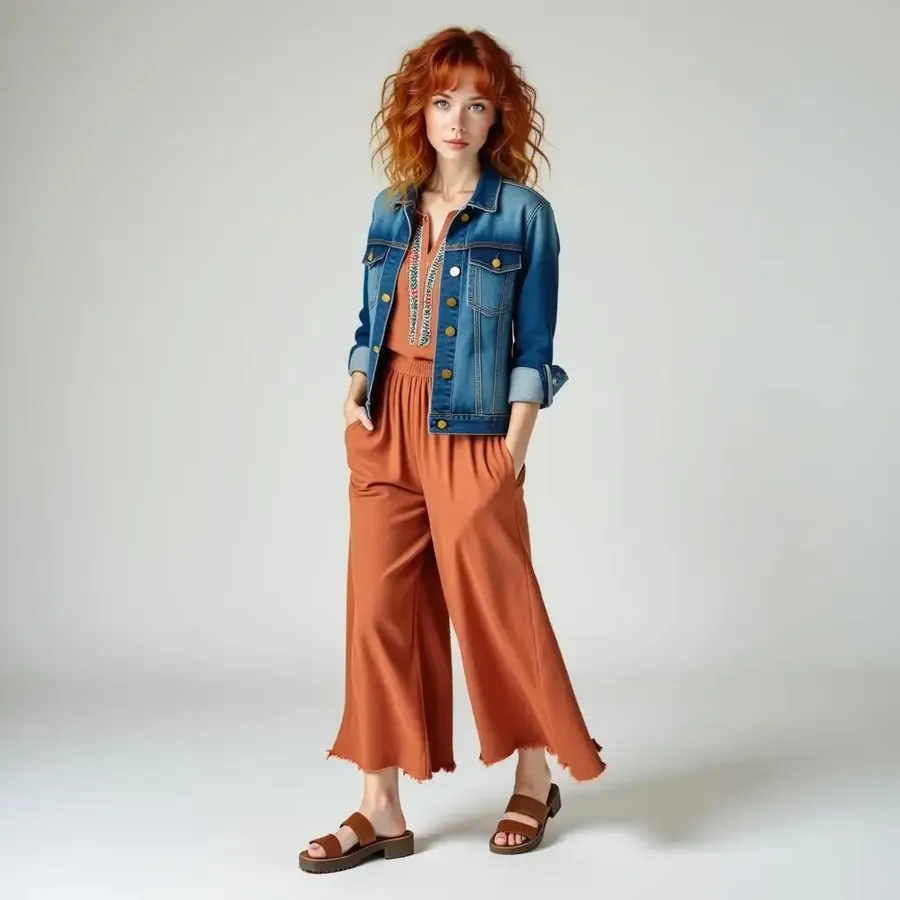
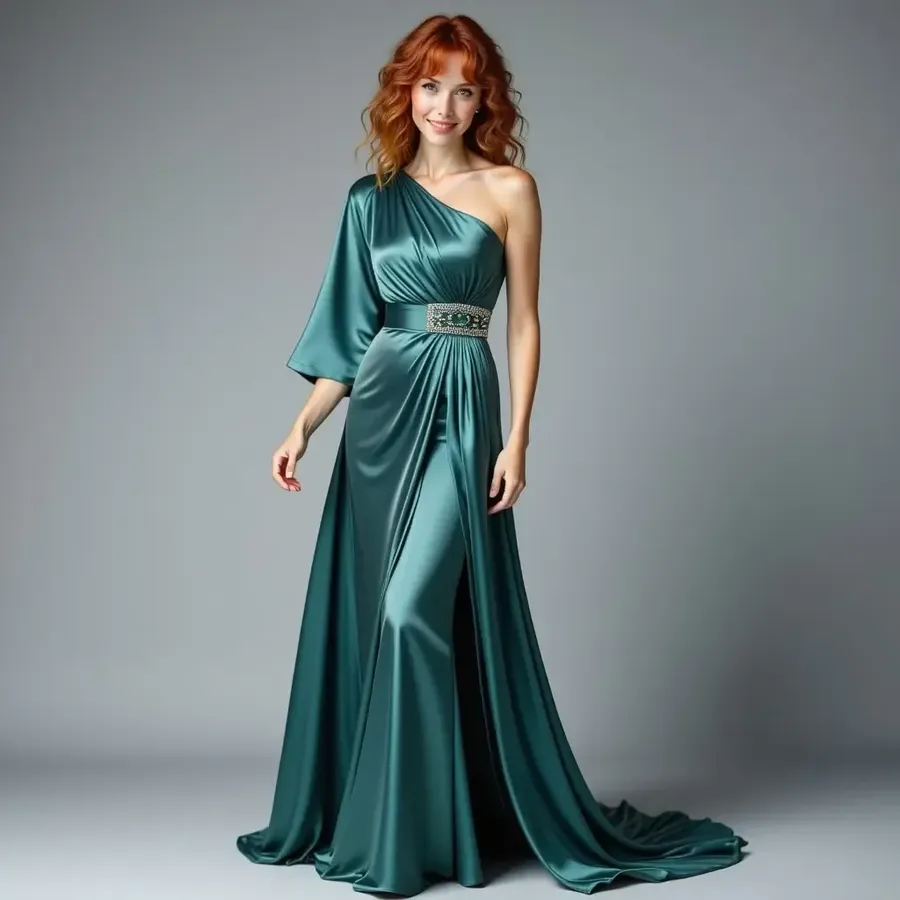
Combine a person photo with clothing references
Attach image 1 as the person, image 2 as the jacket and image 3 as the shoes. Prompt: Create a full-body fashion image of the woman from image 1 wearing the jacket from image 2 and shoes from image 3, paired with relaxed black trousers.
Use up to 10 References. References and Clothing/Person Elements guide specific people, garments and recurring styling directions; they do not guarantee exact product fidelity.
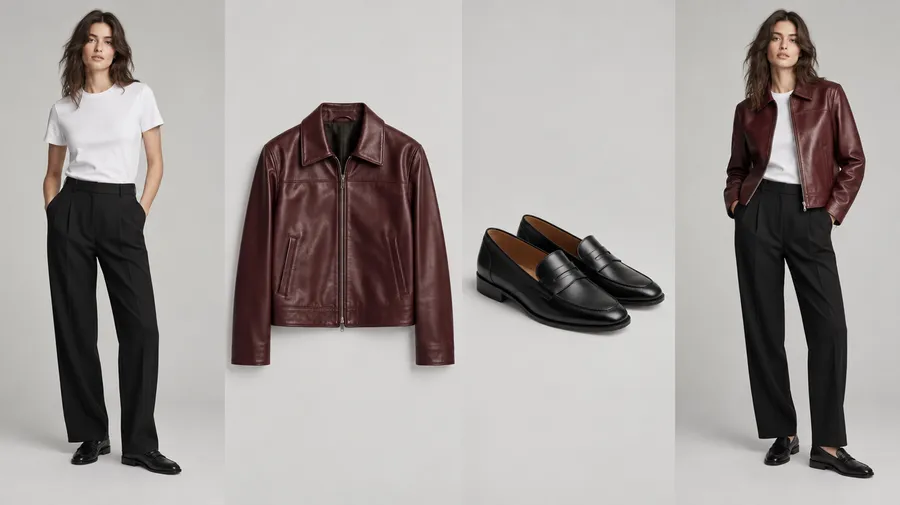
Outfit ideas, reference-based previews and virtual fitting
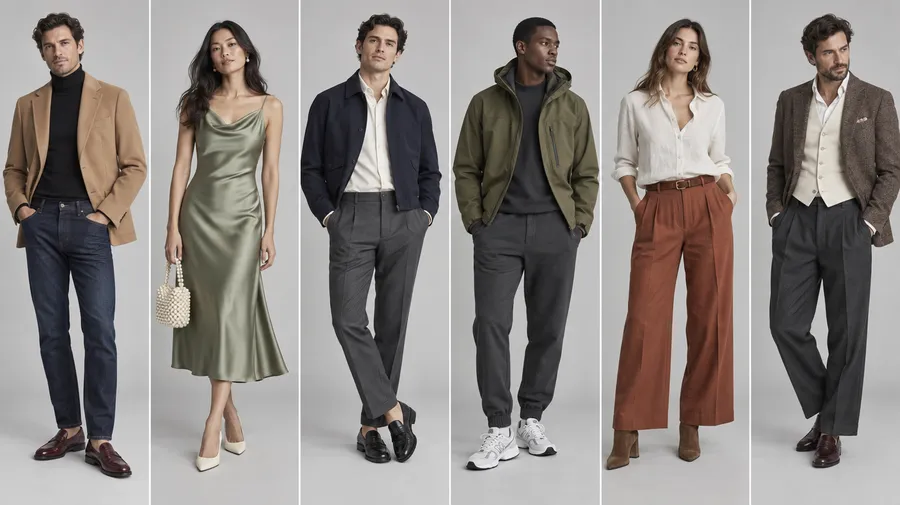
Six outfit prompts to adapt
Use occasion + garments + silhouette + fabric + palette + shoes + accessories + styling + model/context. Fit words describe visual direction, not measured sizing.
Autumn smart casual
Smart casual autumn outfit, oversized camel wool blazer over a fitted black turtleneck, straight dark-blue jeans, burgundy leather loafers, structured shoulder bag, gold earrings, warm neutral palette, full-body street-style fashion photography.
Summer wedding guest
Summer wedding guest outfit, sage-green satin midi dress with asymmetric neckline, cream strappy heels, small pearl handbag, minimal gold jewelry, elegant soft styling, full-body garden portrait.
Business casual
Business casual office look, navy cropped jacket, ivory cotton shirt, relaxed gray wool trousers, black loafers, structured tote, understated silver jewelry, full-body studio photograph.
Travel athleisure
Travel athleisure outfit, olive technical jacket over a white tee, relaxed charcoal joggers, white trainers, compact crossbody bag, muted palette, full-body airport editorial.
References, fit and product accuracy
Yes. Attach the real garment image as a Reference and describe how to combine it with the person and other pieces. Details can change, so review the generated preview rather than assuming an exact replica.
Create a Person Element from your photos and reuse it with @Me in prompts. Combine it with Clothing or Style Elements and References. Identity, body proportions and small clothing details can still vary.
It creates outfit concepts and reference-guided styling previews. It is not a dedicated exact-product virtual fitting system, and does not guarantee garment fidelity, sizing or physical fit.
No. The generator can visualize the overall silhouette and styling direction, but it does not predict garment measurements, sizing or physical fit. Real-world fabric drape may differ; use actual measurements and retailer size guidance.
Yes. Photograph individual garments clearly and attach them as References. Save recurring pieces as Clothing Elements and combine them with a Person Element to explore new combinations.
Yes. Start from actual product photos as References or Clothing Elements. Check cut, pattern, logos, buttons, seams and fabric texture before publishing. Commercial rights on paid plans remain subject to policies and any rights in uploaded products or people.