Generate Van Gogh-style images with AI
Create custom post-impressionist AI art
Transform text prompts into beautiful images in the style of van Gogh paintings, or apply the one-of-a-kind Vincent van Gogh style to any photo. Our tools offer limitless creative possibilities, whether you’re crafting imagery from scratch or reimagining existing photos. Begin your AI art adventure today!
-300x450.webp)
-300x450.webp)
-300x450.webp)
-300x450.webp)
Image Generation
Generate van Gogh-style images from text
Bring your visions to life in our Content Generator, where the essence of Vincent van Gogh's masterful strokes and vibrant colors await your command. This tool is perfect for those who seek to channel van Gogh's iconic style in storytelling, concept art, or simply exploring the bounds of artistic imagination.
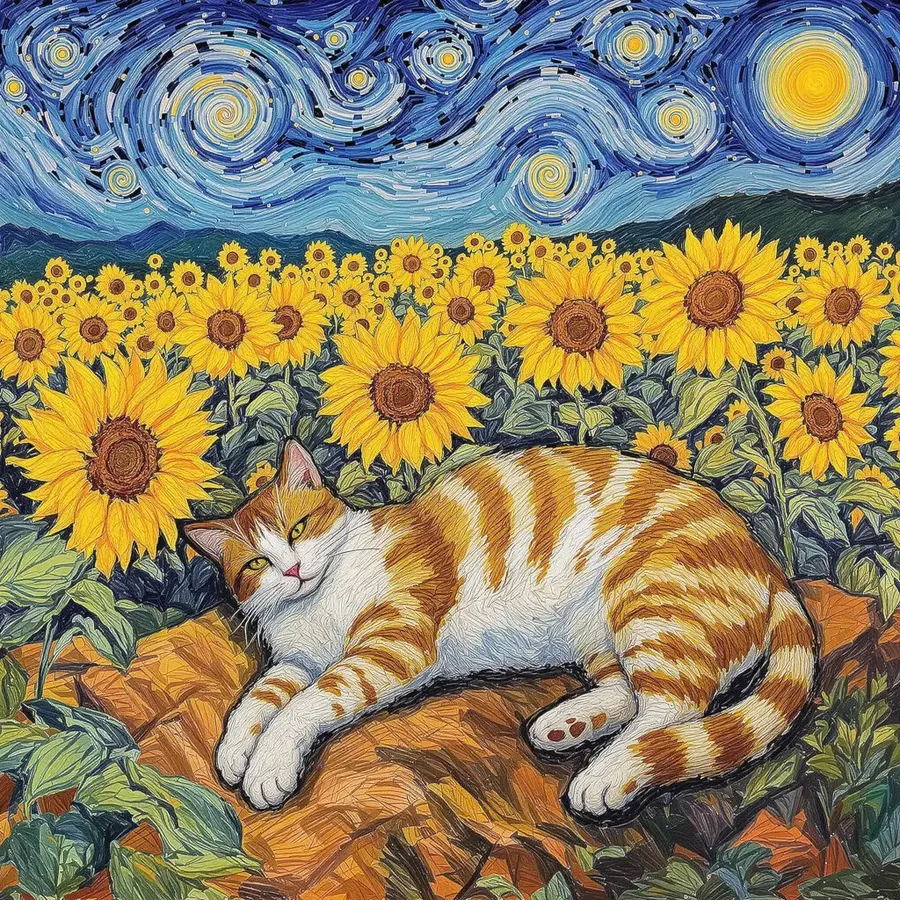
Image Editing
Apply van Gogh-style filter to any image
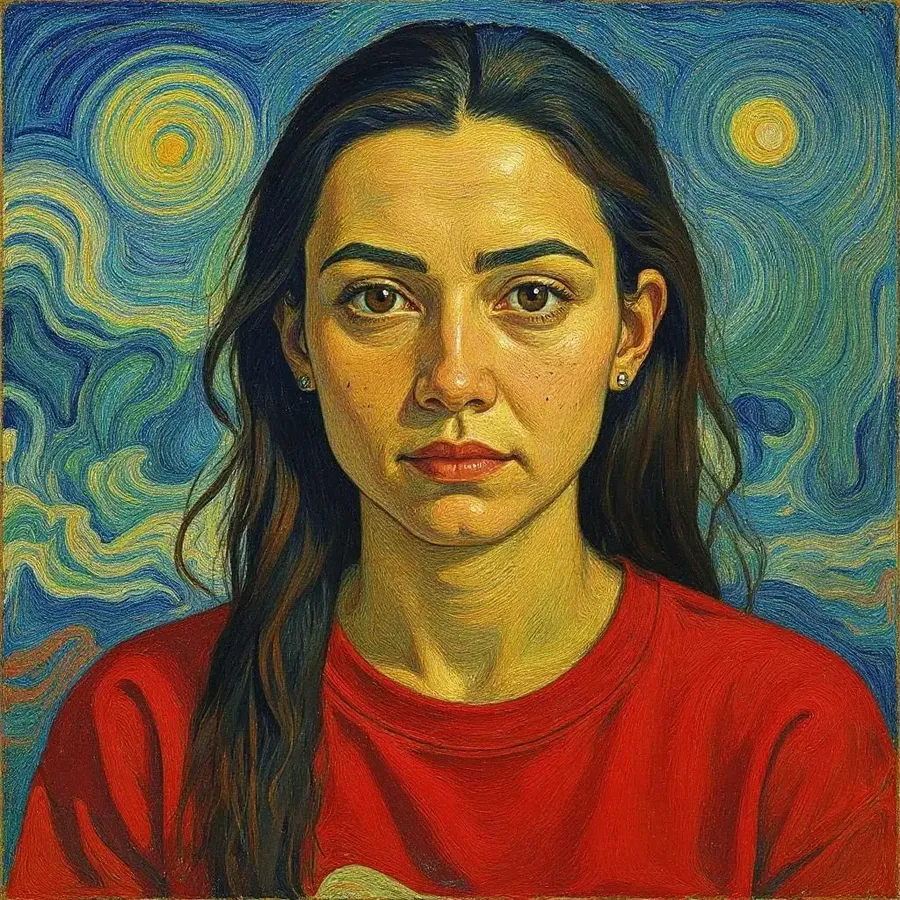
Transform your photographs into vibrant van Gogh paintings with our image editing features. Upload your favorite images and use the edit prompt box to imbue them with the dynamic brushstrokes and expressive color palette characteristic of Vincent van Gogh.
-1920x1920.webp)
Ready to start?
Create an account and use Content Generator to create artwork in the style of Vincent van Gogh.
Frequently Asked Questions
Simply head to the Content Generator, make sure image generation is selected and describe the image you want in a way that clearly references Van Gogh’s unique aesthetic. Focus on the painter’s signature traits—like bold, swirling brushstrokes, vivid colors, and expressive texture.
For example, you could prompt: “painting of a cat lying in a field, Van Gogh original, vibrant colors and swirling patterns, thick, textured brushstrokes and canvas.” The AI will interpret your description and generate an image that reflects the mood and look of a Van Gogh painting.
You can experiment with different subjects and variations in your prompt to better capture the effect you’re after. Try referencing specific Van Gogh works or periods (like “in the style of Starry Night”) to guide the AI more precisely. If you’re not getting the results you want, tweak the wording or add detail about composition, lighting, or color palette. With just a few prompt adjustments, it’s easy to create powerful and expressive images that echo Van Gogh’s distinctive style.
To turn your own image into a Van Gogh–style painting, start by opening the Content Generator on getimg.ai. Upload the photo you’d like to transform, then write your image editing prompt. Simply write something like: “turn this into a Van Gogh-style painting” or “Van Gogh-style, swirling brushstrokes, bold colors, painted texture.” The AI will reinterpret your image in the visual language of Van Gogh, applying a painterly texture, vibrant color palette, and the iconic, dynamic strokes that define his work.
This method works great for portraits, landscapes, or even product shots if you're going for an artistic twist. You can adjust the prompt to mention specific moods, elements, or styles from Van Gogh’s art—like “Starry Night style” or “sunflower painting with thick impasto”—to guide the AI more specifically. It’s a fast, no-skill-required way to give your photos a striking, expressive transformation inspired by one of history’s most iconic artists.