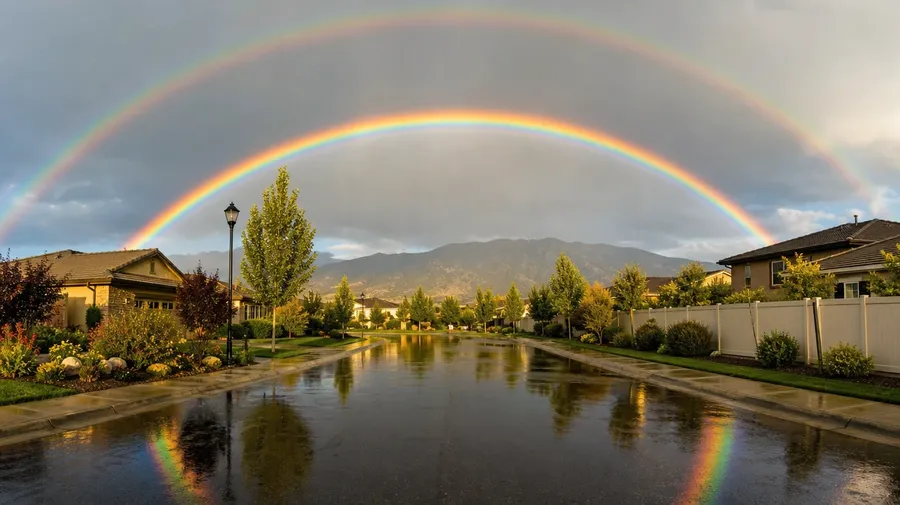
Rainbow Pictures Generator
Generate rainbow photos for any setting, light, and arc type — a storm-lit double over wet pavement, a partial fragment slicing through cloud above a city skyline, a mist rainbow at the foot of a waterfall, a faint reflection in a roadside puddle. Coastal arcs, urban fragments, and waterfall halos run through one prompt box. Commercial rights on every paid plan.
Every leading image model, one subscription.
Auto mode picks the one that matches your prompt.


How to generate custom rainbow pictures with getimg.ai
A storm-lit arc over a wet city street, a mist rainbow at the foot of a waterfall, a faint fragment slicing through cloud — three steps that turn a weather moment into a rainbow picture you can ship.
1. Describe the arc and the place
Open getimg.ai and name the arc, the setting, and the light. A simple line gives a baseline; specify partial vs. complete, time of day, or weather when you want control over those details.
2. Generate and compare
Generate up to sixteen variations at once, then read each for color separation across the band, sky-tone contrast, the arc's curvature against the horizon, and how the foreground reads behind it. Pick the version that lands.
3. Change a detail
A first run picks one of several valid rainbow interpretations from your prompt. If you'd rather have a partial fragment instead of a full arc, dusk light instead of midday, or a city skyline instead of a coast, name the swap and run again. Several changes fit one prompt. Download the rainbow photo you want to ship.
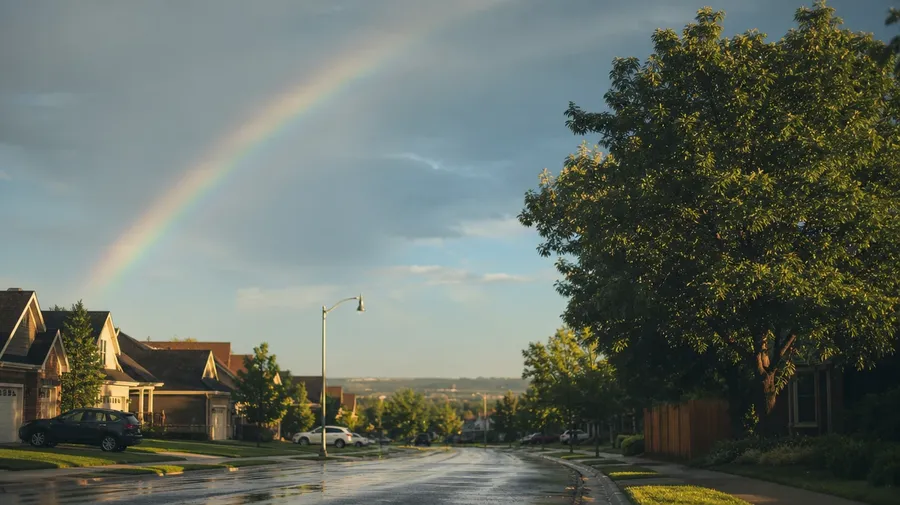
a faint partial rainbow above a quiet residential street after rain, blue-gray sky, low golden light catching wet asphalt
Past the same Hawaii double over the same beach
Working rainbow shoots cover the partials, the city fragments, and the mist halos: the angles every postcard misses.
Full, partial, double, supernumerary
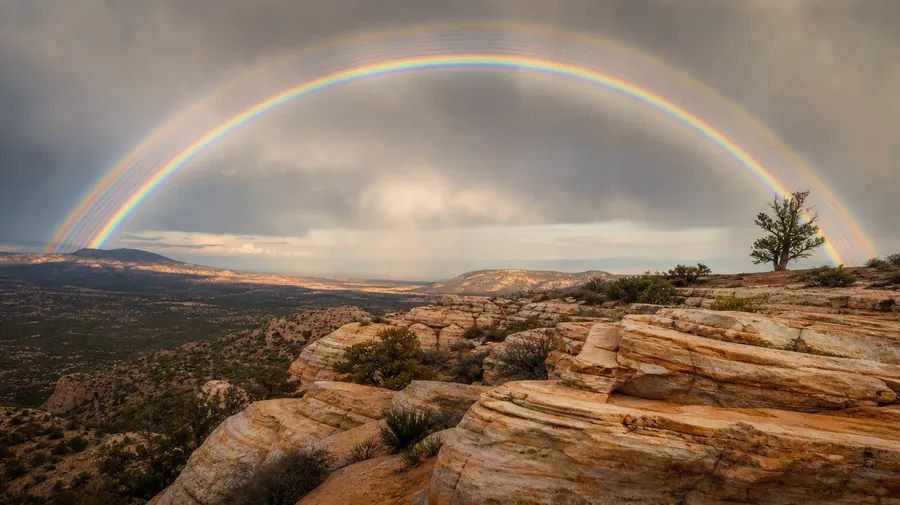
Cover the arc types working campaigns actually need: a full primary above a quiet field, a partial fragment slicing through cumulus, a double with Alexander's dark band, a supernumerary arc with tight inner stripes, a fogbow without color. Each carries different cues you can name in the prompt.
City skyline, coast, mountain pass, backyard
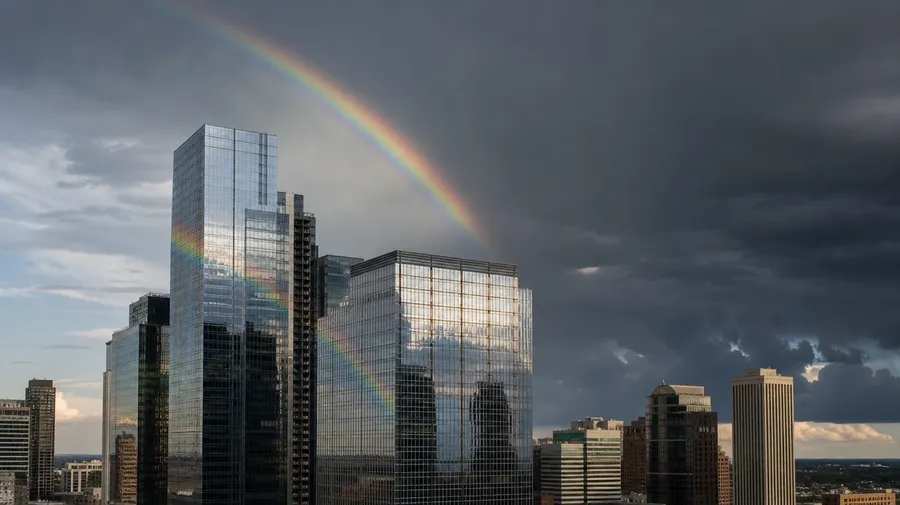
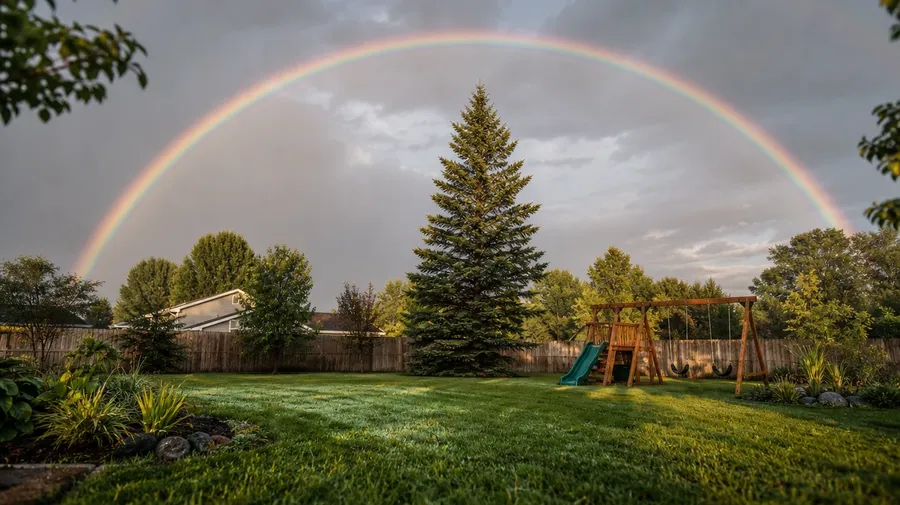
Show the settings rainbows actually appear in: an arc over a downtown skyline at storm's edge, a coastal fragment at low tide, a high-pass valley after a summer shower, a backyard arc framed by a swing set and pine trees, a freeway rest stop with a perfect bow. Each setting changes the light and the read.
Beyond the Hawaii postcard double
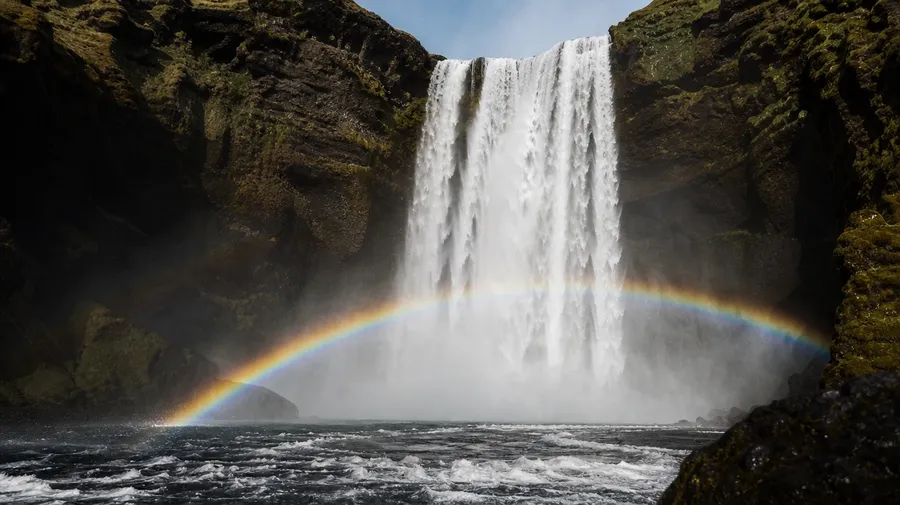
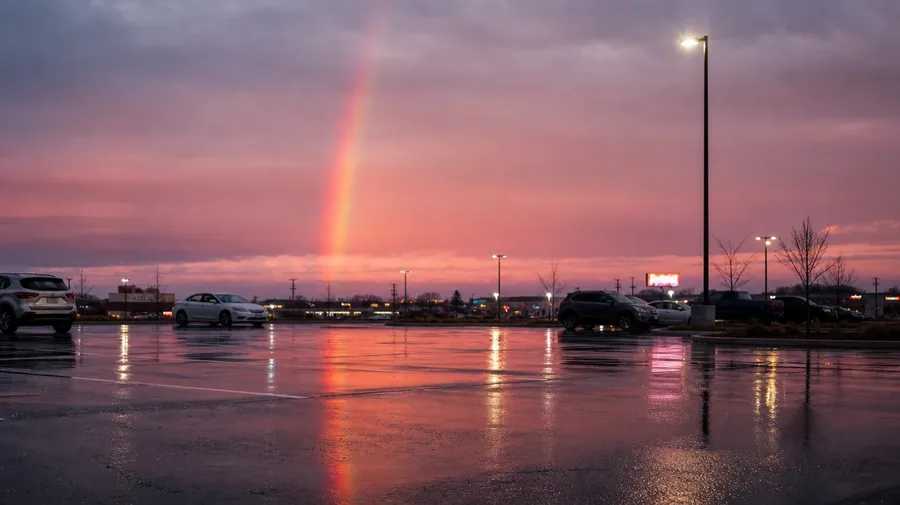
Stock rainbow images stop at the postcard double over a tropical sea. Real shoots cover a fragment over a wet parking lot at dusk, the mist halo at Niagara's base, the supernumerary stripes at altitude, the lunar rainbow under a full moon. Off-the-shelf rainbow pictures stick to the same arc.
Frequently Asked Questions
Yes. Name the arc, the setting, and the light. A double rainbow over a wet city street at sunset reads very differently from a partial fragment slicing through cumulus over a high desert, a mist halo at the foot of a waterfall, or a faint reflection in a roadside puddle. The AI handles the color separation, the sky tone, and the curvature against the horizon. Generate up to 16 at a time, compare the takes, pick the version that lands.
Yes, when the prompt names them. A storm-lit primary with crisp red-to-violet bands reads differently from a faded post-rain arc with soft color separation, or a supernumerary with tight inner stripes from a single primary. Specify the arc type, the lighting, and the band sharpness, and the AI handles the curve against the horizon, the contrast with the sky behind, and the way the foreground reads under it. Each rainbow image gets the named details right.
Yes. Specify palette, contrast, light direction, and grain in the prompt: warm-grade editorial, cool documentary, sun-bleached travel, moody storm-edge. For a multi-location campaign on one trip or a consistent look across several rainbow scenes, save the look as a custom Element and reuse it across prompts. The Element carries treatment across shots so the campaign reads as one body of work.
Name the phenomenon and the conditions. A lunar rainbow under a full moon over a waterfall, a fogbow without color over a misted moor, a sun dog flanking a winter sun, a circumzenithal arc above an ice-crystal cloud: each carries different cues that the AI honors when you spell them out in the prompt.
Yes. Every paid plan covers commercial use across ads, social, web, print, packaging, and presentations. Travel guides, weather pages, children's book covers, wedding inspiration, real-estate listings, and after-the-storm marketing all qualify under the same license, and so does every other category of AI stock photos.
Yes. Different categories run on the same prompt approach. Name the time, the weather, and the location, and the same logic that produces sunset pictures produces rainbow pictures: swap a horizon-line cloudbank for a post-rain arc, a warm gradient sky for a darker bruised one, a beach silhouette for a wet-street reflection. A multi-category campaign runs through one prompt box.
As specific as you want. A simple line like "a rainbow over a quiet street after a summer rain" produces a usable baseline; the AI fills in the typical details (the faint primary arc, the wet asphalt sheen, the soft post-rain light). Add specifics for the parts that matter to the campaign: a particular sky color, a foreground feature, an arc type, a contrast level. The AI honors named details without overriding the rest.
Generate pictures of rainbows that don't all look the same.
Pick the arc, the setting, and the light. The AI gives you rainbow photos that match the weather you have in mind, without waiting for the next storm.