AI Image Restyler: Change Your Photo's Visual Style
Turn photos into anime, paintings, sketches, 3D renders, and more.
Upload an image, describe the new visual style, generate a new version. getimg.ai's AI Image Restyler takes an existing image and regenerates it in a different visual style, such as anime, watercolour, comic art, 3D, or photorealism. The source image guides the subject and composition while your prompt describes the new look. Your original stays untouched in your gallery.
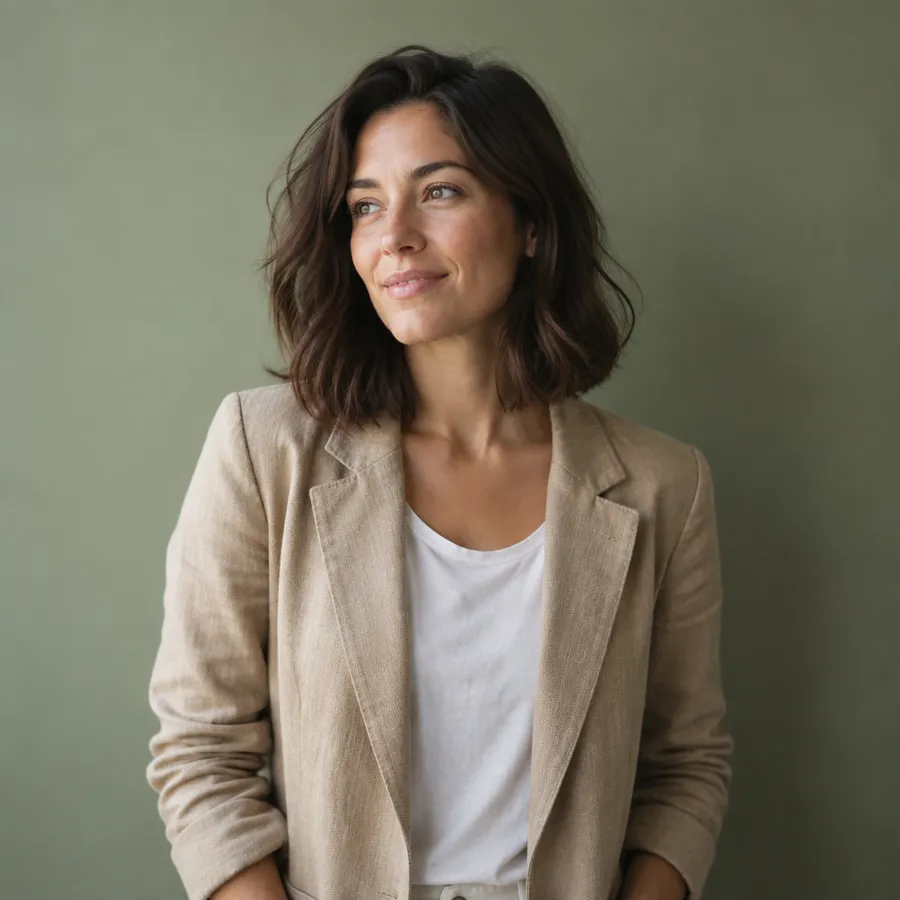
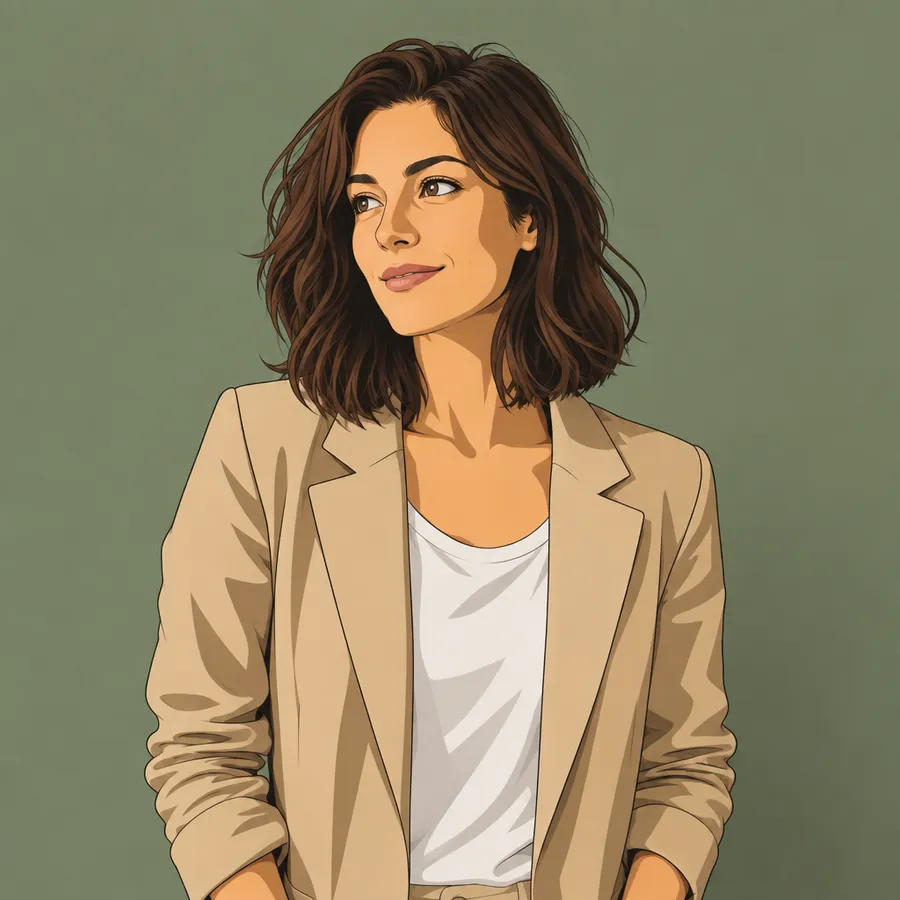
How to restyle an image with getimg.ai
Five steps, one prompt box.
1. Upload or open an image
Open an image from your gallery in full view, or attach one in the prompt box. Start here to open the workspace.
2. Describe the new visual style
Use a transformation verb: "turn this into an oil painting", "change the style to 1990s cel-shaded anime", "make this look like a graphite sketch".
3. Generate and compare
Generate a new version, compare it with the original, and iterate. Restyling writes a new image file; your original stays in the gallery.
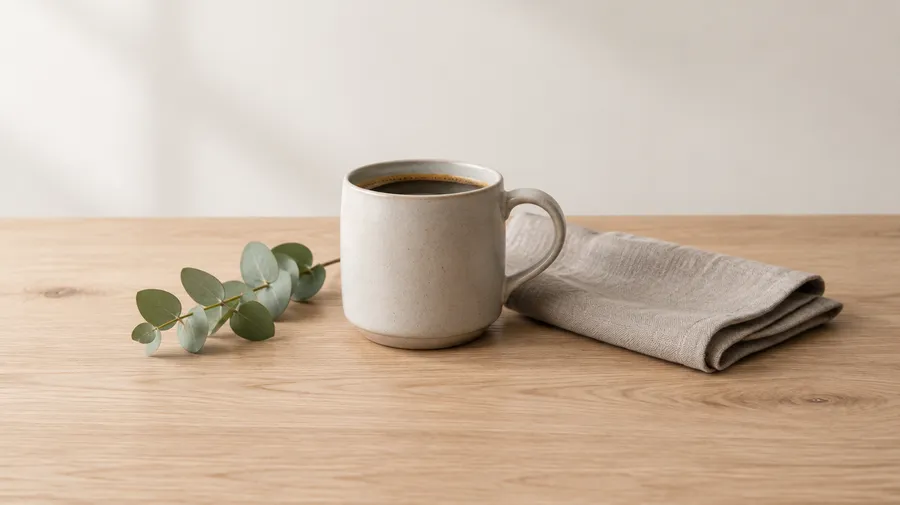
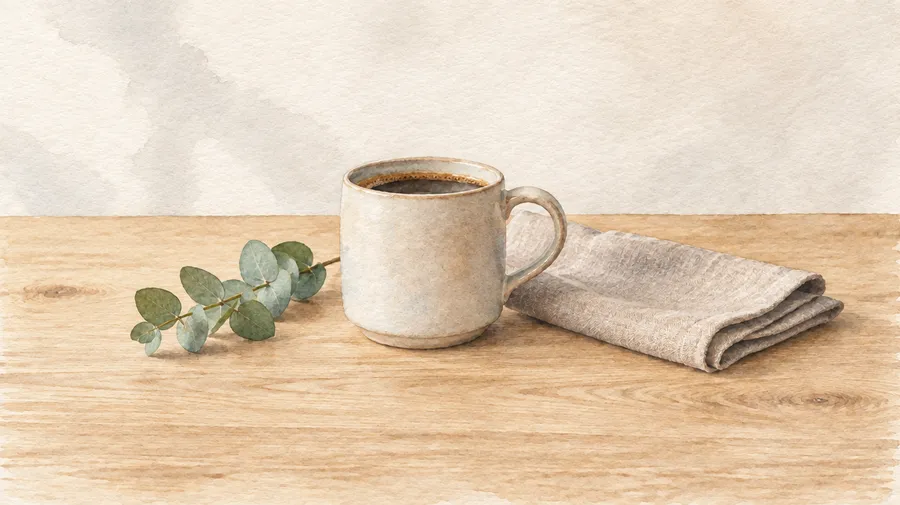
What AI image restyling actually does
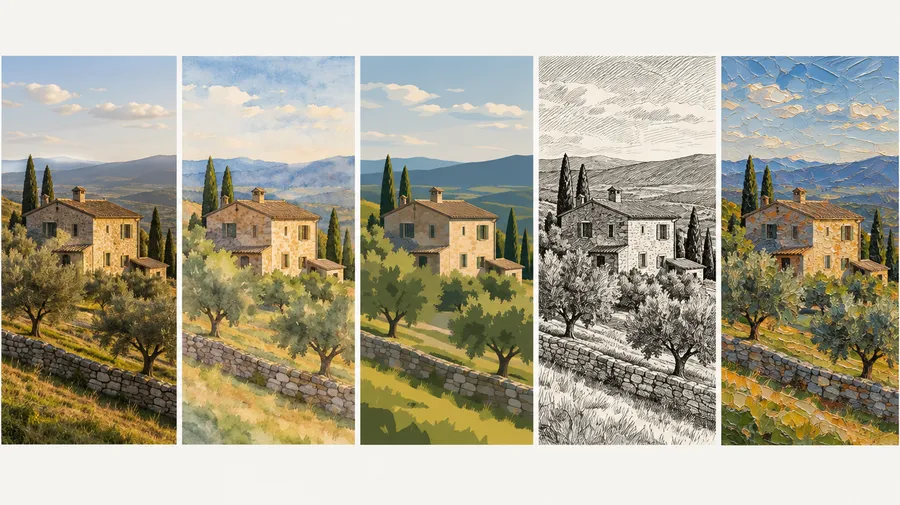
AI image restyling, sometimes called AI style transfer, regenerates an existing image in a different visual style. It is not a preset filter laid over your photo: the model rebuilds the picture in the style you describe, aiming to preserve the original subject, pose, and composition. Bigger style changes can shift smaller details and shapes, so treat the source image as a strong guide rather than a fixed outline.
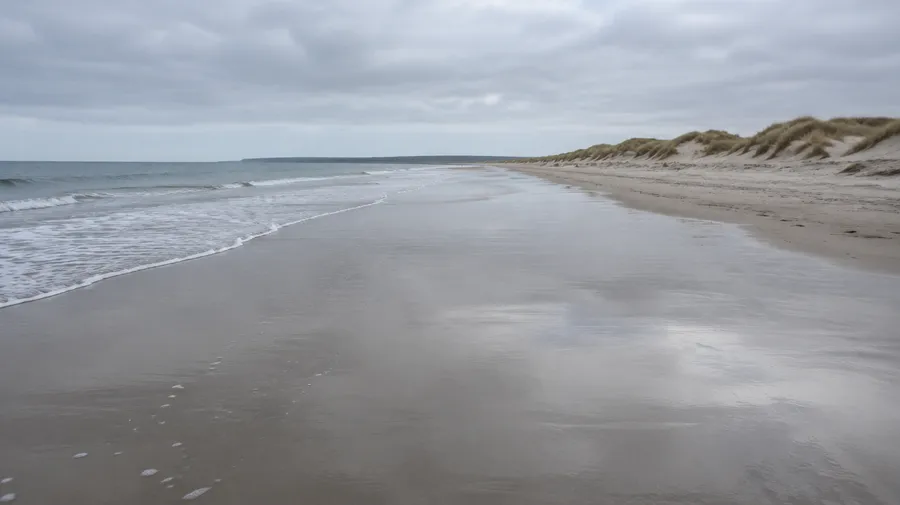
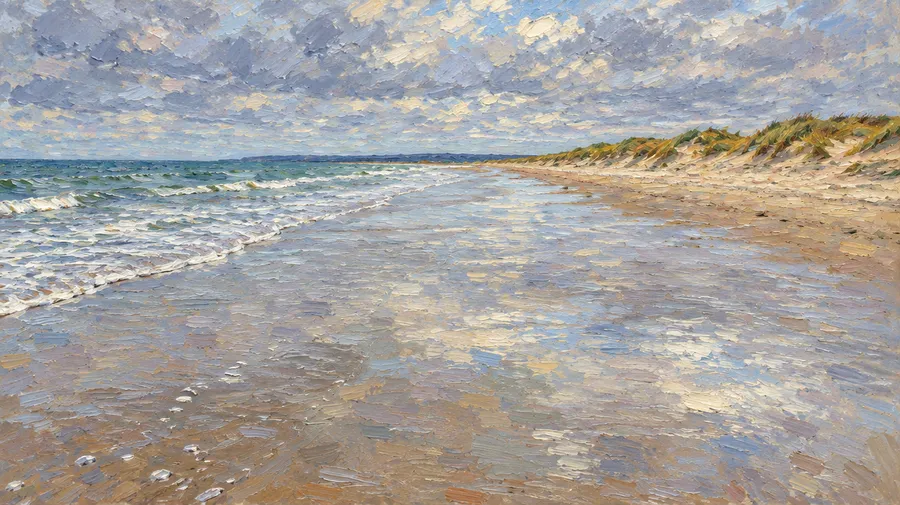
Unlimited ways to restyle
Name the medium and the model works toward it: watercolour, oil painting, anime, comic panel, pixel art, editorial illustration, vintage photography, clay and 3D render, cinematic colour, or photorealism. Add texture, lighting, and palette in the same sentence to guide the result more precisely.
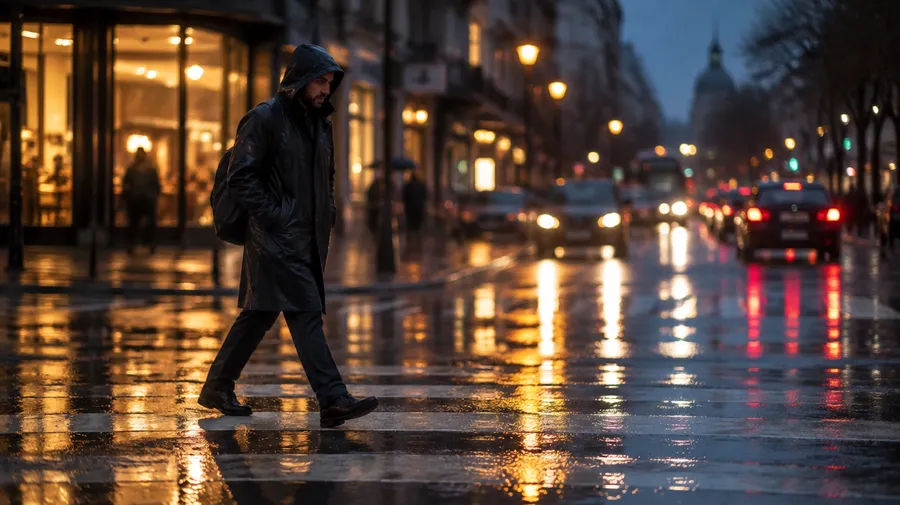
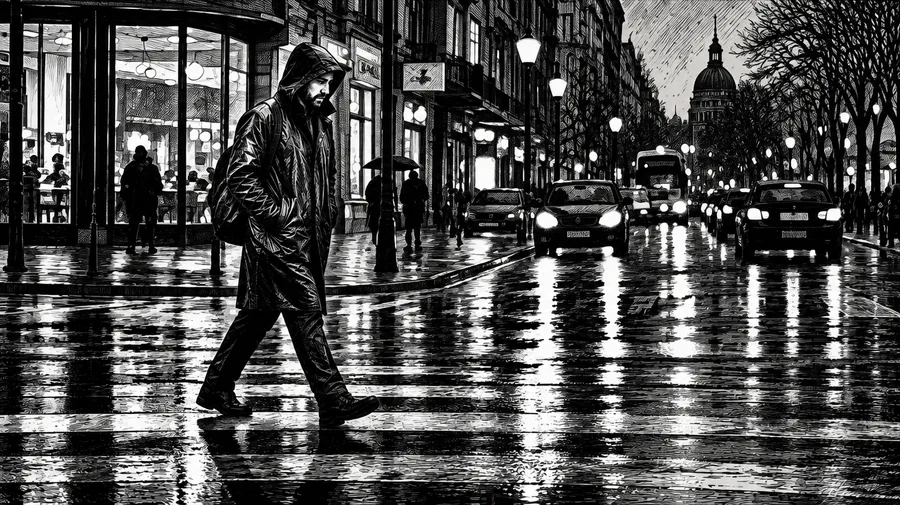
Create new visual directions from images you already have
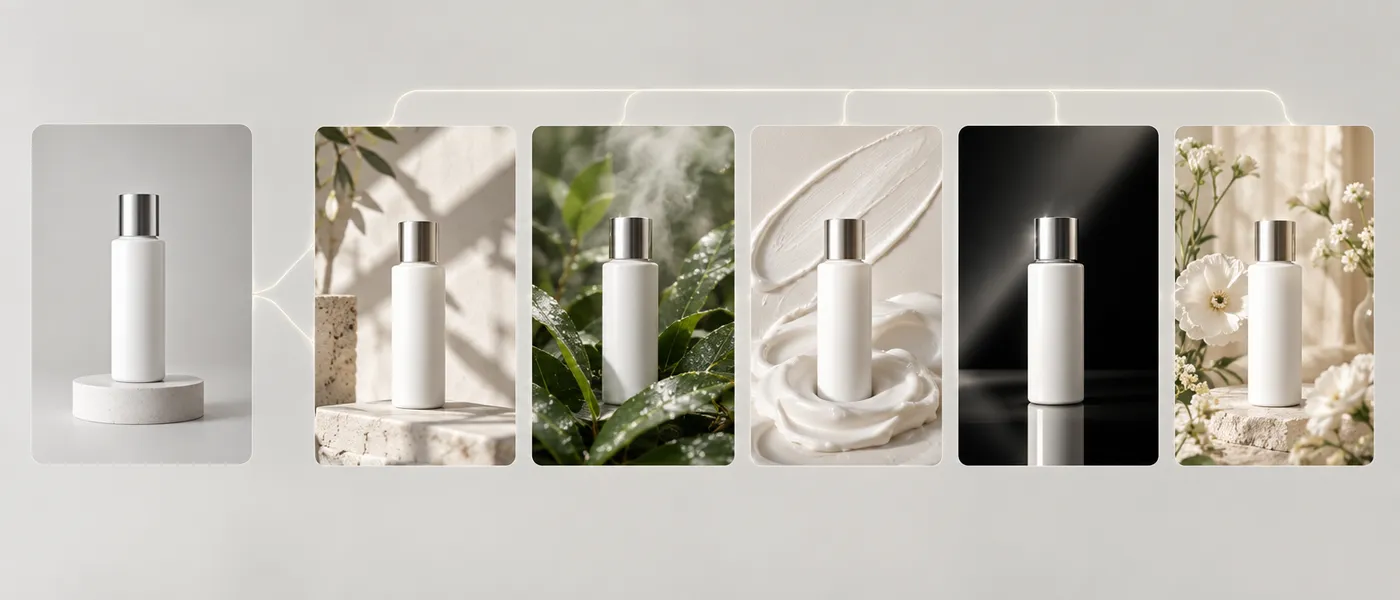
Take one campaign photo and explore five art directions before choosing the final look. Restyle a product shot into a newsletter header, a blog illustration, and a social variation without reshooting. Marketers use it for campaign concepts and moodboards, designers for creative pitches and concept art, content creators for editorial directions across channels.
AI image restyle prompt examples
Each prompt names the target medium, then the texture, palette, or lighting that defines it. Copy one, swap the subject, and generate.
Photo to art
Start with a transformation verb and name the medium you want the image rebuilt in.
"Restyle this portrait as a 1990s anime frame with cel shading, flat colour blocks, and a warm evening palette."
How to get better restyling results
Most of the quality comes from how precisely the prompt names the target style. Six habits that make a measurable difference.
Restyle vs. regular image editing
Both start in the same prompt box. The difference is how much of the image changes.
Use restyle
Restyling changes the visual language of the whole image: medium, texture, palette, and rendering all shift together.
Frequently Asked Questions
AI image restyling, sometimes called AI style transfer, regenerates an existing image in a different visual style. Restyling changes the visual style while aiming to preserve the original subject, pose, and composition.
It is not a preset filter laid over the photo. The model rebuilds the picture in the style you describe, which is why larger style changes can shift fine details and shapes. Restyling writes a new image file, so your original stays in the gallery.
Start with a transformation verb and name the target medium: "turn this into a soft watercolour illustration", "change the style to a 1990s anime frame with cel shading", "make this look like an impressionist oil painting".
Include details such as mood, texture, colour, and lighting to guide the result more precisely. Say what should remain recognisable, keep composition instructions explicit, and generate a few versions when the style change is large.
The goal is to keep the subject, pose, and composition of the source image. Because the model regenerates the picture rather than filtering it, larger stylistic changes can alter smaller details and shapes, including facial details in portraits.
If a specific feature has to survive, name it in the prompt and add an instruction to keep the same composition and framing. Comparing two or three generations usually gets you closer than reworking a single one.
Yes. Restyling works in both directions. A sketch, illustration, or 3D render can be regenerated as a photorealistic image, and a photograph can be regenerated as illustration, anime, or painting.
For art-to-photo prompts, describe the photographic result you want: camera framing, lighting setup, and real material surfaces. For example, "make this 3D render look like a professional product photograph with studio softbox lighting".
No. Every restyle produces a new image file and the source image stays in your gallery, so you can compare versions or restart from the original at any time.
All paid plans include commercial rights, subject to the usage policies. Entry starts at $8 per month with 3,000 credits.
They describe the same thing. AI style transfer is the older name for regenerating an image in a different visual style; on getimg.ai the feature is called AI Restyle and runs from the same prompt box as the rest of the platform.
getimg.ai routes the request across 29+ image and video models, including FLUX.2 [max], Seedream 4.5, and Nano Banana 2, and picks the one suited to the task. You can also select a model manually if you want a specific rendering behaviour.
Explore several visual directions from one image
Upload an image, describe the style, and compare versions before committing to a look. Commercial rights on all paid plans.