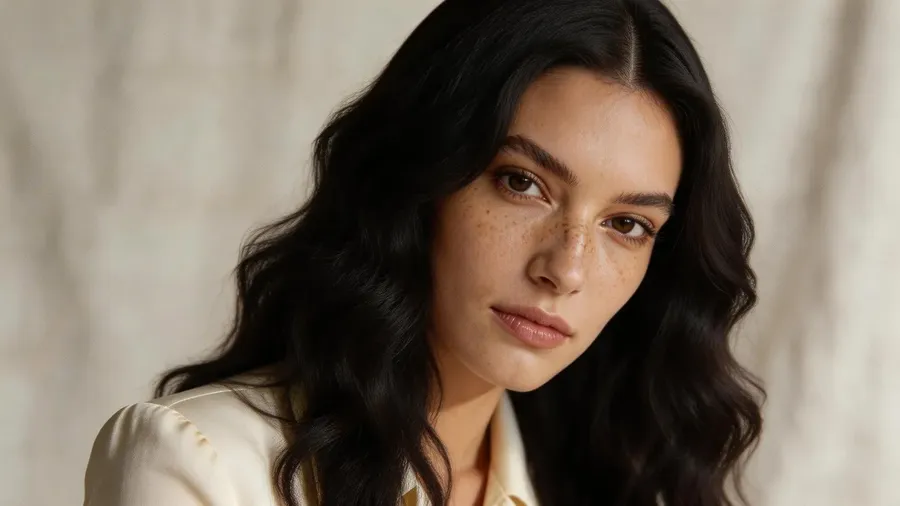
AI Hairstyle Changer: Try Haircuts and Colors on Your Photo
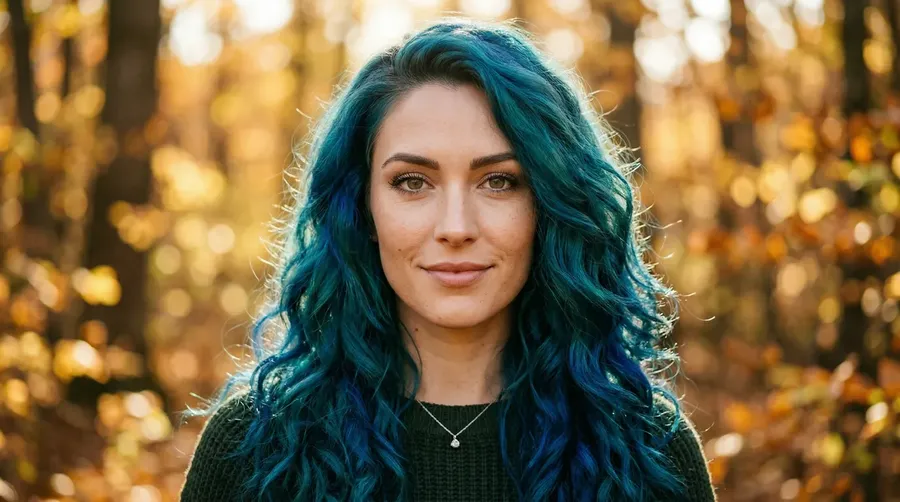
Upload your photo, describe the cut or color you want, and see a preview in seconds. getimg.ai uses your photo as a reference and aims to keep your recognizable features while it changes the hairstyle or color, so you can explore different looks before you book.
Powered by leading AI image models
FLUX.2, GPT Image 2, and more. All from one app.


Why use getimg.ai for virtual hairstyle try-on?
Three things determine how useful a hairstyle preview actually is: output quality, the range of styles you can test, and what else you can adjust in the same session. getimg.ai covers all three.
Realistic previews based on your photo
getimg.ai does not apply a flat color filter or a generic overlay. It uses your uploaded photo as a reference and generates a new version with the style applied, aiming to keep your recognizable features so the preview still looks like you with a different hairstyle.
Auto Model Selection

Nano Banana 2
Excellent at character consistency.

FLUX.2 [max]
Hyper-realistic model from Black Forest Labs.
Explore cuts, colors, and lengths in seconds
Describe anything from a subtle trim to a dramatic color change (like "short auburn bob with curtain bangs") and generate a visual preview. No waiting, no guessing, no appointment needed before you decide.
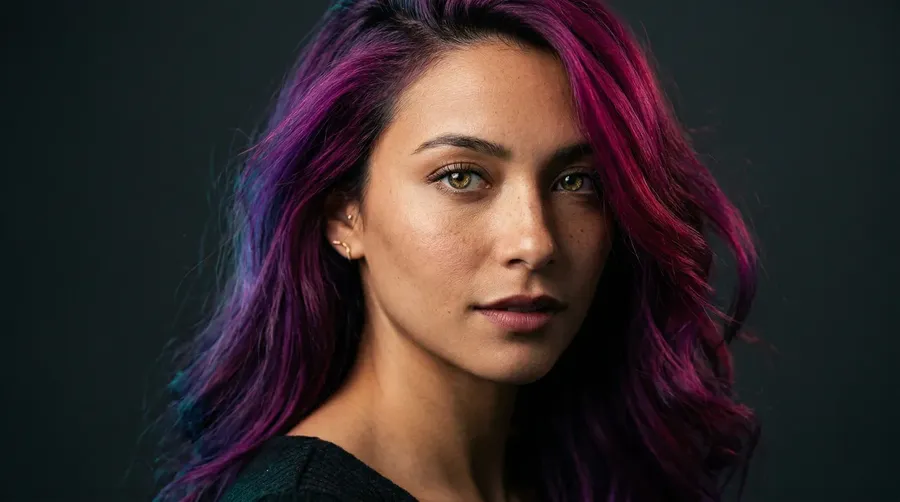
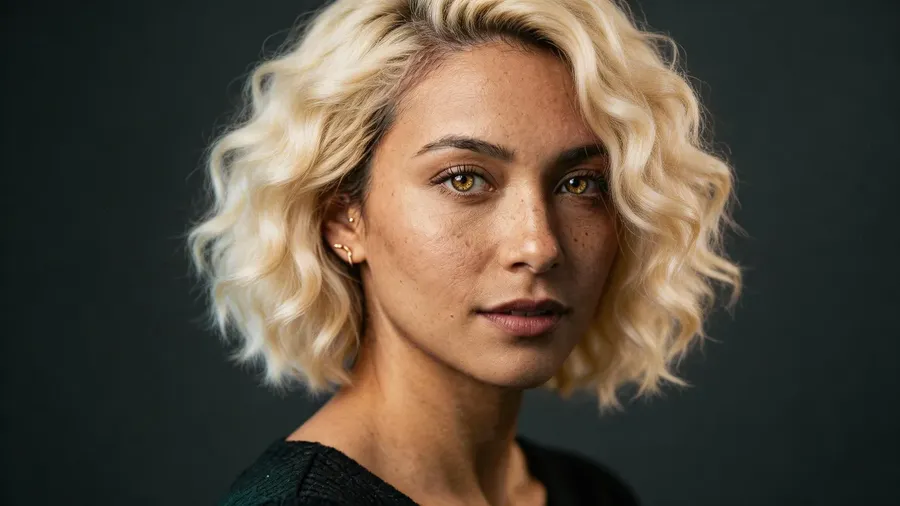
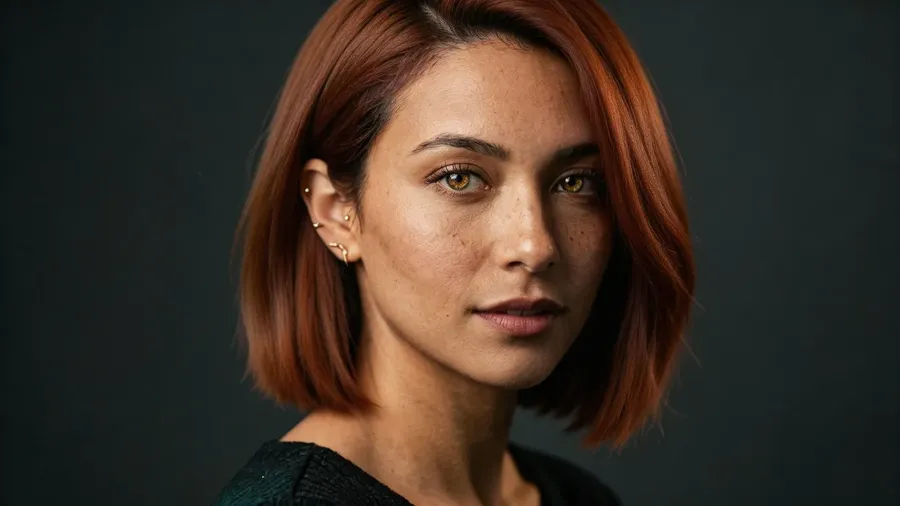
Go beyond hair to full makeovers
The same tool handles beard styling, makeup adjustments, and background changes in the same session. Adjust one feature at a time or combine multiple changes into a single transformation. Everything is editable from one workspace, with no switching between tools.
Prompt
Upload your photo
Generate
What you can do with getimg.ai's hairstyle changer?
-1920x1080.webp)
Virtual hairstyle try-on in seconds
Preview a few directions first, then take your favorite into the salon.
-1920x983.webp)
getimg.ai
Upload your photo
Use a clear, front-facing portrait where your face and current hair are visible.
Describe the style
Enter a prompt like “long wavy red hair” or “short blonde pixie with bangs.”
Compare a few directions
Generate several options in seconds, then bring the one you like into a consultation with your stylist.
The Traditional Process
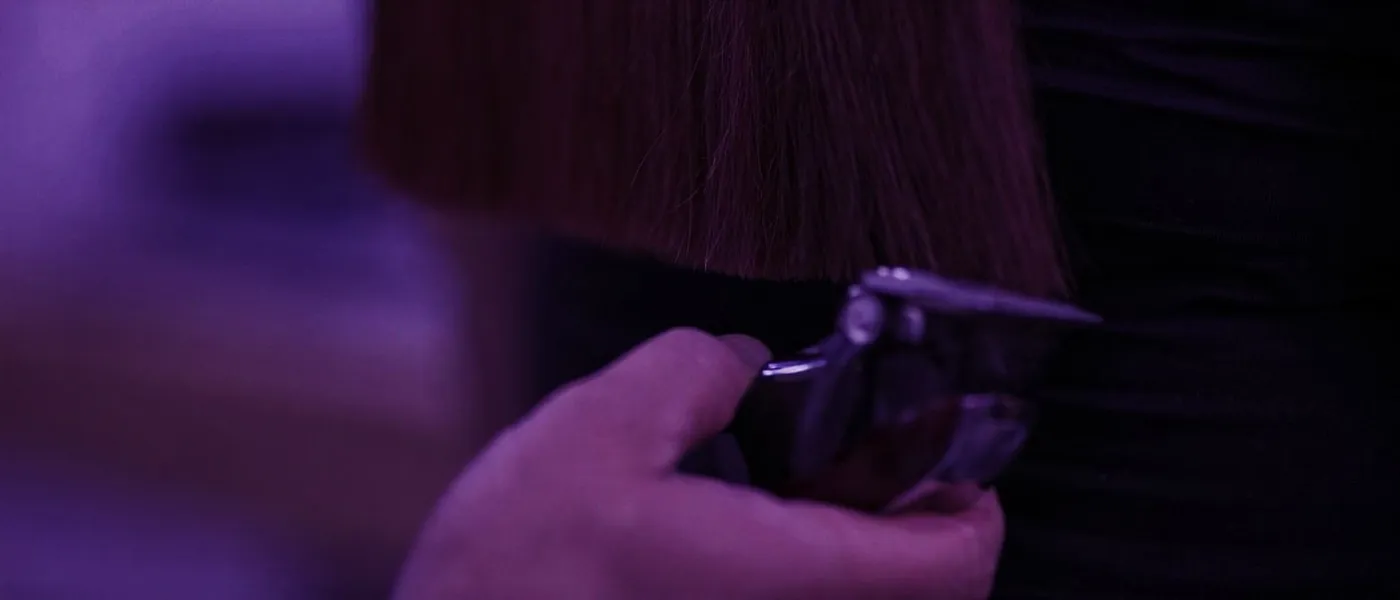
- Search for reference photos to explain the look
- Book a consultation to talk it through
- Discuss the cut and color with your stylist
- Choose one direction to commit to
- Set aside a few hours for the appointment
- Sit through the cut or color in the salon chair
- See the finished result only once it is done
- Wait for it to grow out before the next big change
Change your hair color with AI
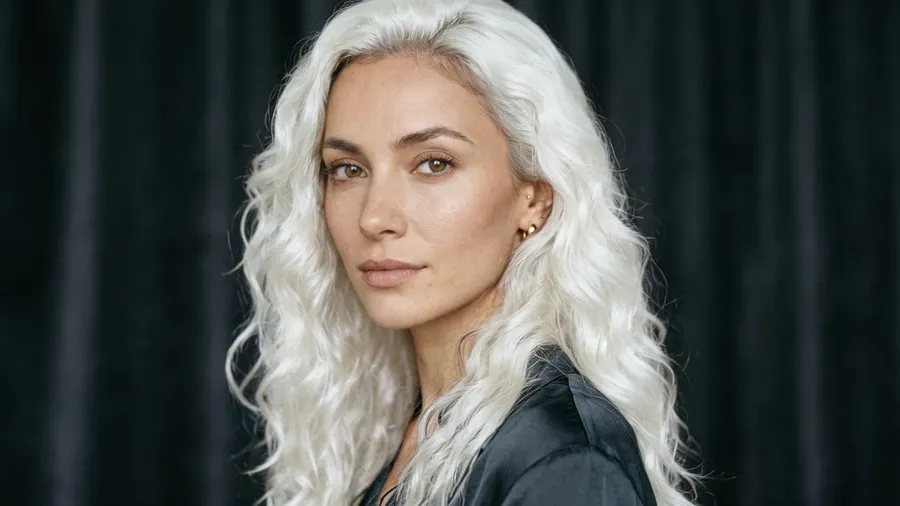
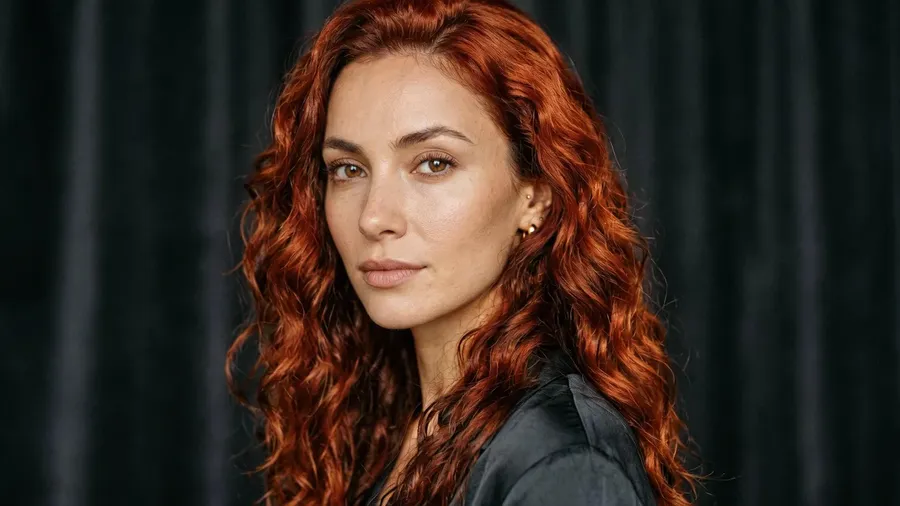
Upload your photo and describe the color you want to try, from a subtle balayage to vivid platinum blonde. getimg.ai generates a visual preview of that shade alongside your own complexion, so you can compare directions instead of guessing from a swatch or a stock model. Preview highlights, an all-over change, or a bold fashion shade before you commit.
Keep in mind it is a preview to explore options before you talk to a colorist, since AI cannot know exactly how a specific pigment will develop on your real hair.
Colors you can try:
- natural tones: brunette, auburn, chestnut, honey blonde
- bold transformations: platinum blonde, jet black, copper red
- fashion colors: pastel pink, silver grey, deep violet
- highlights, balayage, and ombre effects.
-900x502.webp)
Add or change your beard
Upload a photo and describe the beard style you want to test, from a clean shave to a full beard or anything in between. The AI shows how each style frames your face, complementing or contrasting your hairstyle and other features. Use it before a job interview, before updating a dating profile, or simply to see which version of yourself you prefer. Pair a beard change with a haircut preview in the same generation to see both together.
Experiment with choices like:
- clean shave or fresh-faced look
- short stubble or 5 o'clock shadow
- shaped goatee or chin strap
- neat full beard or extended styles
- combined beard-and-hairstyle transformations.
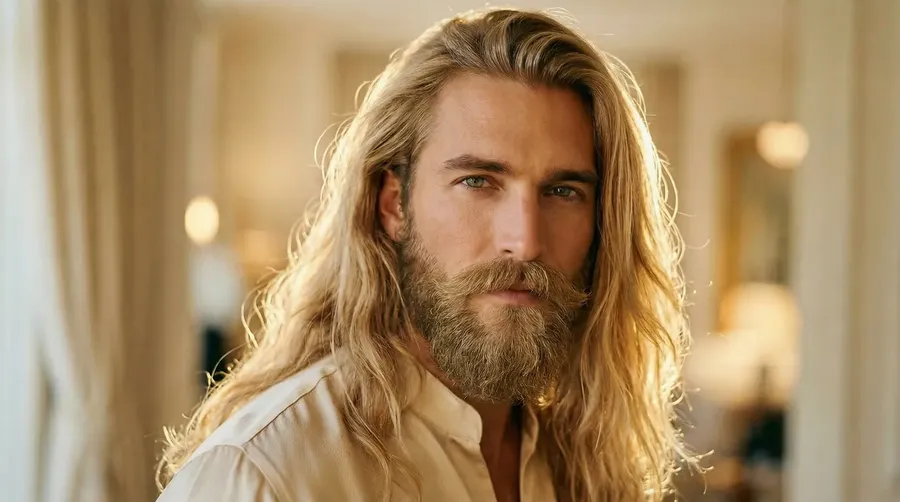
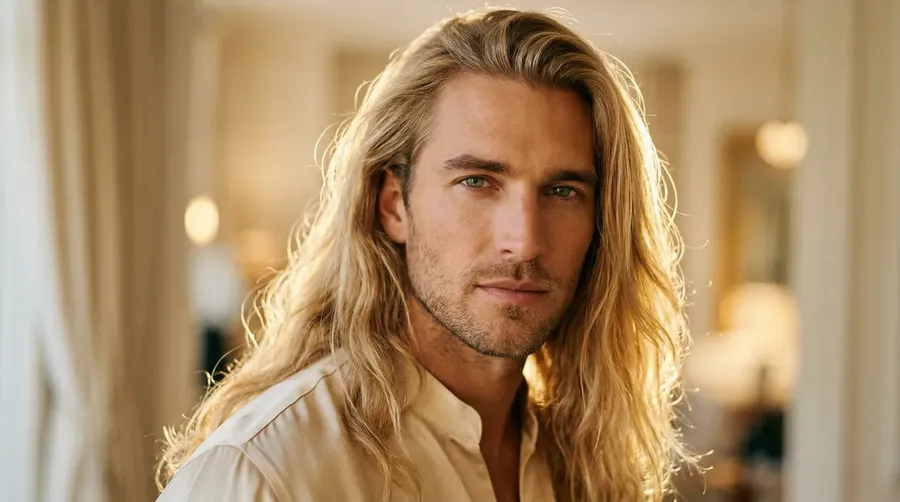
add a walrus-style moustache and beard
Try on hairstyles on your own face
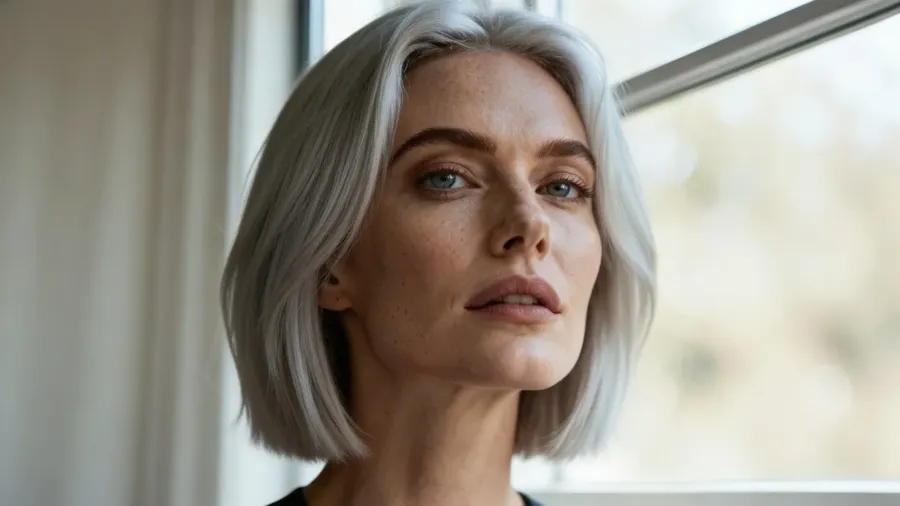
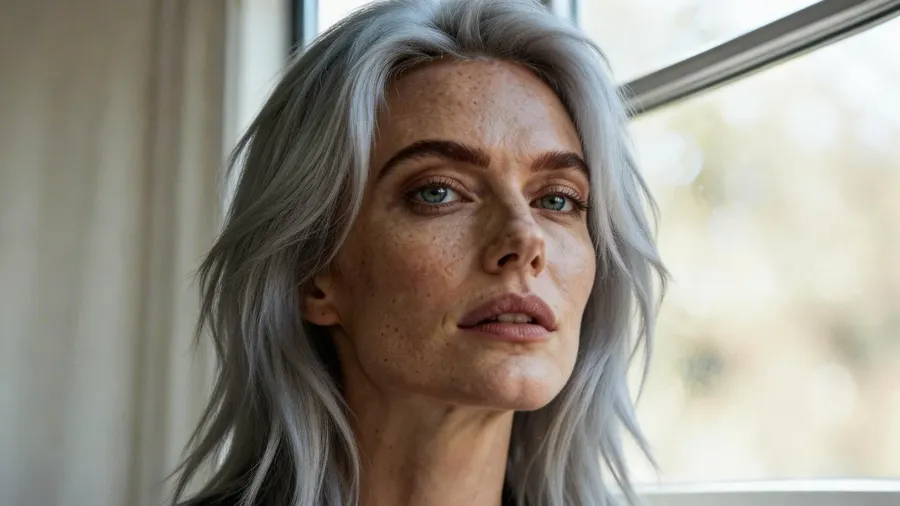
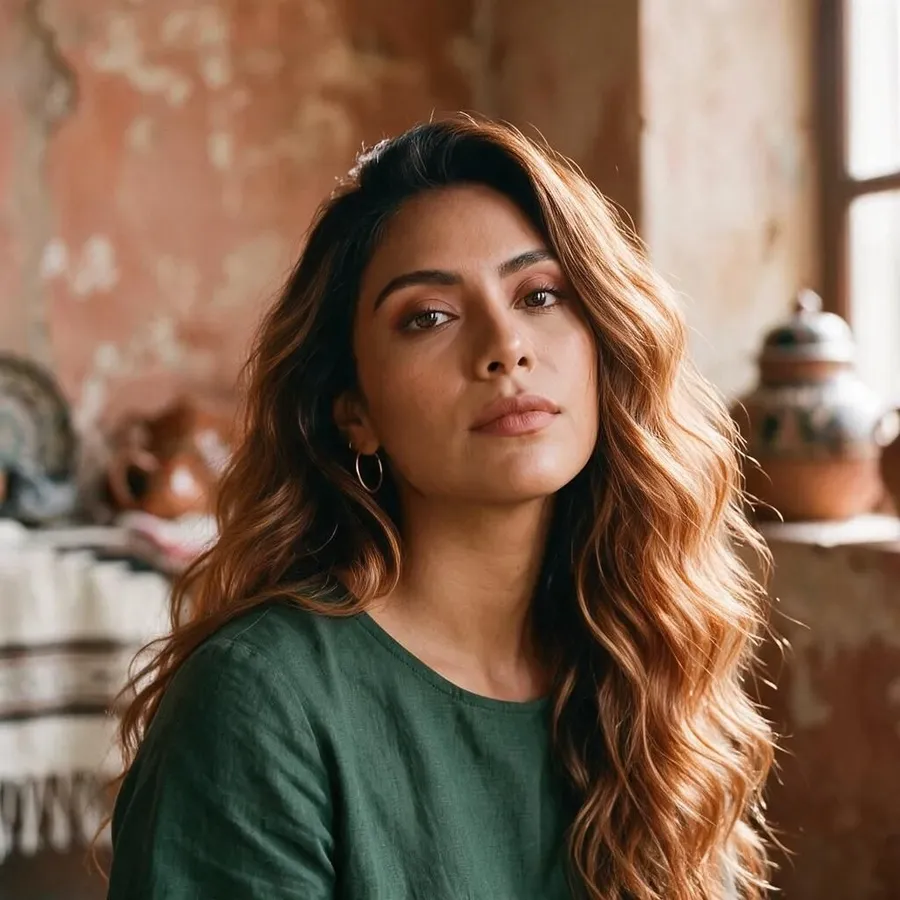
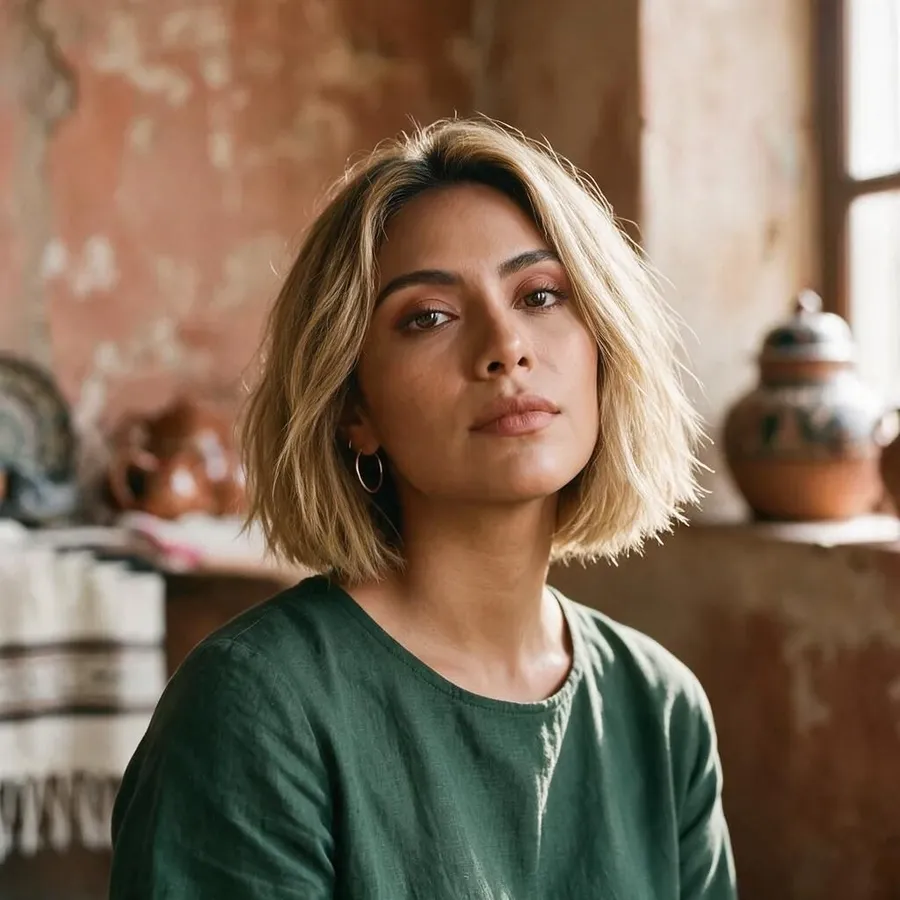
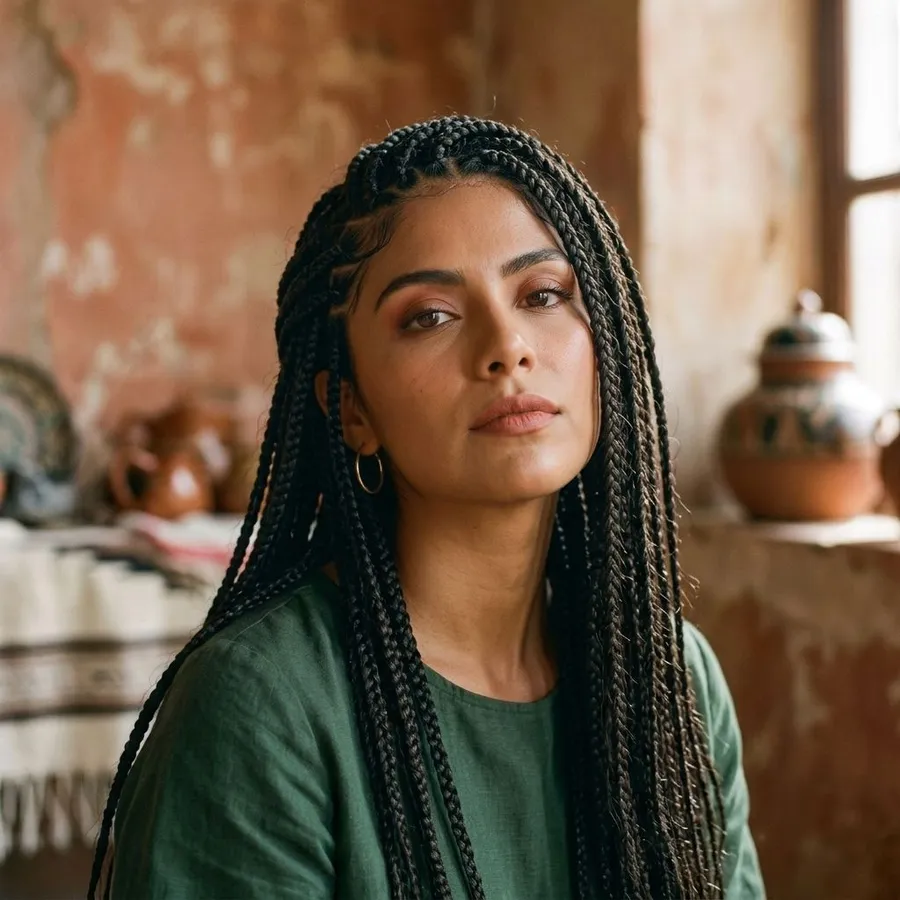
Upload your photo and describe the cut, length, or style you want to see. getimg.ai uses your portrait as a reference and generates a new version with the style applied, keeping your recognizable features so the preview reads as you rather than a generic model. Whether you are considering a major change or testing subtle variations, you can explore a few directions before any scissors are involved.
Styles you can preview include:
- short cuts: pixie, bob, French crop, buzz cut
- mid-length: lob, curtain bangs, layered cuts
- long styles: waves, braids, blunt cuts
- textured looks: curly, coily, voluminous
- classic styles: slicked-back, updo, side-parted.
Use getimg.ai as an AI haircut simulator to explore different cuts, lengths, and colors on your own photo before you choose a direction.
-900x506.webp)
AI hairstyle prompt examples
Not sure how to describe the look you want? Start from these prompts, then swap in your own cut, length, color, or texture. Each one works on your uploaded photo.
Prompts to try:
- Bob: change hairstyle to a chin-length straight bob
- Pixie: short pixie cut with a textured crop
- Curtain bangs: add curtain bangs to medium-length layers
- Balayage: soft caramel balayage on long hair
- Curly hair: shoulder-length curly hair with natural volume
- Blonde: change hair color to icy platinum blonde
- Men's cut: short textured crop with a mid fade
- Long hair: long loose waves with a center part.
Combine ideas in one prompt, like "long auburn balayage with curtain bangs," and generate a few directions to compare.
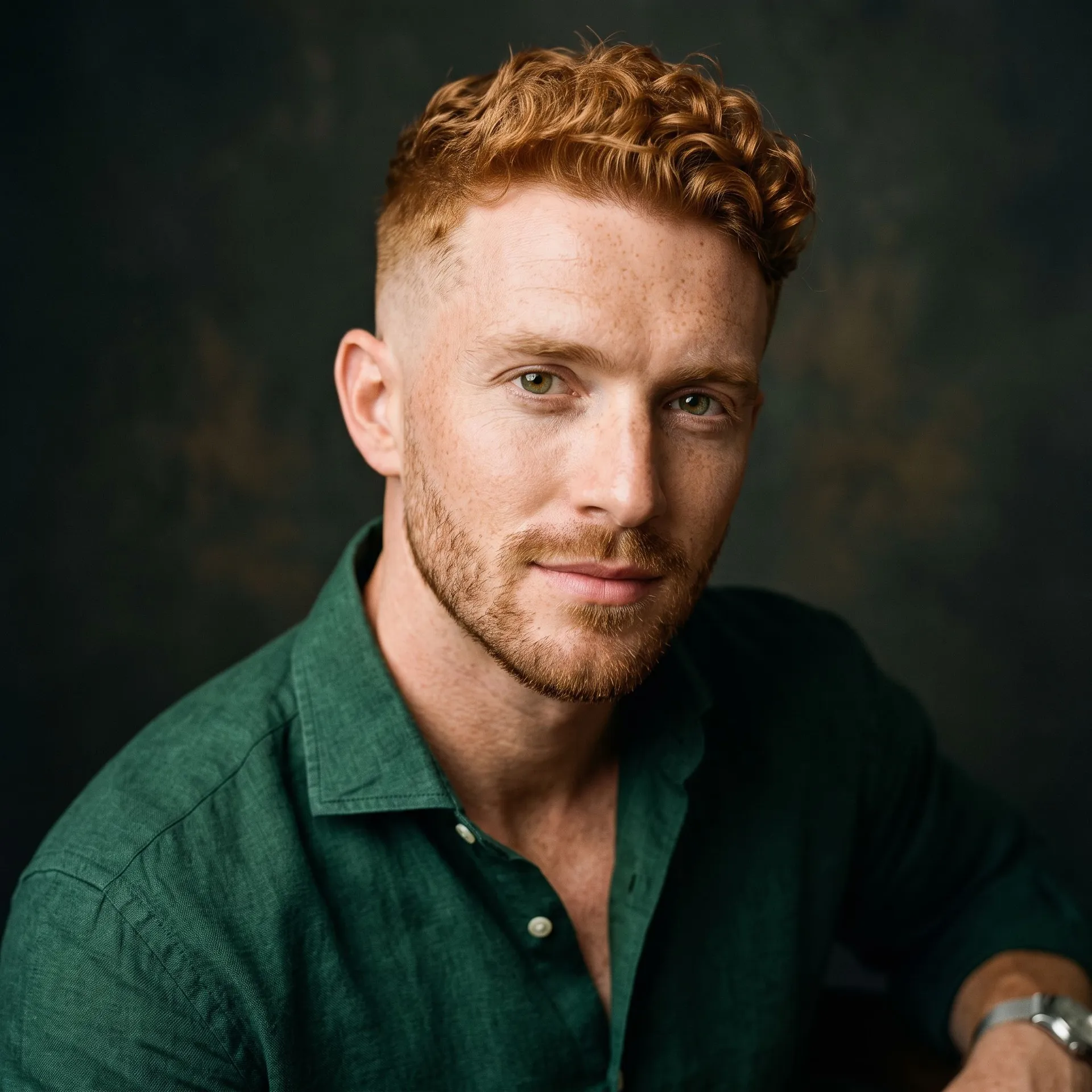
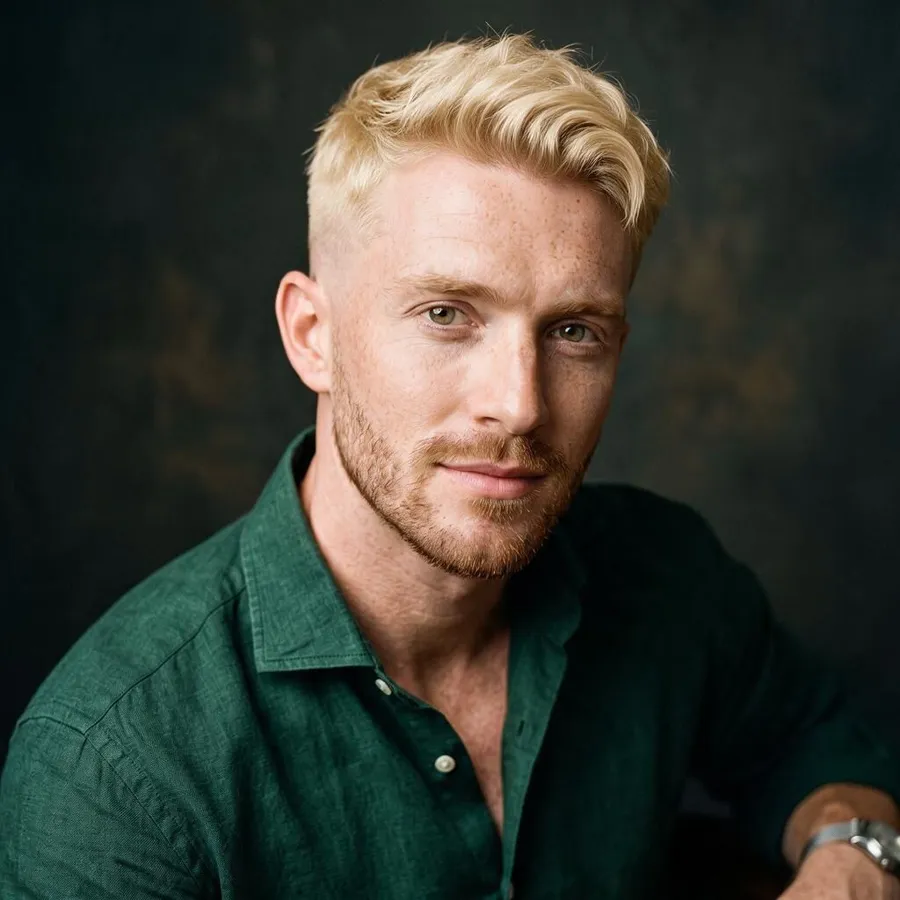
How to get better hairstyle results
A few habits make previews far more useful:
- Use a front-facing portrait where your whole face and current hair are clearly visible.
- Shoot in clear, even lighting and avoid heavy shadows or filters.
- Describe the haircut precisely: name the length, shape, and texture you want.
- Change one thing at a time, and keep cut and color in separate prompts when you can.
- Say what should stay the same, such as your face, skin tone, or hair length.
Generate a few variations and compare them side by side before you choose a direction.
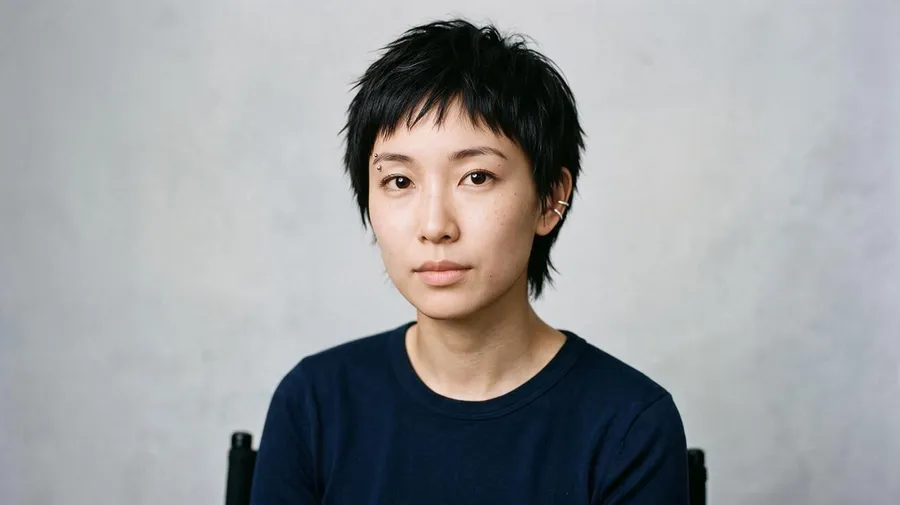
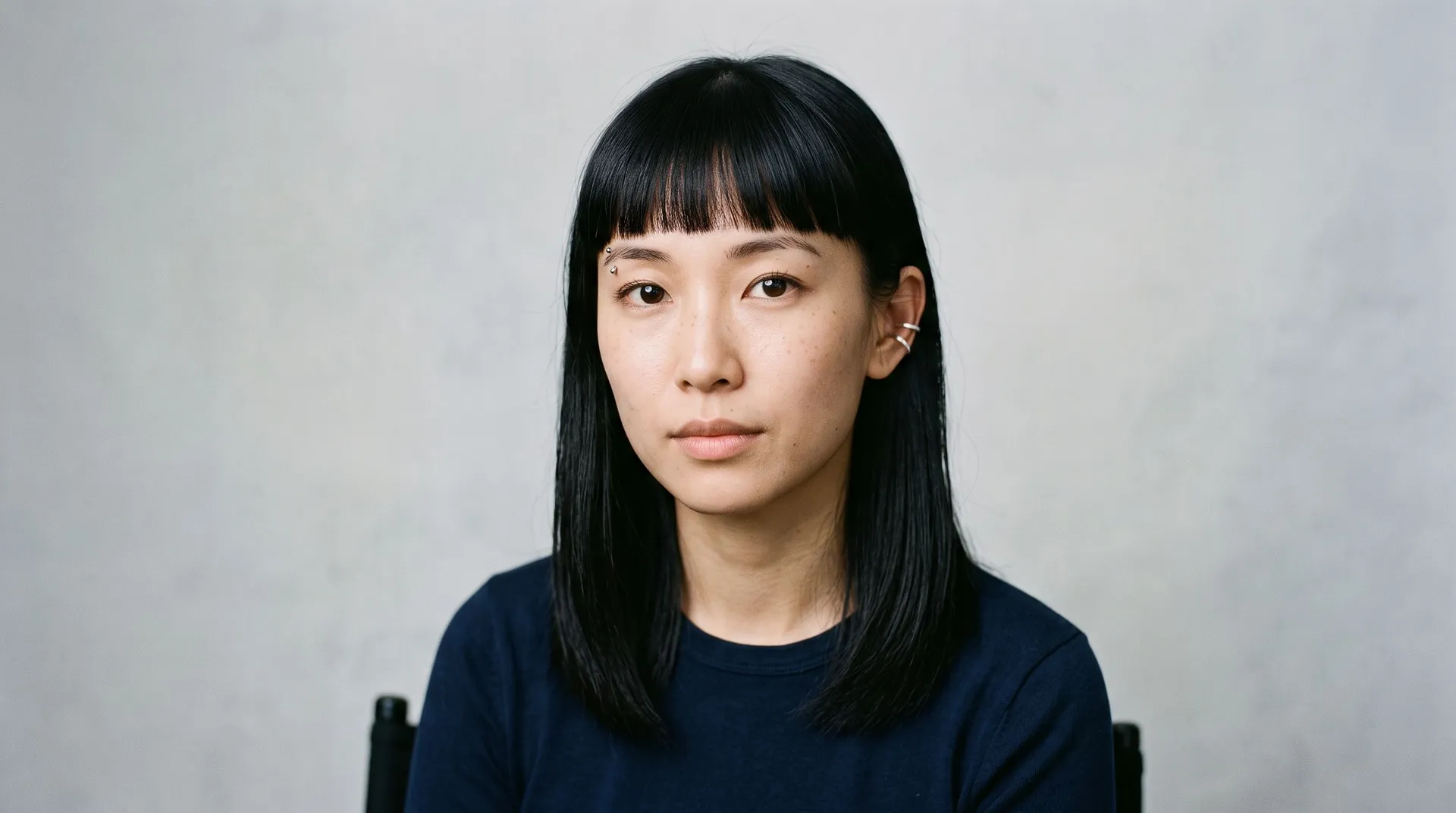
change hair to a short pixie cut with a textured crop
Preset hairstyle apps vs. prompt-based generation
Many hairstyle apps give you a fixed gallery of preset styles to tap through. getimg.ai works from your own description instead, so you can combine cut, length, color, and texture in a single prompt, then adjust beard, makeup, or background in the same session.
Two ways it goes further:
- Mix attributes freely: try long copper balayage with curtain bangs instead of picking one preset at a time.
- Keep results consistent with Elements: create a Person Element from your photos and reference it with @YourName in any prompt, so you skip re-uploading every session and get consistent results across many style variations.
That makes it a flexible option whether you are testing one change or exploring a full makeover.
-900x900.webp)
Fit for professionals working with hair and image
getimg.ai is used by hairstylists, photographers, and content creators who need hairstyle and transformation visuals for client consultations, social media, and marketing. Use the previews to explore directions with clients and to produce content, understanding they are visual concepts rather than an exact prediction of the finished result.
Explore hairstyle directions with clients
Upload a client photo and generate visual previews of different cuts and colors before the appointment. Use them to help a client show what they like and to align on a direction before the consultation, so you both start from the same reference. It is a starting point for the conversation, not a promise of the exact finished look.
Create content for social media
Generate before-and-after hair transformation content without a production team or a real salon session. Consistent, high-quality visuals work across Instagram, TikTok, and YouTube thumbnails. Commercial rights are included on paid plans, so you can publish immediately.
Visuals for brands and campaigns
Generate product lifestyle images, campaign visuals, and before-and-after content for hair care brands without a full photo shoot. Reference images and Elements keep every output visually consistent across campaigns. Produce the volume a publishing calendar demands without high production costs.
Frequently Asked Questions
getimg.ai's AI hairstyle changer lets you preview haircuts, lengths, and textures, change hair color, and adjust bangs, highlights, balayage, and ombre on your own photo. You can also add or remove a beard and combine several changes at once. Considering a switch to blonde, or a bold short cut you are unsure about? A virtual try-on with our image editing feature lets you explore the direction before you commit.
Achieving outstanding results doesn’t require complicated prompts. Simply specify the length (short, long, chin-length) and the style you’re interested in, and the AI hairstyle generator will take care of the rest. The options are nearly endless, from pixie cuts and bob cuts to fades, buzz cuts, braids, messy buns, or even simple waves.
Open the Create image Action and upload your photo as an image reference. Then simply input prompts like “change the hair to blonde pixie cut” or “light brown French braid,” generate images, and watch your hair change instantly.
Why stop at just an AI haircut? If it suits your fancy, go for a total makeover, including make-up, clothing, accessories, and even the location. The tool also allows you to alter your expression, like adding a smile, making every aspect of your photo customizable.
Whether you’re using the AI hair color changer or exploring different hairstyles with the AI haircut generator, the quality of your results depends on both the prompt and the base photo. For the best results, try using portrait photos. Face the camera directly, ensuring your entire face and current haircut are visible, and take the picture from the shoulders up.
Avoid using pictures taken from far away, where your hair is only a tiny part of the image. Such photos won’t allow you to thoroughly compare your look before and after the makeover. Clear, high-resolution images in which your facial features and hair are prominently displayed will yield the most accurate and satisfying results.
As long as your uploaded photo is clear, well-lit, and shows your face and hair, the AI delivers convincing results. It uses your photo as a reference and keeps your recognizable features, so the preview reads as you rather than a random filter. It is especially useful for exploring how a cut might frame your face or how a color looks alongside your complexion, though it is a preview rather than an exact prediction of the final result.
Yes. With any paid plan, you receive full commercial usage rights for all images you generate on getimg.ai. That includes hairstyle previews, transformation images, and any other outputs created using our app. You can use them in social media content, client presentations, marketing materials, and portfolios without additional licensing.
Upload a clear portrait to getimg.ai's Create image Action and describe the color you want to try. The AI generates a visual preview of that shade alongside your own complexion, rather than showing it on a stock model. Try multiple shades in quick succession by adjusting the prompt and regenerating.
This is a fast, low-cost way to compare directions before you book a color appointment. It works for natural tones, bold fashion colors, highlights, ombre effects, and balayage, though your colorist is the one who can tell you how a specific pigment will develop on your hair.
Yes, provided you have the necessary rights to use their photos. Upload a person's photo as a reference image and describe the style or color change you want to preview. The AI applies the change to that person's specific features, not a generic face. This makes it useful for hairstylists previewing looks for clients before appointments, photographers planning shoots, or anyone helping a friend or family member decide on a change.
If you need to test many different styles for the same person across multiple sessions, create a Person Element from their photos. Reference it with @ElementName in each prompt to generate consistent results without re-uploading every time.
Yes. You can combine multiple changes in a single prompt. Describe both the hairstyle and the beard style you want to see, and the AI applies them together in one generation. For example, you could type "short textured crop with a fade and full beard" and see both changes applied to your uploaded photo at once. You can also layer in other adjustments like skin retouching or background changes in the same generation.
Not exactly. An AI hairstyle changer cannot guarantee the precise result of a real cut or color, because so much depends on your hair's texture, length, and current color, and on the stylist doing the work. What it does well is help you visualize different directions on your own photo, so you can narrow down what you like and bring a clear reference to your appointment.
See your new look before you book
Upload your photo and test any hairstyle, color, or beard change using getimg.ai's AI tools. Commercial rights included on all paid plans.