Meet Elements: The End of Re-Selecting the Same Reference Images Forever

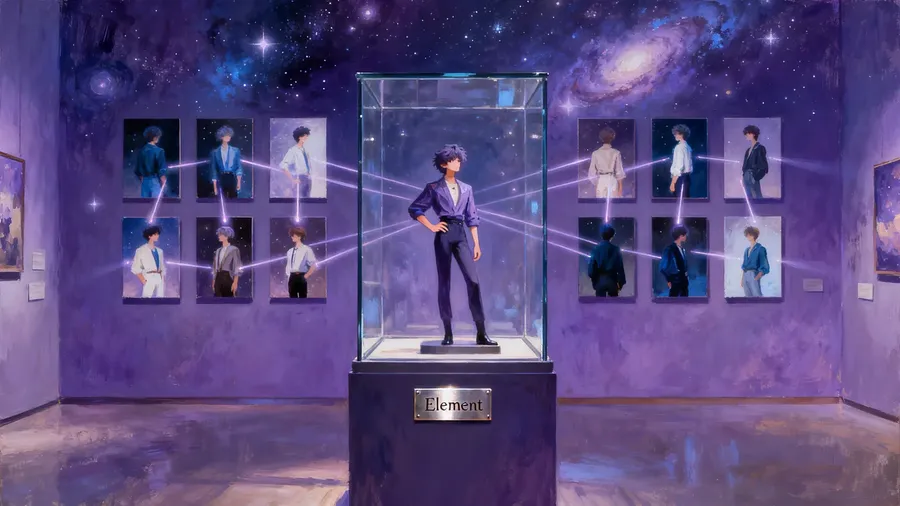
We just added Elements to getimg.ai, a feature aimed at one simple problem: repeated setup. With Elements, you can reuse the same people, products, and styles when generating images without constantly re-selecting references. Here’s what that looks like in practice and why it saves time.
You can try Elements in getimg.ai right now!
⚡ TL;DR: Meet Elements
- Save sets of reference images as named assets (like @MyProduct) to reuse them instantly in any future prompt.
- Eliminate repetitive file uploading while keeping your characters, styles, and products consistent across generations.
- Stack multiple Elements in a single prompt (e.g., @Me + @NeonStyle) to combine different subjects and aesthetics automatically.
What Elements Actually Are
An Element is a reusable reference image set; essentially, it’s a building block for your prompt.
You upload photos of a person, product, style, lighting setup, color palette, or whatever you care about. You give it a name. Then, whenever you type @ThatName in a prompt, the AI knows exactly what you are talking about.
There is no model training step and no waiting. Elements are meant to be quick to create and easy to reuse.
Check out our Guide to Elements for more details!
A Simple Example
Say you create an Element called Me using a few photos of yourself.
Now you can write prompts like:
- unique portrait photo of @Me, creative angle and lighting
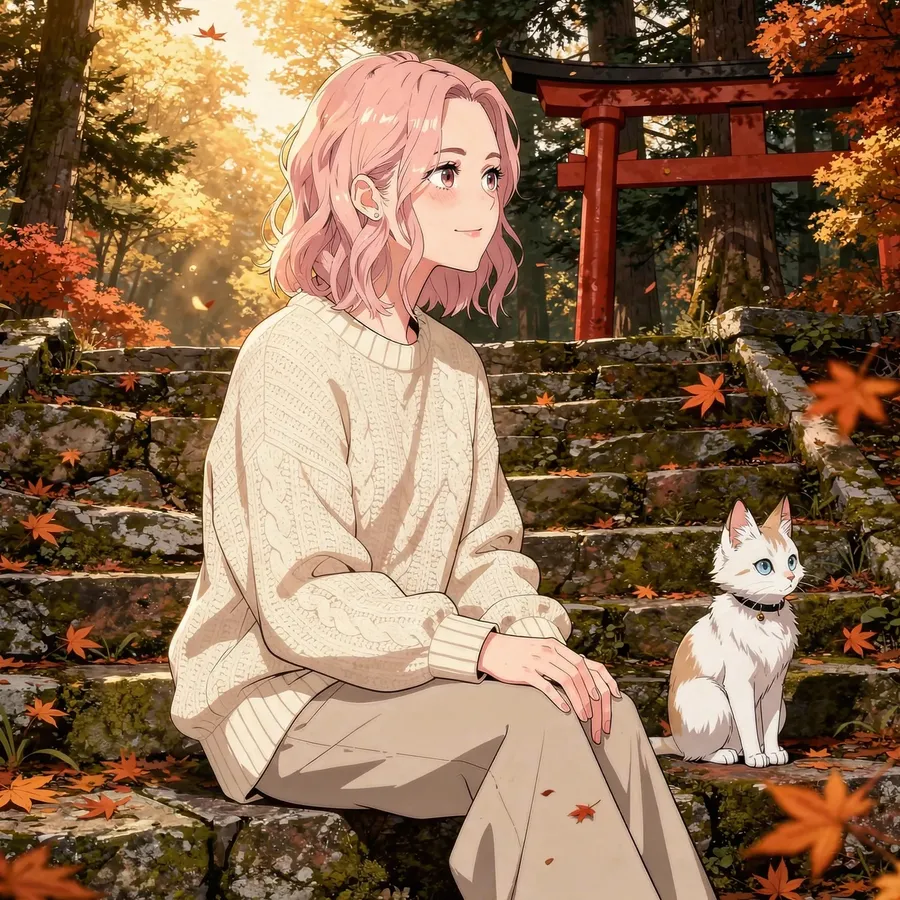
- anime scene of @Me sitting on stone steps of a mountain shrine, white fox-like cat beside her, red torii gate behind, autumn leaves falling, tranquil expression
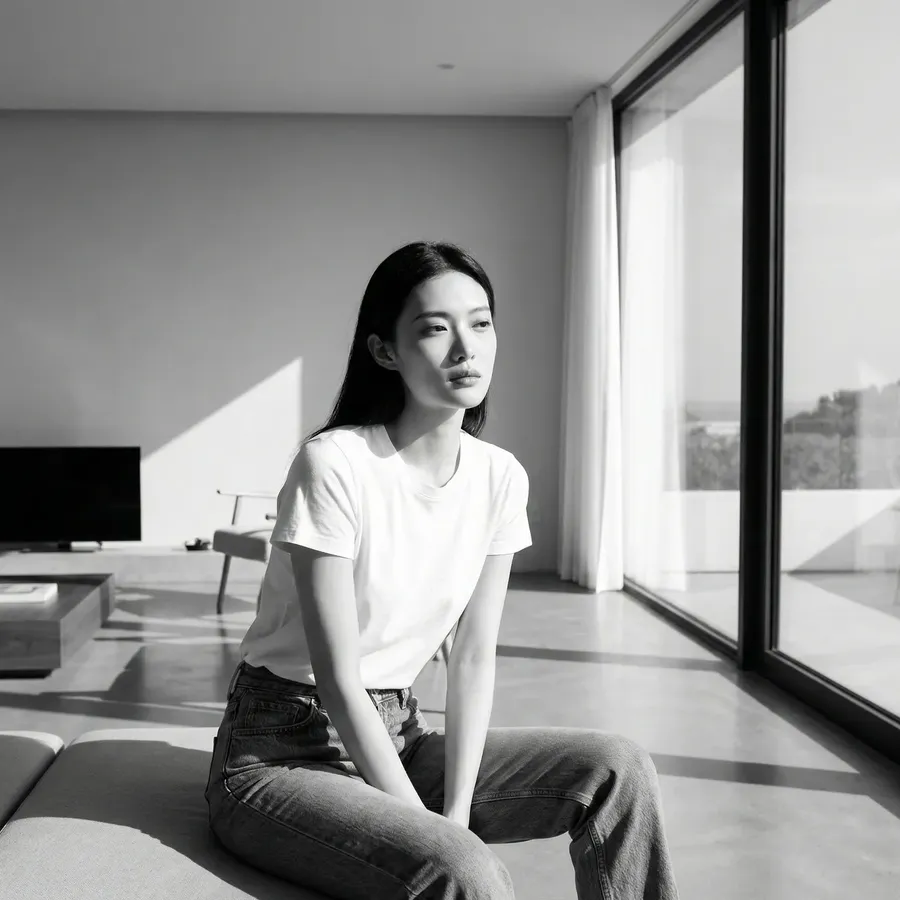
- black and white film noir scene of @Me sitting at metal table, single overhead lamp, cigarette smoke in air, gritty atmosphere

-900x900.webp)
No need to manually attach references for each generation. It just works.
Read our Guide to Elements.
Why It’s a Big Deal
Reference images are great for one-off generations. They get tiring when you are trying to keep something consistent across many images.
Elements are built for that second case. Once something becomes part of your regular workflow, you can easily build a small library of Elements and then reuse them like ingredients.
When you get used to it, going back feels strangely primitive.
Where Elements Start to Pay Off
Elements are useful whenever you want something to remain recognizable across multiple images.
That might sound obvious, but it covers more ground than you expect.
Consistent Characters and Subjects
If you are generating the same character more than once, Elements are an immediate win.
That could be:
- A model you’d like to feature in all of your shop’s product photos
- A DnD character you keep returning to
- A comic or story protagonist
- Yourself, dropped into different scenes and aesthetics.
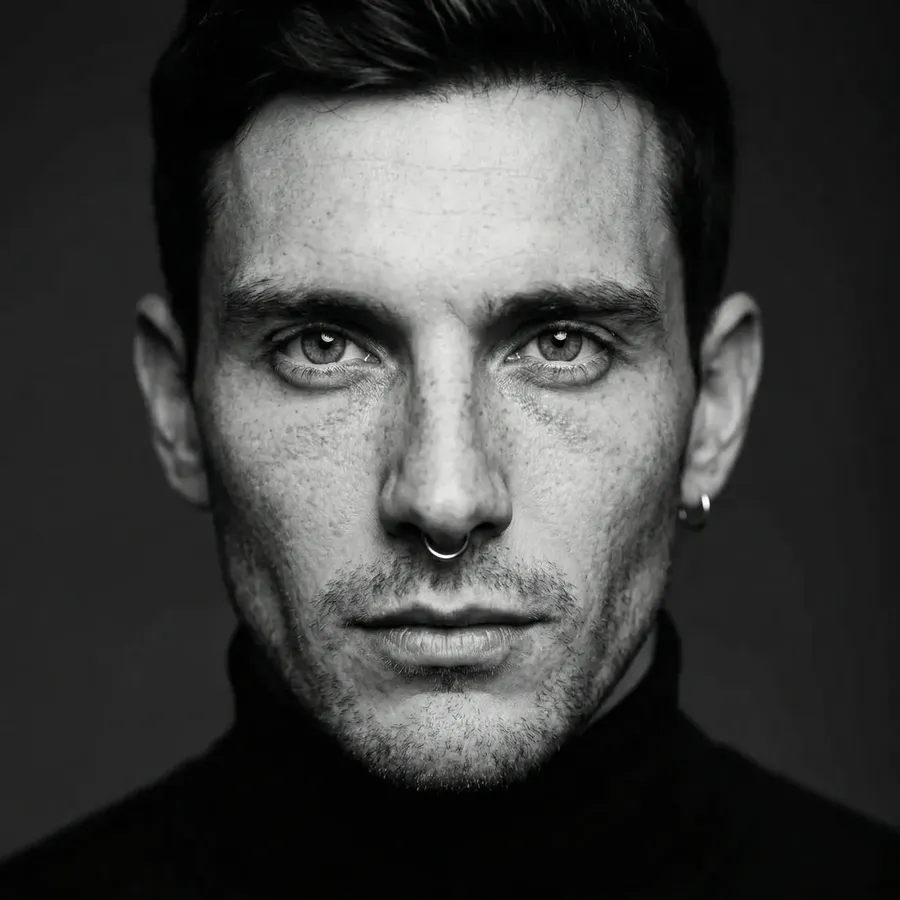
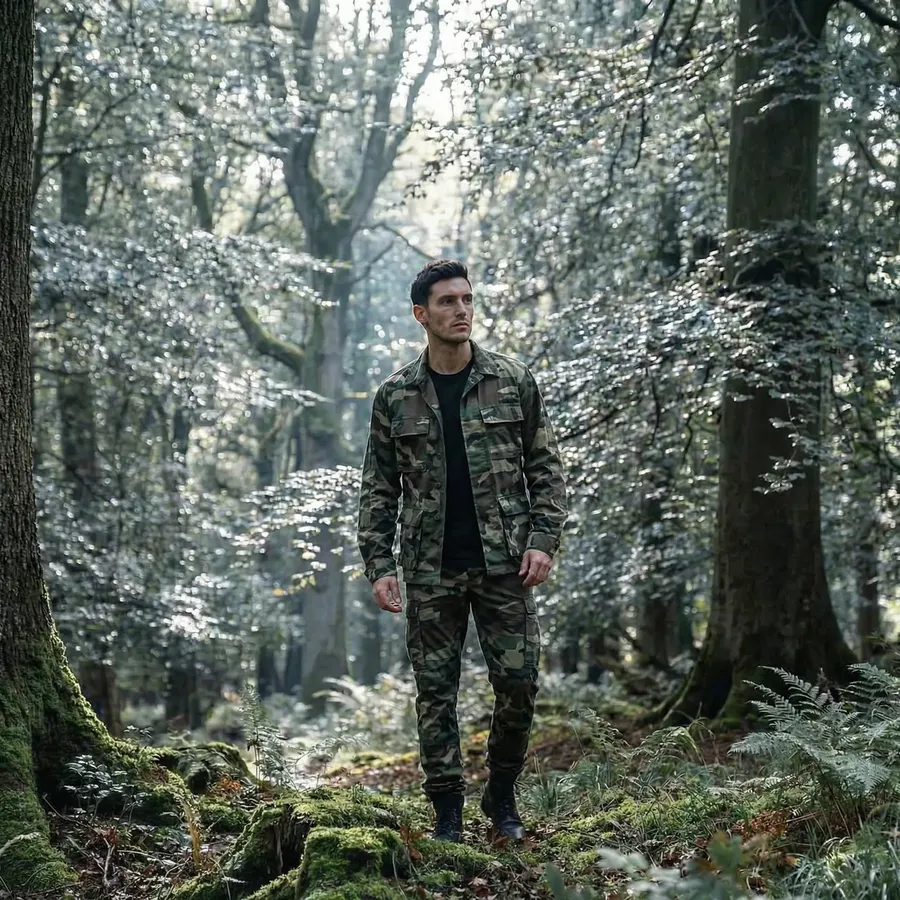

Create one Element and reuse it across settings, moods, outfits, and art styles without watching the character slowly drift into someone else.
Products and Objects You Reuse Often
Elements are just as useful for things as they are for people.
Upload a product once and reuse it across:
- Clean hero shots
- Lifestyle scenes
- Seasonal visuals
- Social media images.
The same applies to objects that show up repeatedly. Furniture, props, packaging, or signature items you want to keep consistent across images.


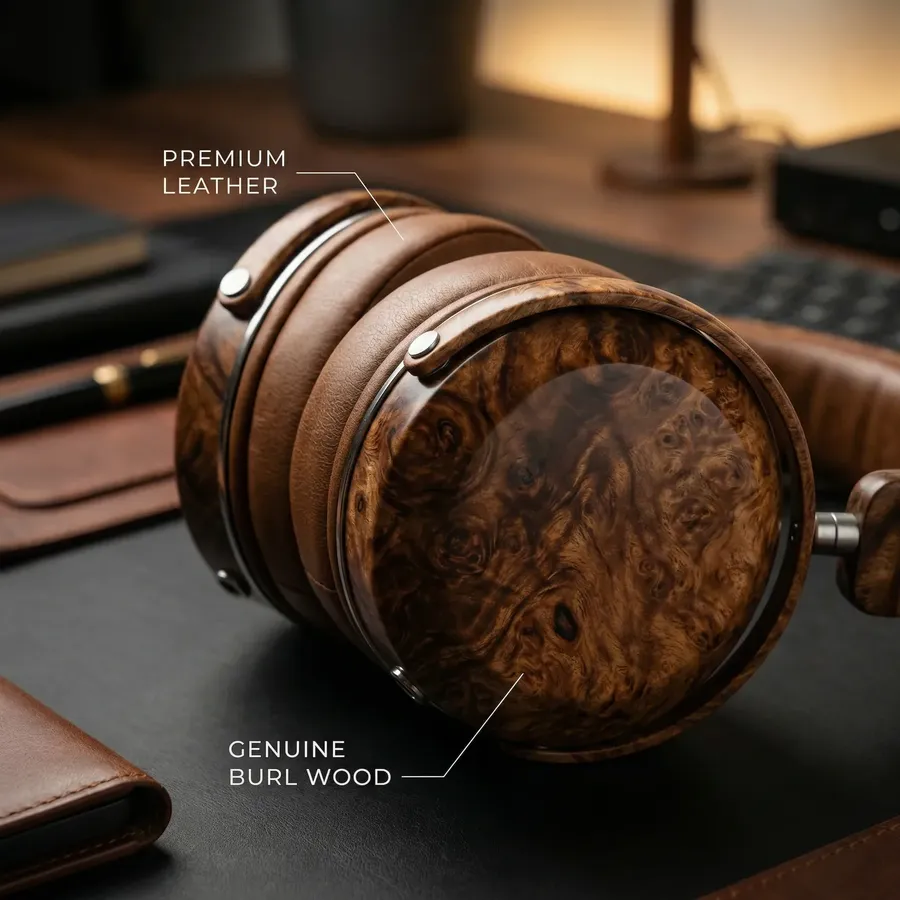
Same subject, different contexts. No repeated setup.
Styles, Lighting, and Brand Visuals
Not everything you reuse is a subject. Often, it is a look.
Elements can represent:
- A visual style you like
- A specific lighting setup
- A color palette
- A composition or layout.
Once those are Elements, you stop re-explaining them in every prompt. You reference them instead, and the AI stays aligned with what you already defined.



Mixing Elements Together
One of the more underrated parts of Elements is that they stack.
You can combine:
- A person and a place
- A product and a lighting setup
- A character, a style, and a color palette.
For example: “an ad showing @Character holding @Earphones in @BrandColors palette”
-900x502.webp)
At that point, prompting starts to feel more like assembling ideas than managing dozens of references.
Elements Do Not Replace Creativity. They Get Out of Its Way
Elements are intentionally lightweight.
They do not lock you into rigid outputs. They do not remove experimentation. They simply carry context forward, so you do not have to keep re-introducing it.
You can still:
- Experiment freely
- Use Reference images, with or without Elements in the prompt
- Change direction at any time.
Elements just take care of the repetitive parts.
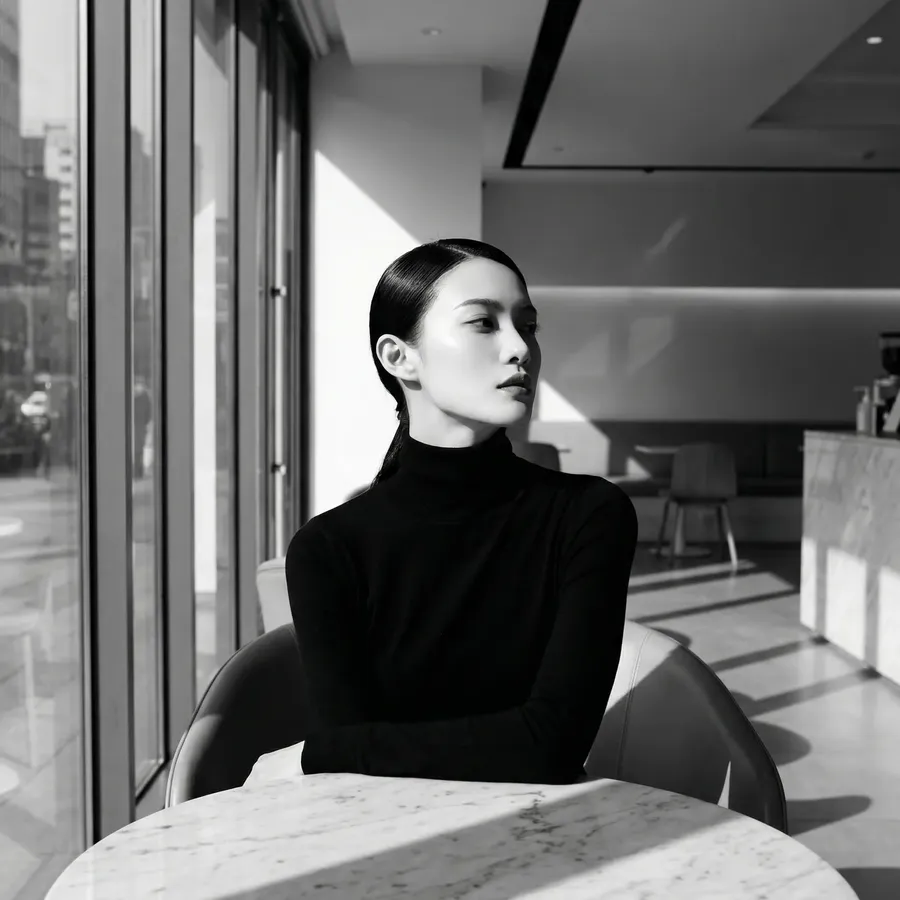
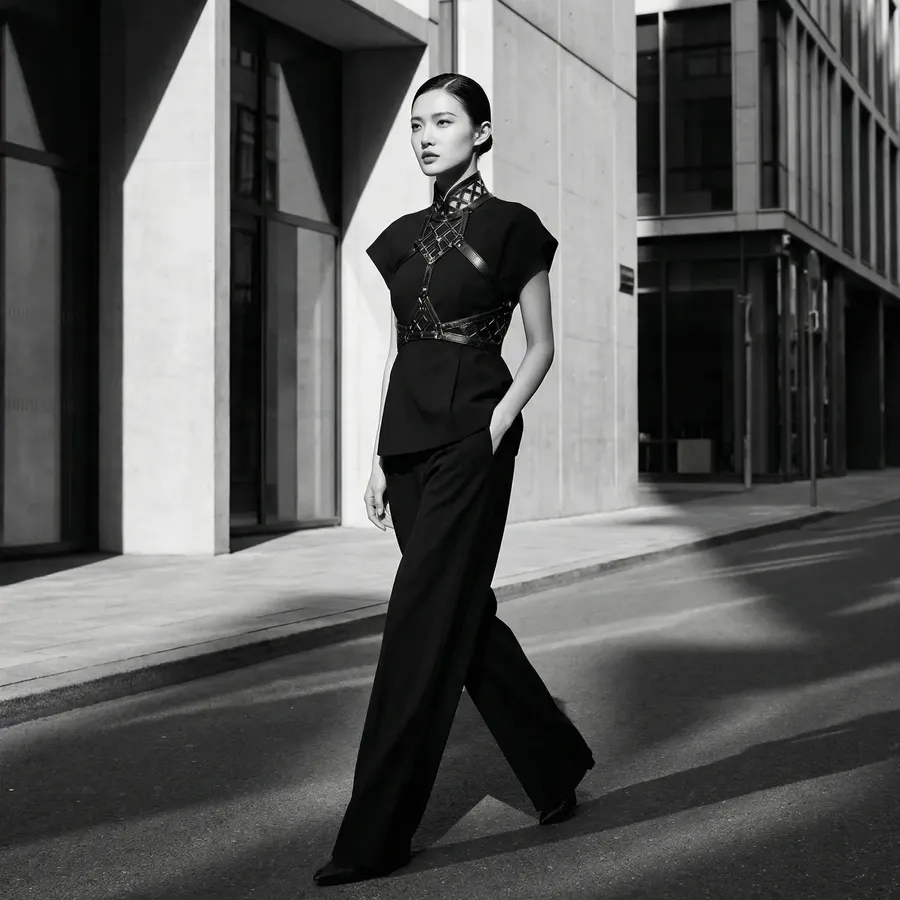
Try It Once, Then Watch Your Prompts Shrink
The first time you replace ten reference images with a single @ElementName, something clicks.
You stop managing files. You start thinking in concepts.
And that is usually a sign that a tool is doing its job.
Elements are now live in getimg.ai. If you generate the same things more than once, they are worth five minutes of your time.
They will pay it back quickly.
Frequently Asked Questions
Elements are a new way to save and reuse reference images. Instead of manually re-selecting photos of a person, product, or style every time you want to generate an image, you save them as a named "Element" (e.g., @MyModel). Once saved, you can simply type that name in your prompt to instantly apply those references.
Elements solve the common problem of "character drift." By saving a specific set of reference photos as an Element, you can summon that exact person into any new scene, outfit, or art style. Because the AI always refers back to the same set of images via your @tag, the character remains recognizable and consistent across your entire project.
Not really. Unlike LoRA or fine-tuning, which can take several hours of training, Elements are nearly instant. There is no training step. As soon as you upload your images. name your Element, and save it, you can begin using it in getimg.ai immediately.
Yes. Elements are "stackable," meaning you can combine different building blocks in one go. You can mention a person, a specific product, and an artistic style all in the same sentence (e.g., "@Me drinking from @MyBrandMug in the style of @VintageCyberpunk"). This allows for much more complex and controlled storytelling.
A standard reference image is a one-off tool for a single generation. An Element is a permanent, named asset in your library. Elements are designed for repetitive workflows where you need to bring the same subject back into the AI workspace over and over again without the annoyance of finding and re-selecting files.