AI Crown Images Generator
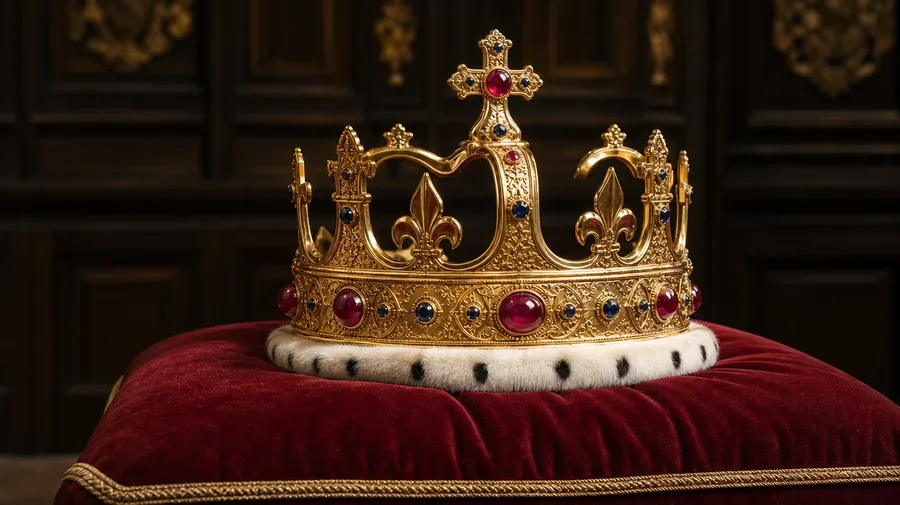
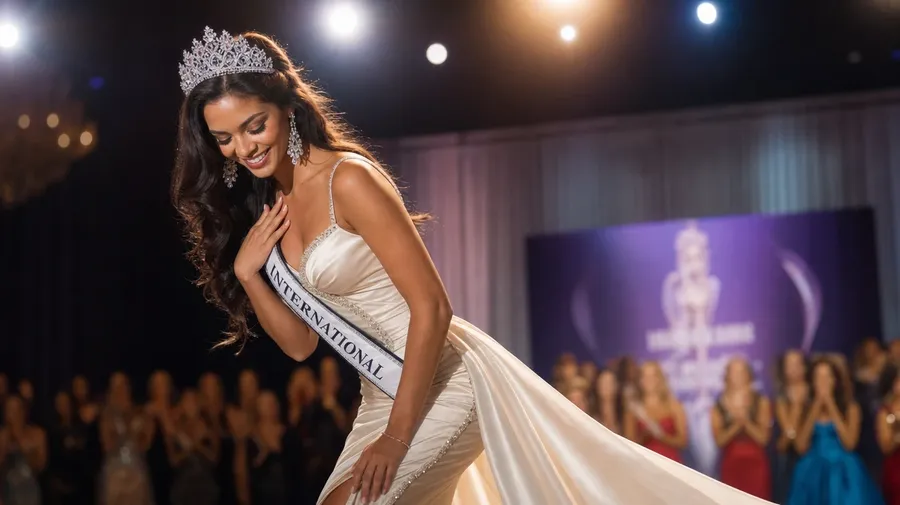
Coronation regalia, tiara close-ups, pageant moments, museum displays — generate crown imagery across every era, material, and setting. A Tudor-style gold-and-ruby coronation crown lit on a deep velvet display cushion, or a pageant queen crowned mid-curtsy under stage lights. Commercial rights on every paid plan.
Every leading image model, one subscription.
Auto mode reads each prompt and picks the model fits your prompt best.


How to generate custom crown images with getimg.ai
What sells a crown photo is the era, the material, and the way the gemstones actually catch the light. Name each and the AI delivers a real piece of regalia, not a flat plastic toy crown on a clean backdrop.
1. Name the era, the material, and the setting
Open getimg.ai and describe the scene: the era (Tudor, Imperial, Art Deco, modern), the material (gold-and-rubies, platinum-and-diamonds, paper), and the setting. A simple line gives a baseline; specify gemstone cut, filigree, or display when you want exact control.
2. Generate and compare
Sixteen takes at one go. Read each for gemstone realism (cut, clarity, color), filigree detail, metal finish (warm gold vs cool platinum), and how the setting around reads as a real display. Pick the version that lands.
3. Swap a detail
A first run picks one valid reading of your prompt. If you'd rather see an Art Deco diamond tiara instead of a Tudor gold-and-ruby crown, a museum display instead of a stage moment, a paper crown instead of coronation regalia, or cool spotlight instead of warm chapel light, name the swap and run again. Several changes fit one prompt. Download the version you want to ship.
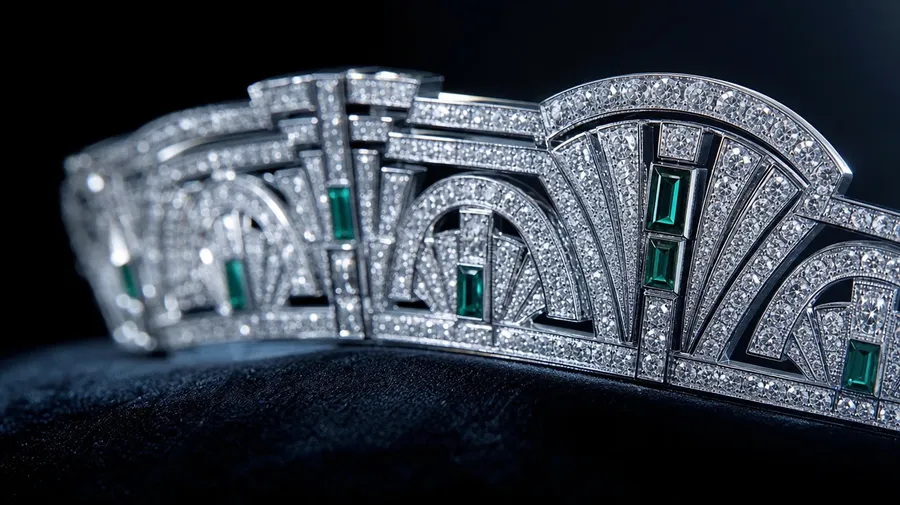
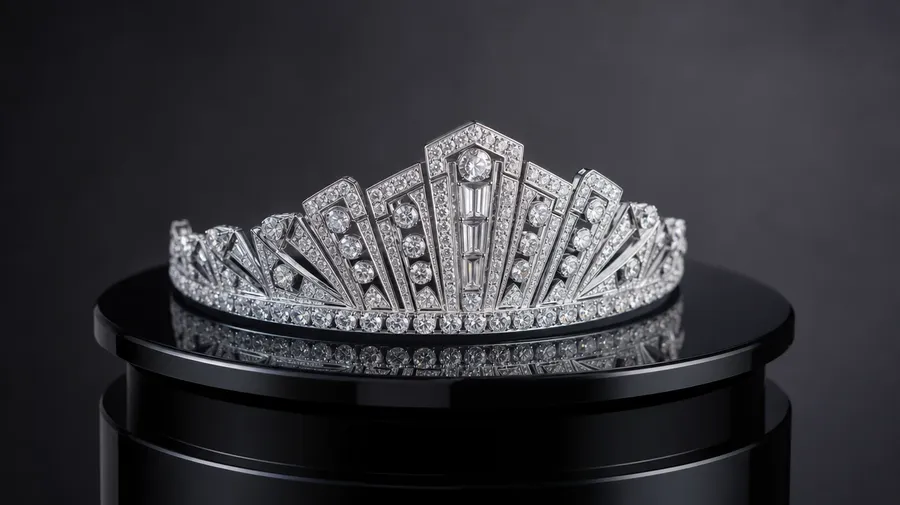
an Art Deco diamond tiara macro on a black velvet backdrop catching cool studio light, sharp facets, no people
Era, material, and the light on the gems
Working crown shoots span coronation-regalia hero shots, Art Deco tiara macros, pageant-stage moments, and museum-display lighting setups. Each era and material calls for its own metal finish, gemstone cut, and backdrop.
Coronation, tiara, pageant, costume
Across the eras a crown campaign covers: a Tudor-style gold-and-ruby coronation crown on a deep velvet cushion lit warmly from above, an Art Deco diamond tiara macro on a black backdrop catching cool studio light, a pageant queen mid-curtsy with a rhinestone tiara under stage lights, a child's birthday paper-craft crown on a kitchen table.
How the light catches the cut
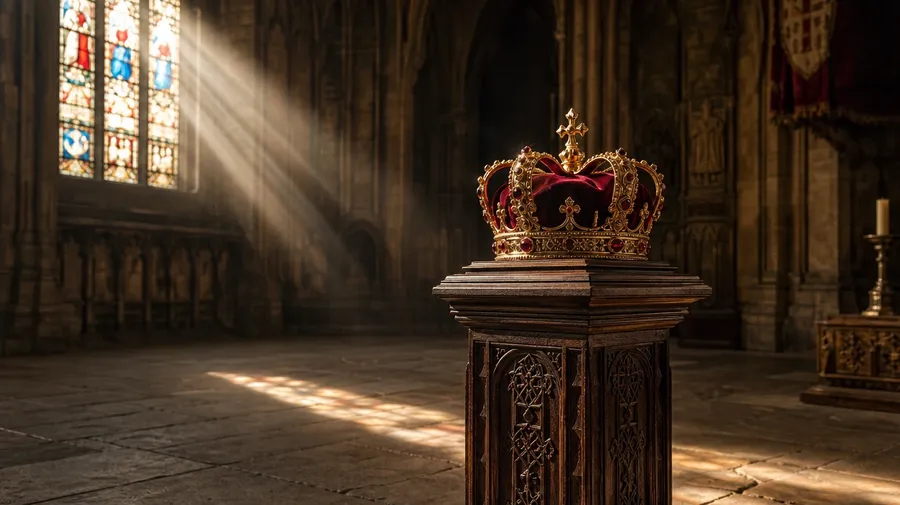
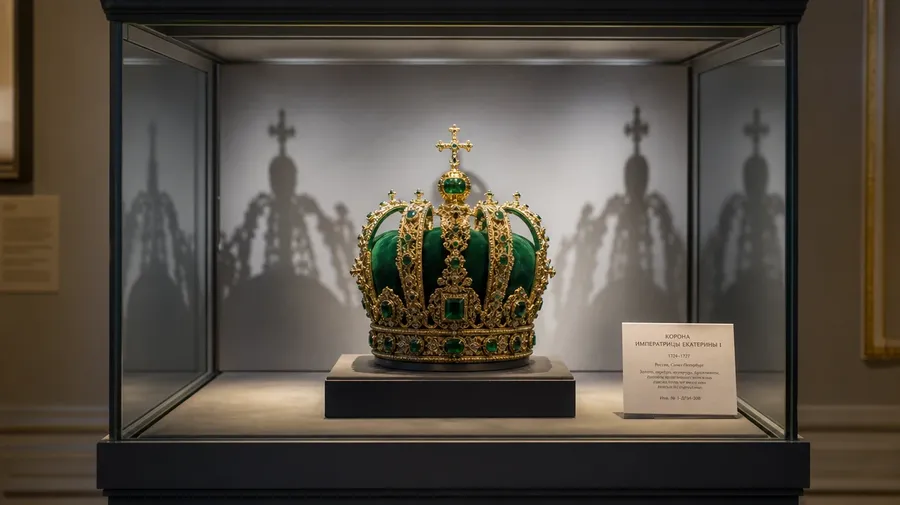
Render the light catching the cut: warm chapel light glowing on a Tudor crown's polished gold and faceted rubies, cool blue-white studio spotlights on an Art Deco platinum tiara's pavé diamonds, harsh stage spotlight glinting off a rhinestone pageant tiara, a soft museum-display LED throwing long shadows behind an Imperial Russian crown.
Stock crowns lose their weight
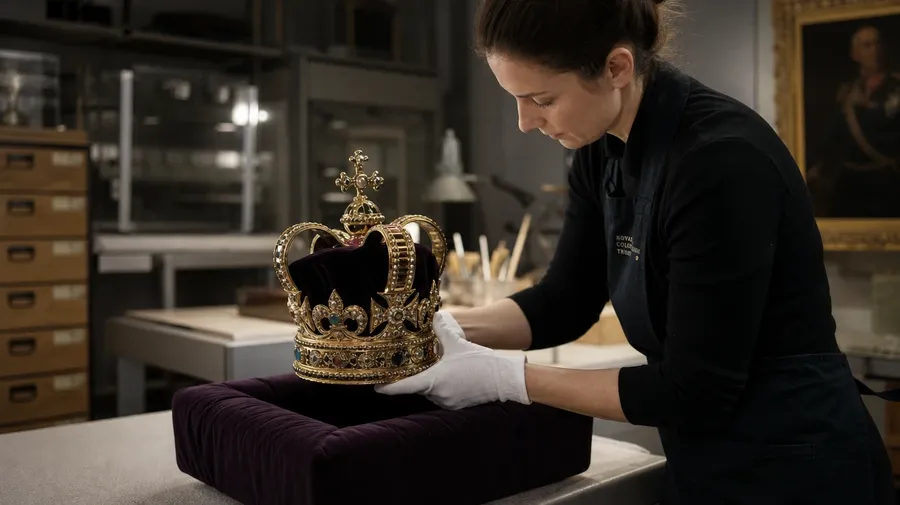
Stock crown photography stops at the plastic prop on a clean backdrop. Real shoots cover a Tudor crown with the velvet cushion sinking under its weight, a tiara macro with caustic light from diamond facets, a pageant tiara with a bent prong, a child's paper crown with uneven crayon. Off-the-shelf crown pictures look hollow.
Frequently Asked Questions
Yes. Name the era, the material, the setting, and the lighting. A Tudor-style gold-and-ruby coronation crown lit warmly on a deep velvet display cushion reads very differently from an Art Deco platinum-and-diamond tiara macro on a black velvet backdrop under cool studio light, an Imperial Russian crown in a museum case under soft display LEDs, a rhinestone pageant tiara on a contestant mid-curtsy under stage spotlights, or a paper-craft birthday crown on a kitchen table at a child's party. The AI handles the metal finish, the gemstone cut, the velvet drape, and the surrounding display. Generate up to 16 at a time, compare the takes, pick the version that lands.
Yes, when the prompt names them. A polished yellow-gold crown with cabochon rubies reads differently from a brushed platinum tiara with pavé brilliant-cut diamonds, a Tudor cross-and-fleur arch from an Art Deco geometric tiara band, a deep red velvet display cushion from a black velvet macro backdrop, a museum-display case under cool LED from a chapel coronation under warm window light. Specify metal type, gemstone cut, setting, and lighting, and the AI handles the metal reflectance, the facet pattern, and the focus separation between the crown and the backdrop behind.
Yes. Save the crown (silhouette, gemstone layout, metal finish, distinguishing damage or repair) as a custom Element and reference it with @SignatureCrown across new prompts. The Element carries the piece's identity forward, so a museum-display hero shot, a macro detail of the central stone, and a worn-on-the-head ceremonial moment all read as the same crown. Useful for a museum-exhibition campaign, a pageant-brand annual series, and an auction-house catalog that needs one consistent piece across the funnel.
Name the variant and the setting. A fantasy-novel king's crown of black iron with a single uncut emerald set in the front for a book-cover hero shot, a Halloween costume-store gold-plastic king's crown sitting on a bedroom dresser, a paper-craft birthday-party crown a child has decorated with stickers and crayon-marker drawings on a kitchen table, a Mardi Gras feathered carnival crown on a velvet pillow at a New Orleans parlor, a hand-forged blacksmith's reproduction medieval crown on an oak table in a workshop: each carries its own cues that the AI honors when the prompt spells them out.
Yes. Every paid plan covers commercial use across ads, social, web, print, packaging, and presentations. Museum-exhibition marketing, pageant-brand annual reports, auction-house catalogs, fantasy-novel book covers, jewelry-brand campaigns, theater and film prop departments, children's-book editorial, and editorial features all qualify under the same license, alongside every other category of AI stock photos.
Yes. Different categories run on the same prompt approach. Name the subject, the setting, and the light, and the same logic that produces jewelry photography produces crown images: swap a diamond-engagement-ring macro on black velvet for an Art Deco tiara macro on the same backdrop, a string-of-pearls product shot for a tiara's pearl-and-diamond detail close-up, a sapphire-pendant studio hero for a sapphire-set Tudor coronation crown on a velvet cushion. A multi-category auction-house or museum-exhibition campaign runs through one prompt box.
As specific as you want. A simple line like "a king's crown" produces a usable baseline; the AI fills in the typical details (a polished gold band, alternating crosses and fleur-de-lis, large central gemstones in red and blue, ermine band, a velvet cushion underneath). Add specifics for the parts that matter to the campaign: an era (Tudor, Imperial Russian, Art Deco, modern, fantasy), a material (gold-and-rubies, platinum-and-diamonds, paper), a setting (museum case, chapel coronation, pageant stage, kitchen table), a lighting condition. The AI honors named details without overriding the rest. Each crown image gets the named details right.
Why settle for stock royalty?
Pick the regalia type, the era, the setting, and the lighting. The AI delivers crown photography that reads as the real thing, and Elements keep one signature piece consistent across an entire museum campaign, pageant brand series, or fantasy-novel cover.