AI Stock Butterfly Images Generator
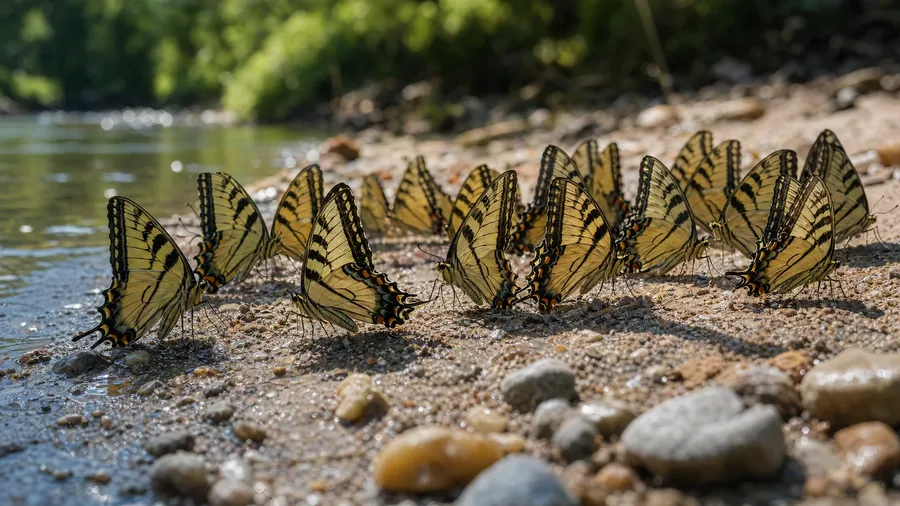
There are 17,000+ butterfly species. Stock catalogs cover maybe a dozen, and only with wings open on a flower. Prompt a chalkhill blue mud-puddling on a riverbank, an Atlas moth at first light, a swallowtail caterpillar feeding on dill, the underwing of a Karner blue, and so much more.
Auto mode picks the model; the prompt does the rest.
All the best models under one subscription.


How to generate custom butterfly stock images with getimg.ai
Three steps from species brief to a campaign-ready image.
1. Describe the species and the situation
Open the Content Generator. Name the species, the host plant, the life stage, and the time of day. The model handles specifics stock photographers never bother shooting.
2. Generate and pick
Run the prompt at the count you want. Four is plenty for most briefs. Look through the results and keep the one that fits.
3. Edit if needed, then export
When the keeper is right out of the gate, just export. When it isn't (the wing pattern's off, the host plant species is wrong, the wing position is dorsal when it should be ventral), describe the changes and re-run. The composition stays put while the model adjusts the targeted detail.
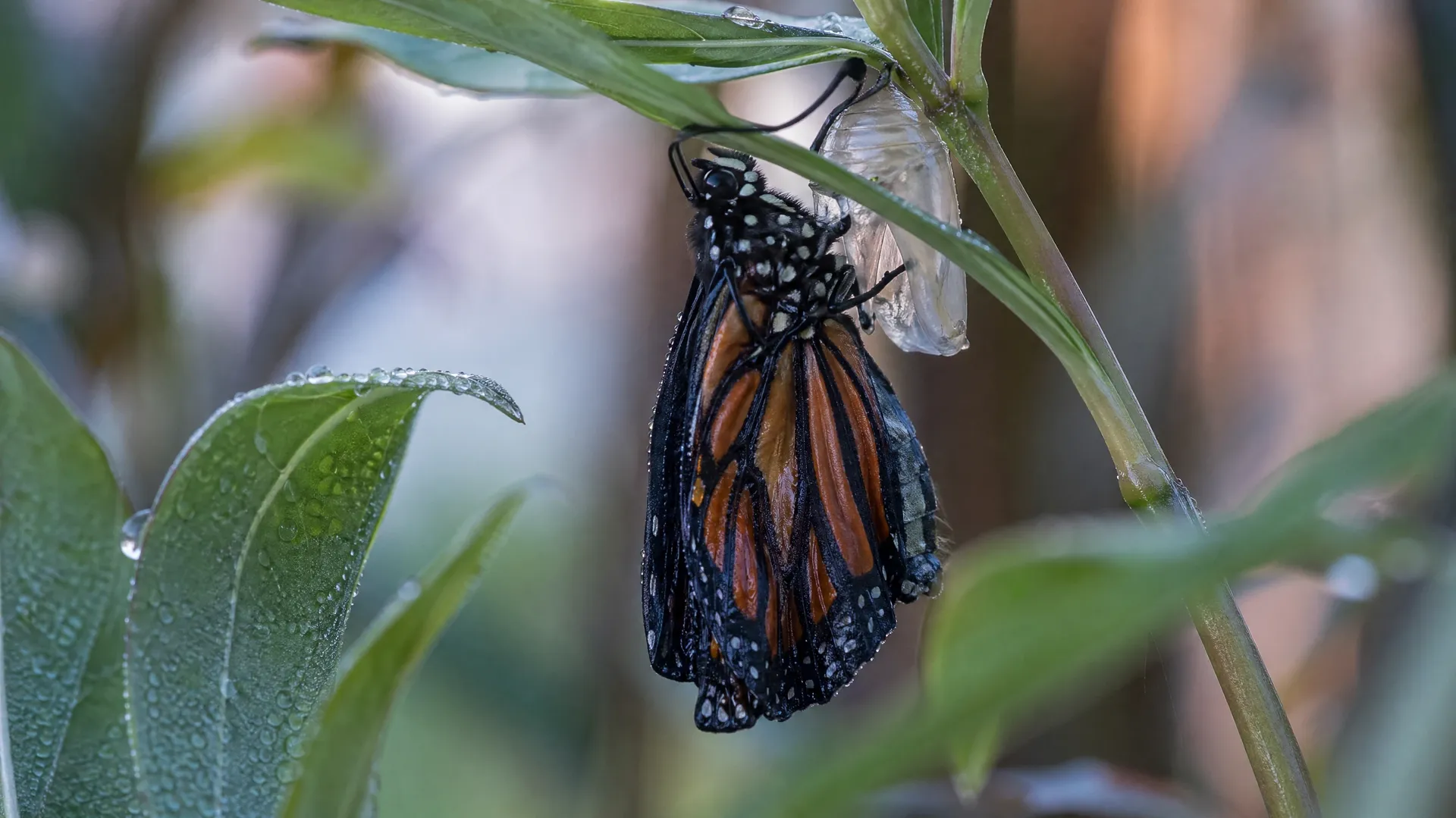
monarch eclosing on a milkweed stem at dawn, wings still wet
Three gaps in licensed butterfly photography
Species, life stages, and ecological accuracy: the parts of a brief catalogs routinely can't cover.
Species past the iconic dozen
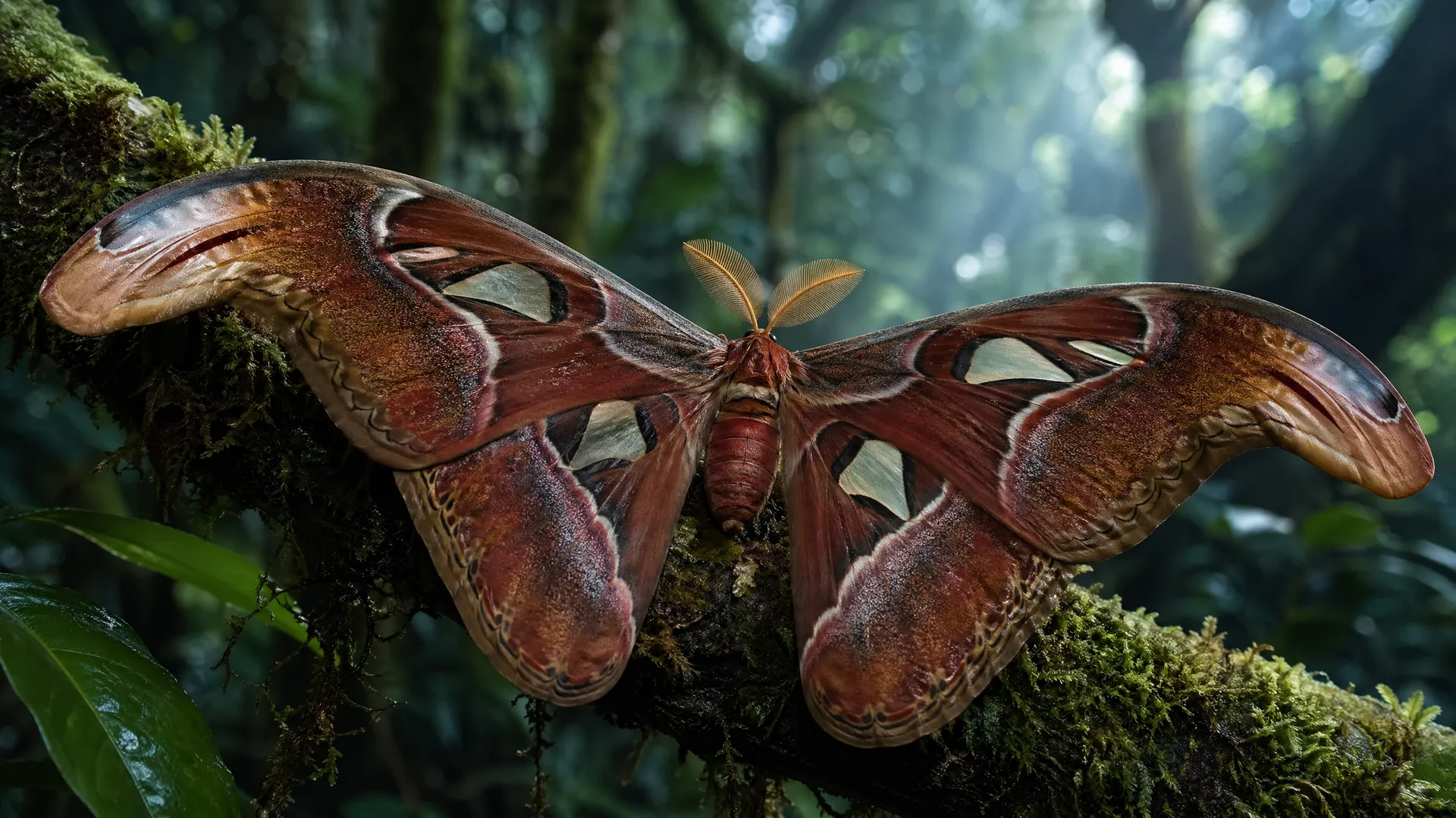
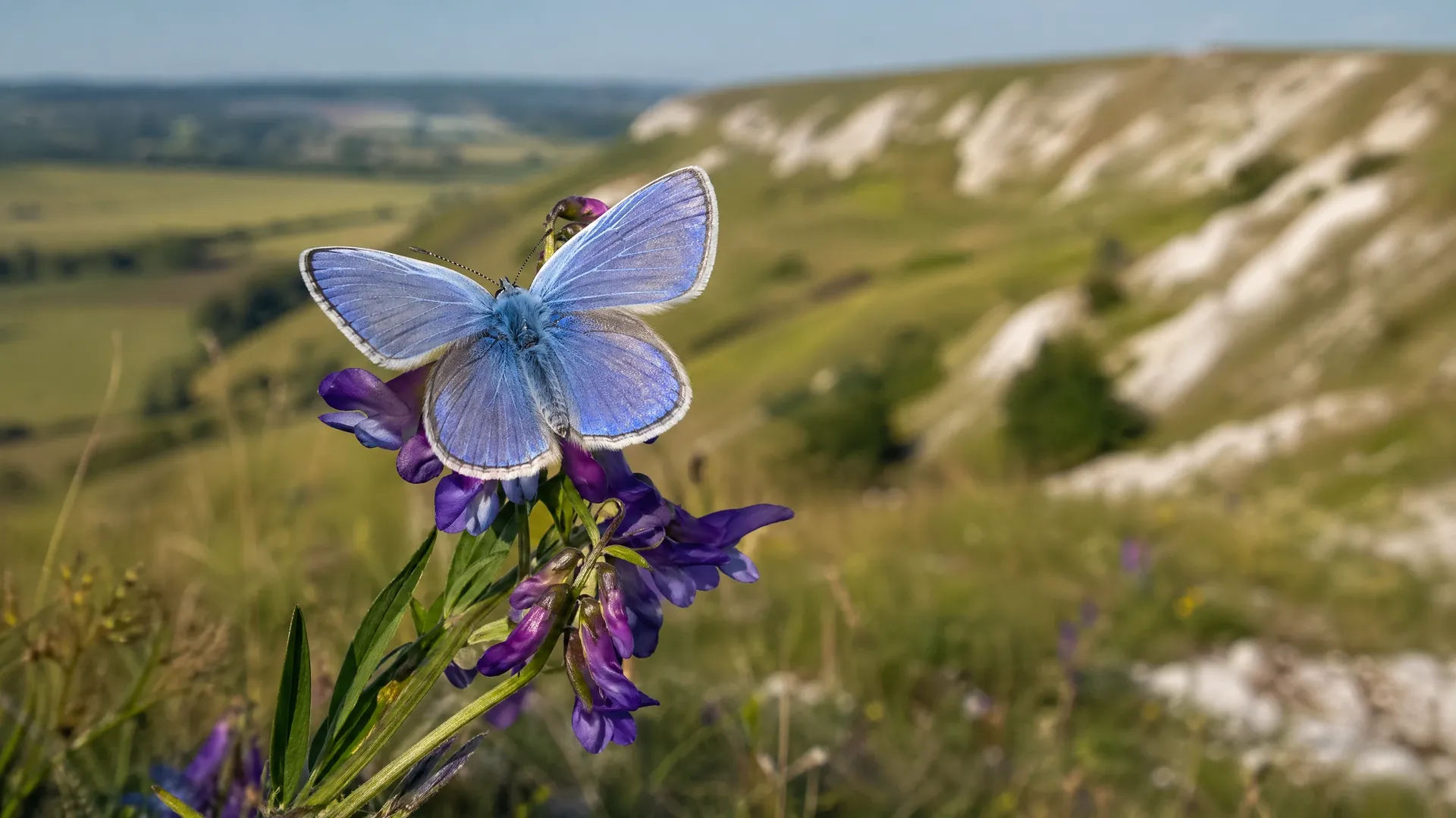
Stock catalogs cover monarchs, swallowtails, painted ladies, cabbage whites, and a handful of tropicals. The other 16,990 species barely appear. Prompt an Atlas moth at first light, a chalkhill blue on a chalk grassland slope, a Comet moth in Madagascan jungle. The species you actually need is one prompt away.
Life stages catalogs skip
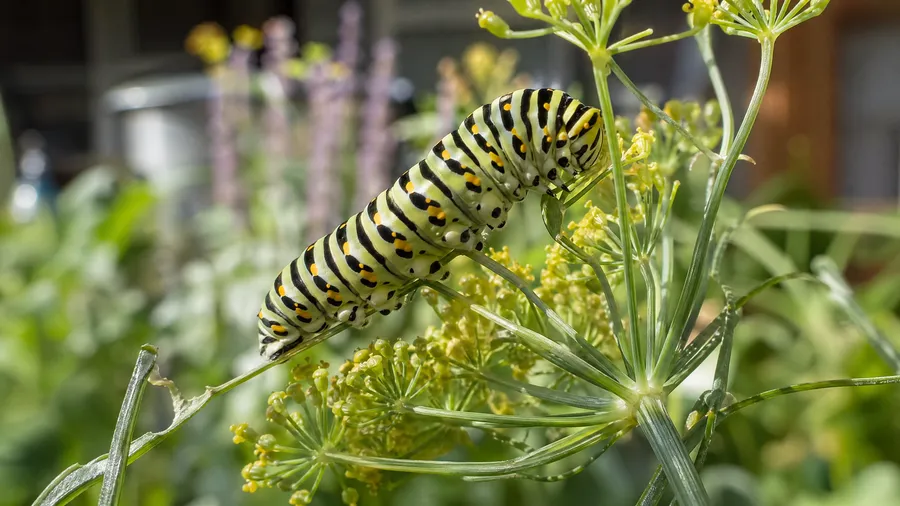
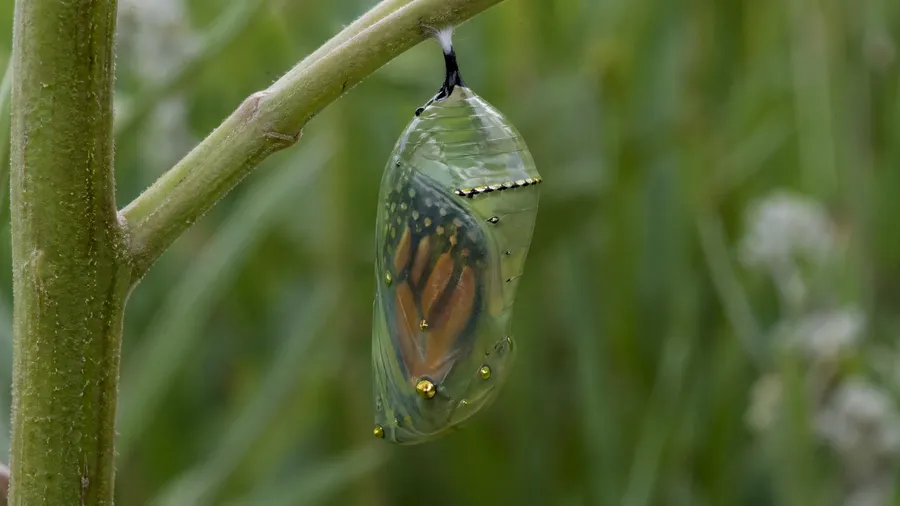
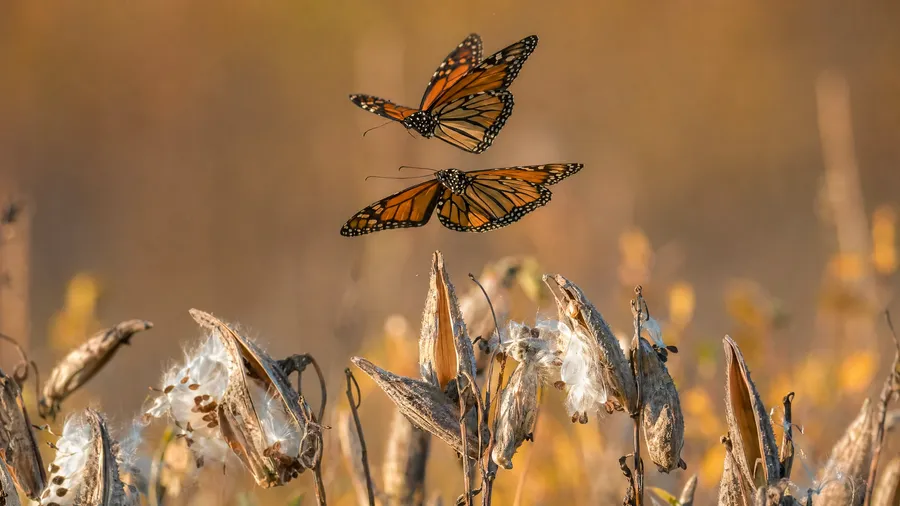
Stock photography of butterflies stops at the adult on a flower. Brand briefs often need everything else: a swallowtail caterpillar feeding on dill, a chrysalis on a milkweed stem, a freshly eclosed adult drying its wings, two monarchs in courtship flight. The full life cycle, on demand.
Host plant and habitat accuracy
A pollinator brand needs the right butterfly on the right plant in the right region. Catalog stock pairs species and flora generically (a monarch on a zinnia, a painted lady on a lavender) when the campaign actually needs accuracy. Prompt the species on its actual host plant, in its actual habitat.
Frequently Asked Questions
Mostly yes, when the prompt names the species precisely. Wing patterns, antenna type, proboscis position, and leg count come out right when the brief is specific. For science-publication-grade accuracy, run a second pass refining wing scale or venation detail; for editorial use, the first generation usually carries the brief on its own.
Yes. Every paid plan covers commercial use: ads, social, web, print, packaging. Educational publishers, conservation organizations, and pollinator-focused brands all qualify under the same license.
Yes. Those are the moments nature stock photographers rarely happen to be present for. Describe the moment in detail (an Atlas moth in the first hour after emergence with wings still soft, a swallowtail group at the wet edge of a riverbank), and the workspace renders it.
Yes. Specify palette, contrast, lighting, and camera-position language inside the prompt: high-key naturalist plate, lo-fi field-guide, saturated editorial. For a campaign of multiple species in one visual register, save the look as a custom Element and reuse it across prompts.
Specify it. "Wings folded, ventral view" or "underwing detail" in the prompt gets the model on the right side. Many species (Karner blues, hairstreaks, brown butterflies) are more interesting from the underside, and that's not what catalog photographers usually shoot. The text-to-image workflow handles the orientation cue cleanly.
Render the species, life stage, and habitat the brief actually describes.
Type the species and the moment into Content Generator. Run the count, pick the keeper, ship the campaign.