Create Ghibli-Inspired AI Art from Text or Photos
Hand-painted anime looks, soft watercolor backgrounds, warm natural light
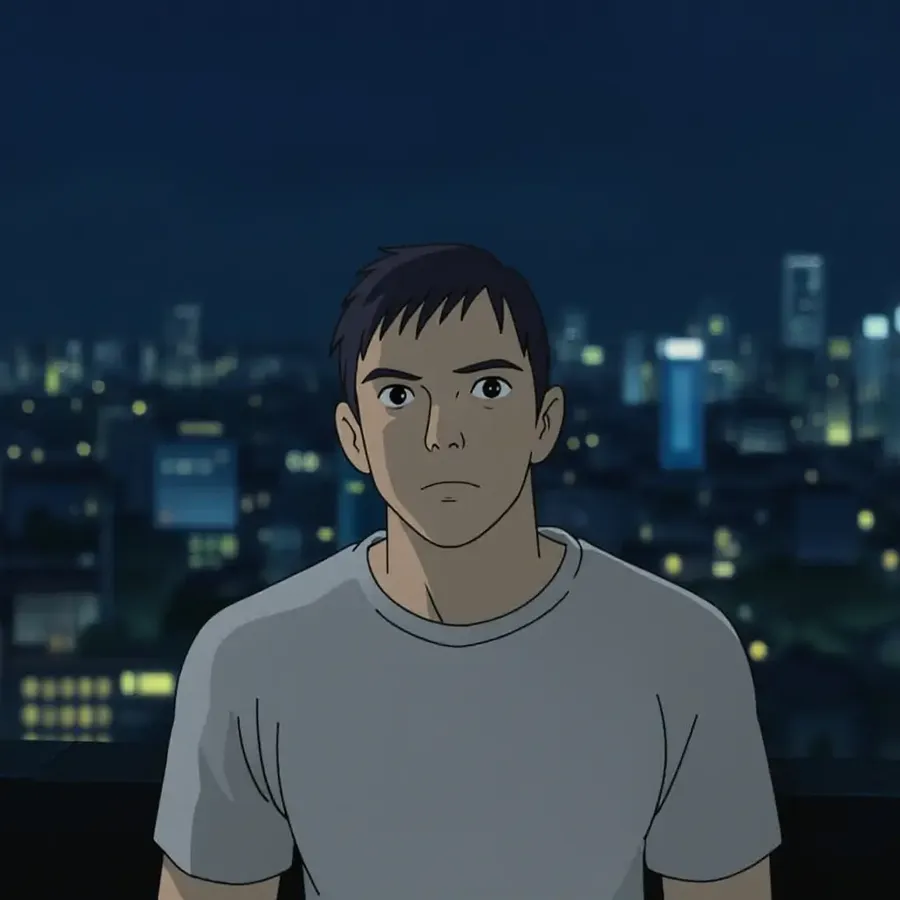
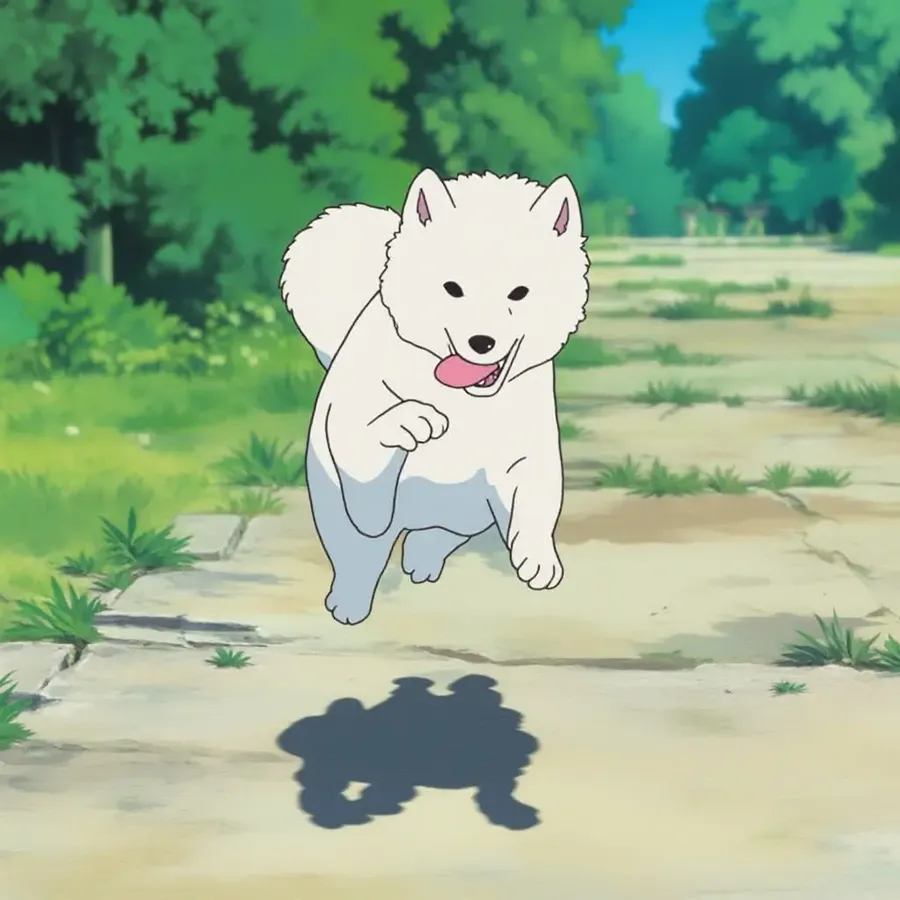
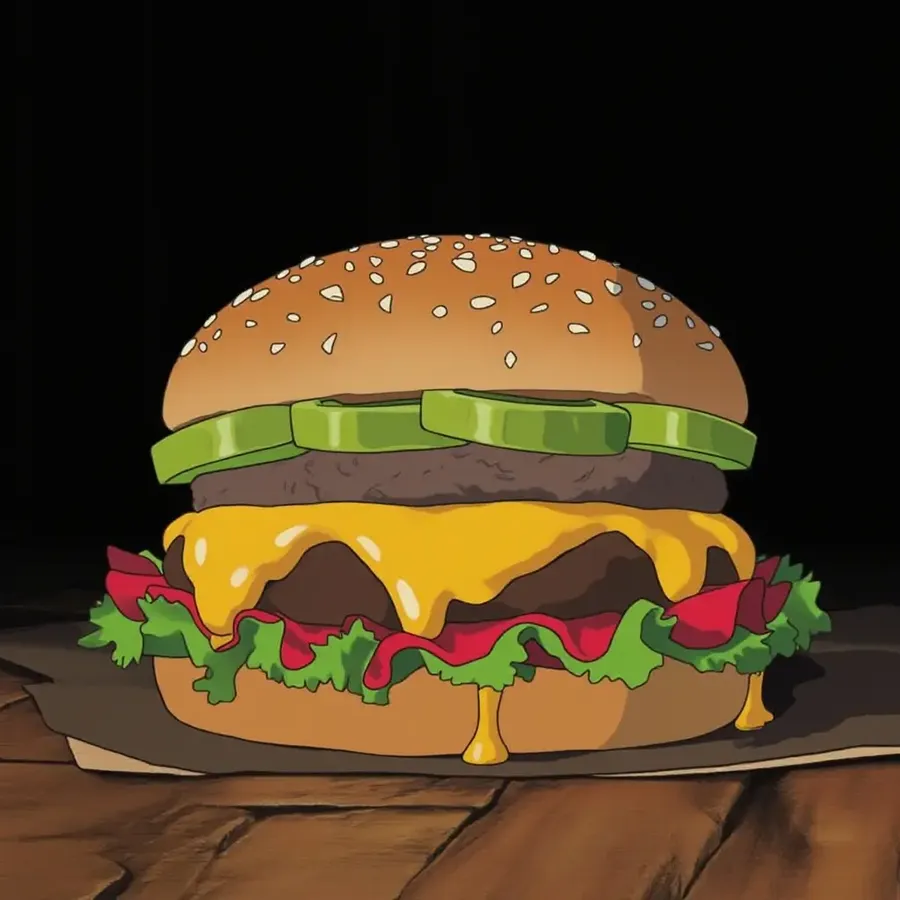
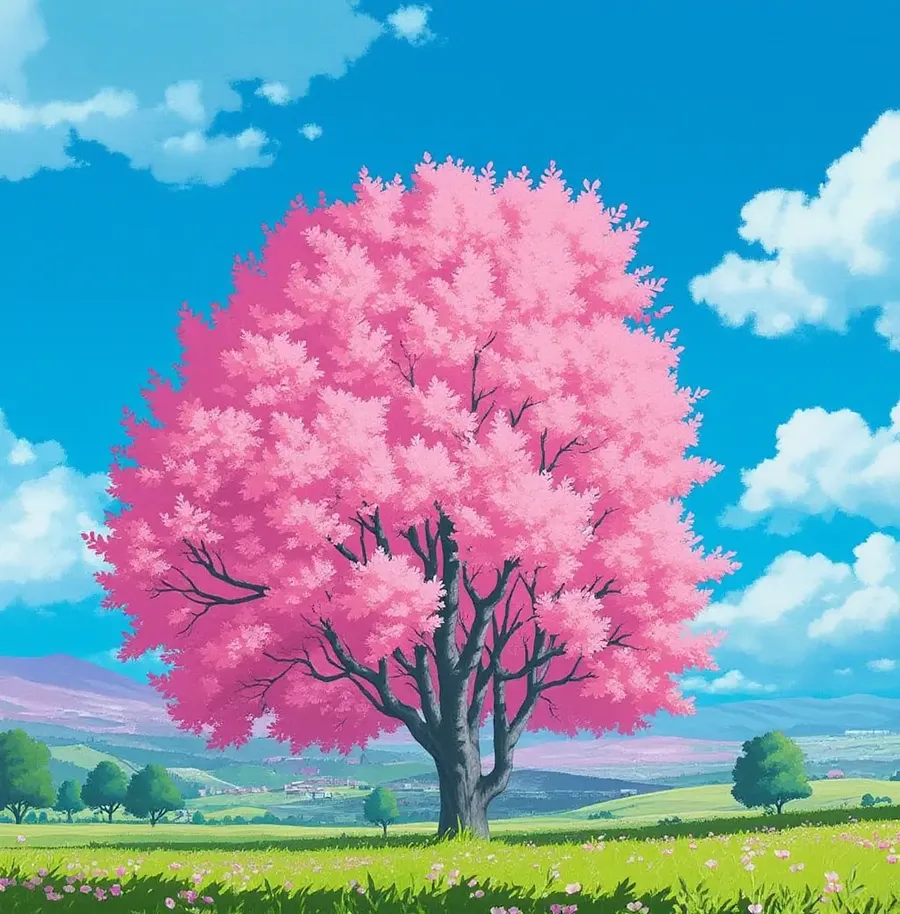
Start from a prompt or start from a photo. Open Create image, describe the subject, the environment, the palette, and the light, and build the scene you want: expressive characters, lush painted settings, and a soft hand-drawn finish instead of a glossy AI render.
How to turn a photo into Ghibli-inspired art
1. Log into getimg.ai
Click here to open Create image. You don't need to download or install anything on your device.
2. Upload your photo
Upload the image you want to restyle from your device or your getimg.ai Gallery, and attach it as a reference.
3. Write a prompt
Describe the look you want, for example: "hand-painted anime illustration, soft watercolor background, warm afternoon light, expressive character design".
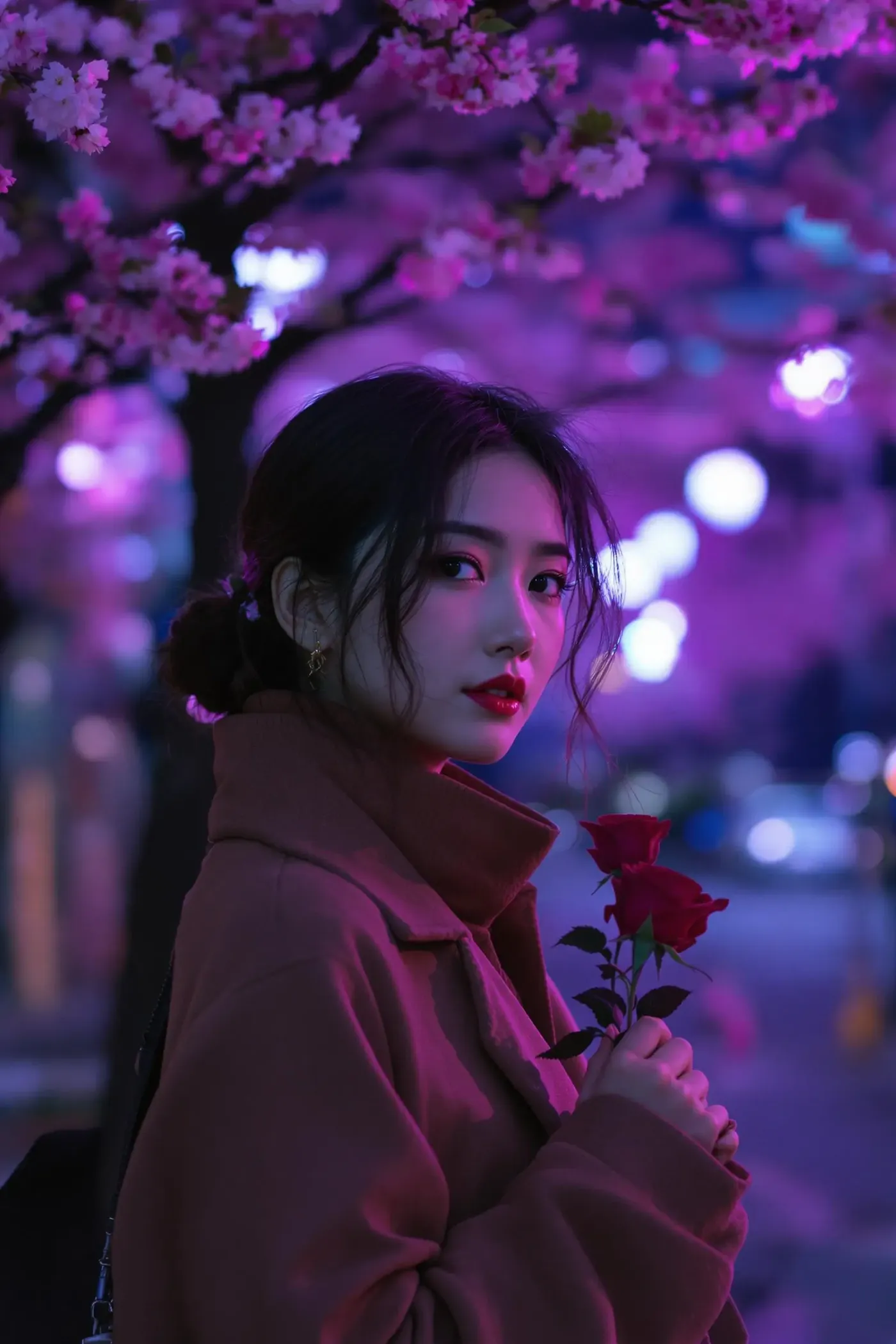
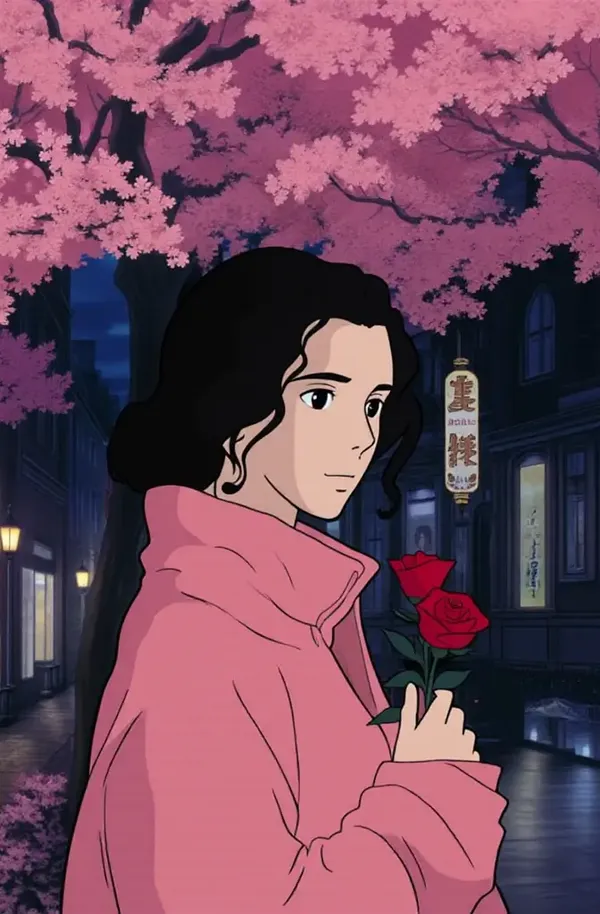
Turn a photo into Ghibli-inspired art
Attach any picture as a reference and describe the look you want: hand-painted anime illustration, soft watercolor background, warm natural light. Portraits, pets, landscapes, and travel photos all work well as source images. Results depend on the source photo and the model, so complex scenes may need a more detailed prompt or a few iterations.
What creates a Ghibli-inspired visual look?
The look is a set of choices, not a single filter. Name these six in your prompt instead of naming a studio and you get far more control over what comes back.
How to create Ghibli-inspired art from text
1. Log into getimg.ai
Click here to open Create image. It works in your browser, no download necessary.
2. Write the prompt
Name the subject, the environment, the animation medium, the palette, the lighting, and the mood. Specific features give the model more to work with than a style label.
3. Generate
Pick how many images you want, press the arrow, and wait a moment for the generation to finish. Generate a few options, then refine the one that lands closest.
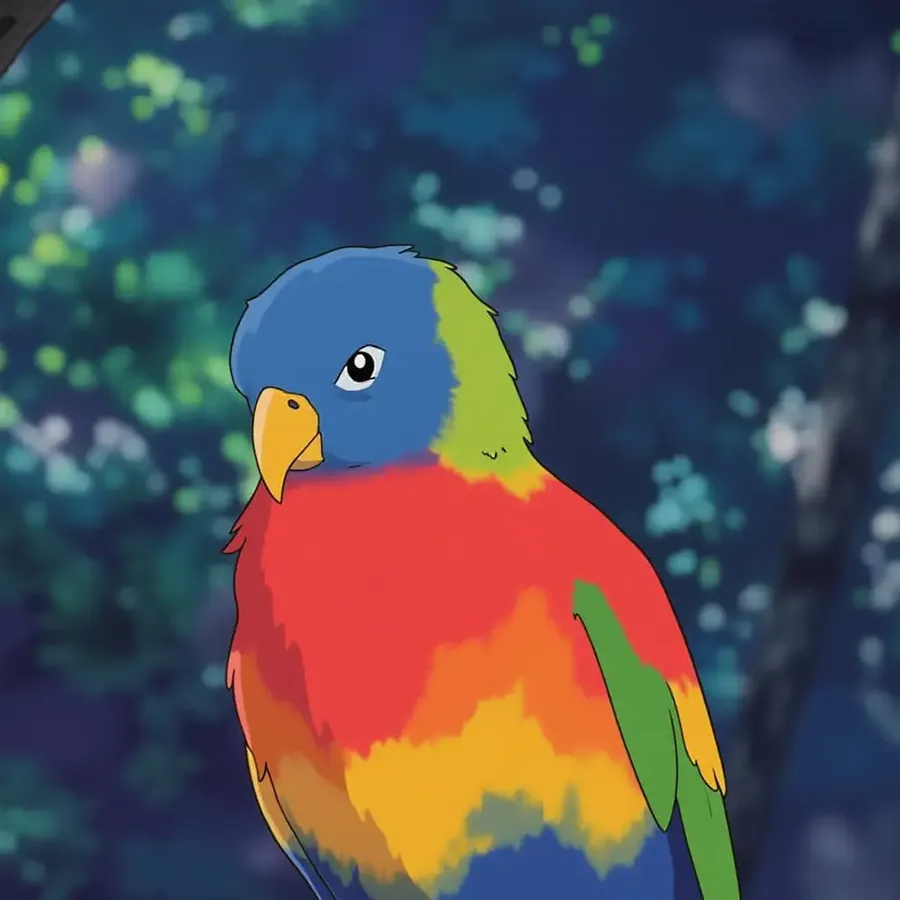
Text to image
Create Ghibli-inspired art from text
Describe the scene and let the model build it. From floating cities and forest spirits to cozy villages and magical landscapes, a detailed prompt gives you the character, the environment, and the mood in one pass. Useful for storytelling, concept art, and testing a visual direction before you commit to it.
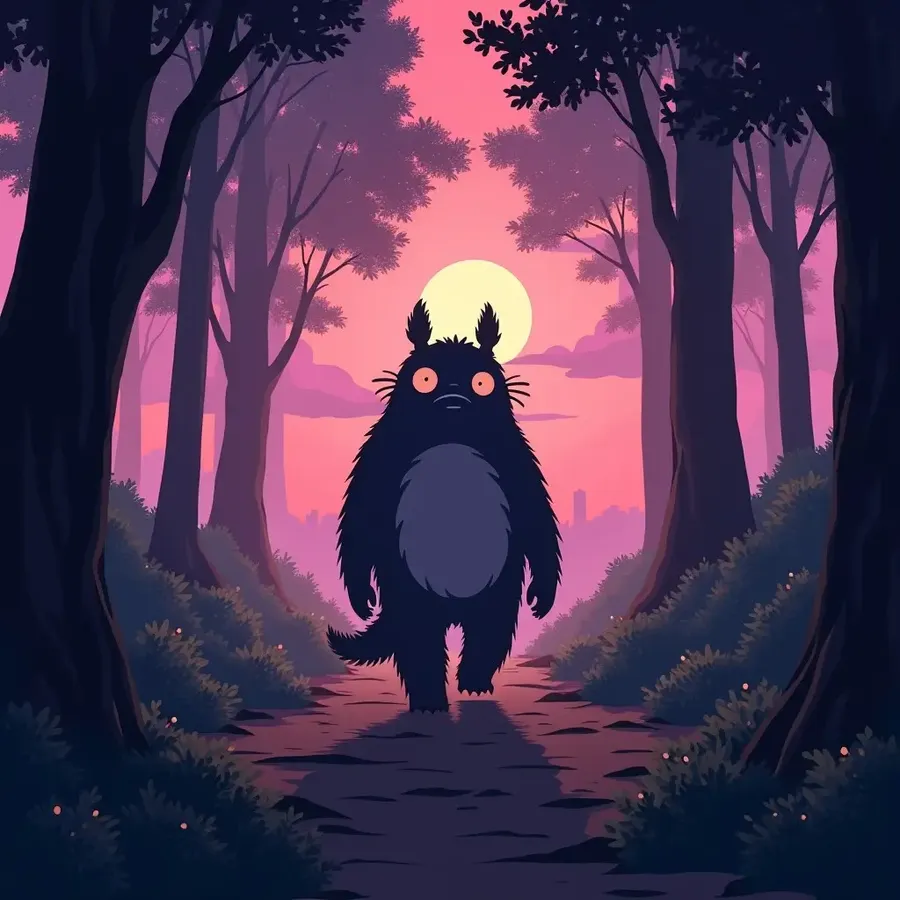
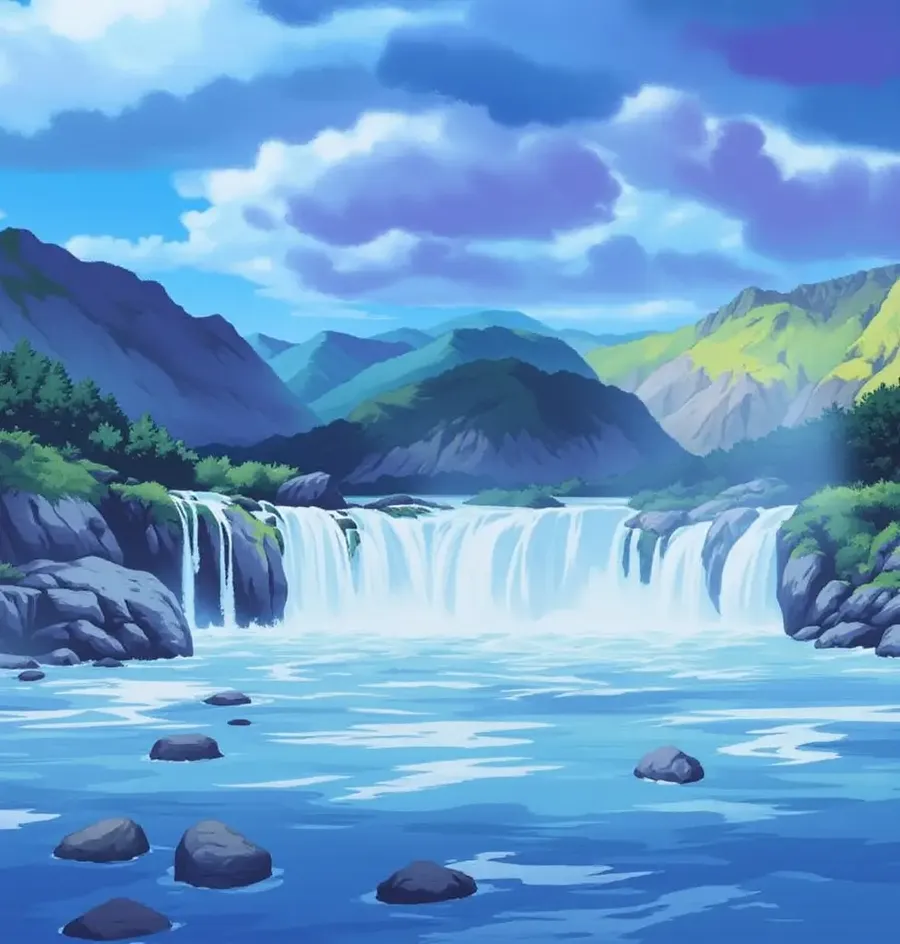
Monster walking through forest at sundown, purple color palette, in the Studio Ghibli anime style, fantasy, detailed
How to create a hand-painted anime look
Use a formula instead of a style label: subject + environment + animation medium + palette + lighting + atmosphere. Each part gives the model something concrete to build with.
A full prompt looks like this: "Young traveler standing beside a small countryside train station, hand-painted anime illustration, soft watercolor background, warm afternoon sunlight, lush green vegetation, expressive character design, gentle nostalgic mood."
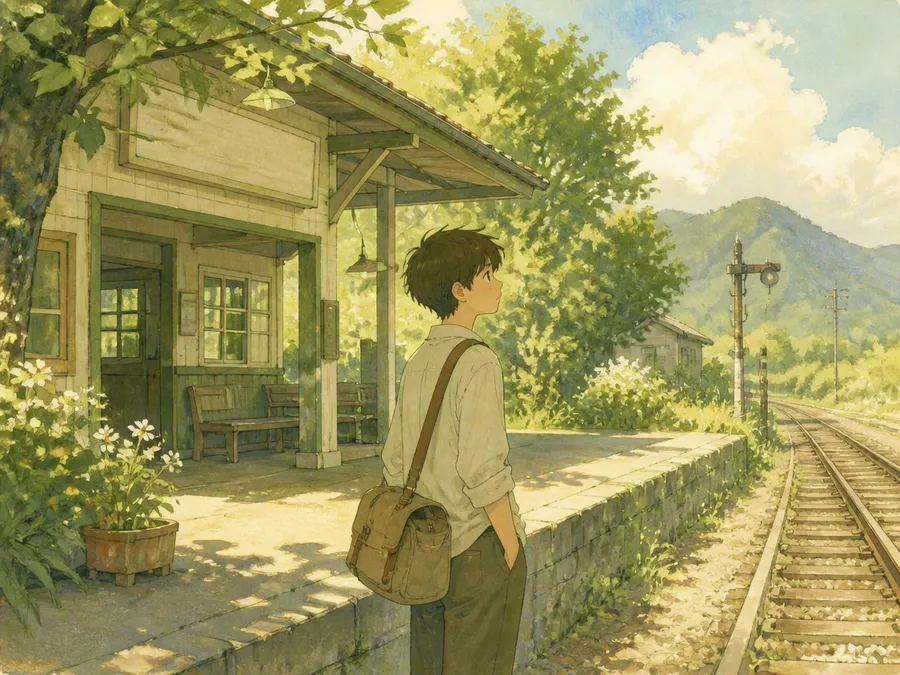
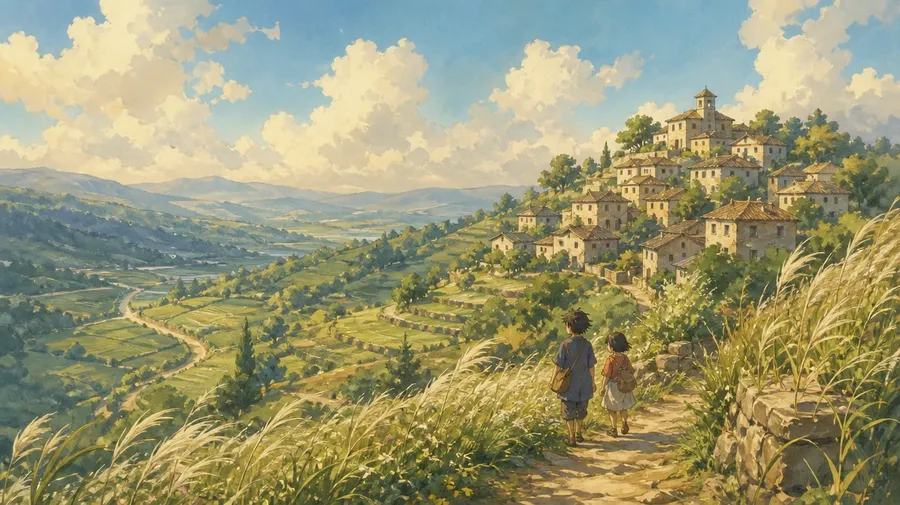
Young traveler standing beside a small countryside train station, hand-painted anime illustration, soft watercolor background, warm afternoon sunlight, lush green vegetation, expressive character design, gentle nostalgic mood.
Ghibli-inspired AI prompt examples
Seven starting points. Copy one, swap the subject, then adjust the palette, the lighting, and the setting until it matches what you had in mind.
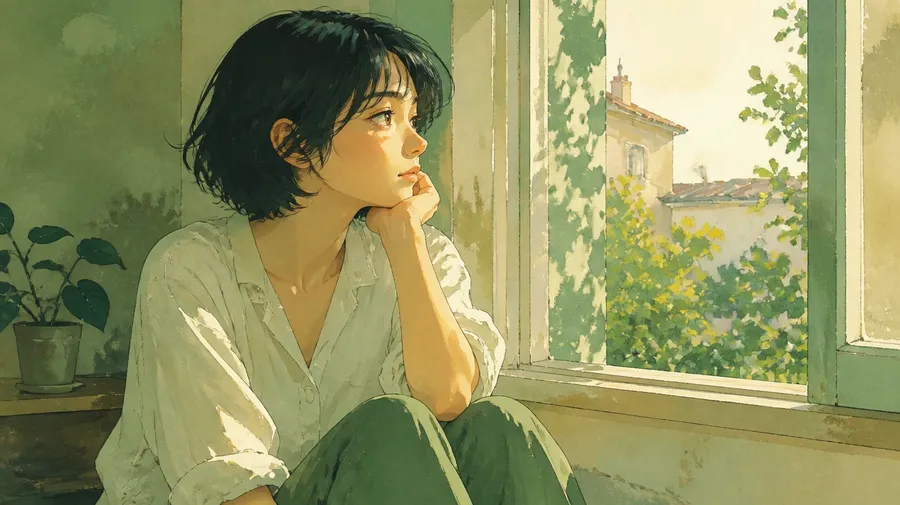
Create original animated characters
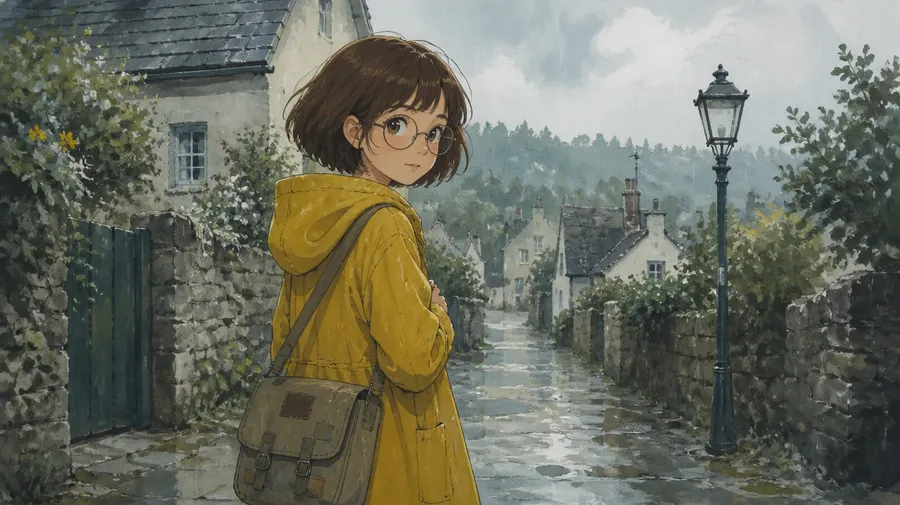
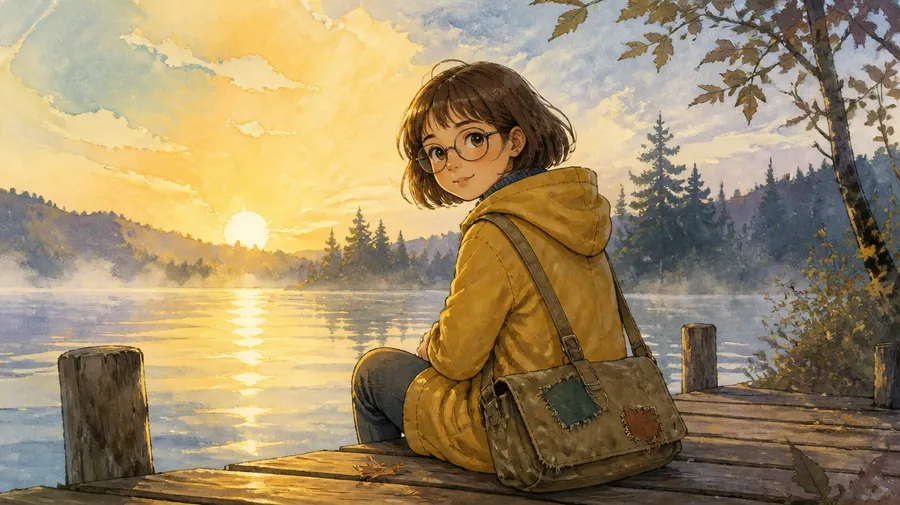
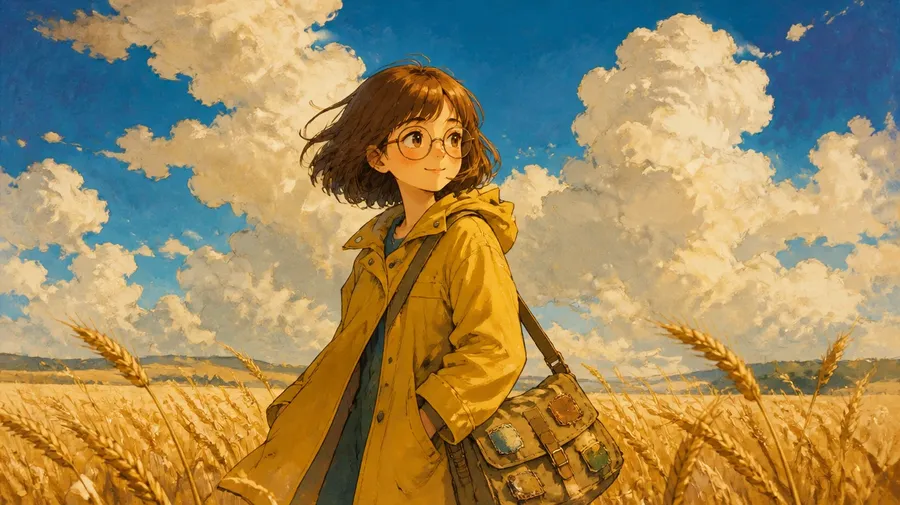
Instead of copying a character from a film, build your own in the same broad visual direction. Describe appearance, clothing, personality, expression, and the environment they live in, and the result is a character you own.
Once a version works, save it as an Element or attach it as a reference image, then put the same character into new scenes — different weather, different season, different time of day — while the design stays consistent.
Make Ghibli-inspired wallpapers from your own photos
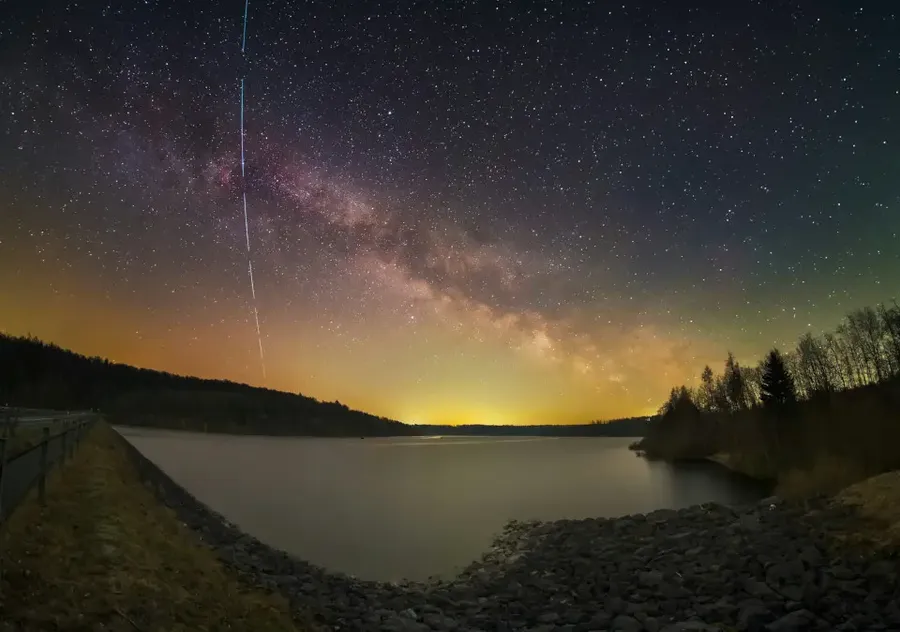
Turn a travel shot or a photo of your street into a desktop or phone wallpaper with a hand-painted anime finish. Upload the picture, describe the palette and the light you want, then use Resize image to take the result to the exact screen ratio you need — 16:9 for desktop, 9:16 for phone.
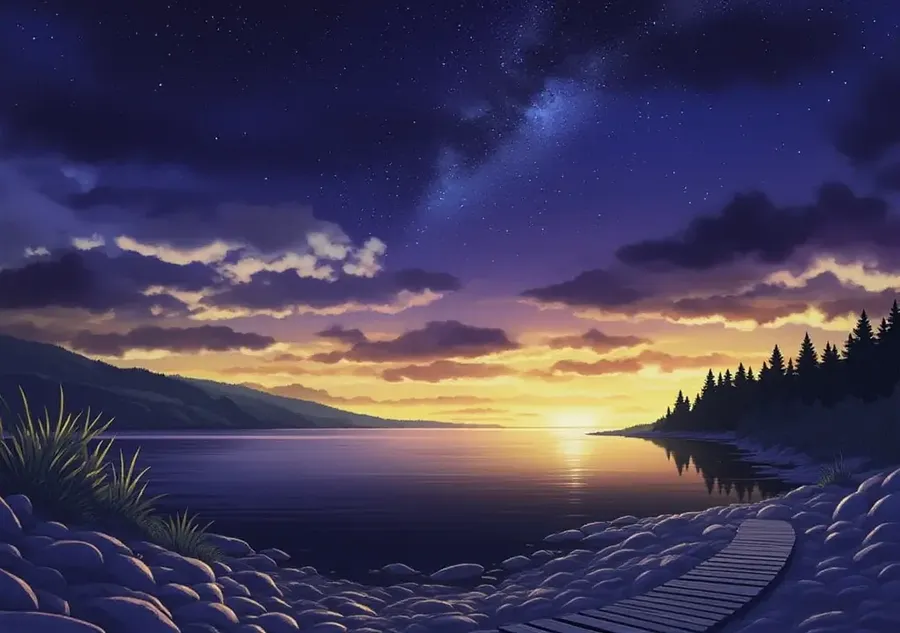
Control the look of a restyled photo
Upload a photograph and use it as a visual reference for a new hand-painted anime-inspired interpretation. Adjust the prompt to control the setting, color palette, lighting, and level of stylization. Restyling rebuilds the image rather than filtering it, so features, composition, and small details can shift — generate a few versions and keep the one that holds what matters.
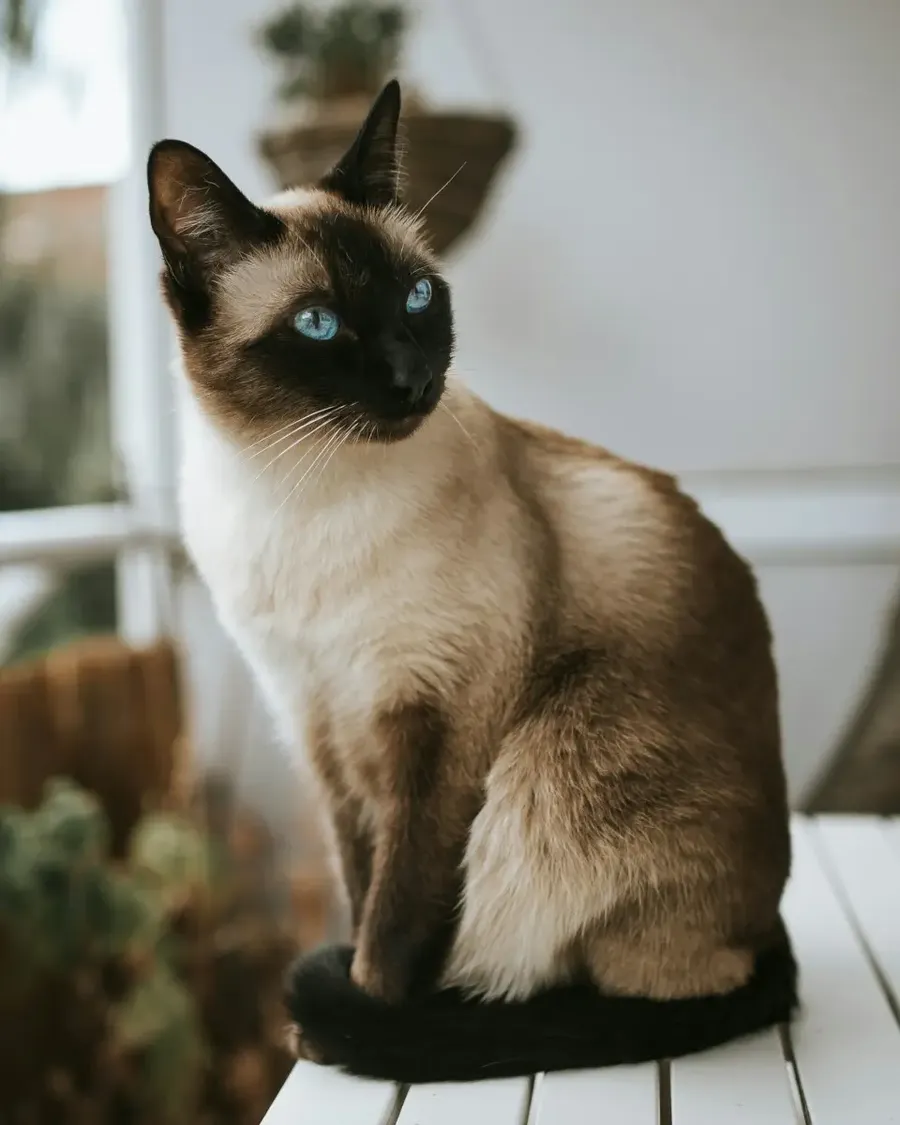
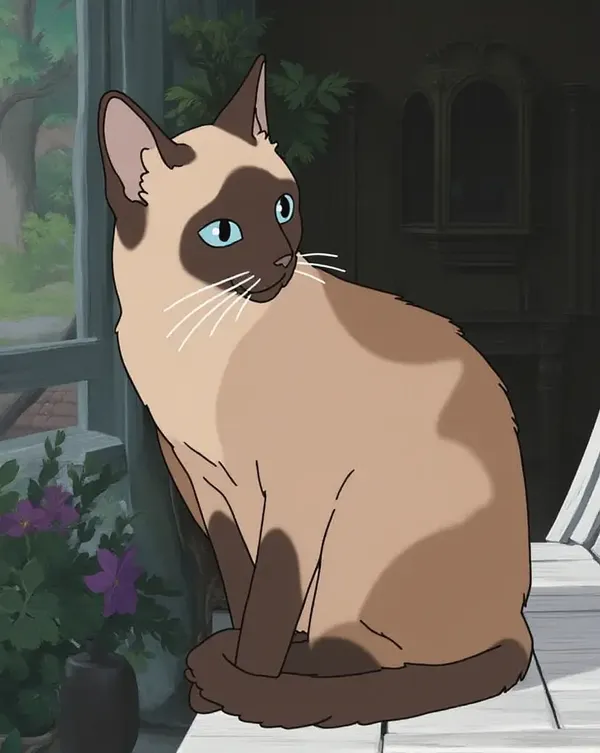
Design your own animated-style posters
Put an original character front and center, add a painted environment behind them, and generate at a 2:3 poster ratio with clear space for a title. It brings a warm, whimsical animated look to your walls or screens. Add the typography yourself — AI-rendered text usually needs a manual pass.
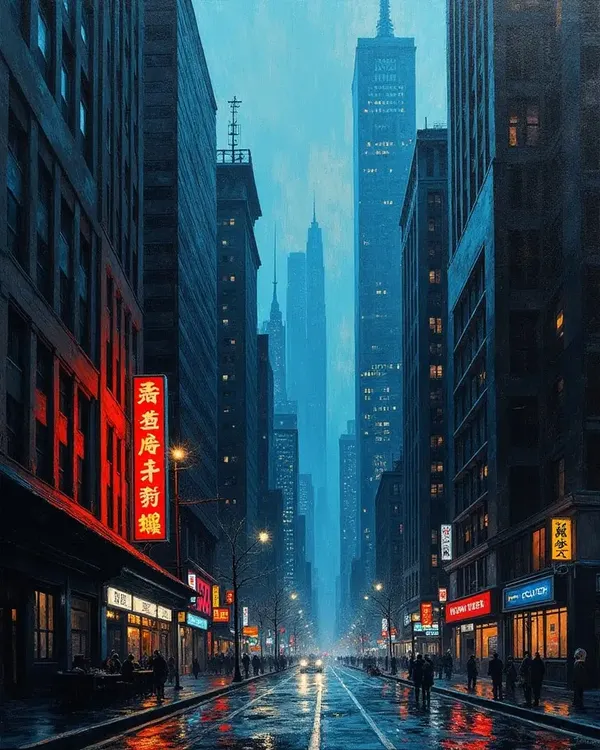
Frequently Asked Questions
It is an image generator used with prompts that describe a hand-painted anime look: painted environments, soft natural lighting, muted natural palettes, and expressive, simplified characters. getimg.ai has no dedicated Ghibli model — it runs leading general models like FLUX.2 and Nano Banana 2, which handle this illustration style well when the prompt is specific.
You can work in two directions. Start from a text prompt and build a scene from scratch, or upload a photo and use it as a visual reference for a new illustrated interpretation of it.
Yes. Open Create image, upload your photo, attach it as a reference, and describe the look you want — hand-painted anime illustration, soft watercolor background, warm natural light. The photo gives the model visual guidance while the prompt controls the setting, palette, lighting, and how stylized the result is.
This is generative restyling, not a filter. The model rebuilds the image, so facial features, composition, clothing, and small details can shift between versions. Generate a few and keep the one that preserves what matters to you.
Use a formula instead of a style label: subject + environment + animation medium + palette + lighting + atmosphere. Naming the features gives the model far more to work with than naming a studio.
For example: "Young traveler standing beside a small countryside train station, hand-painted anime illustration, soft watercolor background, warm afternoon sunlight, lush green vegetation, expressive character design, gentle nostalgic mood."
Generate a few options, then refine the closest one with follow-up prompts until the light, the palette, and the character design feel right.
Photos with a clear subject, good lighting, a visible face, and an uncluttered background. A well-lit portrait, a pet close-up, a wide landscape, or a travel shot with one obvious focal point all restyle cleanly.
Harder cases: very dark or low-resolution images, busy group shots, heavy motion blur, and scenes with several competing subjects. Those usually need a more detailed prompt or a few iterations before they land.
Yes, and it is the better way to work. Describe appearance, clothing, personality, expression, and the environment they live in, and you get a character that belongs to you rather than a copy of an existing one.
To keep that character consistent across scenes, save it as an Element and call it in a prompt with @CharacterName, or attach your best render as a reference image. Then change the setting, the season, or the time of day while the design stays the same.
No. getimg.ai is an independent creative platform and is not affiliated with, endorsed by, or sponsored by Studio Ghibli. Studio Ghibli is a trademark of its owner.
We use "Ghibli-inspired" because it is the term people search for when they describe a visual direction: hand-painted anime art with painted environments, soft natural light, and expressive characters. It names an aesthetic, not an official collaboration, and the tool does not reproduce or distribute any studio's films or characters.
Paid plans include commercial usage rights for the content you generate, under our terms. That license covers your own original creations.
It does not grant rights to third-party characters, names, logos, trademarks, or films. If an image includes protected intellectual property, you are responsible for holding the appropriate permissions before using it commercially. Designing original characters and environments in the visual direction you want keeps that question simple.
Start with a photo or a prompt
Upload a picture and restyle it as hand-painted anime art, or describe the scene and build it from scratch. Generate a few versions, then refine the one that lands closest.