A better alternative to AI model training
Reusable visual building blocks for image generation
For years, “training an AI model” meant complex setup, long waits, and technical trade-offs. We built a better approach. With our Elements feature, you can create reusable people, styles, products, lighting, textures, color palettes, compositions, places, and more, and use them instantly when generating images.

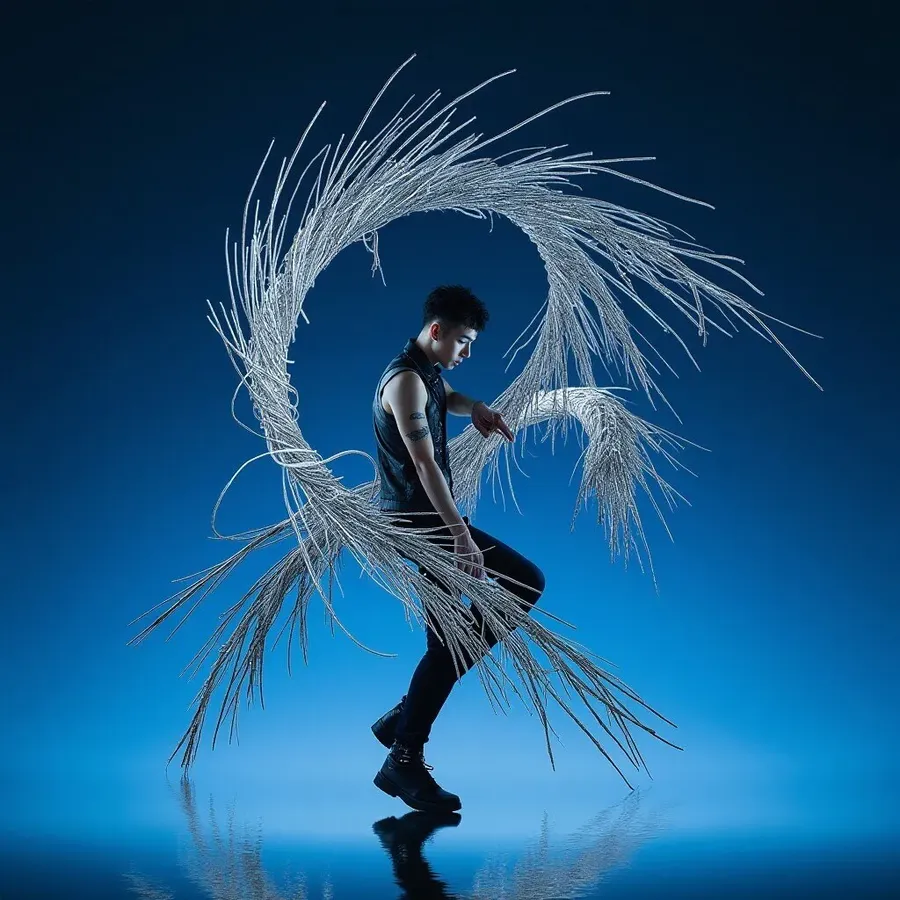
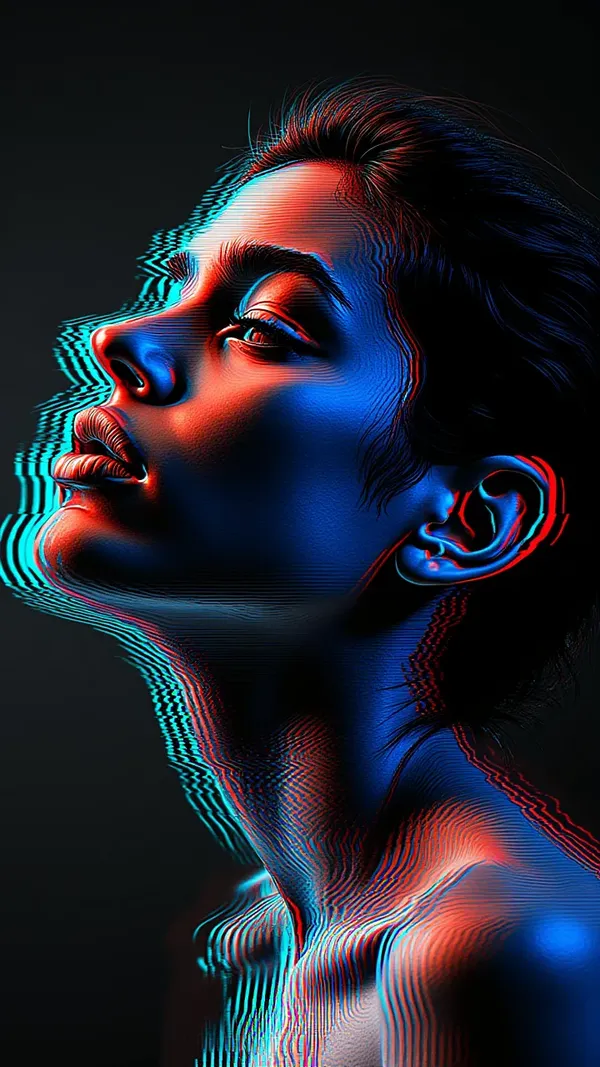
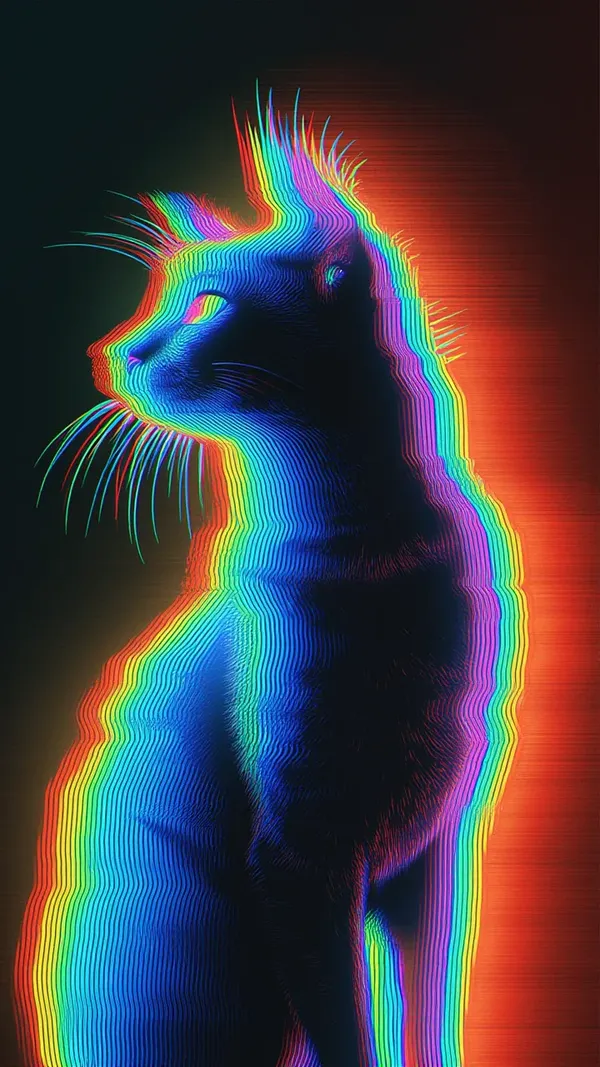
Create reusable Elements in minutes
It's easier than you think.
1. Choose an Element type
Log into getimg.ai and create a new Element. Choose what you want to define: a person, a product, a style, lighting, a place, or any other visual concept you want to reuse.
2. Add Element images
Upload a small set of images that represent what you want the Element to capture. This can be photos of a person, product shots, style inspiration, lighting examples, or material references. Then save your Element.
3. Use it instantly
Type @ElementName directly in your prompt. The AI understands what you mean and applies it automatically. No training step. No waiting. No repeated setup.

Consistent AI people, without typical model training
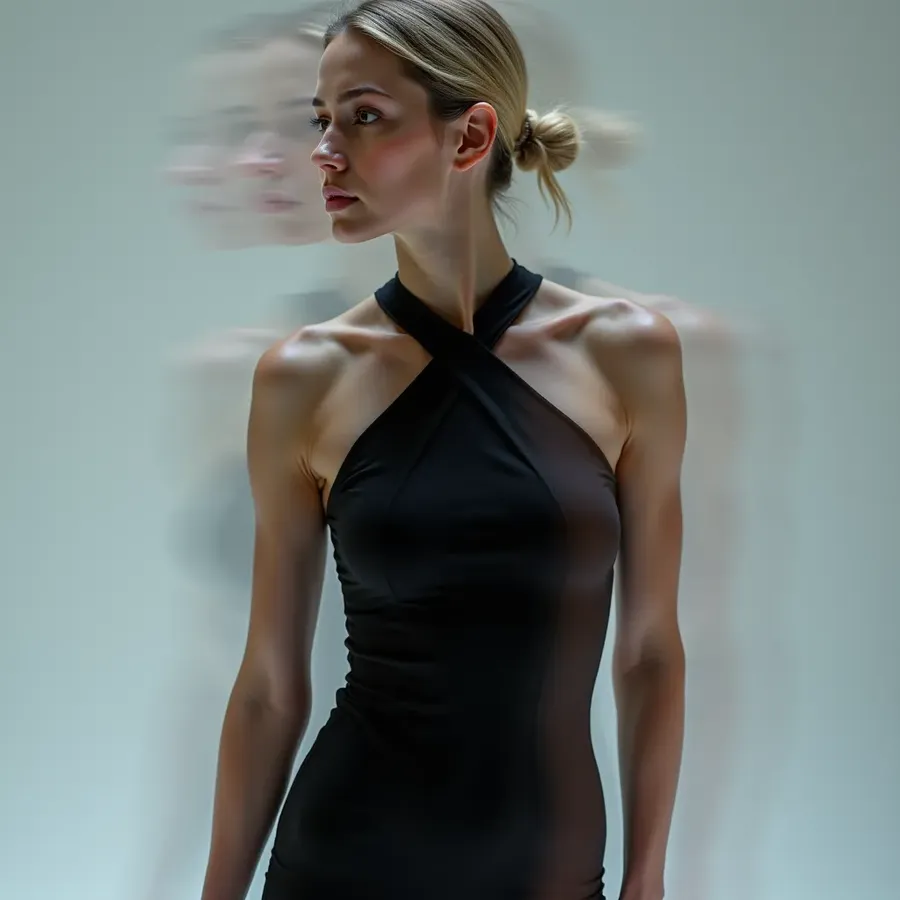
Ever wanted to reuse the same person across dozens of images without their face drifting over time? With Elements, you define a person once and reuse them anywhere. Create a digital version of yourself, a recurring character, or a brand mascot. Drop them into different scenes, outfits, moods, and styles while keeping their identity intact. No retraining required.






-900x900.webp)


Reusable styles that actually stick
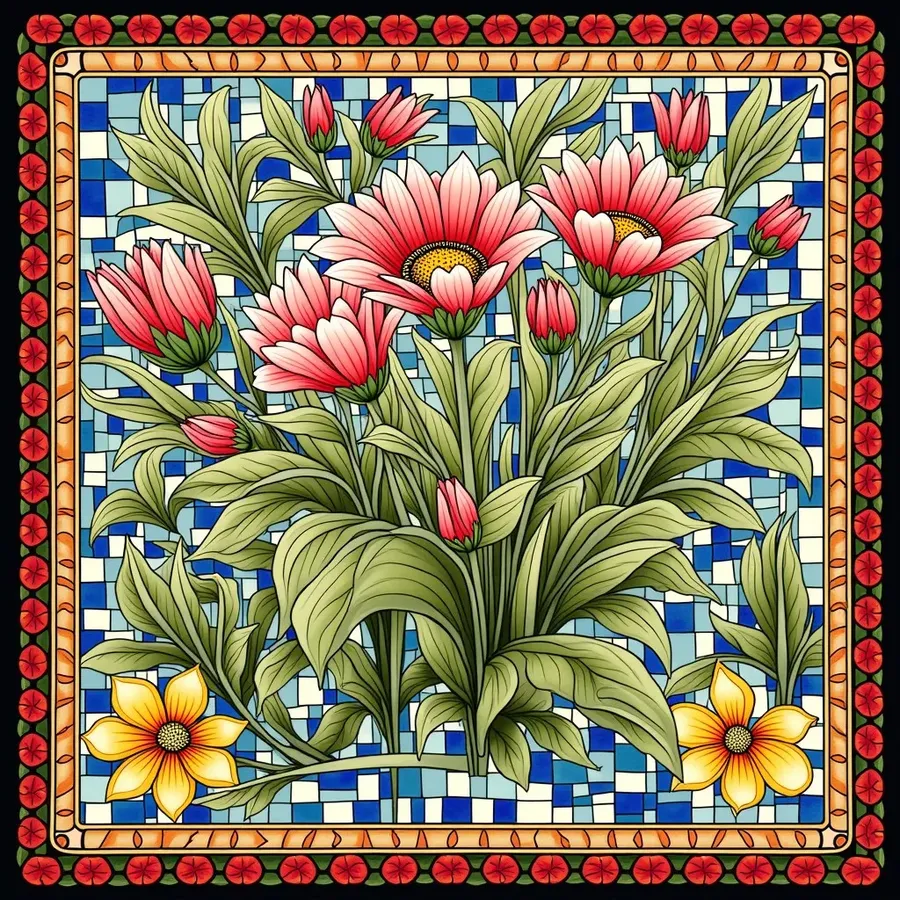
General AI models are great, until you need a very specific look again and again. Style Elements let you lock in an aesthetic once and reuse it everywhere. Photography styles, illustration looks, brand visuals, color grading, or experimental art directions. Apply the same style across people, products, and scenes without rewriting prompts every time.
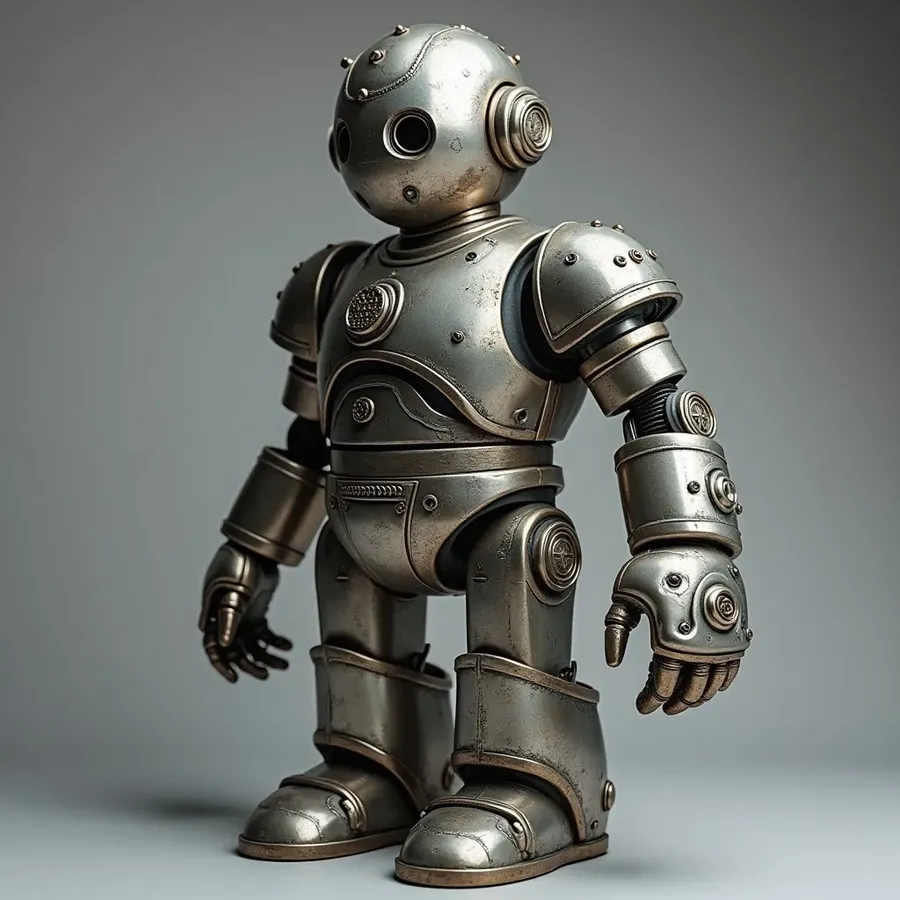

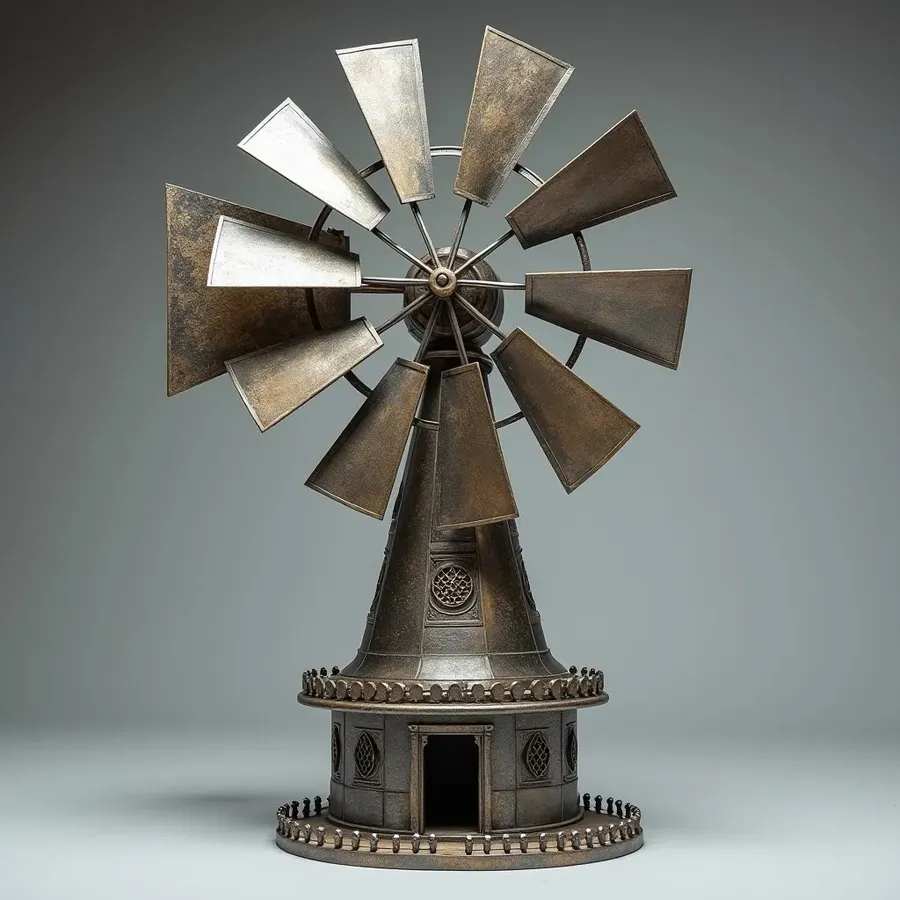
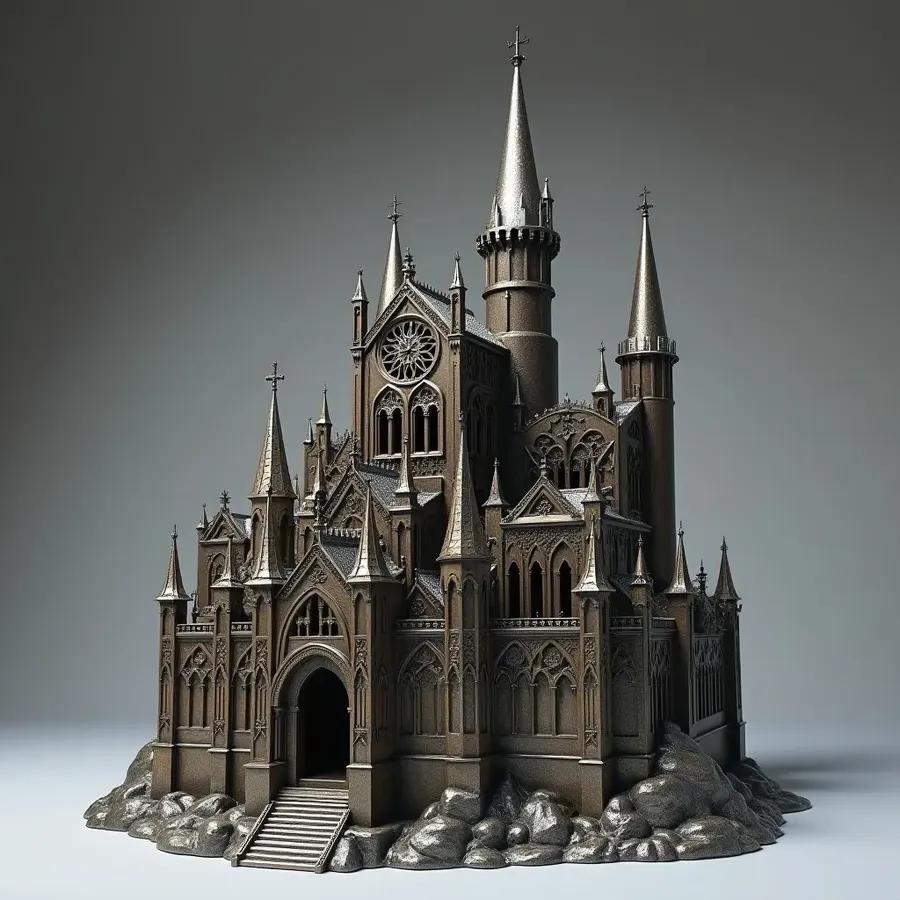
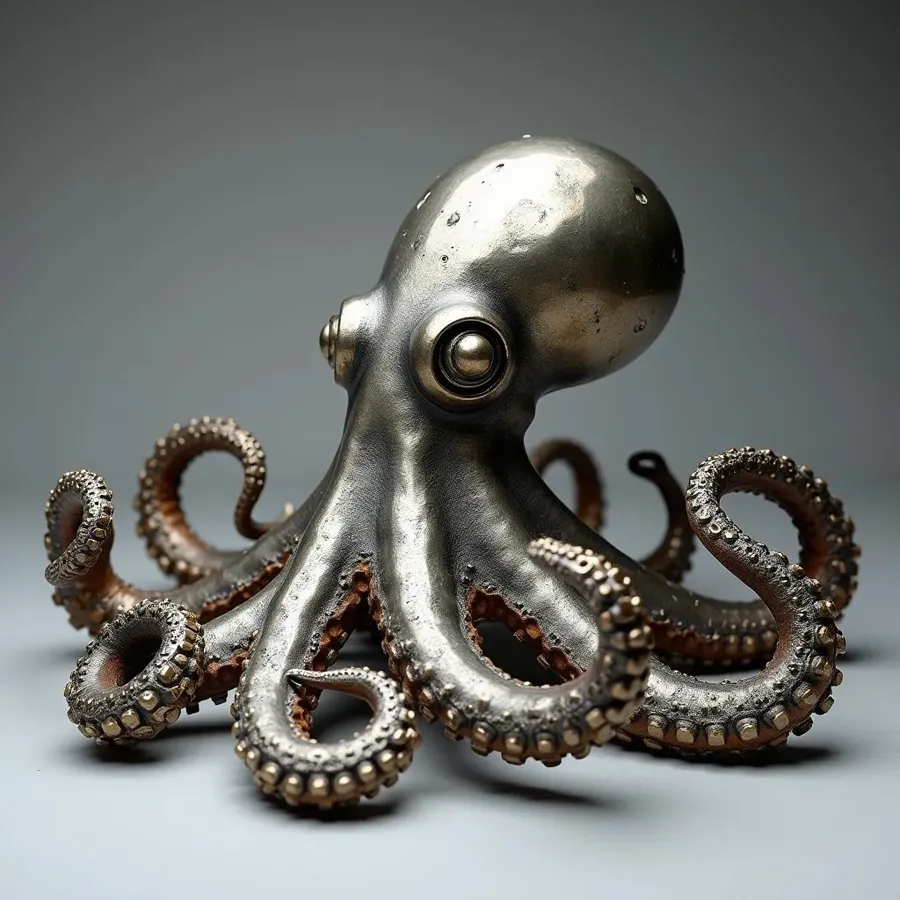
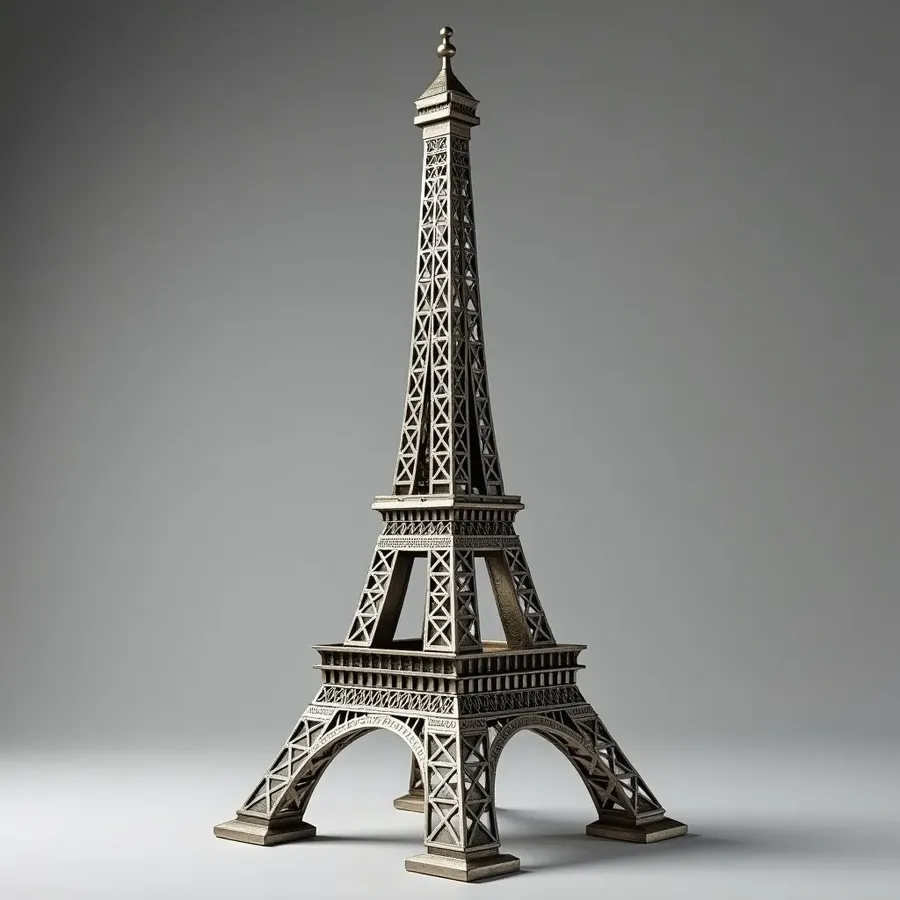
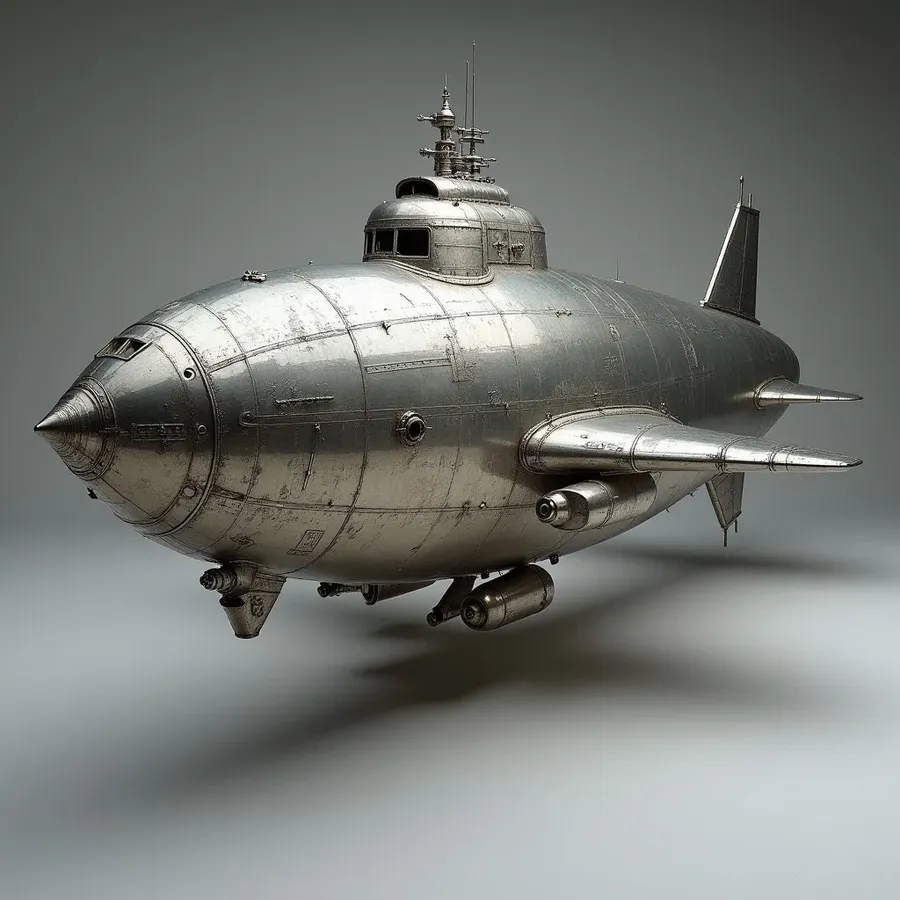
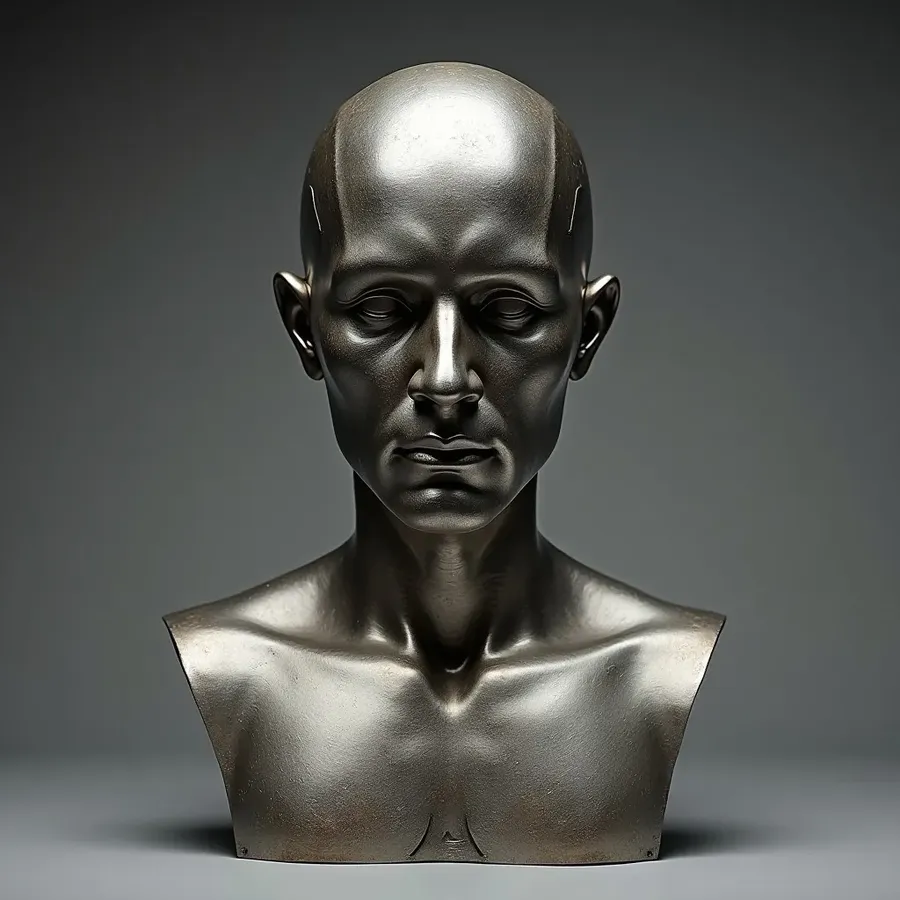
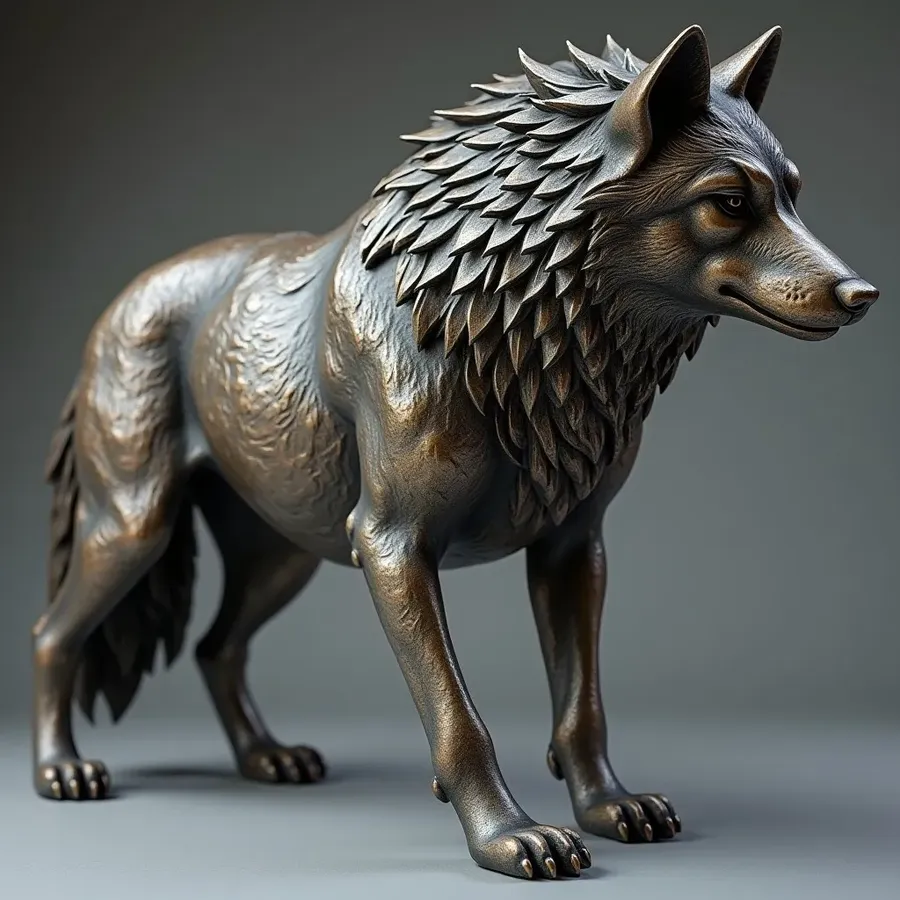
Built for speed, not setup
Time is money. Elements remove the repetitive work that slows image generation down. There is no technical configuration, no parameter tuning, and no long training cycles. You define something once, name it, and reuse it instantly. It feels closer to working with building blocks than managing models.

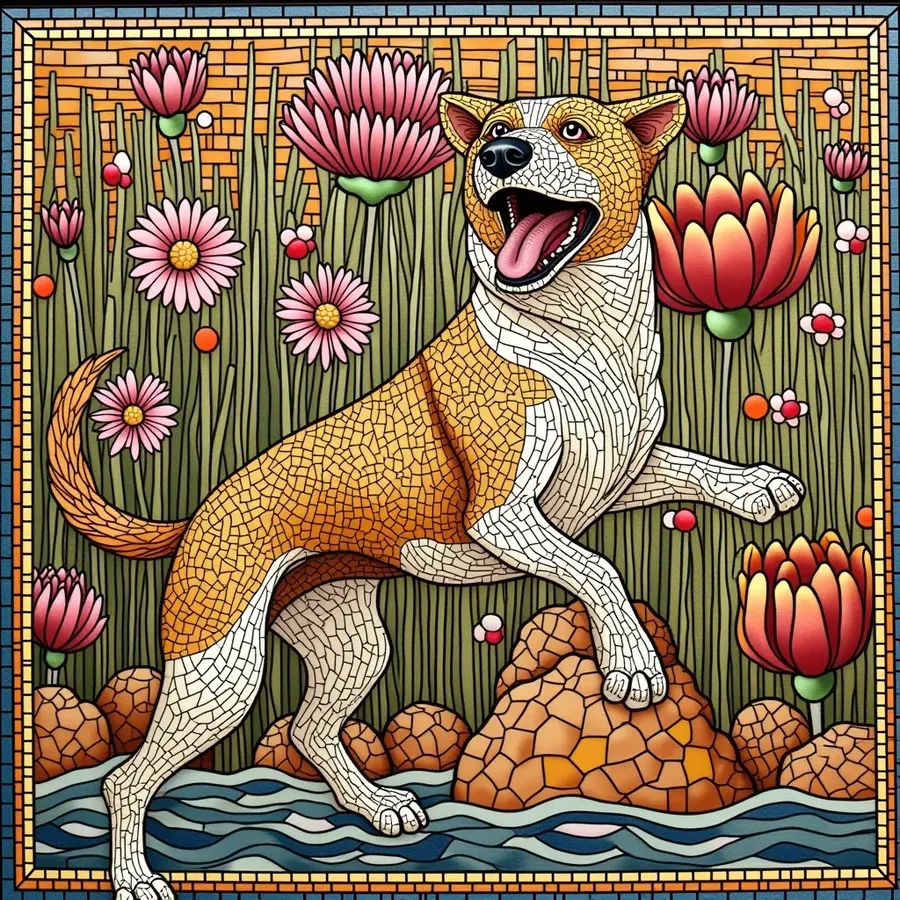
-900x900.webp)
Mix and match Elements freely
Elements work together. For example, you can combine a person, product, and place Element all in a single prompt, like this: @Person holding @Product in @StudioSetting. That’s where things get powerful.




Useful for personal and professional workflows
Elements scale with how you work. If you generate images casually, they save time and keep things consistent. If you generate images at volume, they become essential. Designers, marketers, artists, and creators all use Elements to move faster without losing control. Once something becomes part of your workflow, going back to manual references feels surprisingly slow.

Frequently Asked Questions
Elements are reusable visual references that teach the AI what you mean by a specific person, product, style, or concept. Once created, you can reference them by name directly in your prompt. Check out our Guide to Creating Elements to learn more.
No. Elements are a lightweight alternative to traditional model training. They do not require long training times, technical setup, or special parameters. You upload a set of images, name the Element, and use it instantly.
Yes. Elements work alongside standard reference images. You can use one, the other, or both together depending on your workflow.