Create Custom AI Stickers from Text or Photos
Text-to-sticker and photo-to-sticker in one workspace
Describe an original sticker idea or upload a photo as a reference. Choose the character, expression, style, colors and outline, generate several versions, then refine the strongest design and remove the background for a transparent PNG. The output is sticker artwork — not a preconfigured messaging-app pack or a printer cut file, so platform uploads and physical printing may need extra resizing, formatting, bleed or cut-line preparation.
Text and photo input
Create stickers from text or photos
Two entry points, one workspace. Start from text to build a completely original sticker: name the subject, the expression, the style, the palette and the outline. Or start from a photo and add a person, pet, product, mascot or object as a visual reference, then describe the sticker treatment you want. Generate 1, 2, 4, 8 or 16 versions at a time, keep the strongest one, and refine it with follow-up prompts.
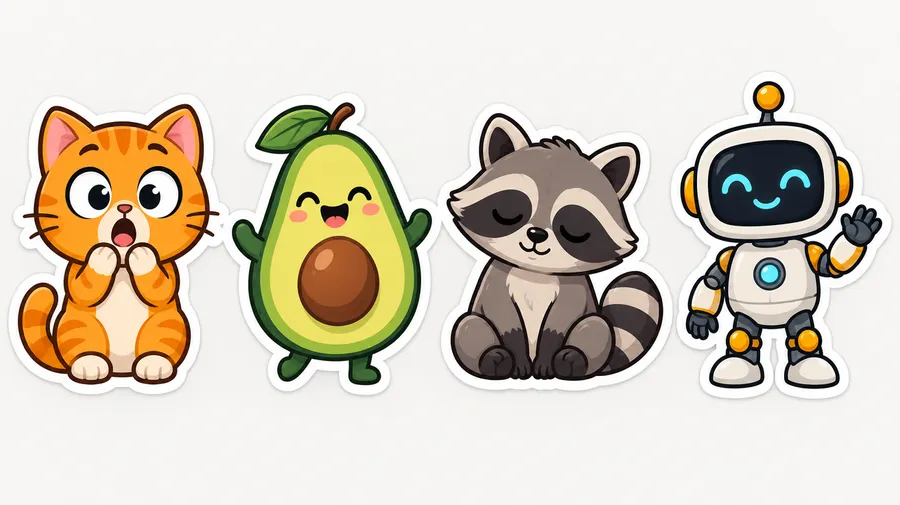
Photo to sticker
Stylize a photo or cut out the original
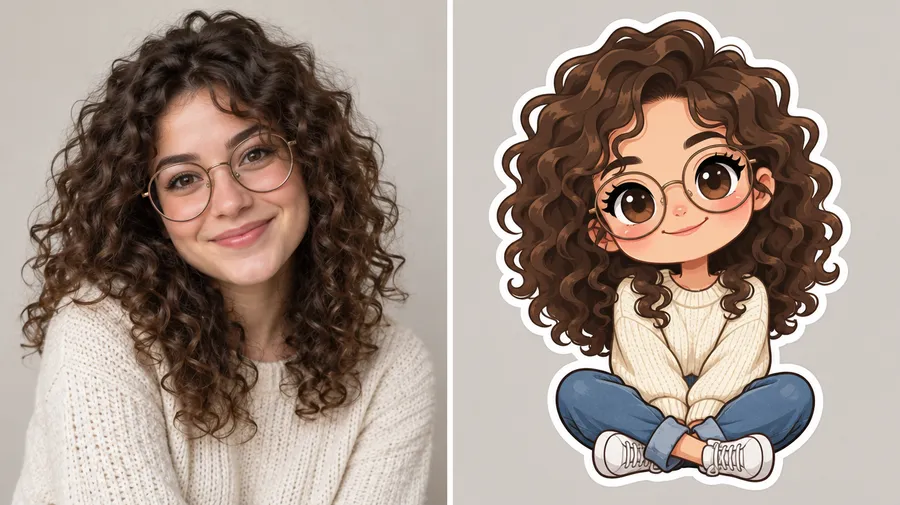
"Photo to sticker" means two different things, and getimg.ai covers both. A stylized sticker uses your selfie, pet photo or product shot as a Reference and reinterprets it — cartoon, chibi, 3D, kawaii or hand-drawn. A photo cutout sticker keeps the original image and isolates the subject instead: use Background Remover to drop the background, add an outline if you want one, and export a transparent PNG. Pick the stylized route when you want a new look, the cutout route when the photo itself is the point.
Turn yourself or your pet into a sticker
Personal stickers start from one clear photo. Upload it as a Reference, describe the sticker direction, then generate several expressions from the same subject. References guide appearance, but stronger cartoon or chibi stylization can simplify or change smaller facial details.
Selfie stickers
Use a well-lit selfie as a Reference and describe the treatment: chibi, kawaii, flat cartoon or 3D. Generate a batch, then refine the version that reads best at small sizes.
Pet stickers
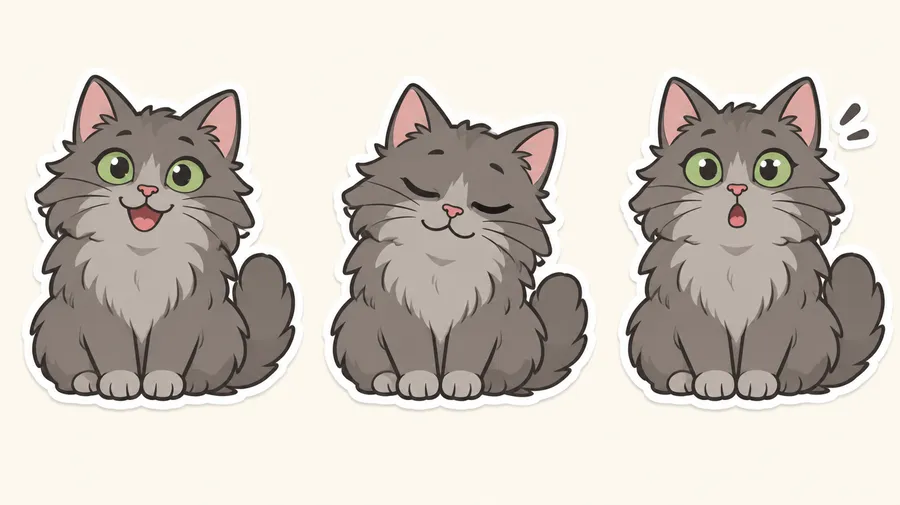
Upload a clear photo of your cat, dog or other pet, then generate different expressions, outfits or sticker styles from the same subject. Save it as an Animal Element to reuse the same pet later.
Mascot and product stickers
Brand mascots, product illustrations and campaign stickers work the same way. Reuse a Product, Style or Color Palette Element to keep a series closer to your brand look.
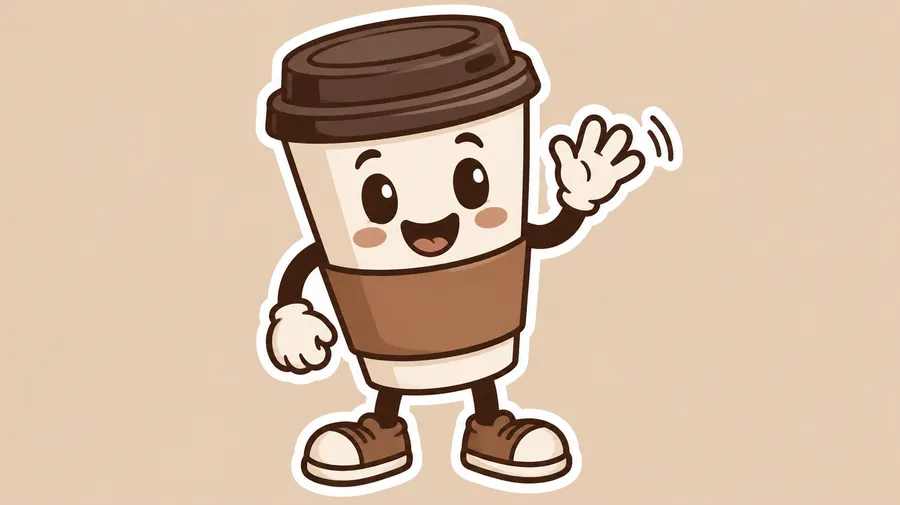
Create stickers with transparent backgrounds
Generate the sticker artwork first, then remove the background to isolate the design and export a transparent graphic that is easier to place in chats, social visuals, mockups or print layouts. Background Remover handles the isolation; AI Resizer and Upscaler handle the output size.
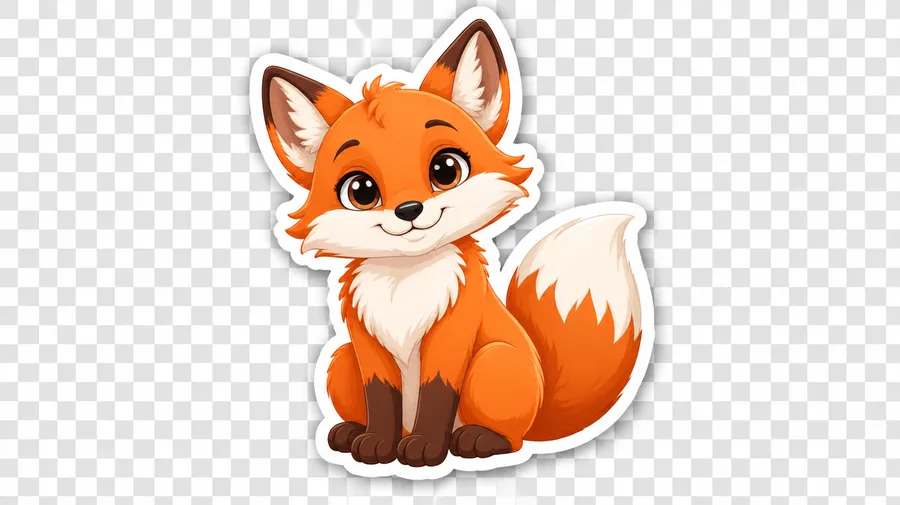
Sticker packs
Build a matching sticker pack
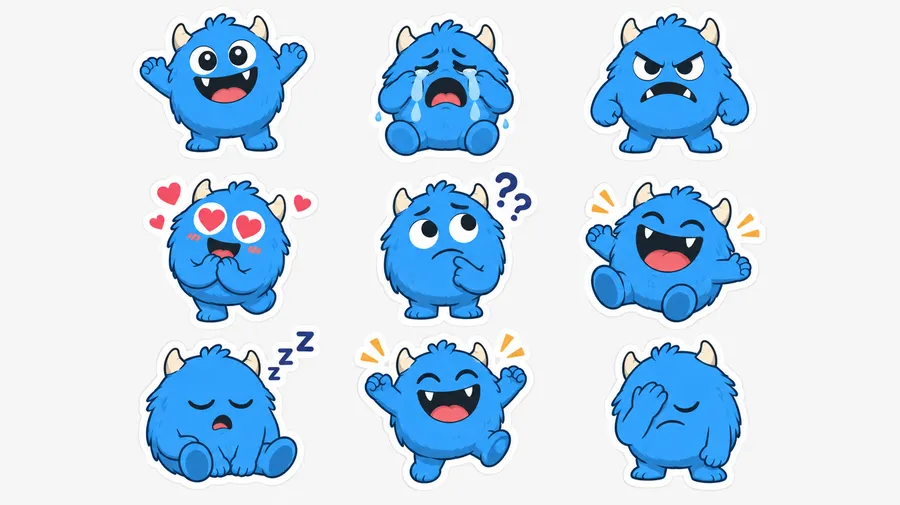
Create the character once, save it as a Person, Animal or Style Element, then reuse that Element while you change the expression or pose. Work through a reaction set — happy, crying, angry, love, confused, laughing, sleepy, celebrating, facepalm, thank you, nope, let's go — and remove the backgrounds at the end. Read the Elements guide for how saved Elements carry across generations.
Explore sticker styles
Naming the style in the prompt is the fastest way to control how a sticker looks. These directions all work as prompt language.
Illustrated
Drawn sticker looks, from soft and rounded to bold and graphic.
Chibi— small body, large head, exaggerated emotion. See Chibi Maker for the character step.
AI sticker prompt examples
A reliable sticker prompt follows one formula: subject + expression or action + sticker style + palette + outline + background + text if needed + intended use. More patterns live in the AI Image Generation Prompt Book.
From text
Start with nothing but a description.
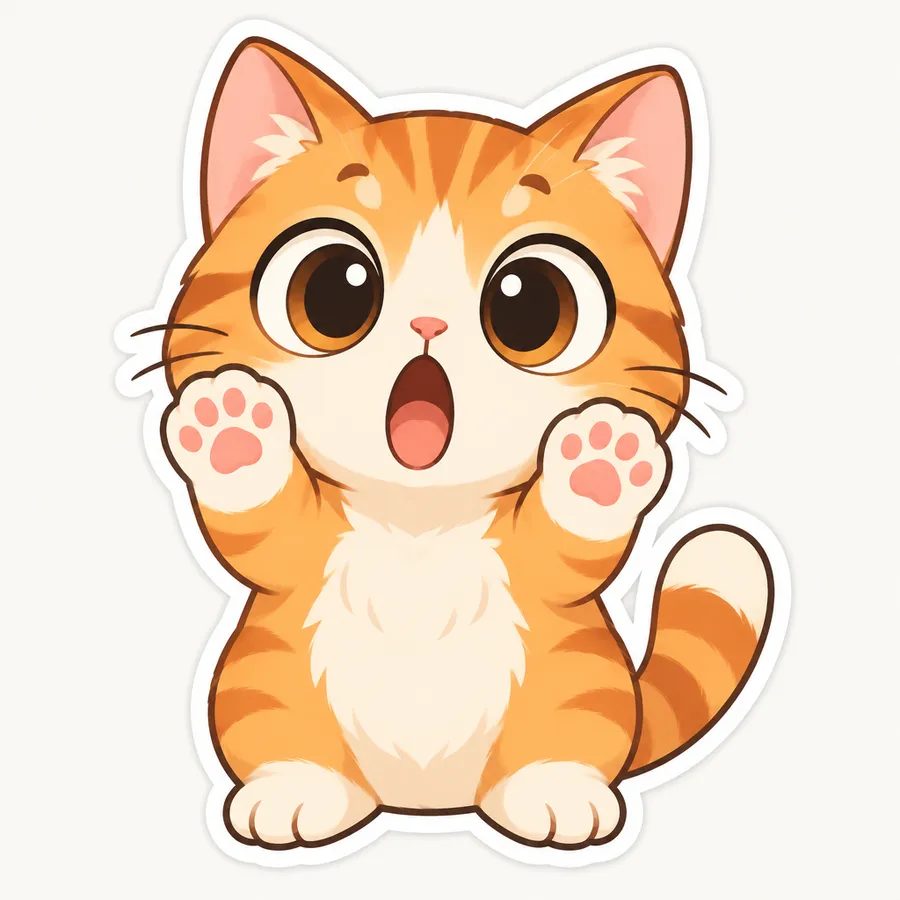
"cute orange cat reaction sticker, shocked expression with huge eyes and raised paws, bold cartoon style, thick white outline, simple silhouette, warm orange palette, plain background"
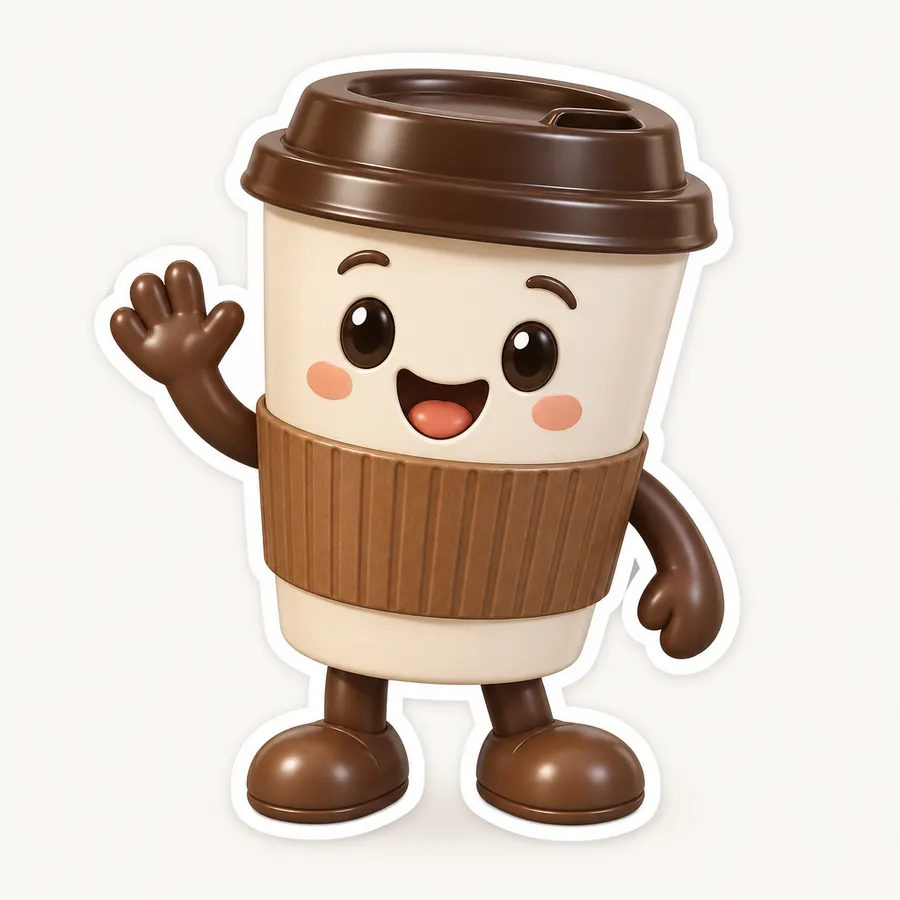
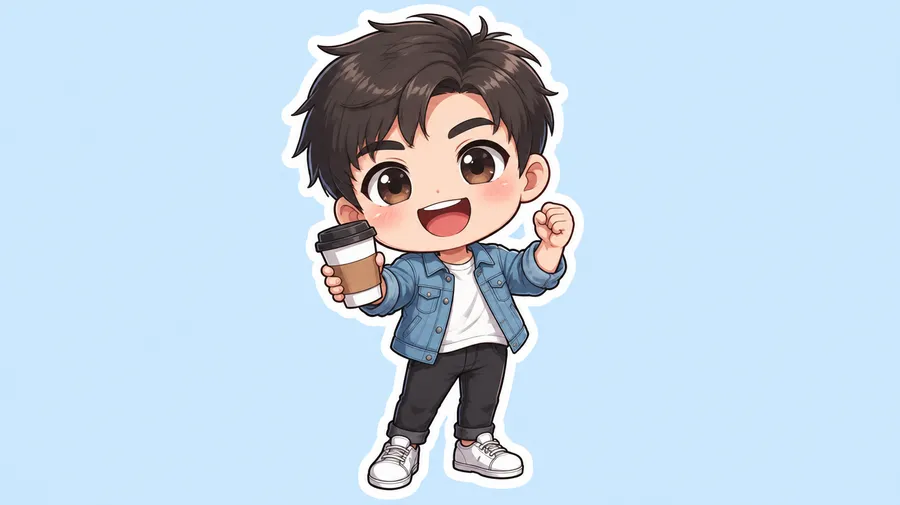
"friendly coffee-shop mascot sticker, smiling takeaway cup character waving, flat vector-inspired illustration, brown and cream palette, thick white sticker outline, clean centered composition"
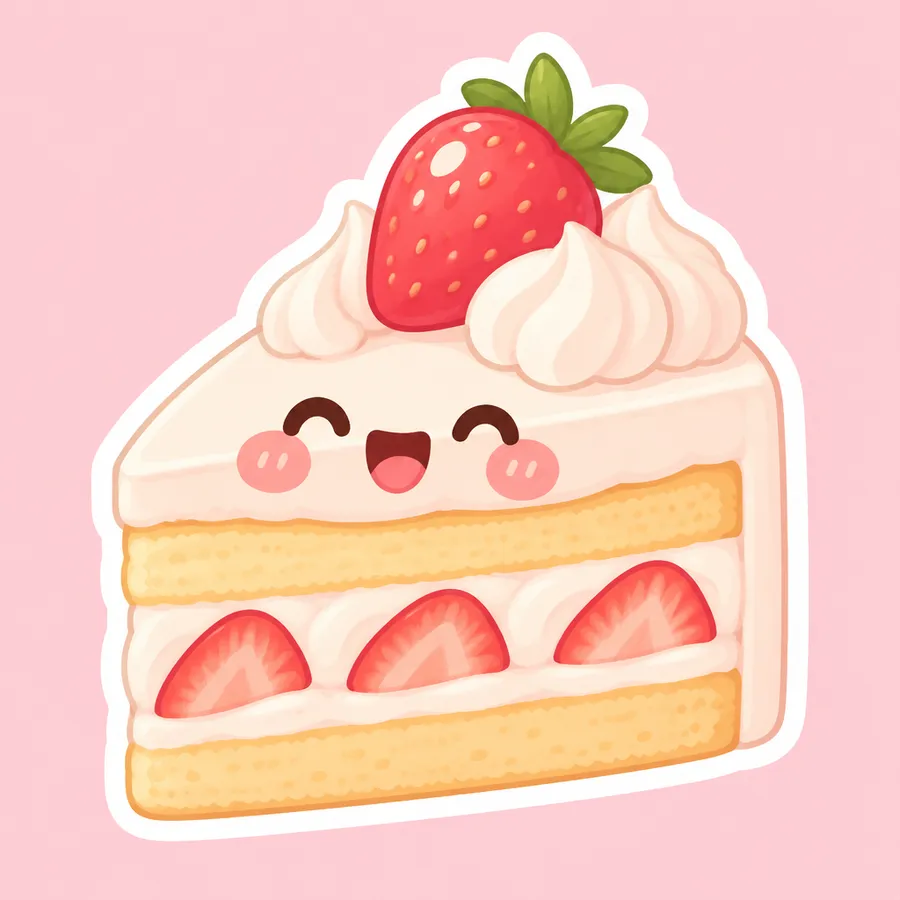
"kawaii strawberry cake sticker, blushing face, pastel pink and cream palette, soft rounded shapes, thick white outline, plain background"
How to get better sticker results
Stickers are usually viewed small. The designs that survive that are the ones with a single clear subject and a strong silhouette. You can keep refining a result with prompt-based editing in the Image Editor.
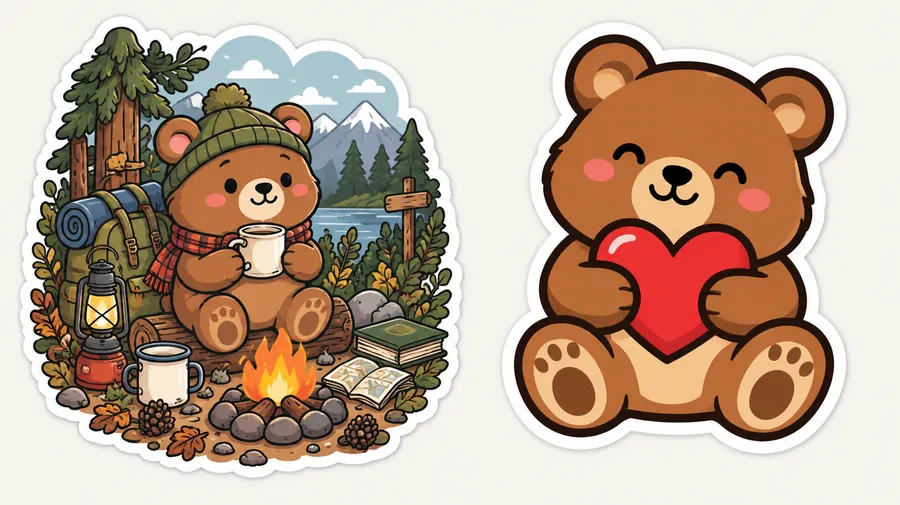
Digital stickers, messaging apps and print
Three different things get called "a sticker". Knowing which one you need decides what you do after the artwork is generated.
Three kinds of sticker
The distinction that matters most before you download anything.
Sticker artwork— a generated visual designed to look like a sticker. This is what getimg.ai produces.
Transparent digital sticker— the same artwork with the background removed, useful for layouts and compatible digital workflows.
Ready to start?
Create an account and design your first sticker set today.
Frequently Asked Questions
Open Create image, describe the sticker or add a reference photo, then specify the style, expression, colors, outline and composition. Generate several versions, refine the design you like most, remove the background if you need a transparent PNG, then resize or prepare the file for its final use.
A workable first prompt: "cute cartoon cat sticker, big eyes, surprised expression, thick white outline, simple centered composition, plain background".
Yes, in two different ways. Add the photo as a Reference and describe a visual transformation to get a stylized sticker, or keep the original image and remove the background to get a photo cutout sticker. The first reinterprets the photo; the second preserves it.
Upload a clear, well-lit selfie as a Reference and describe the sticker style you want — cartoon, chibi, kawaii or 3D. References guide your appearance, but stronger cartoon or chibi stylization can simplify or change smaller facial details.
Upload a clear photo of your cat, dog or other pet, then generate different expressions, outfits or sticker styles from the same subject. Saving the pet as an Animal Element makes it easier to reuse across more stickers.
Generate the sticker artwork first, then use Background Remover to isolate the design and export it with transparency. A transparent PNG is a digital sticker asset — it is not automatically a print-ready or platform-ready file.
Create the character, save it as a Person, Animal or Style Element, then reuse that Element while changing the expression or pose for each sticker. Elements help maintain the same character, visual style or color palette across a sticker series. Individual details, poses and proportions can still vary between generative outputs.
Put the wording in quotation marks and describe where it should appear — for example: sleepy raccoon sticker with the exact words 'NEED COFFEE', chunky rounded lettering below the character. Short words are the most reliable, and you should review important wording before export.
You can create the artwork here and prepare it for those apps. Different platforms require different dimensions, file formats and file-size limits — Telegram static stickers need one side at exactly 512 px in PNG or WEBP, Discord static stickers are PNG at exactly 320x320 px up to 512 KB. Generate and isolate the artwork in getimg.ai, then resize and export it to the platform's current requirements.
getimg.ai produces high-resolution sticker artwork for print projects. Physical printing may additionally require exact dimensions, sufficient raster resolution, bleed, safe margins and sometimes a defined cut line, depending on the print provider. Prepare the downloaded artwork according to that provider's specifications.
getimg.ai can generate die-cut-style artwork and transparent sticker graphics. If your printer or cutter requires a specific vector cut path, bleed or production template, prepare the downloaded artwork according to that provider's specifications.
The sticker workflow generates static sticker artwork. Animated sticker formats used by platforms such as Telegram or Discord require an additional animation and export workflow.
Reuse a Product, Style or Color Palette Element when creating more stickers for the same brand or campaign. AI guidance is not the same as exact vector brand enforcement, so review logos, colors and typography before publishing.
All paid plans include full commercial rights on what you create. Plans start at $8/month for the Entry plan with 3,000 credits.
Stickers are larger standalone graphics with a full character, a heavy outline and room for text or a more detailed composition. Emoji need to stay readable at a much smaller display size. Need a tiny reaction graphic instead? Try AI Emoji Maker.