Grok Imagine by xAI: How It Stacks Up in AI Video Generation
AI video models are arriving faster than most people can keep up. Some chase spectacle. Others quietly focus on making things usable. Grok Imagine lands somewhere in the middle, and that makes it worth a closer look. Keep reading to see how it actually holds up.
You can try Grok Imagine models in getimg.ai right now!
⚡ TL;DR: Grok Imagine Review
- The Model: xAI’s proprietary video model, optimized for consistent motion and stable camera behavior rather than just raw spectacle.
- Standout Feature: high-quality native audio. It produces natural, conversational dialogue with impressive lip-syncing and ambient sound.
- Control: excellent at following specific cinematic instructions (pans, zooms, transitions), making it great for storyboarding.
- Workflow: prioritizes speed and low latency, allowing for faster iteration compared to heavier, slower models.
xAI’s approach to generative video
Grok Imagine comes from xAI, a company that has been steadily building its own stack rather than licensing models from elsewhere.
A lot of early video models felt like image generators learning to blink. Grok Imagine feels more intentionally tuned for motion, with fewer of the frame-to-frame inconsistencies that come from treating video as just a stack of pictures.
Camera behavior is consistent. Objects aren't likely to wander off or quietly mutate halfway through a clip. None of this is revolutionary on its own, but together it makes the model easier to work with.
A close-up of a creator's eyes reflecting a screen filled with beautiful, fast-moving cinematic landscapes. The camera zooms out to reveal the person sitting in a dark room, glowing with the light of the monitor. They look like a director of their own universe. Dreamy, cinematic, inspiring, 4k, volumetric lighting.
What the video model is actually good at
Grok Imagine’s strongest feature is instruction following in video form. When prompts describe movement, pacing, or transitions, the model generally responds in a way that feels deliberate rather than accidental.
It handles common cinematic requests competently:
- Camera pans, pull-backs, and slow zooms
- Multiple camera angles in one clip
- Environmental changes like weather or time of day.
This makes it well suited for exploratory work. Storyboards, mood pieces, short concept clips, and early-stage creative testing all benefit from a model that does not require excessive prompt gymnastics.
Fast-paced cartoon animation. A small robot jumps across rooftops, slips, then lands safely. Metal clank on landing. Comedic slide whistle sound during the slip. Short victory beep at the end. No dialogue. Sound effects are tightly synced to motion.
Audio generation? Surprisingly solid
One area where Grok Imagine quietly pulls ahead is audio: the generated soundtracks and dialogue tend to feel natural rather than synthetic.
Large concert venue at night. Solo singer at a piano performs a slow emotional ballad. Camera slowly zooms in on his face as he sings: ‘If I stay right here, will you still remember?’ Room reverb is strong. The audience applauds and rises from their seats.
When characters speak, lip movement and timing are generally well aligned. Speech cadence sounds conversational instead of robotic, and background audio usually complements the scene instead of fighting it.
Handheld selfie-style vlog, slightly shaky. A creator quickly down a city street at golden hour, speaking directly to camera: ‘Okay, so I didn’t plan this. I was supposed to post yesterday and I just… didn’t.’ They laugh briefly, inhale, then continue: ‘Anyway. Here’s what actually happened.’ Natural breath sounds, uneven pacing, city noise underneath. Voice is casual, not polished.
Ambient sounds like wind, traffic, or room tone help sell the illusion of continuity rather than calling attention to themselves.
Speed and iteration matter
One of the recurring themes across modern video models is that raw quality alone is no longer enough. Waiting too long for results discourages experimentation, especially when each generation is expensive.
Grok Imagine performs well in this regard. Benchmarks place it near the top when quality is measured alongside latency and cost. In practice, that means you can generate, adjust, and regenerate without feeling like every prompt is a commitment.
Game-engine style cinematic intro. Third-person camera follows a character walking into a ruined sci-fi city. Low ambient synth music plays. Wind whistles through broken structures. Character mutters quietly: ‘This place wasn’t supposed to exist.’ Footsteps echo. The camera zooms out to show the city.
A note on image generation
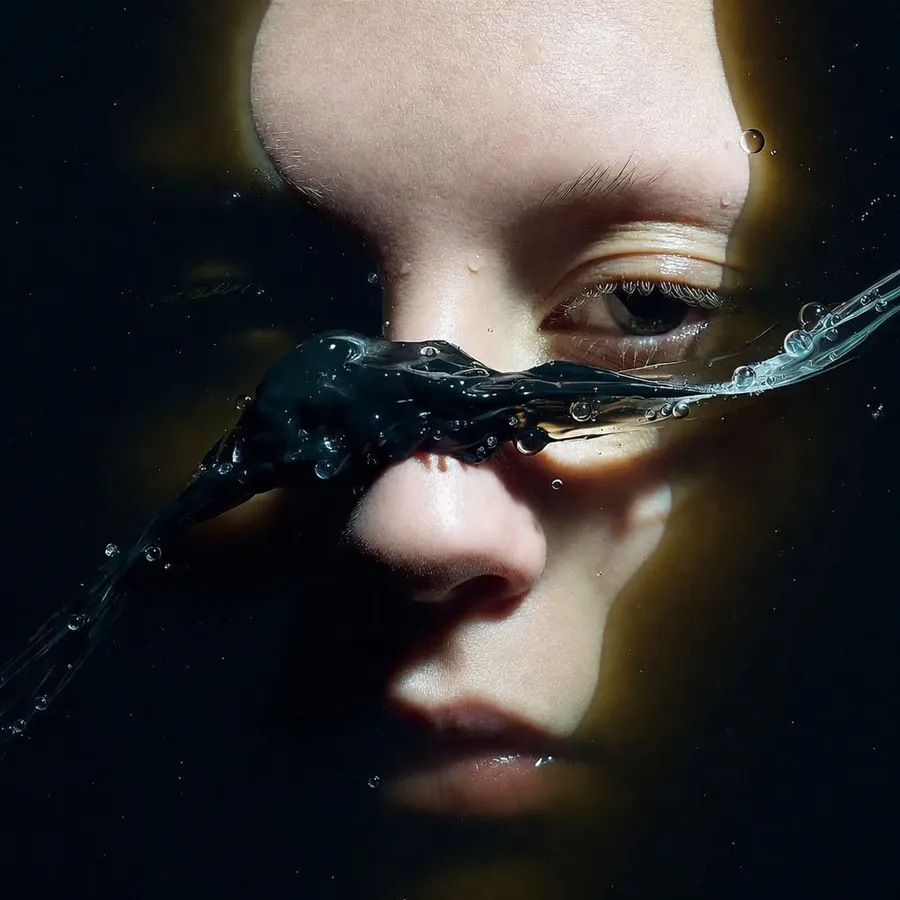
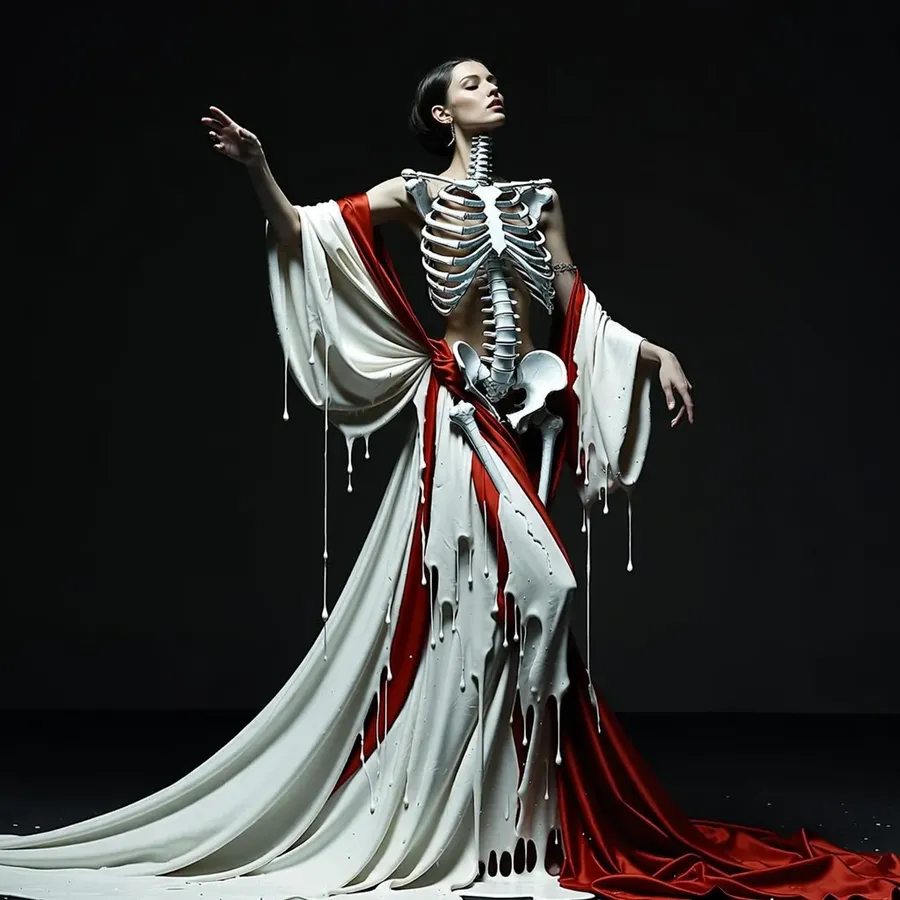
Grok Imagine model family also offers image generation. It might not be quite as impressive as its video equivalent, but it holds its own... especially considering that it competes in a space that is already crowded with very strong alternatives, such as Seedream 4.5 and Nano Banana Pro.
Fortunately, that is not a limitation when you are working on a platform that offers multiple image models side by side, such as getimg.ai.


How this fits into getimg.ai
At getimg.ai, Grok Imagine is one option among many. We do not optimize for allegiance to any single provider. The goal is to give creators access to a range of models with different strengths, so they can choose based on the task at hand.
Grok Imagine earns its place by being reliable, fast, and relatively predictable in video generation. That makes it a useful comparison point against other leading models, especially when you are testing the same prompt across different systems.
The takeaway
Grok Imagine does not “win” the AI video race outright. That race is far from over. What it does offer is a well-balanced combination of motion quality, responsiveness, and usability that makes it a serious contender rather than a flashy demo.
If you are already comparing video models, it belongs on the shortlist. If you are building workflows that depend on fast iteration, it is worth testing.
And if you are using getimg.ai, you can do exactly that without committing to a single ecosystem or betting everything on one model. Try it in getimg.ai right now!
Frequently Asked Questions
Grok Imagine is a family of generative AI models developed by xAI. It is a multimodal system, meaning it can create both high-quality images and cinematic videos. It is specifically known for its "motion-first" approach to video, which results in more stable camera movements and fewer visual glitches compared to earlier AI video models.
Yes. One of the standout features of the Grok Imagine video models is the ability to generate synchronized audio. When you prompt for characters speaking, the model aligns the lip movements with the generated voice. It also creates ambient sounds, such as wind, footsteps, or background music, that match the action in the video.
Grok Imagine responds best to natural, descriptive language. Instead of just listing keywords, describe the scene like a movie director: mention the subject, the specific camera movement (e.g., "slow dolly forward"), and the lighting. If you want audio, include the dialogue in quotes, such as: Narrator: "The city never sleeps."
Related Articles
-1400x746.webp)