Seedream 4.5 Guide: What’s New in ByteDance’s Updated AI Model
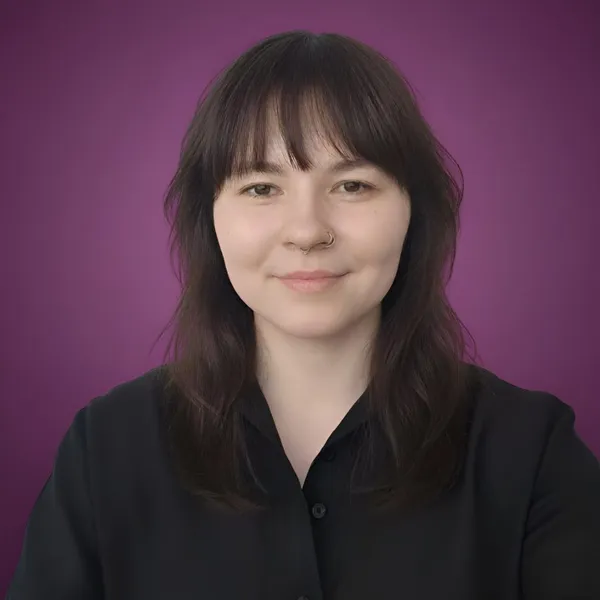

Seedream has always been the model that quietly overachieves. Version 4.0 was the moment people finally went, “Oh, this thing is actually great.” Now 4.5 steps in, looking sharper, acting surer of itself, and clearly having learned a few new tricks. Here’s what changed and why it matters.
You can try Seedream 4.5 in getimg.ai right now.
⚡ TL;DR: What’s New in Seedream 4.5?
- Visual Upgrade: a significant boost in aesthetic quality, featuring cleaner lighting, realistic textures, and much better facial detail in distance/crowd shots.
- Consistency: improved ID retention ensures characters look the same across different angles and variations, solving the "shapeshifting" issue.
- Text Rendering: sharpens small text and logos compared to v4.0, though Nano Banana Pro is still the leader for heavy typography.
What Actually Changed
Seedream 4 was already dependable. You asked for a poster; it gave you a poster. You asked for a painting of a fox wearing a suit; it shrugged and delivered something charming. You asked for clean text inside a layout; it didn’t sweat.
Version 4.5 builds upon that solid foundation and further polishes the entire experience. Here are the real upgrades.
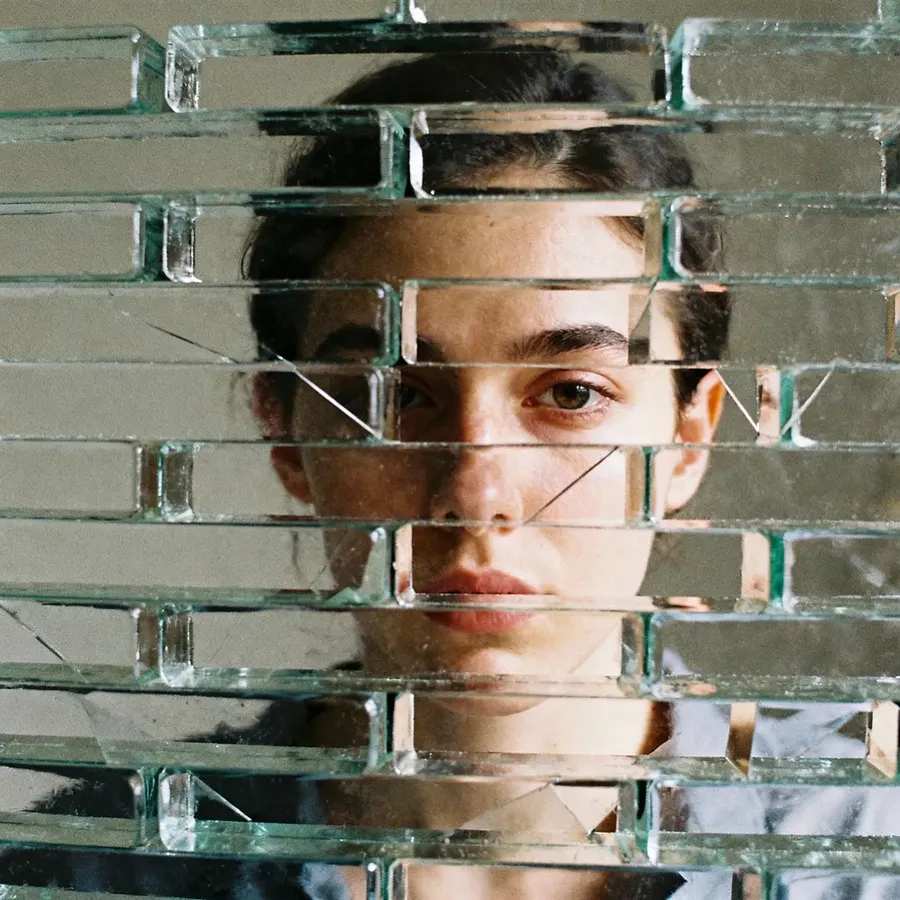


Better Looks Without You Babysitting
This is the big one. 4.5 produces images that feel like someone nudged the cinematic dial to a more confident level. Lighting is cleaner. Shadows make sense. Textures feel less “AI fuzzy” and more like something your eyes trust.



And one very welcome improvement: faces from a distance look better (although still not perfect). Seedream 4 was already excellent with close-ups, but tiny background faces sometimes softened into polite anonymity.
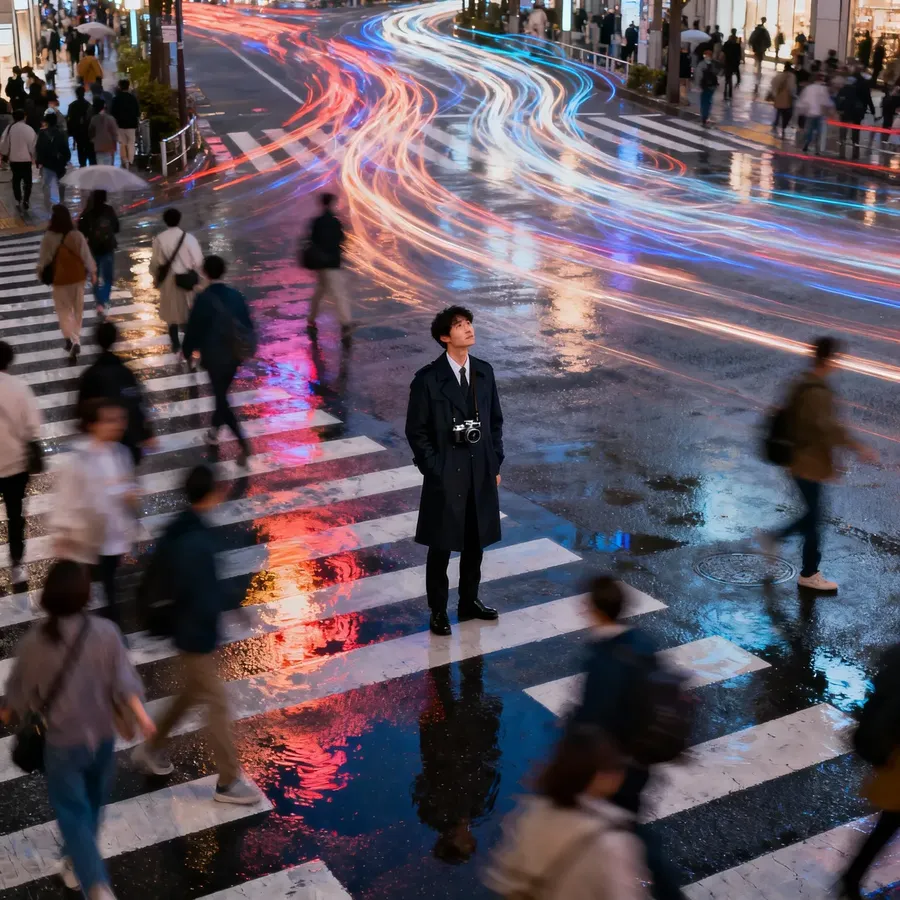

Version 4.5 retains more of those smaller details, so crowd shots, long-distance portraits, and wide-angle scenes feel more complete.
It’s the sort of glow-up you notice right away but can only describe by waving your hands around like you're critiquing a wine tasting.
Stability That Doesn’t Lose the Plot
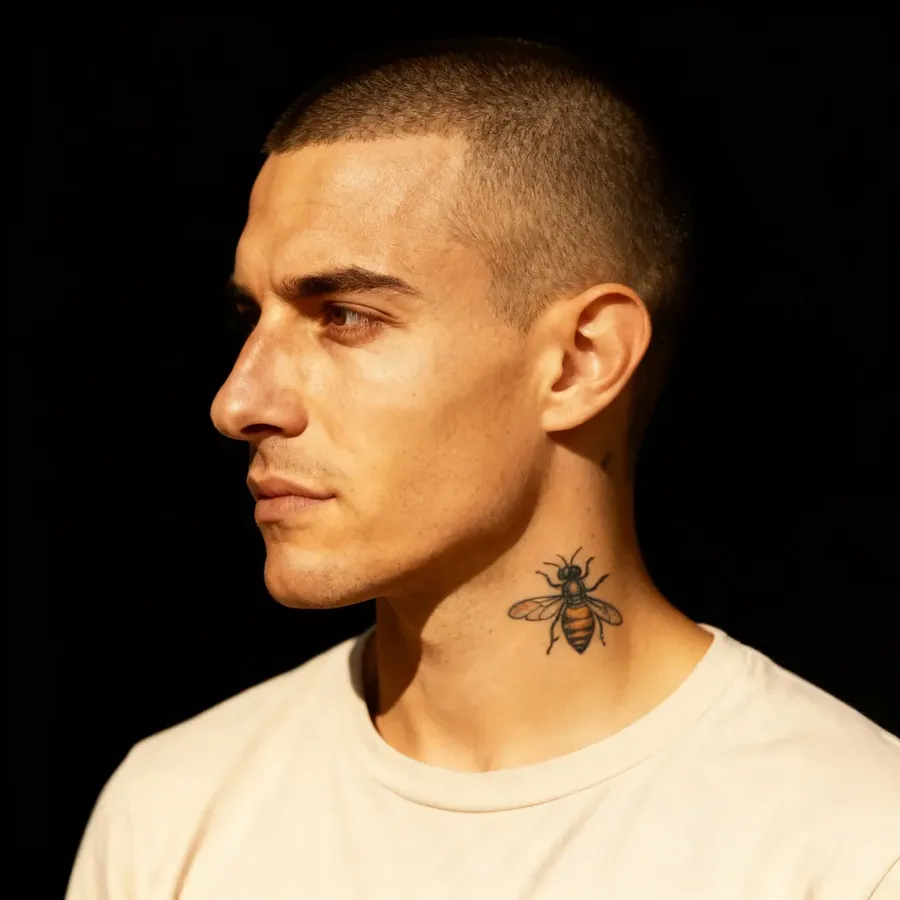
One of the classic AI crimes is generating the same character twice and getting a small family reunion instead. Thankfully, the model’s ID retention is noticeably stronger.



Base Image
Result 1
Result 2
Result 3
Seedream 4.5 holds onto subjects more firmly across variations and angles. You get fewer surprise cousins and more actual consistency.

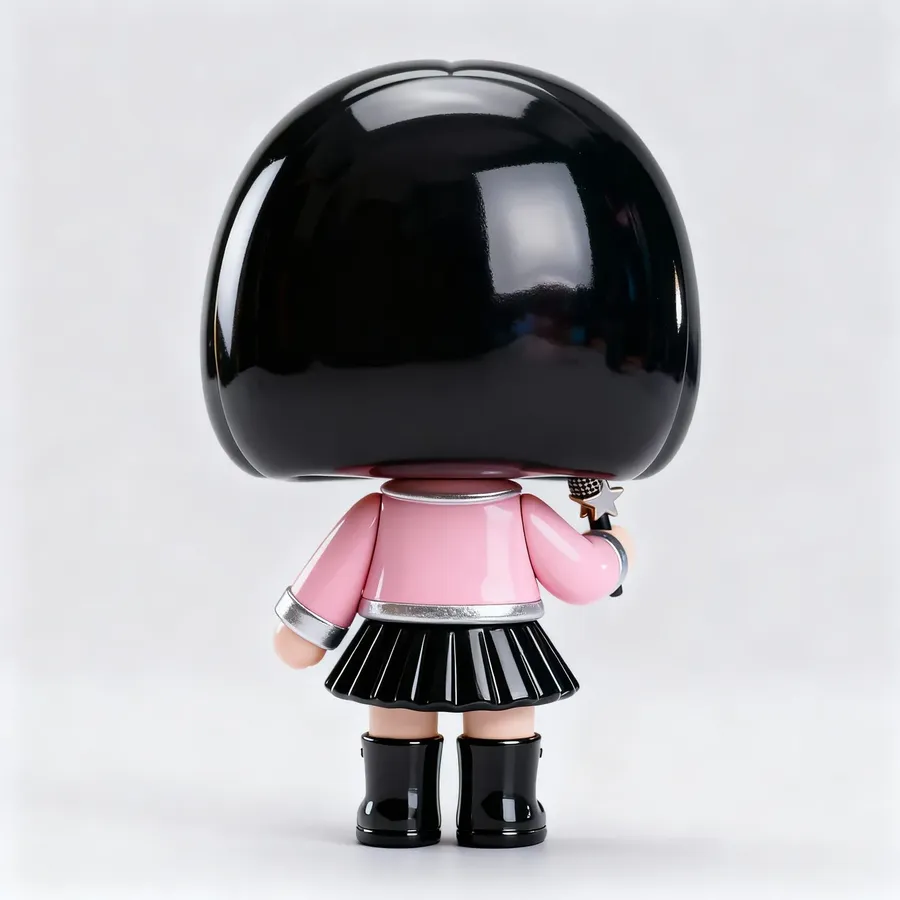
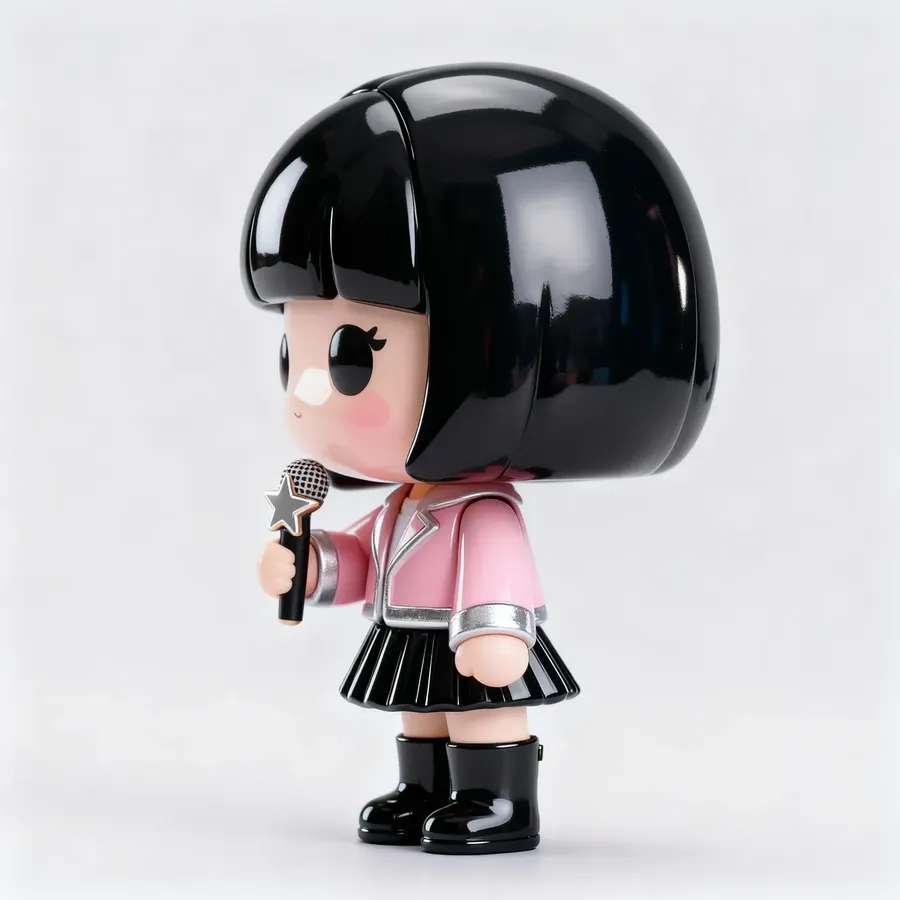

Base Image
Result 1
Result 2
Result 3
Instructions That Don’t Get Interpreted as Suggestions
Seedream has always been decent at following directions. Version 4.5 just takes them even more seriously.


Base Image
Change her sweater color to navy. Give her a light tan coat over the sweater. Make the background dark, while she remains in color. Add a strong film grain effect.
You can say “Keep everything the same, but change the background to teal,” and the model won’t suddenly redesign your poster like an overly enthusiastic intern who just discovered gradients.

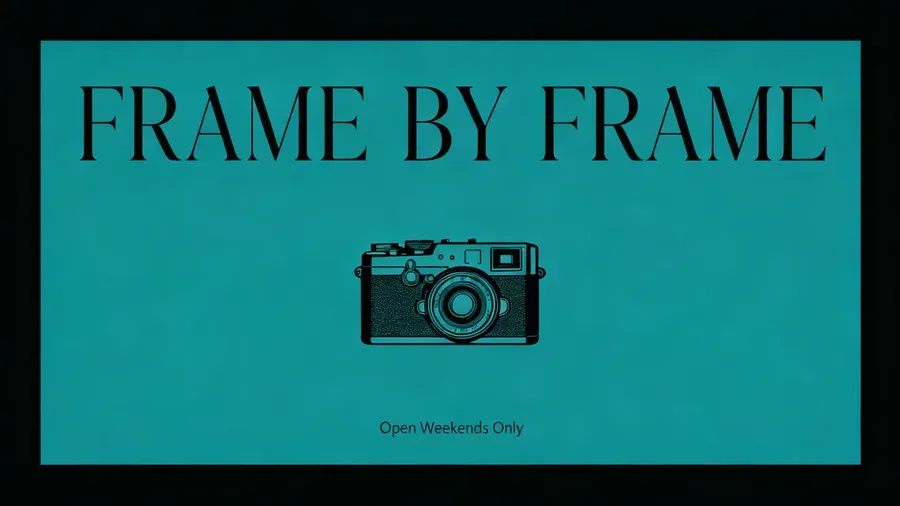
Base Image
Change the background to a muted teal. Update the small text at the bottom to say ‘Open Weekends Only’. Keep the layout exactly the same.
It feels more like a conversation and less like an intervention.
Small Text That Finally Behaves Itself
Another nice touch: small text is sharper and less likely to melt.
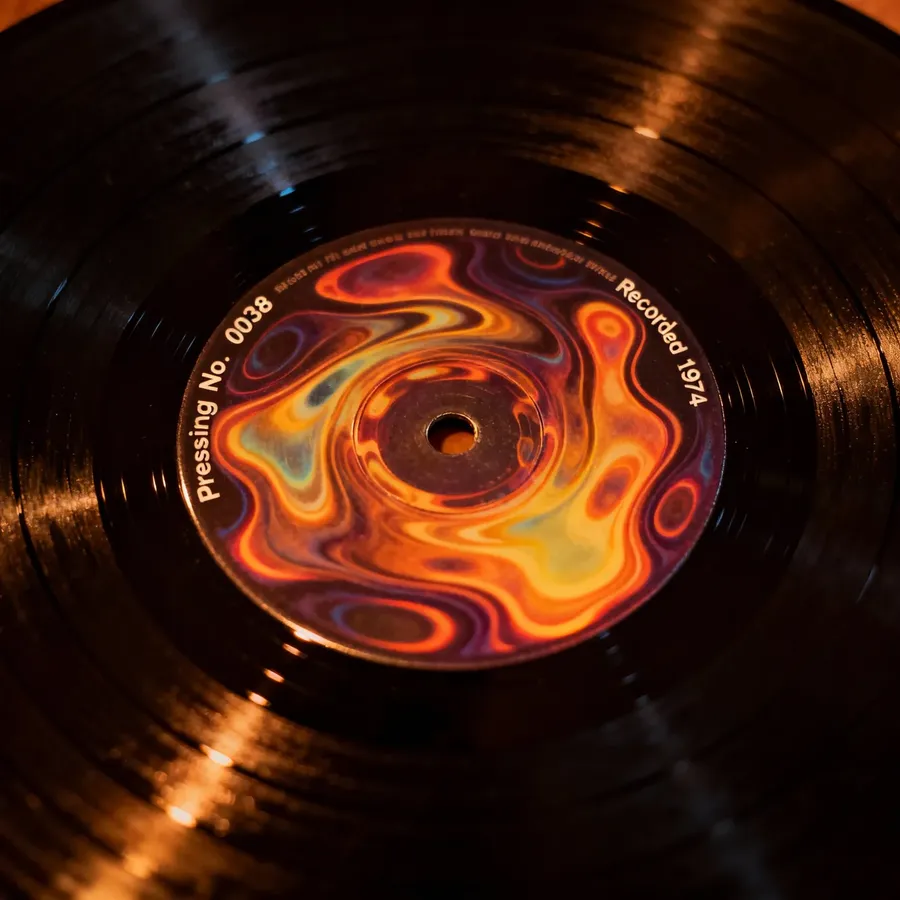

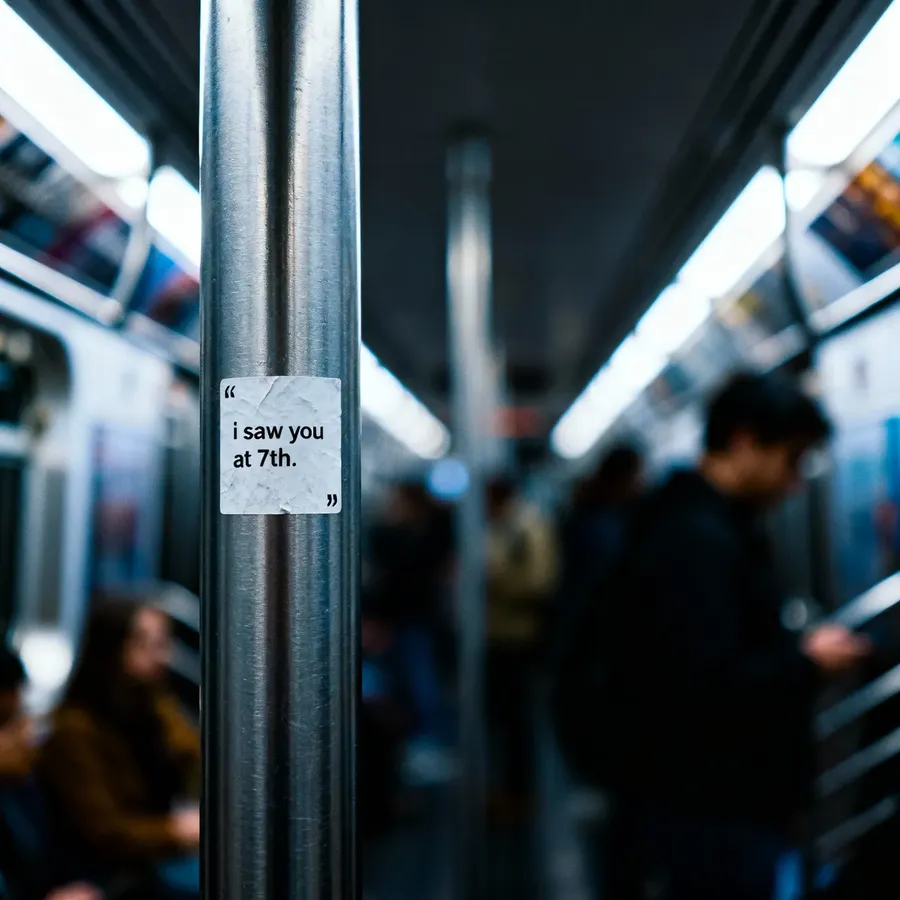
We’re not at perfect microtypography yet (Google's recent Nano Banana Pro model leads in that regard), but 4.5 is noticeably better at keeping letters legible instead of abstract.
And Yes, It Still Does Everything Else
Photorealism. Anime. Posters. Watercolor. Children’s illustrations. Polished infographics. Seedream’s calling card has always been range. Version 4.5 maintains that versatility and smooths out the rough edges.


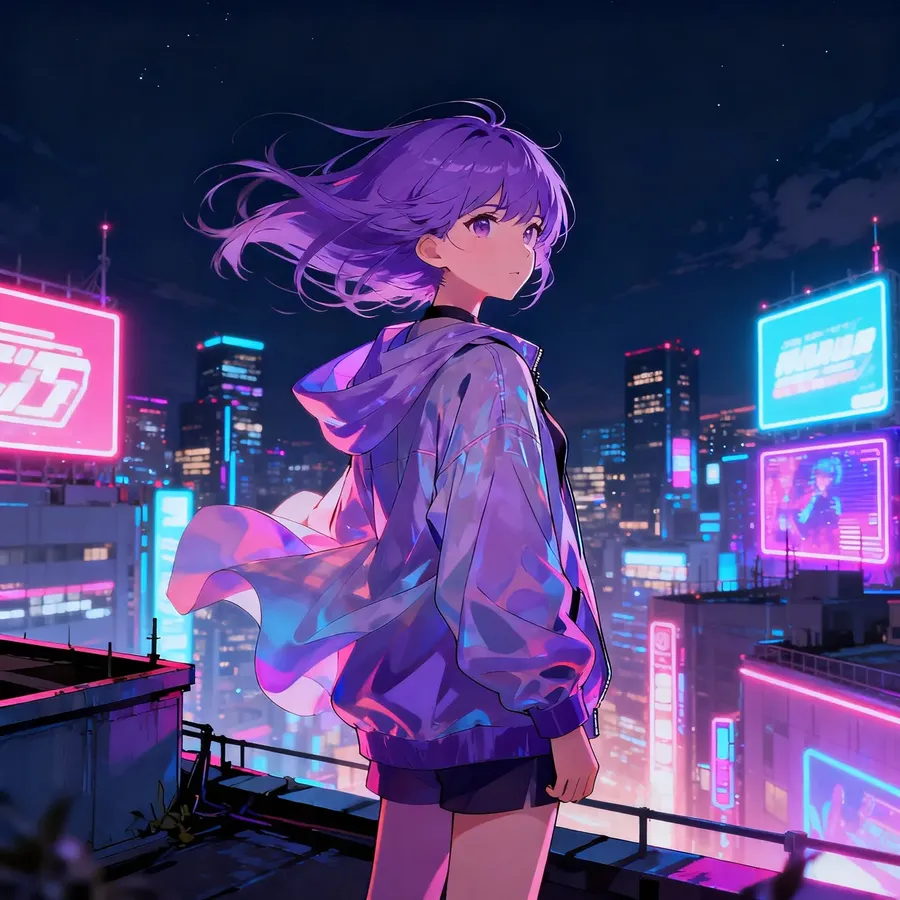

If you liked 4.0, 4.5 is the one where you say, “Wow, they somehow made it even better.”
Give Seedream 4.5 a Spin
Seedream 4.5 is live in getimg.ai and absolutely worth a few experiments.
Try something chaotic. Try something technical. Try something you previously avoided because you assumed it would be too fiddly. Sky’s the limit!
Related Articles
-900x502.webp)