AI Stock Tree Images Generator
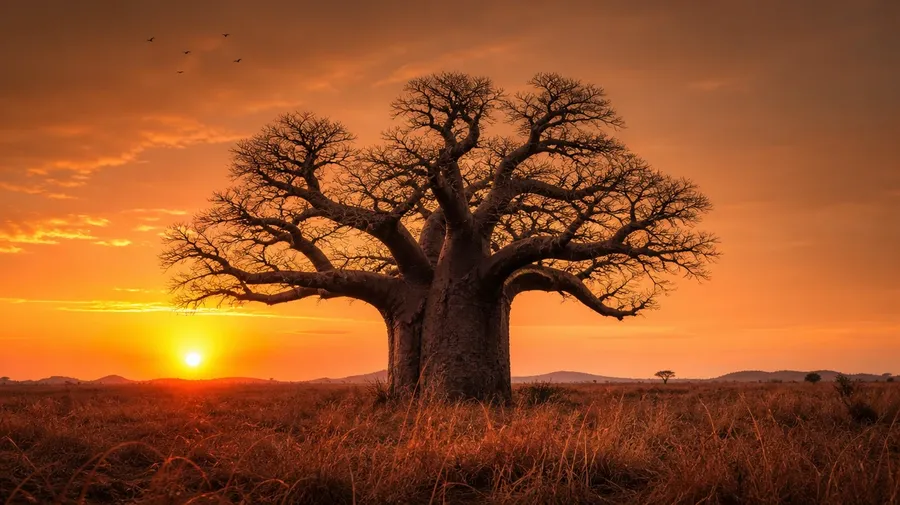
From a 4,000-year-old bristlecone pine to a single baobab at Malagasy sunset, generate tree images that hold up to print scale. Type the species, the season, the light. Commercial rights on every paid plan.
Every leading image model, one subscription.
The auto mode picks the best one for the job.


How to generate custom tree images with getimg.ai
Most tree briefs hinge on three cues: the species, the season, and the light. Name them in the prompt.
1. Type the species
Open the Content Generator and describe the tree scene: the species, the season, the light. A simple prompt produces a usable baseline; name the geography, the age of the tree, or the surrounding landscape when you want exact control over those details.
2. Run a count
Generate anywhere from one to sixteen variations at a time, then read the results for bark texture, branch geometry, leaf color and density, and the way the light filters through the canopy. Pick the version that lands.
3. Change a detail
A first run picks one of many valid tree interpretations from your prompt. If you'd rather end up at a ginkgo in November gold than the maple in October red the model chose, or a lone tree on a hill instead of a grove, name the swap and run again. Several changes fit one prompt; download when it lands.
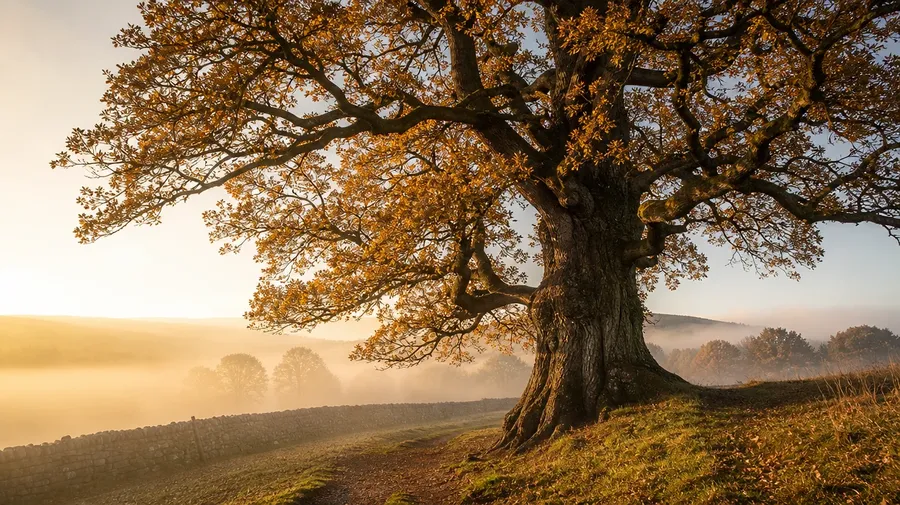
single ancient oak on an english hillside at autumn dawn, mist hugging the trunk, low golden light catching turning leaves
Trees the stock site never planted
Real tree briefs span species, seasons, and the moments between bare branch and full canopy.
Species across the world's continents
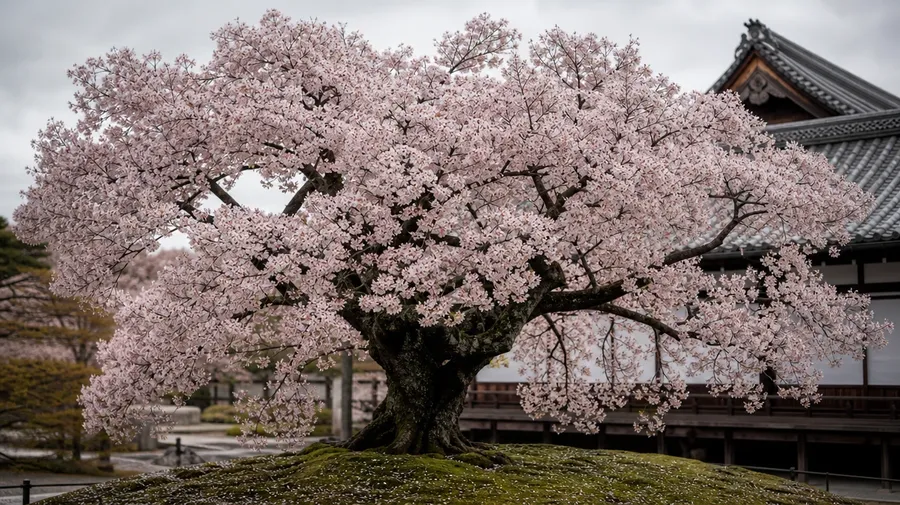
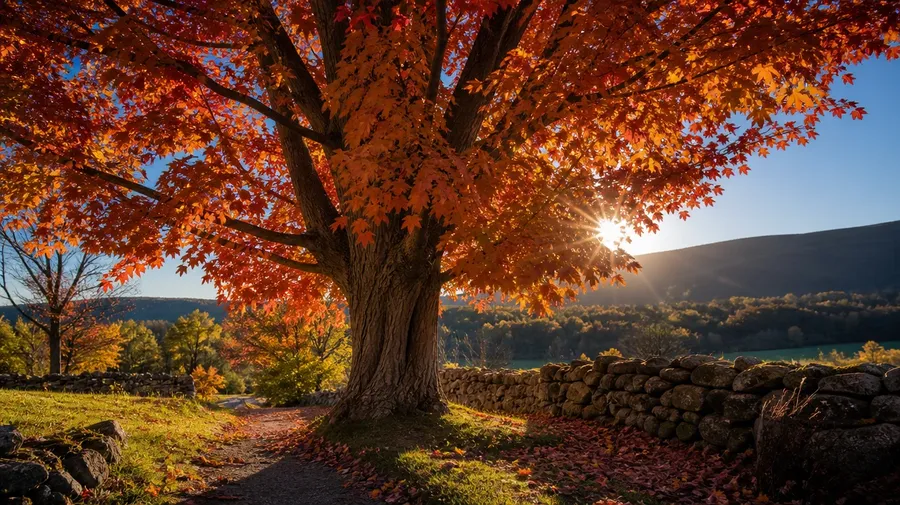
Cover species across continents: a 4,000-year-old bristlecone pine bent by White Mountains wind, a single baobab silhouetted at Malagasy sunset, a Tokyo cherry-blossom canopy in April, a Vermont sugar maple in October red, a Sierra Nevada giant sequoia in shadow. Each species brings its own bark, branch, and seasonal cue.

A tree wears four seasons
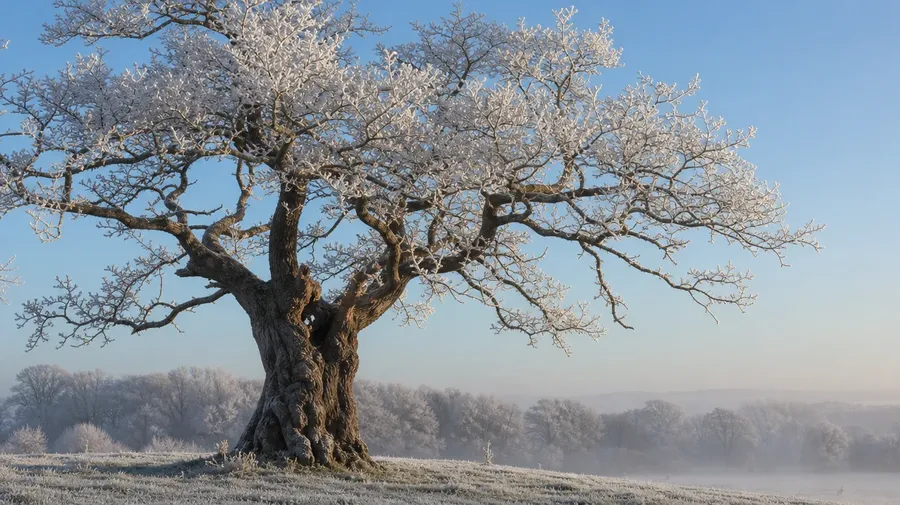
Cover the seasonal arc: a cherry tree in full April bloom against an overcast Kyoto sky, a sugar maple in October red with backlight cutting through the canopy, a bare oak in February frost with hoarfrost on every twig. Different seasons, same prompt box, the model handles the chlorophyll and the bare branch.
Bark detail, root sprawl, canopy gold
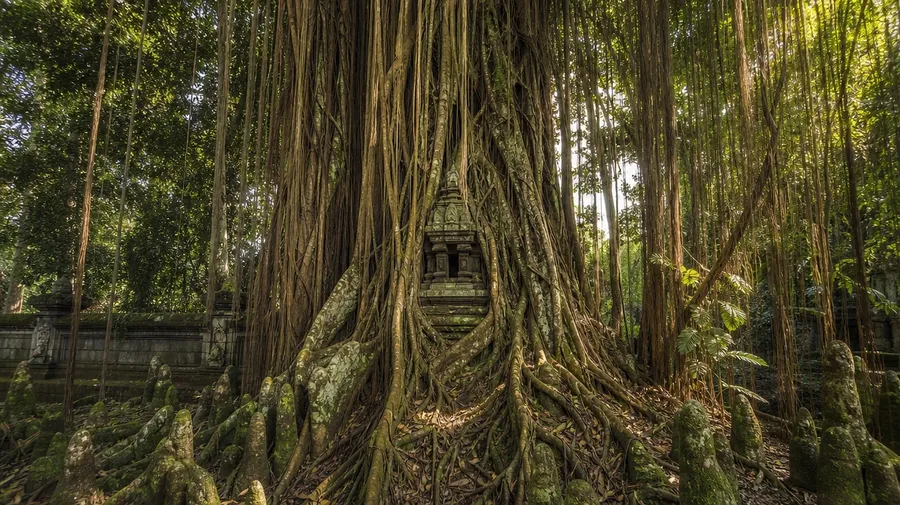
Catalog trees stop at the full tree on a green hill. Real briefs span the parts that read closer: a macro of corkscrew willow bark, exposed banyan roots in Bali, a sugar maple underside in autumn backlight, a fallen ginkgo leaf on damp pavement. The whole tree isn't always the brief.
Frequently Asked Questions
Yes. Name the species, the geography, and any signature features. A 4,000-year-old bristlecone pine bent by White Mountains wind reads very differently from a single baobab silhouetted at Malagasy sunset, a Tokyo cherry-blossom canopy in April, or a Sierra Nevada giant sequoia base. The model handles the bark texture, the branch geometry, the leaf shape, and the way the canopy filters light. Generate up to 16 at a time, compare the species cues, pick the version that lands.
Yes, when the prompt names them. A corkscrew willow's spiraling branches read differently from a beech's smooth grey trunk, a banyan's curtain roots from an oak's deep tap, a pine's needle cluster from a ginkgo's fan-shaped leaf. Specify the species, the close-up framing, and the season, and the model handles the bark cracking, the leaf veining, and the way the bark catches light.
Yes. Specify palette, contrast, light direction, and grain in the prompt: warm-grade autumn documentary, cool-blue winter editorial, high-key spring blossom, dusk silhouette. For multiple species in one register, save the look as a custom Element and reuse it across prompts. The Element carries treatment between scenes so the campaign reads as one body of work.
Name the part and the framing. A tight macro of corkscrew willow bark with peeling layers, an exposed Bali banyan with curtain roots and aerial knees, a Vermont sugar maple underside catching October backlight, a single fallen ginkgo leaf on damp Kyoto pavement: each carries different cues that the model honors when you spell them out in the prompt.
Yes. Every paid plan covers commercial use across ads, social, web, print, packaging, and presentations. Tourism boards, outdoor brands, environmental NGOs, gardening publications, real estate developers, and lifestyle media all qualify under the same license, and so does every other category of AI stock photos.
Yes. Different categories run on the same prompt approach. Name the subject, the location, and the light, and the same logic that produces nature images produces tree images: swap a wider landscape sweep for a single-tree close-up, an animal subject for a species portrait, a wildflower meadow for a forest understory. A multi-category campaign runs through one prompt box.
As specific as you want. A simple prompt like "an autumn maple grove in Vermont" produces a usable baseline; the model fills in the typical details (the red and orange canopy, the worn dirt path, the stone wall along the edge, the low slanting afternoon light). Add specifics for the parts that matter to your brief: a particular age of tree, a specific elevation, a weather condition, a foreground subject. The model honors named details without overriding the rest.
Stock trees get repetitive fast. Generate custom images with AI instead.
Type the species, the season, and the light. The model handles the bark texture, the branch geometry, and the way the leaves filter the sun.