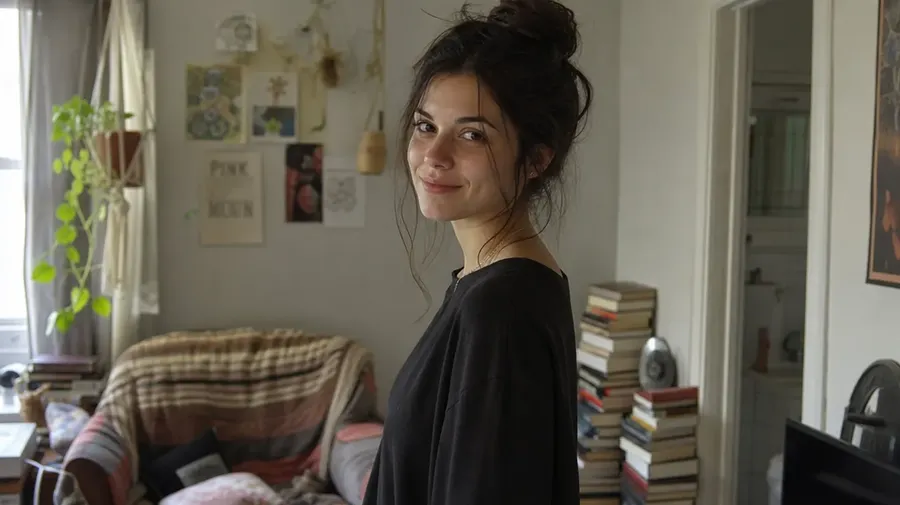
#1 AI for Photographers
Retouching and “one more version” eat most of your time. getimg.ai makes them fast: fix mistakes, change locations, test lighting, and generate scroll-stopping variations. You can also write voiceovers and score reels with AI music, all in one place. Client-ready results in seconds.
Every leading image model, one subscription.
You don't know which one is better for your use case: we'll select the best one automatically.
 Seedance
 FLUX
FLUX GPT Image
 Google VeoNano BananaSoraSeedream
 Grok Imagine
 Kling
Kling Minimax
All the common photography edits, done faster
The everyday fixes and creative changes that normally take the most time, now done in seconds.
-600x201.webp)
Remove distractions
Delete photobombers, cables, trash, wrinkles, glare, or background clutter.
-900x300.webp)
Retouch portraits naturally
Clean up skin, remove blemishes, fix blinking, and keep real texture.
-900x300.webp)
Change locations instantly
Move a subject from a studio to a beach, rooftop, forest, or luxury interior.
-900x300.webp)
Fix or upgrade lighting
Turn flat light into cinematic lighting, golden hour, or dramatic shadows.
-900x300.webp)
Apply consistent color grading
Give images a cinematic, editorial, or film look with a simple instruction.
-900x300.webp)
Test outfits and styling
Change clothing, colors, hairstyles, or accessories without reshooting.
-900x300.webp)
Restore old photos
Repair scratches, remove stains, and colorize black and white images.
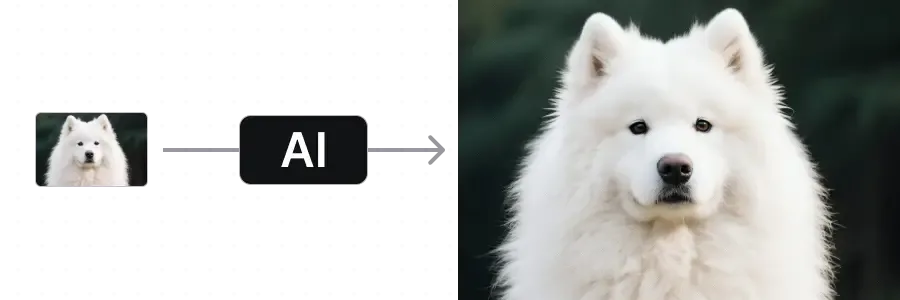
Upscale photos for print
Increase resolution and recover detail for large prints or client delivery.
Built for the way photographers actually work
The bits under the hood that make editing feel less like fighting software and more like talking to a second pair of hands.
Auto-picks the right model
Photoreal portraits, reference-accurate composites, lifestyle scenes. getimg.ai picks the model that fits each prompt, so you don't switch apps mid-edit.
Models behind the prompt

FLUX.2
Photorealistic edits, portraits, and natural skin

Nano Banana 2
Reference-accurate composites and edits
Up to 16 takes in parallel
Run a prompt and get a row of options at once. Compare expressions, lighting, and crops side by side, then pick the strongest one to refine.
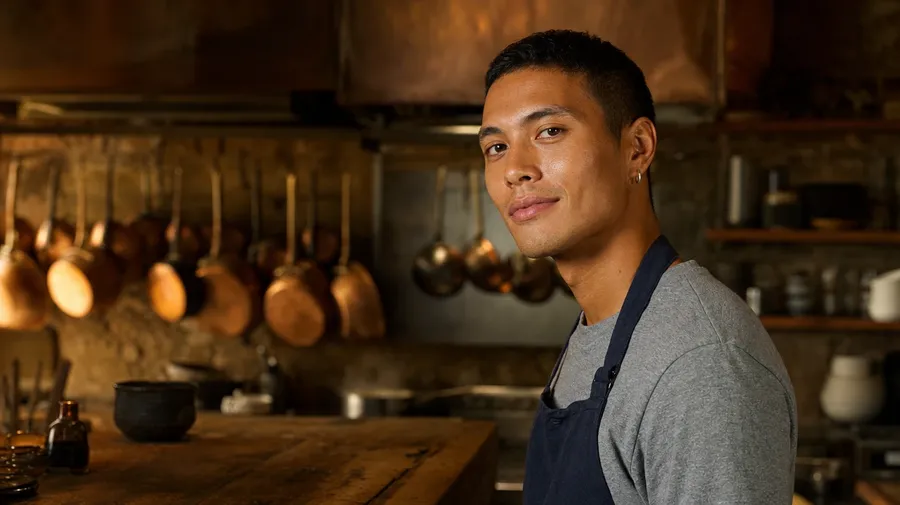
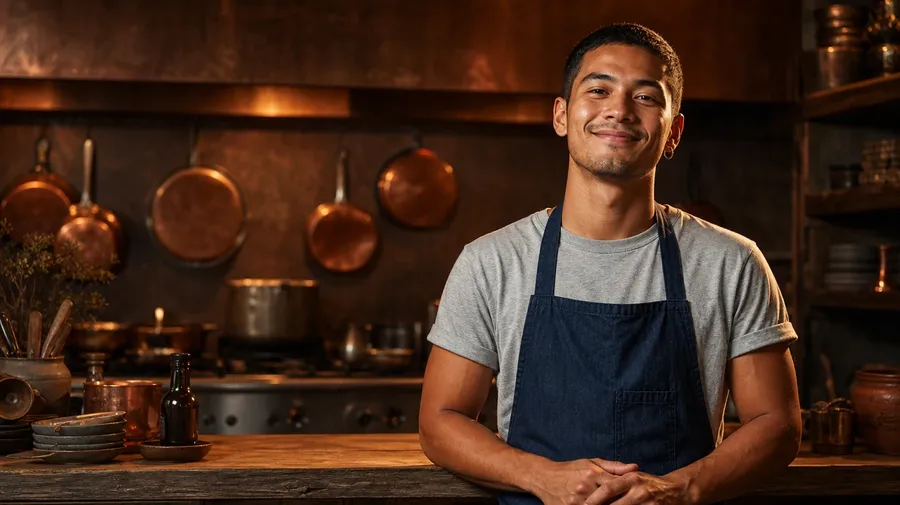
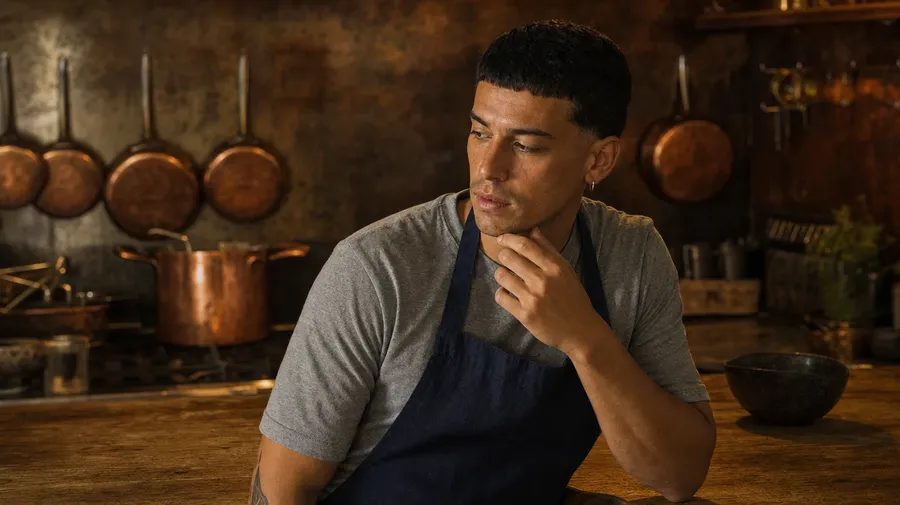
Reference up to 10 photos
Lock a face, palette, wardrobe, or location by attaching reference images to the prompt. Save the ones you reuse as Elements and call them by name.
Upload an image
Edit
Download
Why photographers choose getimg.ai
A few things that make editing faster and client revisions easier.
Extremely easy to pick up
You don’t need to learn prompt tricks or model settings. Just describe the change the way you’d normally say it.
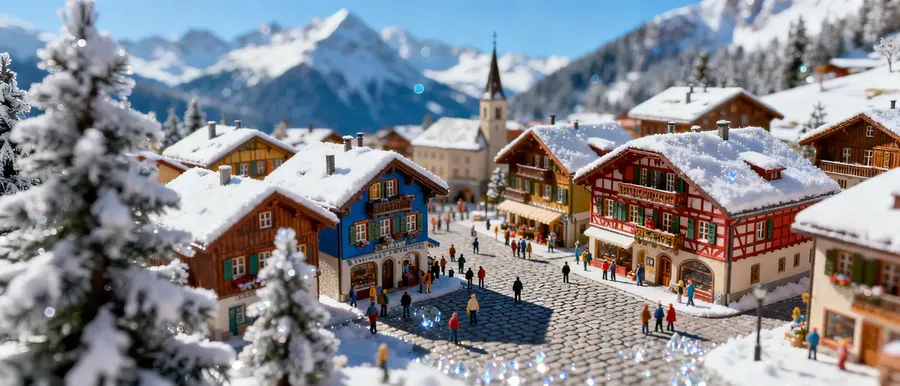
Looks like real photography
Natural skin texture. Believable lighting. Edits that still feel like the original photo.
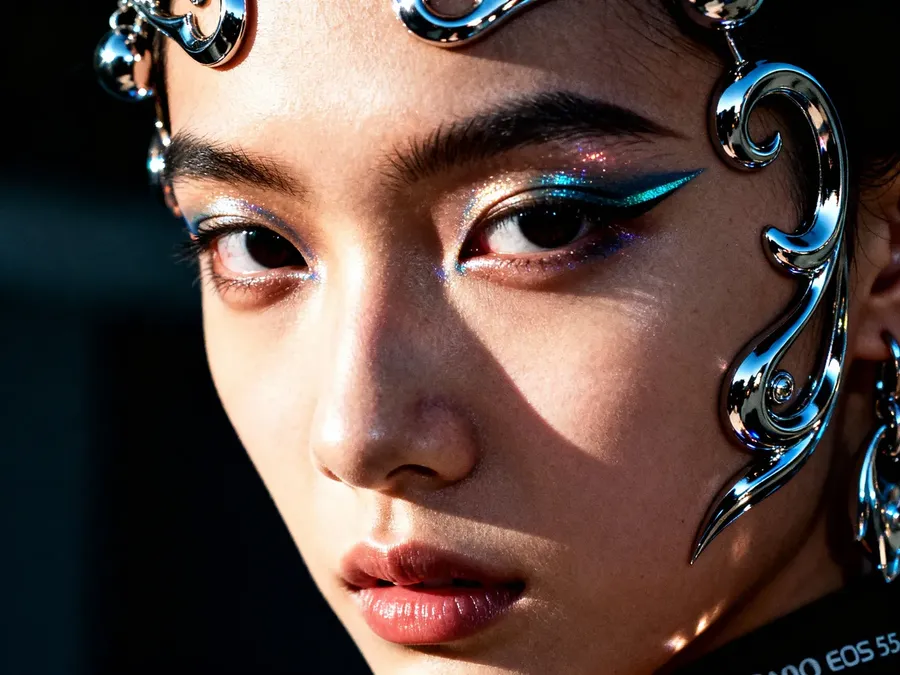
More output without bigger budgets
More variations, more deliverables. All without extra shoots or hours of editing.
-900x900.webp)
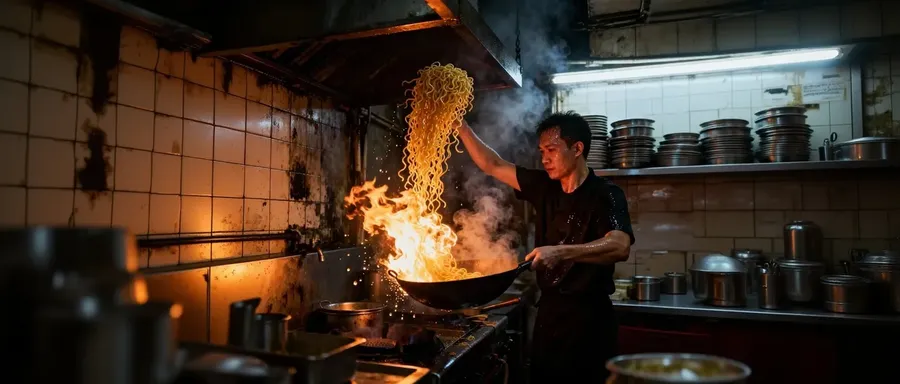
Fixes things in seconds
Photobombers, glare, wrinkles, awkward expressions, bad lighting. The little problems that normally mean opening Photoshop are often a one-line edit.
Still doing it the hard way?
You shouldn’t need an hour in Photoshop for a simple background swap.
-1920x983.webp)
getimg.ai
Upload
Add a portrait, wedding shot, travel image, or product photo.
Describe the change
Write what you’d normally say, e.g., “remove the photobomber.”
Pick and tweak
Generate options. Choose the best. Refine if needed.
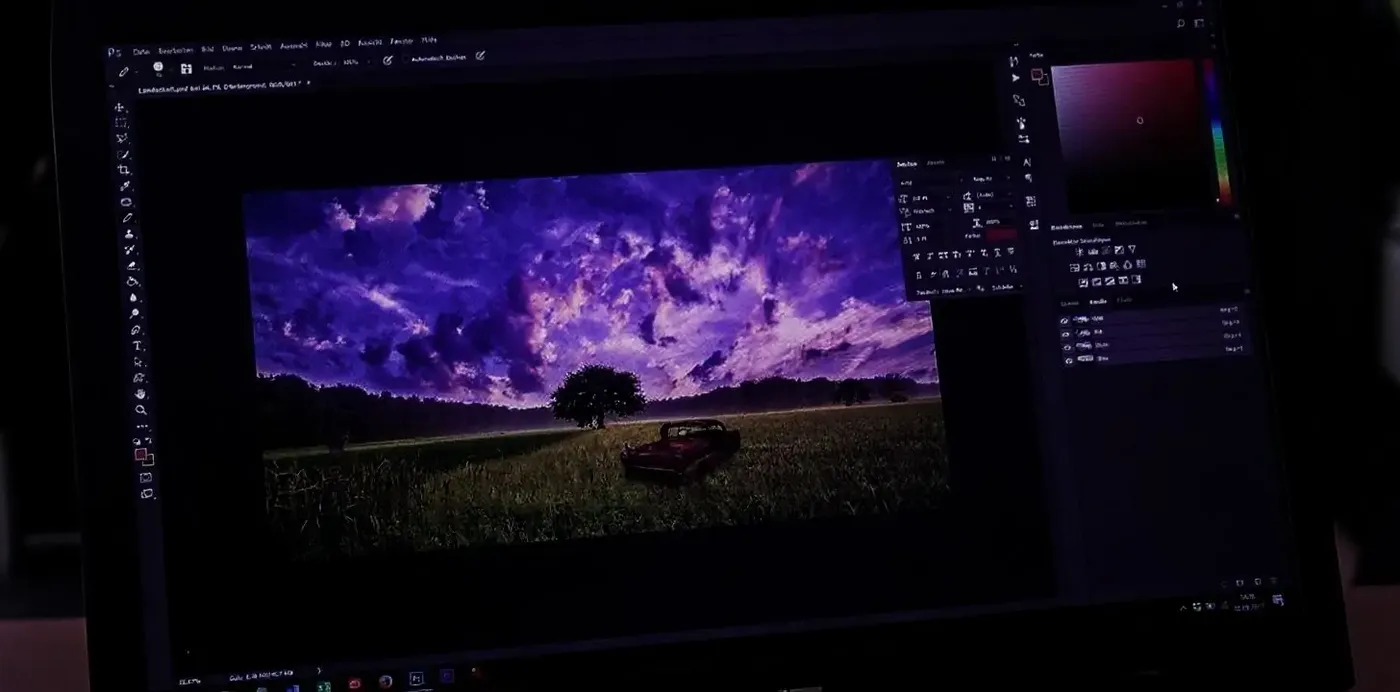
The old way
- Open Lightroom or Photoshop
- Duplicate the file
- Mask the subject manually
- Clone out distractions
- Adjust lighting layer by layer
- Match shadows
- Fix color inconsistencies
- Export
- Spot something else to fix
- Repeat
How to use getimg.ai as a photographer
Three steps from a raw frame to a client-ready edit. No layers, no masks, no presets to manage.
1. Upload your photo
Drop a portrait, packshot, wedding frame, or travel photo into the prompt box. JPEG, PNG, or WebP, full resolution.
2. Describe the change in plain language
Write it like you'd tell a retoucher. "Remove the photobomber." "Make this golden hour." "Restyle the outfit for evening."
3. Pick a take, refine, export
Generate up to 16 variations in parallel and review them side by side. If needed, tweak the strongest with another short prompt, then export at full resolution. Upscale for print delivery.
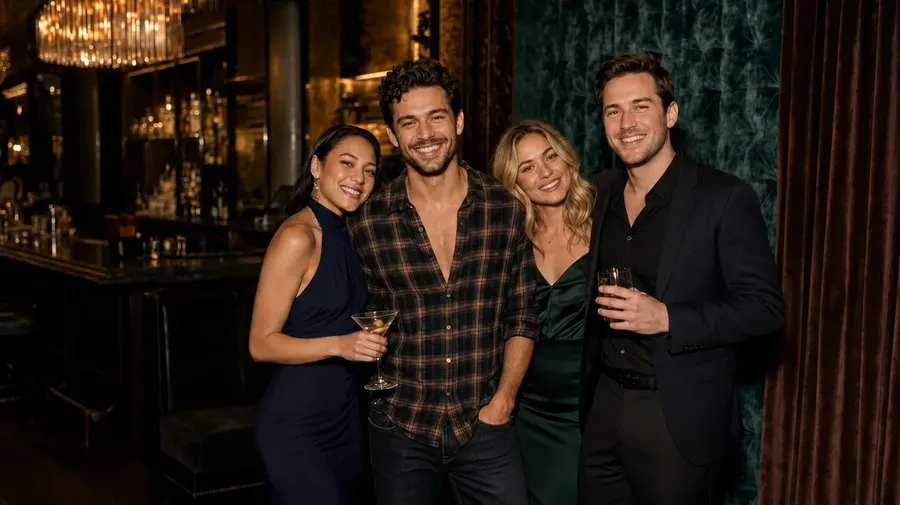
Not working solo?
Use getimg.ai Teams to collaborate with your coworkers, faster and smarter than ever. No more exporting 12 variations into a folder called final_v4_REAL_final.
Make your photos move
Your best shots don’t have to stay still. For example, portrait can gain subtle movement: hair shifting in the wind, light changing, a slow camera push-in. It’s that “moving photograph” feeling, Harry Potter-style. The result is a short clip you can use in reels, presentations, or client previews.
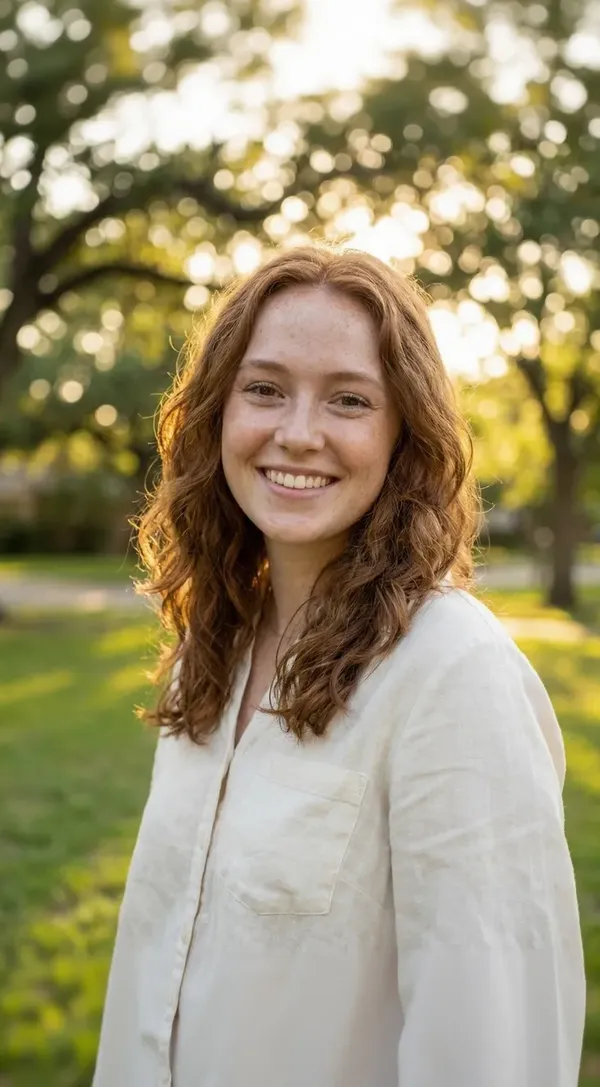
Turn one photo into four deliverables
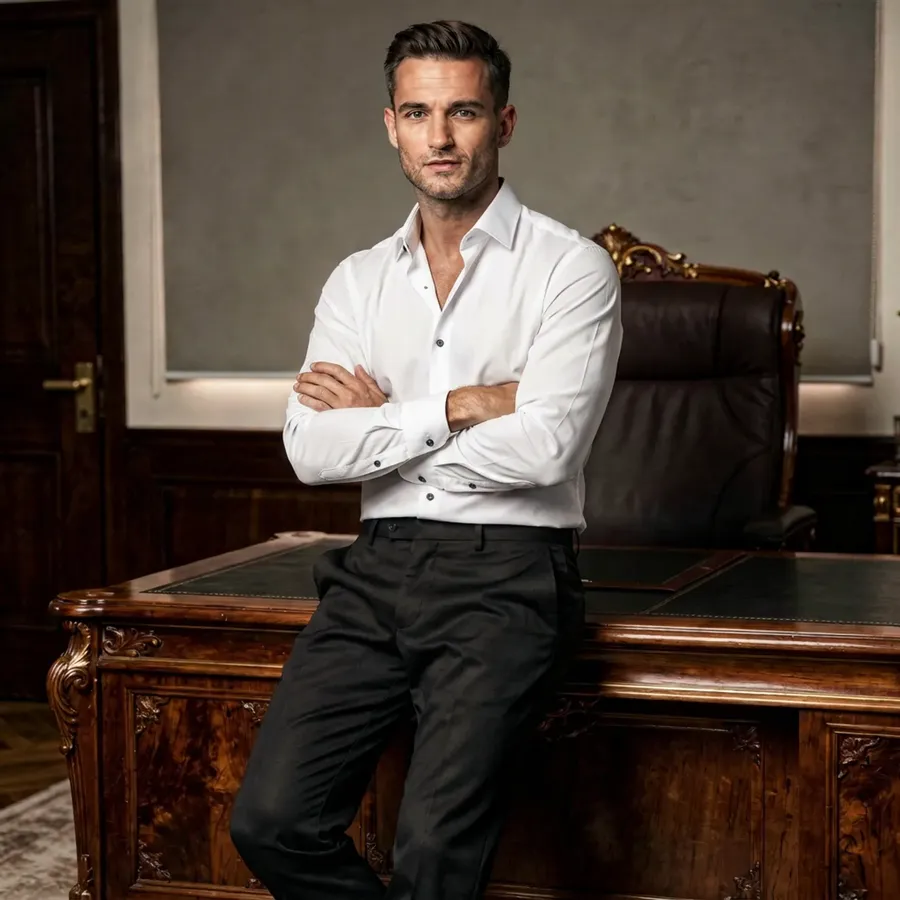
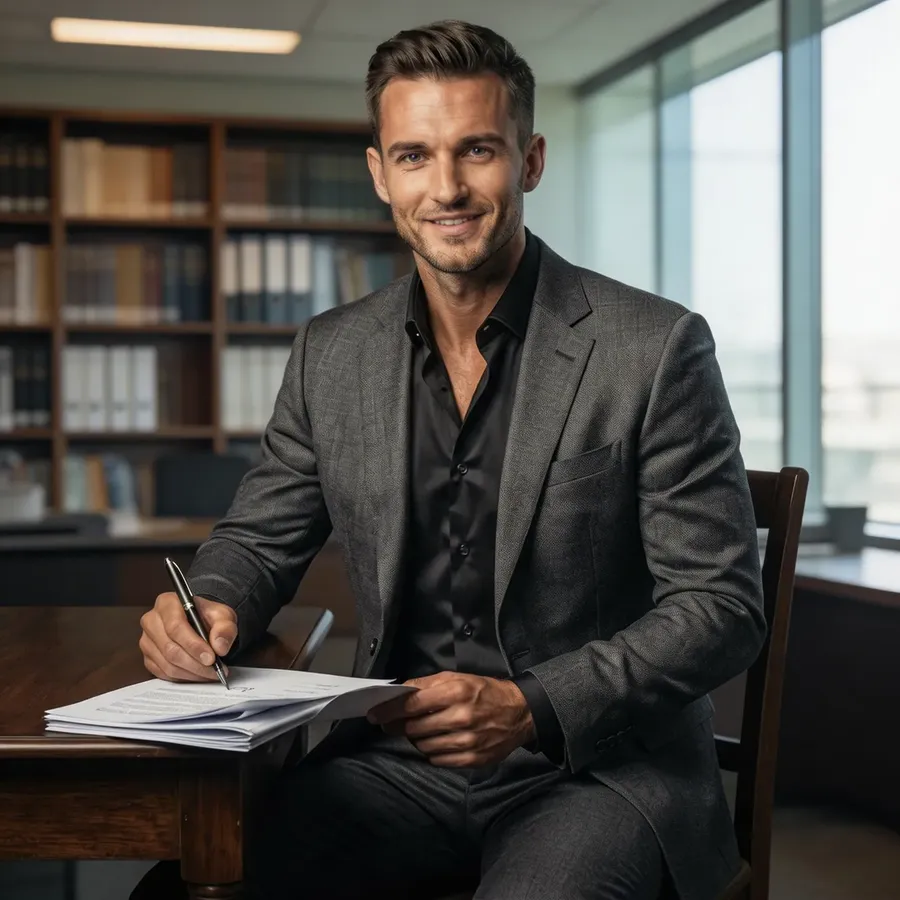
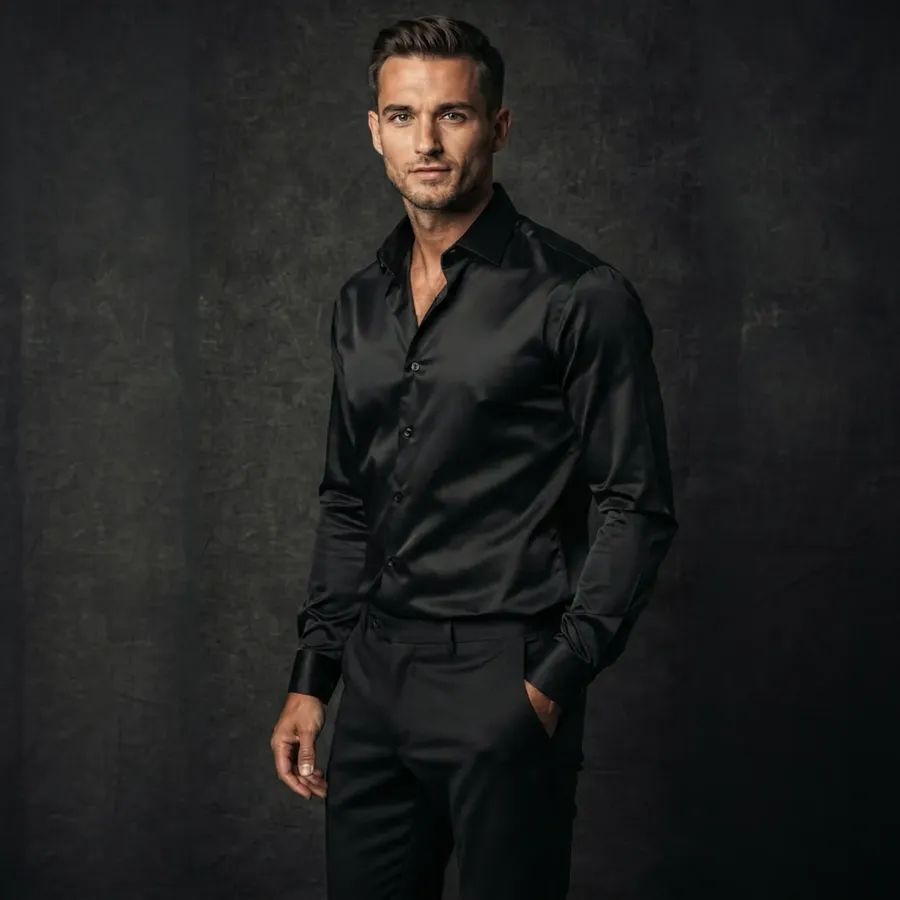
A single shoot rarely ends as a single image. Clients want a hero photo, a few crops, something for social, maybe a different mood or location. Instead of rebuilding edits or scheduling another session, you can generate variations from the same photo. One strong image can quickly become a full set of deliverables.
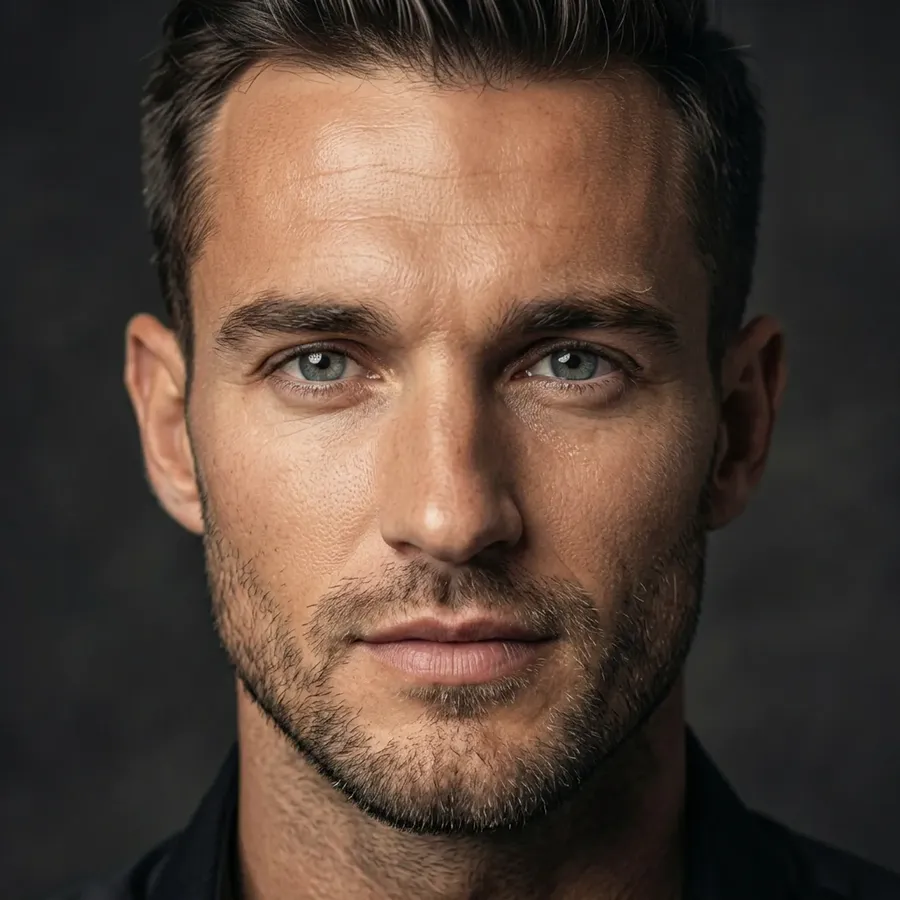
Add a voiceover to your video deliverables
Photographers deliver video now: slideshow recaps, highlight reels, behind-the-scenes cuts. With Create speech you write the script, pick a voice, and get clean narration in seconds. No mic, no booth, no narrator to hire.
Gallery Narration
Portfolio Narration
Wedding Reel Voiceover
Behind-the-Scenes Post Voiceover
Score your reels without licensing headaches
Every reel, slideshow, and portfolio film needs a soundtrack. Instead of digging through stock libraries or worrying about takedowns, describe the mood and Create music generates an original track. Commercial rights are included on every paid plan.
Folk-Pop for Travel Montages
Ambient Instrumental for Family Slideshows
Indie-Pop for Wedding Reels
Deep House Instrumental for Fashion Photography
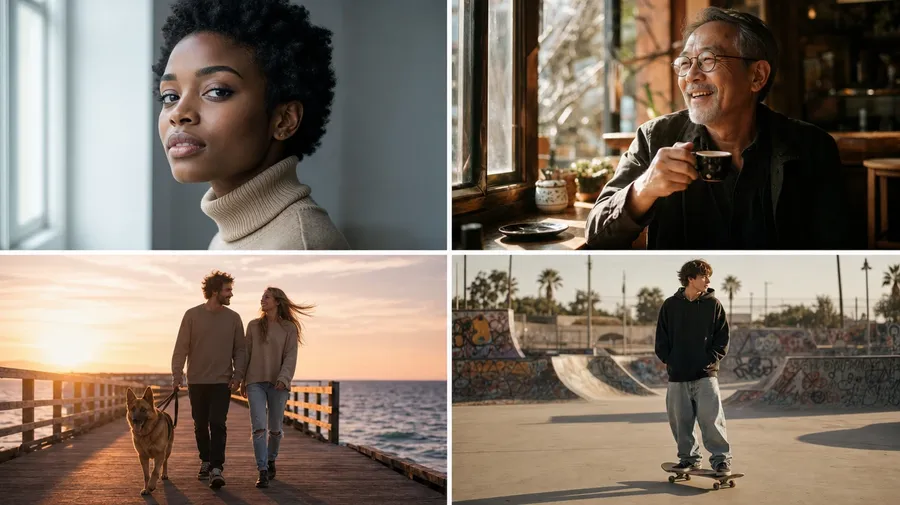
Works across the kind of work photographers actually shoot
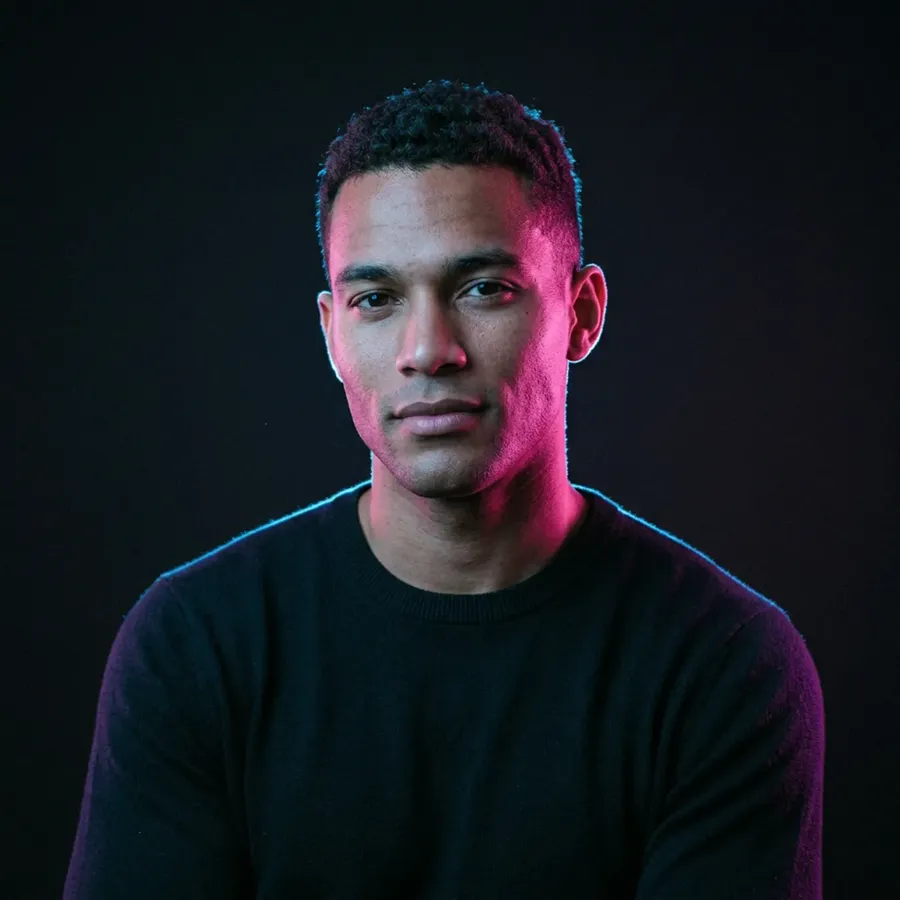
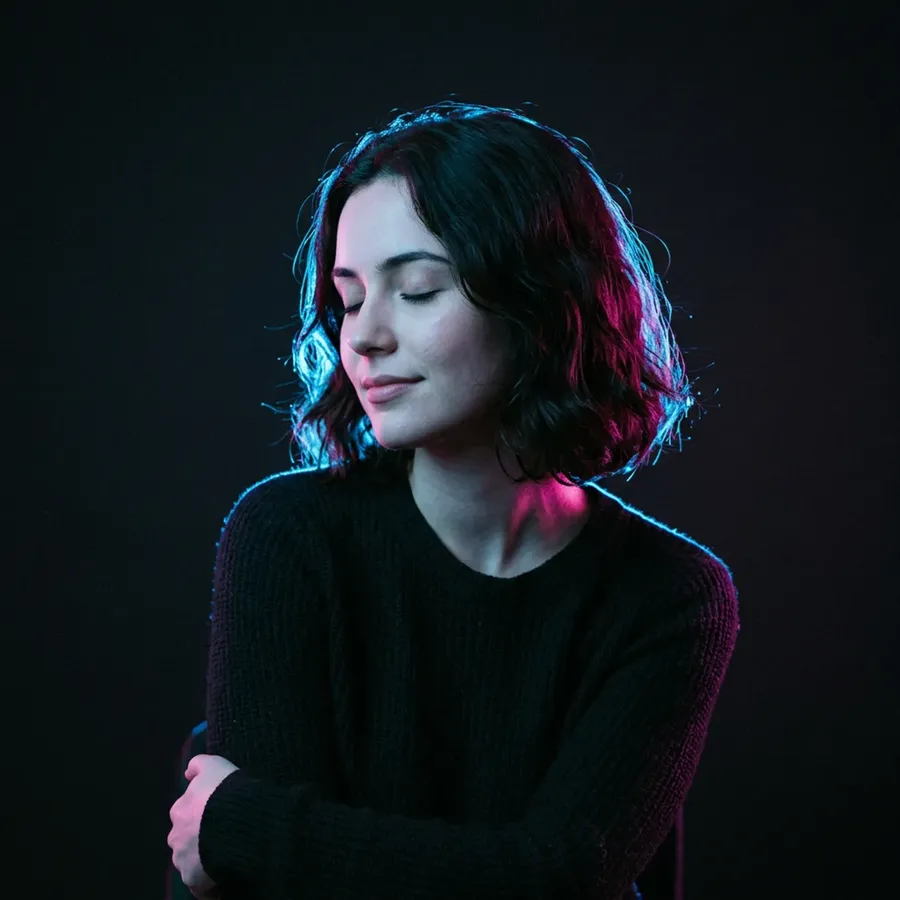
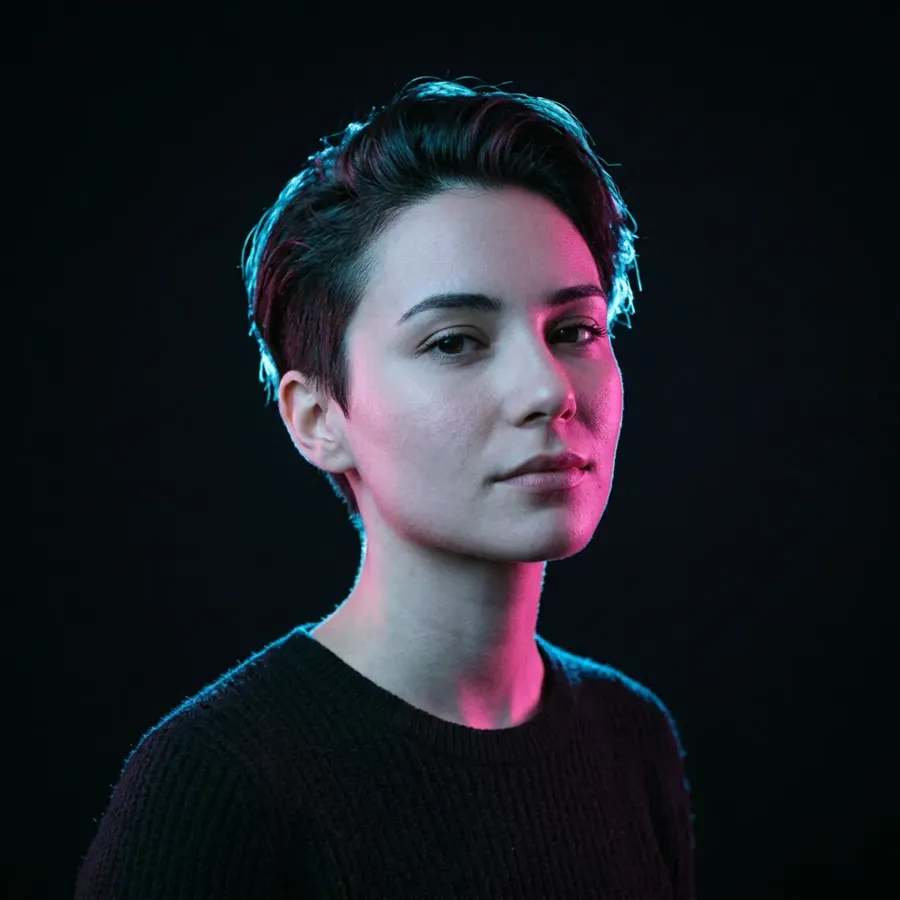
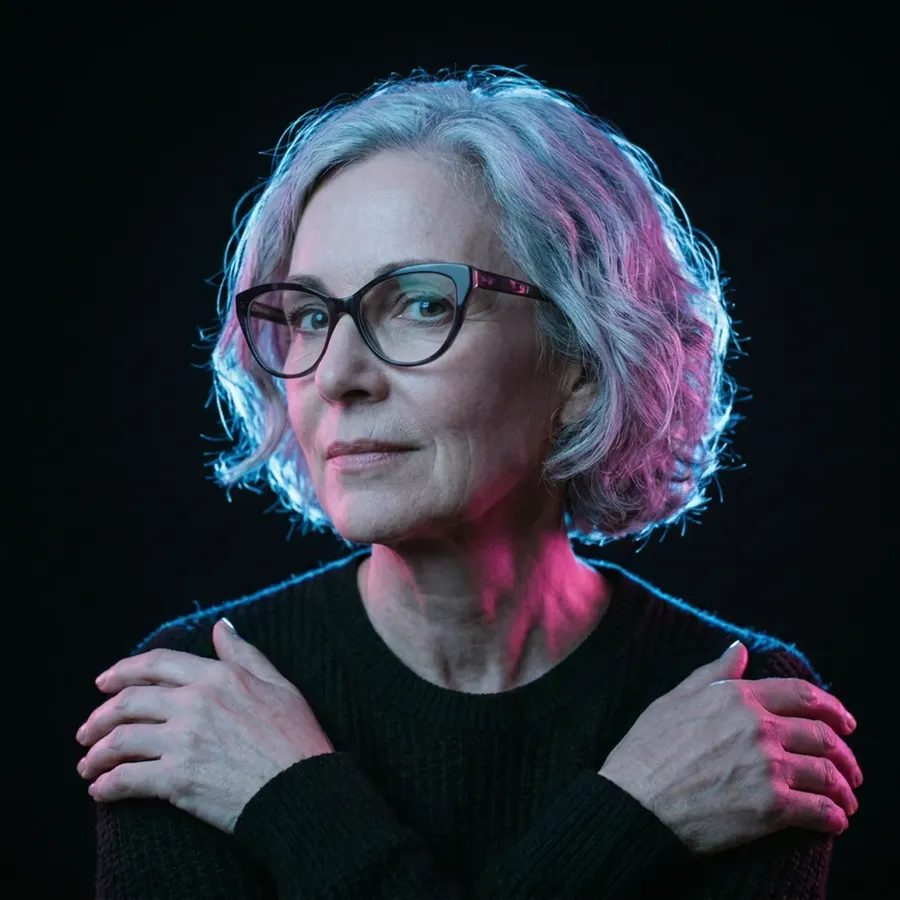
Same getimg.ai, different shoots. Portraits, product, weddings, travel: pick the one that matches today's job.
Build your own AI photography toolkit
Save the lighting, styles, and references you use again and again.
Turn your favorite setups into reusable building blocks
Photographers often reuse the same ingredients: a lighting setup, a color grade, a specific model, a background style, or a mood. With Elements, you save those references once and reuse them whenever you generate or edit images.
Keep your look consistent without extra work
When the same Elements are applied across multiple photos, lighting, color, and atmosphere stay aligned. That makes it much easier to keep a gallery, campaign, or portfolio visually consistent without recreating the look each time.
Frequently Asked Questions
Spend more time shooting. Less time editing.
Run portrait, product, wedding, and travel work without juggling apps. Generate, edit, animate, and upscale your photos, then add AI voiceovers and music to your video deliverables.