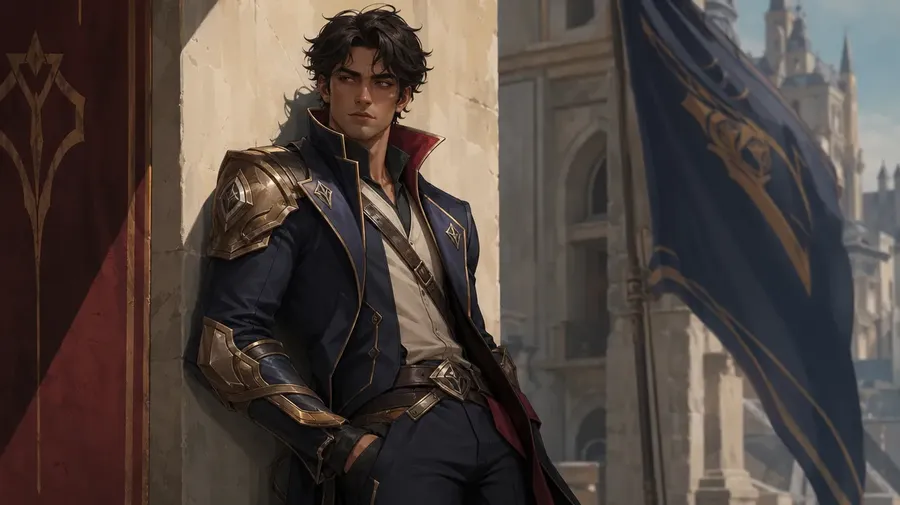
The AI video game character generator built for game design.
Concept, design, and animate characters for your next game. Generate fighting game rosters, RPG heroes, 8-bit sprites, and key art from a single prompt, with consistent style across the whole cast.
Access 29+ leading AI models to design video game characters.
One workflow. One subscription. The right model for each campaign asset.


Why getimg.ai is the top choice as a video game character generator?
More control than a one-shot character generator
A basic video game character generator gives you an image. Game designers usually need more than that. With getimg.ai, you can generate a character concept, refine pose and color, adapt the design for different classes, and keep building from the same direction instead of starting over every time. That makes it easier to turn one idea into a full roster.
Prompt
First Frame
Last Frame
Better fit than a one-model generator
Different characters need different strengths. Pixel sprites demand sharp edges. Hero concepts need realism. 8-bit portraits need tight style control. Fighting game art needs bold silhouettes. getimg.ai gives you access to 29+ leading AI models in one place, so your team is not boxed into a single model’s limitations for every character.
Auto selection

Nano Banana 2
Excellent typography generation, high-quality realism.

Seedance 1.5 Pro
Cinematic camera control, dynamic scenes, expressive characters.
For teams shipping real games
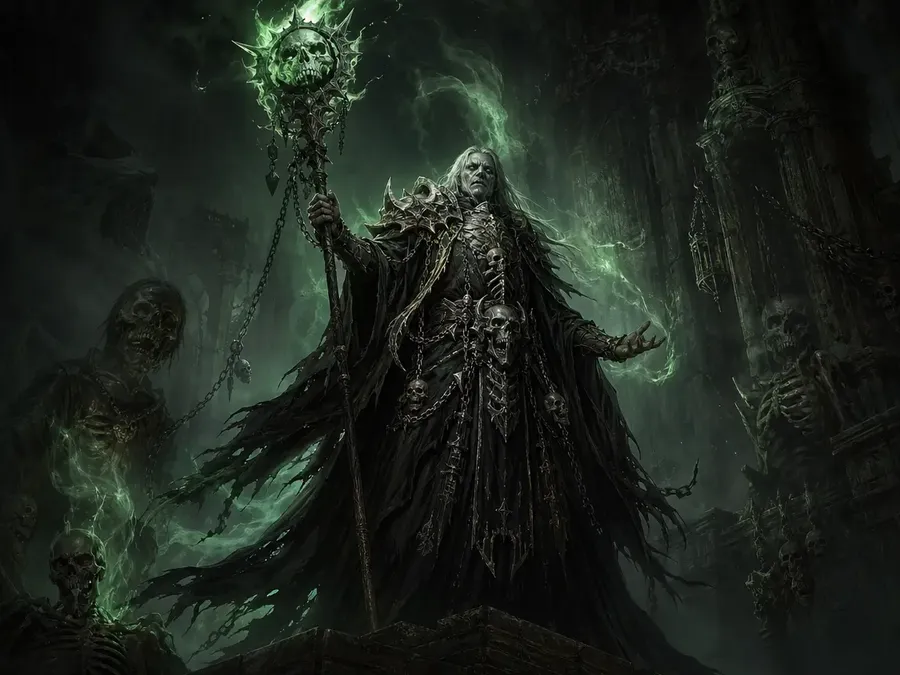
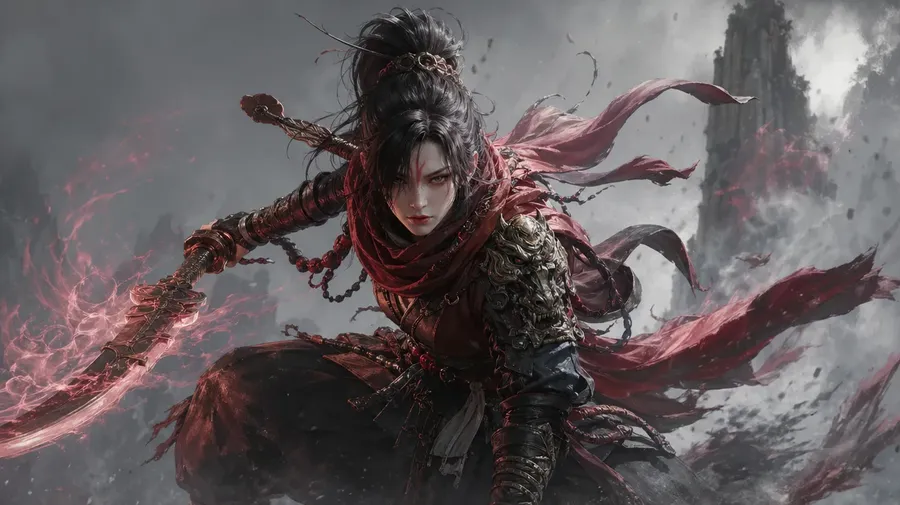
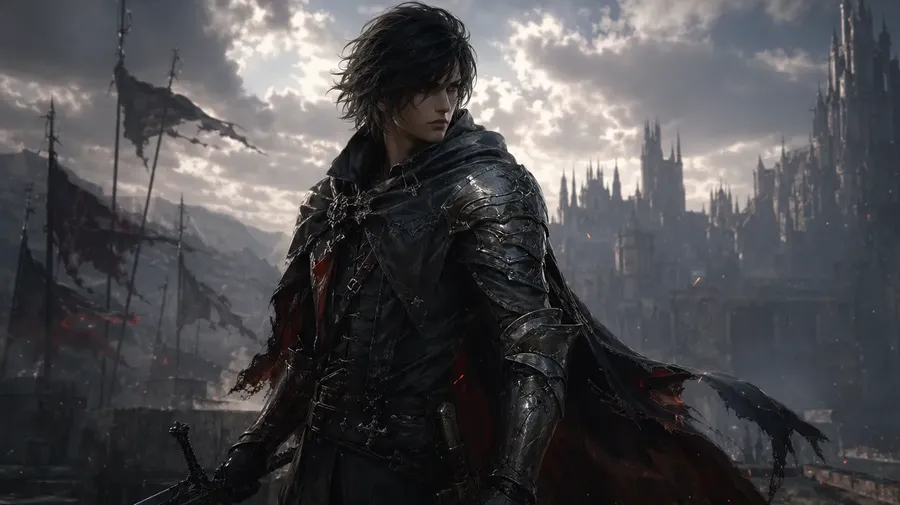
This is not about playing with AI for the sake of it. It’s about producing characters that fit real production. Use getimg.ai to build protagonist concepts, NPC rosters, fighting game lineups, class variants, enemy designs, and promotional key art without dragging every request through a slow concept-art loop.
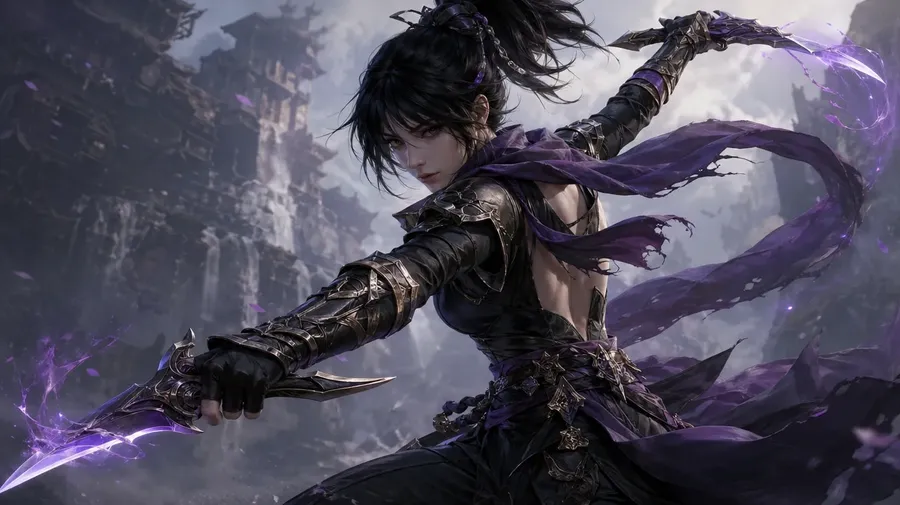
How to create video game characters with AI?
1. Start with the character brief
Describe the character the way you already imagine them. The class, the era, the silhouette, the palette, the art style, the mood.
2. Generate the first direction
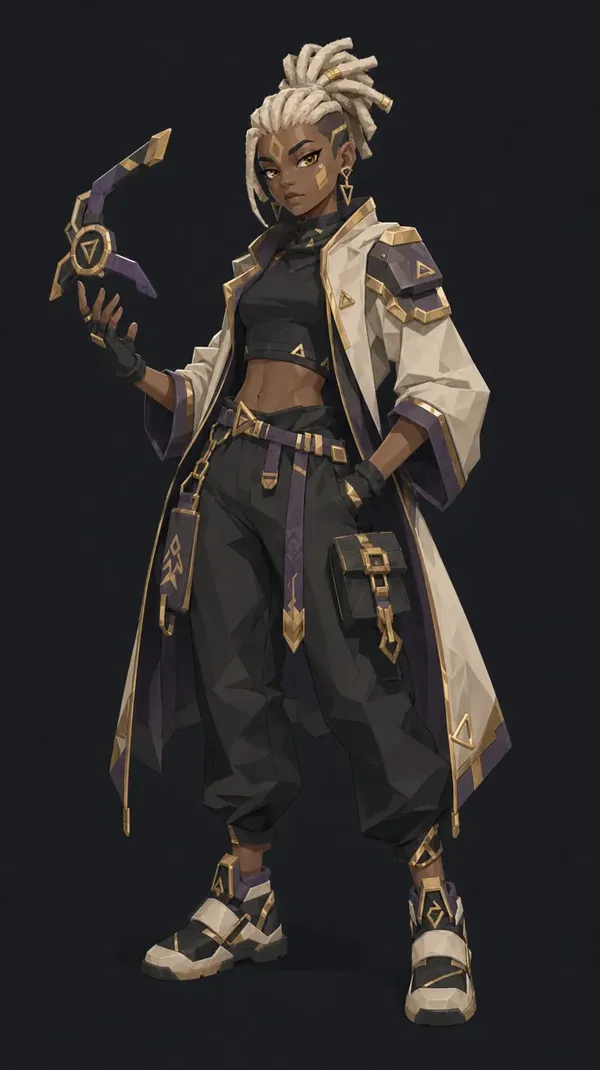
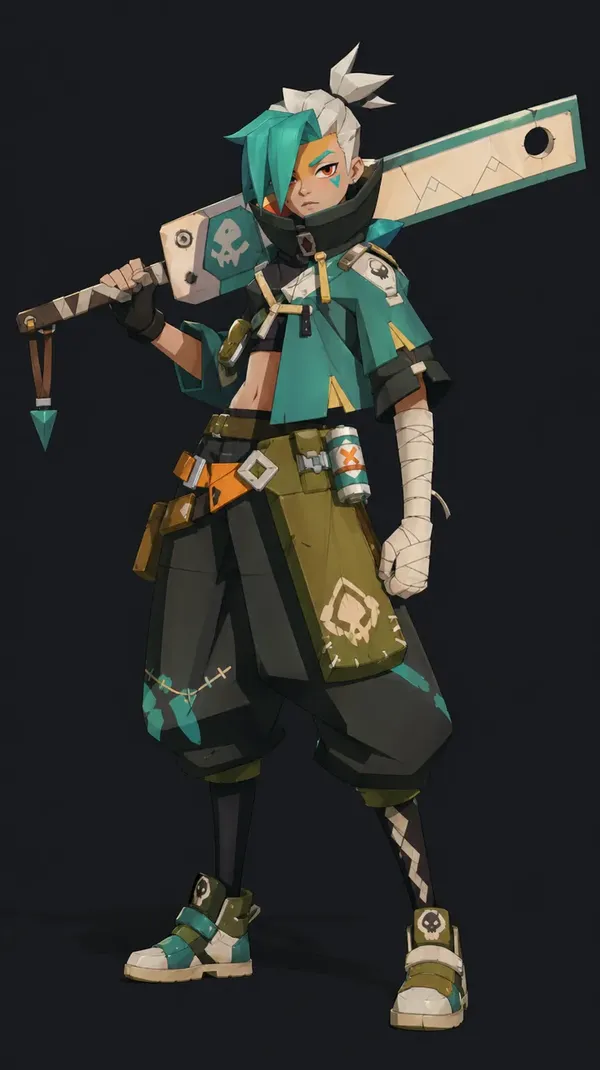
Create your first character visual in minutes. Start with a full-body portrait, a fighting stance, a pixel sprite, or a hero key art and get something concrete to react to fast.
3. Refine and expand the cast
Make changes, create outfit variations, resize for UI or loading screens, and keep building from the same character until the whole roster is ready to ship.
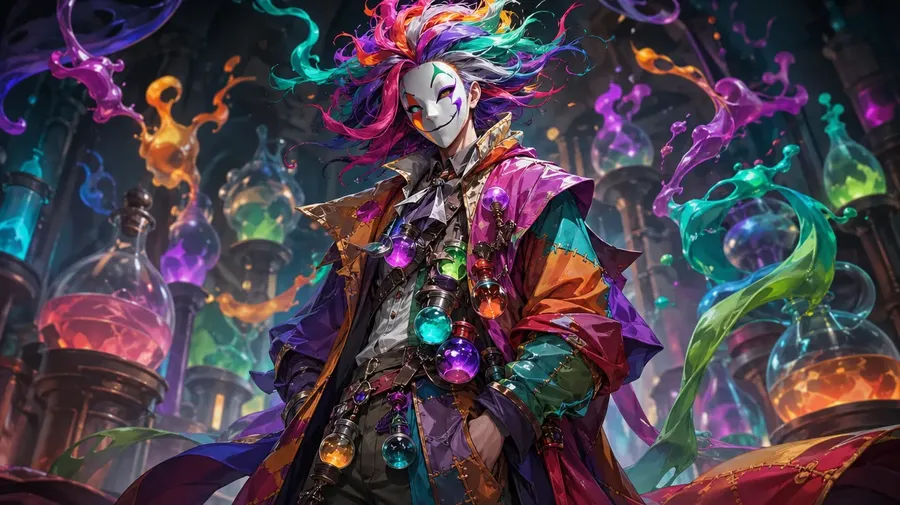
Creative AI that starts from the character brief, not from tool setup
getimg.ai fits the way game designers already work. You begin with the character idea you need to communicate, not a technical workflow you need to learn first.
That means the platform feels less like operating a system and more like directing character design. You can move from sketch idea to concept to polished sprite without losing momentum in the middle.
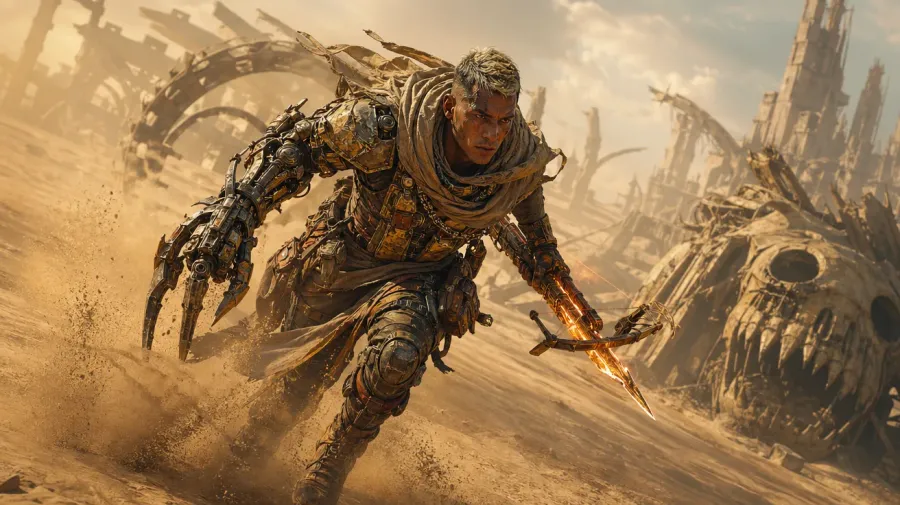
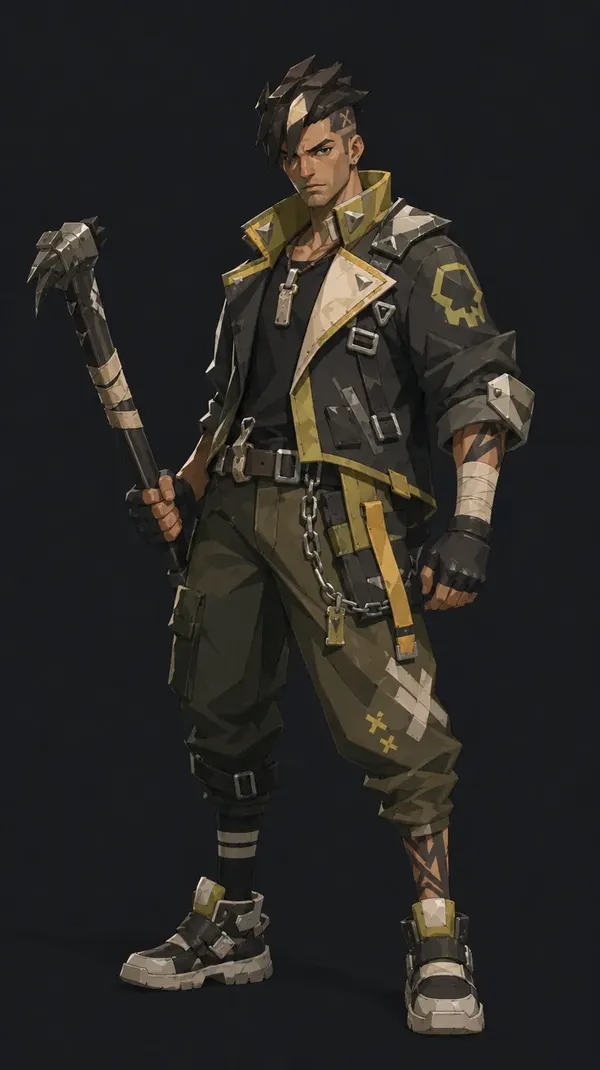
a battle-hardened desert courier-mercenary with a massive mechanical prosthetic arm made from mismatched relic tech, tan skin weathered by sandstorms, short cropped hair with bleached streaks, wearing layered nomadic fabrics mixed with scavenged armor plates; carries a compact, transforming weapon that shifts between crossbow and blade, glowing with heat distortion; pose mid-sprint across dunes with sand spiraling around them; environment is a vast, sun-bleached wasteland with buried ruins and skeletal machines
Turn one character into a full roster
One of the biggest limitations in character design is not ideas. It’s volume. You rarely need one character. You need options:
- different classes
- different costumes
- different poses
- different art styles.
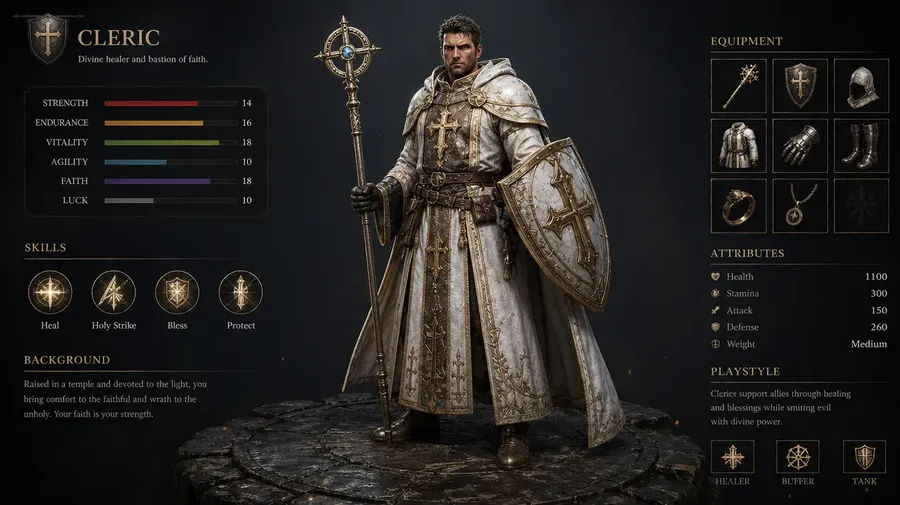
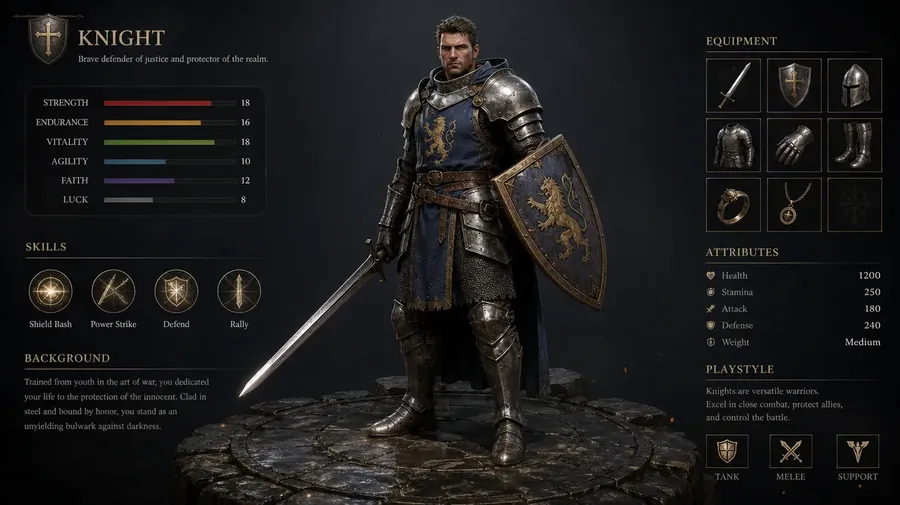
With getimg.ai, you can take a single character and generate multiple directions quickly. Try the same hero in pixel art, 8-bit, fantasy painting, or anime. Instead of locking one style too early, you can explore and then decide.
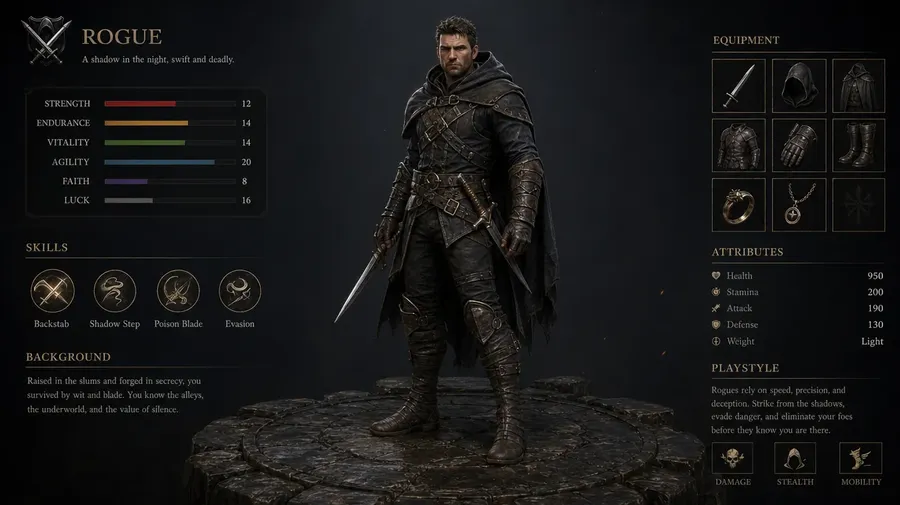
One workspace for character design, not scattered files
Character work slows down when assets live in too many places. Drafts in one tool. Exports in another. Feedback in chat. Final sprites in someone’s local folder.
getimg.ai gives game teams one place to create, organize, and work through character rosters together, so the process stays cleaner as output volume grows.
- Organize characters by game or campaign
- Keep collaboration inside the same workspace
- Reduce version confusion across the roster
- Make handoff easier between art and dev
Animate your video game characters without a production setup
Many character reveals don’t fail because of design. They fail because of execution. You need animation, editing, revisions, and multiple versions. Even a simple 5-second character intro can take hours. With getimg.ai, you can generate short character animations directly from a prompt.
For example:
“Hero idle loop, subtle breathing, slow camera push-in”
“Fighting stance reveal, dramatic lighting, impact pose”
“8-bit sprite walk cycle in a side-scrolling scene”.
You describe the motion and the tone. The model handles the animation.
-900x505.webp)
The lantern opens, releasing a swarm of blue ghostly spirits that spiral around the character. The character levitates slightly off the ground. The background rocks crumble and float higher into the sky.
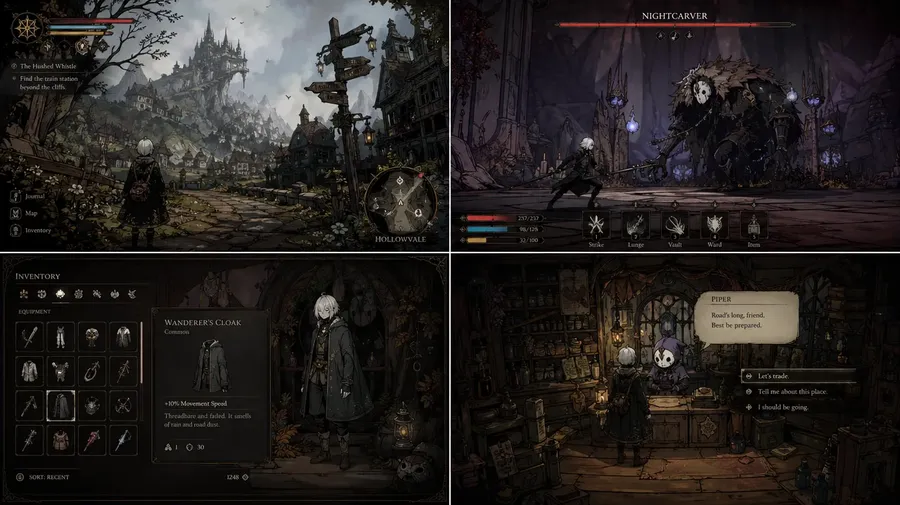
What you can actually create with a video game character generator
Frequently Asked Questions
An AI video game character generator is not just about producing one character image. It’s about designing characters you can actually use across a full game.
Most AI image generators stop at “here’s an image.” That’s fine for exploration, but character work doesn’t end there. You still need variations, different poses, consistency across a roster, and often animated reveals.
getimg.ai is built around that full workflow. You can start with a prompt, generate a character, refine the design, create multiple versions, and turn it into animation without switching tools or starting over. It’s less about “generate once” and more about building and iterating on a cast.
A typical flow looks like this:
You start with a rough idea for a hero or fighter. Instead of briefing a concept artist or waiting on commissions, you write a short description and generate a few directions in getimg.ai's Content Generator. From there, you pick the ones that feel closest and refine them.
Once you have something strong, you generate variations. Different classes, different costumes, different poses. Then you take the best-performing direction and turn it into additional assets, like short animated reveals or different formats for loading screens and key art.
The key difference is that you’re not restarting at each step. You’re building on what already works.
Yes, and that’s where this type of video game character maker becomes especially useful. Fighting games need distinct silhouettes. RPGs need class variation. 8-bit platformers need tight pixel style. That’s usually hard to cover in one tool.
Instead of defaulting to generic “heroic fantasy” visuals, you can generate concept-driven characters for each game. That could be stylized, pixelated, or based on a specific scenario that represents the world your game lives in.
This works well for action, adventure, fighting, platformer, and any game where character design carries the identity.
No. You don’t need to learn a special syntax. getimg.ai takes care of it for you, automatically enhancing your prompts in the background.
The easiest way to use it is to write prompts the same way you’d write a character brief. Describe what you want, how it should feel, and what game it belongs in.
If something isn’t quite right, you adjust the description and generate again. Over time, you naturally get better at describing the characters you want, but there’s no technical barrier to getting started.
In getimg.ai's Content Generator, video is part of the same workflow, not a separate process.
You can generate video directly from text, or take a character portrait that already works and turn it into motion. That’s useful when you already have a strong design and want to animate a reveal instead of recreating it from scratch.
If you need more control, you can define how the animation starts and ends using first and last frames. That makes character intros and transitions more predictable, which matters for trailers and in-game reveals.
Yes, and that’s one of the more practical use cases. You can use reference images or saved Elements to keep face, silhouette, and costume aligned. Instead of every output drifting slightly, you can build a recognizable character across multiple poses, scenes, and animations.
This becomes more important as your cast grows. The goal isn’t just generating characters, but generating characters that feel like they belong in the same game.
Both, but it solves slightly different problems. If you’re a solo dev or indie designer, it removes the need to rely on external concept art for every character. You can move faster and test more ideas without adding overhead.
If you’re part of a studio or agency team, it helps with volume and consistency. Instead of bottlenecking on character production, you can generate, iterate, and align on art direction more quickly.
All of our paid plans include commercial rights. That means you can use the outputs inside your released game, marketing campaigns, e-commerce storefront art, client work, and anything else you’re producing professionally. It’s designed for real shipping projects, not just experimentation.
A video game character generator built for shipping, not just concepts
Skip the extra tool switching, the messy workflow, and the technical overhead. Start with the character brief, create the design, refine what matters, and keep the game moving.