AI Cosplay Generator
Turn any character concept into a cosplay reference. Describe the outfit, the pose, the lighting — then generate studio-grade portraits, costume sheets, and promo shots with the world's leading image models (FLUX.2, Nano Banana 2, Seedream, GPT Image) in one workspace.
Powered by industry-leading models


Why getimg.ai for cosplay?
Every model you need. One workspace.
Most AI cosplay tools give you one look, one model, and a stack of bad prompts. getimg.ai hands you 16+ leading image models, a single prompt box, and cosplay outputs you can actually use.
Results in under 30 seconds
Type a costume idea, generate, download. Run through ten different versions of a character — different armor, different hair, different lighting — before a traditional concept artist has replied to your DM. Fast enough to iterate, polished enough to post.
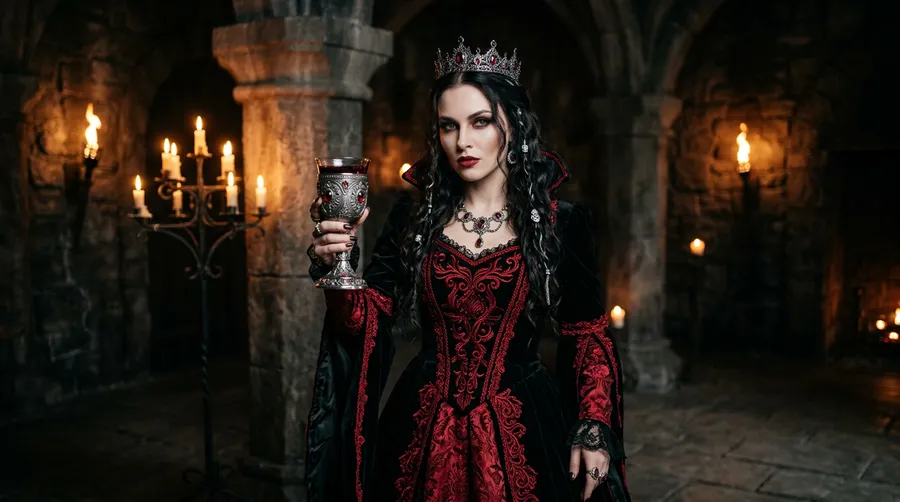
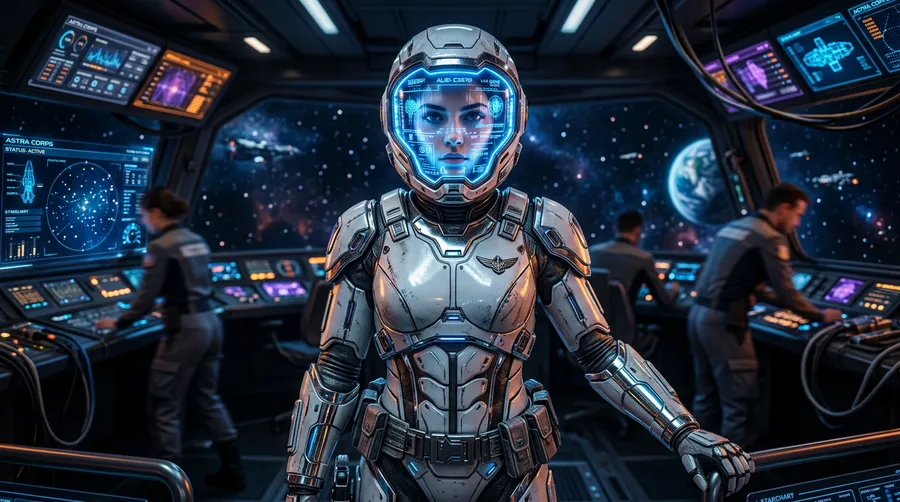
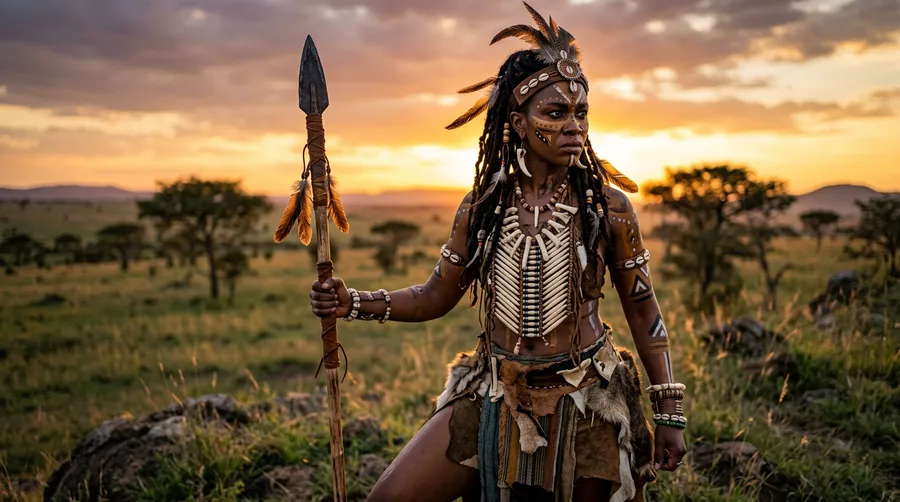
Switch cosplay styles without switching tabs
FLUX, Seedream, GPT Image, Nano Banana — all in one workspace, side by side. Compare how the same character reads as anime, photorealistic, painterly, or cel-shaded, then keep the one that matches your vision.
All The Best Models

Nano Banana 2
Google's top image generation model.

Grok Imagine
xAI's versatile debut model.
Auto mode handles the hard parts
Don't know which model to pick or how to describe a 17th-century battle tunic? Auto mode reads your prompt, picks the best model for the job, and sharpens the wording for you. You describe the cosplay; we handle the technical decisions.
Your Prompt
Enhanced Prompt
Final Image
What can you create with the AI cosplay generator?
From costume concepts to convention-ready promo shots — if you can describe the character, you can generate the reference.
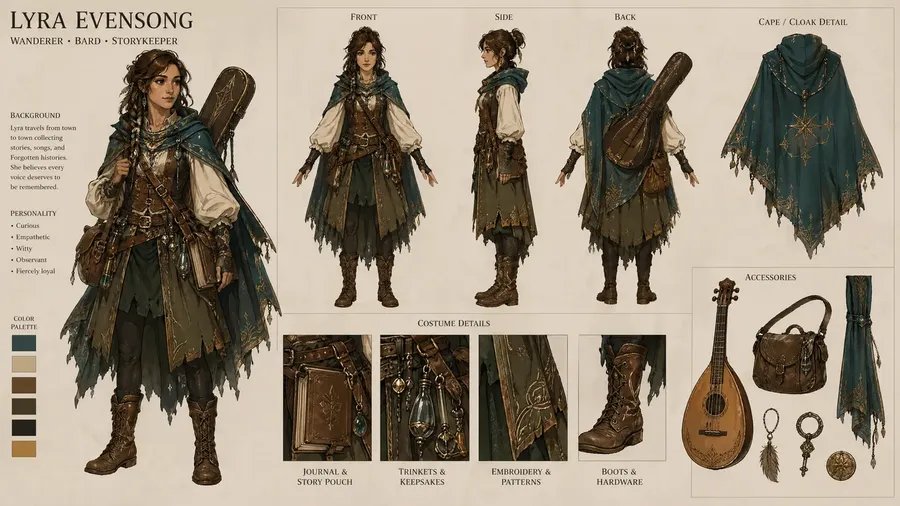
Cosplay references, ready in seconds, not weeks
Go from idea to finished cosplay reference before a commissioned artist has answered your brief.
-900x247.webp)
getimg.ai's Content Generator
Describe
Type your cosplay brief — character, outfit, pose, setting. As detailed or as loose as you like.
Generate
The platform picks the best image model and renders your reference automatically. No prompt tuning required.
Download
Review the result, download in seconds, and use it to plan the build, brief a photographer, or sell as a print.
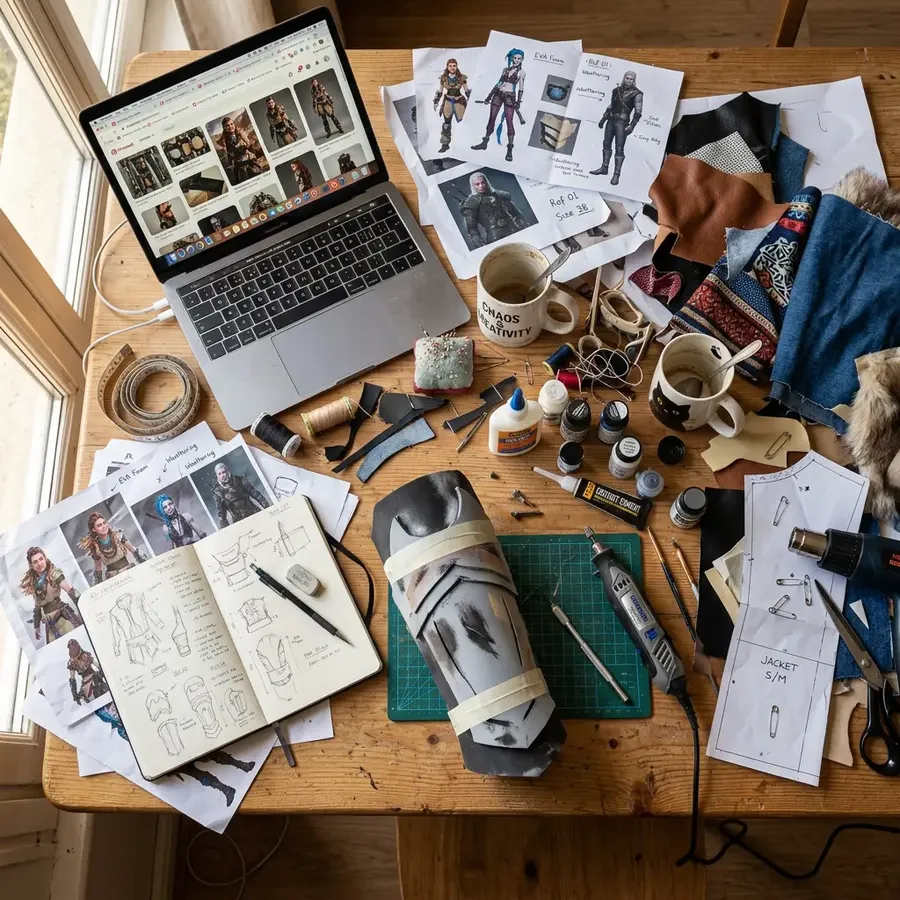
The traditional cosplay workflow
- Scour Pinterest, ArtStation, and DeviantArt for reference
- Commission a concept artist and wait weeks for a draft
- Buy expensive art books for historical or film-accurate detail
- Sketch silhouettes by hand and redraw them every revision
- Book a studio, a photographer, and a MUA for a reference shoot
- Scout convention halls and outdoor locations for the right backdrop
- Edit promo shots in Photoshop for hours after the shoot
- Wait on costume commissions that ship a week before the con
- Export the final files in ten different sizes for every platform
Text to cosplay
Describe the character. Get the cosplay. Done.
Running image models locally means managing GPU drivers, VRAM limits, samplers, CFG scales, and step counts — and still waiting minutes per costume variant.
getimg.ai runs entirely in your browser. Open a tab, type the cosplay brief, get a reference. The same models that need a high-end workstation locally are available here instantly — nothing to install, nothing to configure.
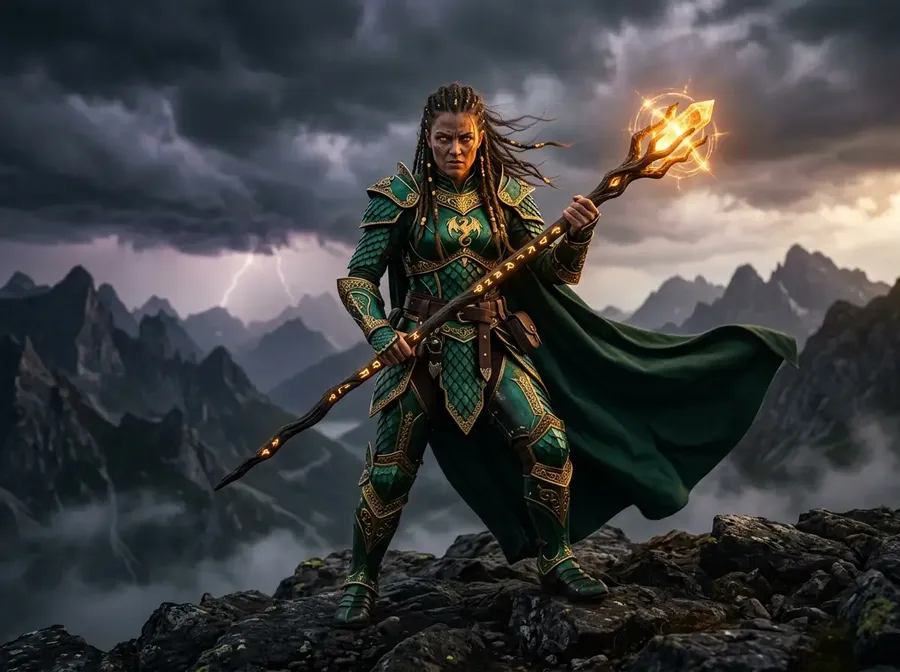
full-body cosplay portrait of a dragon-scale sorceress in emerald armor with a staff of glowing runes, stormy mountain backdrop, cinematic rim light
Every major AI image model for cosplay. One subscription.
New models are added as they release, often at the moment they go public. Switch between models freely, compare outputs on the same cosplay prompt, and keep what works.
Seedream
A model family from ByteDance known for speed, premium image quality, and affordability.
Seedream 5.0 Lite
ByteDance's newest image model — more detail and stronger rendering of costumes, armor, and fabric.
Seedream 4.5
A versatile model that handles photorealistic cosplay portraits, anime styles, and painterly concept art with equal confidence.
Seedream 4.0
For creators who want studio-grade cosplay references fast and at an affordable price per generation.
The cosplay maker your whole group can use
Individual tools are easy to outgrow. getimg.ai scales from a solo cosplayer planning one build to a group cosplay planning a matching set — or a shop producing commissioned character art and print-ready merch.
Commercial rights on every generation
Every paid plan includes full commercial usage rights. Sell prints at conventions, ship merch, take commissions, or license your cosplay art for campaigns — no licensing review, no surprises. What you generate is yours to use.
Shared space for group cosplays
Teams on getimg.ai generate, edit, and organize references in one shared workspace. No emailing image files, no hunting for the right version, no one working from an outdated costume sketch. Everyone works from the same board.
Consistent characters across every generation
Use image references and Elements to lock a character's face, costume, and silhouette across every generation. For group cosplays, OC series, or portfolio-length photo sets, that consistency is what separates a coherent project from a random collection of AI images.
Image References
Already have a character sheet? Use it as a starting point
Upload a character sheet, screenshot, official art, or your own photo — and it becomes the anchor for everything that follows. You direct the changes while the generator preserves what matters about the likeness. That opens up a different way of working.
Keep the same character consistent across dozens of poses without re-describing them every time. Take an in-progress costume photo and push it toward a polished promo shot. Restyle official art without losing the silhouette that makes the character recognizable. Or feed in a reference mood and generate cosplay portraits that stay on tone.
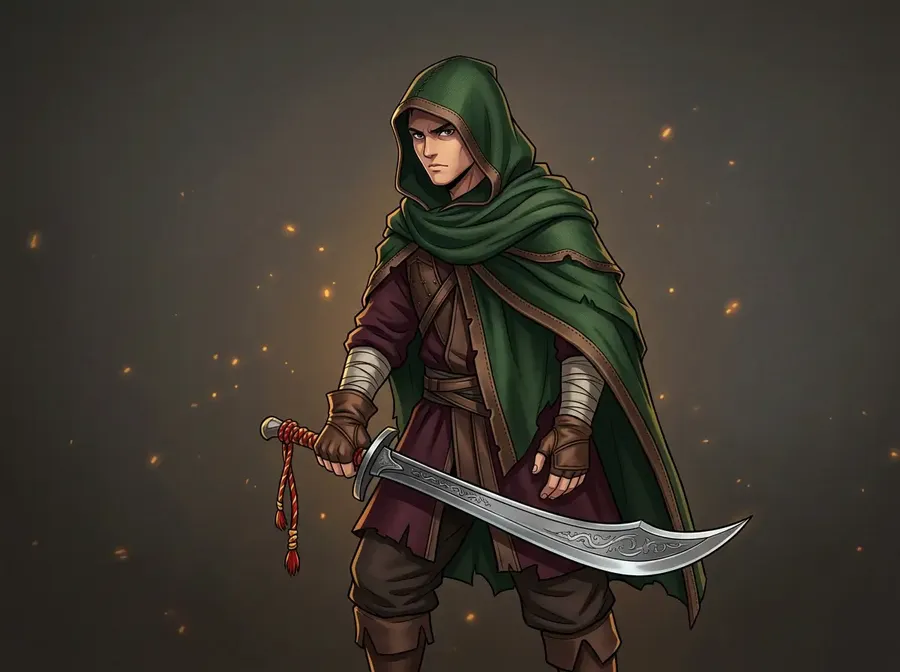
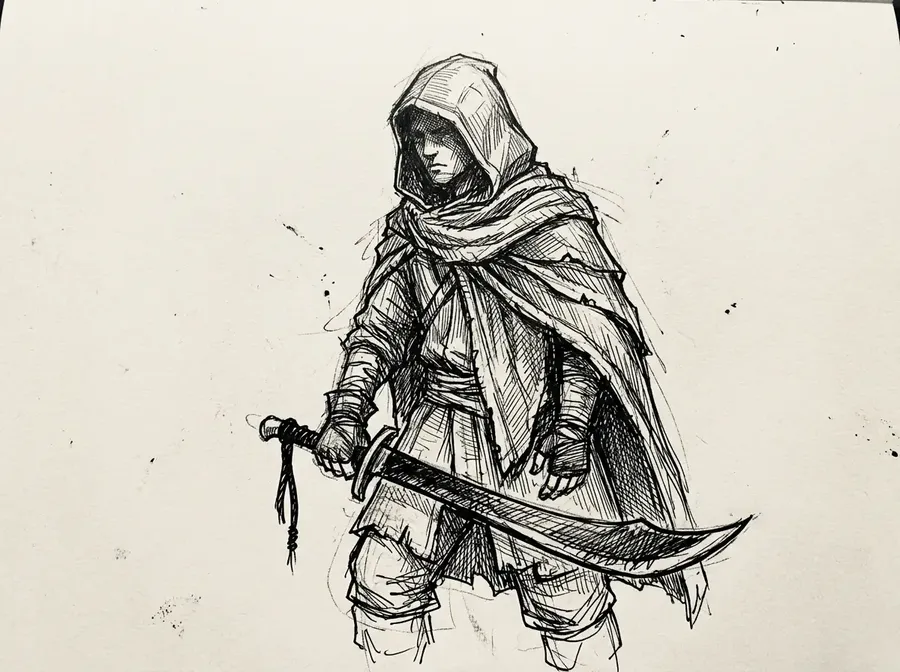
restyle this character reference as a polished anime cosplay portrait
You don't need to be good at prompts
The gap between a vague prompt and a precise one is enormous — and most people writing "anime warrior girl in armor" don't know what they're leaving on the table. Auto mode closes that gap. It reads your cosplay brief, infers the mood, lighting, style, and level of costume detail implied by what you wrote, and rewrites the prompt with the specificity that produces a strong output.
You still control the direction. If Auto mode pushes a costume somewhere you didn't intend, you adjust and regenerate. But in practice, the enhanced prompt almost always lands closer to what you were picturing than the original would have — which means fewer generations wasted on outputs that miss the character, and more time on the build itself.
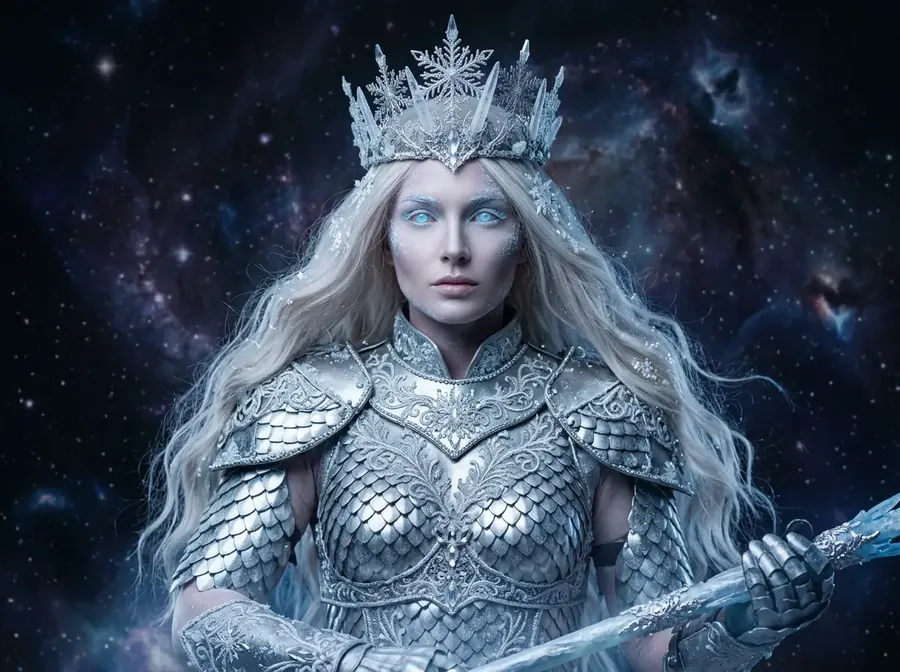
ethereal ice queen cosplay portrait, shimmering silver armor, glowing eyes, intricate snowflake filigree crown, dark cosmic nebula backdrop
Frequently Asked Questions
You describe the cosplay — the character, the costume, the pose, the lighting — and the system generates images based on that input. Under the hood, it uses modern image generation models trained on a wide range of visual concepts, styles, and materials.
On your side, the process is simple. Enter a prompt, optionally attach a character reference or costume sketch, and generate. Auto mode picks the right model, so you can focus on the result rather than the technology.
The cosplay generator is a single tool with many uses. It can produce anime cosplay references, photorealistic portraits, historical or fantasy costumes, reference sheets, and convention-style promo shots. It also doubles as an AI anime generator for stylized character art, and works well for planning costume builds, briefing photographers, or creating cosplay prints. The possibilities are essentially unlimited — you pick the brief, the platform renders the reference.
It's not a one-trick tool locked to a single style or franchise. The generator pulls from 16+ leading image models, so the same platform handles anime, photoreal, painterly, and fan-art looks.
Yes. You can generate cosplay images from scratch or edit existing ones with text instructions and image references. Change a costume color, swap the background, adjust the armor, restyle the photo, or remove unwanted elements — all without starting from scratch each time.
Yes. getimg.ai combines image generation, image editing, and video generation in one platform. Generate a still cosplay portrait, animate it into a short video for social, or edit an existing costume photo — all without switching tools.
That makes it easier to move from early concept to finished cosplay asset in one place, whether you're planning a solo build or coordinating a group.
Yes. Every paid plan includes commercial usage rights, so you can sell prints at conventions, ship merch, or take commissions using images you generated on getimg.ai — subject to our standard use policies.
Team features make it easy to share references, review outputs together, and keep group cosplays consistent — practical for shops, studios, and cosplay collectives, not just solo creators.
For many use cases — costume concept design, marketing visuals for cosplay commissions, social media content, print tables, and digital AI art — AI cosplay images from getimg.ai are already production-ready. Quality depends on the model, the prompt, and how well the output fits the use case.
For real convention photos or wearing the finished costume, AI works best as a planning and ideation layer alongside the physical shoot — helping you arrive at a clear direction faster, with fewer wasted hours and costly reshoots.
Ready to design your next cosplay?
Every costume you've been putting off because the brief was too vague, the reference too scarce, or the commission too expensive — those are exactly what getimg.ai is built for. Join 10 million creators generating production-ready cosplay references on demand.