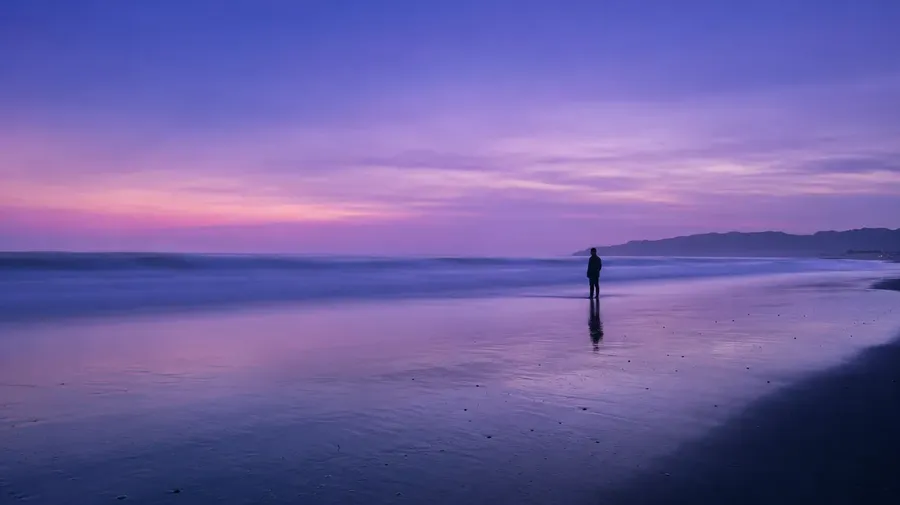
AI Stock Beach Images Generator
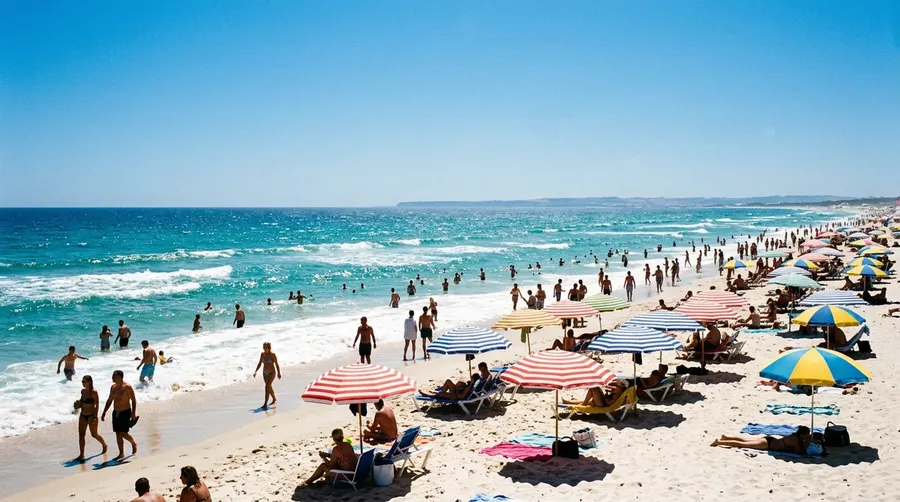
Same Maldives water, same overhead towel shot, same backlit palm at sunset: every travel brand licenses the same handful of beach photos. Prompt the basalt cove, the storm-front, the foggy working pier instead.
One subscription, every image model on the bench.
Auto mode reads the prompt and assigns wide horizons, close sand textures, or pre-dawn surf to the right model.


How to generate custom beach stock images with getimg.ai
Three steps from coastline brief to a ready-to-ship image.
1. Describe the scene
Open the Content Generator. Type the country, the coast type, the weather, and who's in the picture. The more specific, the further it lands from a catalog template.
2. Generate and compare
Run the prompt. Wait a moment for Content Generator to create exactly the beach images you needed. Compare them, pick the picture closest to the brief, and move on.
3. Adjust and download
If the result already matches the brief, just download. If it doesn't (a different cloud cover, a busier shoreline, a horizon line shifted up), pass the changes back into the same prompt and re-run. Editing carries the rest of the composition over, so corrections don't restart the work.
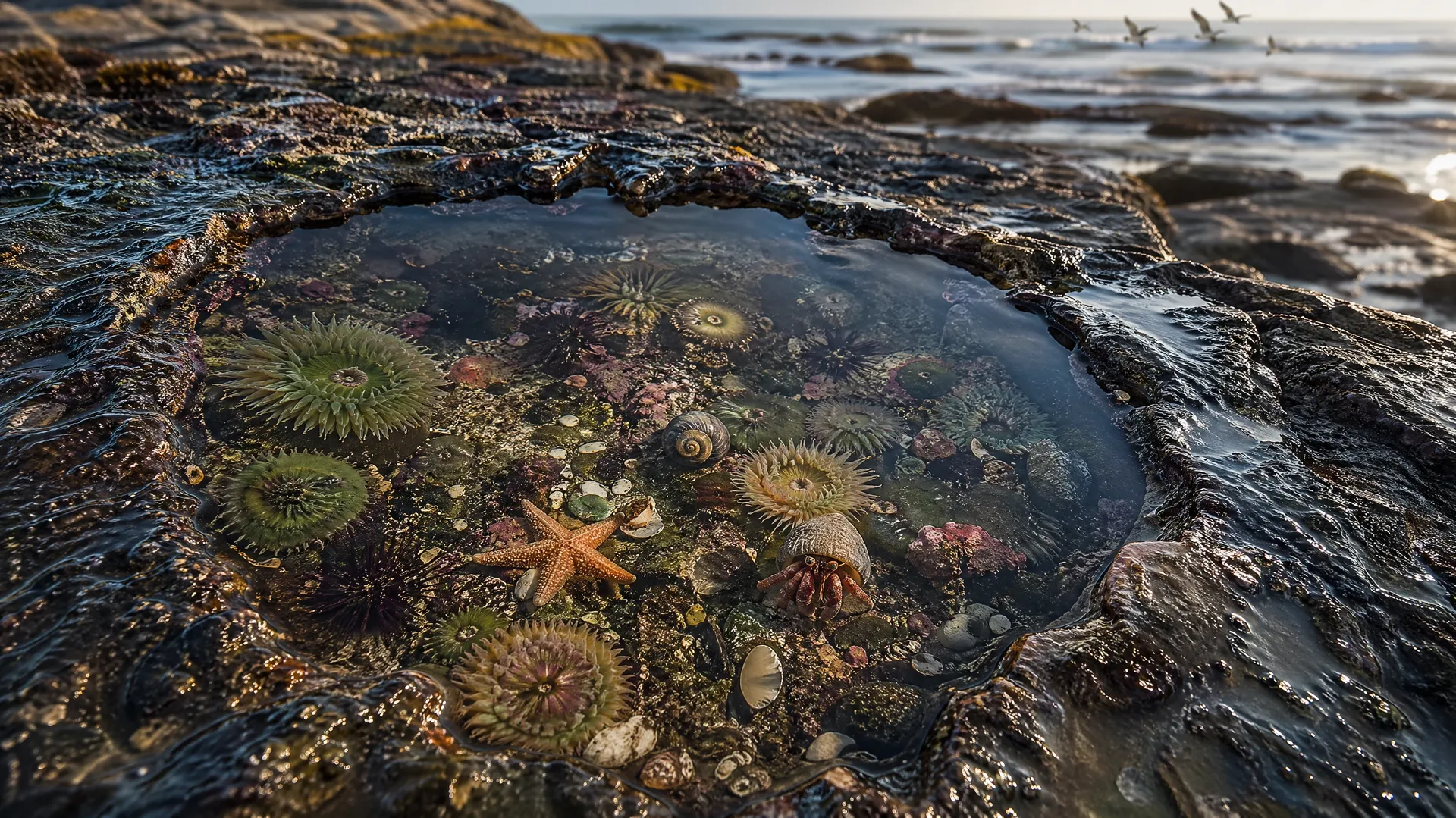
tide pool on a wave-cut platform at low tide, hermit crabs visible
What stock beach catalogs systematically miss
Three blind spots in licensed beach photography that a prompt covers.
Coastlines beyond the Caribbean cliché
Stock beach catalogs lean on a handful of tropical templates: Maldives water, Caribbean sand, palm-fringed sunsets. Prompt the basalt black sand of the Faroes, a pebble cove on the Welsh coast, fog rolling onto Oregon driftwood, the working pier at Hastings. Your coastline doesn't have to come from the catalog list.
-900x502.webp)
People stock photography forgets to shoot
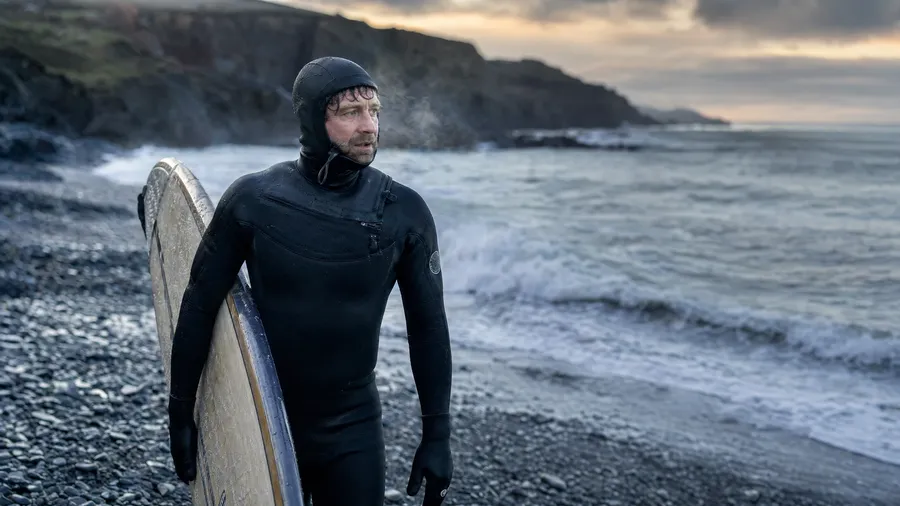
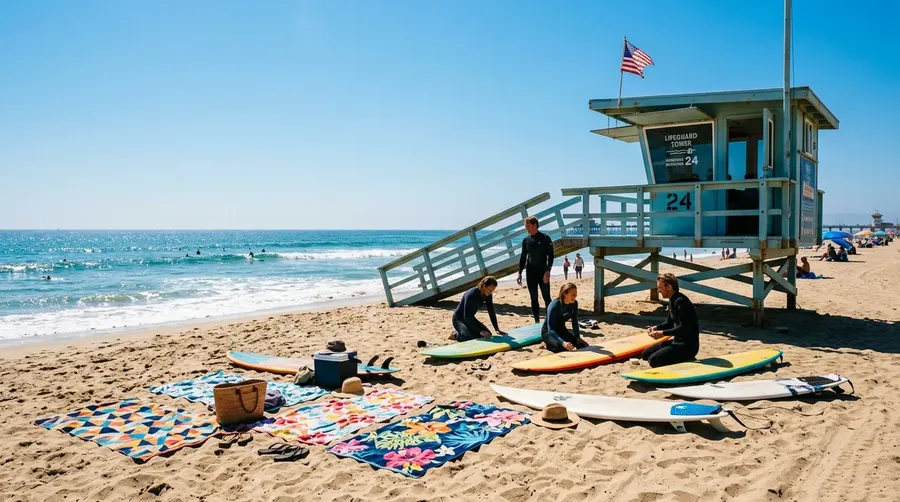
The default stock beach person is a 25-year-old in a swimsuit shot from behind. Brands often need somebody else: a cold-water surfer with a hooded wetsuit, a family beachcombing in autumn jackets, a multi-generational group at a tide pool, a fisherman cleaning a morning catch. Prompt the person you actually need.
Conditions stock catalogs avoid
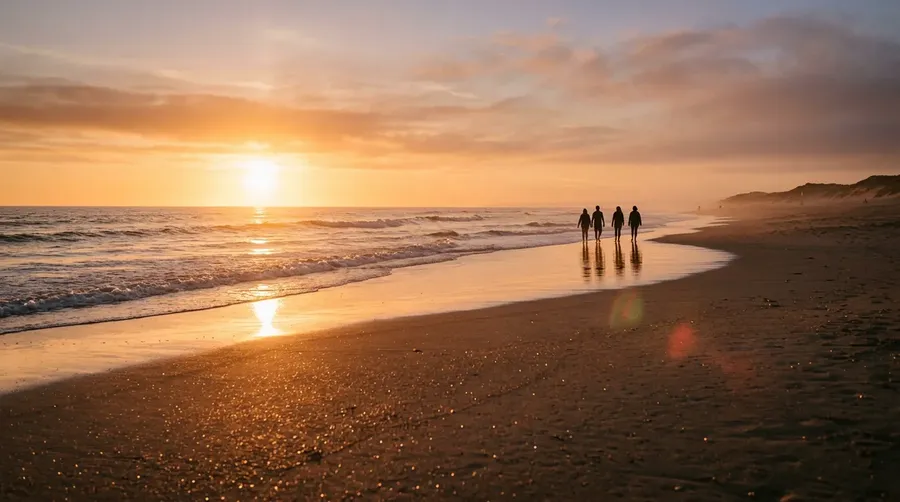
Catalogs default to sunny midday and saturated sunset. The other 80% of beach weather is harder to license: sea fret, fog inversion, storm-front skies, polar twilight, post-storm driftwood lines, midwinter shorelines. Prompt the conditions a real campaign will run in, not just the ones a stock photographer happened to capture.
Frequently Asked Questions
Be specific. The catalog defaults to a few tropical templates because they're shot a million times; the workspace can render anywhere a coastline exists. Write the country, the type of shore (basalt, slate, shingle, white sand), the weather, the time of day, and who's in the picture. Specificity is what keeps the result off the shortlist.
Yes. Every paid plan covers commercial use across ads, social, web, print, and packaging. The license travels with every image generated in the workspace.
Yes, when the prompt asks for real-photo realism. The workspace can render documentary-style coastal portraits (surfers, beachcombers, families) that sit alongside licensed photography in a layout. Push the prompt toward natural light, slight grain, and unposed body language.
Same workspace, same models, same plan across the family. The beach page focuses on coastline geography, weather, and the people normally missing from licensed shots; the broader AI stock photos generator covers the surrounding categories under one roof.
Yes. Specify the palette, contrast, grain, and visual register inside the prompt: muted documentary, saturated editorial, lo-fi reportage. For tighter consistency across a campaign, save the look as a custom Element and reuse it across prompts.
Name them in the prompt. The workspace doesn't generate strict photographic copies of identifiable proprietary landmarks, but it'll render the regional character: the basalt of the Faroes, the slate of the Welsh coast, the wide flat sand of the Outer Banks. For destination-specific pages, pair the result with the text-to-image workflow to refine the details.
Reliable enough that it's often where prompting beats licensing. Stock photographers chase clean weather; brand campaigns often need the opposite. Push the prompt toward the conditions you actually want (fog inversion, sea fret, midwinter overcast, polar twilight), and the Realistic AI Generator settings hold the photoreal feel.
Why settle for the same Caribbean turquoise everyone licenses?
Open Content Generator, prompt the coastline, the people, and the weather your campaign actually needs. The result won't be the same shot a competitor licensed last week.