Guide to Image Generation Parameters
Understand how image generation parameters work in getimg.ai and how to set them.
What Are Image Generation Parameters
Before generating an image, you can set a few key parameters to shape your results, like:
- aspect ratio
- number of images
- the model to use, and whether prompt enhancement is on or off
- quality (on select models).
These settings help you control how your outputs look and how many you get per batch.
All image generation parameters are available right in the prompt box at the bottom of Create image.
📐 Aspect Ratio
The aspect ratio determines the shape of your image: whether it’s square, wide, or vertical.
You can choose from these presets:
- 1:1 (square)
- 16:9 (wide)
- 9:16 (vertical)
- 3:4
- 4:3
- 4:5.
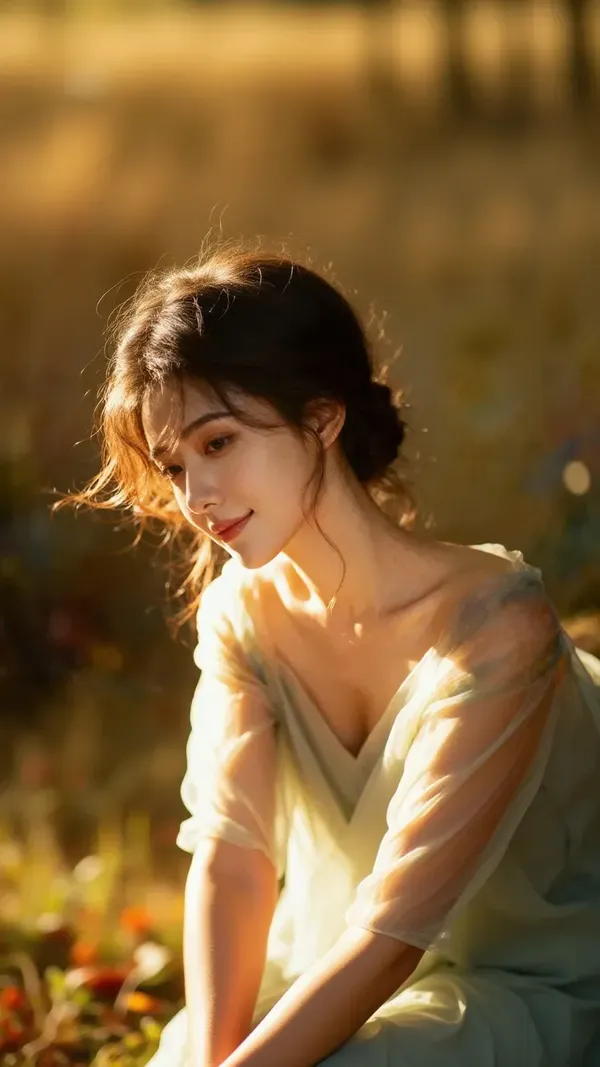
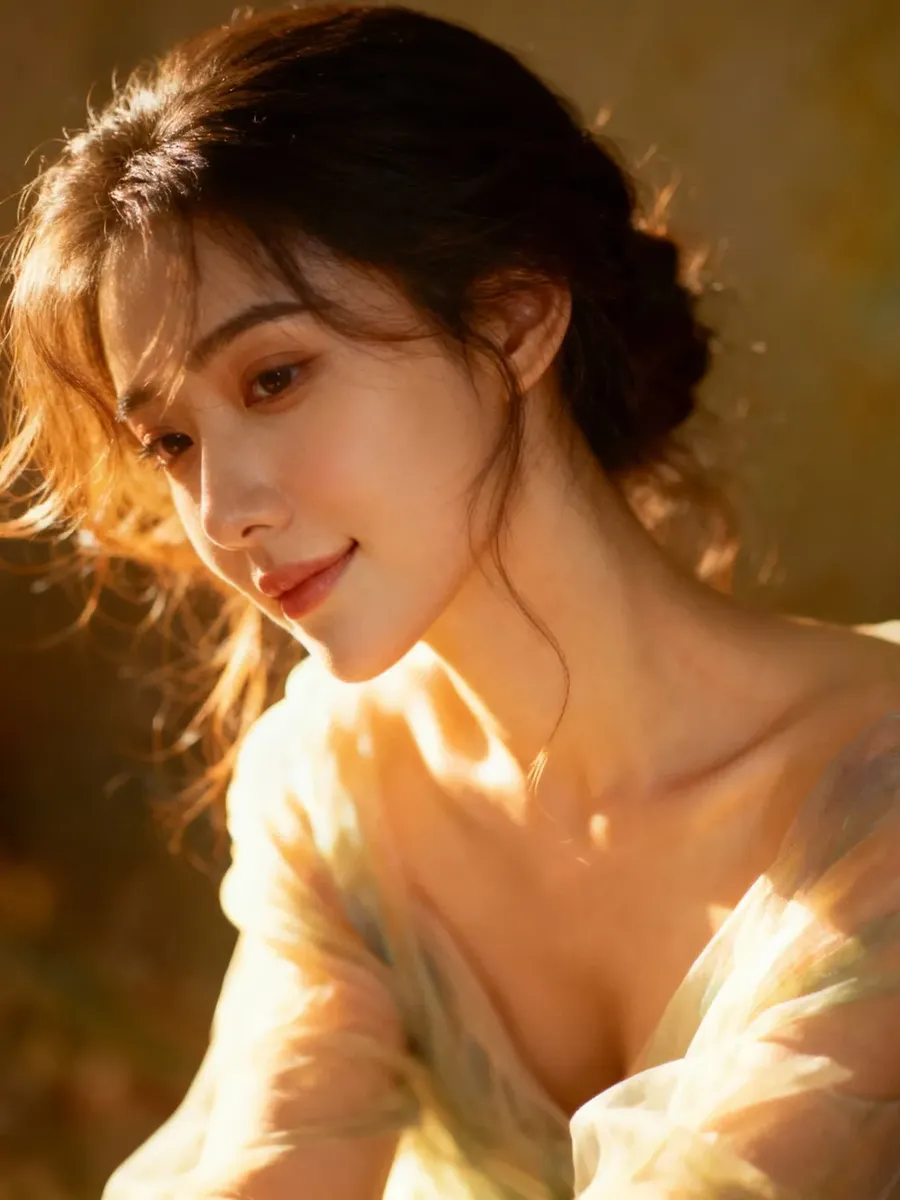
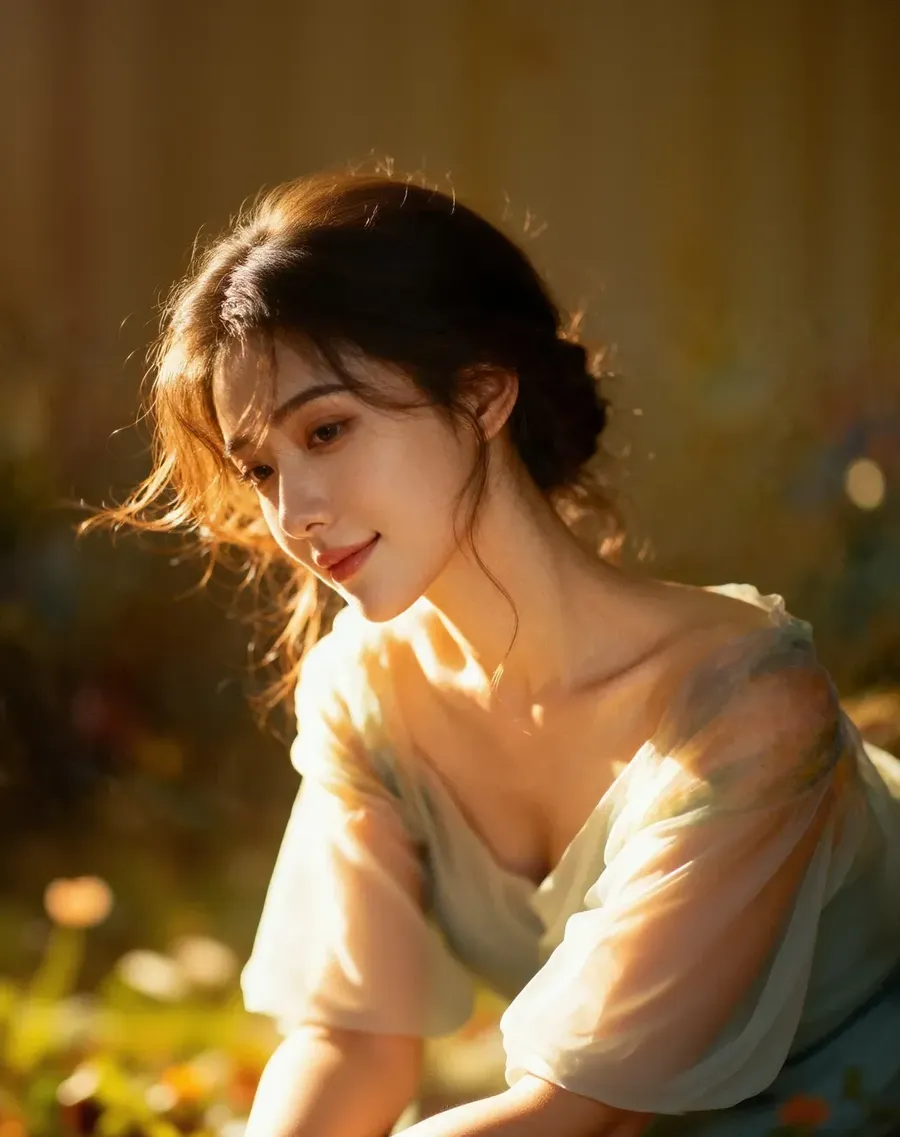
9:16
3:4
4:5
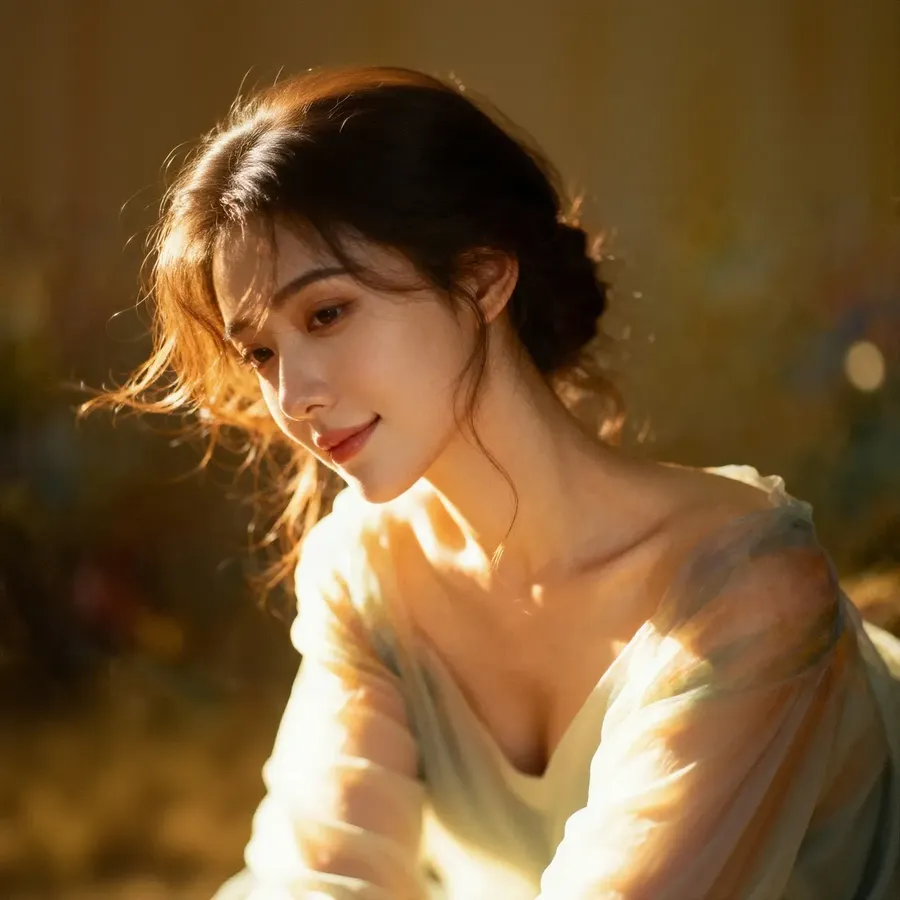
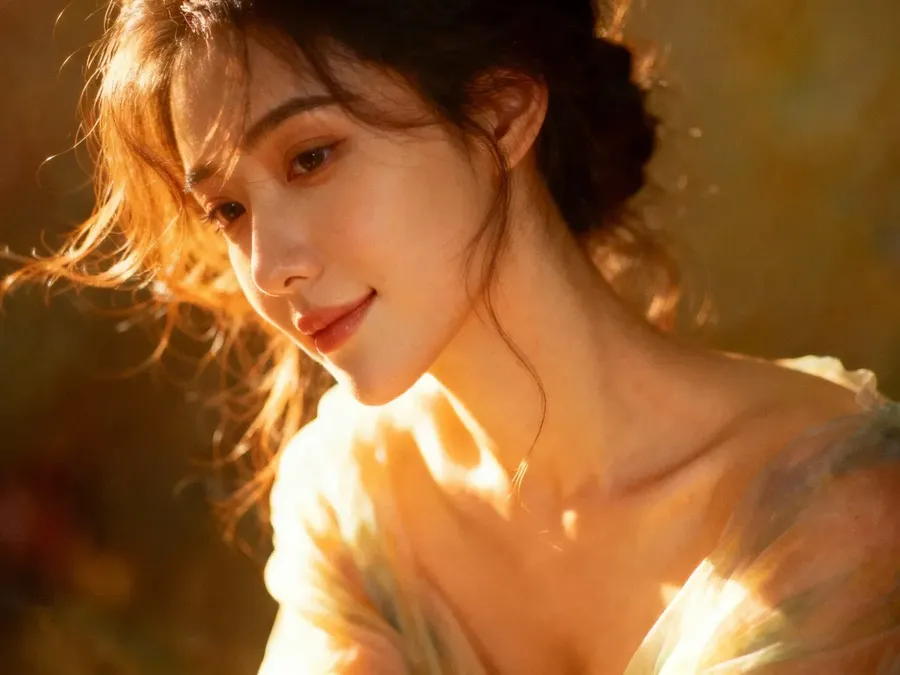
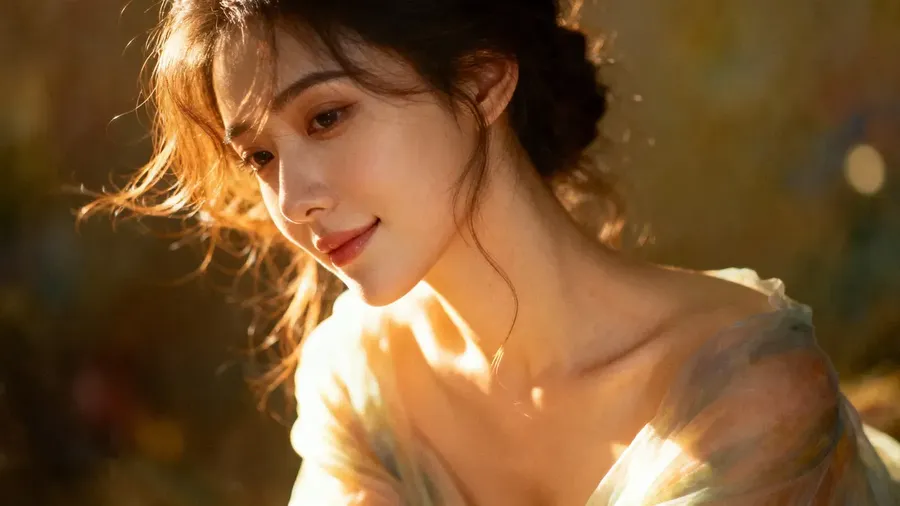
1:1
4:3
16:9
Some models include extra aspect ratio options. Pick that model from the Auto / model name button in the bottom-left of the prompt box, and the extra ratios show up in the prompt box.
For details, see our guide to Image Generation Models →
🧭 Quick Tips
- Use wider ratios (16:9) for landscapes or cinematic compositions
- Use vertical ones (9:16, 4:5) for portraits or social media posts.
🖼️ Number of Images per Batch
You can generate up to 16 images at a time.
Available options: any number from 1 to 16, set with the + and − icons.
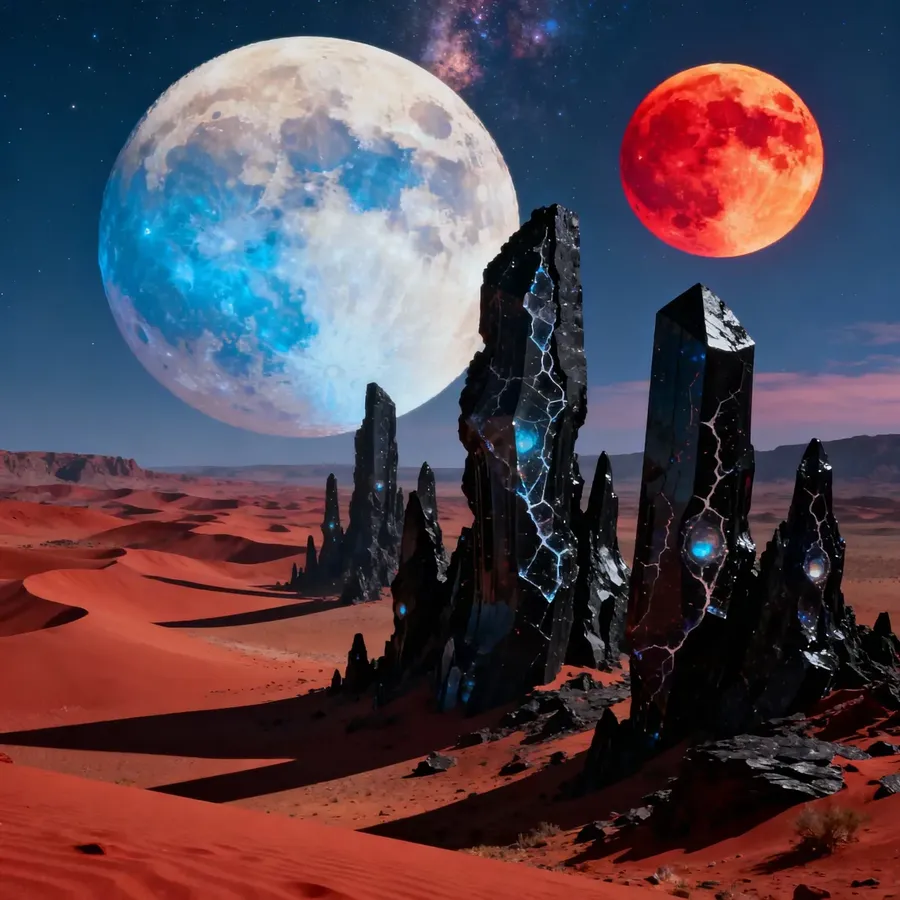
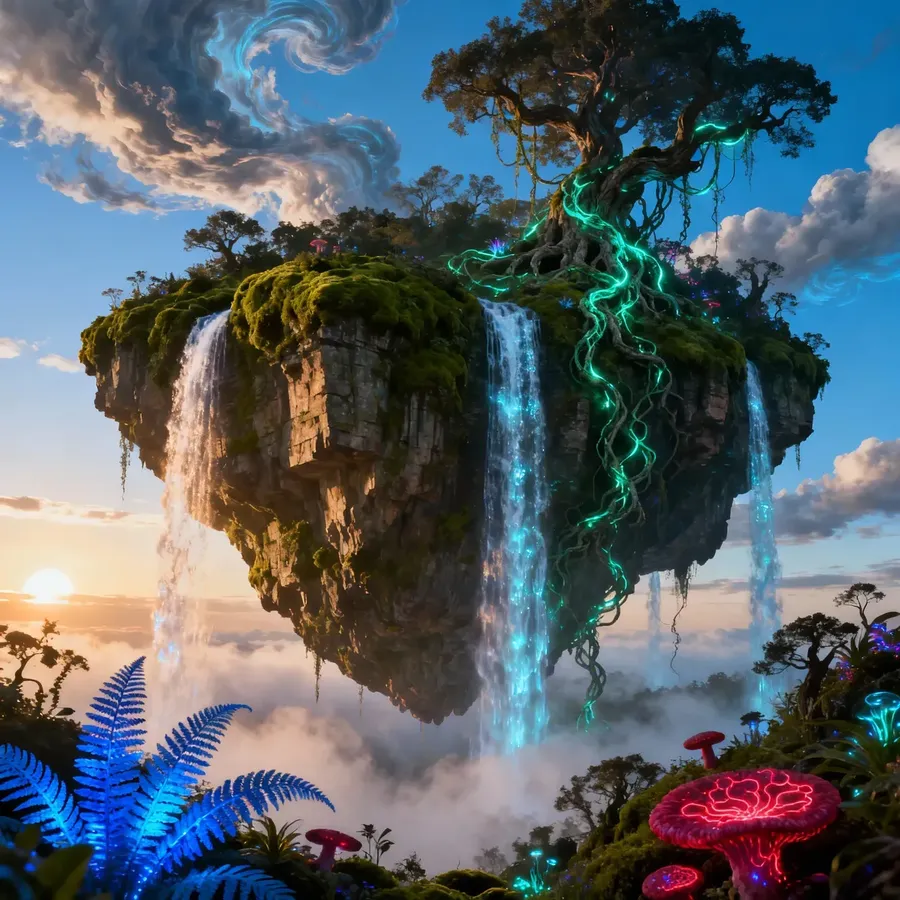
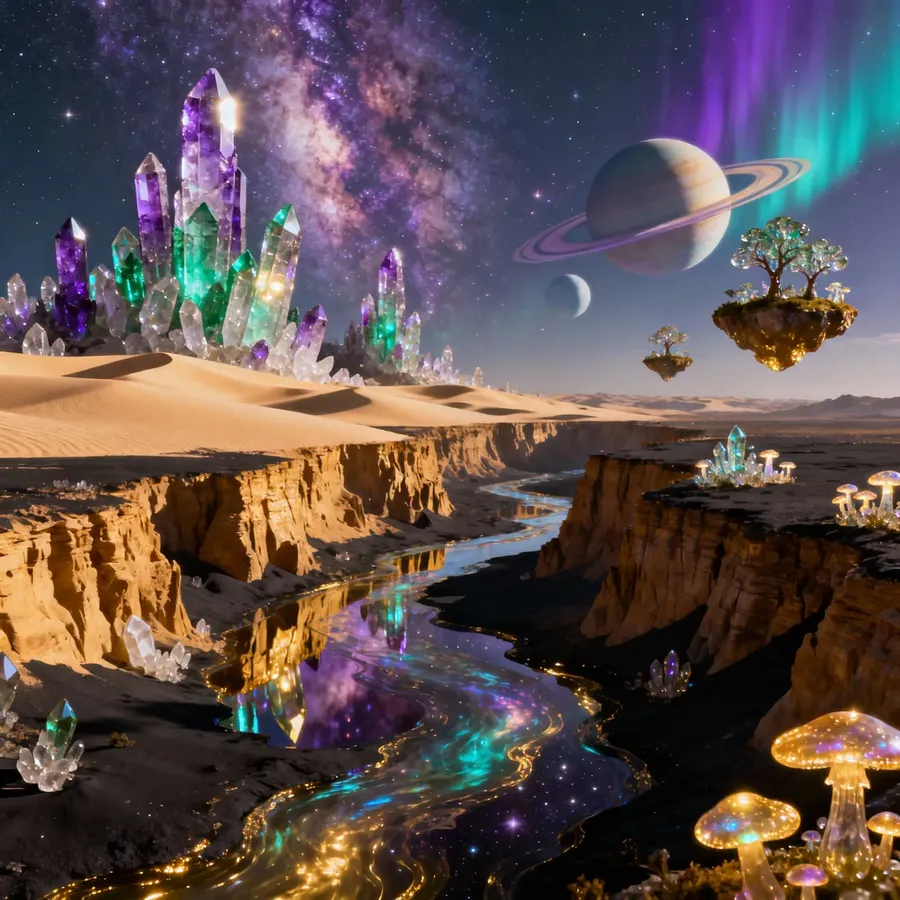
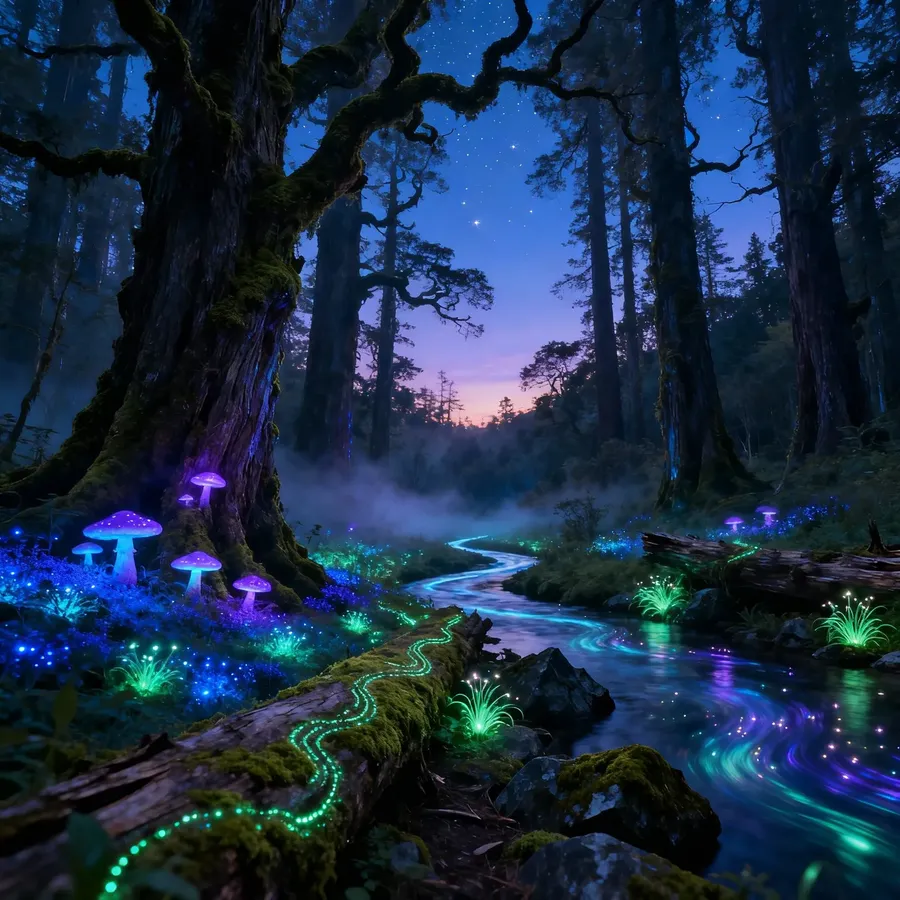
Each image in the same batch is interpreted a little differently. getimg.ai slightly varies the enhanced prompt for each, so you get diverse results instead of near-identical ones.
E.g., here's a set of images created with the same simple prompt:
unique, out-of-the-box landscape photograph
Once you start one batch, you can immediately queue another. There’s no need to wait for the first to finish.
💎 Quality (Select Models)
Some models support a quality switch. When you’re on one of those models, the switch sits next to the aspect ratio in the prompt box.
On Auto or a model that doesn’t support quality, the switch simply isn’t shown.
🧠 Model & Prompt Enhancement
By default, the Auto / model name button in the bottom-left of the prompt box shows Auto. Auto picks the best model for your prompt and keeps prompt enhancement on.
Click that button to open the model menu, where you can:
Then, you can:
- Pick a specific AI model
- Toggle Prompt Enhancement on or off.
We recommend keeping Auto on.
Picking a model yourself can help you test specific models or prompt structures; otherwise, Auto gives you the best balance of speed and quality.
Learn more with our guide to generation parameters →
These settings don’t change your idea: they just help you get the format and variety you need. Tweak them and see what happens!
Frequently Asked Questions
On Auto you can choose from standard presets like Square (1:1), Landscape (16:9, 4:3), and Portrait (9:16, 3:4, 4:5). Some specific models include additional aspect ratio options depending on their training — switch to that model from the Auto / model name button in the prompt box to see them.
When you generate a batch (e.g., 4 or 8 images), getimg.ai automatically varies the enhanced prompt slightly for each one. This ensures you get a diverse range of interpretations and composition styles rather than near-identical duplicates of the same image.
You can set the batch size to generate any number of images from 1 to 16 in a single click. This allows you to quickly explore a concept without hitting the generate button multiple times. The batch control is a + / − stepper starting at 1, so any count up to 16 works, not only 1, 2, 4, 8 and 16.
Picking a model gives you manual control over the engine. Click the Auto / model name button in the bottom-left of the prompt box to choose a specific AI model (instead of letting Auto decide), turn Prompt Enhancement off to use your raw text without AI additions, or — on models that support it — toggle the quality switch next to the aspect ratio.